





RockTek PJ500 Ultra Review
The RockTek PJ500 Ultra is a 1080p smart projector designed for films, streaming and casual gaming. It runs Android TV 12 and offers 32GB of storage, Wi-Fi 5, Bluetooth 5.2 and an HDMI input for connecting a console, PC or Blu-ray player. Its adjustable stand, automatic focus and keystone correction make it easy to position, while the built-in speaker lets you get started without a separate audio setup.
What we liked
- Quick automatic picture setup
- Native 1080p image
- Android TV built in
- Flexible adjustable stand
- HDMI for external devices
Could be better
- Only one USB port (but you can connect a small hub)
In this article
What is the RockTek PJ500 Ultra?
The RockTek PJ500 Ultra is a 1080p smart projector with Android TV, an HDMI input, built-in speaker and automatic focus and keystone adjustment. The Android DLP projector has a native 1920 × 1080 image and 500 ANSI lumens. Its adjustable stand lets you aim the picture without immediately reaching for a separate mount.
Introduction
This RockTek PJ500 Ultra review looks at a compact home cinema projector that can play media through its Android TV interface or display an external source over HDMI. I tested the automatic picture adjustments, streaming apps, speaker, light gaming, emulation and a selection of connected devices to see where it makes the most sense at home.
The attraction is flexibility: you can start with the built-in interface, then plug in a console, mini PC or Blu-ray player when you want a different source. This RockTek PJ500 Ultra review also covers where the projector’s convenience matters more than its gaming performance.
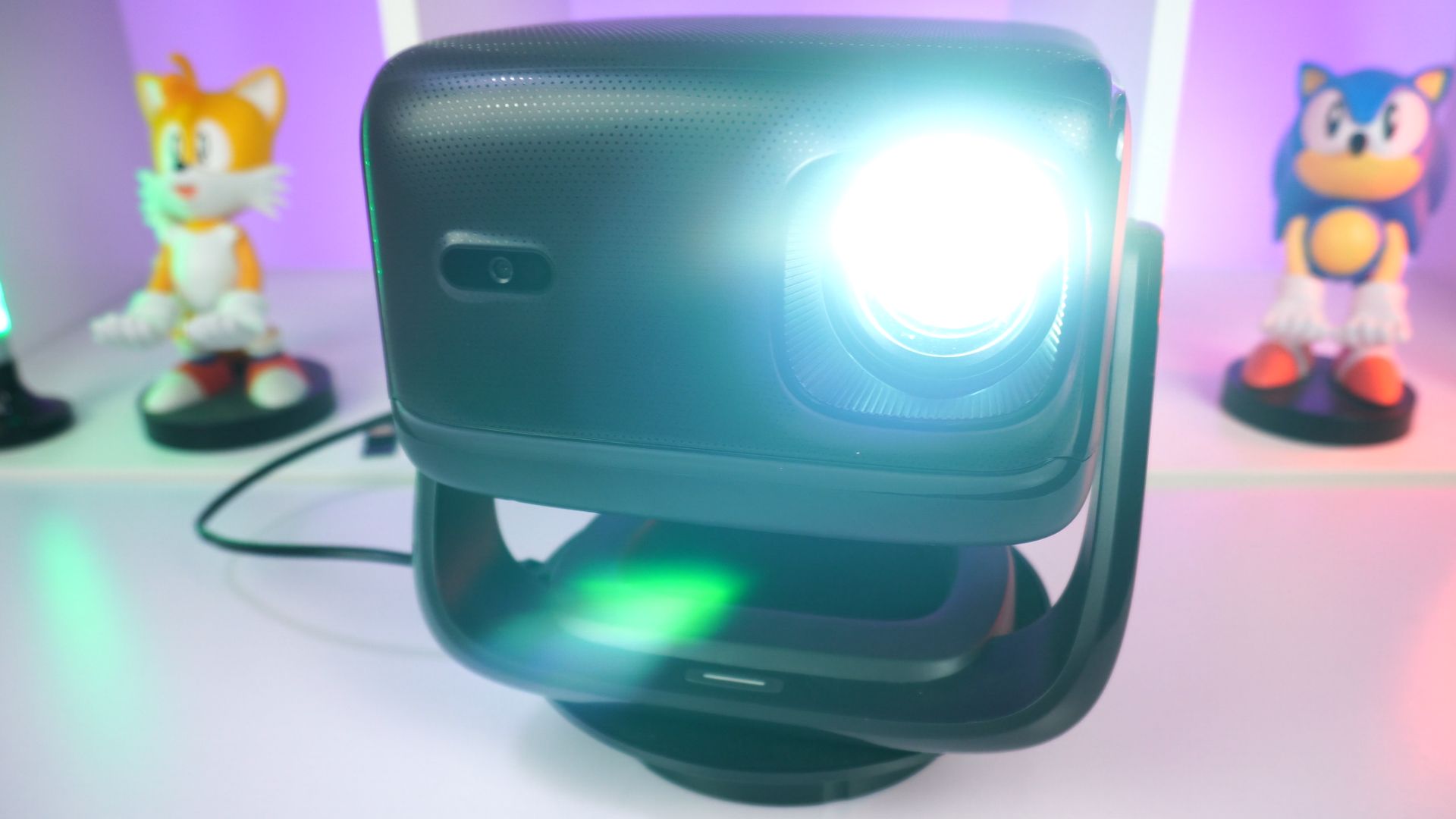
Testing conditions
- Device: RockTek PJ500 Ultra
- Sources tested: Built-in Android TV apps; Jellyfin server; VPN; RetroArch with 8-bit, 16-bit and PlayStation 1 content; Windows mini PC and handhelds; Android gaming handhelds; Switch 2; Blu-ray player.
- Noise observation: Approximately 45dB measured around 16 inches (about 41cm) from the projector.
RockTek PJ500 Ultra overview: size, stand and connections
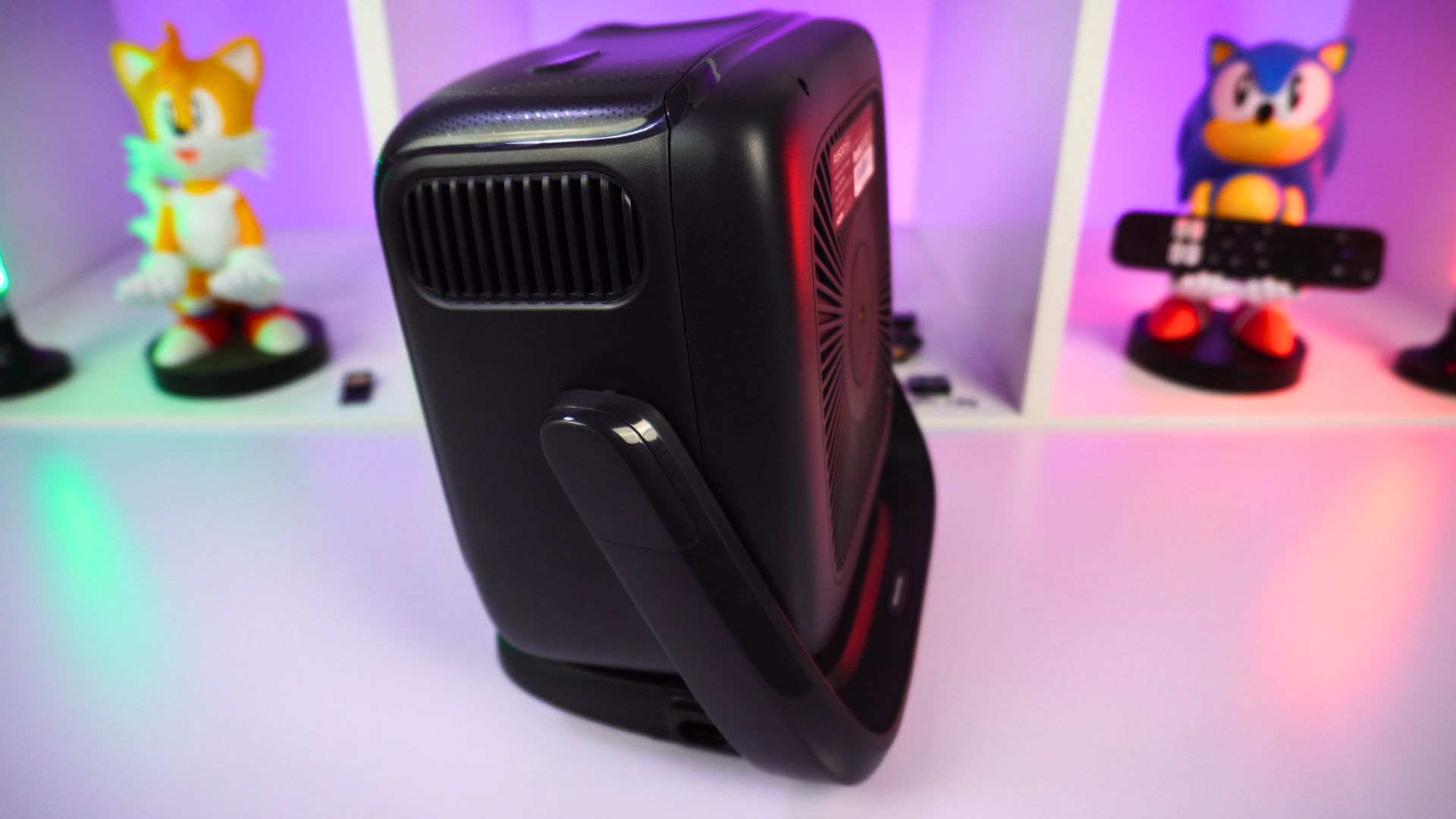
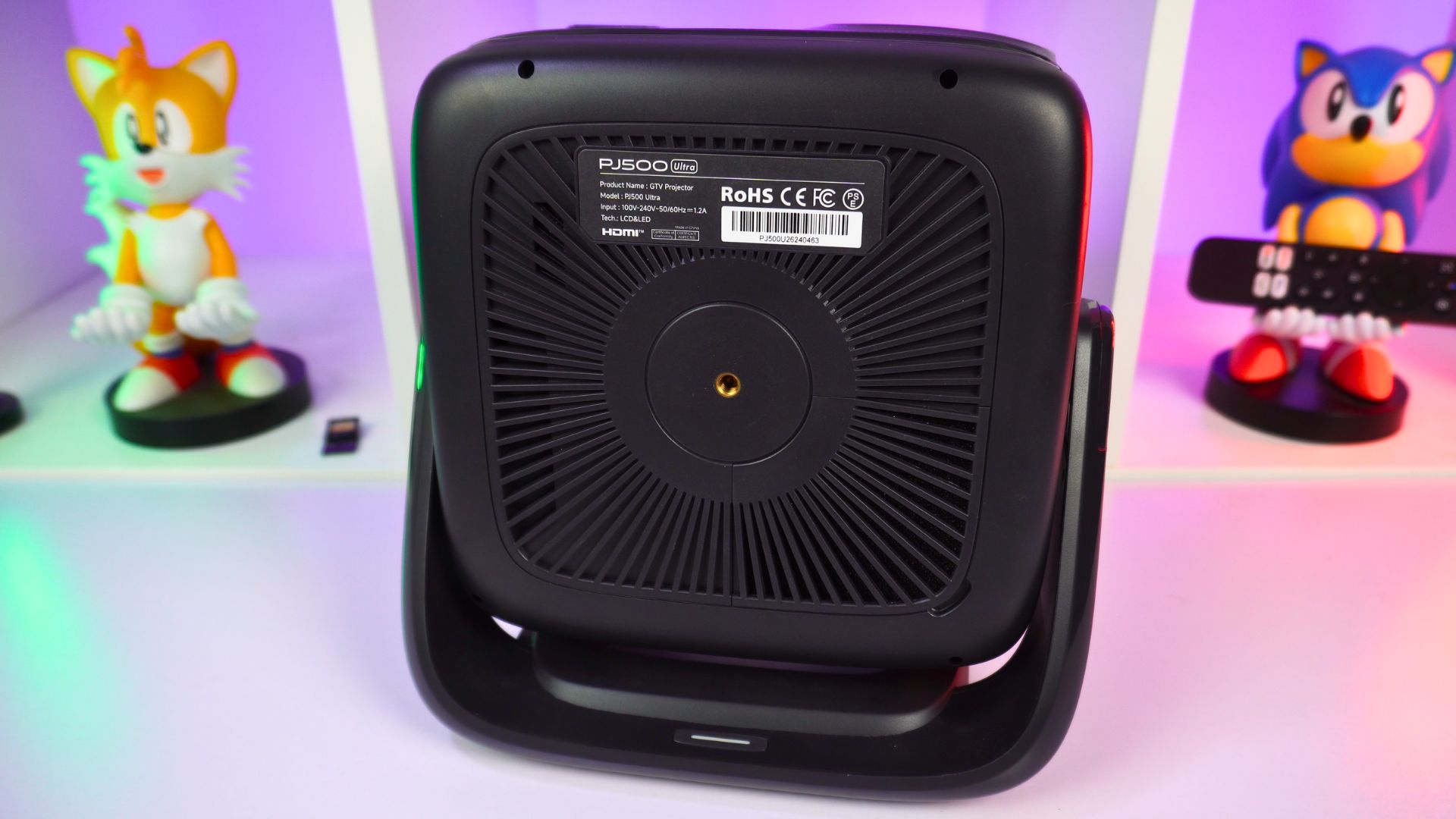
The RockTek PJ500 Ultra projector measures around 9.34 × 8.08 × 8.32 inches (237.46 × 205.28 × 211.47mm) and weighs around 1.92kg (4.23lb). Its integrated stand is the main way to position it, and the base also has a screw mount if you prefer a compatible tripod or wall or ceiling mount. The stand allows roughly 90 degrees of adjustment, useful when a shelf or table is not directly opposite the projection surface.
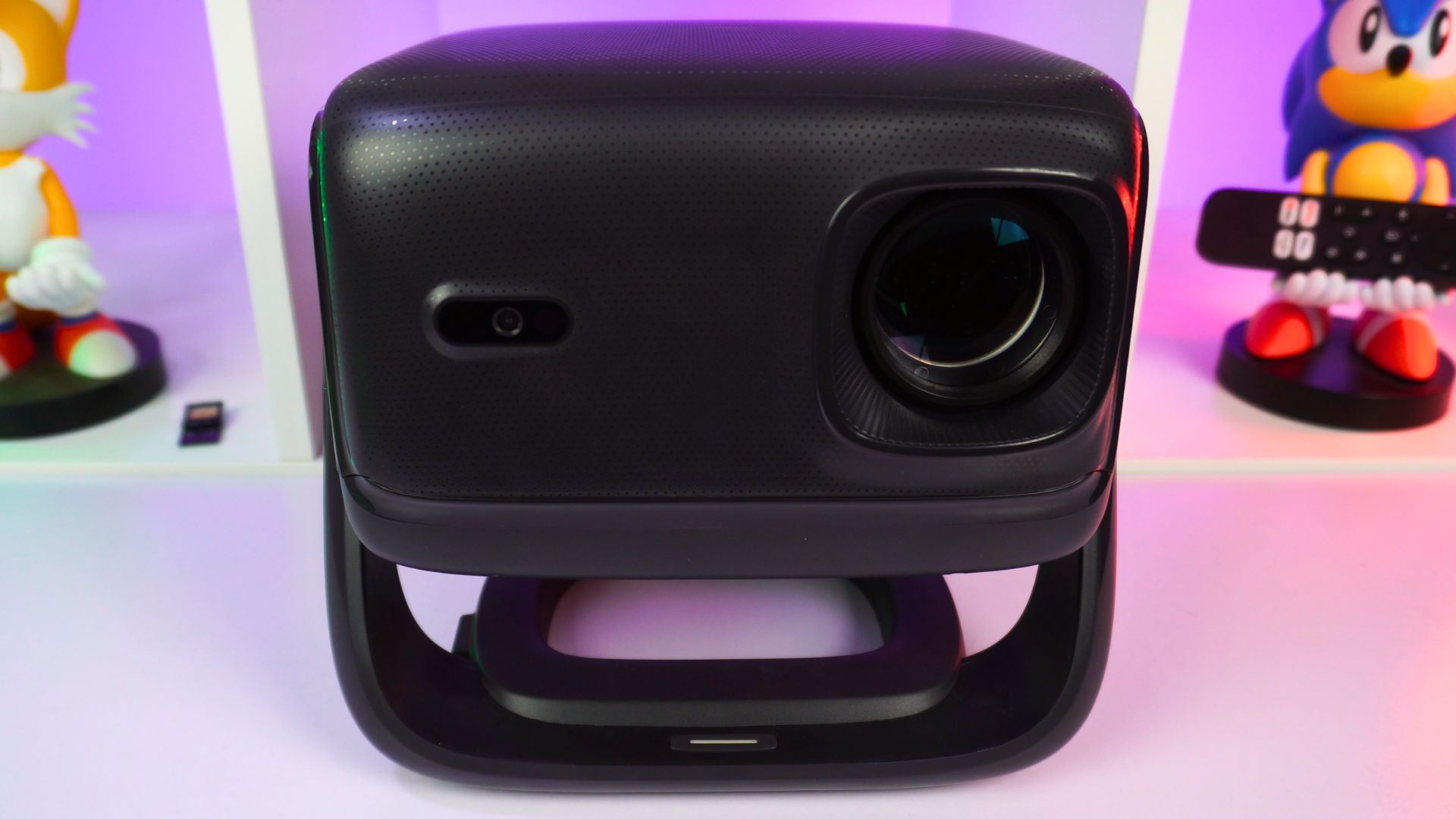
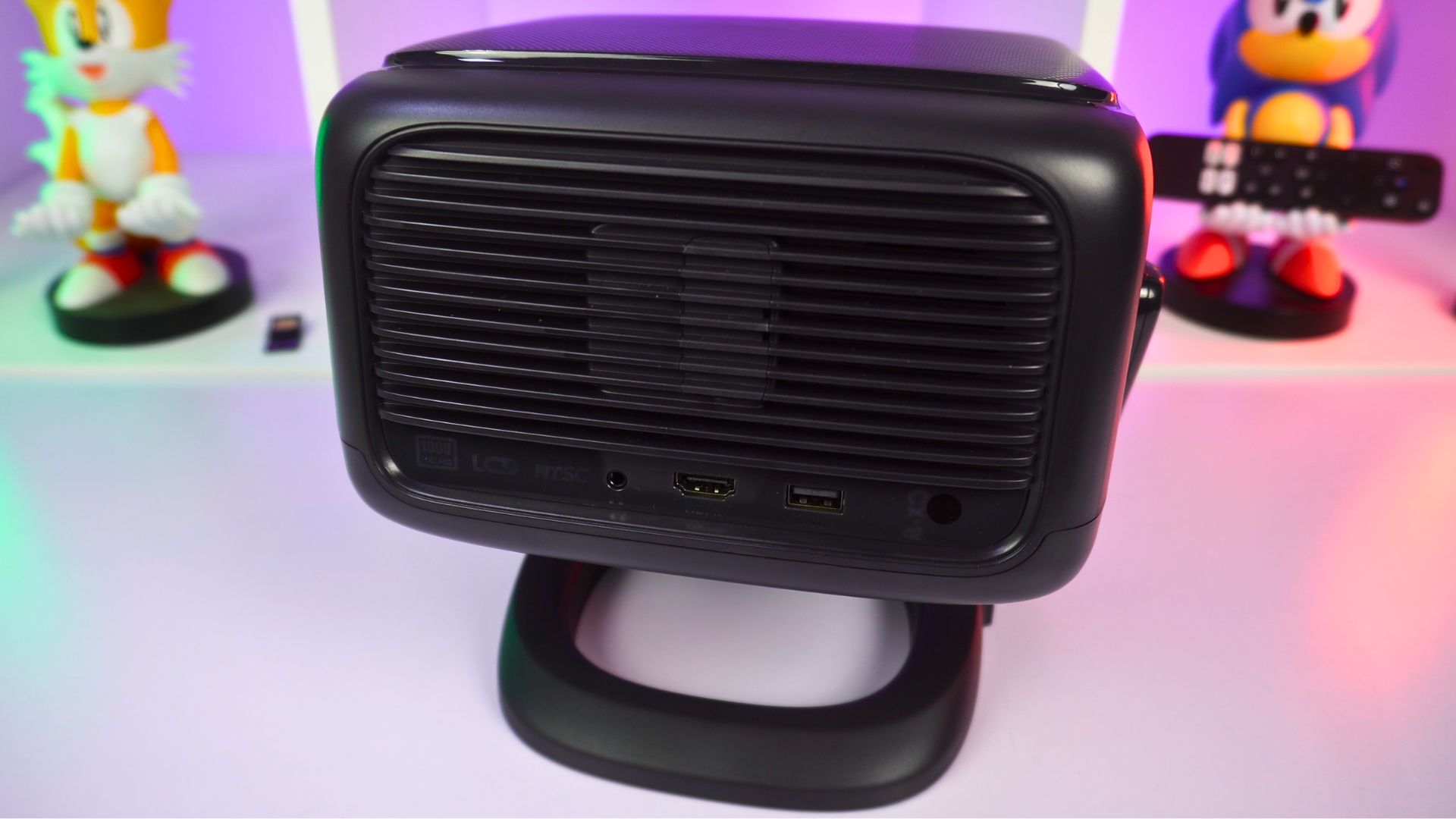
The lens sits at the front, with a physical power button on the stand below. At the back are a 3.5mm audio connection, an HDMI input and a USB 2.0 port for a memory stick or compatible peripheral. If you are building a simple home cinema system around the projector, HDMI gives you a straightforward way to add a dedicated player or games console.
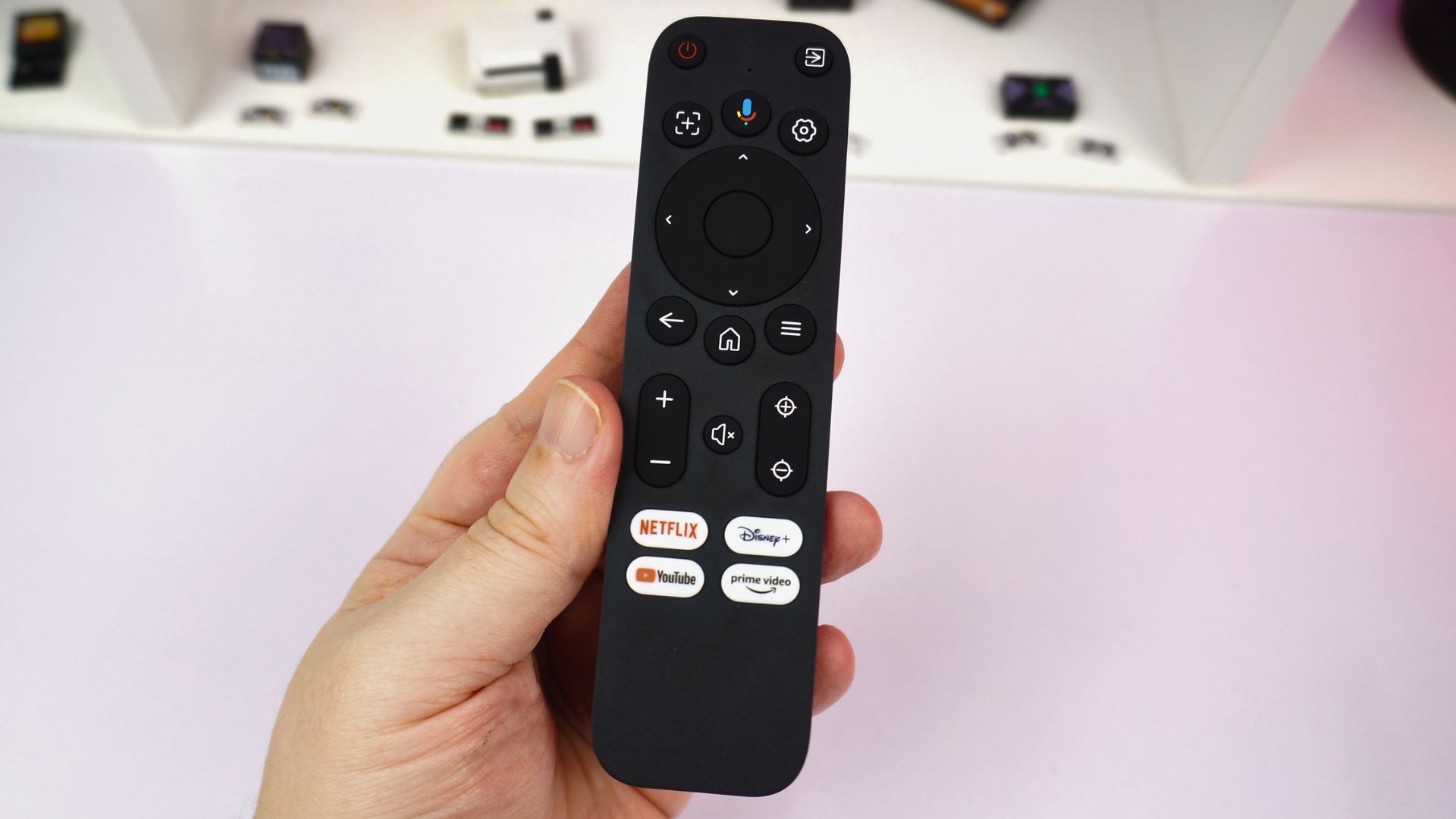
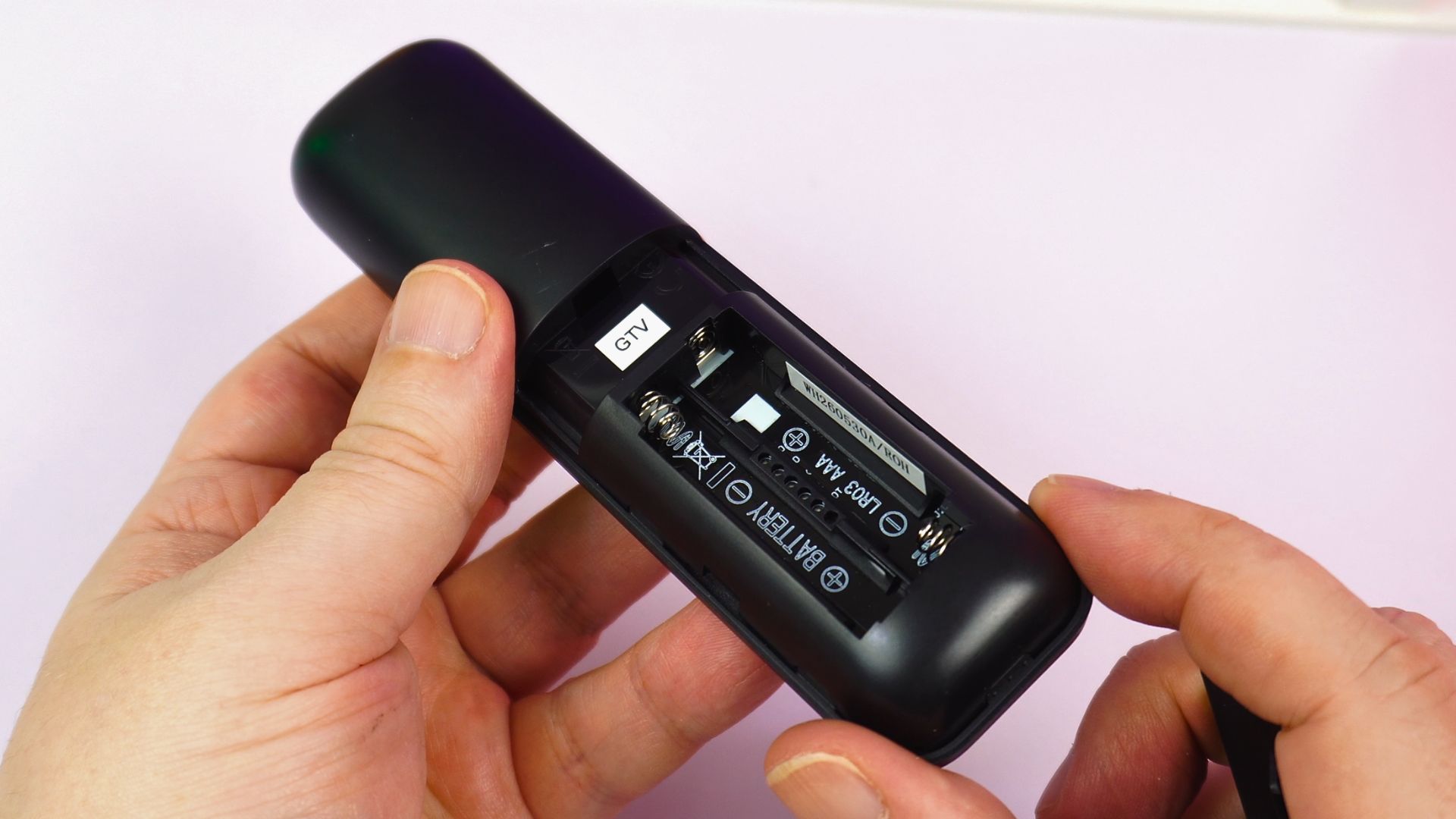
The Bluetooth remote measures around 5.5 x 1.49 x 0.65 inches (140 x 38 x 16.6 mm) and weighs 44g (0.09 lbs) without its two AAA batteries. It feels similar in size to a Fire TV Stick 4K Max remote. Navigation controls sit alongside four app shortcuts, an auto-correction button, settings and manual focus. The microphone button lets you issue supported voice commands, including content searches and playback controls.
RockTek PJ500 Ultra Technical Specifications
| Specification | RockTek PJ500 Ultra |
|---|---|
| Native resolution | 1920 × 1080 (1080p), 16:9, 60Hz |
| Listed brightness | 500 ANSI lumens |
| Operating system | Android TV 14 / Google TV |
| Processor | Allwinner with Mali-G57 GPU & Realtek RTD1322 |
| RAM | 2GB LPDDR4 |
| Storage | 32GB eMMC |
| Wireless connectivity | Wi-Fi 5; Bluetooth 5.2 |
| Picture adjustment | Automatic focus and keystone correction |
| HDMI | HDMI 2.0 input |
| USB | USB 2.0 Type-A port |
| Audio connection | 3.5mm audio port |
| Remote | Bluetooth remote with voice-command button |
| Mounting and positioning | Adjustable built-in stand; screw mount on the base |
| Sound | Built-in 4Ω, 6W speaker |
The projector does have an internal fan to keep everything cool. We measured around 45dB from around 16” in distance from the projector. Note: This was tested in an office environment which average noise is a little louder than a home theatre for example.
Projector functionality: automatic setup and audio
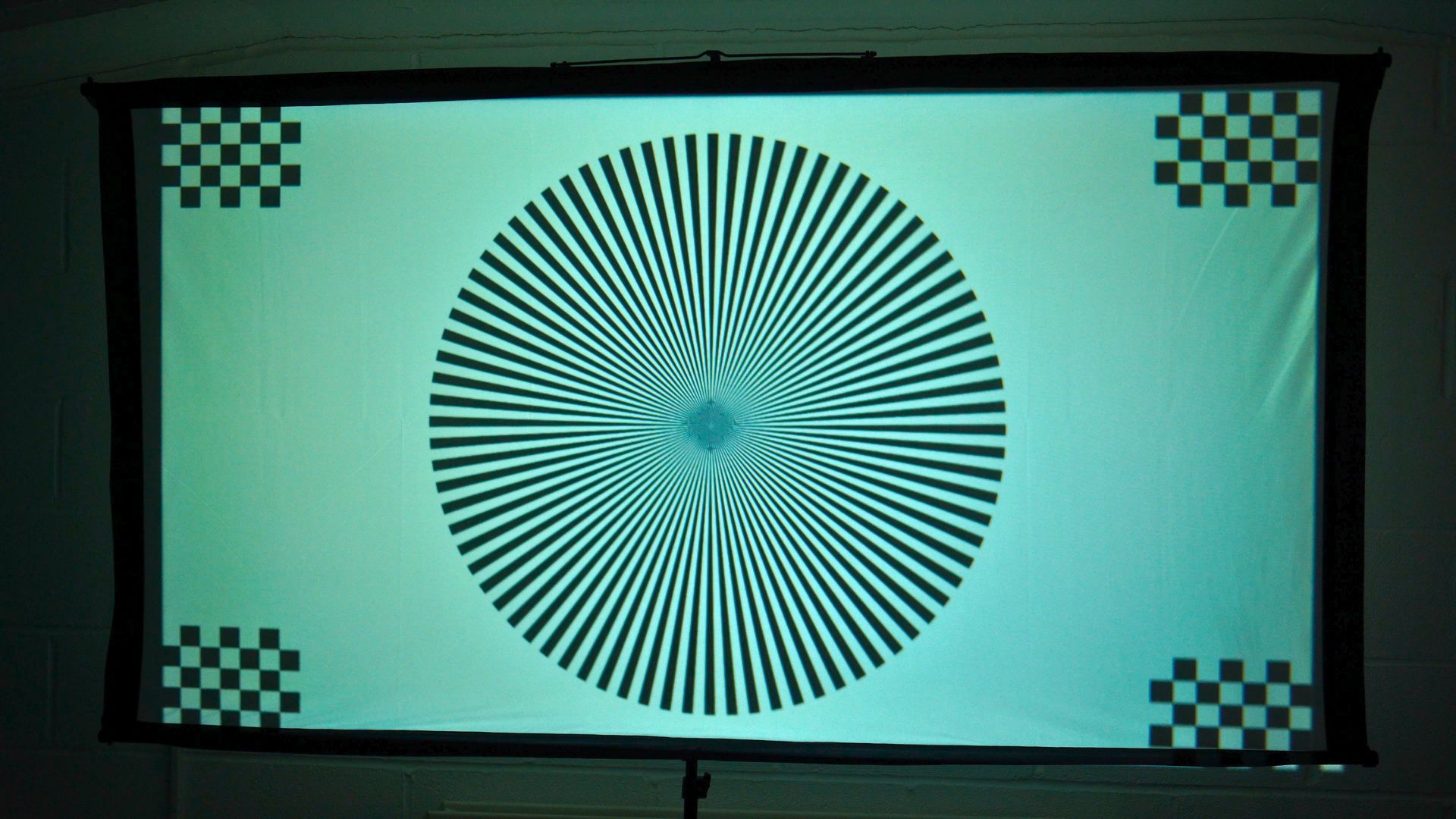
The RockTek PJ500 Ultra review unit runs a short focus and keystone check when it starts, then adjusts the projected picture to suit its position. It can also detect an obstruction and reduce the image size to avoid it. The process took only a few seconds in our use, without a trip through the settings menu.
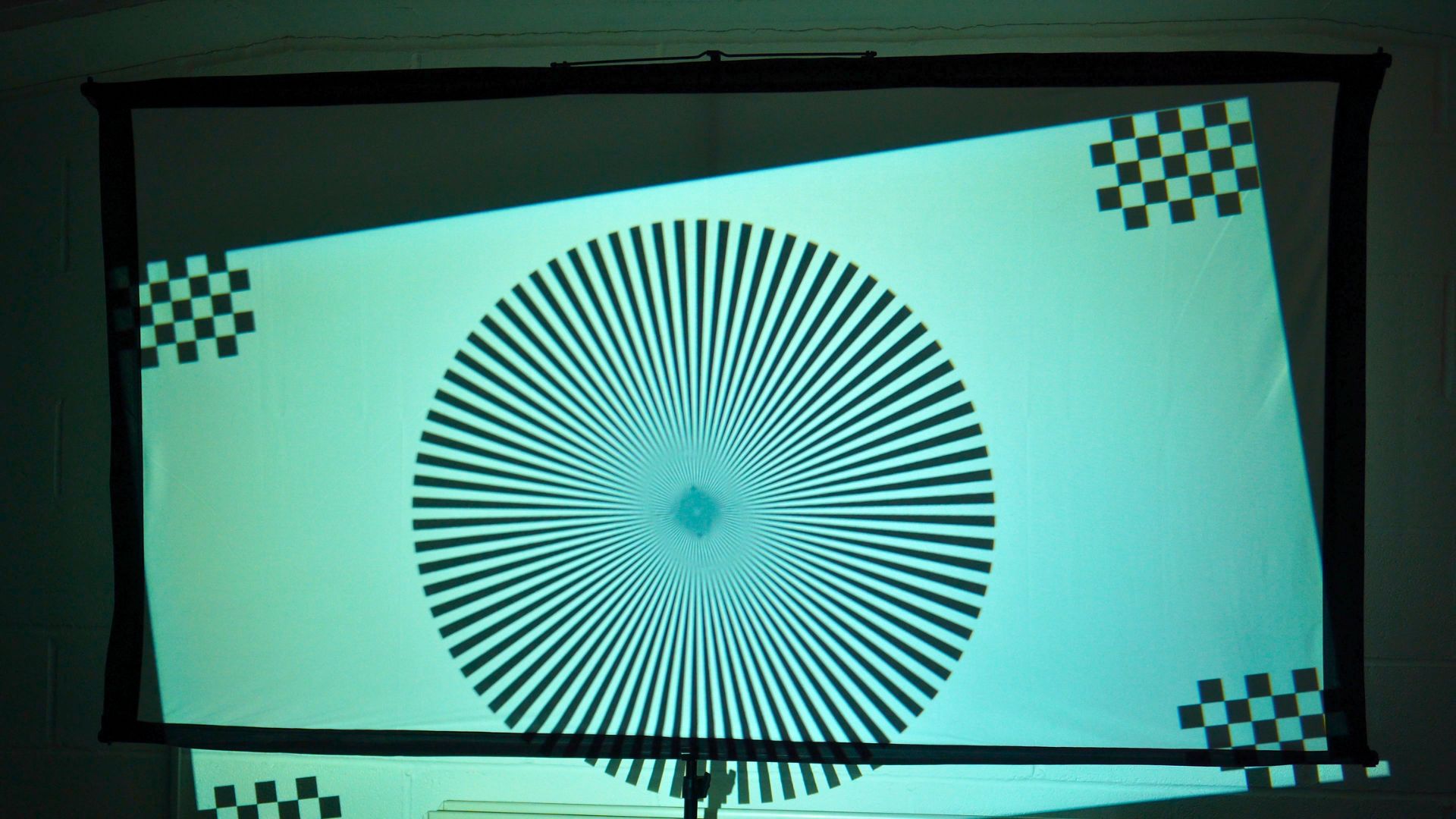
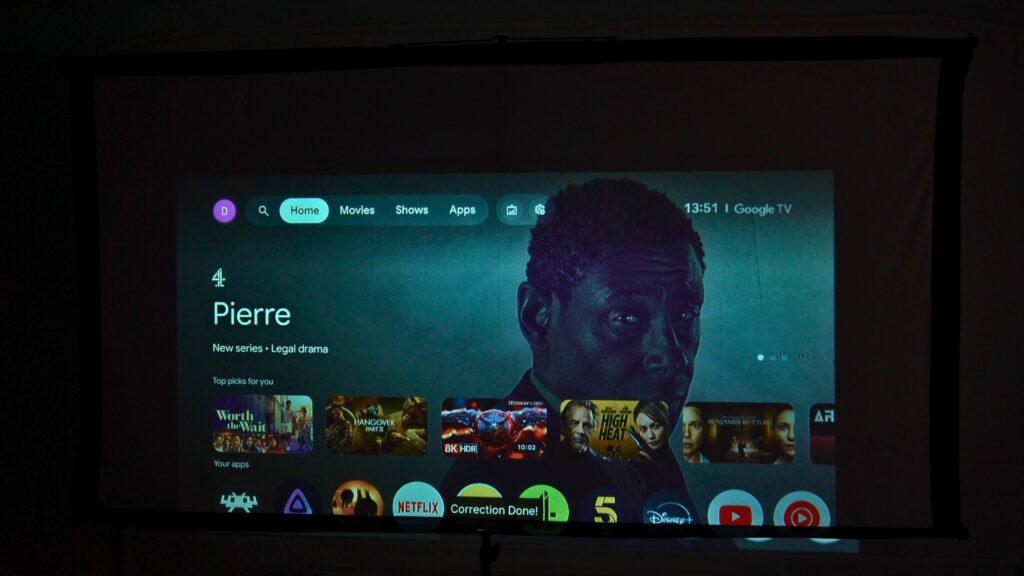
When we moved the projector during use, it recognised the change and adjusted again. We had no issues with this behaviour, and it makes a projector with auto focus and auto keystone particularly appealing if you move it between rooms rather than fixing it to one spot. You can also trigger this from the remotes button.
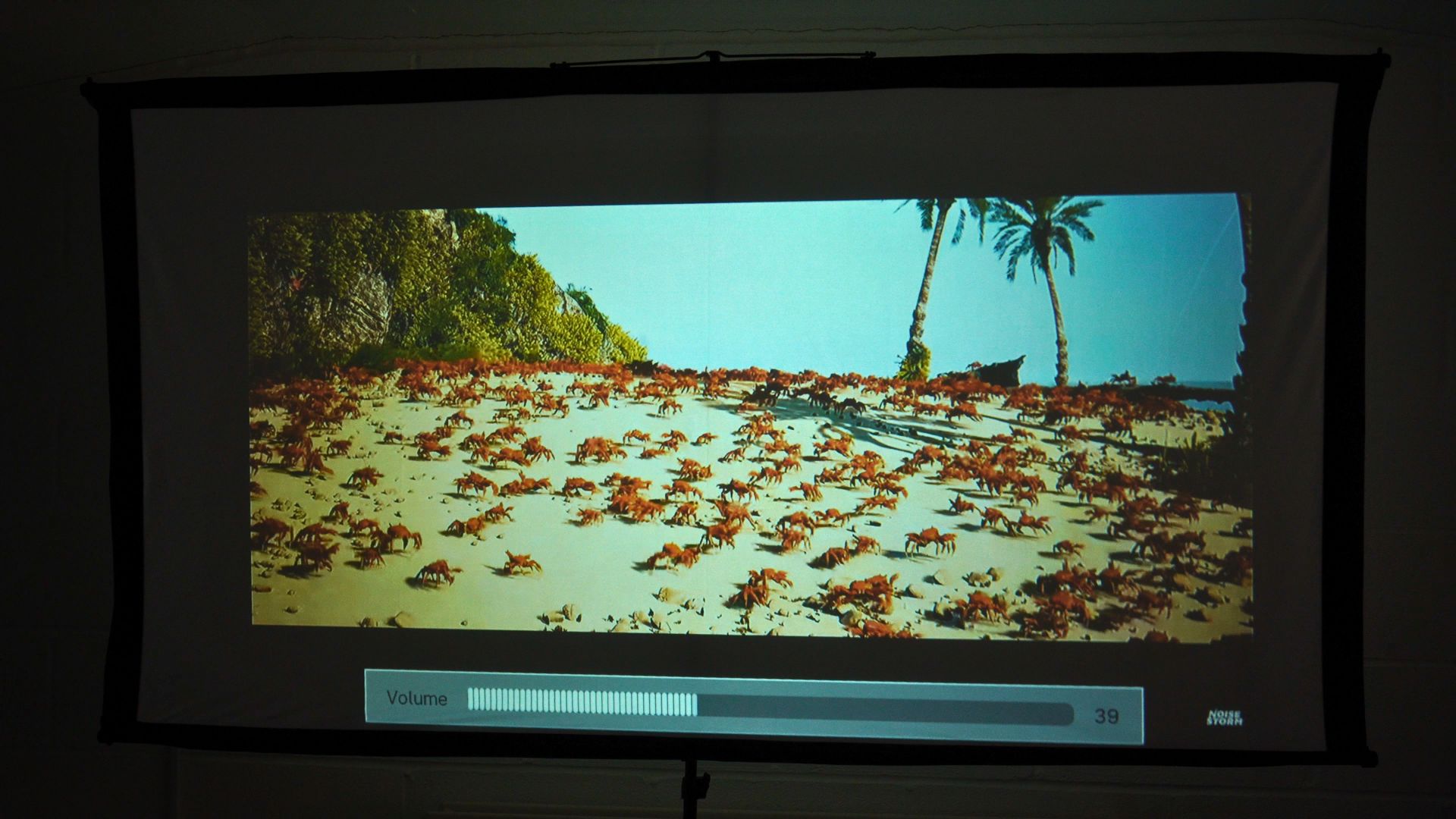
The built-in 4Ω, 6W speaker sounded good in person during our testing with a decent amount of bass. Audio recorded through a camera does not do it full justice; the Crab Rave audio demonstration in the accompanying video is a reference rather than a lab test. We had it at between 30-40% volume during the test and any louder would have been too loud for a large office. For a larger home theatre setup or even more powerful sound, the 3.5mm connection provides an alternative to relying on the integrated speaker.
Android TV overview
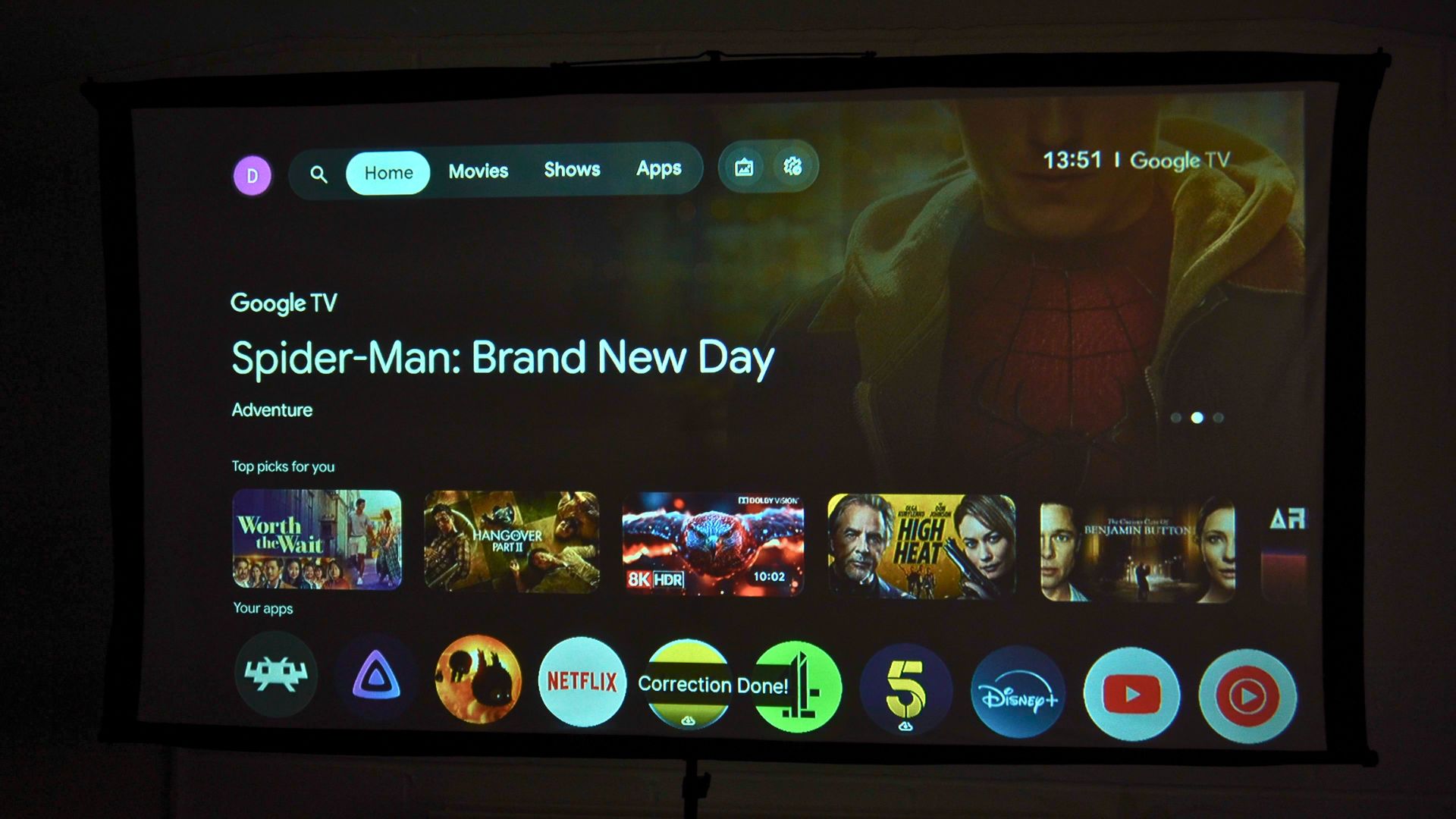
An Android TV projector should be easy to use without an external streaming box. The RockTek PJ500 Ultra review unit’s home screen showed recommended content, customisable app shortcuts and channels linked to installed apps. What appears in the interface will depend on the apps and region configured on the device.
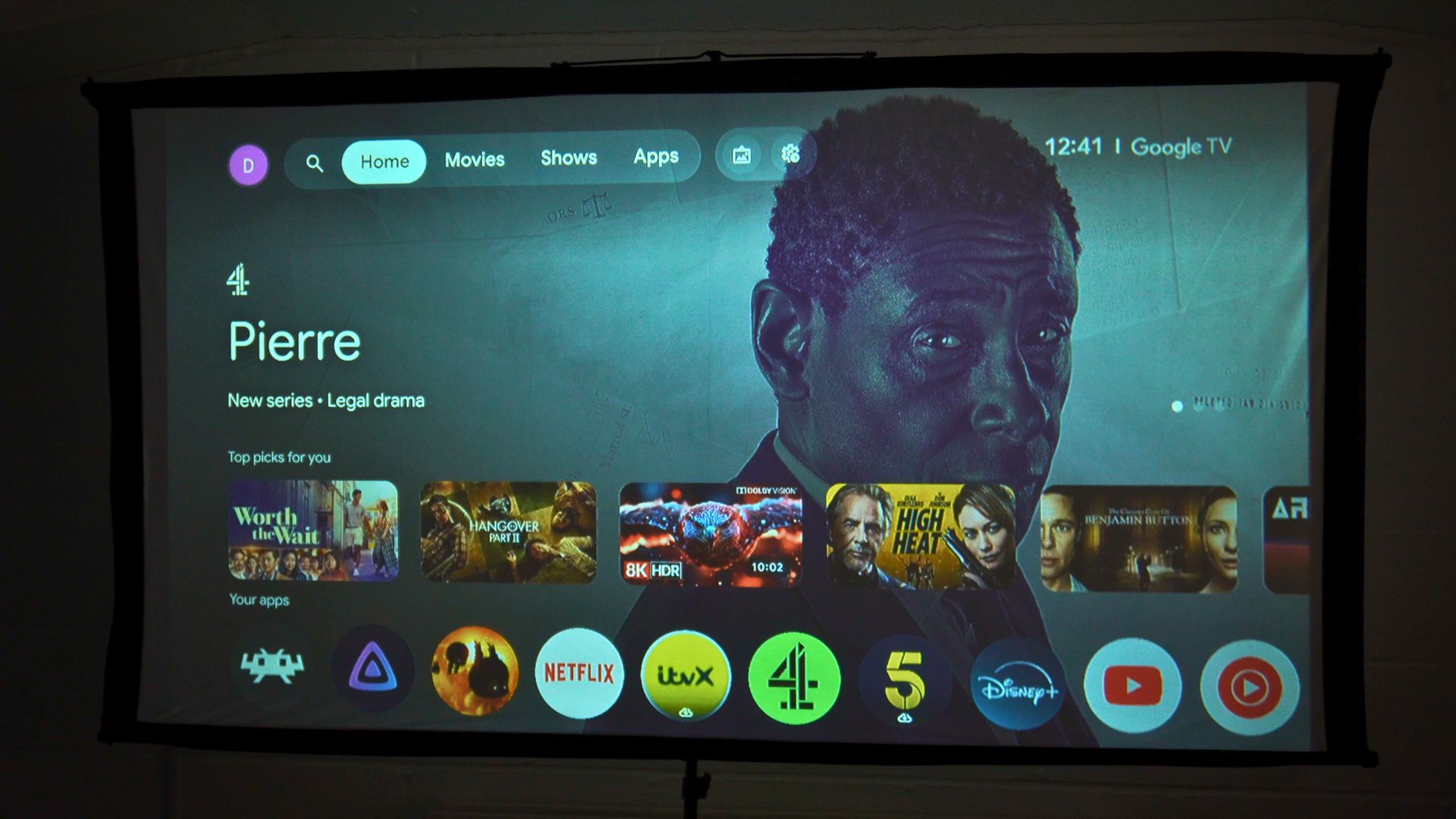
Movies and TV shows appear in their own areas, with suggestions, genres and categories to explore. The Apps section brings together installed software and access to more apps through the Play Store. The layout is familiar enough that I could get to a programme without treating the projector as a separate PC.
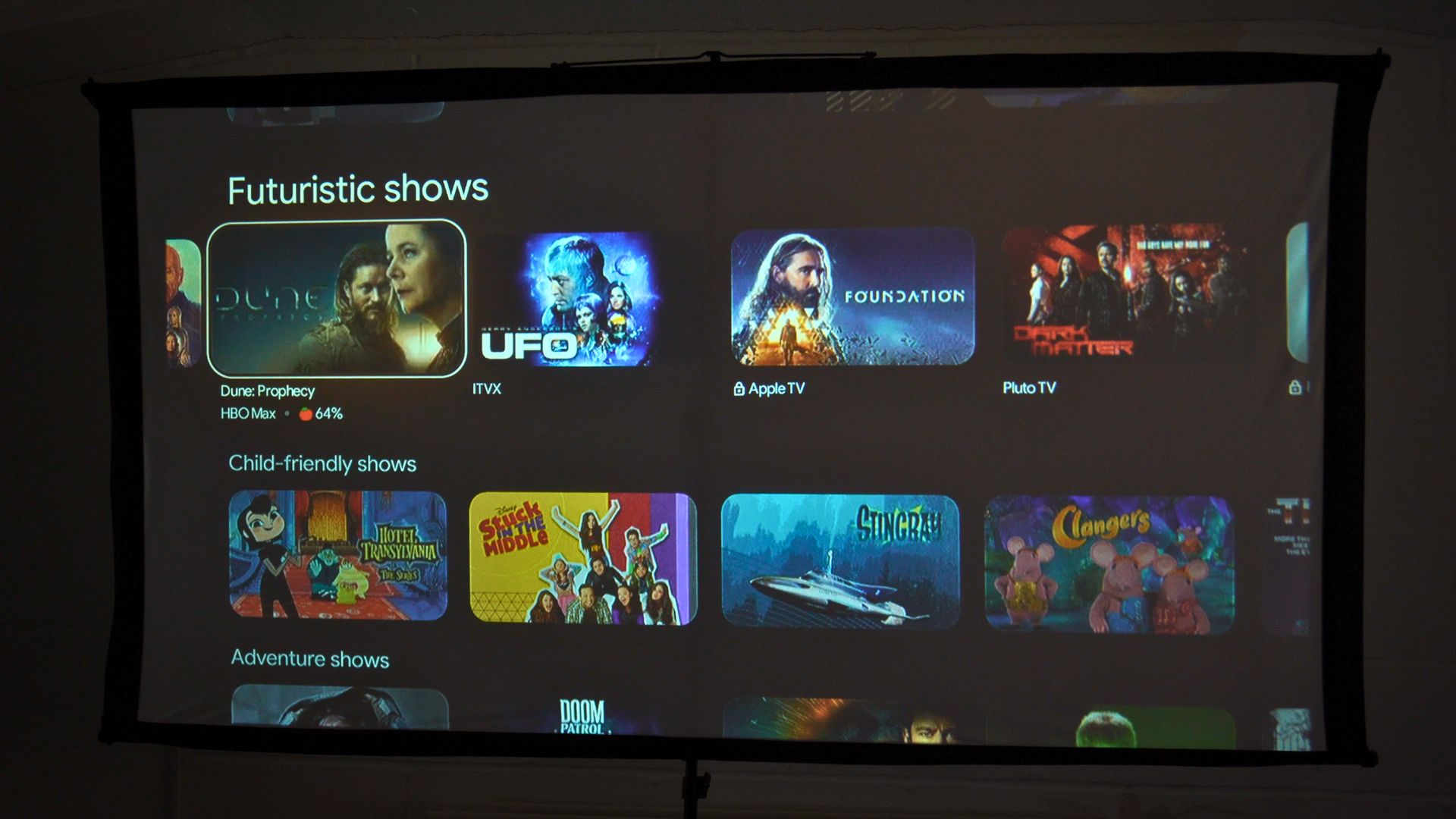
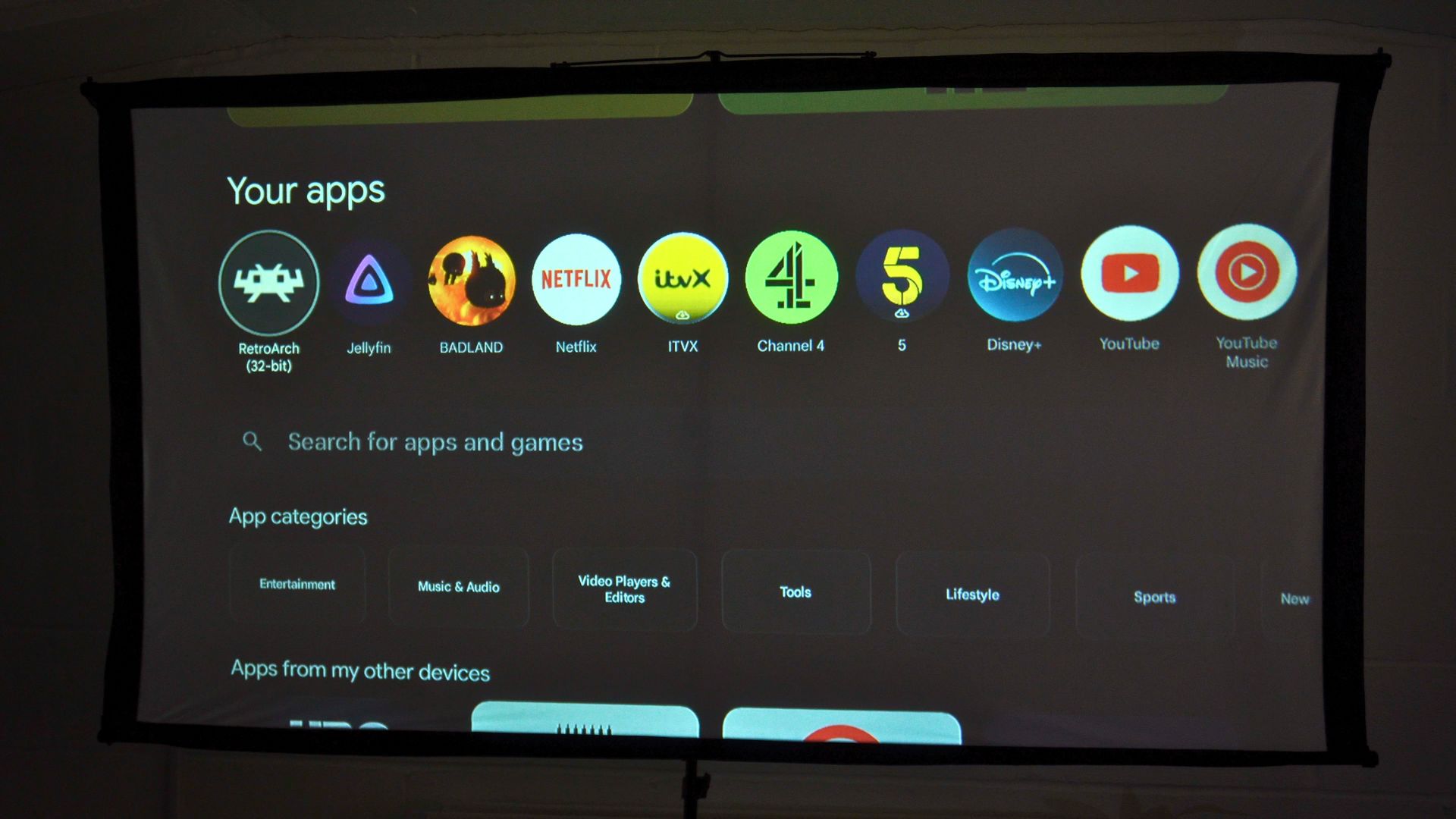
Software overview: apps, Jellyfin and VPN
I installed popular apps from the Play Store and also tried software obtained outside the store. An app being available does not guarantee it will be optimised for a projector remote, so it is worth checking your essential services individually. This RockTek PJ500 Ultra review focuses on what we actually ran rather than promising universal app compatibility.
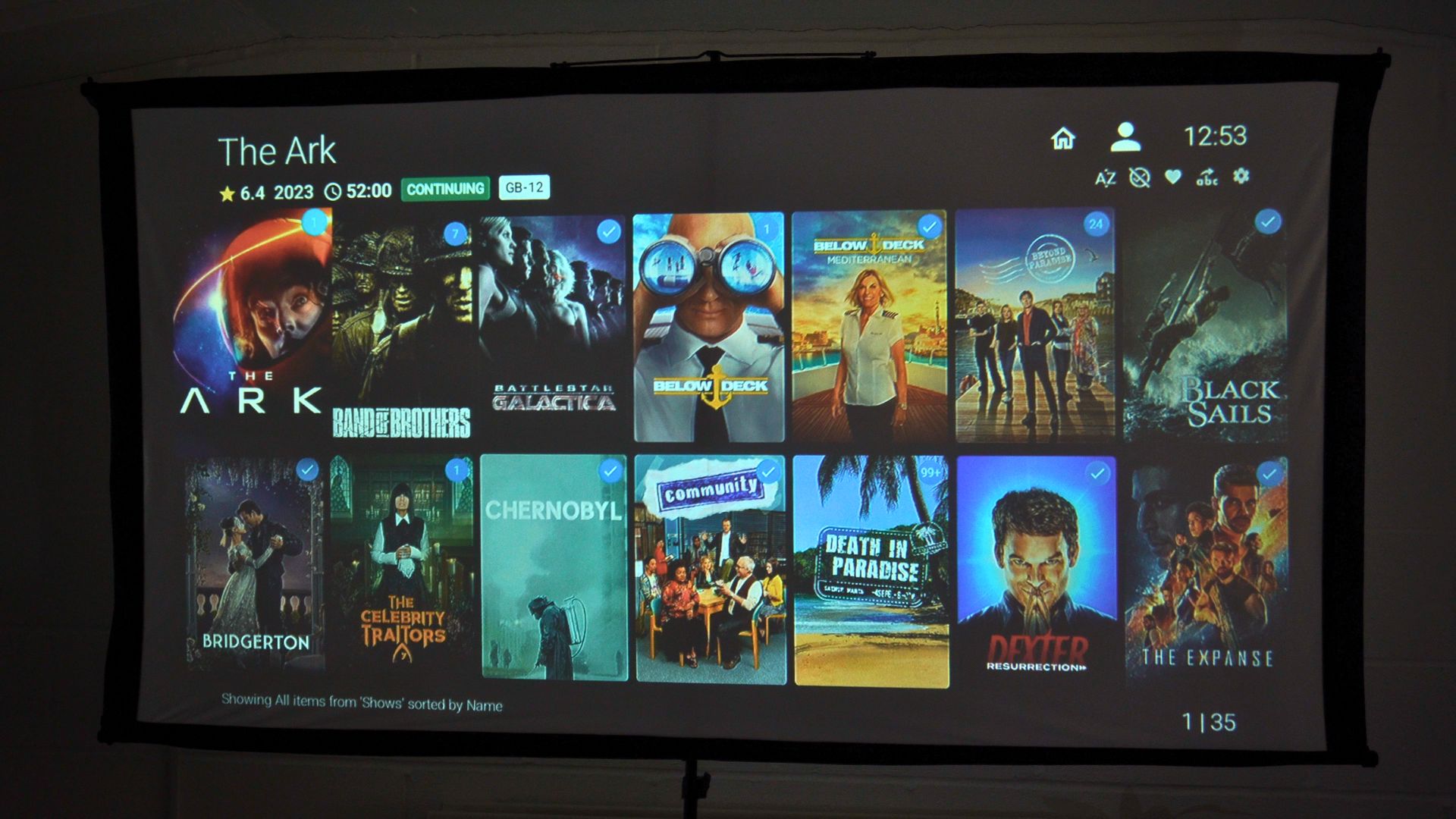
Jellyfin was one of the useful real-world tests. I connected to my Home Lab and streamed media to the projector while testing it at the office, without connection or playback issues in that setup. That gives the home cinema projector a route to a personal library as well as the usual streaming apps.
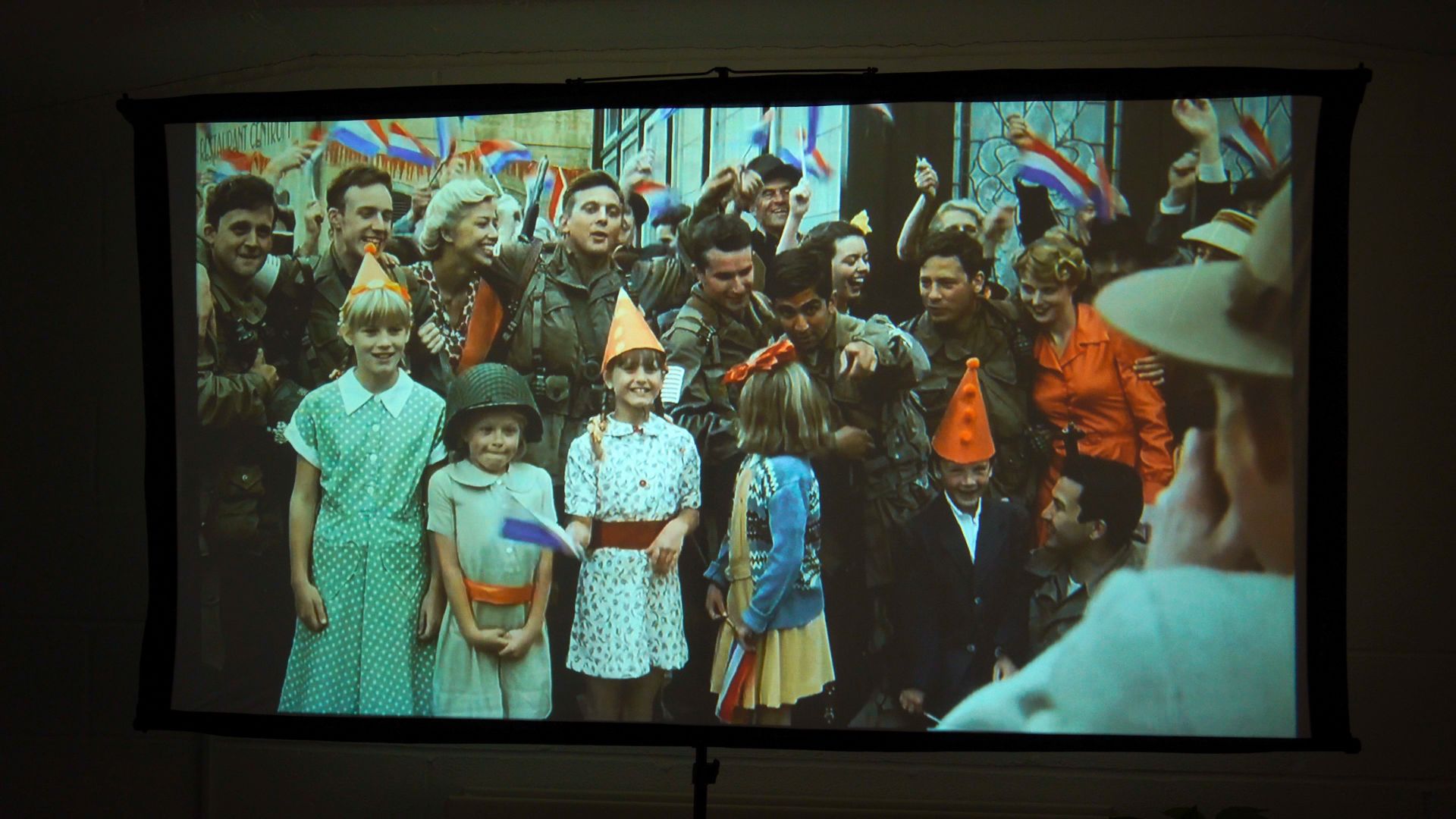
We also configured a VPN and streaming software without issues during the review. Those results describe our setup, not a guarantee for every VPN provider, streaming service, app version or region.
Gaming and emulation
The RockTek PJ500 Ultra review unit can handle light gaming, with a Bluetooth gamepad or a controller using a USB dongle. You can also attach a compatible keyboard and mouse. There are games in the Play Store, although gamepad support and performance varied between titles in our testing.
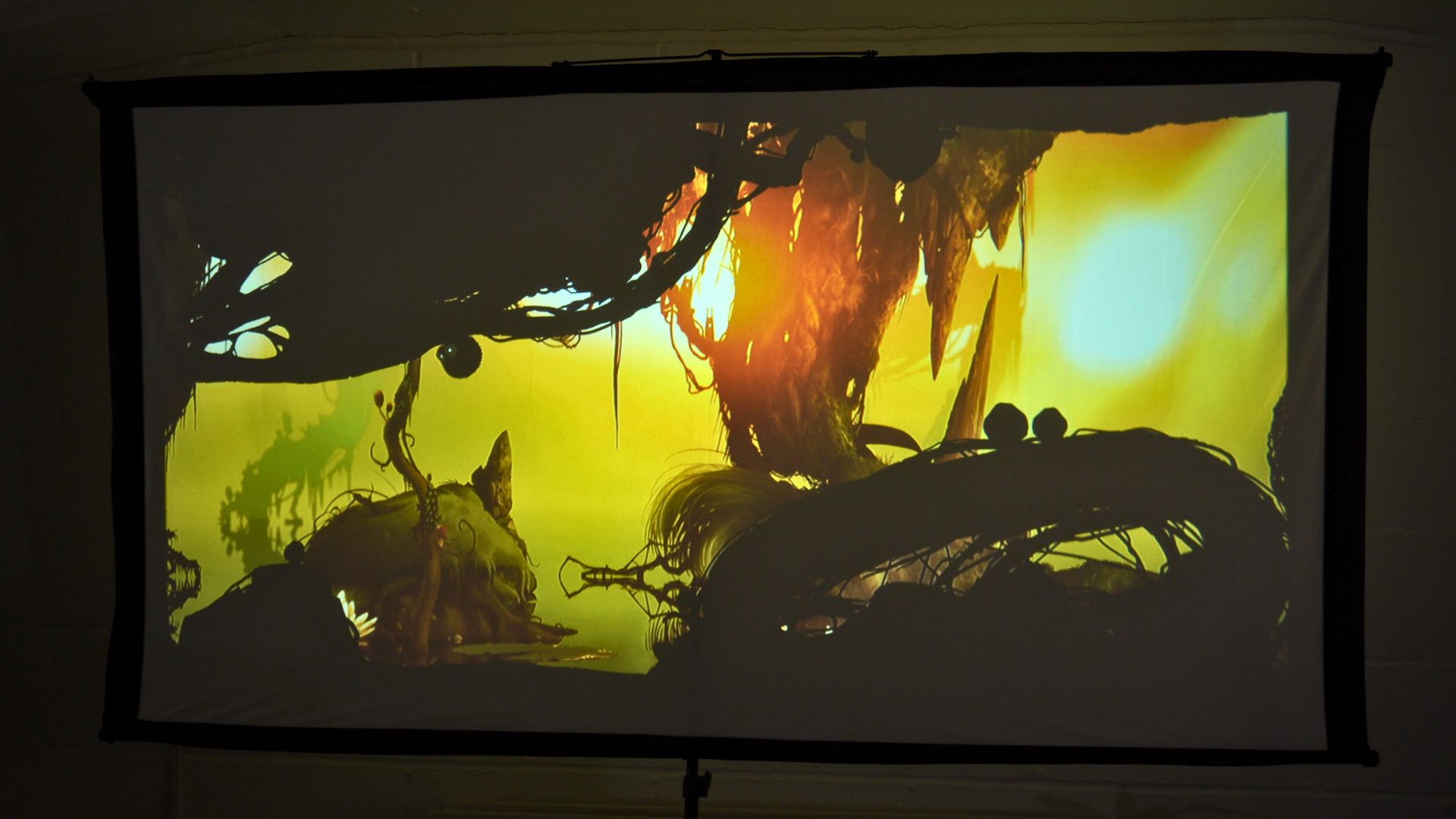
Retro games were the stronger use case. We used RetroArch and had smooth results with the 8-bit and 16-bit games we tried. PlayStation 1 games also ran well at their native settings, with no apparent problems in the examples tested. This is not a claim that every emulator, title or enhancement will run perfectly but up to the PS1 ran flawlessly. If you have a RomM setup, it works very well running compatible games.
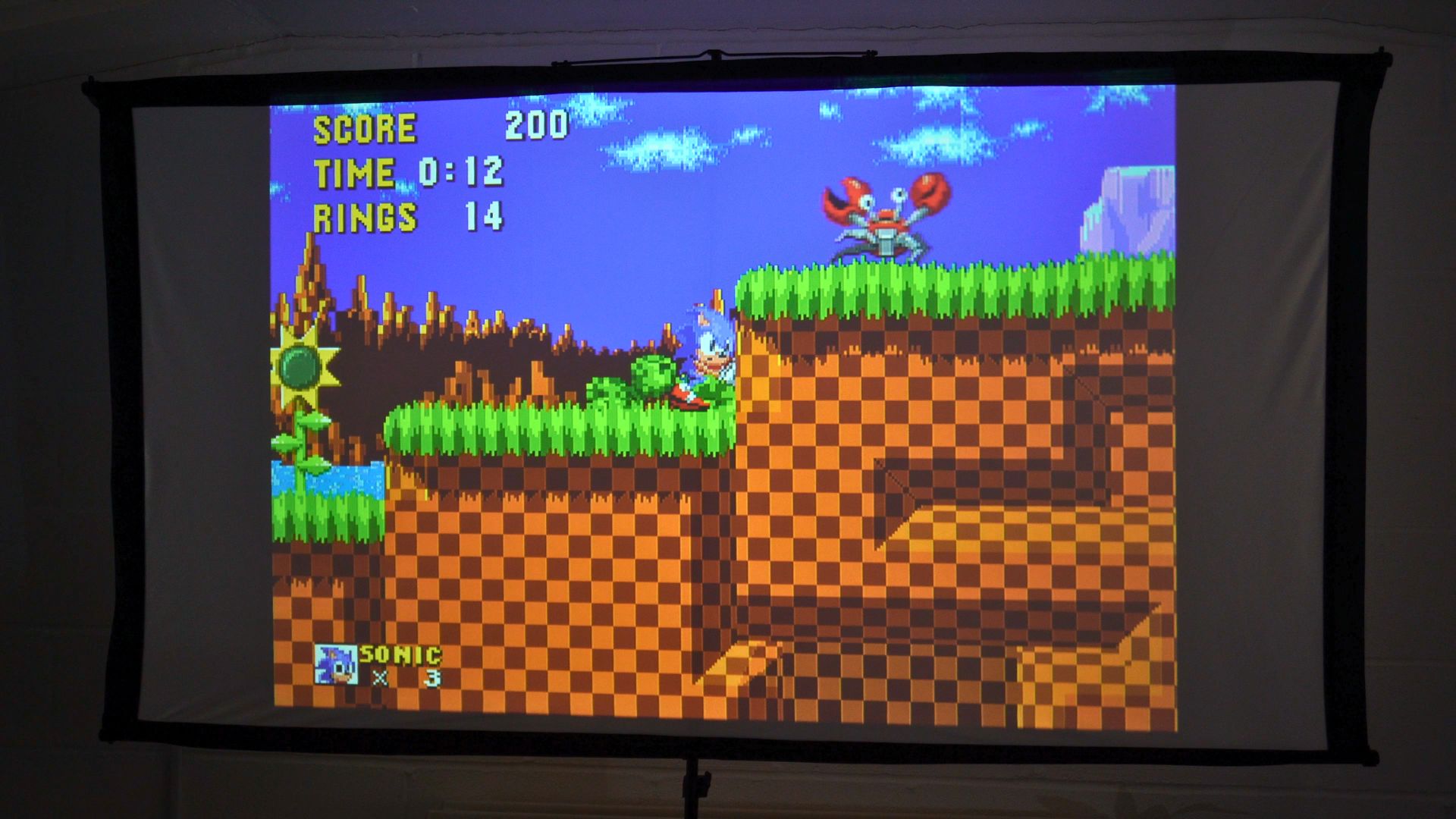
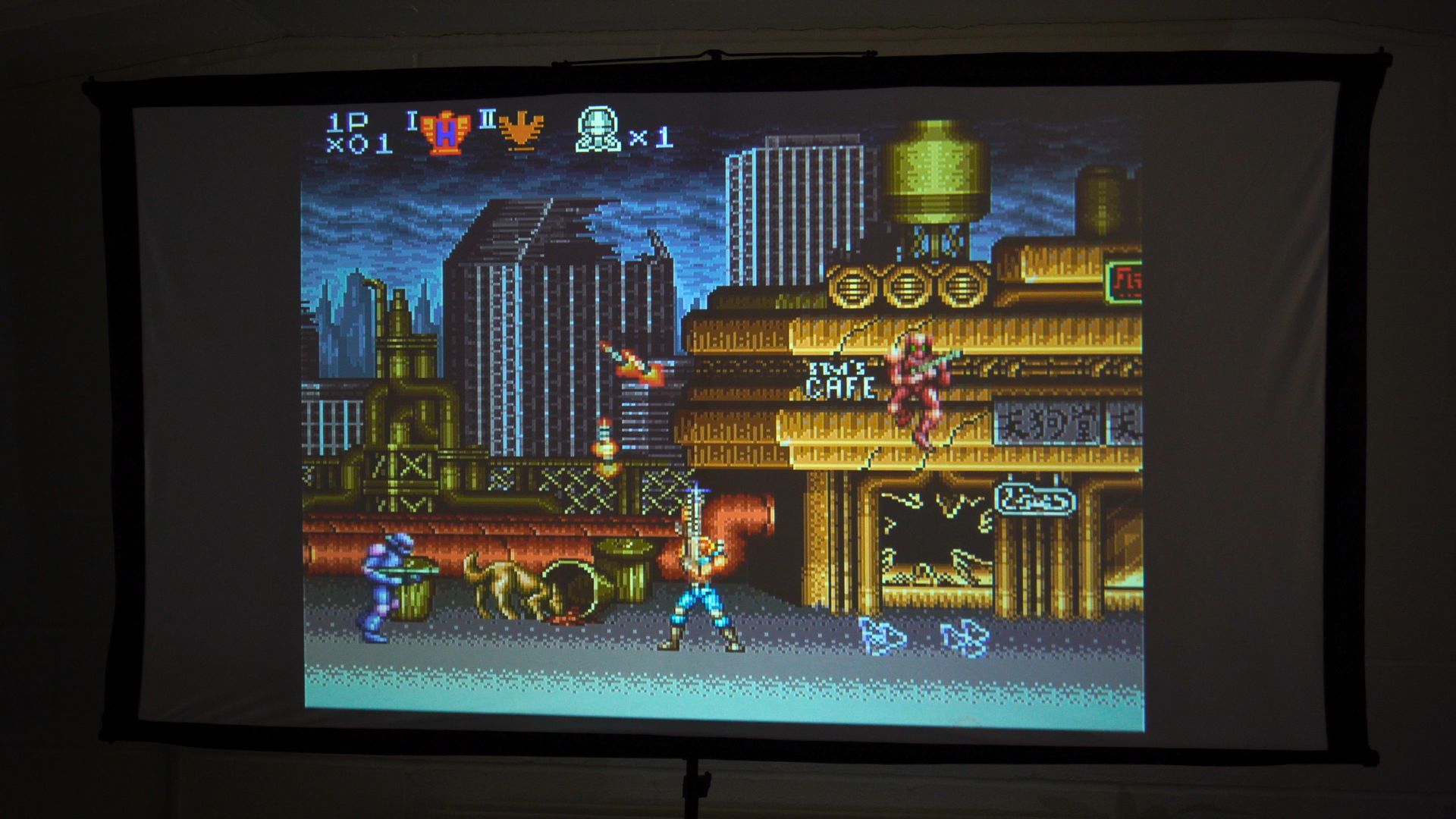
As an Android TV projector, it is better suited to casual games and retro sessions than to treating its internal hardware as a substitute for a current games console. For more demanding games, connect the machine that already runs them through HDMI. That distinction is important in this RockTek PJ500 Ultra review: the large picture is the main gaming benefit, not a high-end built-in gaming chipset.
HDMI input: consoles, handhelds and Blu-ray
HDMI is what turns the LCD projector into a flexible display for a home theatre or games room. It accepts an input of up to 4K, but the projected output remains 1080p. A 4K source therefore does not turn this into a native 4K projector.
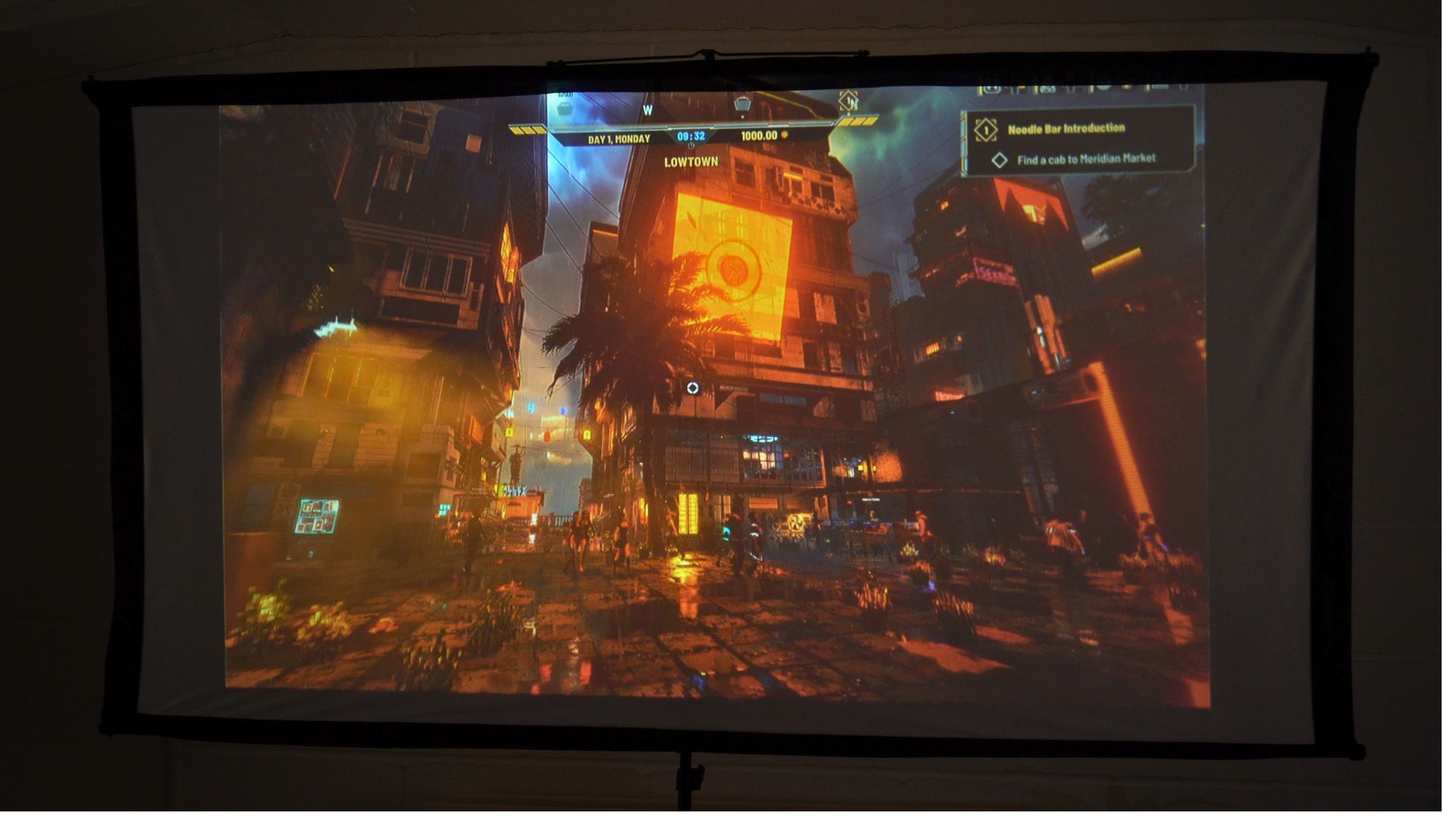
For this RockTek PJ500 Ultra review, I connected a Windows mini PC and Windows handhelds, Android gaming handhelds, a Switch 2 and a Blu-ray player. These examples worked in our setup. Other HDMI devices should run equally as great.
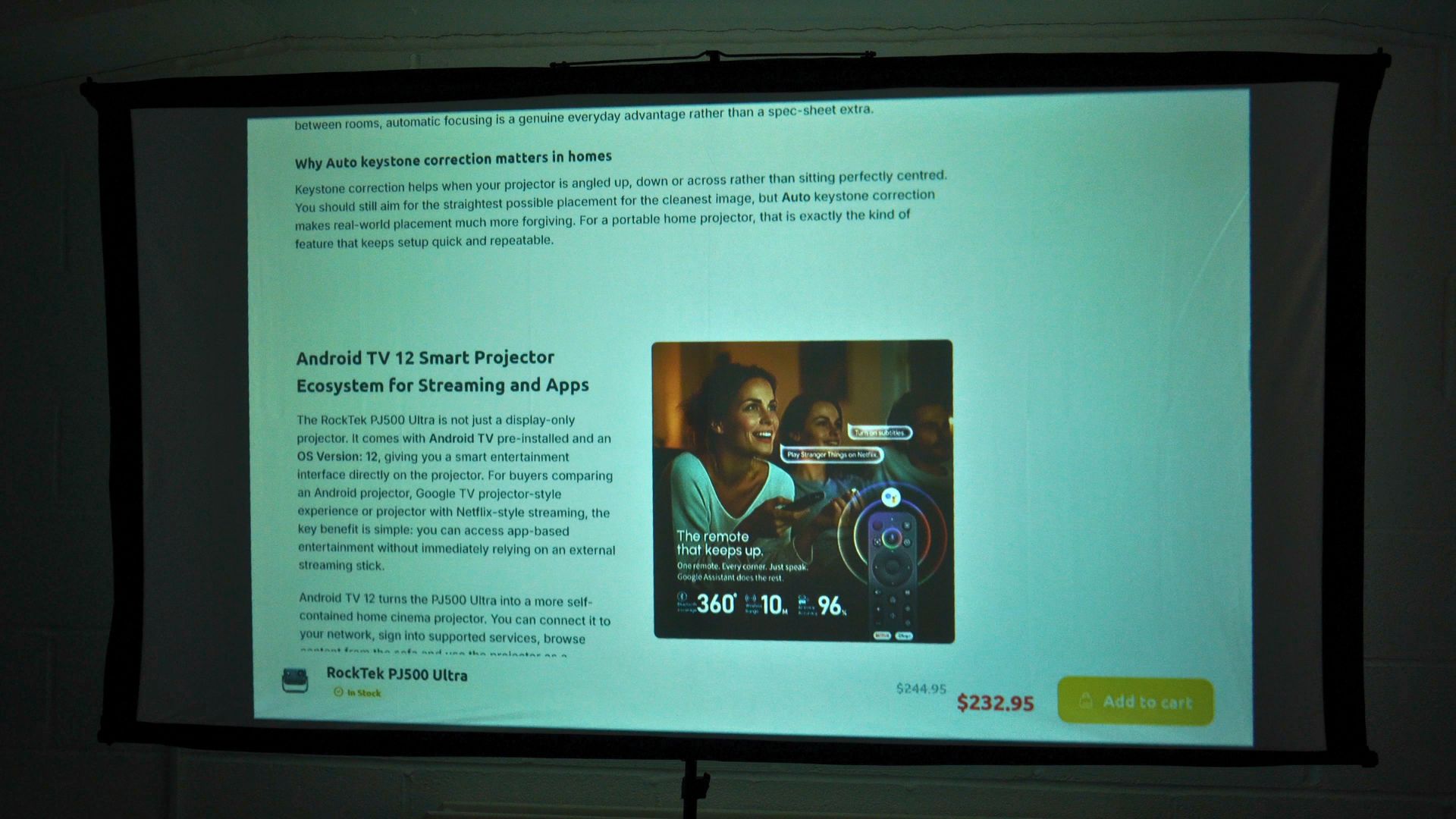
A laptop can also turn the large image into a presentation screen, while a console or handheld makes it easier for several people to watch or play together than a small monitor. The projector does not have a recorded input-lag measurement, so competitive players should not assume it has gaming-monitor responsiveness. For films, group viewing and relaxed gaming, its HDMI input is the most useful part of the RockTek PJ500 Ultra review experience.
Final thoughts
The best part of this RockTek PJ500 Ultra review unit is how little effort it took to get a usable picture. Automatic focus, keystone and obstacle handling worked smoothly when we repositioned it. The built-in speaker, straightforward remote and Android TV interface make it convenient for everyday viewing, while the native 1080p output gives it a clear specification to judge against other home cinema options.
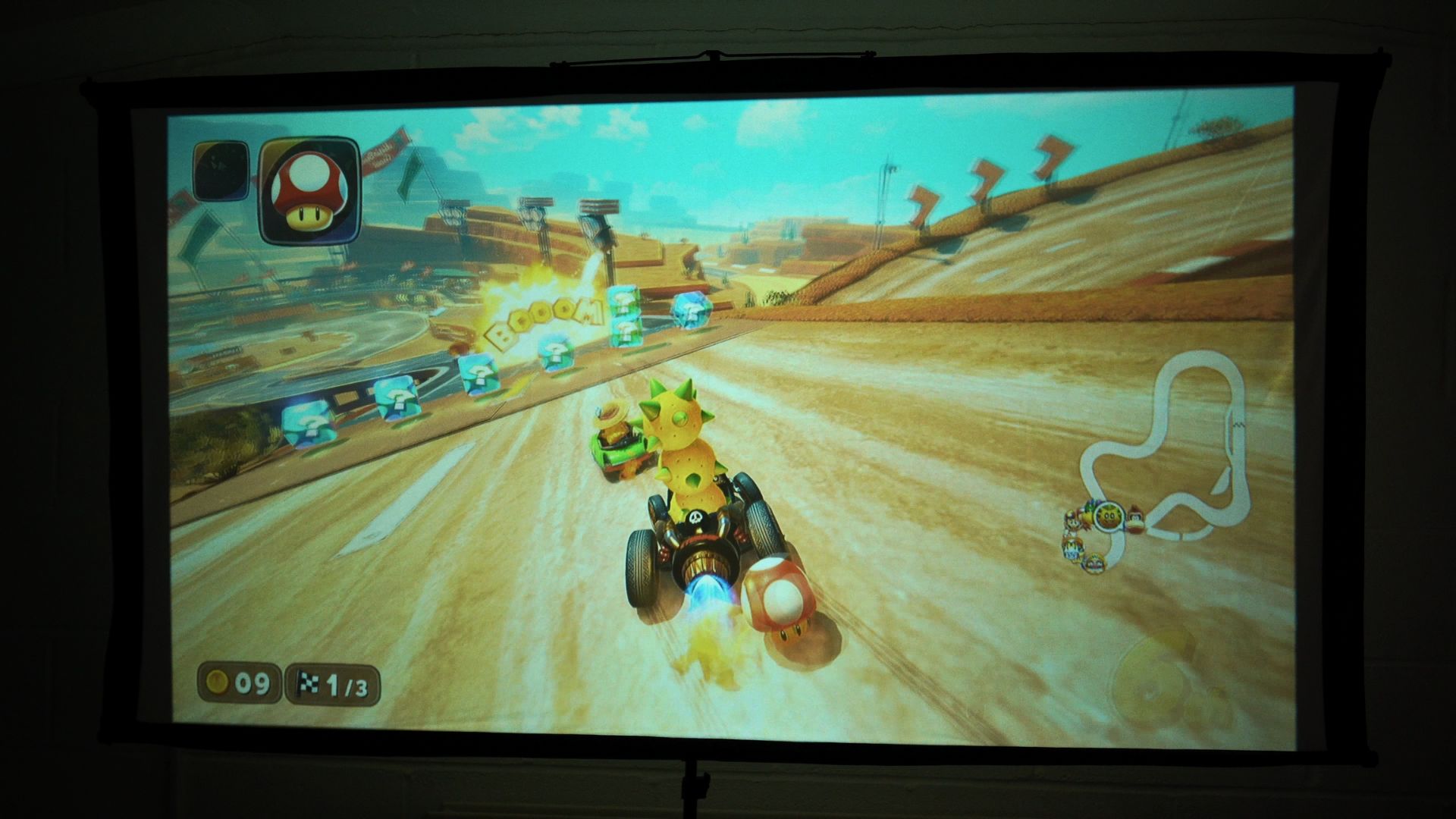
At home, I would use it for media playback via Jellyfin or an installed app, then switch to HDMI for a Blu-ray player, Switch 2, mini PC or gaming handheld. RetroArch made 8-bit, 16-bit and PlayStation 1 sessions a good fit for casual big-screen gaming. The Android DLP projector is bright enough to be used during the day with the curtains closed, and of course in the evening and night.
If you want a self-contained projector that is quick to aim and can also serve as a display for devices you own, the RockTek PJ500 Ultra at DROIX is definitely worth considering. Choose it for the flexible setup and connections, rather than assuming it replaces a dedicated display for every room or game.




Our verdict — is the RockTek PJ500 Ultra worth buying for a home cinema?
- Short answer: Yes, if easy setup, built-in streaming and an HDMI display for casual viewing matter most.
- Best for: Films, TV, personal media libraries and relaxed big-screen gaming.
- Not ideal for: Anyone who needs proven low input lag, high daylight brightness or a full surround-sound system from one device.
- Evidence status: Hands-on functions, audio, apps and connected sources tested; image brightness and lag not independently measured.
Frequently asked questions
Is the RockTek PJ500 Ultra a native 4K projector?
No. The RockTek PJ500 Ultra supports for an input of up to 4K over HDMI, but the projector displays at its native 1920 × 1080 resolution. It cannot show a native 4K image.
Is the RockTek PJ500 Ultra good for a home cinema?
Yes, the RockTek PJ500 Ultra review unit handled Android TV media, Jellyfin and Blu-ray input, and its automatic picture setup was convenient.
Can I connect a games console or handheld to the projector?
Yes. This RockTek PJ500 Ultra review tested a Switch 2, Windows and Android gaming handhelds, and a mini PC over HDMI.
Can the projector run retro games without an external console?
Yes. In this RockTek PJ500 Ultra review, RetroArch ran the 8-bit, 16-bit and PlayStation 1 games we tried well at the settings described above.


Questions & comments
0
Every question gets an answer. Ask before you buy — DaveC and the team reply within one working day, and answers stay public so they help the next reader too.


