

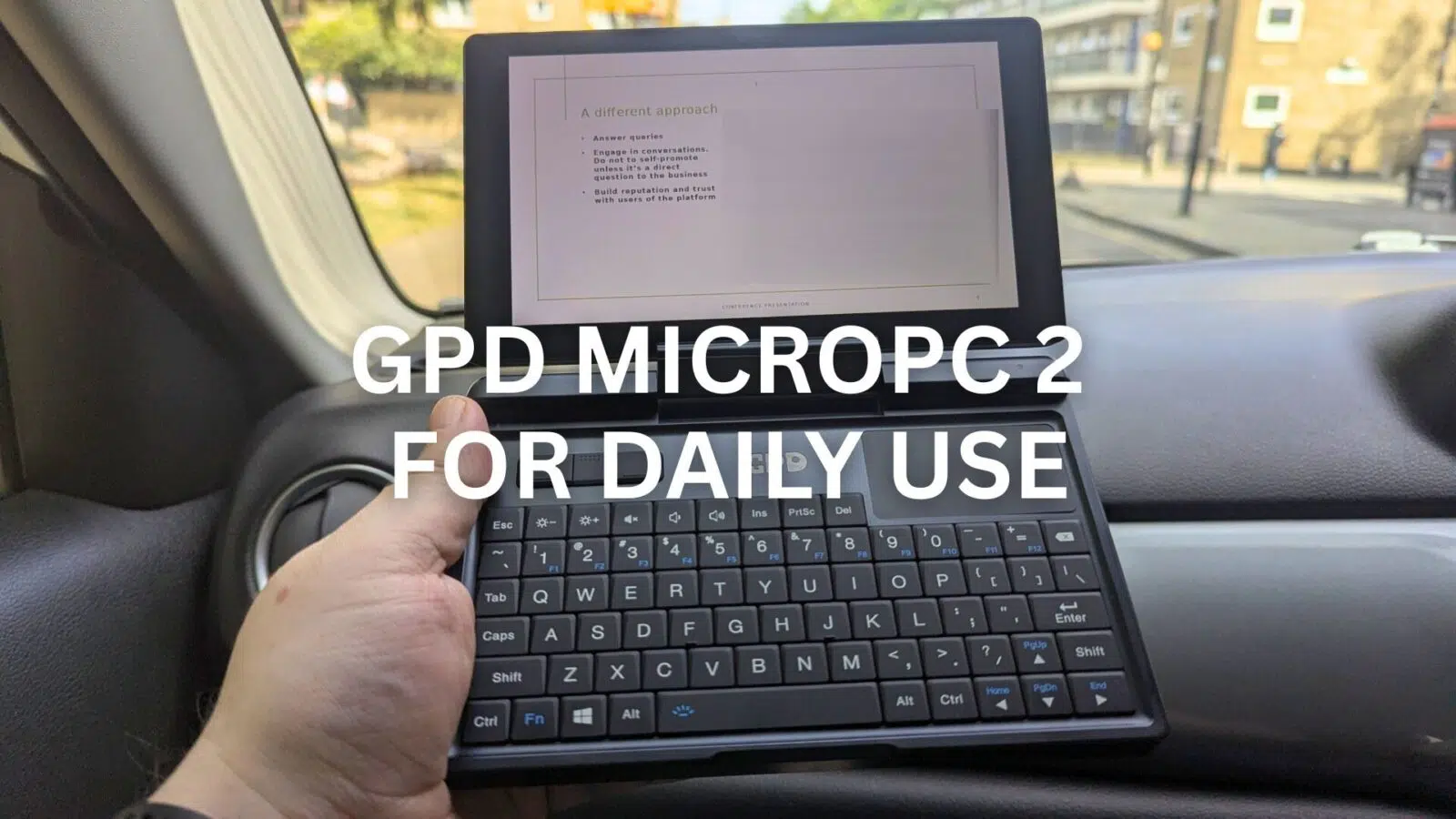
For a long time, my daily tech included two devices: a laptop for work and a tablet for media. This ultrabook setup worked, but it also came with many chargers. My bag was always heavier than I liked. Consequently, I was curious if one mini laptop could replace both. I decided to find an answer with an experiment. For one full week, my other devices would stay at home. I would only rely on the GPD MicroPC 2 for daily use. Here is a diary of my experience.
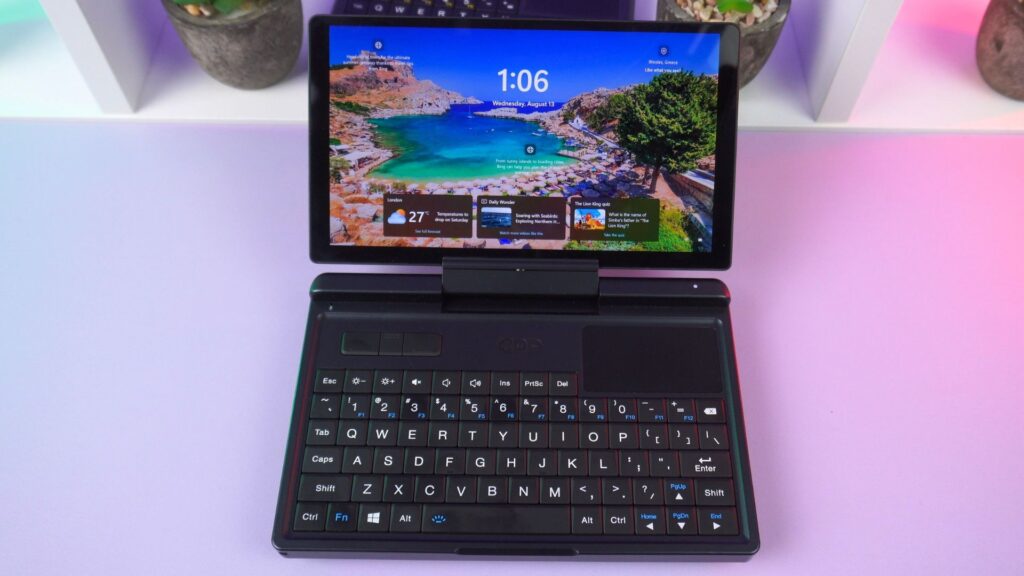
Day 1: A Day at the DROIX Office
My week began with the normal train commute to the office. The GPD MicroPC 2’s small size was useful right away. For example, I could hold it easily. I also used the backlit keyboard to reply to some emails. This was much faster than typing on a phone. Plus, it was less awkward than opening one of the standard lightweight laptops on a packed train.
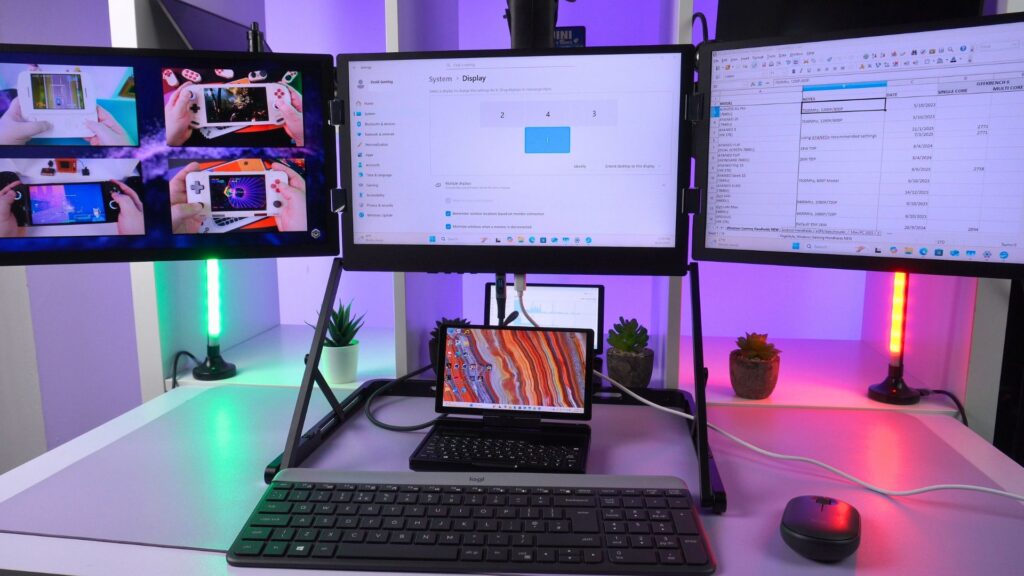
Back at the DROIX office, I plugged the GPD MicroPC 2 into my desk setup. My desk is a bit messy, so a photo of it using a foldable portable triple monitor is shown below. With just one USB-C cable, the GPD MicroPC 2 connected to my main 4K triple monitor setup.
For my main work, I used a full-sized keyboard and mouse. The GPD MicroPC 2 had no problem keeping up. It ran my usual workload of a dozen browser tabs, Slack, Discord, and a few other apps all day. It was impressive to see this small device drive a full desktop setup without slowdowns. The GPD MicroPC 2 for daily use proved itself as a capable work machine from the very first day.
Day 2: The Central London Meeting
Today involved a business meeting in central London. First, my morning started on the London Underground. You have very little space to work there. Here, the GPD MicroPC 2 was excellent again. I was able to stand and hold it in one hand. This let me make last-minute edits to my presentation notes. That is something not possible with a normal laptop.
When I arrived at the meeting, I connected the GPD MicroPC 2 directly to the large presentation TV on the wall. I used its full-size HDMI port. The presentation ran flawlessly. Also, running a full version of Windows meant I did not have to worry. Compatibility problems that can happen with tablets were avoided.
During the follow-up discussion, I flipped the GPD MicroPC 2’s screen into tablet mode. I then used a stylus to take notes. It was a very efficient and professional setup. This makes it one of the most useful laptops for business in a mobile context.
Day 3 & 4: Weekend Downtime
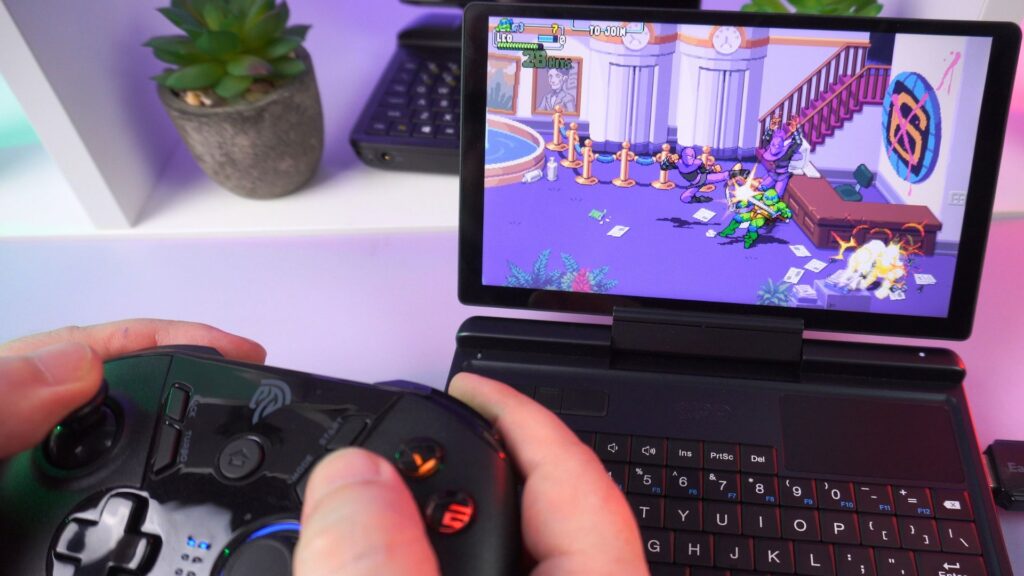
With the work week over, it was time to test the GPD MicroPC 2 for daily use on the weekend. On Saturday, I decided to try some hobbies. First, I connected a controller. Soon I was playing some classic PlayStation games on an emulator. The GPD MicroPC 2 handled this very well. It is also great for lower-demanding games.
Afterwards, I used the built-in SD card reader. I imported photos and videos for another product review from my filming camera. Then, I was able to sort and edit them using full desktop photo editing software, which was great.
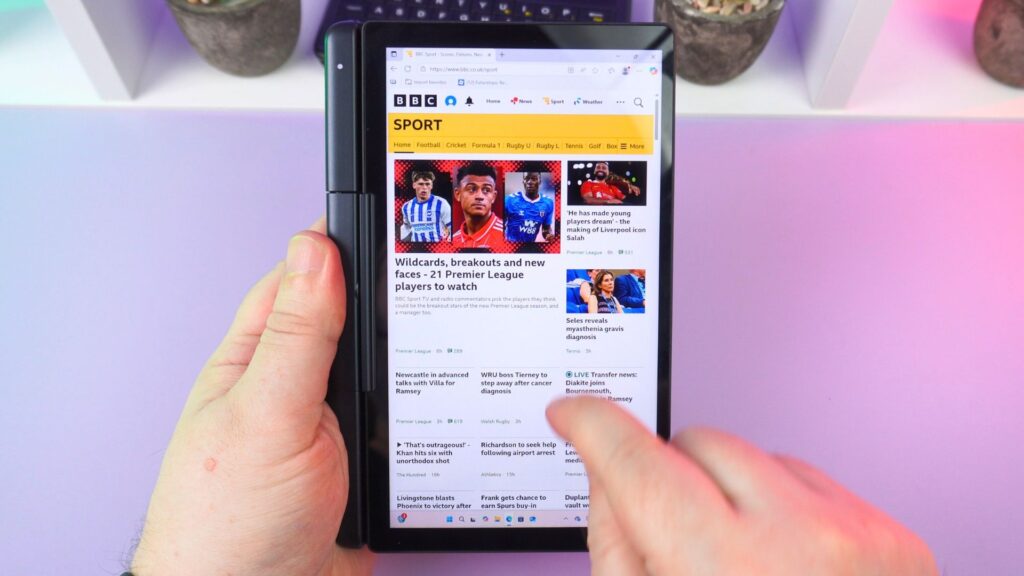
On Sunday, the GPD MicroPC 2 found its place around the flat. I used its 2-in-1 feature to prop it up in tablet mode. It sat on the kitchen counter to follow a recipe. That evening, I connected the GPD MicroPC 2 to our TV with an HDMI cable. We finally caught up on the Alien Earth TV series. It worked perfectly as one of the most silent compact laptops for media.
Day 5: The Chester Work Trip
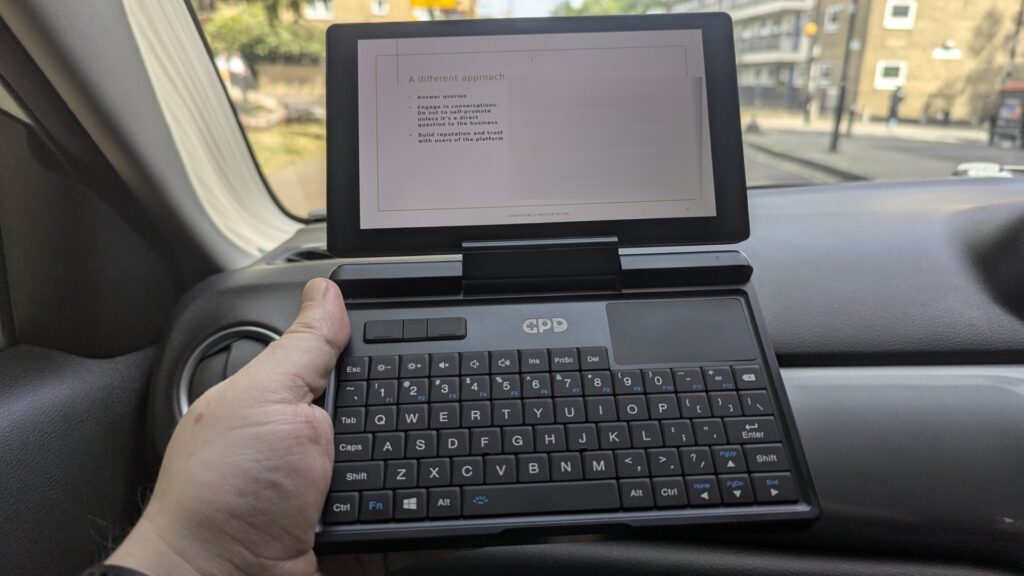
To start the week, I joined some of the DROIX team on a work trip. We went to Chester for a conference presentation. During the long evening drive after work, we worked on finalising the presentation. BTW: I was in the passenger seat! The small size of the GPD MicroPC 2 meant it was not awkward to use in the car. This would have been impossible with my bigger work laptop. It is one of the few small-sized laptops that is genuinely usable while travelling.
Day 6: The Presentation
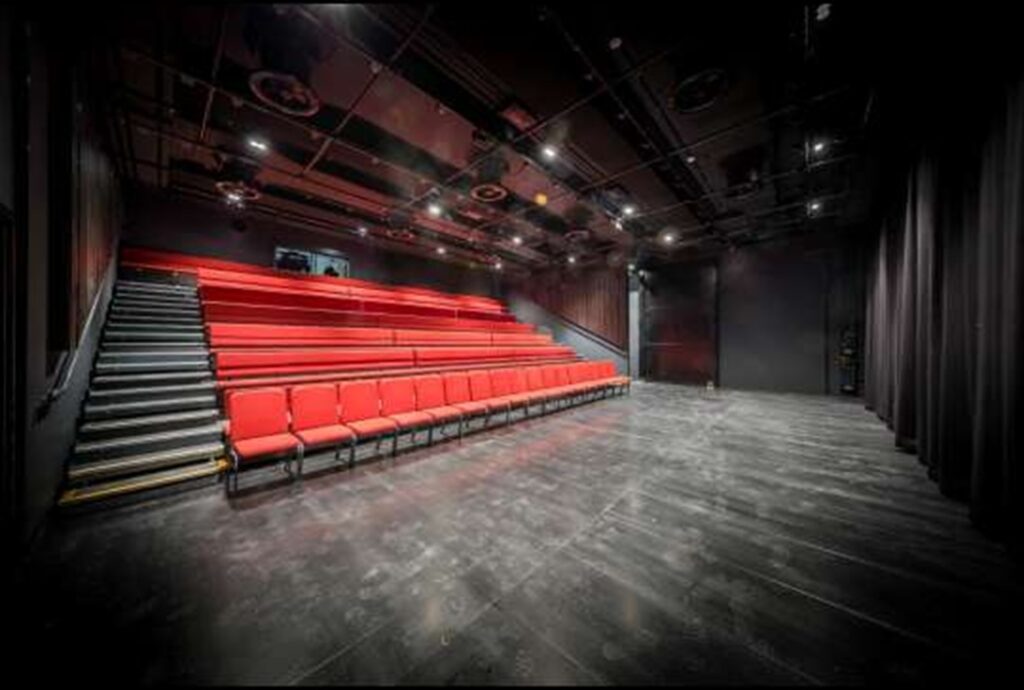
The next day, we gave the presentation. I connected the GPD MicroPC 2 directly to the stage’s projector via HDMI. It worked without a hitch. I also used a Bluetooth remote to control the presentation. It is great having a full Windows PC for this. As a result, you know there won’t be any strange compatibility problems. Throughout the trip, the GPD MicroPC 2 handled all my other work like emails and document editing perfectly. This makes it one of the best ultra-portable notebooks for any professional who travels.
Day 7: The Journey Home
The trip back to London from Manchester was a quiet affair. We were all a bit tired. And, cough… maybe a little hungover from the night before! Consequently, I spent the journey catching up on the Dexter Resurrection TV series. I also replied to a few emails. It was nothing too strenuous. The GPD MicroPC 2 kept me entertained on what would have been an otherwise boring journey back.
Final Thoughts: How is the GPD MicroPC 2 for daily use?
So, can one 2-in-1 mini laptop replace both a laptop and a tablet? After this test, I would say yes. The GPD MicroPC 2 for daily use handled everything. This included office work, presentations, retro gaming, and movie nights with no problems.
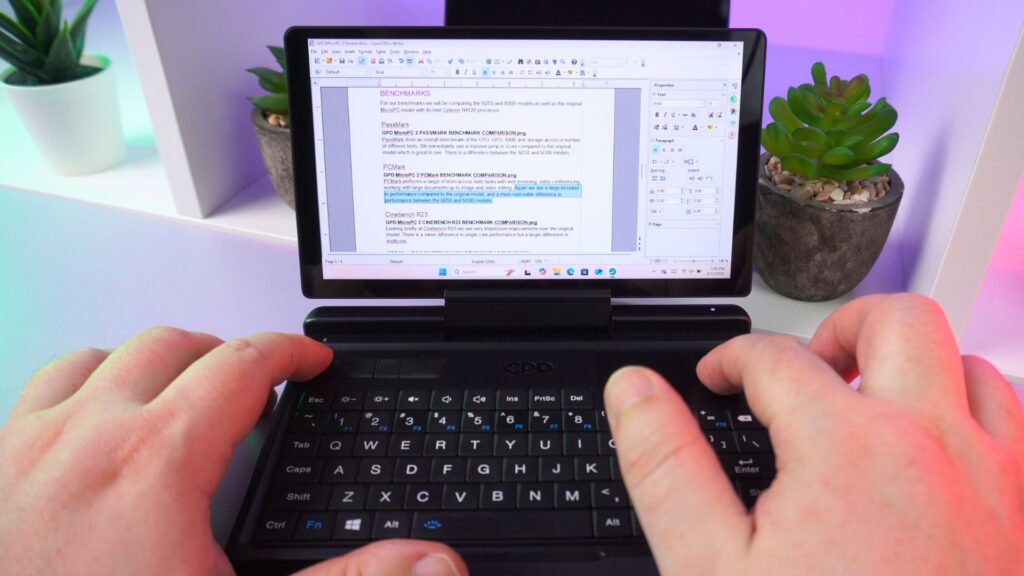
There are, of course, things to consider. The built-in keyboard is small. So, for long periods of typing at a desk, you will want a full-sized one. You will also most likely want multiple monitors if you usually work with them. But while out of the office, you have the 2-in-1 functionality of a mini laptop and tablet. That is the point of its flexibility.
It is no longer just a niche gadget for IT enthusiasts. It is also not just an interesting choice among laptops for students. Instead, it is a mature, capable, and very compelling primary computing device for almost any daily task.
Read my in-depth GPD MicroPC 2 review here to learn more about it, including an overview of the device, in-depth benchmark tests, and more!
What are your thoughts on using a single 2-in-1 mini laptop to replace all your other devices? Could a device like the GPD MicroPC 2 fit into your daily life? We invite you to share your experiences, questions, and feedback. Please leave them in the comments section below!




