


In an increasingly multi-tasking world, the need for expanded screen real estate is more pronounced than ever. The Triple Aero 15.6″ ProMax Monitor aims to meet this demand by offering a unique and highly portable triple-display solution. This Triple Aero 15.6″ ProMax Monitor review delves into its design, features, and performance, exploring whether this innovative monitor truly delivers on its promise of enhanced productivity and versatility for users on the go or those seeking a streamlined desktop setup.
Unboxing the Triple Aero 15.6″ ProMax Monitor
Upon unboxing, we find the 15.6” monitor itself, which we’ll examine in more detail shortly. Accompanying it are essential accessories: a USB 65W charger with UK, EU, and US adapters, a USB Type-C cable for power.
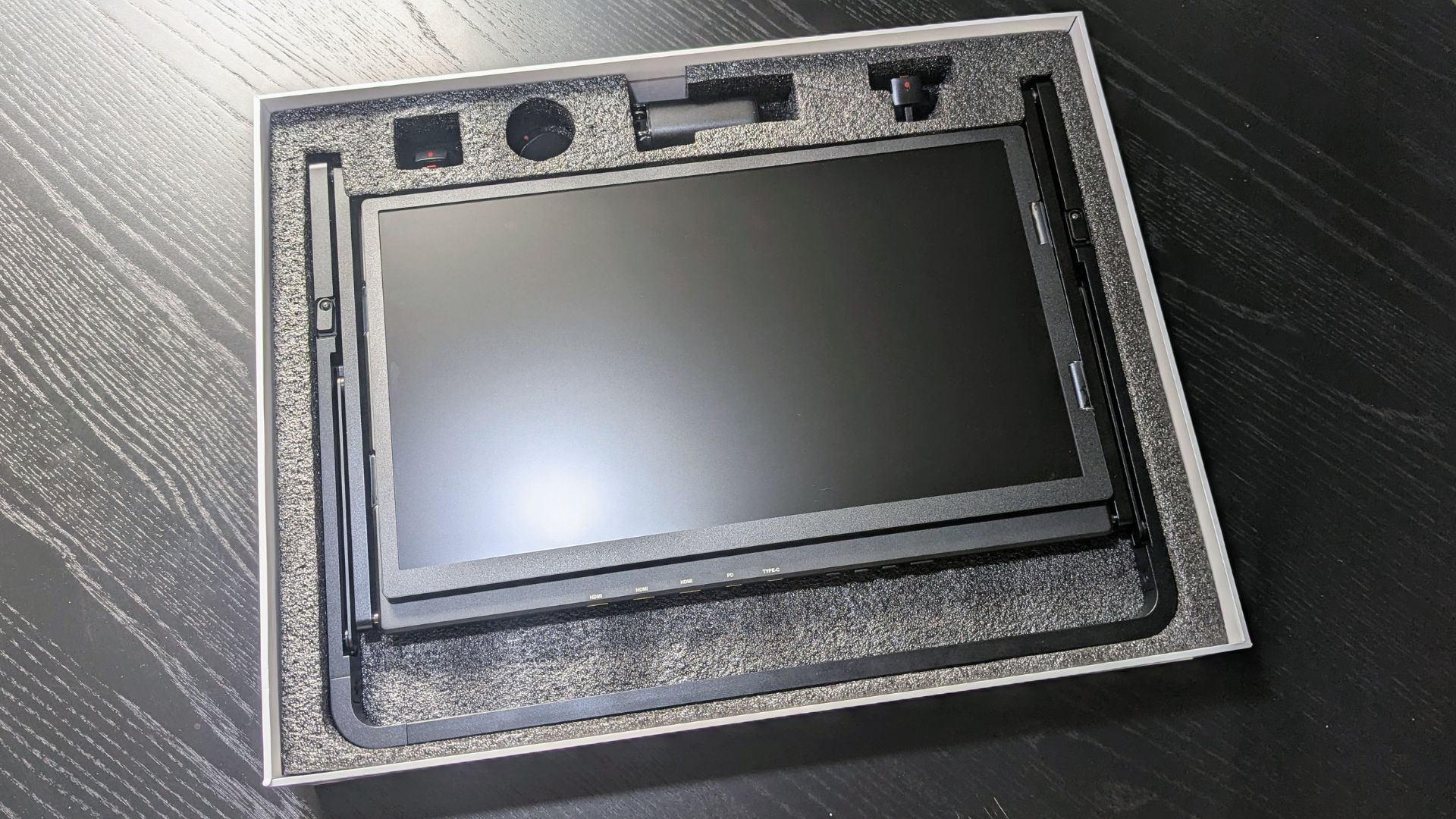
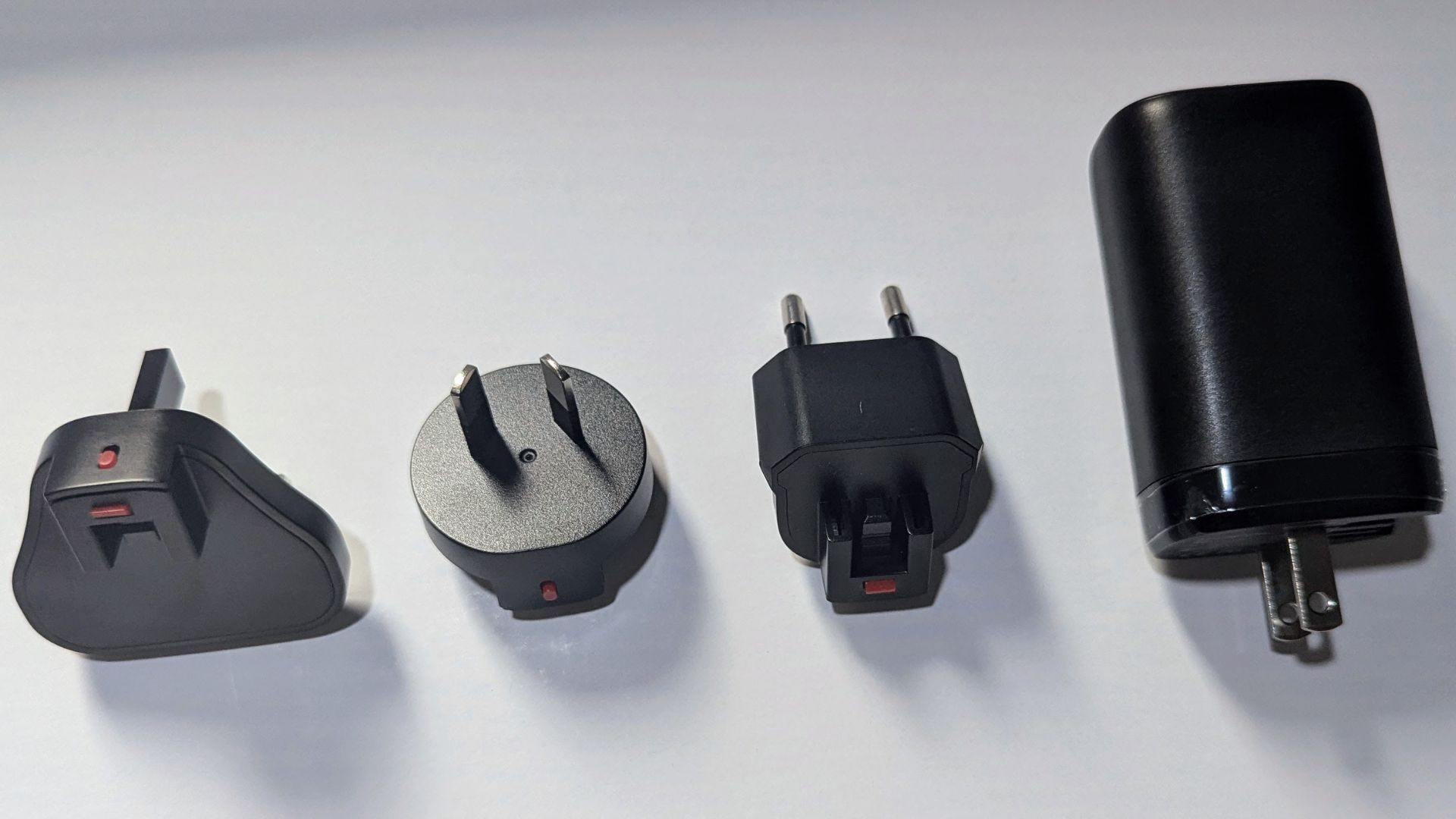
There is a single HDMI to Mini-HDMI cable for device connectivity. A comprehensive user guide is also included, covering all the necessary information to get started.
Triple Aero 15.6″ ProMax Monitor Overview
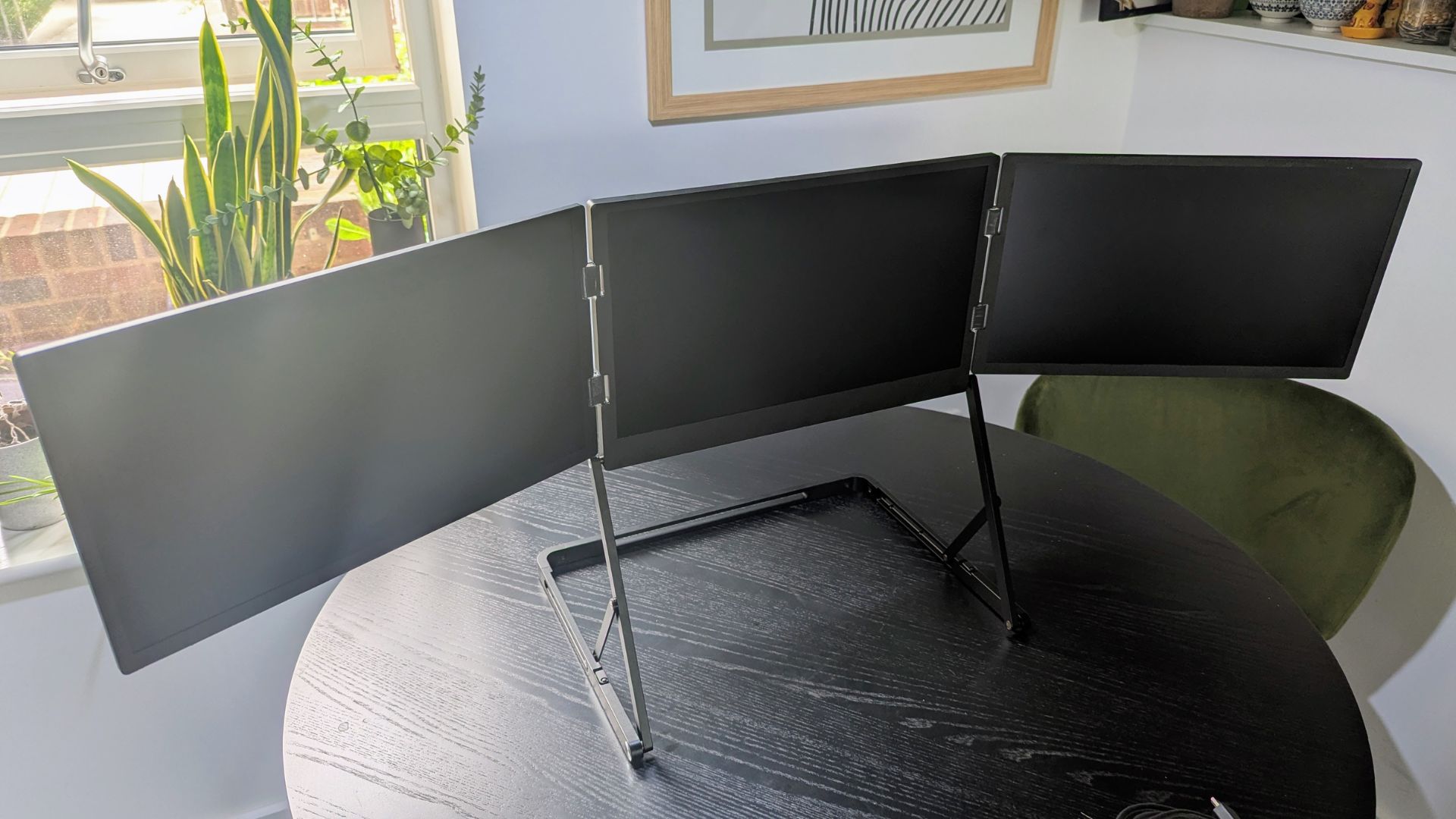
When folded, the monitor measures approximately 14.1 x 16.5 x 1.1 inches and weighs 3.2kg (7.0 lbs). The displays are housed within a robust aluminum alloy frame, featuring high-quality hinges that allow for bidirectional folding. This design enables various display positions, which we’ll explore further.
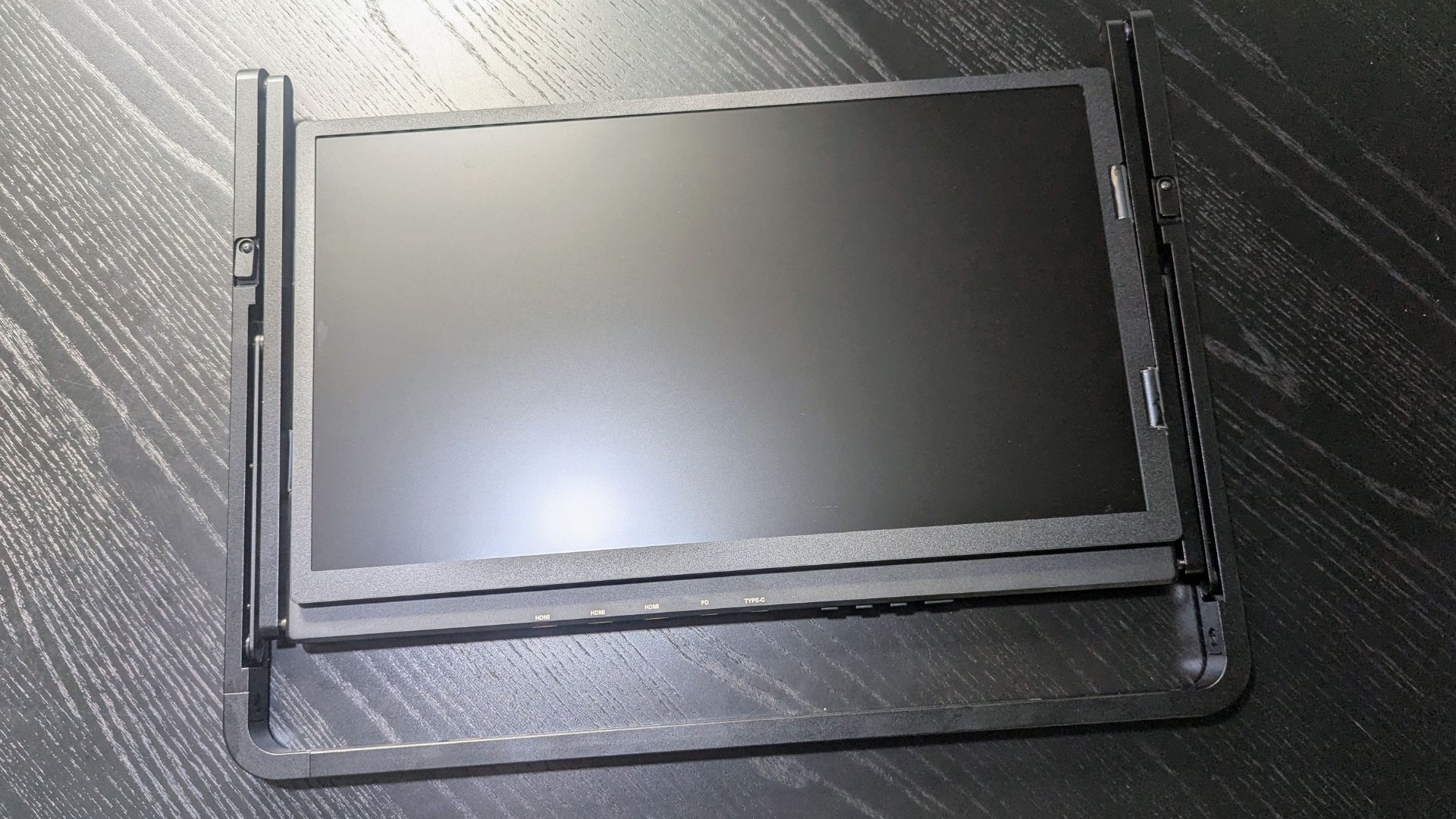
The frame offers three levels of height adjustment. However, we noted that the third (lowest) setting felt somewhat insecure and prone to slipping out of its groove. Given the frame’s weight, stability is crucial to prevent accidental collapses and we do not suggest using the third grove.
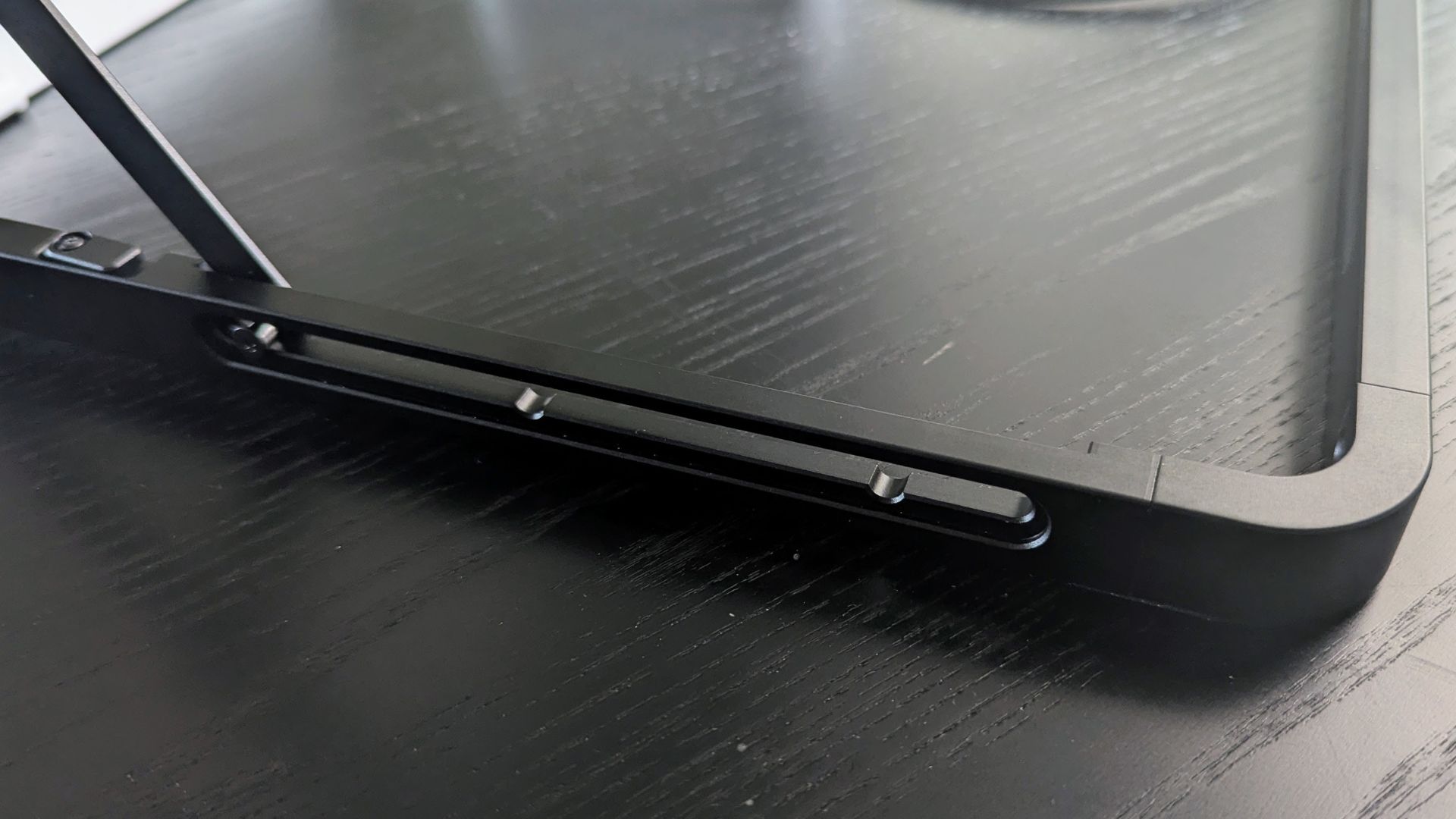
The three 15.6” 1080P 60Hz LED displays feature a matte finish, effectively reducing glare. While 15.6” might seem small for a single monitor, the combined width of three side-by-side displays spans an impressive 43.7 inches when fully extended.
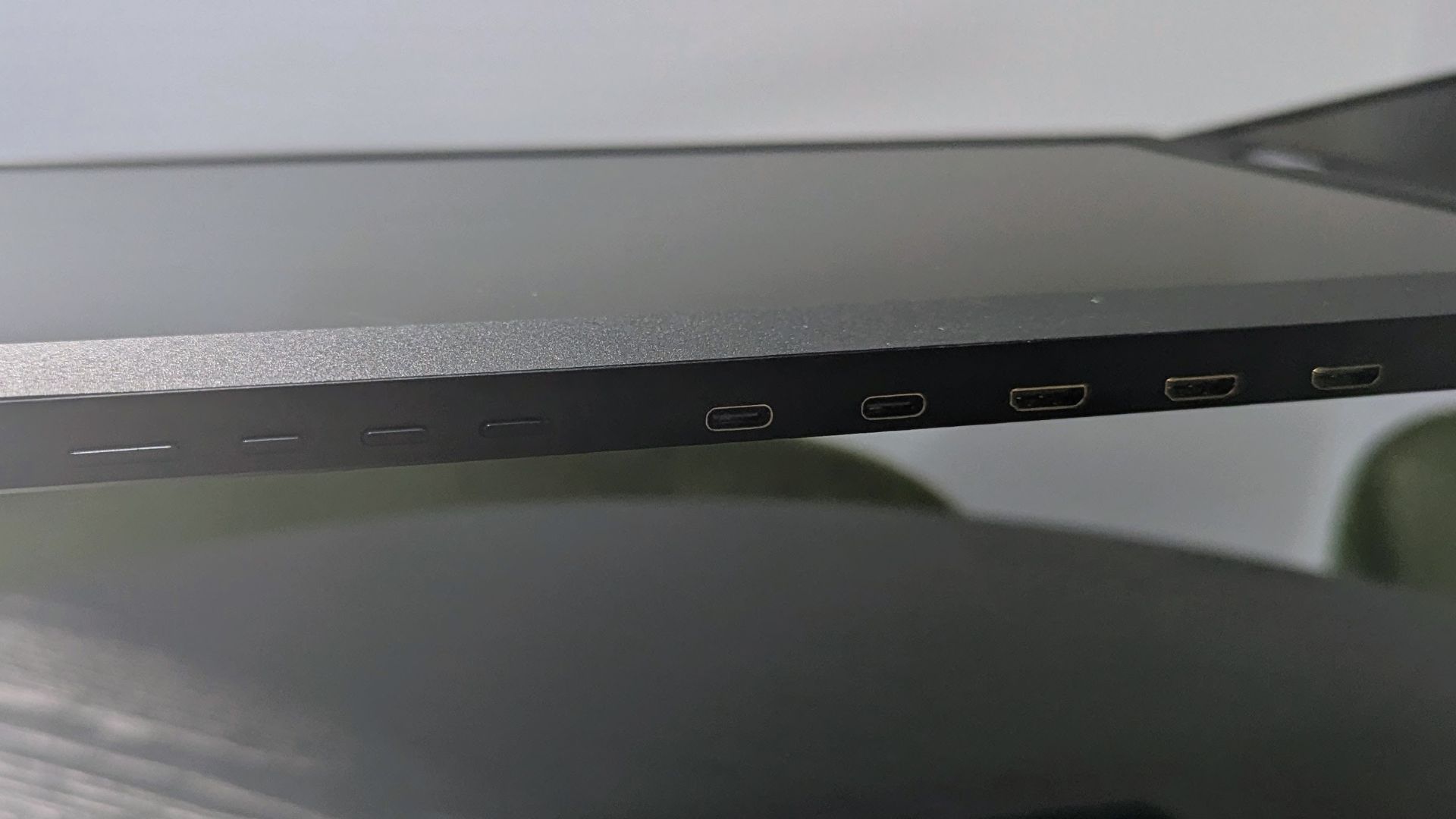
Along the bottom edge of the central monitor, you’ll find four buttons for the on-screen display (OSD), two USB-C ports (one for charging, one for video input), and three mini HDMI ports, allowing for up to three separate device connections.
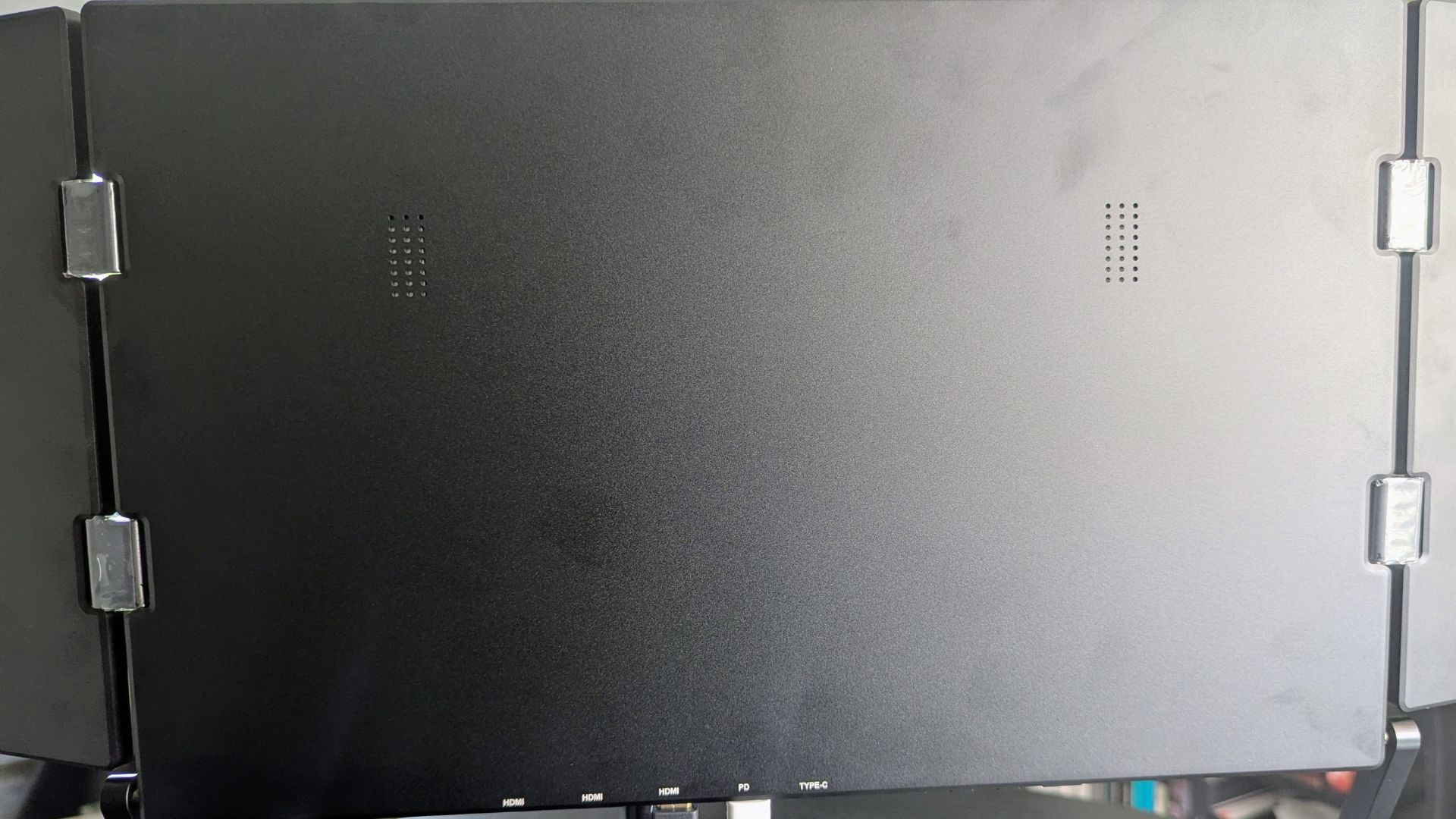
The two built-in speakers provide passable audio quality. Our “crab rave” audio test, as expected, yielded no bass and an average mix of lows and mids. They function adequately for general use, but external speakers would be advisable for an enhanced experience when watching films or playing games.
For secure transport, two metal tabs keep the folded monitors closed, and the frame itself doubles as a convenient carrying handle.
Triple Aero 15.6″ ProMax Monitor Technical Specifications
| DISPLAY SIZE | 3x 15.6” LED |
| DISPLAY TYPE | IPS Matte finish |
| RESOLUTION | 1920 x 1080 Full HD |
| BRIGHTNESS | 350 nits |
| CONTRAST | 1200:1 |
| COLOURS | 16.7 millions colors, 100% sRGB |
| REFRESH RATE | 60Hz |
| ASPECT RATIO | 16:9 |
The OSD
The OSD is navigated using four buttons located on the underside of the central monitor. The first button accesses the menu and cycles through monitors, while the second and third serve as Up/Down controls (also shortcuts for volume and brightness). The fourth button selects options.
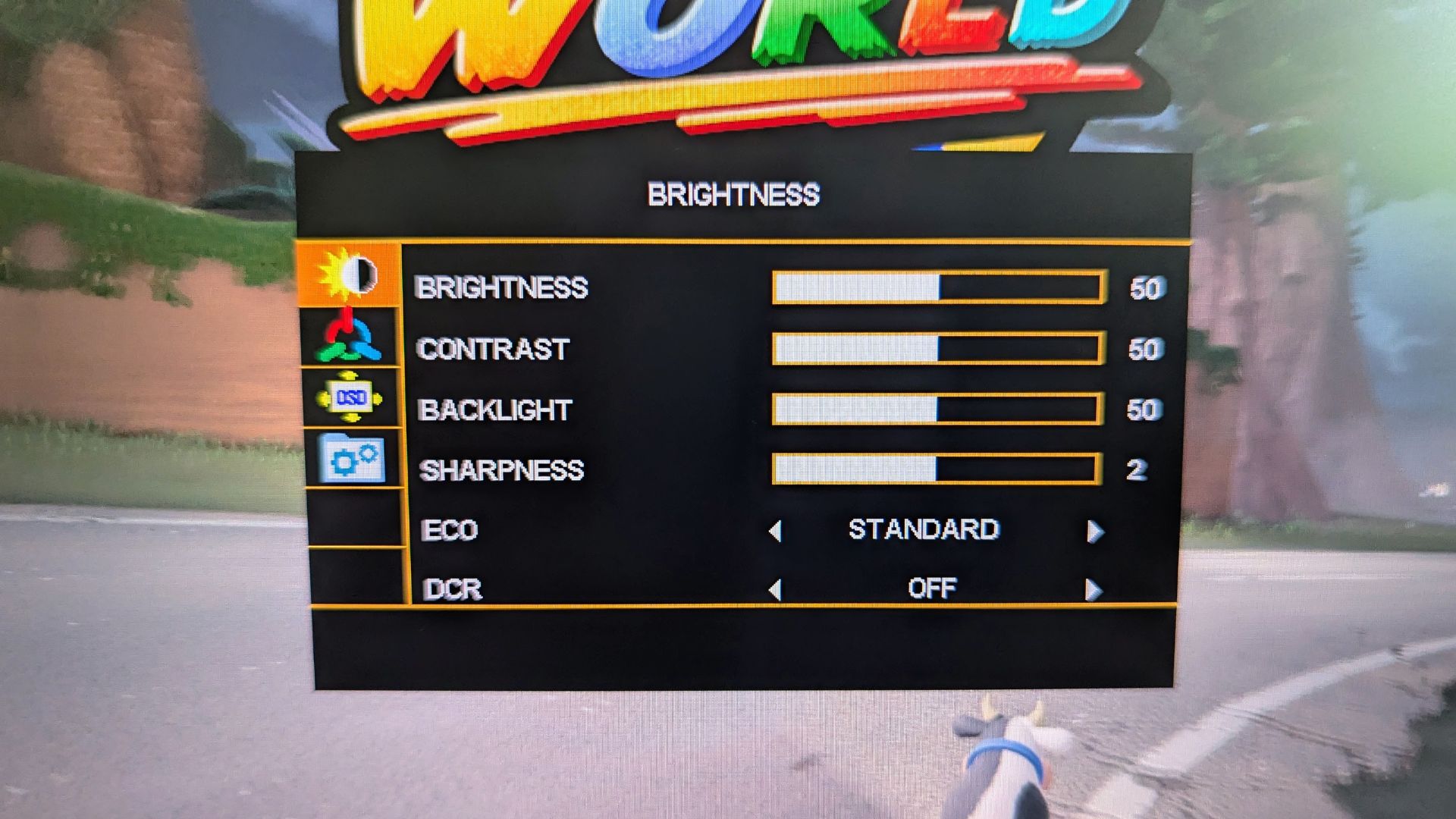
The OSD menus include standard settings like brightness, contrast, sharpness, color temperature, and language.
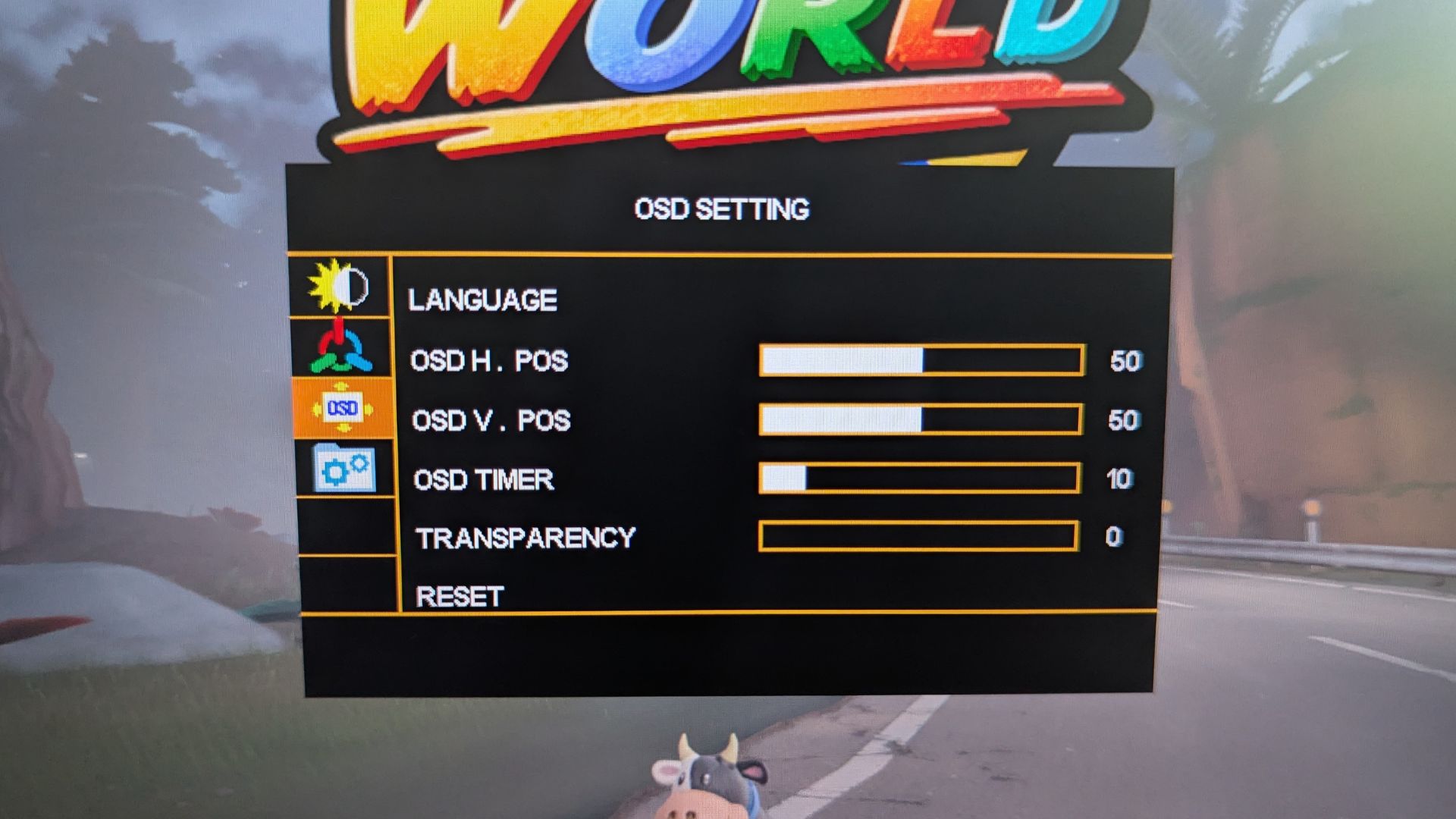
A notable feature is the ability to independently control settings for each monitor via the OSD, even with multiple devices connected. We successfully tested this with three different devices. However, we discovered that audio output is limited to the first monitor; there was no option to route audio from devices connected to the second or third monitors.
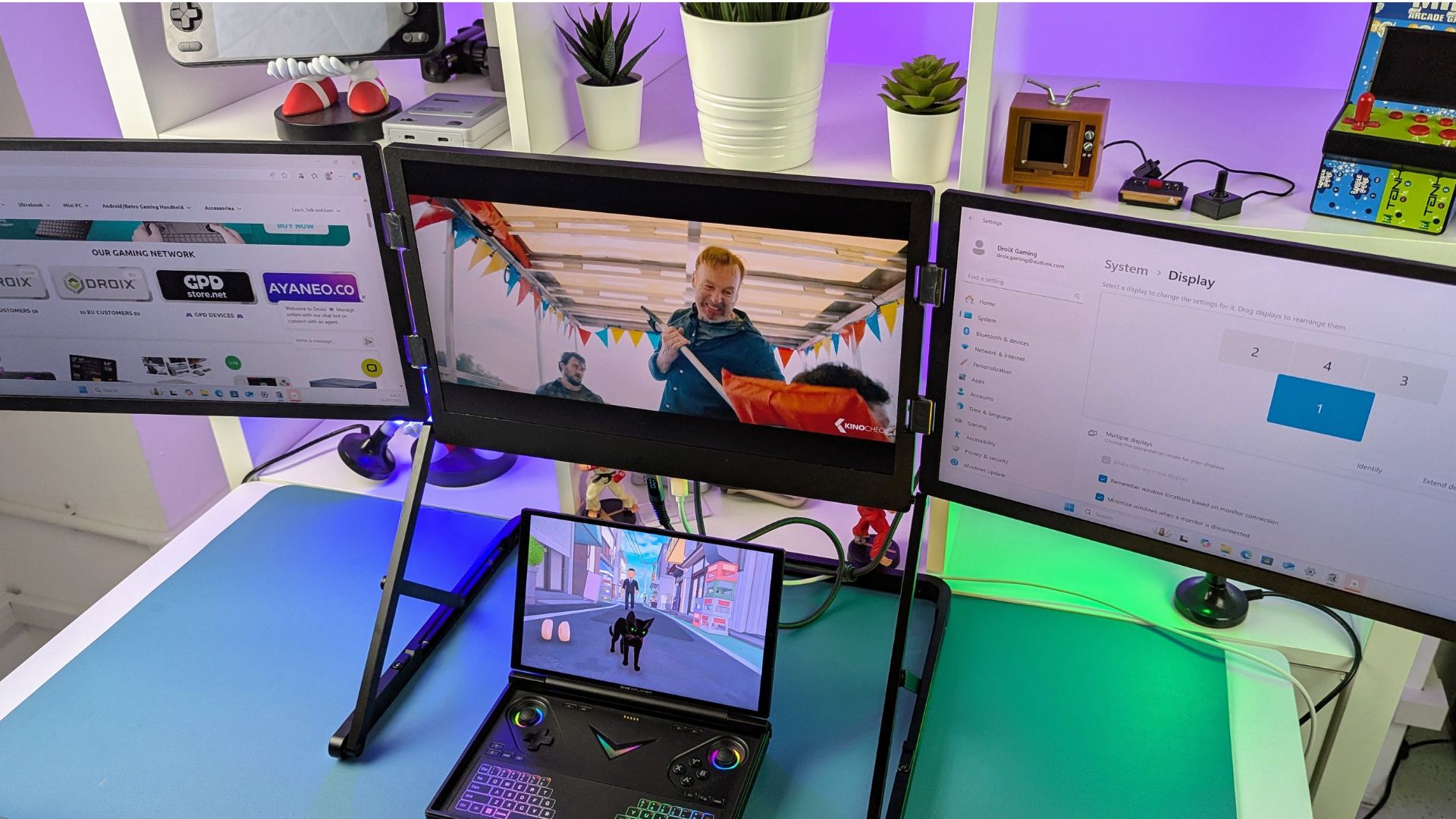
Exploring the monitor setups
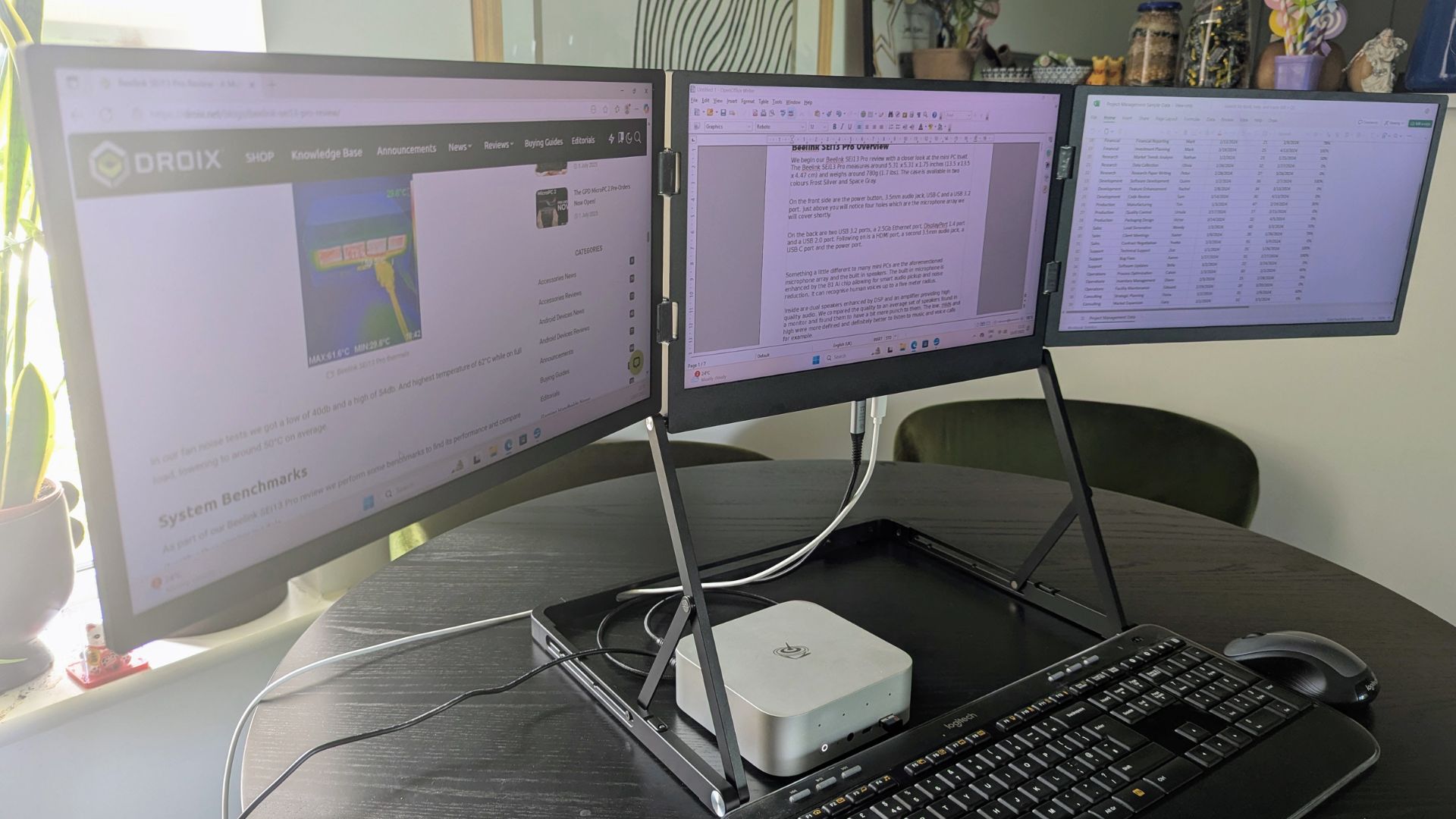
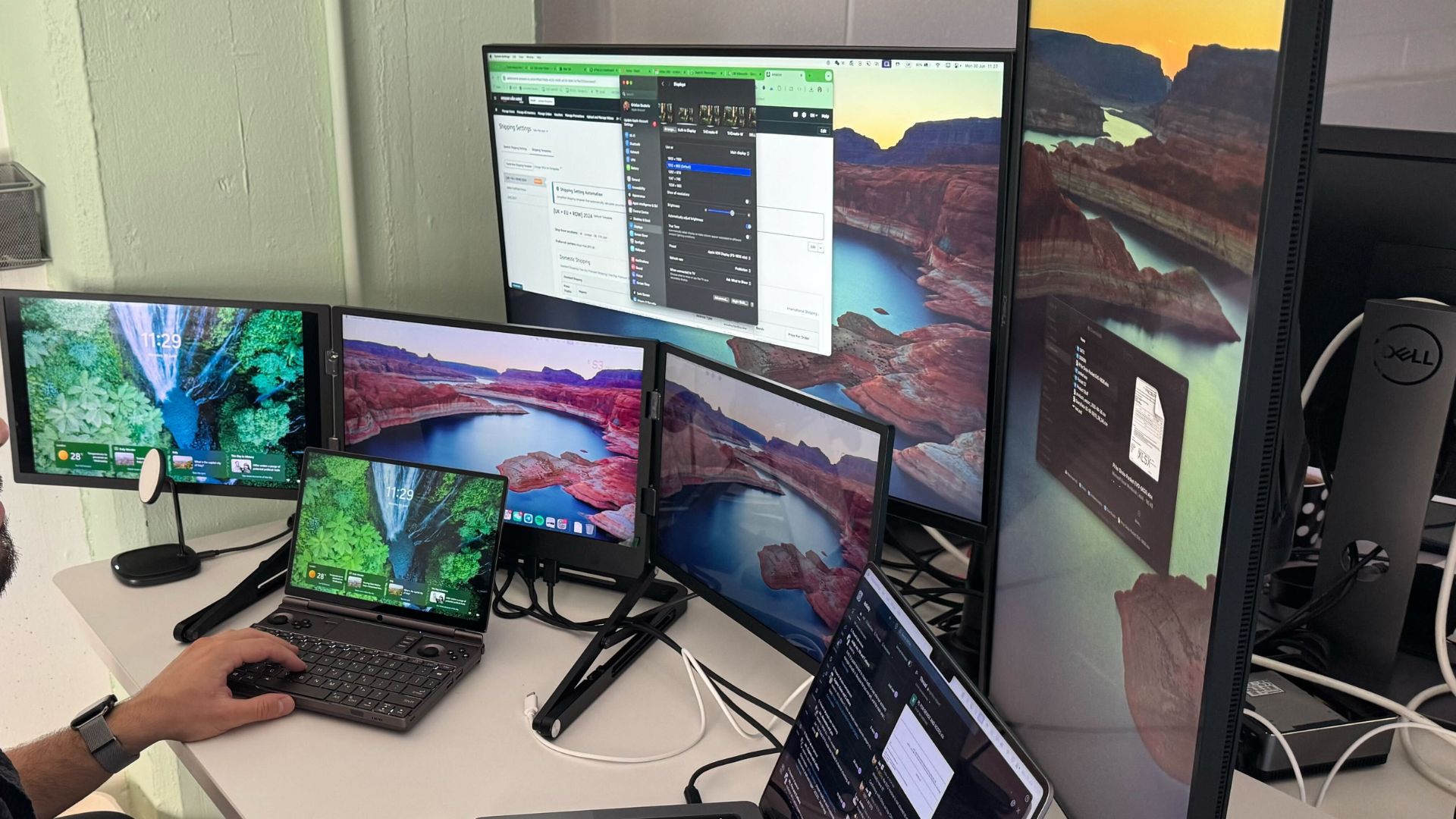
A triple monitor setup significantly enhances desktop productivity. Connectivity is flexible: a single USB Type-C output can instantly enable a triple monitor setup, or you can use individual HDMI or DisplayPort (with adapter) outputs from your PC to connect to the mini HDMI ports.
The monitor can fold back into a “triangle” orientation, ideal for collaborative settings where displays can be mirrored for shared viewing around a table. A thoughtful magnetic closure keeps the two adjustable monitors securely connected in this configuration.
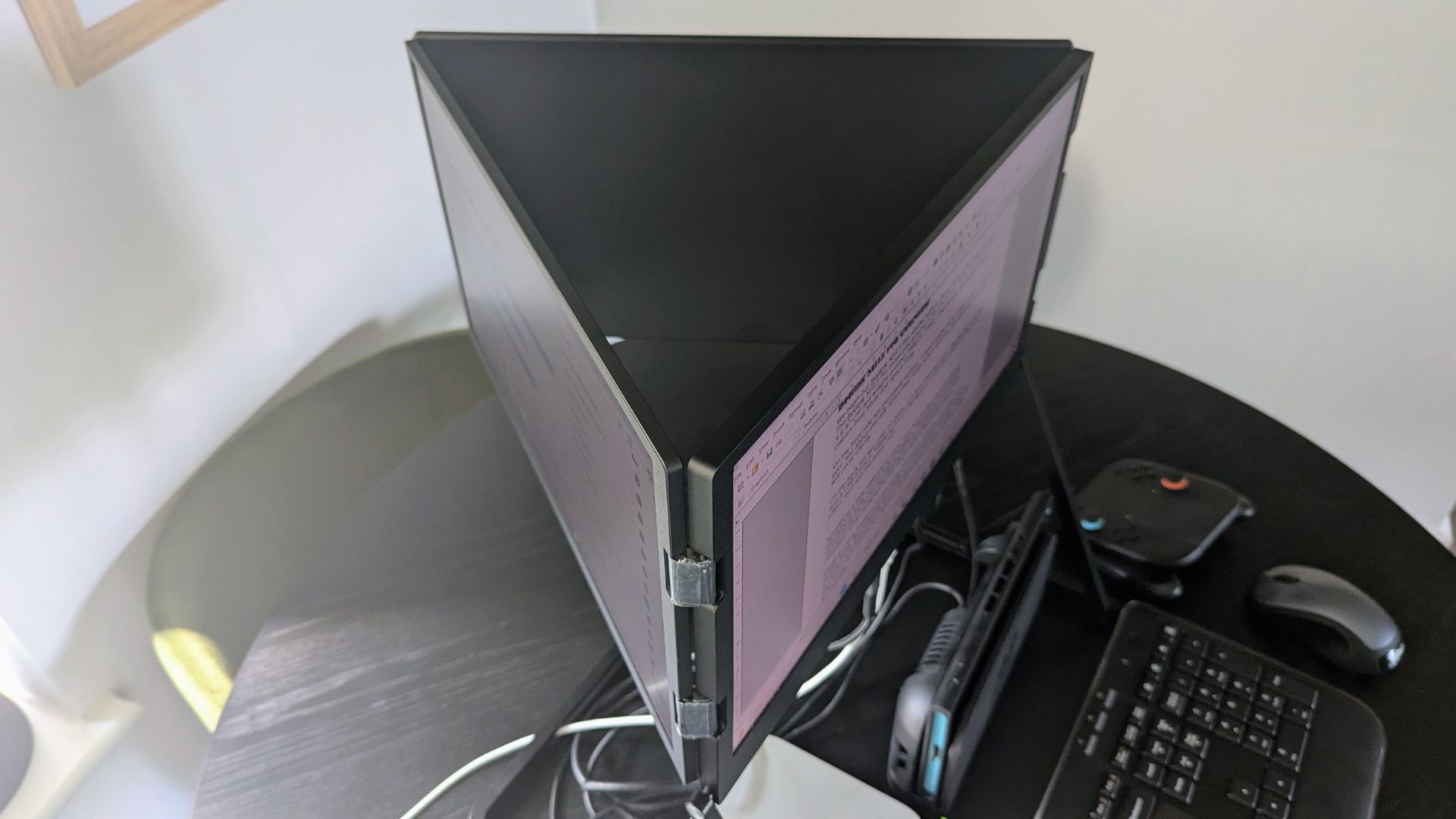
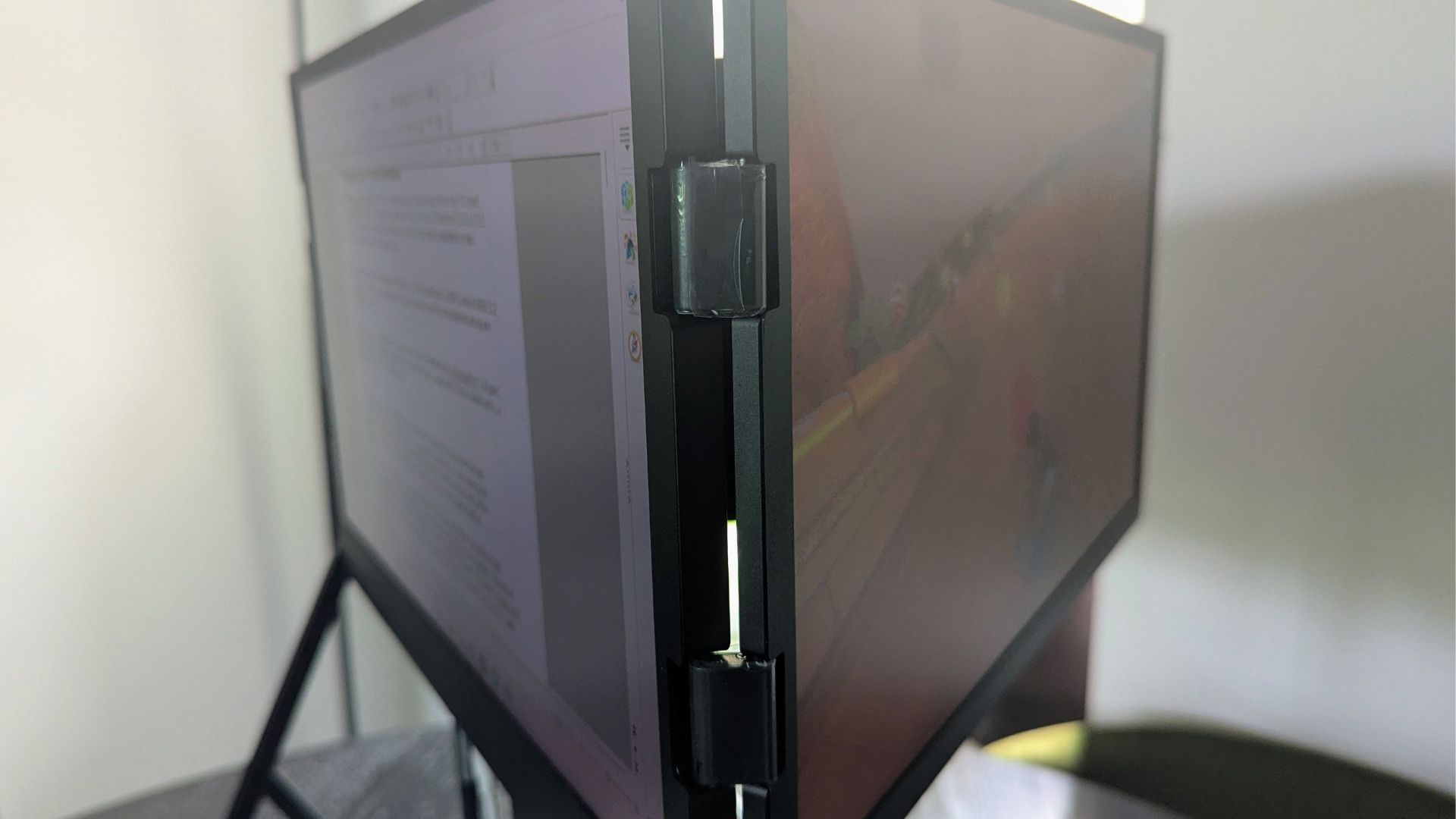
With three mini HDMI ports, you can also connect and use three different devices independently. This versatility could cater to diverse needs, such as one person watching a movie, another browsing the web, and a third playing a game console such as the Nintendo Switch 2 simultaneously. While potentially distracting, this setup is particularly effective in the triangle orientation. Other practical uses include gaming on one screen while using the others for Discord or stream monitoring.

We tried a variety of devices including PC & MacBook laptops, mini PCs, handheld gaming PC’s such as the GPD WIN MAX 2 2025, game consoles including Nintendo Switch 2 & PS5 and iPhone 15 phone. All displayed without any issues on their respective connectivity methods.
Final Thoughts
The Triple Aero 15.6″ ProMax Monitor is an intriguing concept that addresses several common multi-monitor challenges. For a permanent home or office setup, it eliminates the need for bulky monitor arms, offering a clean, integrated solution. Its connectivity is a major advantage; unlike many portable monitors with side-mounted ports that hinder close placement, the Triple Aero’s bottom-edge ports ensure tidy cable management and allow for seamless, aesthetically pleasing monitor alignment.
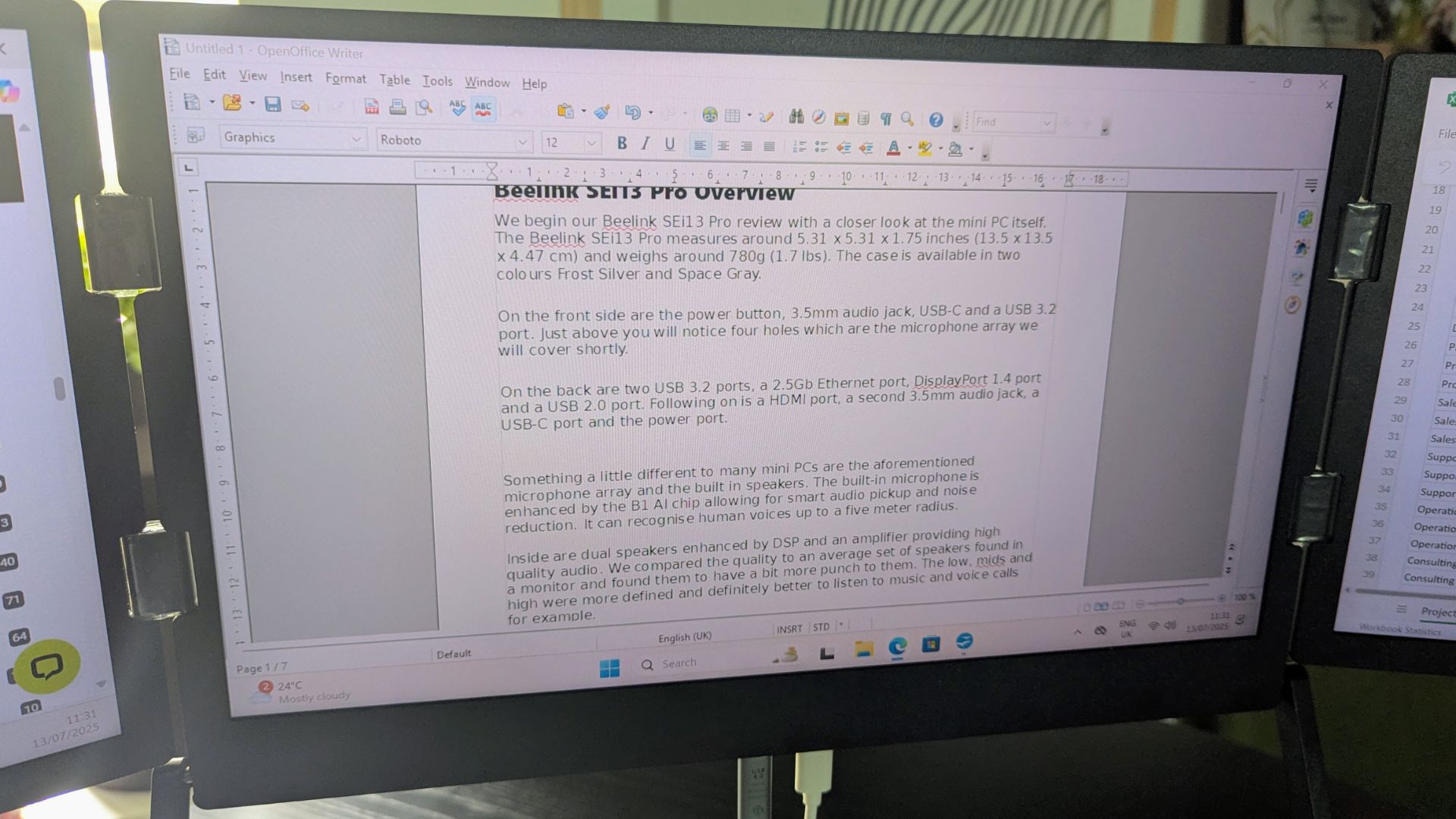

The capability to connect up to three different devices is a significant plus, especially for multi-user environments or collaborative tasks in the triangle orientation. While portability wasn’t the primary focus of our initial assessment, the folding design and integrated handle do make it a viable portable solution. At 3.2kg, it carries some weight, but this is understandable given it encompasses three displays and a sturdy frame, making it far more convenient than transporting three individual monitors with separate stands and power supplies. Essentially anything that connect via USB-C video output or to (mini) HDMI should work fine but you may need convertors for some.

The Triple Aero 15.6″ ProMax Monitor offers a unique and versatile solution for expanding screen real estate, proving to be a compelling option for both static desk setups and on-the-go productivity; despite minor issues with OSD scaling and the lowest height adjustment, its sturdy aluminum build, integrated cable management, and ability to connect up to three separate devices make it a highly functional and aesthetically pleasing triple-display system, especially given its relatively portable design for a multi-monitor setup.
Thanks to Aura Displays who provided the Triple Aero 15.6″ ProMax Monitor for DROIX to review. All words are our own and not instructed by Aura Displays.




