




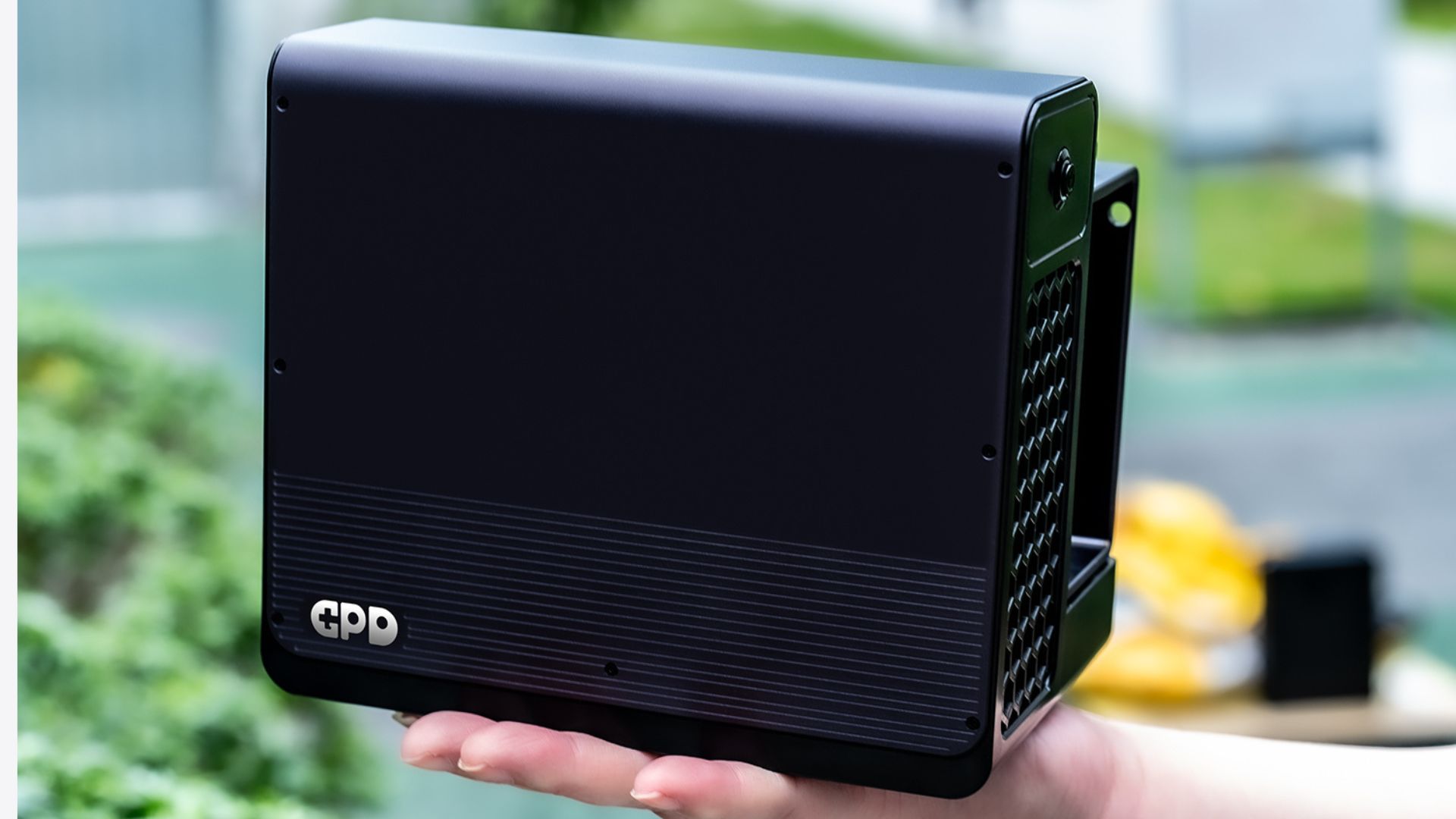
If you are eyeing the GPD G2 eGPU docking station and curious if your hardware is a match, here is the bottom line: the GPD G2 is built specifically for systems featuring Thunderbolt 3, 4, or 5, as well as USB4 or USB4 v2.0 connectivity, provided they also have the necessary operating system and driver configuration for eGPU functionality.
This makes the GPD G2 a versatile solution rather than a one-size-fits-all product. It is primarily engineered for GPD’s own line of handheld gaming PCs, compact laptops, mini PCs, and other small-form-factor computers that require a boost in graphical performance beyond their integrated capabilities.
However, not every USB-C port is created equal, and even modern devices with high-speed ports may perform differently when tasked with an external GPU. Therefore, this guide outlines confirmed compatibility, likely candidates, and the essential steps you should take to verify functionality before making a purchase.
What connection does the GPD G2 require?
To function correctly, the GPD G2 requires one of the following connectivity standards:
- Thunderbolt 3
- Thunderbolt 4
- Thunderbolt 5
- USB4
- USB4 v2.0
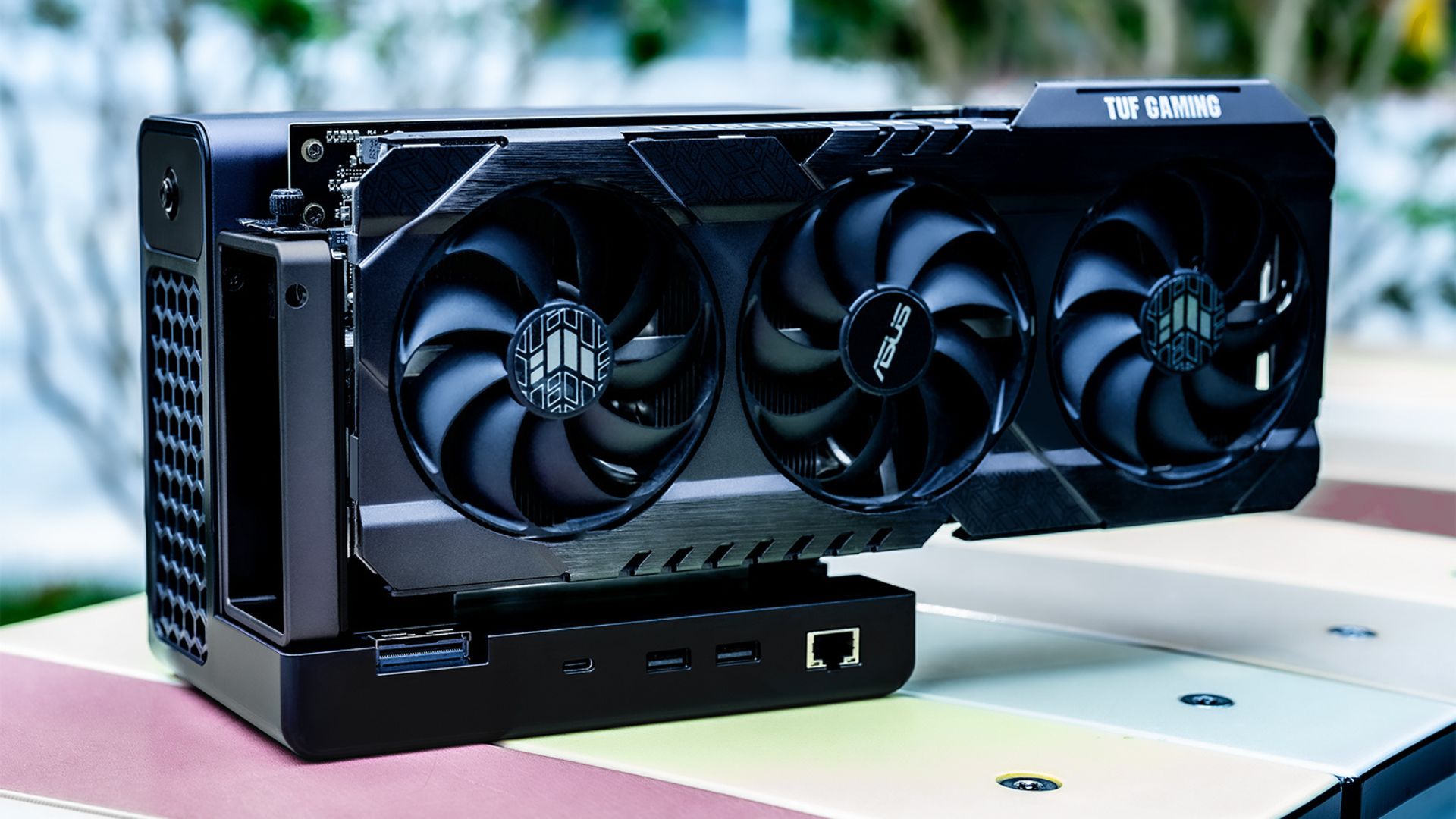
In short, the GPD G2 is designed for devices with high data bandwidth capable of supporting external graphics. If your device features only a standard USB-C port without Thunderbolt or USB4-grade support, it should not be considered compatible with the GPD G2. Furthermore, because the GPD G2 utilises MCIO and USB4 v2.0, GPD positions this as a high-performance expansion and graphics platform rather than a basic docking station.
Which GPD devices can use the GPD G2?
Based on the compatibility details gathered, the GPD G2 supports a wide array of devices within the GPD handheld gaming PC and ultrabook/mini laptop categories.
Compatible GPD handheld gaming PCs
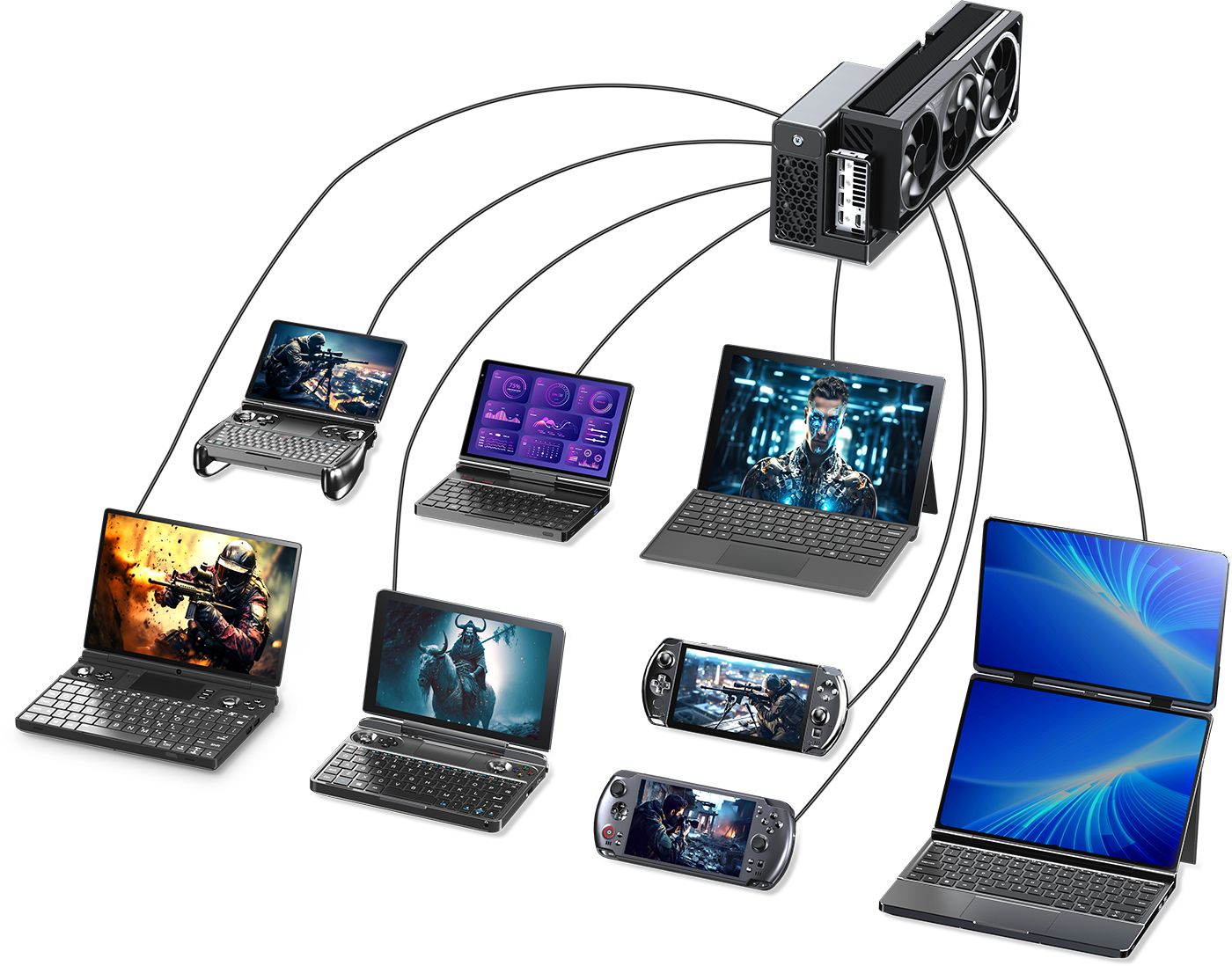
The following handheld gaming PCs are either supported or intended to be compatible:
- GPD WIN 3
- GPD WIN Max / WIN Max 2021
- GPD WIN Max 2
- GPD WIN 4
- GPD WIN Mini
- GPD WIN 5
Compatible GPD mini laptops and ultrabooks
The following GPD portable computers are supported or intended to be compatible:
Does the GPD G2 support the GPD BOX?
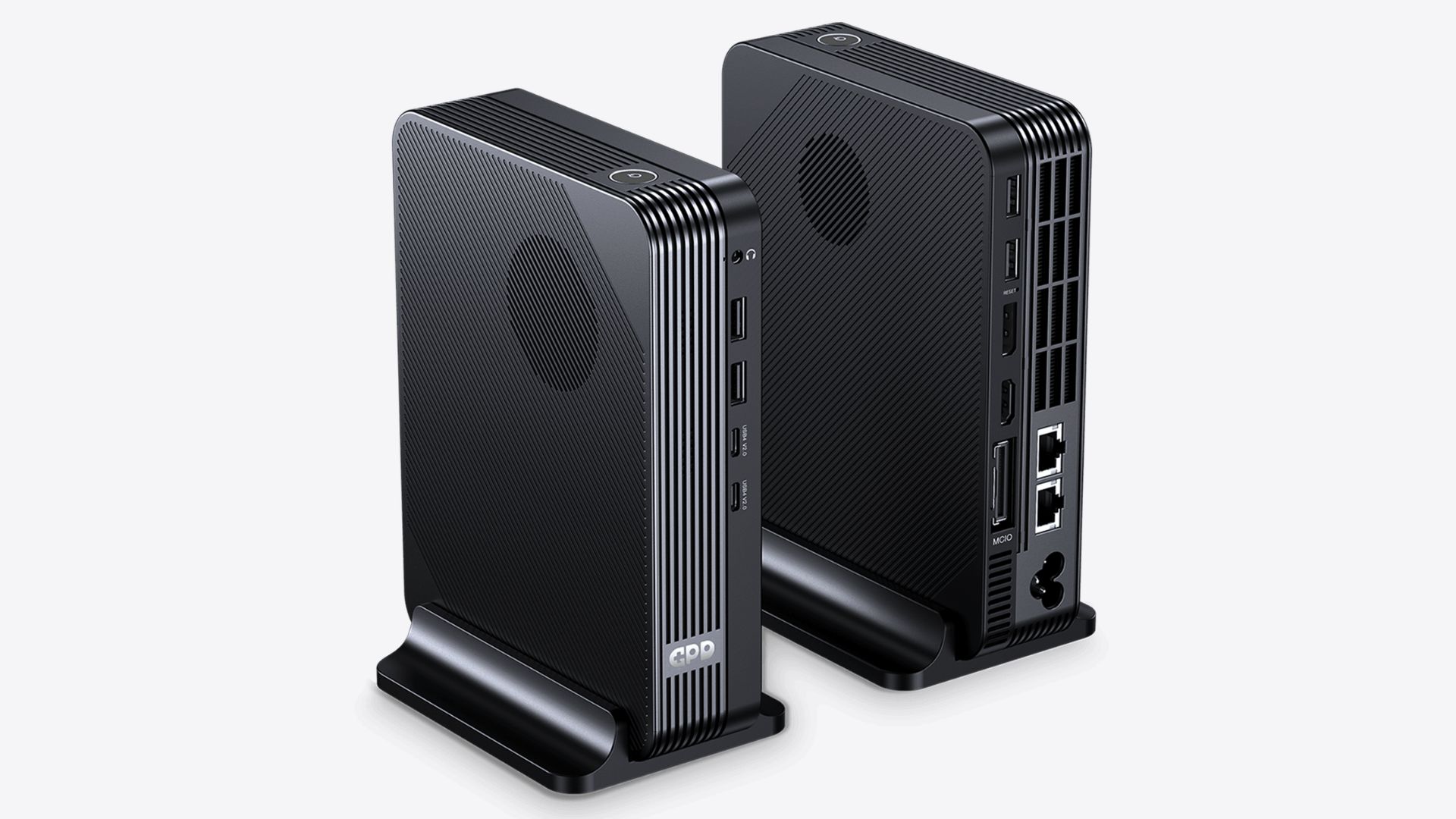
Absolutely. The GPD BOX is a primary target for the GPD G2. The GPD BOX mini PC and the GPD G2 eGPU dock are designed to function as a cohesive unit, with the BOX serving as the compact central computer and the G2 providing significantly enhanced graphics and expansion capabilities.





Can the GPD G2 work with non-GPD devices?
Yes, it can. The GPD G2 is not restricted to GPD-branded hardware and can be paired with a variety of other systems, including:
- Laptops / Ultrabooks
- Handheld gaming PCs
- Mini PCs
- Desktops
- Workstations
- Selected high-end compact systems with appropriate ports
Success is determined by the internal hardware, specifically, whether the machine features a legitimate Thunderbolt or USB4-class port with functional eGPU support, rather than the brand name.
What should you check before assuming compatibility?
Before purchasing a GPD G2 for your machine, verify these five criteria:
- Does the device feature Thunderbolt 3, 4, 5, USB4, or USB4 v2.0? A generic USB-C port is insufficient; you must have the high-bandwidth interface required for external data.
- Does the port properly support eGPU functionality? While a port might handle power delivery or video output, how it handles an external GPU can vary based on the chipset, firmware, and OS.
- What operating system is in use? Windows is generally the most reliable environment for modern eGPUs. Linux compatibility is possible but depends on your specific hardware and graphics stack.
- Are the correct graphics drivers available? Your experience depends heavily on the driver support provided by both the OS and the graphics card manufacturer.
- Is the device suited for external graphics tasks? Ensure your intended use, whether for gaming, AI processing, creative projects, or workstation tasks, s realistically supported by your specific hardware configuration.
Does the GPD G2 support Intel Macs?
Yes, though with a major caveat: while the GPD G2 works with Intel-based Apple systems, you may need official graphics driver support from Apple. Generally, Intel-based Macs are the only category of Apple computers suitable for this type of eGPU discussion.
Does the GPD G2 support Apple Silicon Macs?
No. The GPD G2 is incompatible with all Apple Silicon-based devices, including M1, M2, M3, and later chips. Consequently, if you use an Apple Silicon-equipped MacBook Air, MacBook Pro, Mac mini, Mac Studio, or similar system, you should not consider the GPD G2 a viable eGPU solution.
What about Microsoft Surface Pro 11?
The Microsoft Surface Pro 11 serves as an interesting case because it features modern, high-speed ports. While current specifications for the Surface Pro 11 indicate it has USB4-capable USB-C ports, aligning with the GPD G2’s requirements, real-world performance can still be influenced by OS, firmware, and driver maturity. Therefore, the safest advice is that while it meets the connection requirements, you should personally verify eGPU support for your specific setup before assuming it will be plug-and-play.
What about Beelink and GMKtec mini PCs?
The situation for third-party mini PCs is similar to other hardware. Many models from manufacturers like Beelink and GMKtec are excellent candidates for the GPD G2, provided they utilize Thunderbolt 4 or USB4. You must evaluate compatibility model by model; a Beelink or GMKtec unit with the required high-bandwidth port is a strong candidate, whereas one with only standard USB-C is not.
Which kinds of third-party devices are the best candidates?
Ideal non-GPD devices for the GPD G2 generally include:
- Windows-based laptops featuring Thunderbolt 3, 4, or 5
- Gaming handhelds and compact PCs with USB4
- Mini PCs with validated Thunderbolt or USB4 support
- Creator-focused laptops designed for external graphics workflows
- Compact desktop or workstation setups with compatible external expansion ports
Generally, newer, high-performance systems are significantly better candidates than budget-tier machines with limited USB-C functionality.
Which devices are poor candidates for the GPD G2?
Avoid the GPD G2 if your device falls into any of these categories:
- It only possesses basic USB-C ports.
- It lacks Thunderbolt or USB4 certification.
- It utilises an Apple Silicon processor.
- It lacks the necessary software or driver support for external GPUs.
- It is an older, budget-oriented device where the port is limited to basic charging or display output.
Is Thunderbolt better than USB4 for GPD G2 compatibility?
Not necessarily. Both technologies are compatible with the GPD G2. The deciding factor is not the specific branding, but rather how well the device’s implementation supports external GPUs, combined with how effectively the OS and drivers communicate with the hardware. A well-designed USB4 system can be just as effective as a Thunderbolt system.
Does the GPD G2 only make sense for gaming handhelds?
No. While gaming handhelds are a common use case, the GPD G2 is also highly valuable for:
- Compact laptops requiring extra graphical horsepower at a desk.
- Mini PCs that need a flexible, upgradeable graphics solution.
- Creative workstations that benefit from an external GPU.
- Specific compute-heavy or specialized compact computers.
This versatility is what makes the GPD G2 a far more compelling option than a standard peripheral dock.
Quick compatibility checklist
Before purchasing, verify the following:
- Does your device feature Thunderbolt 3, 4, 5, USB4, or USB4 v2.0?
- Is your operating system capable of supporting external GPU drivers?
- Is your device type (handheld, laptop, mini PC, etc.) suitable for external graphics?
- Are you using a system that is not based on Apple Silicon?
- If using a third-party brand, have you verified compatibility for your specific model rather than the brand as a whole?
If you answered “yes” to all, your device is highly likely to be a solid candidate for the GPD G2.
Buying advice: who should consider the GPD G2?
The GPD G2 is ideal for users who have a compact system they enjoy but want to increase graphics performance without purchasing an entirely new machine. It is a particularly strong choice if you:
- Own a compatible GPD gaming handheld.
- Want to integrate a powerful graphics setup into your desk workspace.
- Plan on using the GPD BOX.
- Own a compact laptop or mini PC with the required ports and desire more GPU power.
If your machine lacks Thunderbolt or USB4-class support, or if you use an Apple Silicon Mac, the GPD G2 is likely not suitable for your needs.
FAQ
- Does the GPD G2 work with the GPD WIN 4, WIN Mini, and WIN 5? Yes, the GPD G2 is compatible with these models and several other GPD handhelds.
- Does the GPD G2 work with the GPD Pocket 4? Yes, it is fully supported within the GPD mini laptop lineup.
- Does the GPD G2 work with the GPD BOX? Yes, the GPD BOX and GPD G2 are intended to be used as a matched system.
- Can I use the GPD G2 with any USB-C port? No, standard USB-C is insufficient. You require Thunderbolt 3, 4, 5, USB4, or USB4 v2.0.
- Does the GPD G2 work with Apple Silicon Macs? No, these systems are not supported.
- Can the GPD G2 work with third-party mini PCs? Yes, it is possible. Mini PCs from brands like Beelink or GMKtec are candidates, provided the specific model includes the required Thunderbolt or USB4-class connection and proper driver support.
From the blog
Visit the blog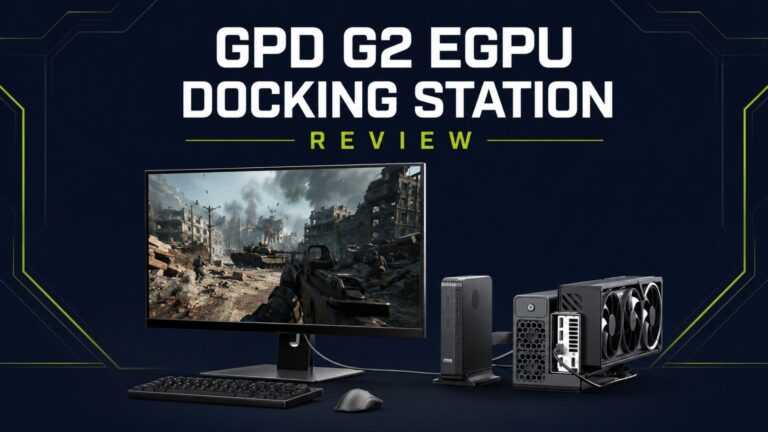 GPD G2 review- Powerful Desktop-Class Graphics in a Compact Dock
23 July 2026
GPD G2 review- Powerful Desktop-Class Graphics in a Compact Dock
23 July 2026
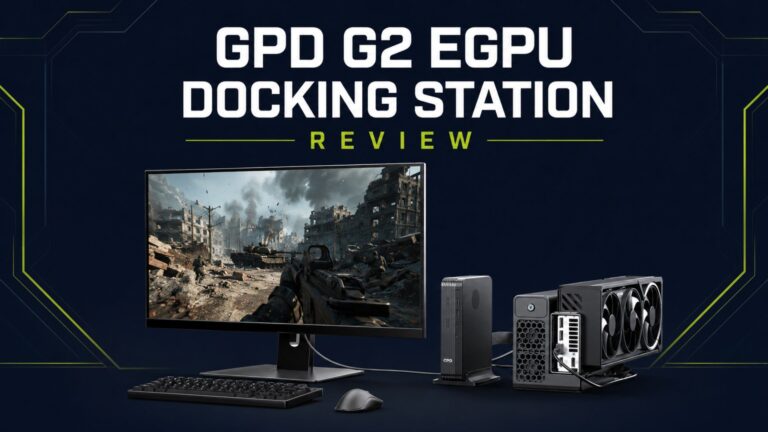 GPD G2 review – A Versatile eGPU Upgrade for GPD Handheld Gaming PCs, mini PCs and Ultrabooks
15 July 2026
GPD G2 review – A Versatile eGPU Upgrade for GPD Handheld Gaming PCs, mini PCs and Ultrabooks
15 July 2026
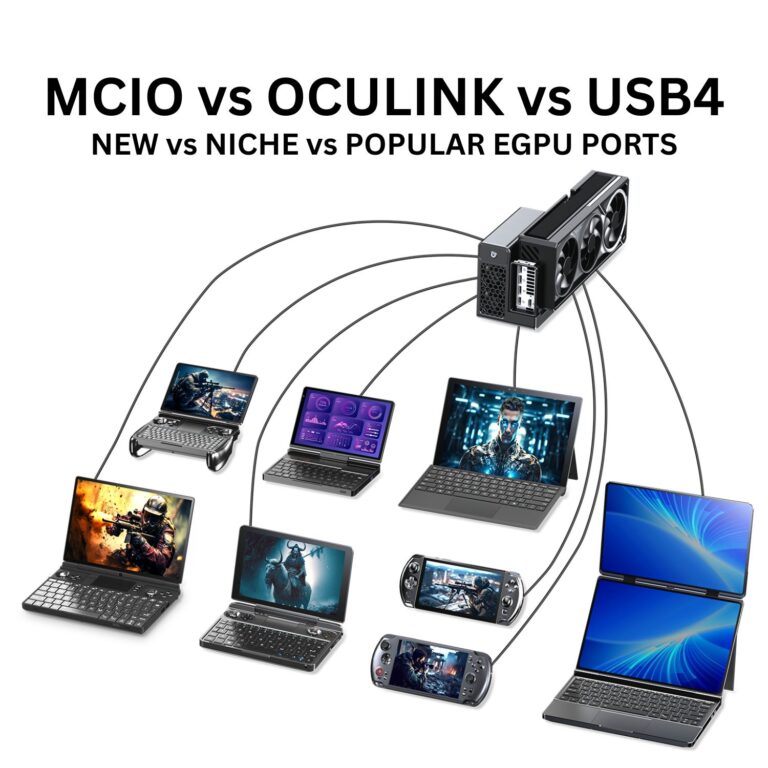 MCIO vs. OCuLink vs. USB4: Which External GPU Connection Reigns Supreme?
1 May 2026
MCIO vs. OCuLink vs. USB4: Which External GPU Connection Reigns Supreme?
1 May 2026
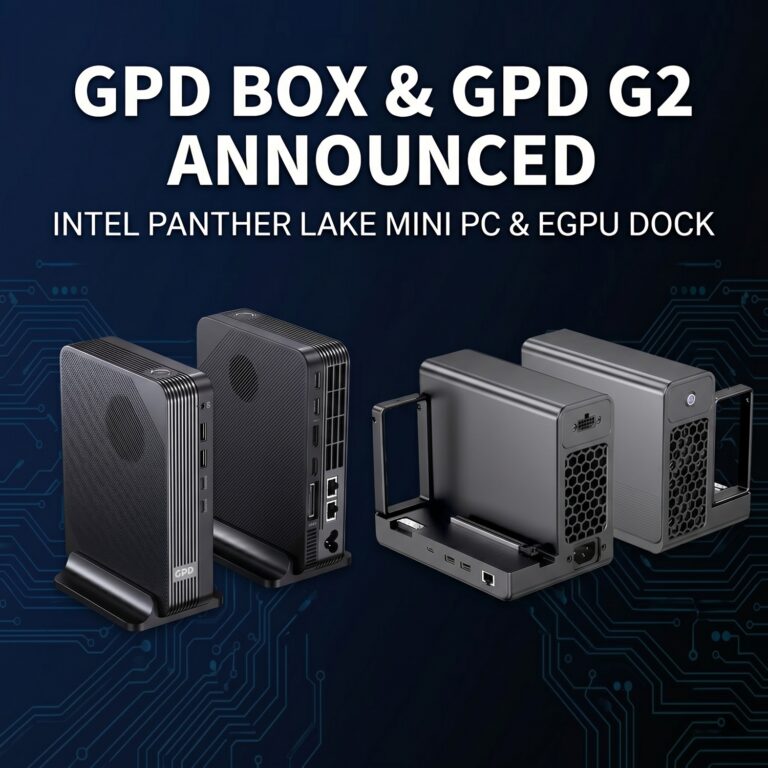 GPD G2 and GPD BOX: Combining MCIO eGPU Capabilities With GPD’s Inaugural Mini PC
27 April 2026
GPD G2 and GPD BOX: Combining MCIO eGPU Capabilities With GPD’s Inaugural Mini PC
27 April 2026
Questions & answers