

Managing your handheld’s power is essential for a smooth gaming experience. In this article, we explore the GPD WIN 5 USB charger use to help you understand how to best provide energy to your device. While modern chargers offer high wattage, the way the GPD WIN 5 handles this power can vary significantly depending on your setup.
Understanding GPD WIN 5 USB Power Limits
It is important to note that the USB 4 port on the GPD WIN 5 supports up to 100W. Consequently, while you might use a 140W charger for example, the GPD WIN 5 USB power intake has specific physical limitations. During our internal testing, we discovered that pushing the GPD WIN 5 to high TDP levels without a battery can lead to instability.
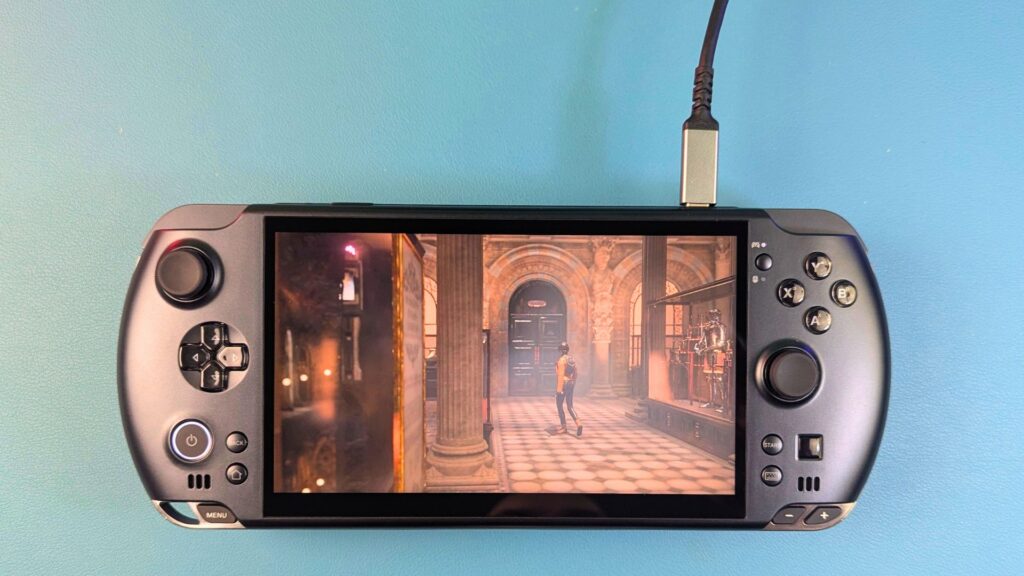
For example, when running at a 55W TDP, the charger peaked at 103W. If the TDP was increased to 65W, the draw occasionally reached 112W. However, the GPD WIN 5 began to struggle once we hit 75W. At this level, the handheld switched off halfway through a benchmark because the power demand exceeded what the charger could consistently provide.
Why the External Battery is Essential for GPD WIN 5 USB Charging
We strongly recommend having the GPD WIN 5 battery connected even when you are using a high-output USB wall charger. Using the GPD WIN 5 with no battery is possible, but it is often unreliable. During our tests, the GPD WIN 5 frequently shut down during Windows boot or high-intensity benchmarks like 3DMark when the battery was absent.
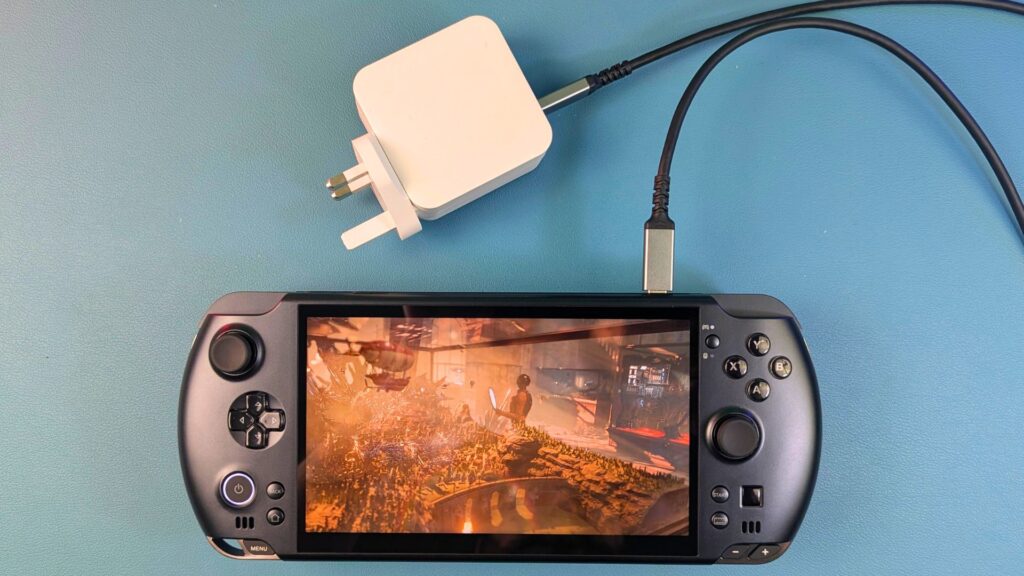
The internal GPD WIN 5 external battery acts as a vital buffer and can even recharge it while in use. It helps to smooth out the power draw during sudden spikes in demand.
Optimising GPD WIN 5 USB Charger Use via TDP
If you must run the GPD WIN 5 without a battery, 40W appears to be the most stable sweet spot. Despite this, we still observed occasional shutdowns at this level during demanding tasks. Therefore, for the most reliable experience, you should use the mains power brick via the DC barrel jack. This remains the best way to power the GPD WIN 5 for maximum performance.
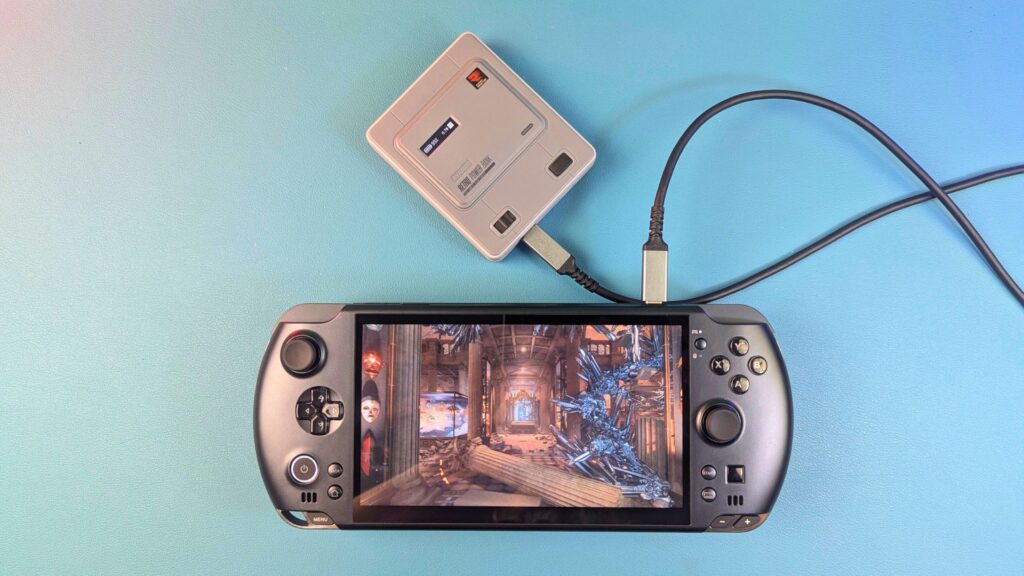
When the battery was plugged back in, we successfully pushed the GPD WIN 5 in benchmarks. Interestingly, the charger showed a varying draw between 70W and 95W. Even under these heavy loads, the GPD WIN 5 remained stable and did not shut down once.
Achieving Stability with GPD WIN 5 USB Charging
The GPD WIN 5 battery plays a massive role in maintaining stability for GPD WIN 5 USB charging scenarios. In one 3DMARK Time Spy benchmark, we noticed the battery percentage actually increased while plugged into the 140W charger. This suggests that the GPD WIN 5 can manage its reserves effectively when a high-quality power source is used alongside the GPD WIN 5 external battery.
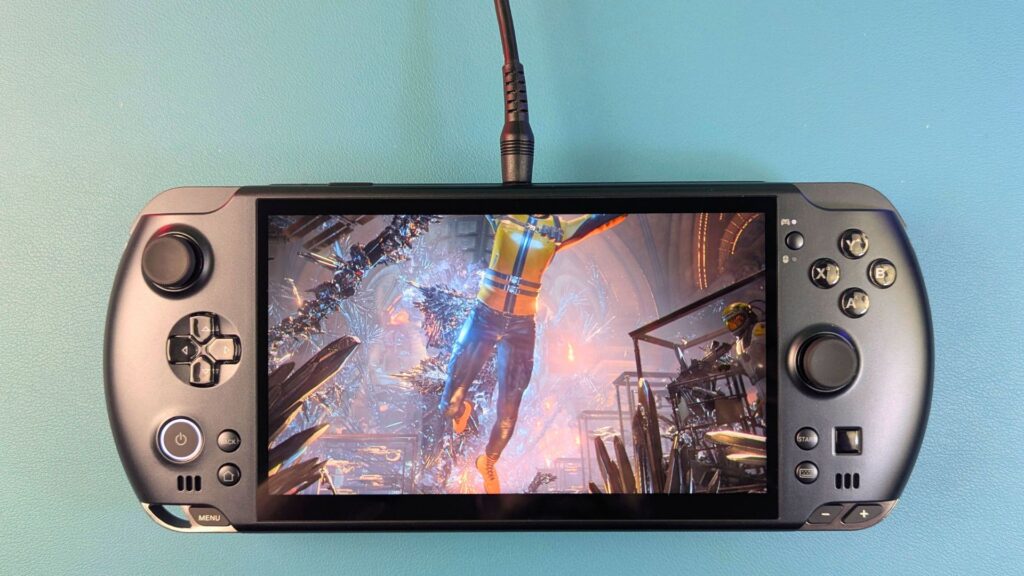
- Use the external battery only when you have to i.e. when travelling and not near a power source
- Use the external battery with a 100W+ USB charger or power bank for travelling light
- Use the power brick via DC barrel jack for the best performance
In conclusion, a 140W charger is a great tool for the GPD WIN 5, but it should not be your only line of defence. To prevent random power-offs, keep your battery connected. For the absolute best results, stick to the official DC barrel jack charger provided with your GPD WIN 5. Following these steps will ensure your GPD WIN 5 stays powered and protected during your longest gaming sessions.
