

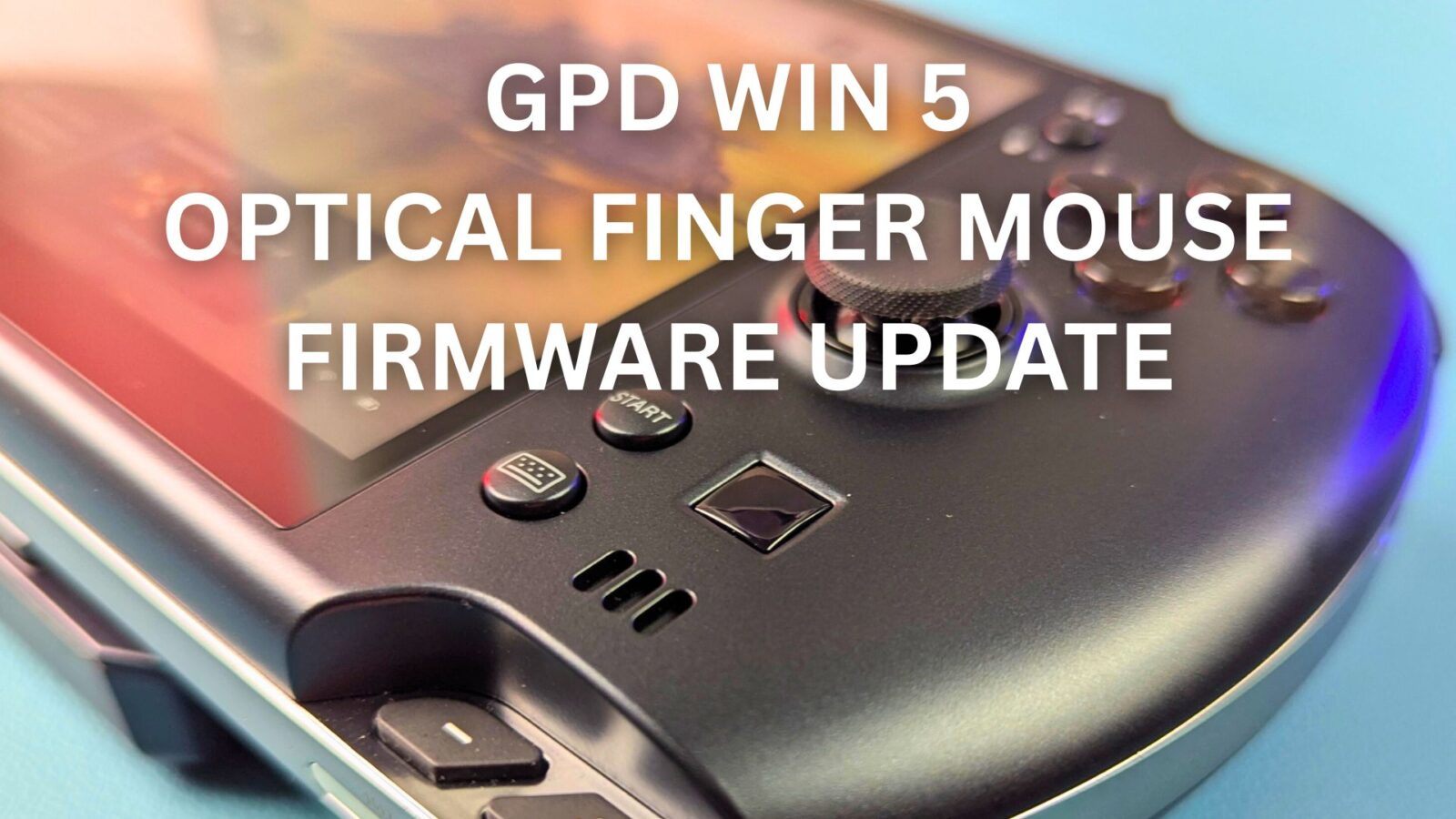
You may have noticed that the GPD WIN 5 Optical Finger Mouse is a bit too sensitive and picks up movement when you are not directly touching it. This firmware update improves the sensitivity and will reduce the chances of it happening.
As always when updating the firmware, please ensure your device is connected to the charger before running any updates. Do NOT switch off the device during the update process. This should only be used on the GPD WIN 5 and no other devices. DROIX accepts no responsibility for failed updates or misuse.
Download and extract the GPD WIN 5 Optical Finger Mouse firmware update here.
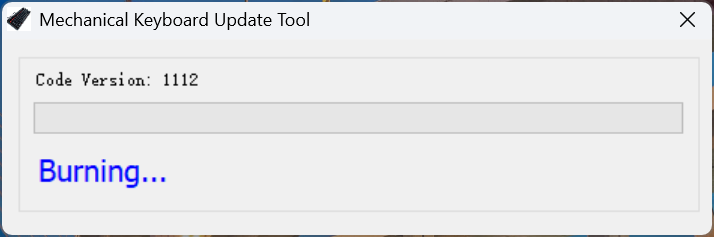
Run the WIN5_OFN_20251127A.exe, the software will check the hardware status for a few moments, then begin the update process. This should take around 20-30 seconds.
Once completed, it will check the status and PASS will be displayed.
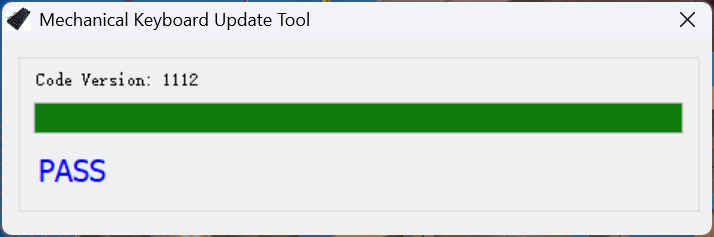
You can close the software and reboot the GPD WIN 5 for the update to complete. Once rebooted you can use your GPD WIN 5 as normal.
