
In this video and text based guide, we will show you how to reset Windows back to a fresh install on your ONEXPLAYER 1S. First you need to ensure that your ONEXPLAYER 1S battery is fully charged. In short, the ...
Ever wondered how Android would run on your retro gaming handheld? Check out this quick and easy guide for installing 351Droid on your RG351P! ...
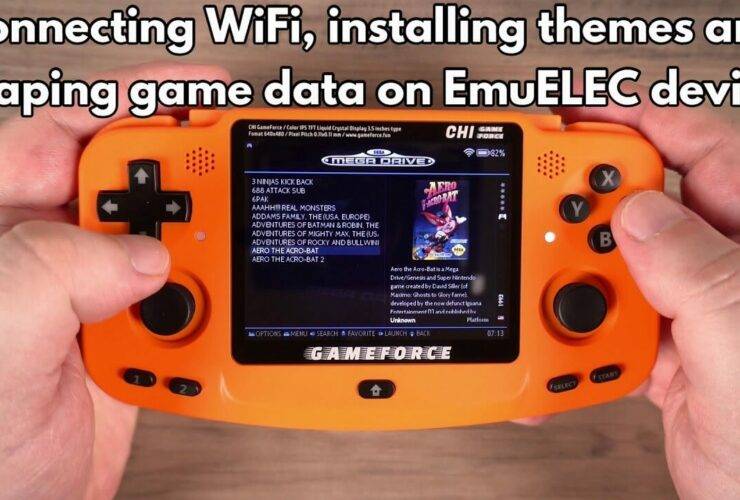
In this guide we are showing how to connect your retro console running EmuELEC to WiFi, how to download & install a new theme and scrape game data. While we are using a Gameforce Chi in this guide, this will ...
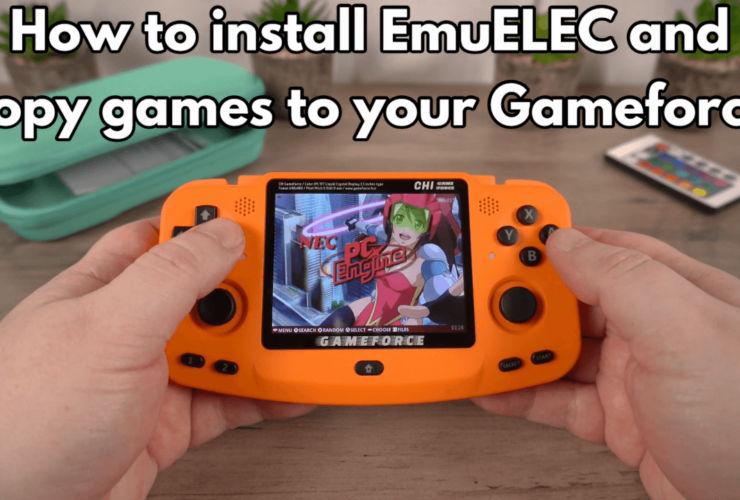
As standard, the Gameforce Chi retro console does not come with a micro SD Card with the Operating System installed. But buying the Gameforce Chi from DroiX we provide a free 64GB card with it pre-installed. So whether you are ...
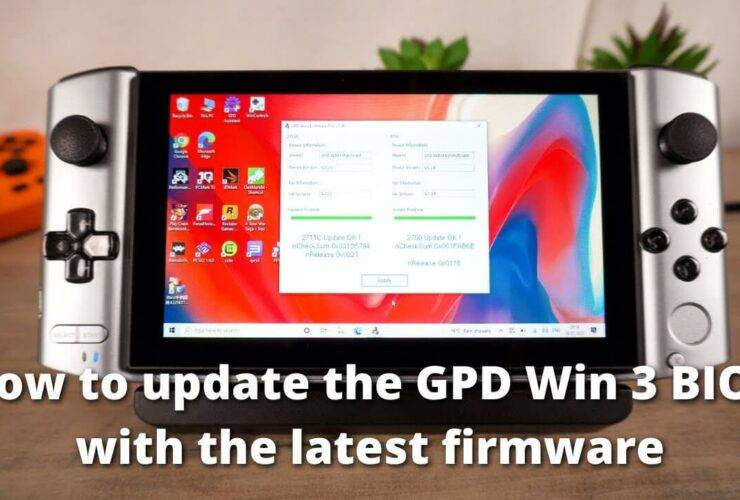
Updating the GPD Win 3 BIOS is important as it will keep your device up to date and fix any found bugs or issues. You can watch our short video below or follow our step by step guide. Next you ...
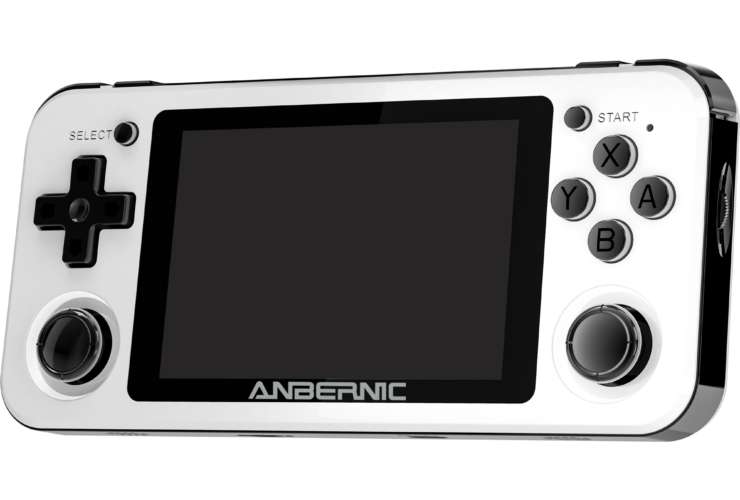
Want to add more games to your RG351P? We at DroiX outline the ways you can do so in this guide... ...
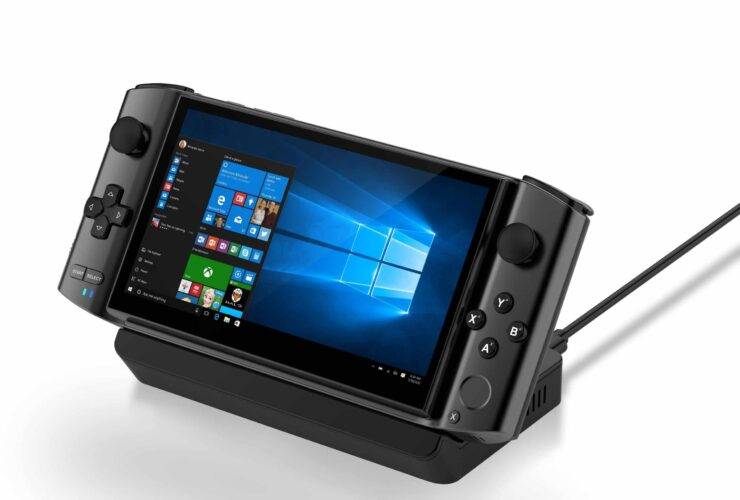
Looking to reinstall Windows on your GPD Win 3? Look no further than this guide! ...
Hi there! With the GPD Win 3 on it’s way in the coming months, we at DroiX thought it might be helpful to create a quick guide going over how to factory reset your GPD Win 3. Factory resetting is ...
When you buy a new Android device, whether it’s a handheld or smartphone, chances are it comes with plenty of preinstalled bloatware. While you can uninstall those third-party bloatware apps, some of the apps are installed as system apps and ...
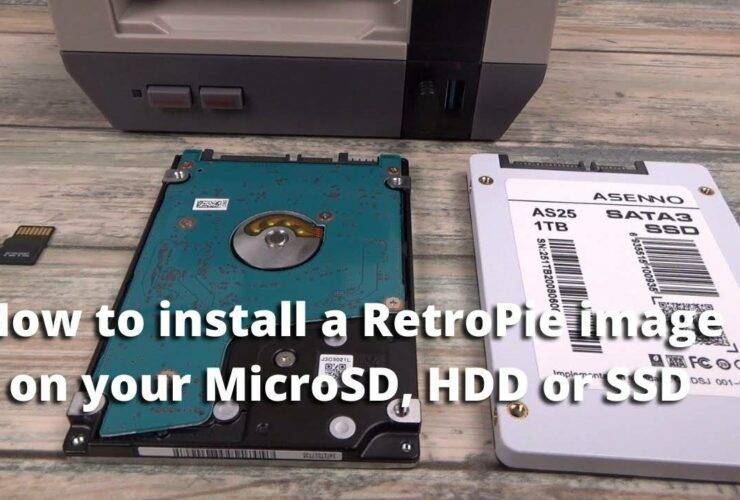
Hi there! A friend of us here at DroiX has created a handy video going over the process of how to install a RetroPie image on an SSD (or a 2.5-inch HDD), so we felt it’d be helpful to the ...



