
In this article
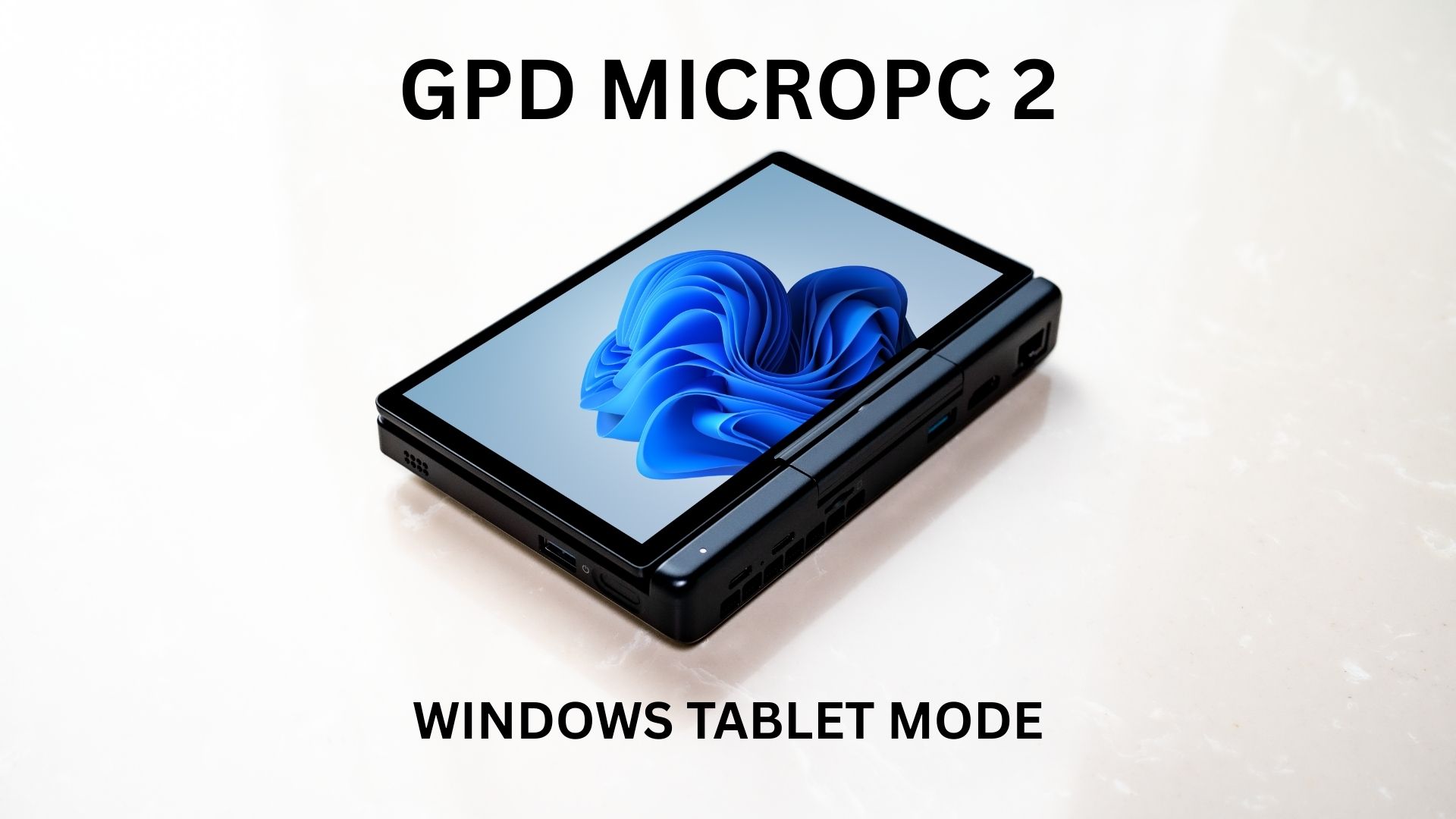
For the modern professional or student, life often involves a technological juggle—a laptop for productivity, a tablet for presentations, and an e-reader for documents. This constant shuffle between devices can be inefficient and costly. The GPD MicroPC 2 presents a compelling case for consolidation, offering a powerful mini laptop and a capable tablet in a single chassis. This article moves beyond its keyboard and touchpad to analyse the other half of its identity: its impressive performance as a GPD MicroPC 2 Windows tablet.
Engineered for a Dual Role
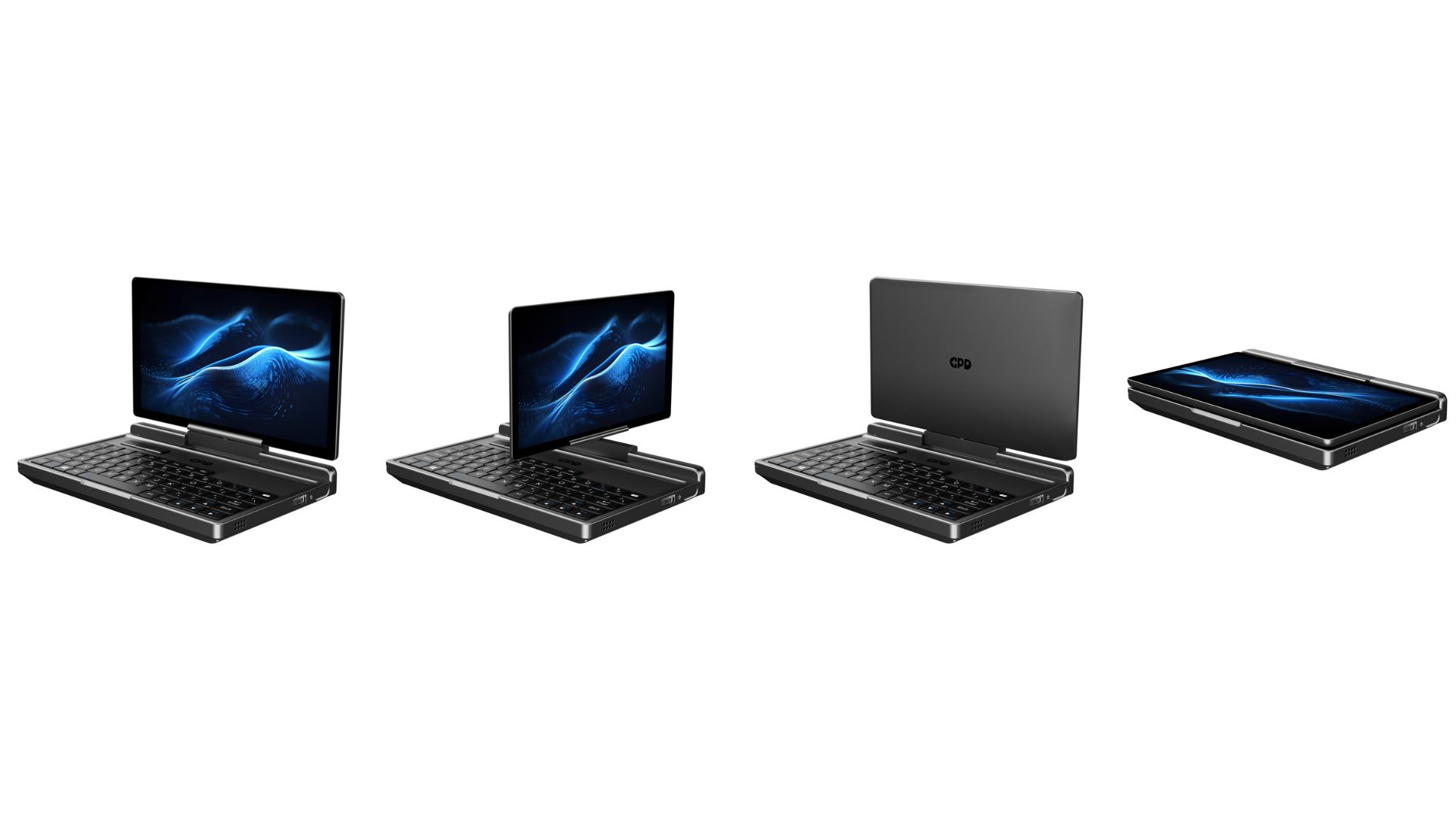
The secret to the GPD MicroPC 2’s adaptability is in its core engineering. The entire experience hinges on a luminous 7-inch, 1080p LTPS display, mounted on a precision 180-degree mechanism that allows it to fold back, creating a comfortable slate. This screen also features capacitive stylus support, enabling precise input for notes and drawings. At its heart, an Intel N250 or N300 series processor and an ample 16GB of LPDDR5 memory ensure that this is no watered-down mobile experience. It’s this hardware that allows the GPD MicroPC 2 Windows tablet to run a full desktop OS, providing access to powerful, uncompromised software that consumer tablets can’t handle.
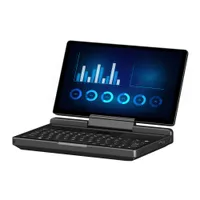

GPD MicroPC 2
Mini Laptops
13 options · £527.95 to £1,042.95



 on 4 stores
A Superior Reading Experience for Complex Documents
Dedicated e-readers are excellent for novels but struggle with the dynamic and detailed nature of professional documents. Technical blueprints, business reports, and academic papers require colour, clarity, and the ability to navigate with ease. In this domain, the GPD MicroPC 2 excels. As a tablet, it becomes the superior reading device for any complex file, rendering diagrams and text with perfect sharpness. While many compact laptops can display these documents, their form factor is awkward for extended reading. The GPD MicroPC 2 Windows tablet provides an ergonomic and powerful way to review critical information, whether at a client site or on the train.
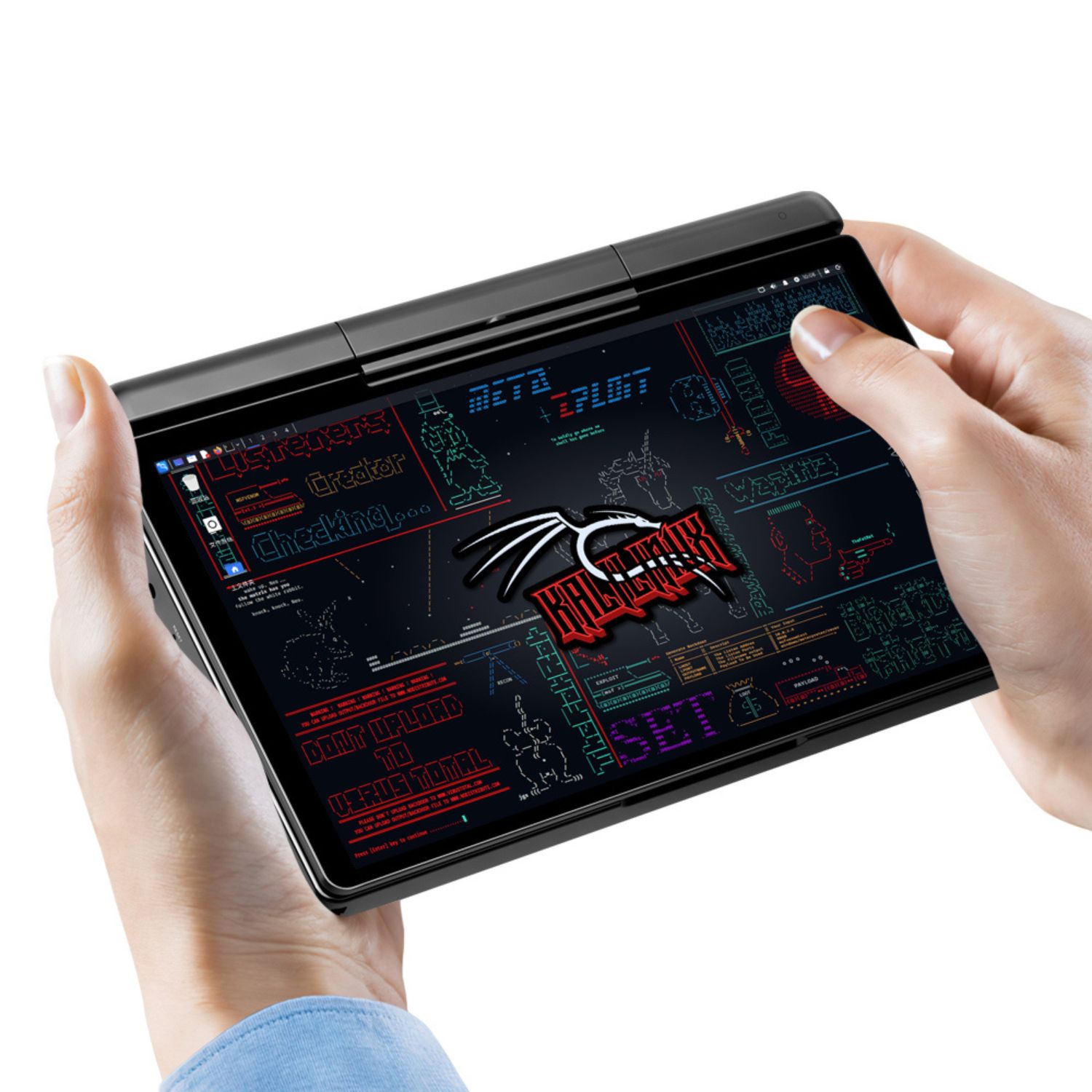
Interactive Power in the Field
The true value of the GPD MicroPC 2 Windows tablet is most apparent in active, hands-on professional settings. It empowers field engineers to annotate schematics directly on-site, allows logistics managers to update inventory in real-time, and enables consultants to give intimate, one-on-one presentations without the barrier of a laptop screen. For many industries, the ability to run native, proprietary Windows software is a non-negotiable feature of their laptops for business. The MicroPC 2 delivers this in a form factor that is more practical and mobile than other lightweight laptops, making it a uniquely effective tool for on-the-go data interaction.
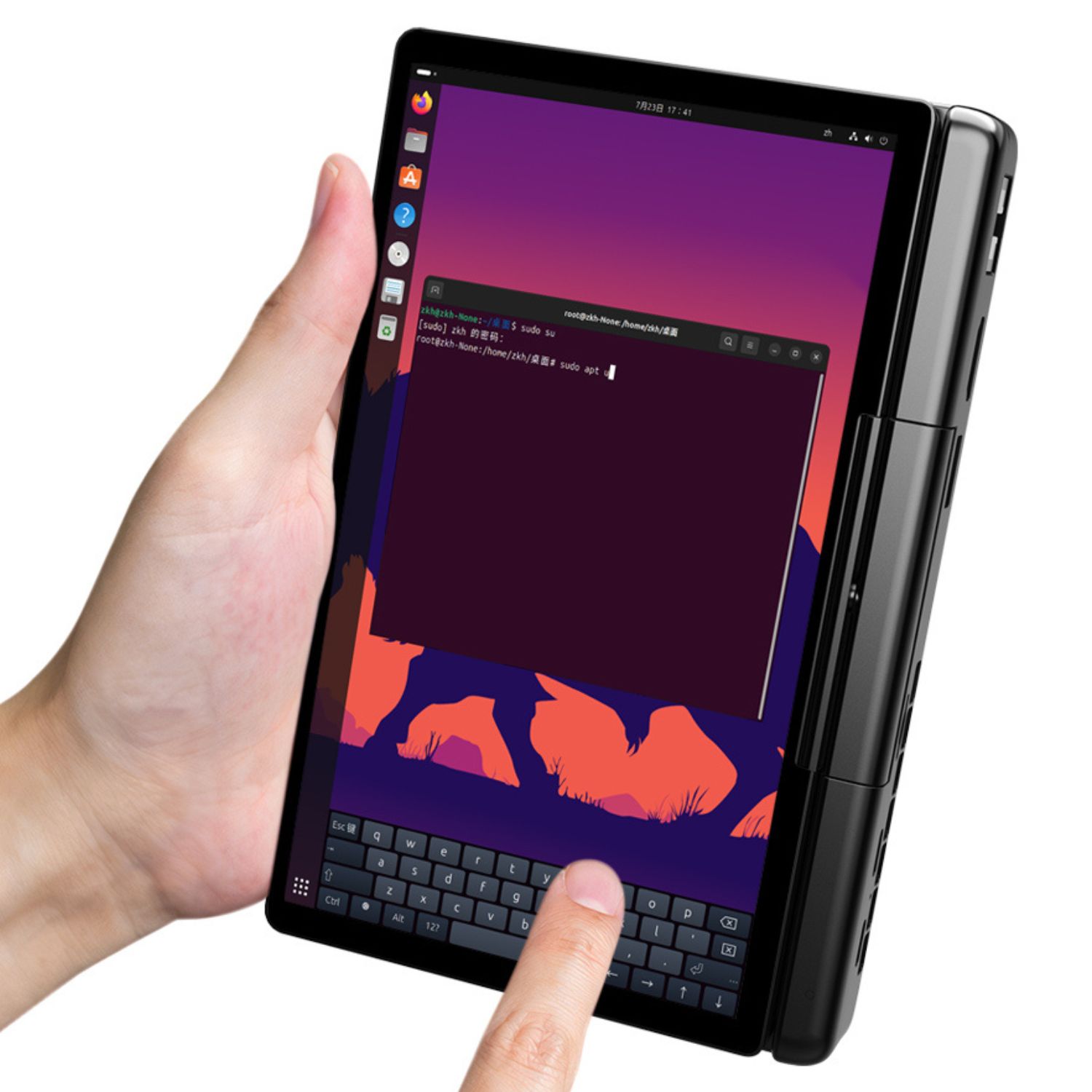
A Versatile Companion for Study and Downtime
This adaptability is a massive asset in the academic world, making the GPD MicroPC 2 one of the most flexible laptops for students today. It effortlessly transitions from a traditional keyboard for essay writing to a tablet for handwriting lecture notes with a stylus. Its minimal footprint makes it a better fit for a crowded lecture theatre than many other small-sized laptops or ultra-portable notebooks. When the day’s work is done, it’s an equally capable device for relaxing with a movie or browsing the web, proving its value extends well beyond simple productivity.
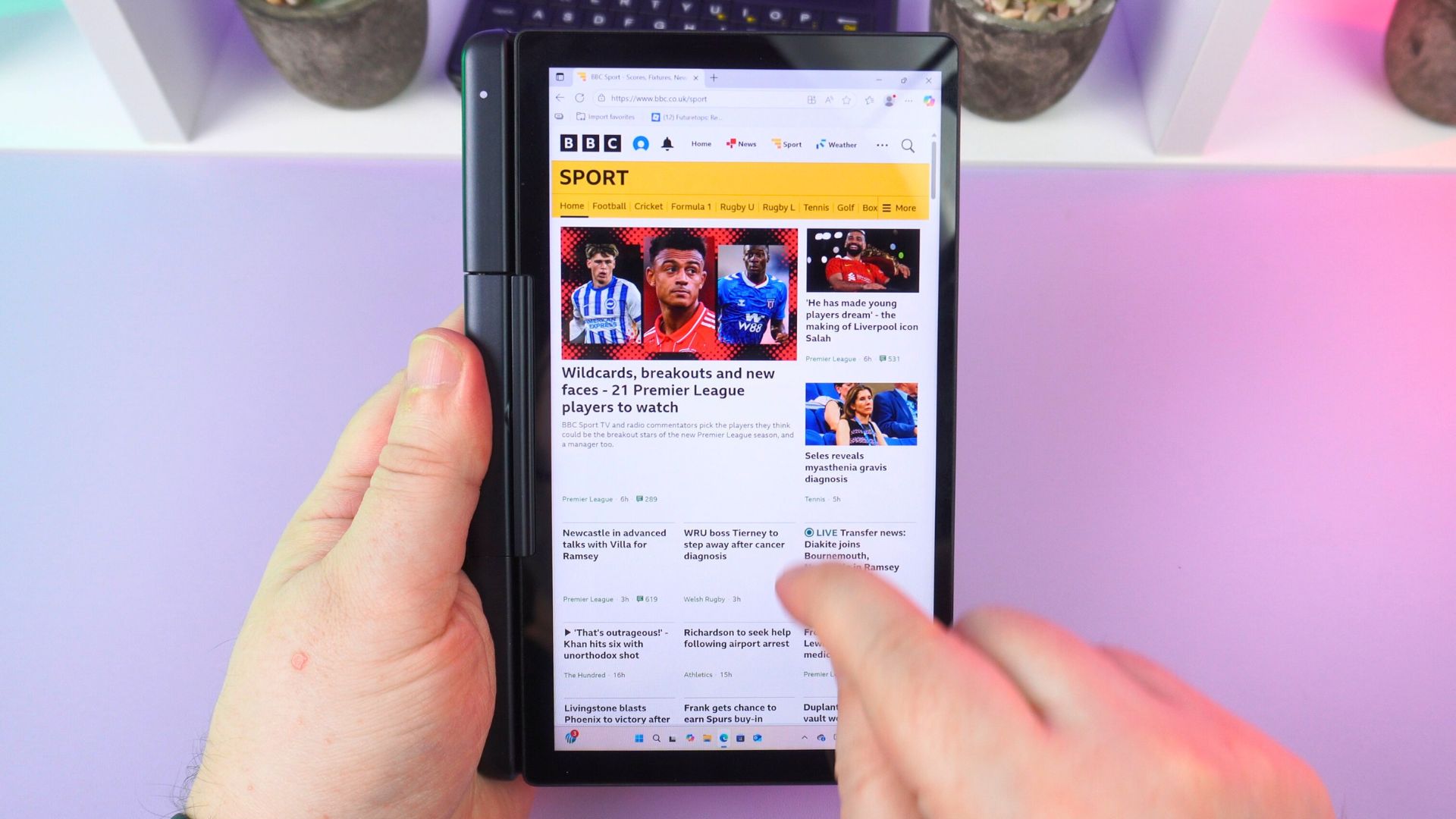
In the end, the 2-in-1 capability of the GPD MicroPC 2 is not an ancillary feature; it is integral to its design and purpose. It represents a successful fusion of a powerful mini laptop and a highly capable tablet. While its keyboard and touchpad offer an excellent traditional computing experience, it is the uncompromised power and adaptability of the GPD MicroPC 2 Windows tablet that truly makes it a standout device in today’s tech landscape.
You can learn more on our in-depth GPD MicroPC 2 review here.
GPD MicroPC 2
Mini Laptops
13 options · £527.95 to £1,042.95
on 4 storesWe’re keen to hear your perspective on the GPD MicroPC 2’s dual identity. Could you see its powerful tablet mode making a real difference in your daily work or study routine here in 2025? Please share your thoughts, ask any questions you have about its performance, or leave your feedback in the comments section below. We look forward to the discussion!

Bringer of videos, text and images! AKA the social media guy at DROIX. Massive retro gaming fan and collector, with a far too large collection of consoles and computers from 1970's to modern. Contact me at [email protected]
Questions & comments
0
Every question gets an answer. Ask before you buy — DaveC and the team reply within one working day, and answers stay public so they help the next reader too.