
In this article
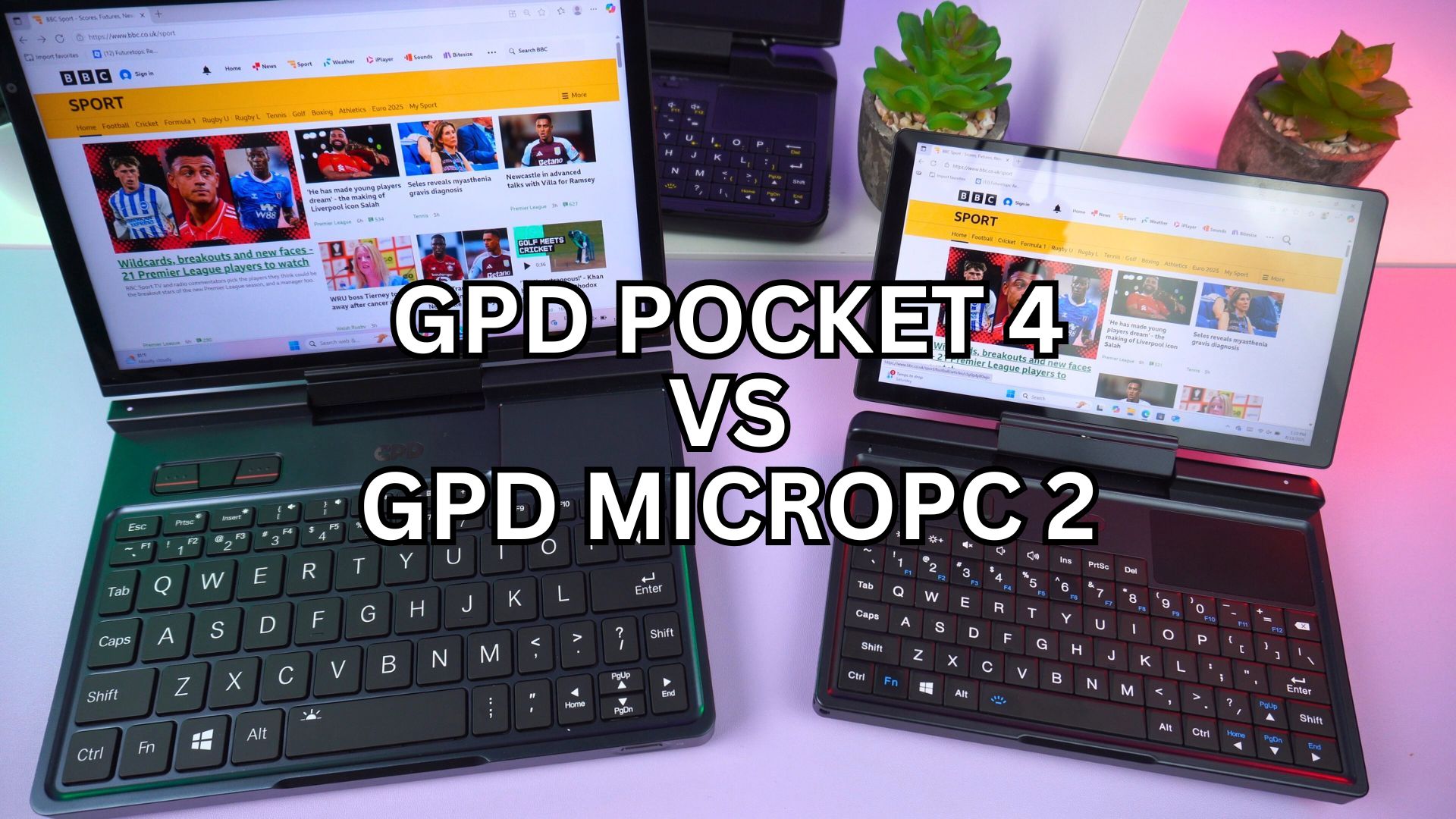
In the specialized world of ultra-mobile PCs in 2025, GPD offers two compelling 2-in-1 devices for professionals: the industry-focused GPD MicroPC 2 and the high-performance GPD Pocket 4. While both share the innovative ability to transform from a mini laptop to a tablet, they are engineered with fundamentally different philosophies, performance targets, and budgets in mind. This is our updated, in-depth GPD MicroPC 2 vs GPD Pocket 4 comparison to help you select the right convertible device for your work.
Design Philosophy: The Rugged Tool vs. The Premium Workstation
The most immediate difference is in their physical construction. The GPD MicroPC 2 is unapologetically a tool for industry. Its chassis is constructed from a durable, shock-resistant ABS synthetic resin. The GPD Pocket 4, in contrast, is crafted from sleek CNC aluminum, giving it the premium aesthetic of a high-end ultrabook.
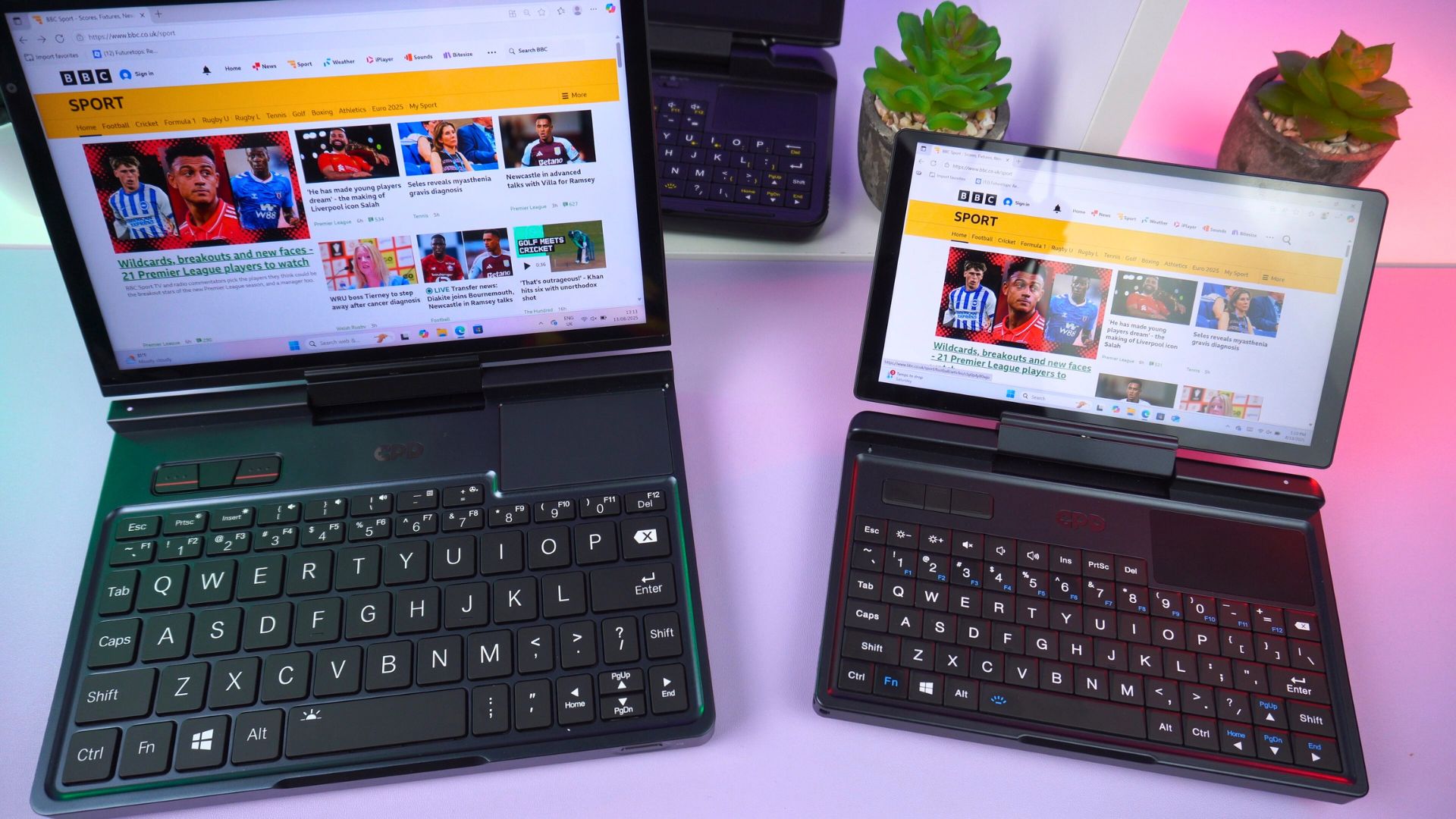
Crucially, both devices feature a 2-in-1 design, where the screen can be rotated and folded back to create a tablet. This shared versatility means the choice comes down to whether you prioritize the MicroPC 2’s rugged resilience or the GPD Pocket 4’s refined, executive feel. Both are fantastic examples of compact laptops that can adapt to any situation.
A Clash of Performance Tiers
The performance gap between these two devices is vast and is directly reflected in their pricing. The GPD MicroPC 2 starts at $570.95, offering efficient and capable performance for its intended tasks. The GPD Pocket 4 starts at $960.95, placing it in a much higher performance category.
- GPD MicroPC 2: Equipped with efficient Intel N-series processors (N250 or N300), it’s perfect for diagnostics, terminal work, and daily productivity.
- GPD Pocket 4 (Base): Features the powerful AMD Ryzen 7 8840U (8 Cores, 16 Threads), placing it in the territory of high-end laptops for business.
- GPD Pocket 4 (Top-Tier): Can be configured with the cutting-edge AMD Ryzen AI 9 HX 370 processor (12 Cores, 24 Threads), a true mobile workstation for developers and power users.

In the above Geekbench 6 benchmark comparison you can see the GPD Pocket 4 enjoys a clear lead in performance over the GPD MicroPC 2. But do keep in mind the price difference of both mini laptops.

GPD MicroPC 2
Mini Laptops
13 options · £527.95 to £1,042.95



 on 4 stores
Display, Keyboard, and Input
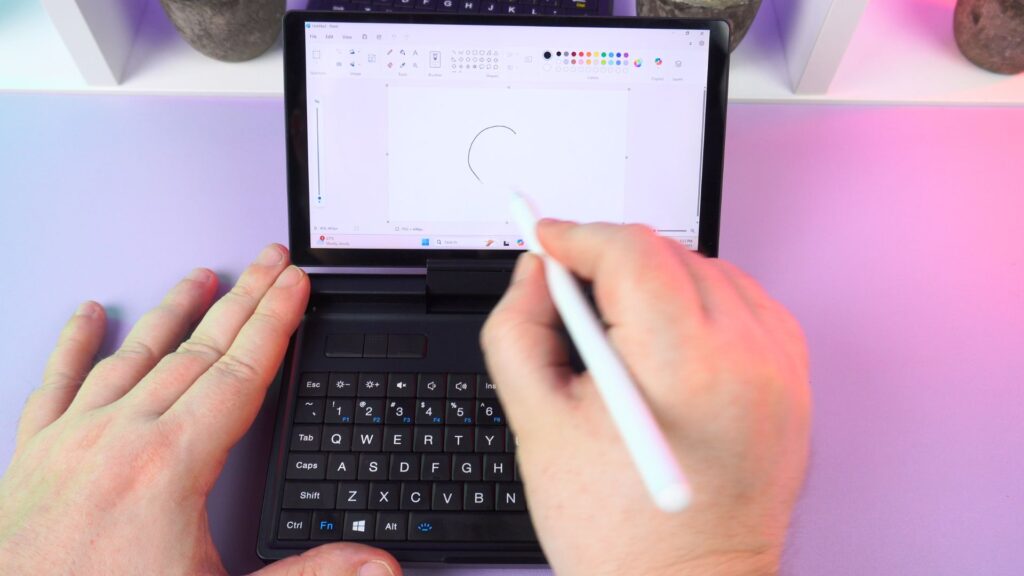
The GPD Pocket 4 has a clear advantage in its display. It boasts a large 8.8-inch LTPS touchscreen with a stunning 2560×1600 resolution, a 16:10 aspect ratio, and an ultra-smooth 144Hz refresh rate. The GPD MicroPC 2 features a very capable 7-inch, 1080p 60Hz screen, which is excellent for its size but can’t match the GPD Pocket 4 sheer quality and fluidity.

While both devices share a similar layout with a backlit keyboard, a set of three mouse buttons, and a touchpad, the Pocket 4’s larger chassis allows for a more spacious and comfortable typing experience, making it a superior choice among laptops for students or writers.
Connectivity: Integrated Readiness vs. Modular Flexibility
The core of the GPD MicroPC 2 vs GPD Pocket 4 debate for many professionals will be their approach to connectivity.
The GPD MicroPC 2 is an all-in-one, integrated solution. Its impressive array of fixed ports—including a native 2.5Gbps Ethernet port, two USB-A ports, two USB-C ports, and a full-size HDMI port—ensures a technician always has the right connection ready.
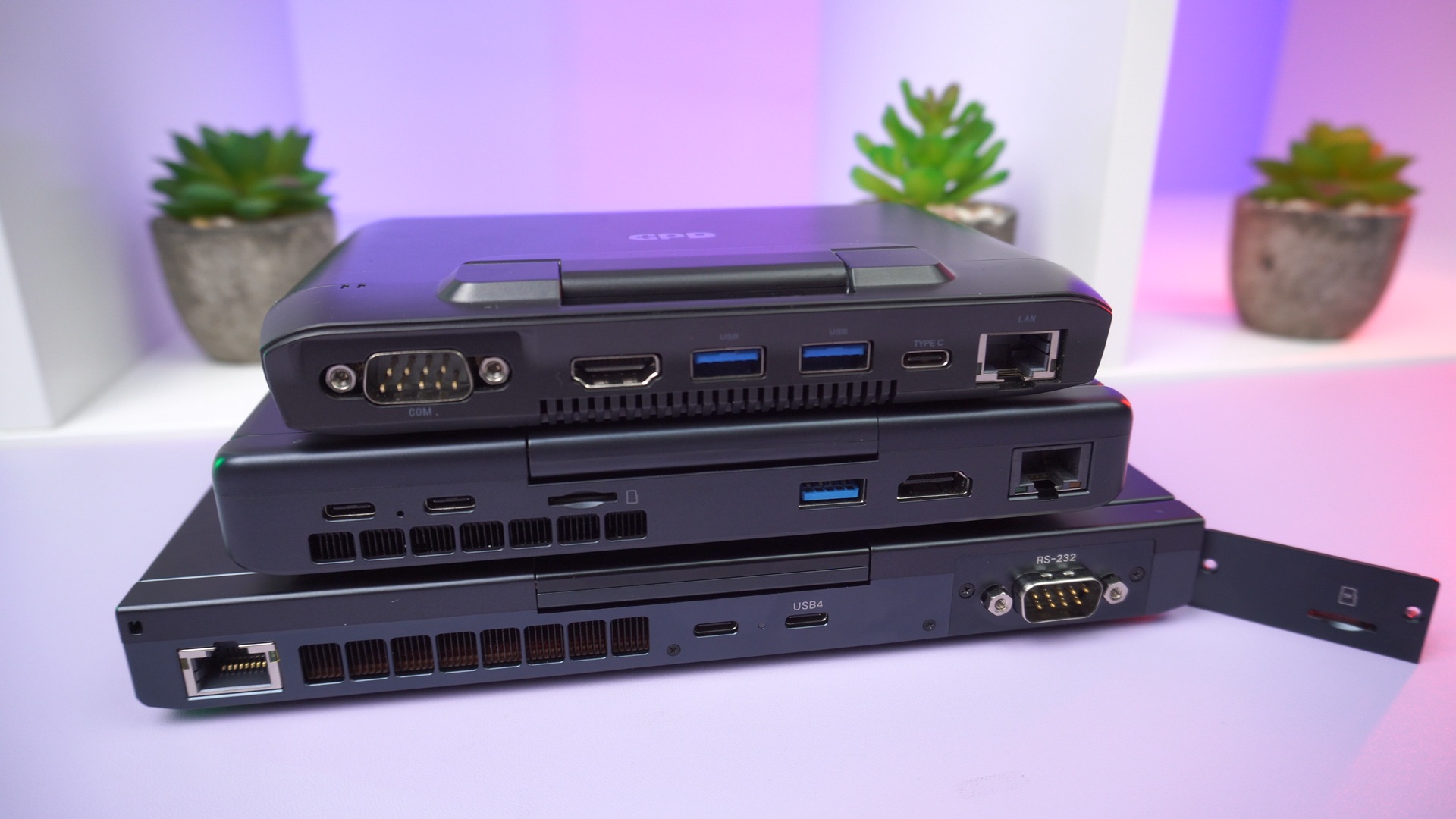
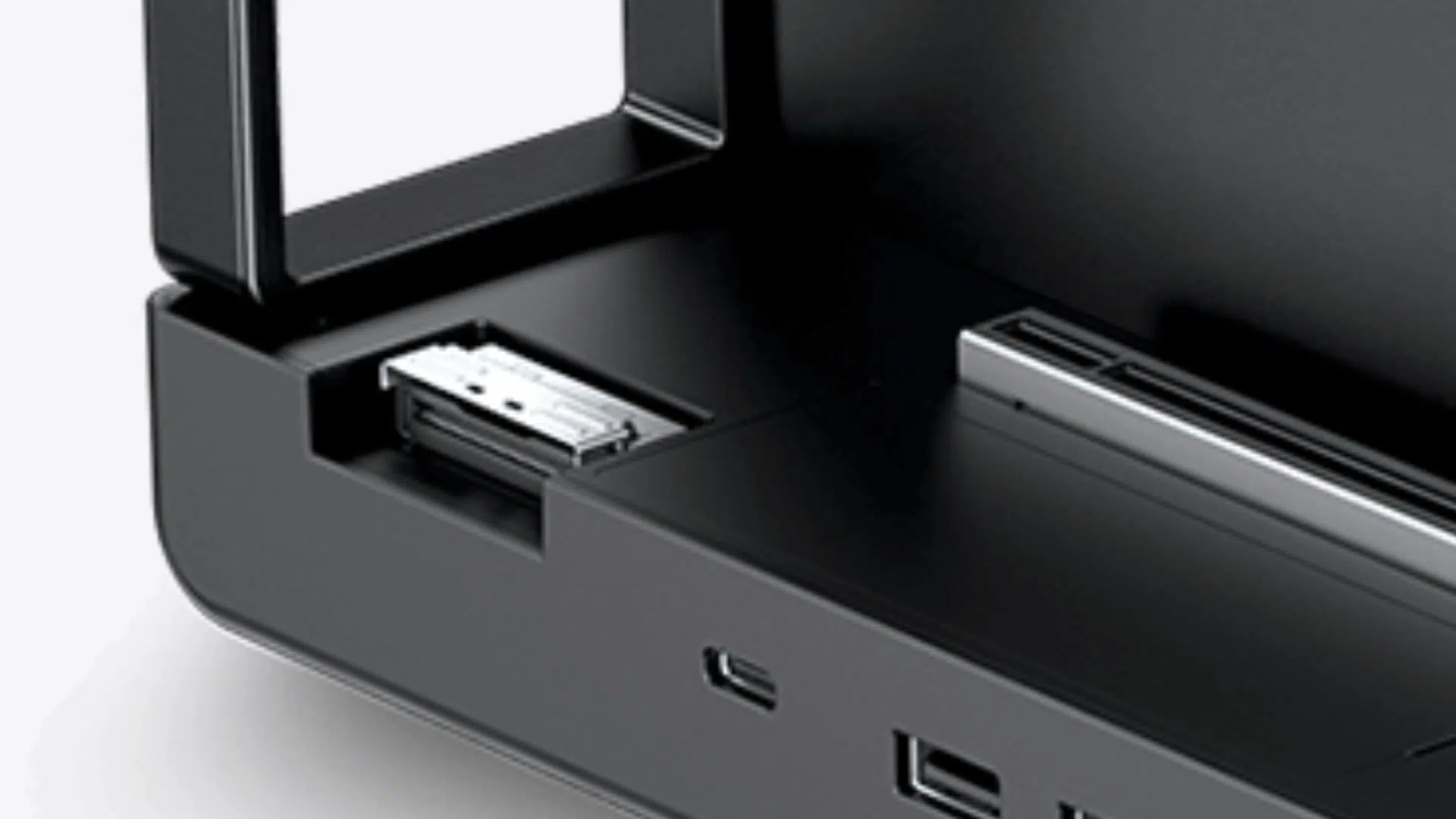
The GPD GPD Pocket 4 opts for a modular system alongside powerful fixed I/O. Its USB4 port provides high-speed data transfer and eGPU support for high-end graphics expansion. Its rear port can be customized with swappable modules, including a 4G LTE module, KVM module for server control or a native RS-232 serial port module.

GPD MicroPC 2 vs GPD Pocket 4 Technical Specifications
| GPD MICROPC 2 | GPD POCKET 4 | |
|---|---|---|
| DISPLAY | 7″ LTPS 1080P (1920×1080), 60Hz, 16:9, 314 PPI, 500 nits | 8.8″, 144Hz, 2560 × 1600, 10-Point Multi-Touch |
| CPU | Intel Processor N250, 4 Cores / 4 Threads, 3.8 GHz, 6W – 15W Intel Processor N300 8 Cores / 8 Threads, 3.8 GHz, 7W | AMD Ryzen 7 8840U, 8 cores / 16 threads, 5.1Ghz, 35W AMD Ryzen AI 9 HX 370 12 cores / 24 threads, 5.1Ghz, 35W |
| GPU | Integrated Intel UHD Graphics, 1.25GHz, 32 Execution Units | AMD Radeon 890M |
| RAM | 16GB LPDDR5 | 16GB, 32GB, 64GB LPDDR5x depending on CPU configuration |
| STORAGE | 512GB/1TB/2TB/4TB M.2 2280 SSD | 1TB, 2TB, 4TB NVMe PCI-E Gen 4.0 SSD depending on CPU configuration |
| COMMUNICATIONS | 1x RJ45 Ethernet Port (2.5Gbps) Wi-Fi 6 (up to 2402 Mbps) Bluetooth 5.2 (supports up to 7 active devices) | 2.5Gbps ethernet Wi-Fi 6E Bluetooth 5.3 |
| I/O | 2x USB Type-C 3.2 Gen2 (Full-Function) 2x USB-A 3.2 Gen2 1x HDMI 2.1 (TMDS Protocol, supports 4K@60Hz) 2x DisplayPort 1.4 (via USB-C, supports 4K@60Hz) | 1x USB4 1x USB-C 2x USB A (2.0 and 3.2 Gen 2) 1x HDMI 2.1 1x RJ45 2.5Gbps 1x 3.5mm audio jack 1x Modular Port (with microSD card reader module) |
| BATTERY | 27.5Wh Supports Battery Bypass | 45Wh rechargeable battery |
| DIMENSIONS | 6.73 x 4.33 x 0.91 inches (17.1 x 11.0 x 2.3 cm) | 8.14 x 5.6 x 0.87 inches (20.68 × 14.45 × 2.22 cm) |
| WEIGHT | 500 grams (1.10 lbs) | 785g (1.7 lbs) |
The Verdict: Who is Each Device For?
With these differences in mind, the right 2-in-1 choice becomes clear.
- Choose the GPD MicroPC 2 if: You are an on-site IT professional, network engineer, or field technician. You need a durable, cost-effective 2-in-1 with guaranteed, built-in connectivity, especially a high-speed Ethernet port. It is the definitive choice among small-sized laptops for hands-on, in-the-field work.
- Choose the GPD Pocket 4 if: You are a travelling executive, a power user, or a specialist who wants the absolute best in performance and display quality. Its vastly superior screen, more powerful CPU options, and the flexibility of eGPU support and modular ports make it one of the most powerful and premium ultra-portable notebooks available.
Both are exceptional lightweight laptops, but they serve different users at different price points.
Conclusion
GPD has expertly created two distinct 2-in-1 UMPCs that cater to different professional needs. The choice in the GPD MicroPC 2 vs GPD Pocket 4 comparison is a balance of purpose, power, and price. The GPD MicroPC 2 is a rugged, reliable, and accessible toolkit. The GPD Pocket 4 is a high-performance, adaptable, and premium workstation with a world-class display. By understanding your daily tasks, performance requirements, and budget, you can confidently choose the convertible UMPC that is not just a gadget, but a true professional partner.

Which of these two powerful 2-in-1 devices best suits your needs? Is the rugged, all-in-one nature of the GPD MicroPC 2 more appealing, or does the high performance, superior screen, and modular flexibility of the GPD Pocket 4 win you over? Let us know your thoughts and any questions in the comments below!

Bringer of videos, text and images! AKA the social media guy at DROIX. Massive retro gaming fan and collector, with a far too large collection of consoles and computers from 1970's to modern. Contact me at [email protected]
Questions & comments
0
Every question gets an answer. Ask before you buy — DaveC and the team reply within one working day, and answers stay public so they help the next reader too.