



V tomto článku
Firmware OTA Update method for DroiX T8 purchased before May 2015 ( only run once! )
Press the following link to download update patch into your DroiX T8 device
Once updated, check out a post here - for details on installing and using the Wizard.
After a reset like this, don't forget to sign back into Google's Play Store (see here) to enable auto-updates, and head to the Settings menu (top right) and turn on auto-update at all times if you're using a network cable, rather than WiFi.
How to update:
First, download the update patch file and run the OTA Updater application, (click the My Apps or circle with six dots on your homescreen to find the list of all applications installed, then scroll down.)
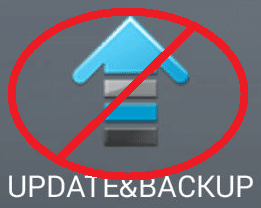
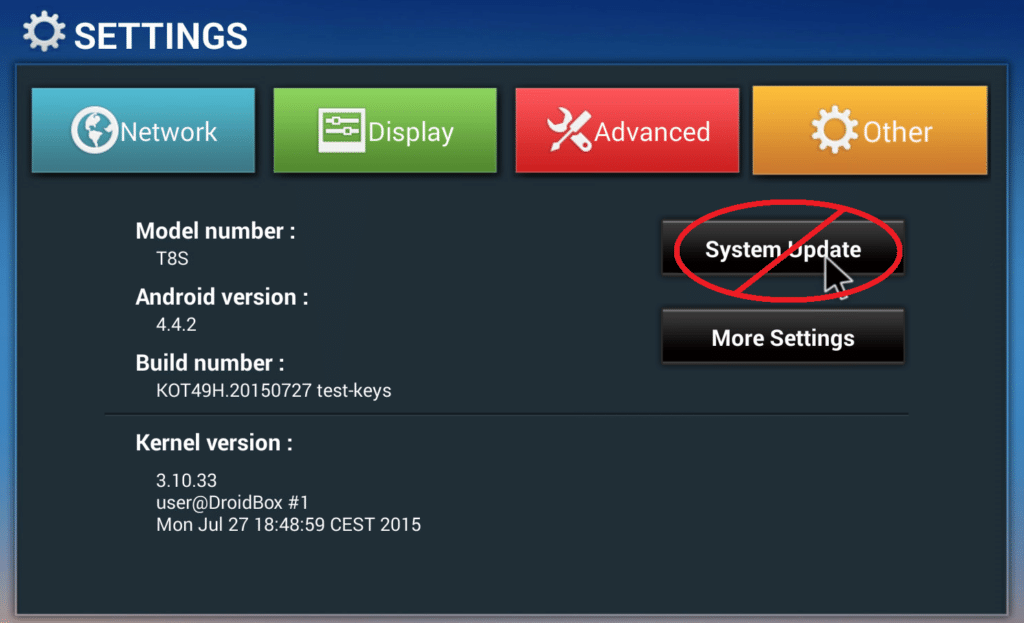
You do NOT use the UPDATE&BACKUP application, nor the System Update button found within the Other tab of the Settings area.
You can also click on an OTA Update Available type of message if you see one when dragging down the notification area in the top left of your screen.
Tick the Clear Data option to properly reset your device and access the new applications/builds once the firmware update process has completed.

Otázky a komentáře
0
Každá otázka dostane odpověď. Ptej se před nákupem — Cristian a tým odpovídají do jednoho pracovního dne a odpovědi zůstávají veřejné, aby pomohly dalšímu čtenáři.