

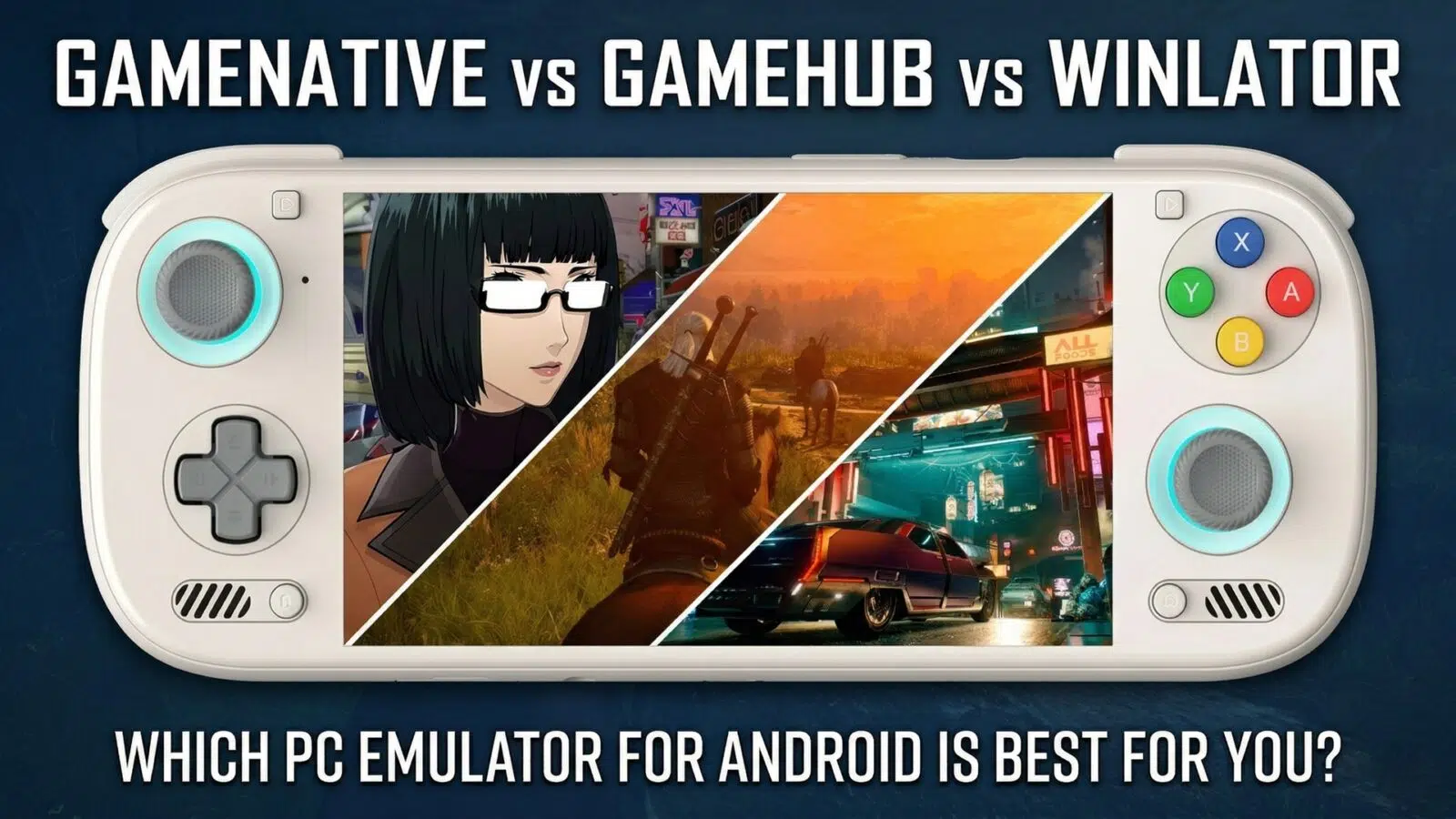
What are GameNative, GameHub, and Winlator? GameNative, GameHub, and Winlator are Android-based translation layers that enable ARM-powered handhelds to run Windows applications and games natively. These tools utilise a “translation bridge” approach, leveraging WINE, Box64, and custom Vulkan drivers, to convert x86 game code into a format compatible with the Android kernel in real-time.
The Evolution of Dedicated Android Gaming
The landscape of Android gaming handhelds has undergone a seismic shift over the last decade, evolving from casual touch-screen titles to a sophisticated ecosystem of dedicated handheld consoles. This progression has been fueled by a transition from standard smartphone internals to high-performance, gaming-first silicon like the Snapdragon G3 Gen 3, alongside the rise of integrated physical controls that finally bridge the gap between mobile and console experiences.
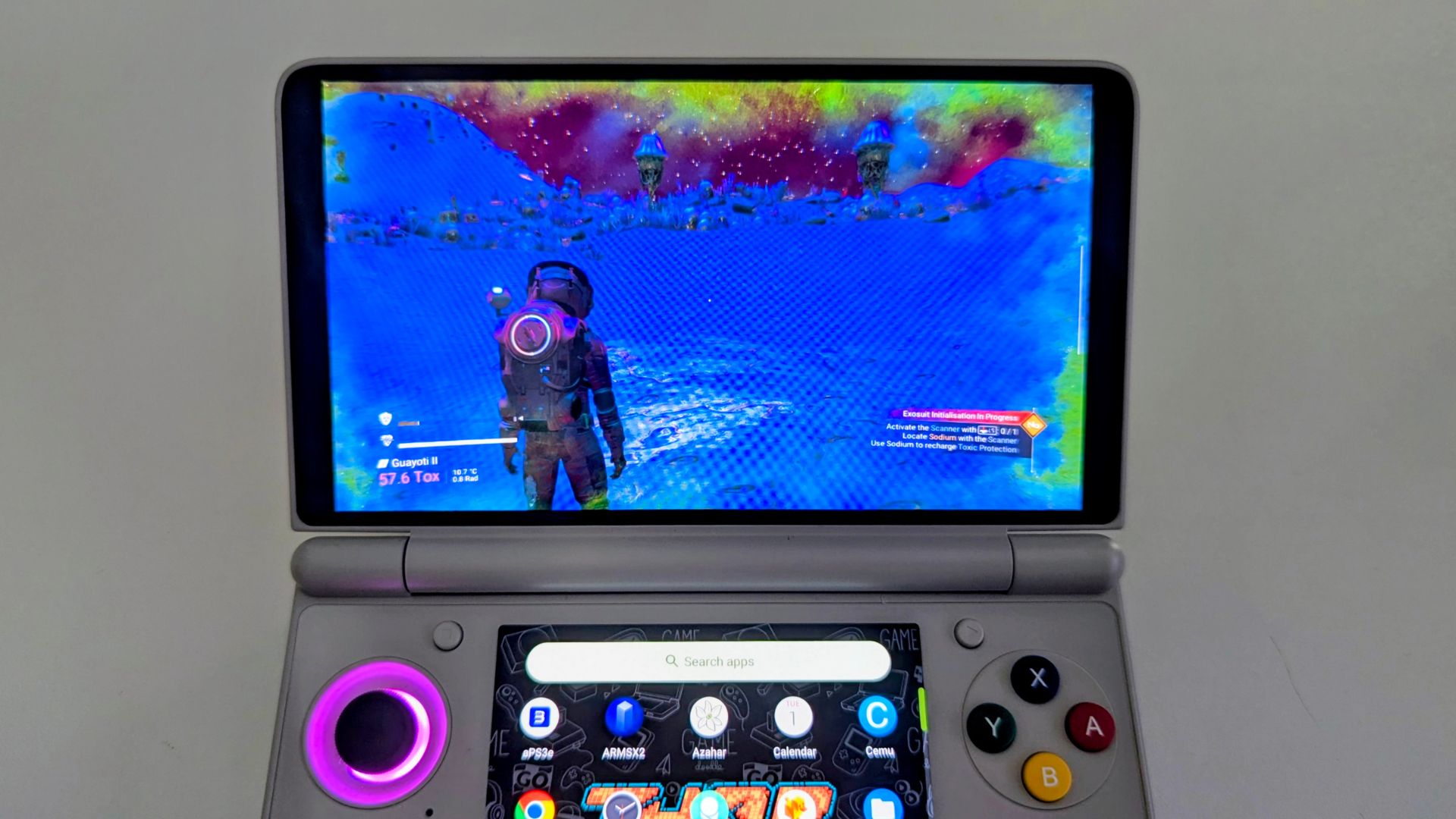
Today, the “Silicon War” between Qualcomm’s flagship Snapdragon 8 Elite and these dedicated gaming-centric chipsets has made AAA PC translation on Android not just a possibility, but a high-performance reality.
Defining the Translation Ecosystem: Three Paths to PC Gaming
In 2026, the ecosystem is defined by three distinct philosophies: the open-source polish of GameNative, the plug-and-play power of GameHub, and the raw technical flexibility of Winlator.
- GameNative (v0.9): The “Enthusiast Choice.” GameNative features a premium PS5-style UI and deep integration with Steam, GOG, and Epic Games. It is widely praised for its rapid update cycle and “FEX” compatibility profiles, which allow modded titles like Skyrim LE to run with superior stability.
- GameHub (v5.3.5): The “Performance King.” GameHub is the go-to for AAA heavyweights. It leverages highly optimised DXVK and VKD3D builds to push the Snapdragon 8 Elite to its limits, often achieving 60+ FPS in titles like Cyberpunk 2077.
- Winlator (v2026 / CMOD): The “Swiss Army Knife.” Winlator provides a pure Windows container environment. While it requires the most “tinkering” and setup time, it is the most efficient for battery life and thermal management. It is also the only viable option for running non-gaming Windows software alongside your library.
Technical Feature Comparison (Q2 2026)
| Feature | GameNative (v0.9) | GameHub (v5.3.5) | Winlator (CMOD/Standard) |
| Open Source | Yes (GitHub) | No (Closed) | Yes (Open Core) |
| UI Design | Premium PS5-Style | Mobile-Hybrid | Desktop / Basic |
| Best Performance | Indie / Modded | AAA 3D Games | Low Power / 2D |
| Ease of Use | High | Very High | Moderate (Tinkering) |
| Battery Drain | Moderate | High | Lowest |
| Non-Gaming App Support | Limited | None | Full |
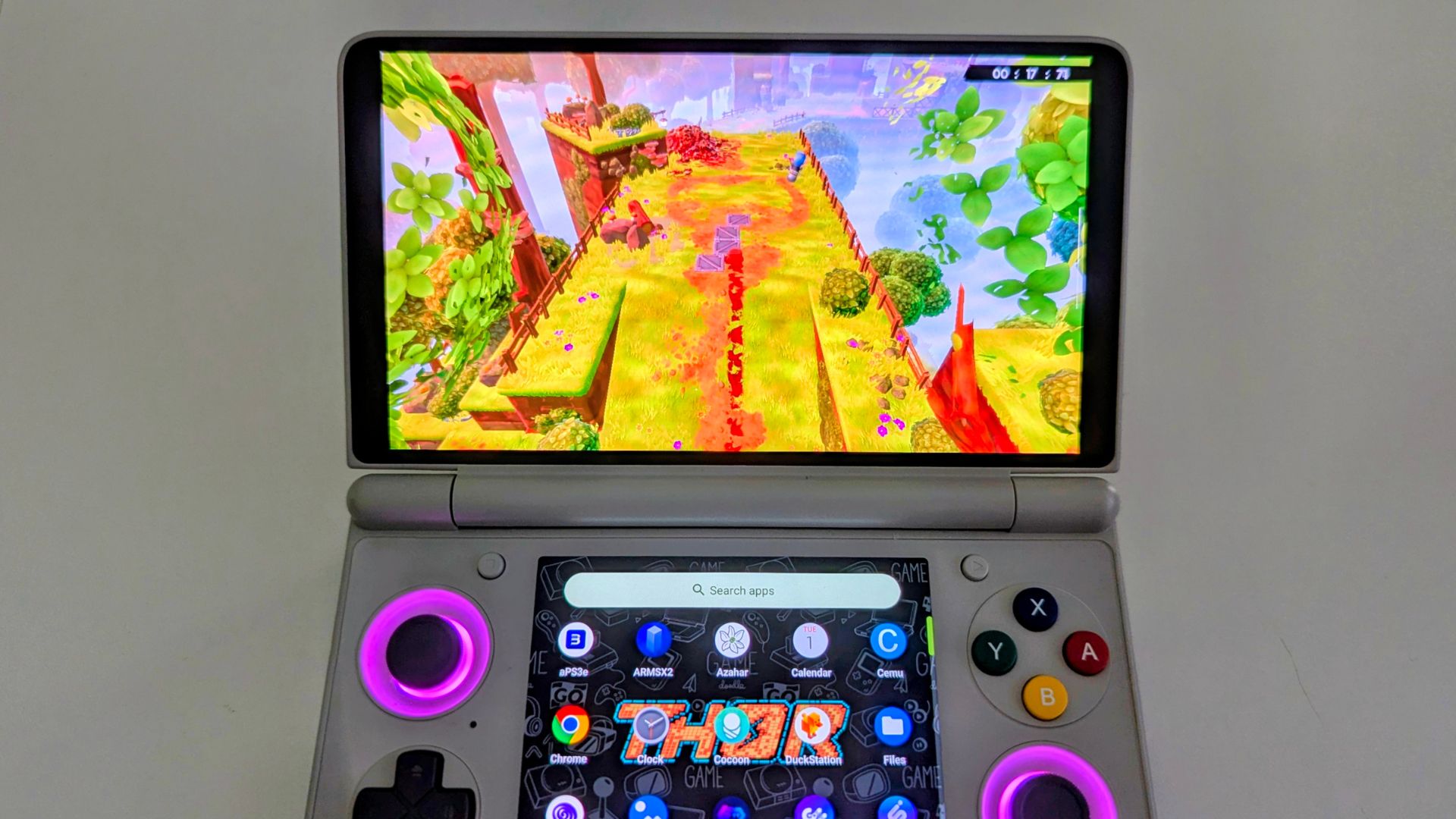
Performance Deep-Dive: Snapdragon 8 Elite (AYN Odin 3)
The AYN Odin 3 remains the gold standard for testing these layers due to its Snapdragon 8 Elite chipset and 16GB of RAM. In 2026, GameHub’s FSR 3 integration allows for playable AAA frames, but Winlator’s thermal efficiency makes it the preferred choice for long sessions of older titles.
Verified Game Performance Benchmarks (Snapdragon 8 Elite)
| Game | Platform | Emulator | Resolution/Settings | FPS |
| Cyberpunk 2077 | Steam | GameHub | 720p Low (FSR 3/Frame Gen) | 60+ |
| The Witcher 3 | GOG | Winlator CMOD | 720p Medium (Spoofed) | 55–60 |
| NFS Payback | Steam | GameHub Lite | 720p Standard | 55–60 |
| GTA V | Epic | Winlator | 720p Normal | 40+ |
| Skyrim LE | GOG | GameNative | Glibc / Modded | Stable 60 |
Cross-Generation Benchmark Comparison
Driver maturity is the true performance differentiator in 2026. While the Elite chips offer raw power, the Snapdragon 8 Gen 2 and Snapdragon G3 Gen 3 found in the AYANEO Pocket S2 benefit from “perfected” drivers that eliminate the graphical glitches found in newer silicon.
Game-by-Game Testing (Snapdragon 8 Gen 2 / G3 Gen 3)
| Game | Handheld / Snapdragon Chipset | GameNative | GameHub | Winlator |
| The Witcher 3 | AYANEO Pocket S2 Pro (G3 Gen 3) | 30–40 FPS | 40–60 FPS | 30–40 FPS* |
| Firewatch | AYN Thor (8 Gen 2) | Stable/High | Poor (CPU Boot) | Tested/Stable |
| Dark Souls 3 | Odin 2 Portal (8 Gen 2) | 20–25 FPS | 30 FPS | Tested |
| Persona 5 Royal | Odin 2 Mini (8 Gen 2) | 1080p Native | Mixed | Tested |
*Note: G3 Gen 3 can reach 60 FPS in Winlator CMOD when spoofing 8 Elite levels with specific Rev 8/9 drivers.
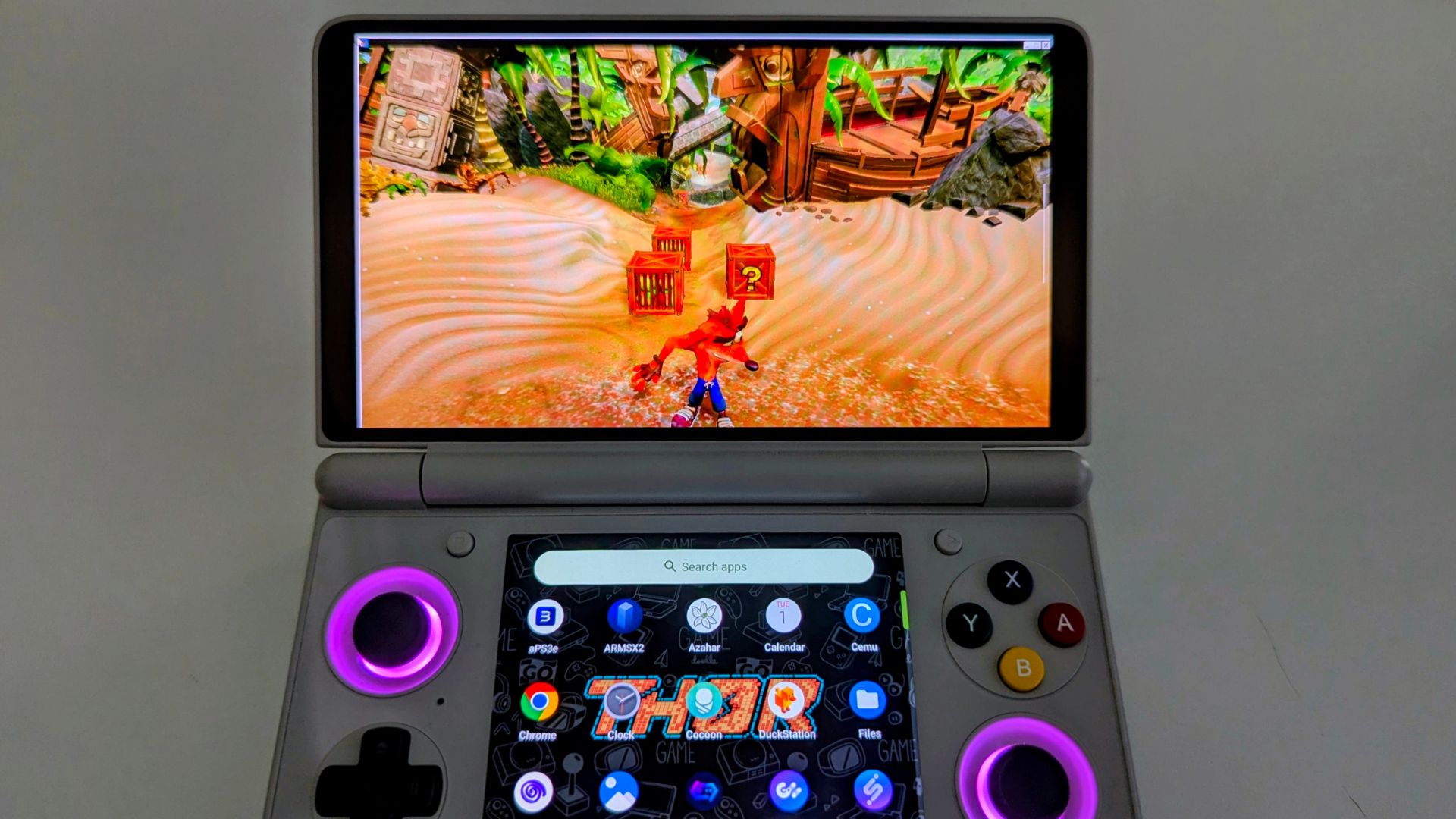
The “Driver Mastery” Frontier: Unlocking Silicon Potential
In 2026, custom graphics drivers like Turnip, Mr Purple, and K11MCH1 serve as the “secret sauce” for high-end emulation. By bypassing restrictive proprietary software, these drivers allow the GPU to communicate directly with the silicon, eliminating graphical glitches in titles like GTA V.
Recommended Drivers by Snapdragon Generation (April 2026)
| Chipset Generation | Recommended Primary Driver | Key Advantage |
| Adreno 8xx (8 Elite) | StevenMXZ / whitebelyash | Daily fixes for new silicon |
| Adreno 7xx (8 Gen 2/3) | Mr Purple T25 / T26 | Maximum stability for AAA |
| Adreno 6xx (865/870) | K11MCH1 R5 | Mature support for legacy chips |
Our verdict: Which Android PC emulator is worth it in 2026?
Short answer: Use GameHub for AAA performance, GameNative for library polish, and Winlator for maximum battery life and non-gaming tools.
Best for: Owners of the AYN Odin 3 who want to experience the full potential of x86 translation in a portable form factor.
Not ideal for: Users who are averse to “tinkering,” as Winlator particularly requires patience to configure correctly.
Current status: Mature and stable for flagship hardware; “RAMpocalypse” continues to limit entry-level usability.
Rating: 9.5/10 – The most capable era of mobile PC gaming in history.
Check out our in-depth reviews for the AYN Odin3, AYN Thor and AYANEO Pocket S2 to learn more about each and whats the best choice for you.
FAQ
Can I play my Steam games offline with GameNative?
GameNative supports full offline play for games after a one-time login or if the game files have been added manually to the device. This makes it an excellent choice for travelling with your retro or indie PC collection.
Which is better for AAA games, GameHub or GameNative?
GameHub is currently the preferred choice for AAA and high-end 3D games as it features native rendering and FSR upscaling that deliver more stable frame rates in demanding titles like GTA V and Cyberpunk 2077.
What is the best Snapdragon CPU for PC emulation in 2026?
The Snapdragon 8 Elite offers the highest performance, but the Snapdragon 8 Gen 2 is currently considered the most stable generation due to its mature Mesa Turnip drivers and high compatibility with both GameHub and GameNative.
Is Winlator better than GameHub for battery life?
Yes, Winlator typically heats up devices less and drains the least battery compared to GameHub, though it requires significantly more tinkering to set up properly.
Can I run non-gaming Windows software on Android?
Yes, Winlator is the preferred tool for running standard Windows software on Android beyond gaming, as it provides a more traditional Windows container environment.
What is Winlator CMOD?
Winlator CMOD is a specific fork of the emulator often used for high-end Snapdragon hardware like the 8 Elite and Snapdragon G3 Gen 3 to enable advanced device spoofing and driver support.




