




The GPi case has two input modes: Hat mode and Axis mode. Emulators generally have better compatibility with Axis mode and some Micro SD Card images may use this mode by default. The GPi case by default uses Hat mode.
If you find you are unable to navigate on the Retropie Menus for example you will need to switch input modes.
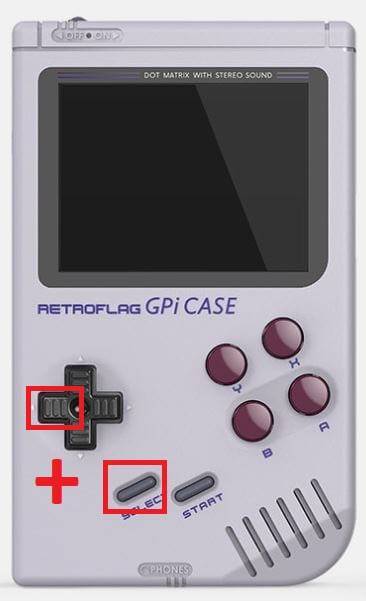
Axis Mode
To switch to Axis mode, simply hold the LEFT D-PAD and SELECT for around five seconds until the Power LED flashes purple.
NOTE – On some models this has now been updated to LEFT D-PAD and START. Please try this if SELECT does not work.
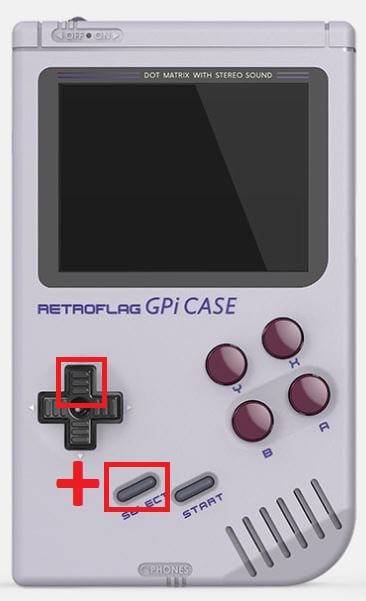
Hat Mode
To switch back to Hat mode, hold the UP D-PAD and SELECT for around five seconds until the Power LED flashes purple.
NOTE – On some models this has now been updated to UP D-PAD and START. Please try this if SELECT does not work.
Latest from the blog
Visit the blog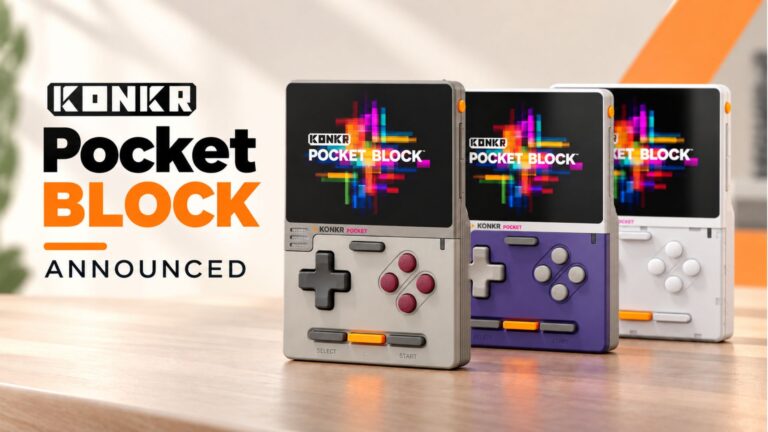 KONKR Pocket BLOCK Announced: A Tiny Vertical Android Handheld with a 4:3 Screen
1 October 2026
KONKR Pocket BLOCK Announced: A Tiny Vertical Android Handheld with a 4:3 Screen
1 October 2026
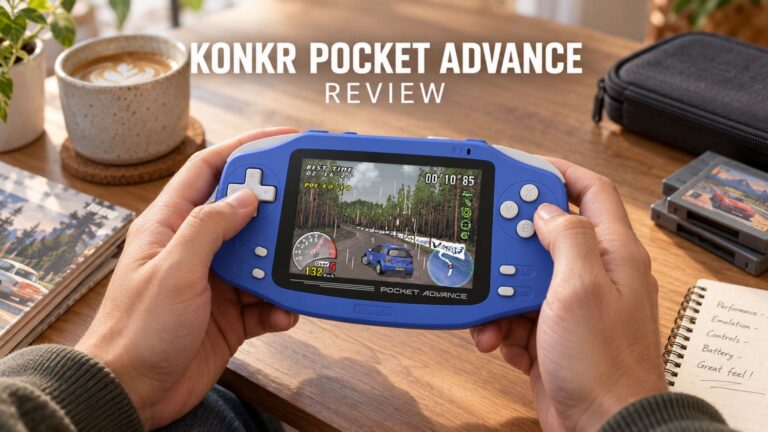 KONKR Pocket ADVANCE review – A pocket-sized GBA-focused Android gaming handheld
24 September 2026
KONKR Pocket ADVANCE review – A pocket-sized GBA-focused Android gaming handheld
24 September 2026
 KONKR Pocket Advance Pre-order: A Compact Android Handheld Built for Retro Gaming
23 September 2026
KONKR Pocket Advance Pre-order: A Compact Android Handheld Built for Retro Gaming
23 September 2026
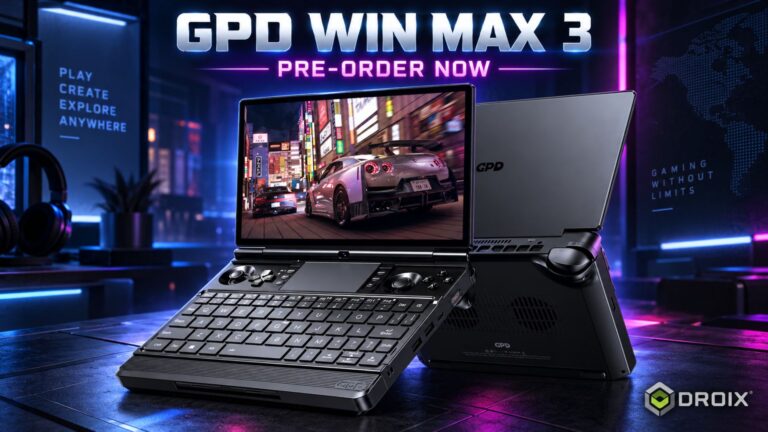 GPD WIN MAX 3 Pre-order – Ryzen AI Max+ Power in a Modular Handheld Gaming PC
21 September 2026
GPD WIN MAX 3 Pre-order – Ryzen AI Max+ Power in a Modular Handheld Gaming PC
21 September 2026
Questions & answers