




We continue our video series on ways to stream and cast content to your DroiX®, this time using DroiX® Share with an Android device. We demonstrate how your Android device can be used as a remote control, send files to your DroiX®, mirror your DroiX® screen to your mobile and vice-versa, and also how to view your phone or tablet’s camera on your DroiX®.
You can download DroiX® Share FREE of charge via the Google Play Store at https://play.google.com/store/apps/details?id=com.eshare.droidbox. If you have not used the Google Play Store before please watch our video guide at https://www.youtube.com/watch?v=YFA3hoAgszk.
Please watch our other videos in the series below:
Streaming and Casting with Android demo video
DroiX® Share on iOS Devices – Demonstration Video
How to Stream and Cast to your DroiX® with your Android device using Yatse
Latest from the blog
Visit the blog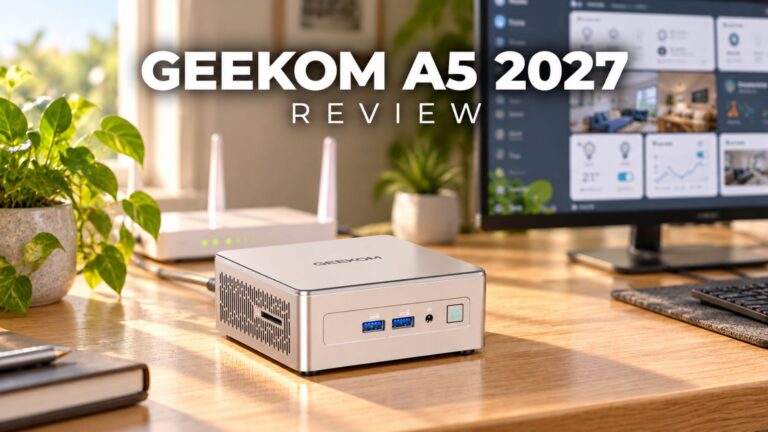 GEEKOM A5 2027 Review – A Compact Mini PC Home Lab
21 October 2026
GEEKOM A5 2027 Review – A Compact Mini PC Home Lab
21 October 2026
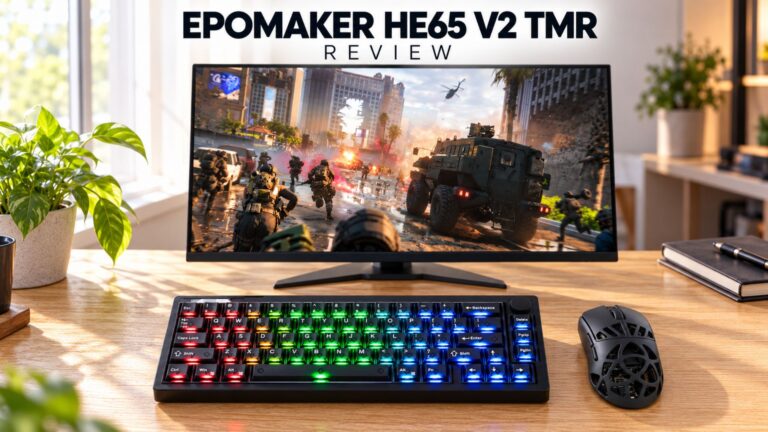 EPOMAKER HE65 V2 TMR Review – 8K Wireless Speed and Hybrid Switches for Compact Gaming
19 October 2026
EPOMAKER HE65 V2 TMR Review – 8K Wireless Speed and Hybrid Switches for Compact Gaming
19 October 2026
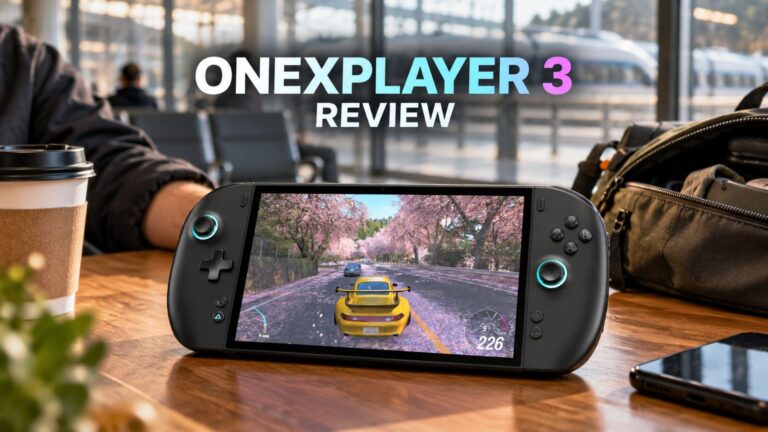 ONEXPLAYER 3 Review – 8.8-Inch AMOLED Gaming, Modular Controls and Surprising Battery Life
14 October 2026
ONEXPLAYER 3 Review – 8.8-Inch AMOLED Gaming, Modular Controls and Surprising Battery Life
14 October 2026
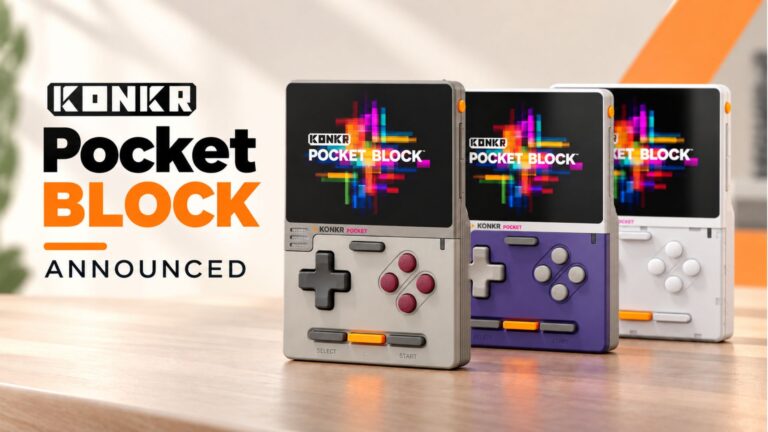 KONKR Pocket BLOCK Announced: A Tiny Vertical Android Handheld with a 4:3 Screen
1 October 2026
KONKR Pocket BLOCK Announced: A Tiny Vertical Android Handheld with a 4:3 Screen
1 October 2026
Questions & answers