
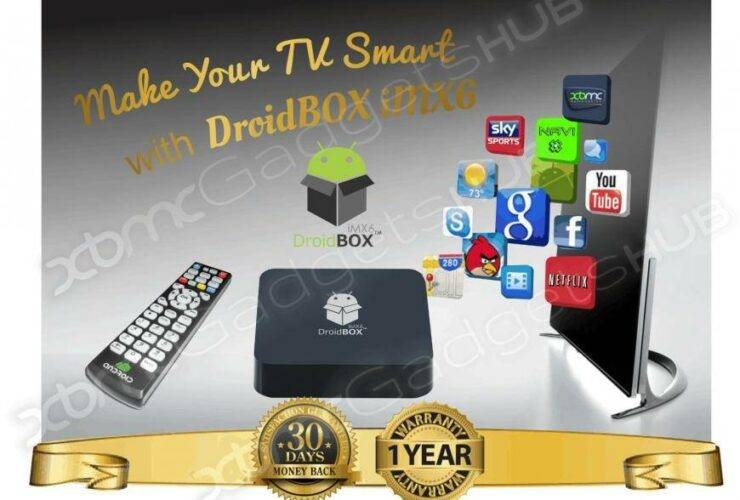
Take your DroiX® unit out of its packaging.Connect the supplied HDMI cable to the iMX6 and your TV/monitor/projector, and then connect the iMX6’s power supply. Wait for the DroiX® unit to complete booting up – you’ll then be directed to ...
If you haven’t yet rebooted your router (modem/AP/network box), please remove the power from it, leave it for 30 seconds, then reconnect the power. Wait 2 minutes and check if the DroiX® is now happy to connect or not. The ...
We have collected all information to troubleshoot your device in one place. LibreELEC We have also created some support resources for customers who have the LibreELEC operating system installed on their device. https://droix.net/libreelec-basics covers the fundamentals, whilst https://droix.net/topic/libreelec is a ...
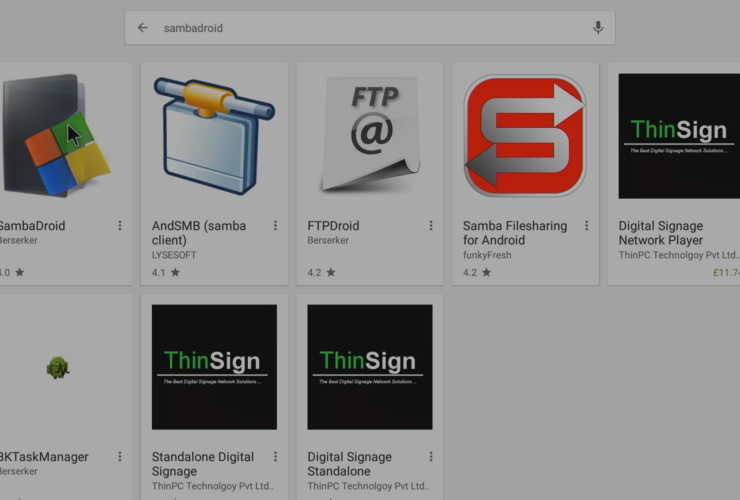
If you’re reading this post, you either want to use your DroiX® device like a NAS, or possibly want to ensure Kodi is able to write to the storage devices you have attached. If so, scroll down for the details… ...
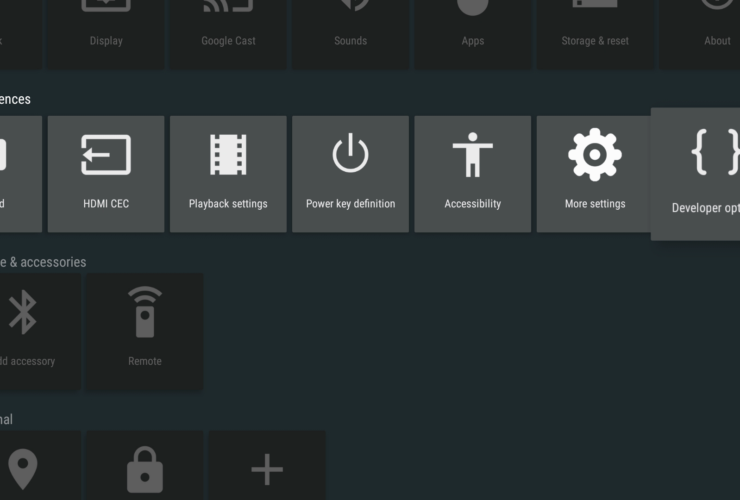
This post is admittedly aimed at a small niche sector of our customers. If Developer Options, ADB and Marshmallow don’t mean much to you, it is safe to disregard this post. ...
If you use an application that doesn’t process your controller’s clicks correctly, you can either ask the application author to update their code, or fool the app into thinking a different type of controller is being used. ...
Thank you for taking the time to read this post. We hope it will assist you with setting up and using your device. ...
The DroiX® i9 Mini Keyboard is perfect for people without acres of space, who still want to maintain complete control over their device! ...
Sometimes you have a button on your remote control that you don’t use. Whether it is a “Zoom” button, or a Subtitle shortcut, you may just not ever use the function assigned to it… ...

Being able to connect to and control a device via the internet or your home’s network can really help with some stubborn technical issues. ...



