




This post is admittedly aimed at a small niche sector of our customers. If Developer Options, ADB and Marshmallow don’t mean much to you, it is safe to disregard this post.
If you’re still here, then we will assume you want or need to enable Android’s Developer Options on your Marshmallow (5.x) based device…
From your homescreen, click the Settings icon (normally a couple of cogs)

You will see the screen below, where you can access some of Android’s Settings.

We need to go deeper, so scroll down one row, then all the way to the end of that row. Click the “More setting” button

You will notice the colours change, and that new entries are shown

Scroll all the way down, and you will see “About phone” – please click it

At the end of the information about your device, you will see a section titled “Build number”

Click this entry FIVE times in a row

If carried out correctly, you will see a notification advising you of this

Go back one screen (the Return arrow on your remote) and you can now see the “Developer options” entry

Click on it, and you will find you can alter a lot of new settings

Please note some of these options can have an adverse effect on normal day-to-day usage. If you’re uncertain what to change, please contact us or the person who originally recommended you enable Developer Options.
If you return back one more screen (to the darker Settings area seen when the two cogs are clicked on the homescreen), you will find a corresponding new entry, just to the right of where you previously clicked More Setting.

Clicking this entry will take you to a different view of the same Developer Options.

Latest from the blog
Visit the blog EPOMAKER Carbon X Review – 46 g Carbon-Fibre 8K Wireless Mouse for Competitive FPS
2 November 2026
 GPD WIN Mini Ultra – A Bigger 8-inch 120Hz Screen, Intel Arc G3 Extreme and Dual USB4 v2.0
27 October 2026
 RockTek PJ500 Ultra Review – A 1080p Home Cinema Projector for Streaming and Gaming
27 October 2026
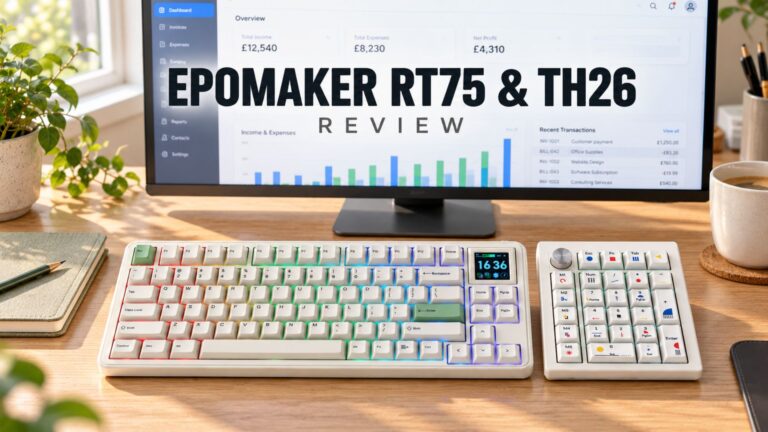 EPOMAKER RT75 and TH26 Review – Retro 75% Keyboard with Detachable Screen and 5-Key Macro Numpad
26 October 2026
Questions & answers