




Please watch the video below:
Please follow the links below to get DroiX® Share installed on Apple Devices:
Iphone
Ipad
Please note that with some phones/tablets and recent DroiX devices, you will need to turn off auto-correct/word suggestion features for proper functionality.
If you’re unsure how to achieve this, please contact us with your order ID and details of the device(s) used to control your DroiX device and we’ll check what can be done.
This video will guide you how you can remote control you DroiX® T8-S/T8-S Plus from Android Phone or Tablet using DroiX Share app
You can get DroiX® Share app into your Android device from Google Play using following link:
https://play.google.com/store/apps/details?id=com.eshare.droidbox&hl=en_GB
DroiX® Share for Apple devices:
iPhone – https://itunes.apple.com/gb/app/droidbox-share/id1002235210?mt=8
iPad – https://itunes.apple.com/gb/app/droidbox-share-hd/id1002251489?mt=8
Latest from the blog
Visit the blog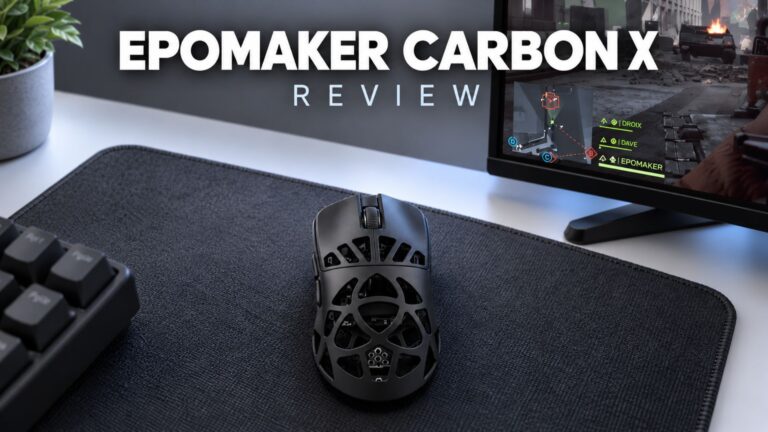 EPOMAKER Carbon X Review – 46 g Carbon-Fibre 8K Wireless Mouse for Competitive FPS
2 November 2026
EPOMAKER Carbon X Review – 46 g Carbon-Fibre 8K Wireless Mouse for Competitive FPS
2 November 2026
 GPD WIN Mini Ultra – A Bigger 8-inch 120Hz Screen, Intel Arc G3 Extreme and Dual USB4 v2.0
27 October 2026
GPD WIN Mini Ultra – A Bigger 8-inch 120Hz Screen, Intel Arc G3 Extreme and Dual USB4 v2.0
27 October 2026
 RockTek PJ500 Ultra Review – A 1080p Home Cinema Projector for Streaming and Gaming
27 October 2026
RockTek PJ500 Ultra Review – A 1080p Home Cinema Projector for Streaming and Gaming
27 October 2026
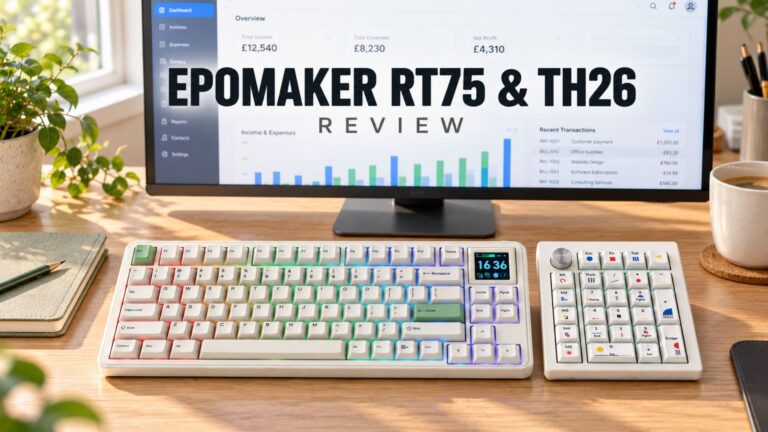 EPOMAKER RT75 and TH26 Review – Retro 75% Keyboard with Detachable Screen and 5-Key Macro Numpad
26 October 2026
EPOMAKER RT75 and TH26 Review – Retro 75% Keyboard with Detachable Screen and 5-Key Macro Numpad
26 October 2026
Questions & answers