




This guide demonstrates how to clear app data for Android 6 and Android 7 devices. You can watch the video demo which starts with Android 6, skip to 48 seconds for Android 7, or follow the text guide below.
Android 6 & Android 7 steps
- From the homescreen, choose the Settings icon (two cogs).
- Navigate to the Apps icon and choose this.
- You may need to wait a few moments for the apps to populate on the screen. Choose the app icon for which one you wish to delete.
- Choose Clear Data.
- Choose OK to confirm you wish to clear data for the app you have chosen.
- It will take a few moments to clear the data. It will now show 0.0 B or 0 B below Clear Data, depending on the Android version when cleared.
- The process to clear the data is now complete.
Was this article helpful?
Latest from the blog
Visit the blog EPOMAKER Carbon X Review – 46 g Carbon-Fibre 8K Wireless Mouse for Competitive FPS
2 November 2026
EPOMAKER Carbon X Review – 46 g Carbon-Fibre 8K Wireless Mouse for Competitive FPS
2 November 2026
 GPD WIN Mini Ultra – A Bigger 8-inch 120Hz Screen, Intel Arc G3 Extreme and Dual USB4 v2.0
27 October 2026
GPD WIN Mini Ultra – A Bigger 8-inch 120Hz Screen, Intel Arc G3 Extreme and Dual USB4 v2.0
27 October 2026
 RockTek PJ500 Ultra Review – A 1080p Home Cinema Projector for Streaming and Gaming
27 October 2026
RockTek PJ500 Ultra Review – A 1080p Home Cinema Projector for Streaming and Gaming
27 October 2026
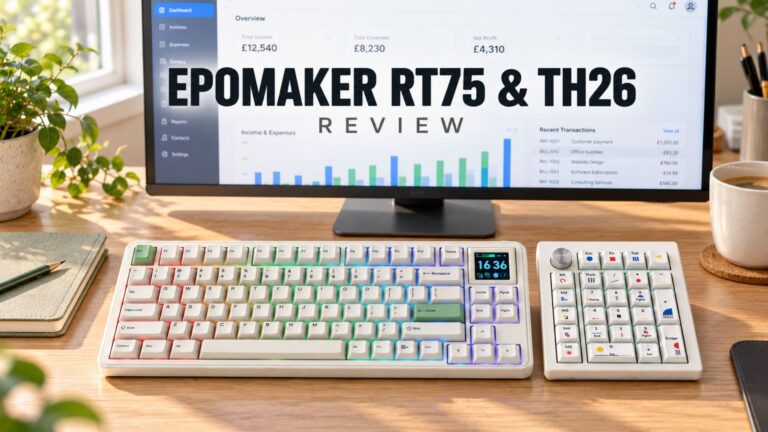 EPOMAKER RT75 and TH26 Review – Retro 75% Keyboard with Detachable Screen and 5-Key Macro Numpad
26 October 2026
EPOMAKER RT75 and TH26 Review – Retro 75% Keyboard with Detachable Screen and 5-Key Macro Numpad
26 October 2026
Questions & answers