




Kodi is an app that can not just play local media but also online based streaming content. In order to do so, you will need to install something called an Add-on which is basically a Extension for specific streaming content that you selected to install.
In order to install an add on inside Kodi 17 you can click on Add on’s> Download> Video add on’s and from there you can select from wide variety of default Kodi repo add ons that are available and one of such being iPlayer WWW (BBC iPlayer) which is displayed in the video guide above.
Upon install you can return to Kodi homescreen and from add on’s section you should be able to locate add on that you installed there.
Kodi comes with variety of add on’s in videos,music,program segment and much more. Some of the add on’s that comes with Kodi are Anime on Demand, ABC Family, Food Network, FOX Sports GO and SoundCloud. You can browse full add on selection at https://kodi.tv/addons
Latest from the blog
Visit the blog GPD WIN Mini Ultra – A Bigger 8-inch 120Hz Screen, Intel Arc G3 Extreme and Dual USB4 v2.0
27 October 2026
 RockTek PJ500 Ultra Review – A 1080p Home Cinema Projector for Streaming and Gaming
27 October 2026
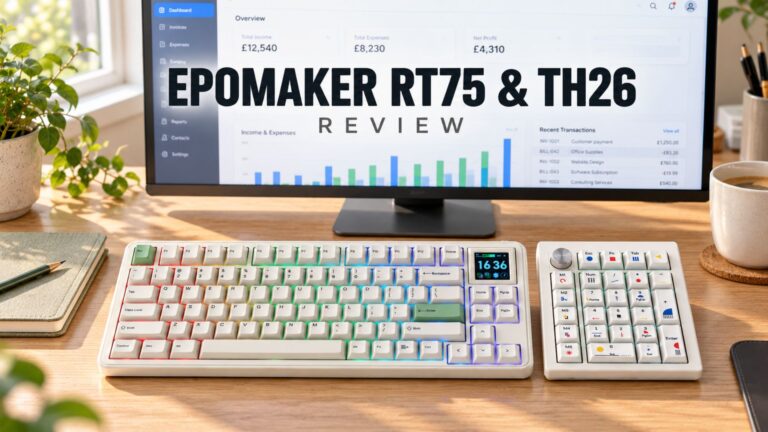 EPOMAKER RT75 and TH26 Review – Retro 75% Keyboard with Detachable Screen and 5-Key Macro Numpad
26 October 2026
 GEEKOM A5 2027 Review – A Compact Mini PC Home Lab
21 October 2026
Questions & answers