



Continuing our video demo series of streaming and casting with mobile devices, we take a look at ways to do this with an Android based device. This video covers how to cast your favourite YouTube videos with the YouTube app, and DLNA streaming photos, videos and music with the BubbleUPnP app.
There are a variety of DLNA streaming apps to choose from but we recommend BubbleUPNP as there is both a free and paid version and it is very easy to set up. You can find more information on BubbleUPNP at https://play.google.com/store/apps/details?id=com.bubblesoft.android.bubbleupnp.
You can read about and watch the first part of streaming on your DroidBOX® which covers DroidBOX® Share for Android and iOS devices at https://droix.net/wordpress/droidbox-share-demonstration-video/.
Latest from the blog
Visit the blog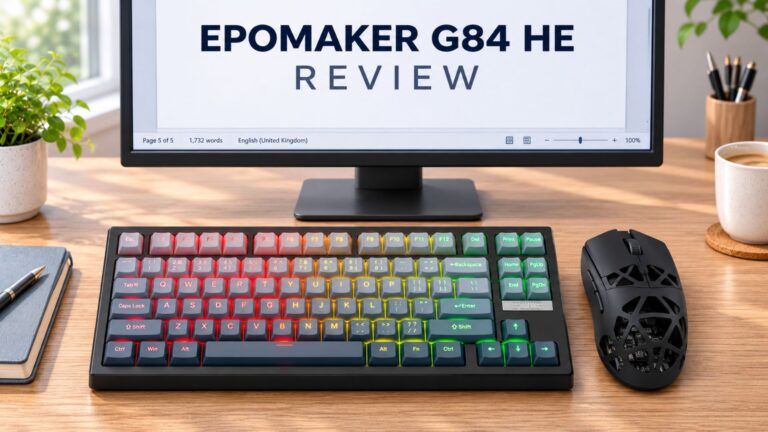 EPOMAKER G84 HE Review – 80% Hall Effect keyboard with 8K polling, an 8,000mAh battery and a creamy gasket build for gamers
9 November 2026
EPOMAKER G84 HE Review – 80% Hall Effect keyboard with 8K polling, an 8,000mAh battery and a creamy gasket build for gamers
9 November 2026
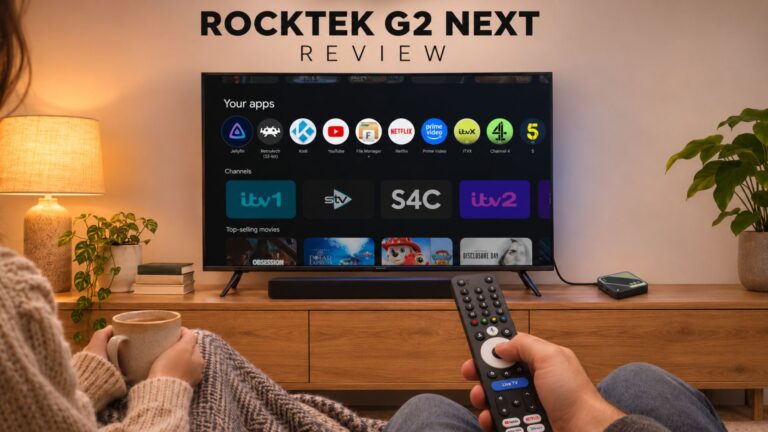 RockTek G2 Next Review – Faster Android TV 14 Streaming with Wi-Fi 6 and Gigabit Ethernet
5 November 2026
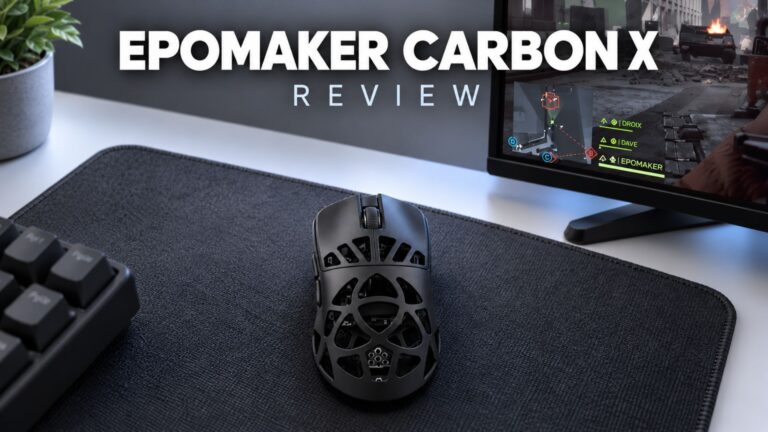 EPOMAKER Carbon X Review – 46 g Carbon-Fibre 8K Wireless Mouse for Competitive FPS
2 November 2026
Questions & answers