




We wrap up our “Streaming and Casting with your DroiX® video series with a look at using an iOS based device with AirPlay and YouTube. We show how you can mirror your iOS device’s screen to the DroiX® – great for showing your phone to more people or even play games on your TV! In the second part we show how to cast YouTube videos from your device to the DroiX .
Using iPhone Airplay with DroiX® TV set top box based on Android
Using YouTube casting with DroidBOX® TV set top box based on Android
Please watch our other videos in the series below:
DroiX® Share on Android Devices – Demonstration Video
Streaming and Casting with Android demo video
DroiX Share on iOS Devices – Demonstration Video
How to Stream and Cast to your DroiX with your Android device using Yatse
Latest from the blog
Visit the blog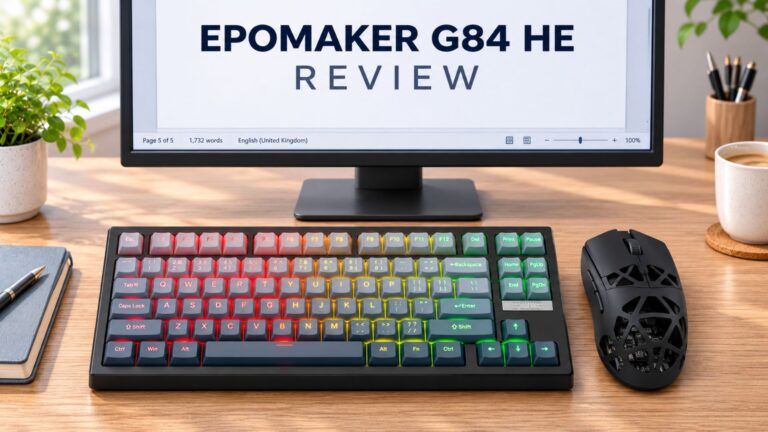 EPOMAKER G84 HE Review – 80% Hall Effect keyboard with 8K polling, an 8,000mAh battery and a creamy gasket build for gamers
9 November 2026
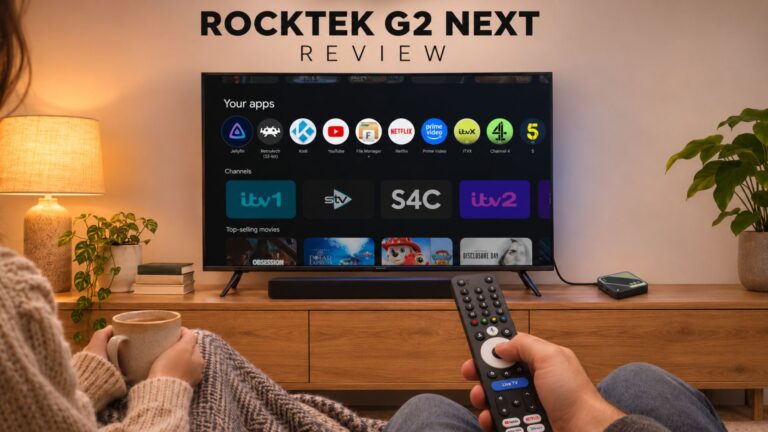 RockTek G2 Next Review – Faster Android TV 14 Streaming with Wi-Fi 6 and Gigabit Ethernet
5 November 2026
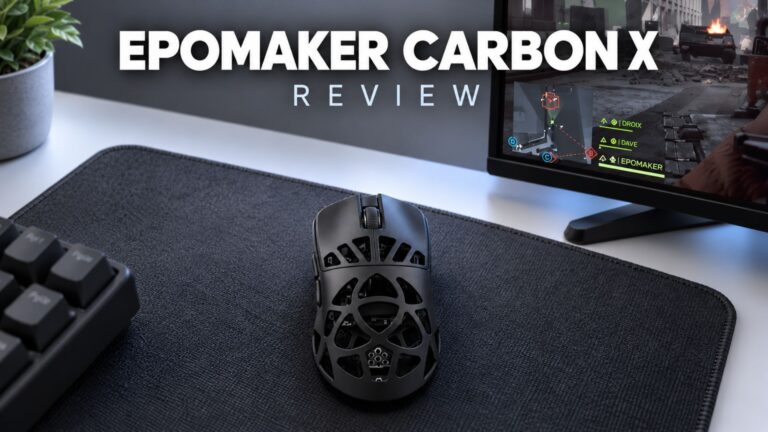 EPOMAKER Carbon X Review – 46 g Carbon-Fibre 8K Wireless Mouse for Competitive FPS
2 November 2026
 GPD WIN Mini Ultra – A Bigger 8-inch 120Hz Screen, Intel Arc G3 Extreme and Dual USB4 v2.0
27 October 2026
Questions & answers