

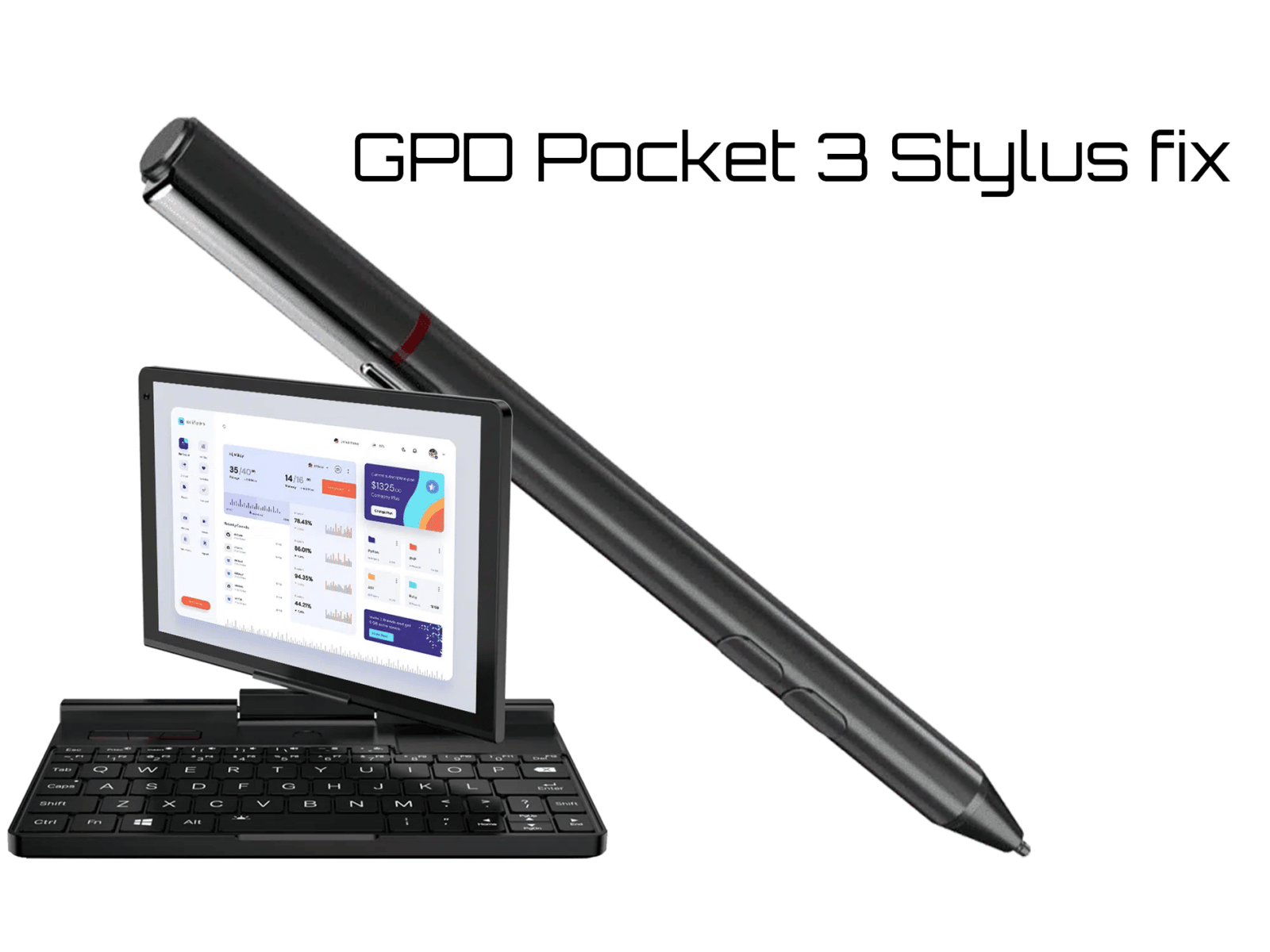
Some of you may be having issues using the stylus on your GPD Pocket 3. If this is the case do not fret, you simply have to install this touchscreen update!
Don’t worry, we wont just leave you to do the update on your own! Here is a small guide so you can Fix the GPD Pocket 3 Stylus.
There are two different types of touchscreen used on the Pocket 3 over the years.
V1 Touchscreen firmware here (older i7 CPU models)
V2 Touchscreen firmware here (7505 models)
Then extract it by right clicking the file and clicking extract.
When you have done this, go into the folder and double click update_all_firmware.
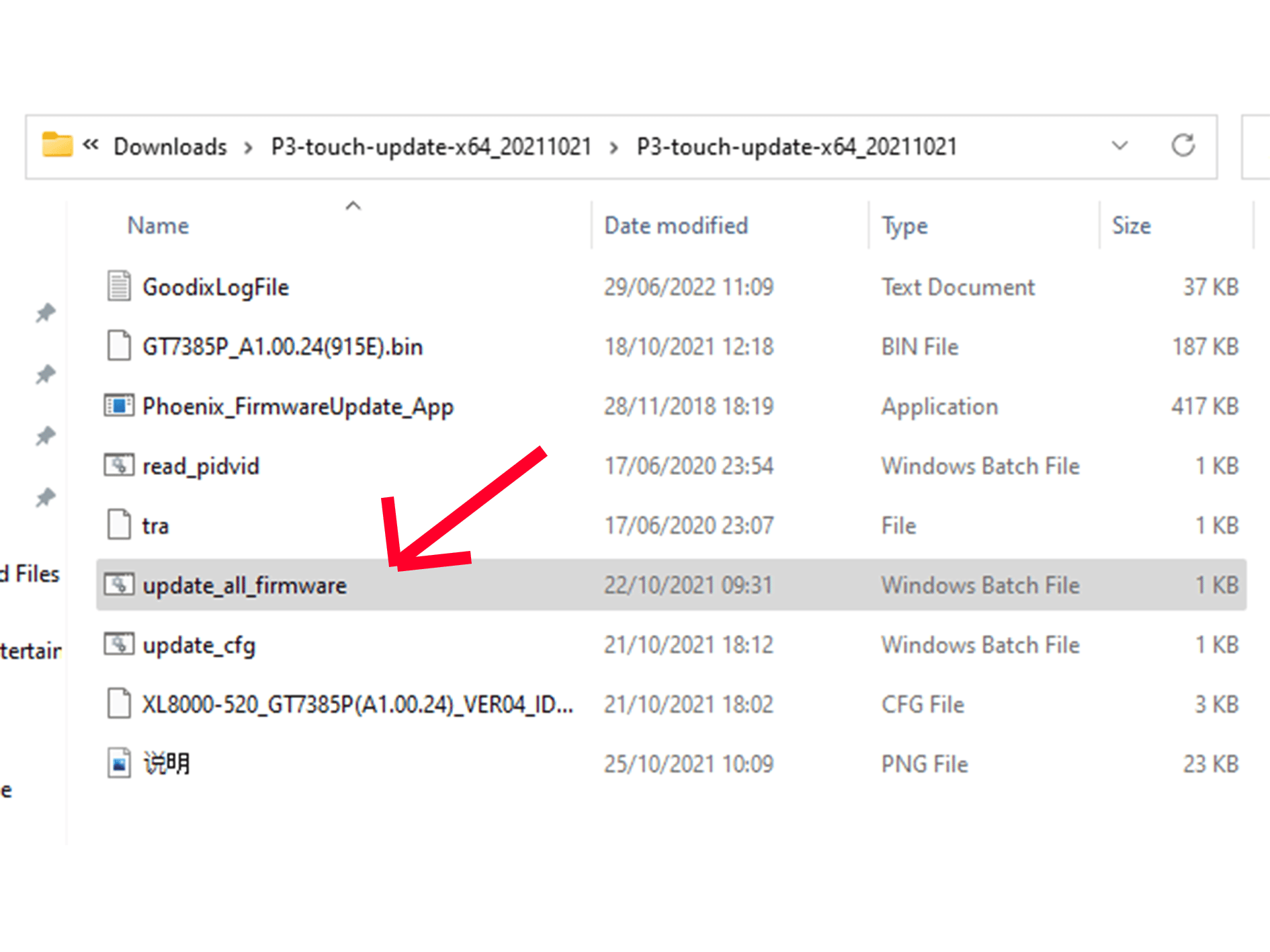
After this, the update should begin and you are on your way to fixing the problem!
This process may take a few minutes, so do not close the window while it is happening.
Once the update process is complete you can reboot your GPD Pocket 3.
If you feel like browsing through our other GPD products as well as our other Ultrabook products located on our website!



