
In this article
 GPD Win 5 Docking StationChoose where to buy — prices as listed on each store.



Prices are the ones Weekly last read from each store — check the store page before you buy.
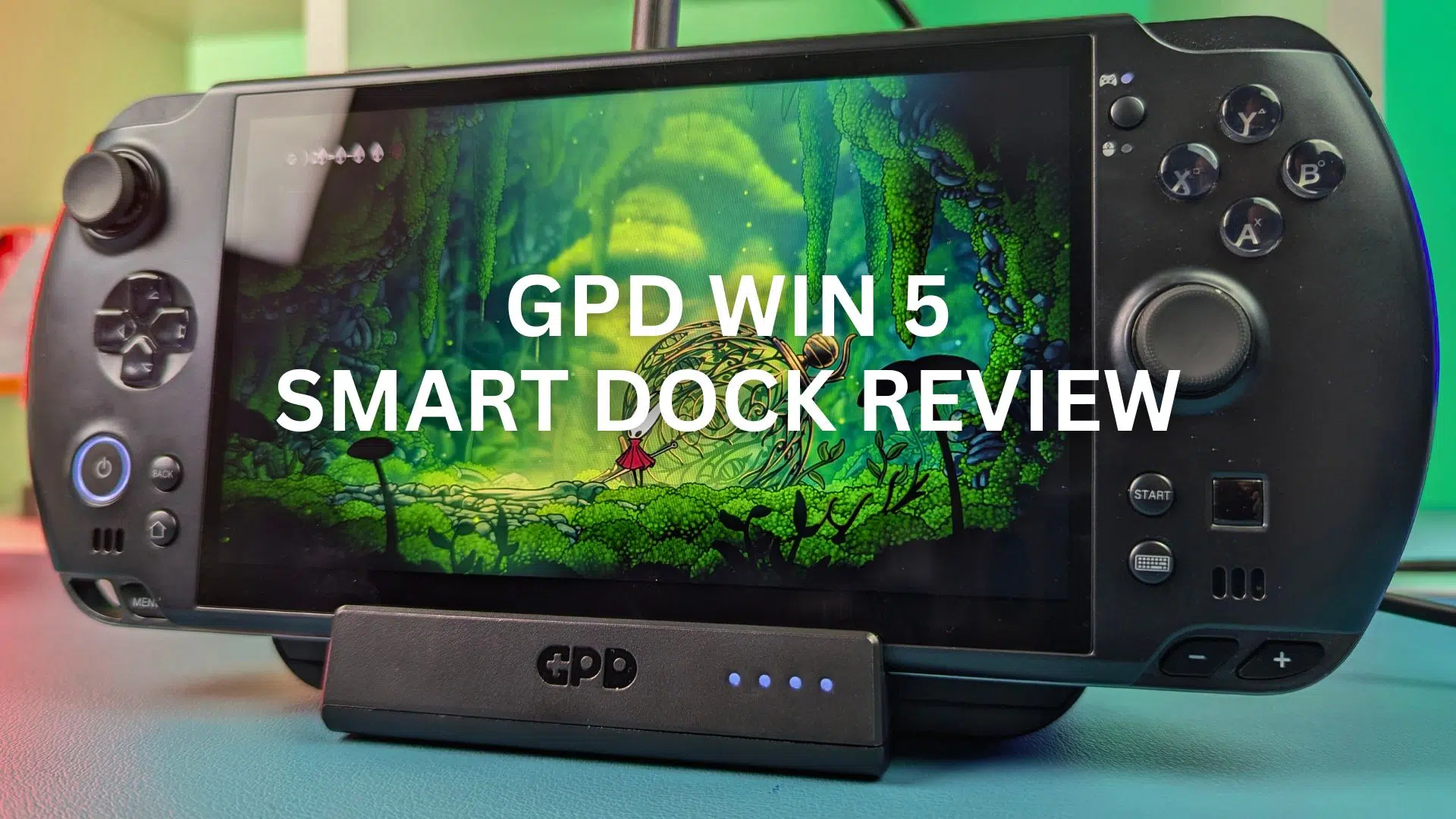
We just received the new GPD WIN 5 Smart Docking Station and thought we would do a brief overview of its features. Consequently, let’s get straight into our GPD WIN 5 Docking Station review.
GPD WIN 5 Docking Station Review Video
Overview of the GPD WIN 5 Smart Docking Station
The GPD WIN 5 Docking Station measures around 7.4 x 6.6 x 1.49 inches. Additionally, the unit weighs in at about 317 grams. As you can tell, the GPD WIN 5 Smart Docking Station is very light for its size. It is made entirely from plastic. Unfortunately, the GPD WIN 5 Docking Station doesn’t feel like there is much going on inside.
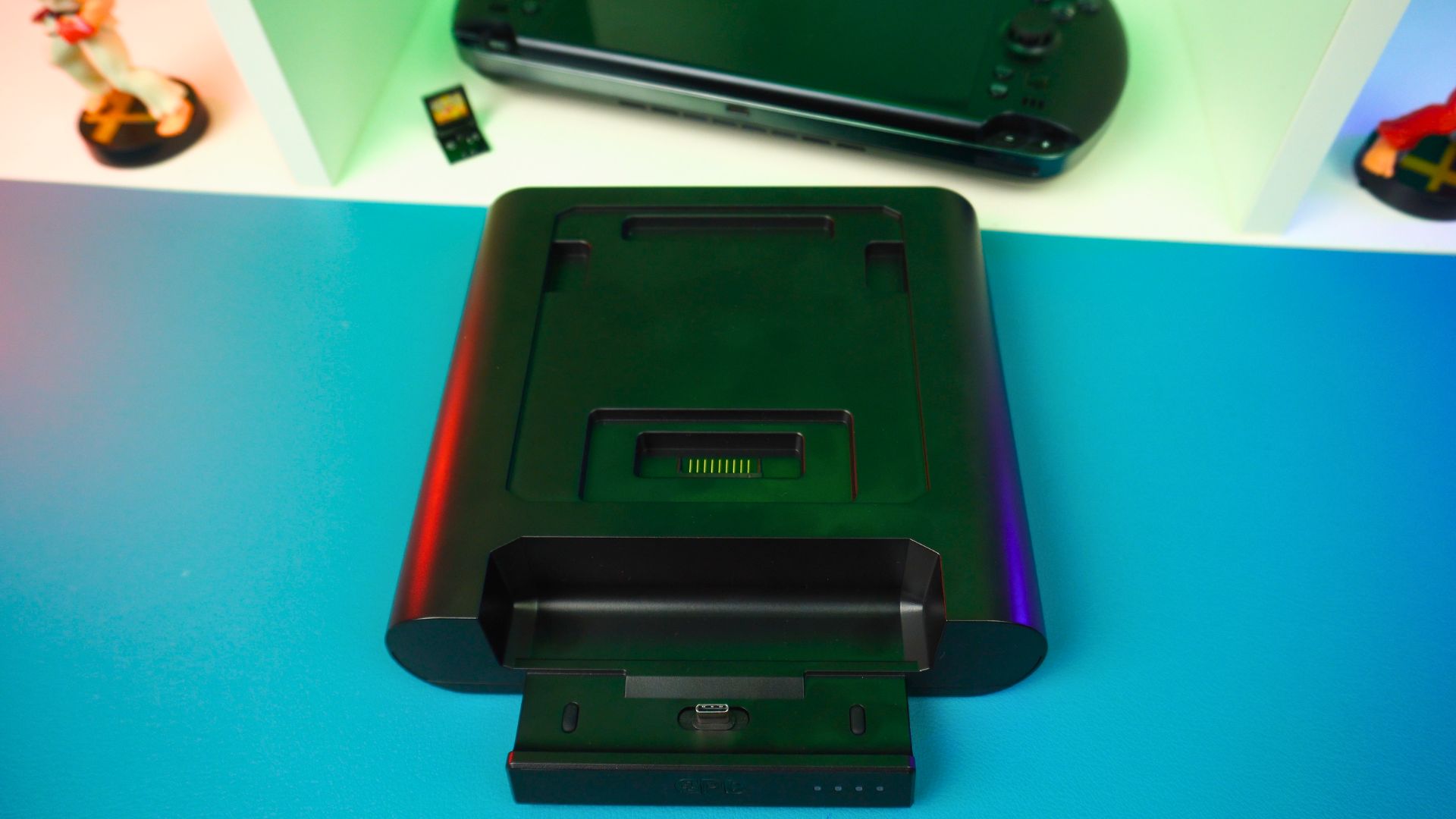
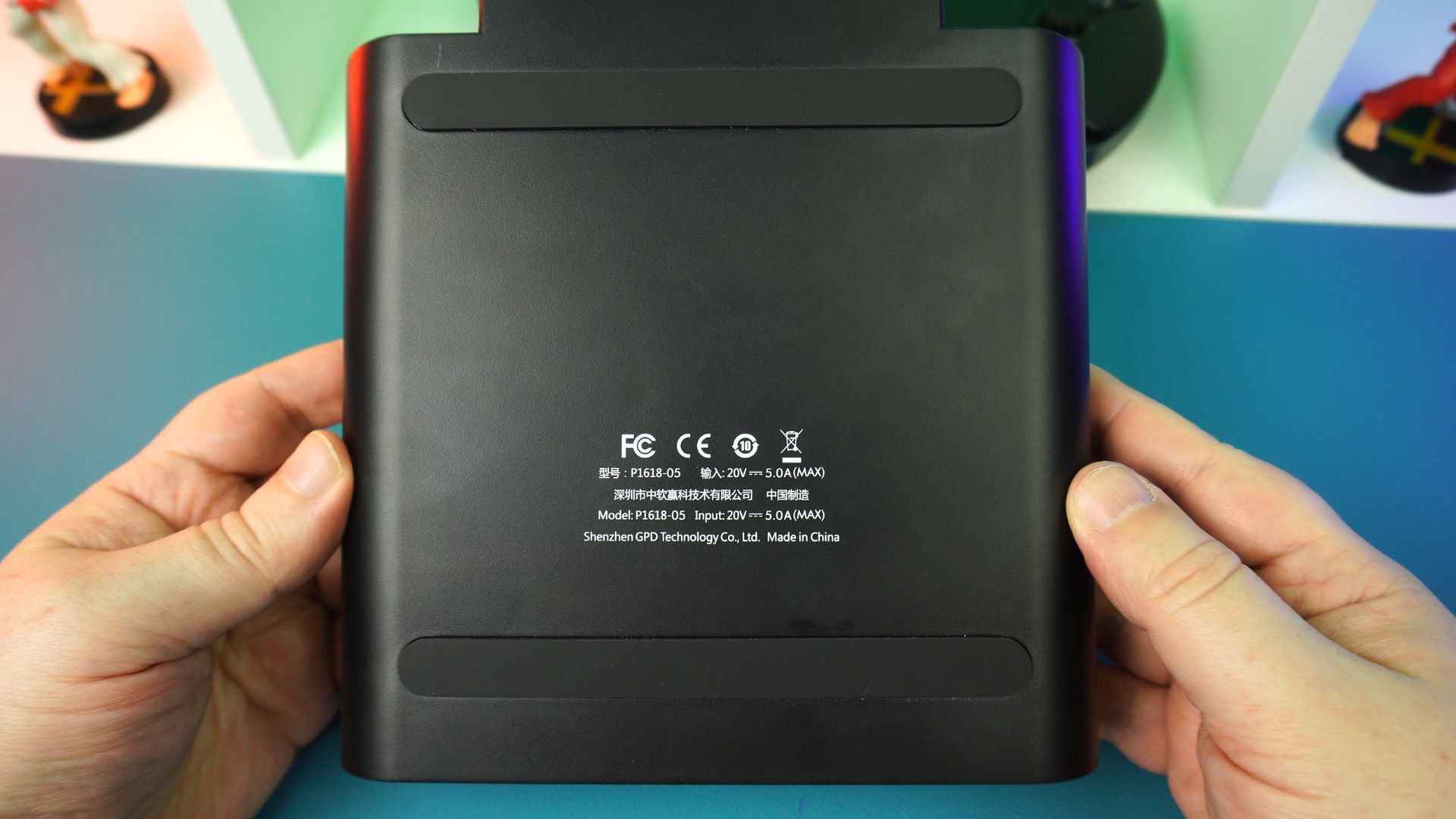
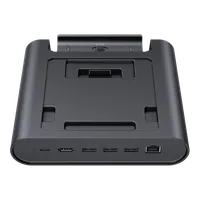
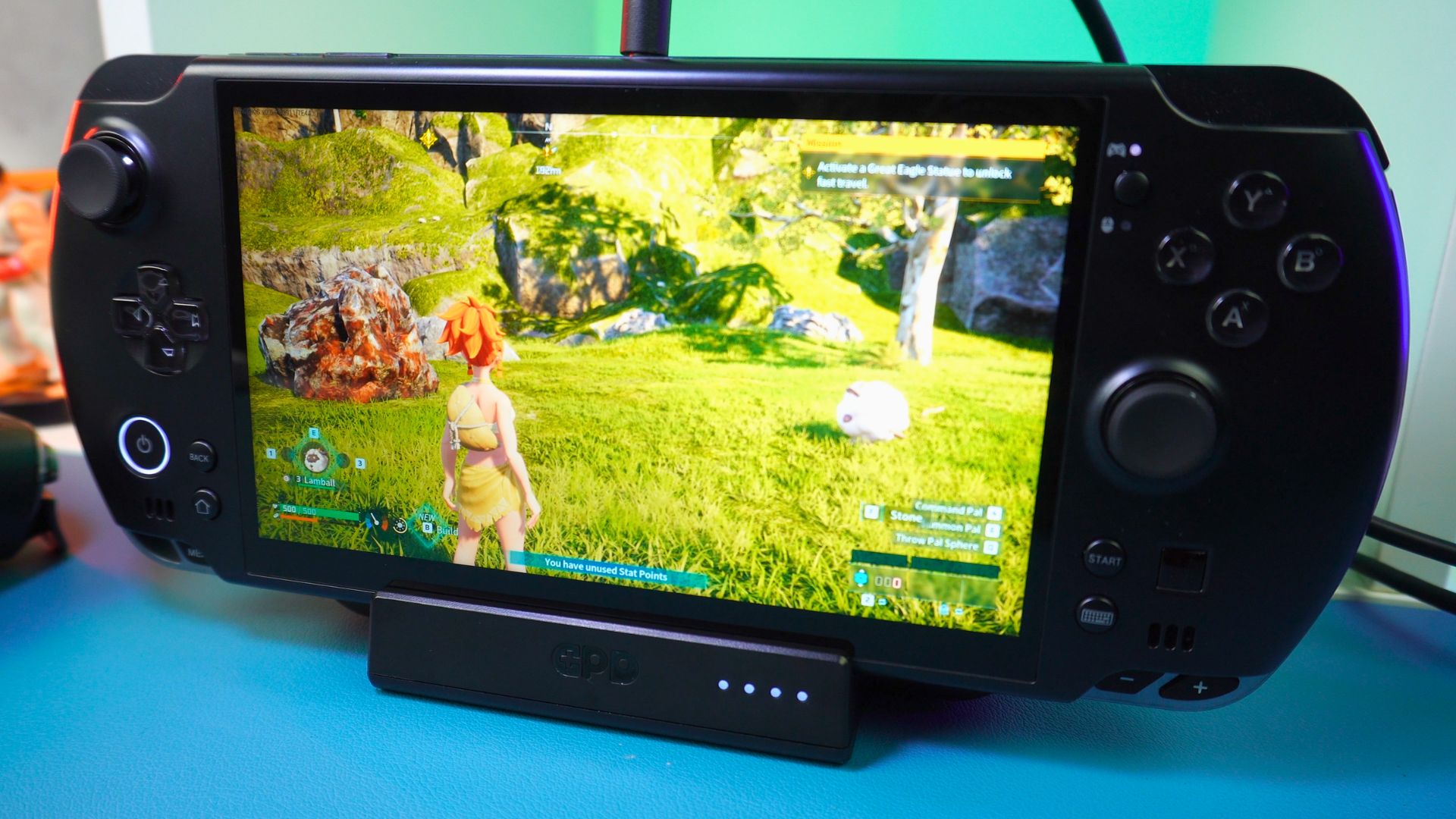
On the front, you have the main docking area. This houses a USB port for data. Beside this, four LED indicators show you the battery charging status. Most of the top surface is taken up by the slot for recharging the GPD WIN 5 battery. Meanwhile, the bottom has two rubber strips to keep the GPD WIN 5 Smart Docking Station from sliding around on your desk.
Connectivity Options on the GPD WIN 5 Docking Station
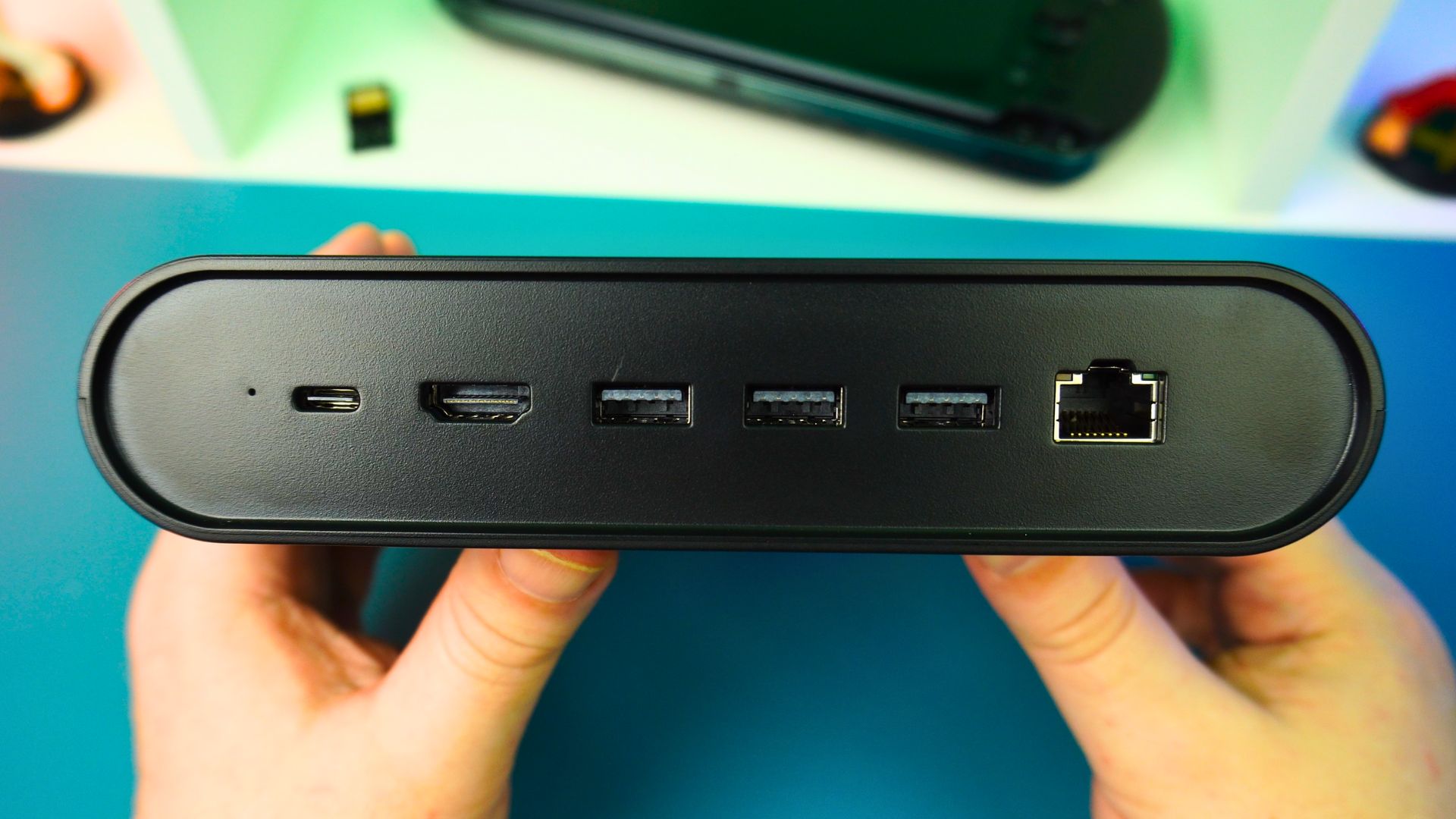
Round the back is where you find your connectivity. First, there is a USB Type-C port which is for charging the battery. Next to that, the GPD WIN 5 Docking Station features one HDMI 2.1 port supporting up to 4K 144Hz. Furthermore, there are three USB 3.2 Gen 2 Type-A ports and a gigabit ethernet port.
Using the GPD WIN 5 Smart Docking Station
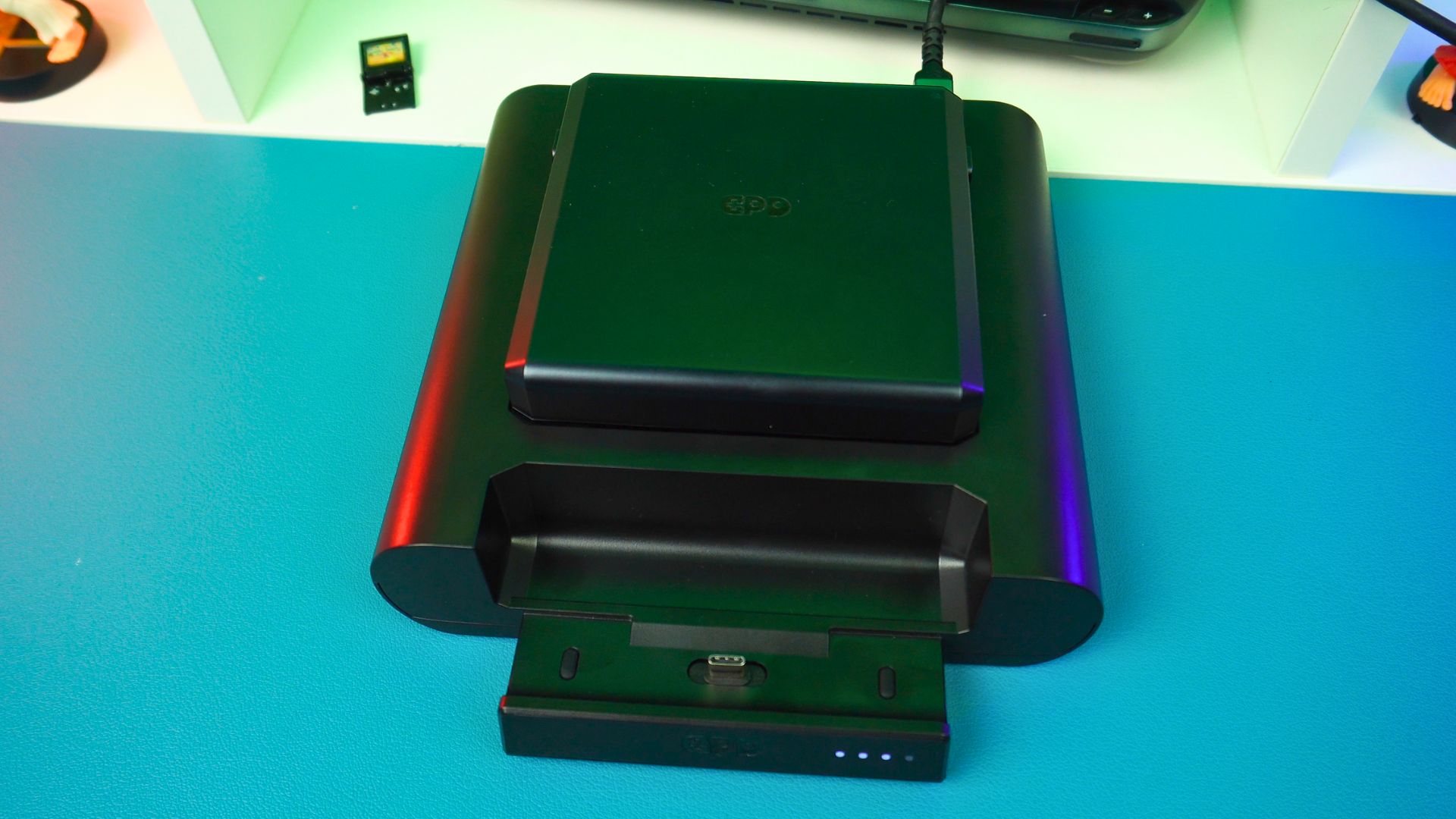
If you simply want to charge an external battery, the process is nice and easy. Simply plug any 5V up to PD 2.0 fast charger into the back. Then, drop a battery in. Subsequently, the LED indicators on the front will show the progress.
Power Limitations in this GPD WIN 5 Docking Station review
However, using the GPD WIN 5 Smart Docking Station as an actual dock is not quite so straightforward. The USB port on the back is only for charging the battery in the slot. Therefore, it does not power the console itself. Also, the GPD WIN 5 bottom USB port doesn’t support charging anyway. This means you still need to power the handheld separately via the DC barrel jack or a connected battery.
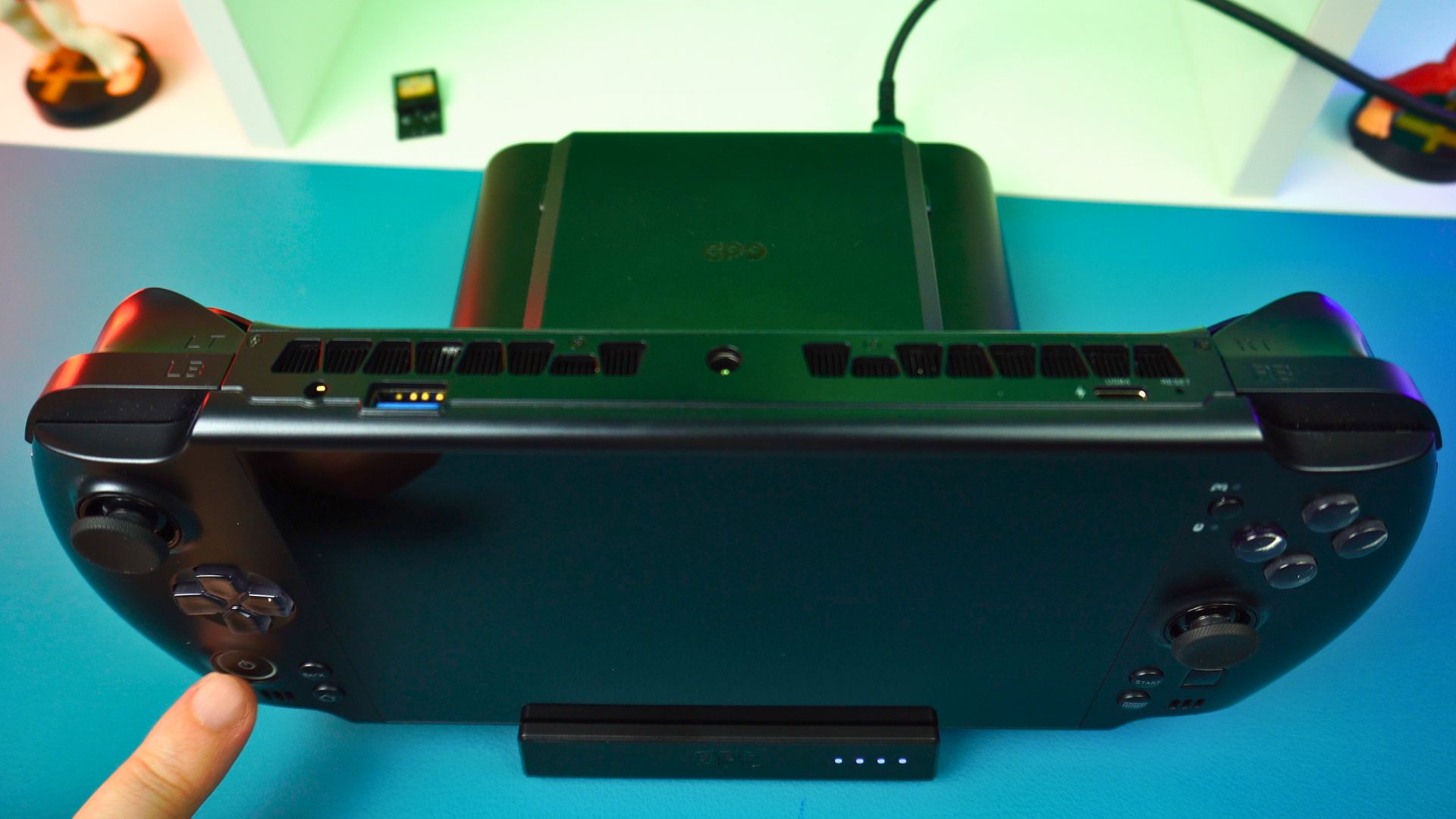
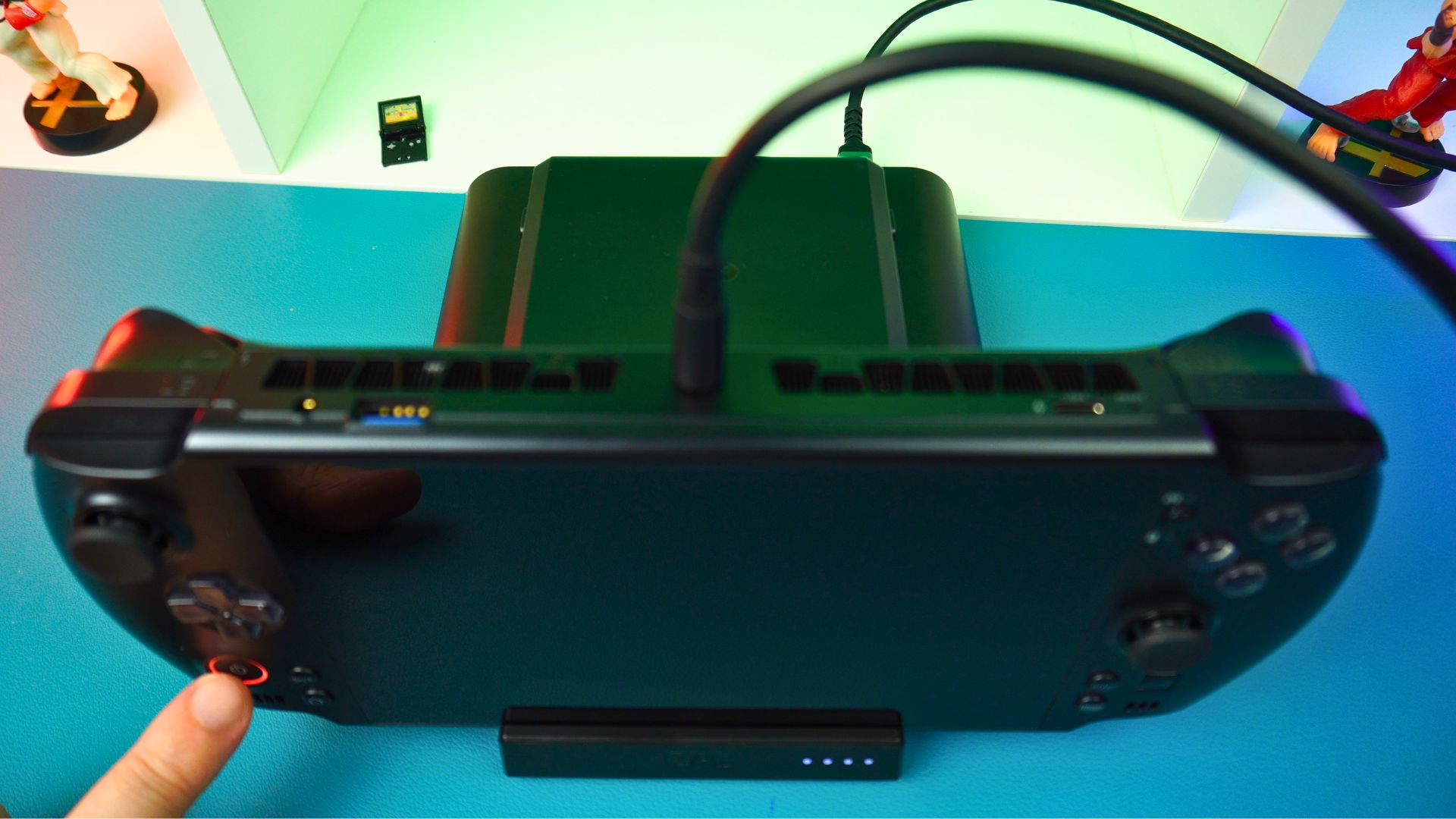
The result is that if you have two or more batteries, you face a challenge. To use the GPD WIN 5 while charging a spare, you are going to need two separate chargers plugged in at once. It is not ideal if you are travelling. This is just extra weight and space taken up in your bags.
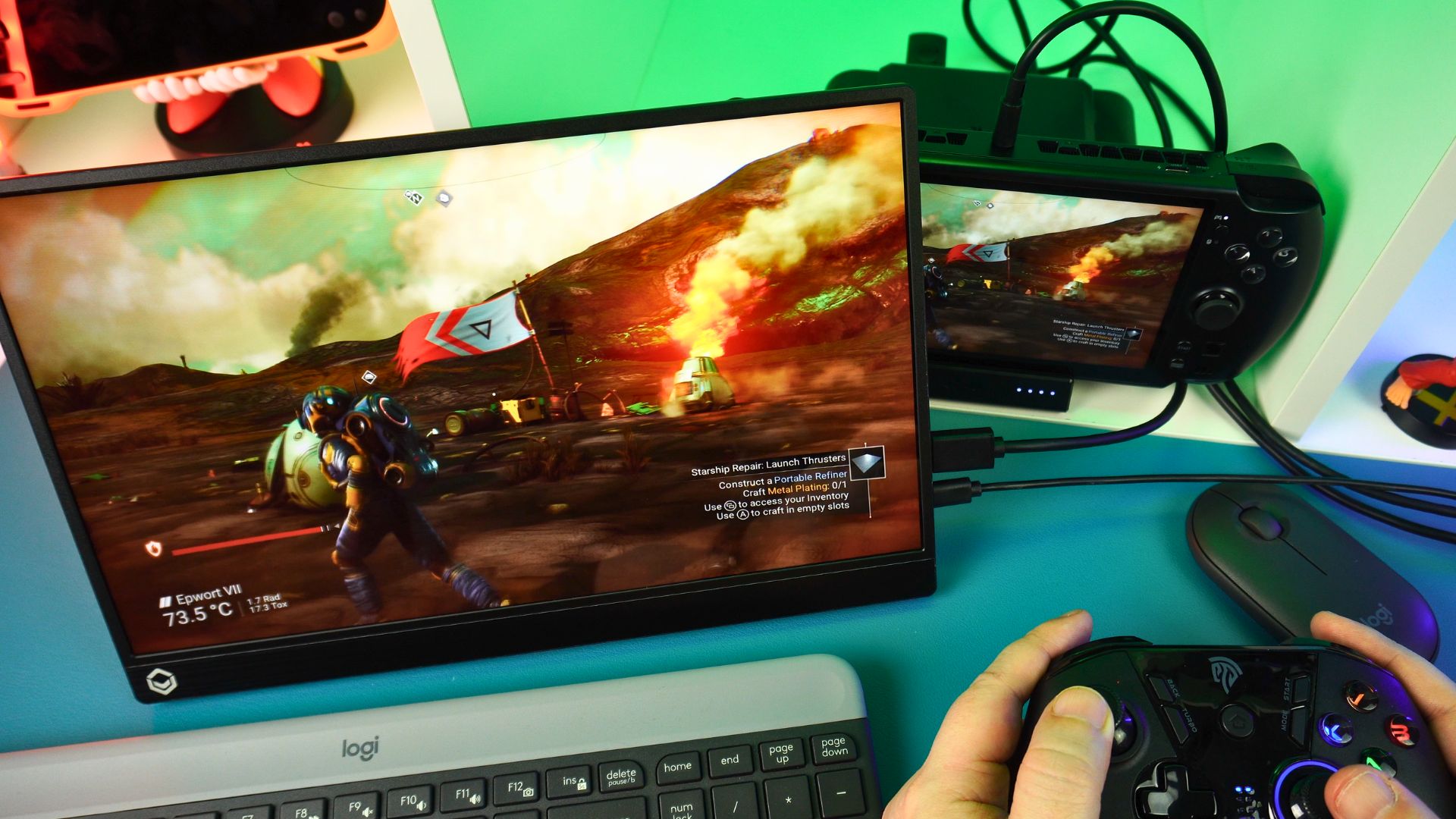
Once you do get the GPD WIN 5 connected, the features work well enough. For example, the gigabit ethernet and three USB ports become available. These let you connect a keyboard, mouse, and some storage. Additionally, you can use the HDMI to output to your TV or portable monitor. Thus, you can enjoy that up to 4K 144Hz support provided by the GPD WIN 5 Docking Station.
Final Thoughts on the GPD WIN 5 Smart Docking Station
To me, a design with a DC barrel jack passthrough would have made immediate sense. This would allow you to charge and power the unit from a single brick. At the very least, the GPD WIN 5 Docking Station should have supported higher wattage chargers. These could handle both the console and the battery through one cable.
Also, the bottom GPD WIN 5 USB port could have supported charging. Alternatively, a second USB port or cable to plug into the GPD WIN 5 top USB port, which does support charging, would have been useful.
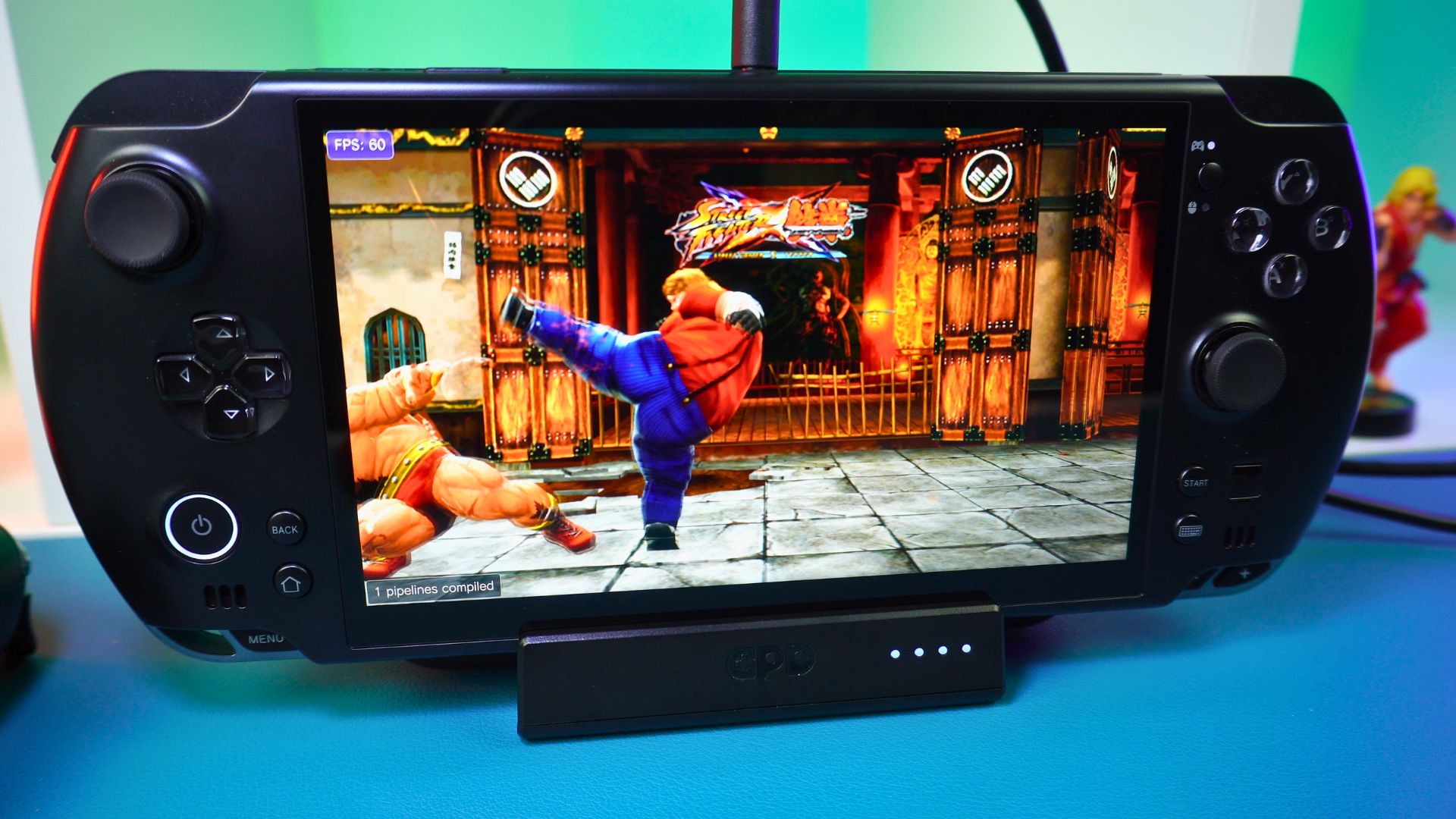
Ultimately, the GPD WIN 5 Smart Docking Station is anything but smart. It is a bit hard to recommend unless you really want to keep your accessories official. Alternatively, you might absolutely need to keep multiple batteries charged at once. Otherwise, just about any third-party hub will do the same job as the GPD WIN 5 Docking Station, if not better, for a lower price.
You can learn more about and order the GPD WIN 5 Docking Station here.

That wraps up our brief overview of the GPD WIN 5 docking station. If you have any questions about it, please feel free to ask in the comments below and we will be happy to answer.
GPD WIN 5 Smart Docking Station Review
The GPD WIN 5 Smart Docking Station is a lightweight official accessory that transforms your handheld into a desktop setup with HDMI 2.1 and USB 3.2 connectivity, while offering a unique dedicated slot to charge your spare battery.
What we liked
- Secure, Custom Fit
- Dedicated External Battery Charging Slot
- HDMI 2.1 Output (4K @ 144Hz)
- High-Speed USB Connectivity
- Gigabit Ethernet
Could be better
- No Single-Cable Power Solution

Bringer of videos, text and images! AKA the social media guy at DROIX. Massive retro gaming fan and collector, with a far too large collection of consoles and computers from 1970's to modern. Contact me at [email protected]
Questions & comments
0
Every question gets an answer. Ask before you buy — DaveC and the team reply within one working day, and answers stay public so they help the next reader too.