




في هذه المقالة
A new firmware update for openELEC is now available for DroiX® T8-S owners.
The changelog (changes in this release) include:
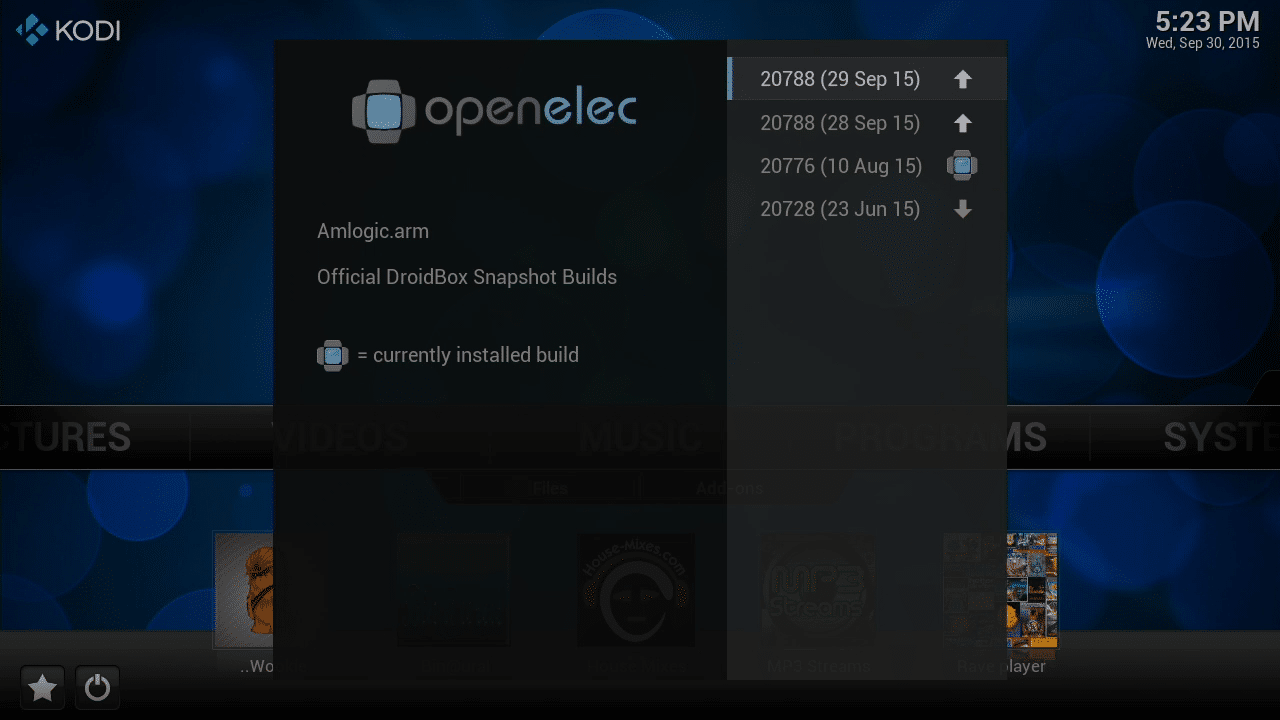
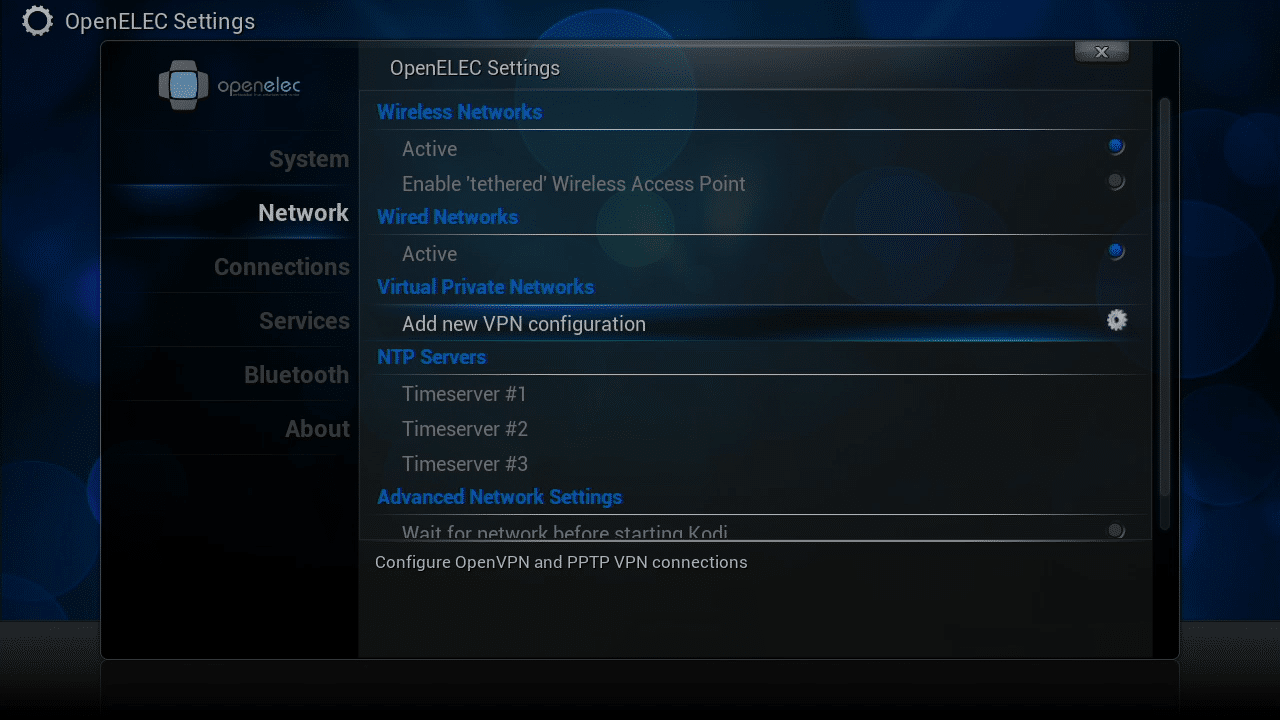
- VPN connections can now be created again

- Fixed a factory reset combination which could cause a device to lock in a boot loop
- Fixed a broken section of EDID implementation that could cause a device to fail to load openELEC
How To Check For The Update (if you don’t see a notification automatically):
- Turn on your T8-S (Switch to openELEC if in Android) then scroll to the right and click on the Programs entry
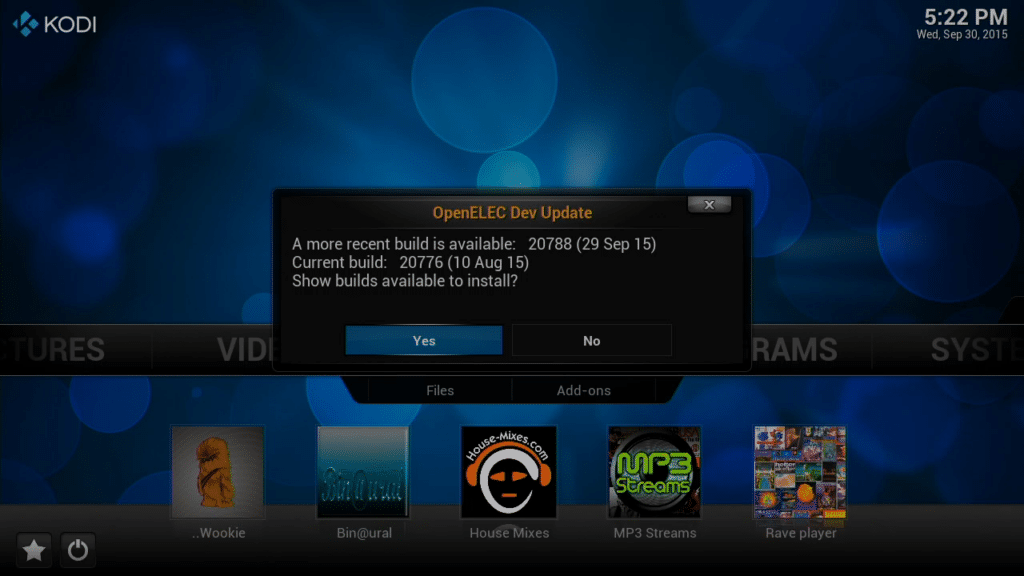
- Open the OpenELEC Dev Update
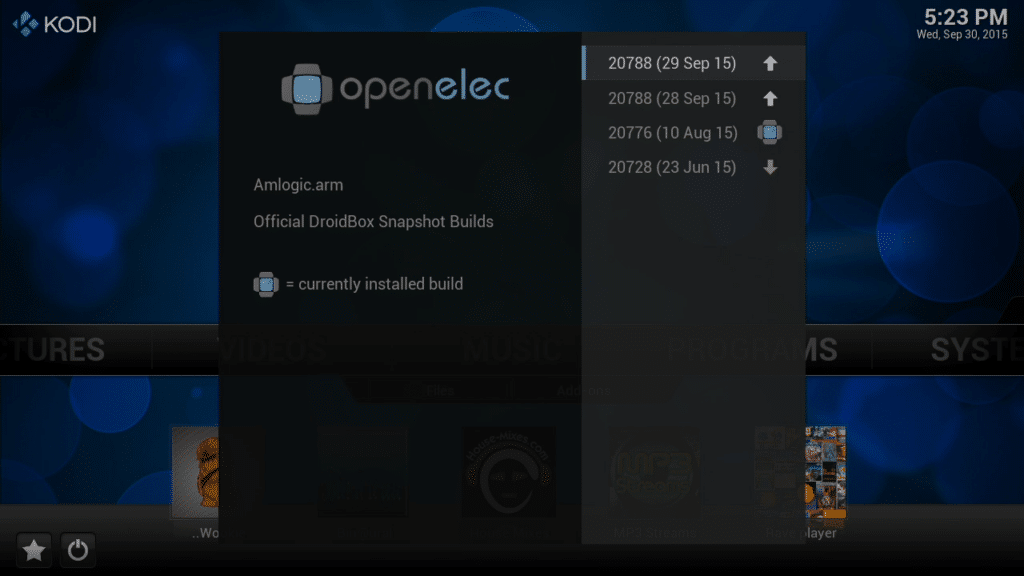
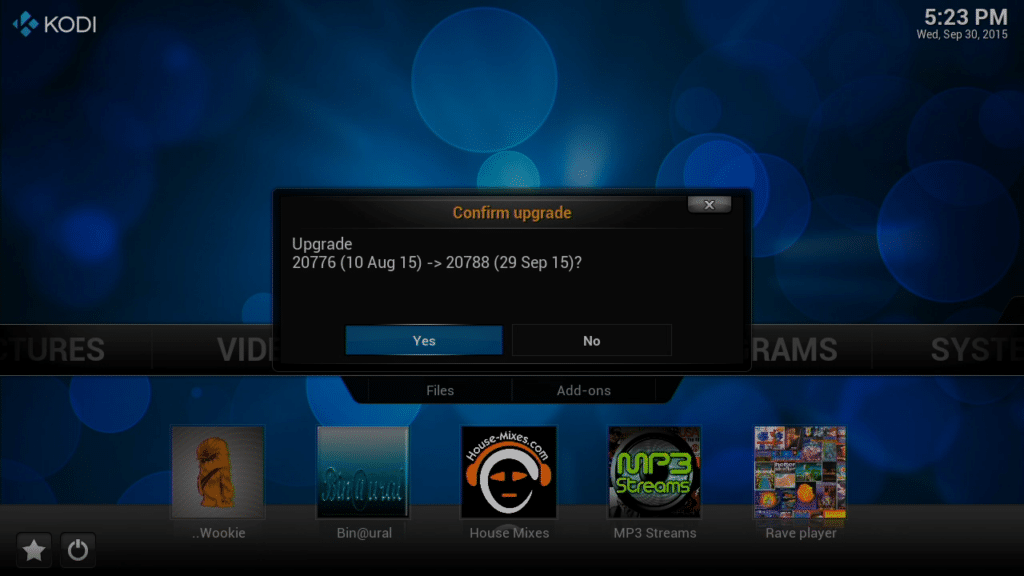
(Start here if the notification is still on your screen) - choose the 20788 (29 Sep 15) build from the menu – if a more recent build is listed, try that
- Click Yes to confirm the upgrade
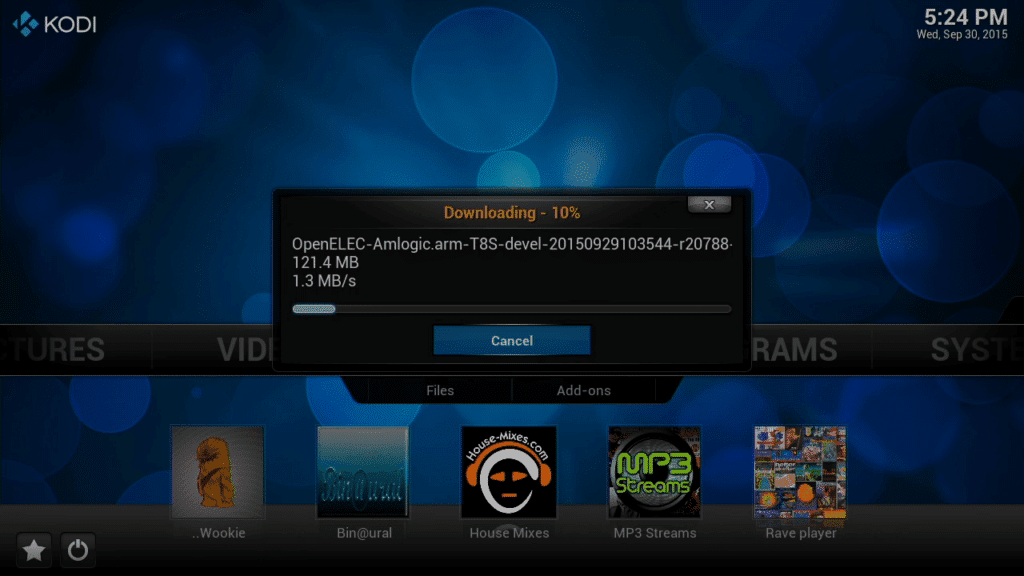
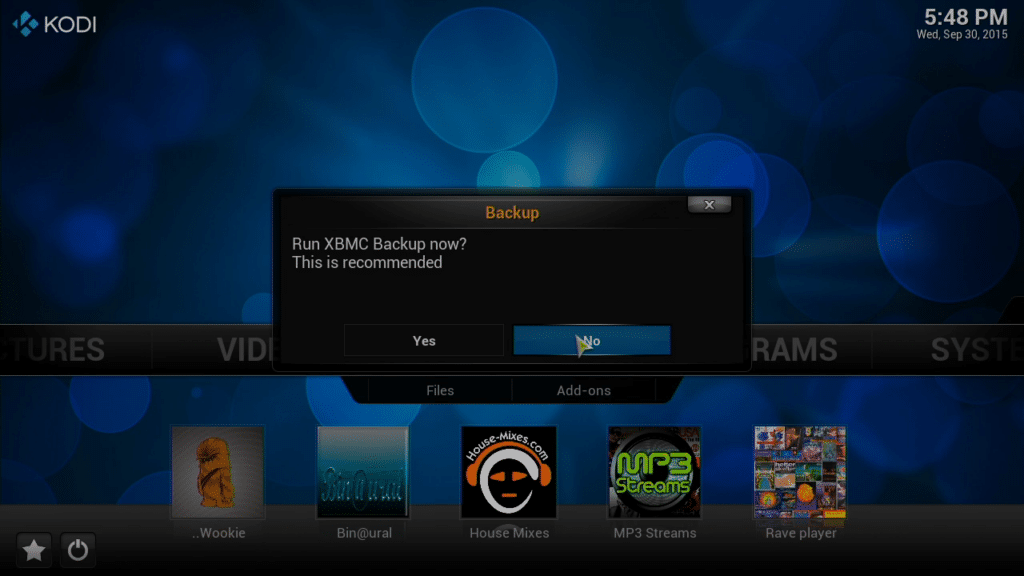
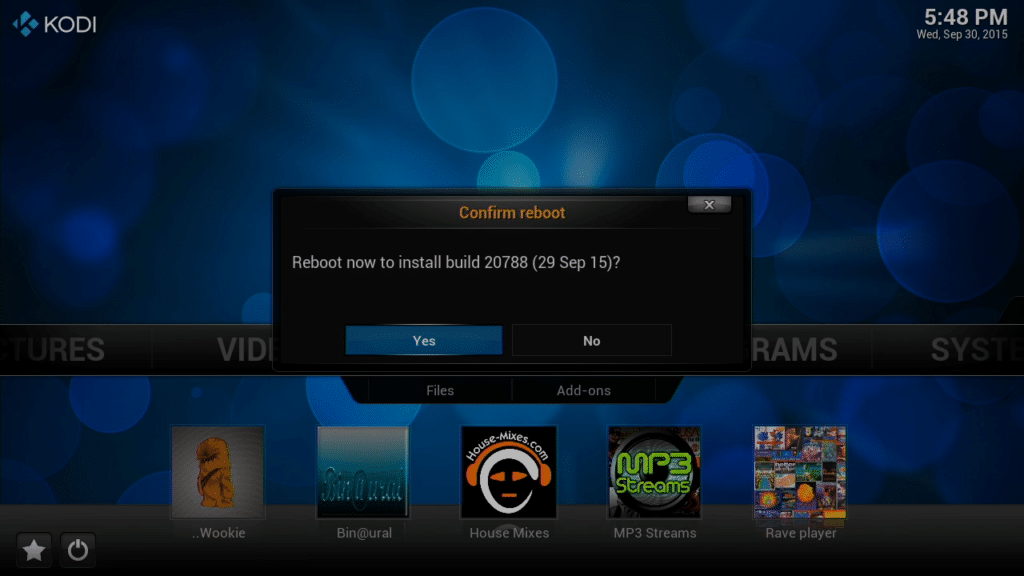
The update will now download. Once complete you will be prompted to run XBMC Backup, you can skip this part if you wish to (if this is the first time you’ve used openELEC or have wiped the data to start afresh, there is definitely no need to backup!) After this you will be prompted to Reboot to install the update.
هل كانت هذه المقالة مفيدة؟
شكراً على الملاحظات!

كتبت بواسطة
Cristian
المقالة السابقة
T8 OTA Updates for devices purchased before May 2015
المقالة التالية
Kodi 15.2 Final released
الأسئلة والتعليقات
0
تحصل كل سؤال على إجابة. اسأل قبل الشراء — Cristian والفريق يرد في غضون يوم عمل واحد، والإجابات تبقى عامة لمساعدة القارئ التالي.