
In this article
The End of an Era in Digital Streaming?
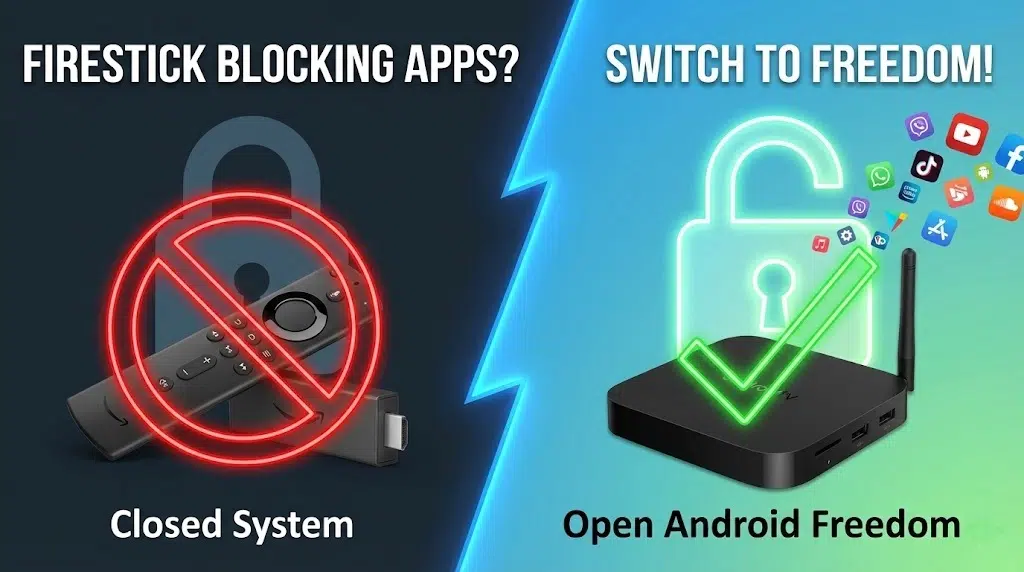
The digital home entertainment landscape is currently witnessing a seismic structural shift. For years, the Amazon Firestick reigned supreme as the ubiquitous, cost-effective portal to the world of streaming, largely due to its inherent flexibility that allowed users to sideload applications outside Amazon’s walled garden. However, this era of digital freedom has effectively ended. Through a strategic collaboration with the Alliance for Creativity and Entertainment (ACE), Amazon has initiated a device-level crackdown that utilises sophisticated signature verification to remotely disable third-party applications. This moves the device from a general-purpose computer to a restricted terminal, fundamentally altering its utility for millions of users.
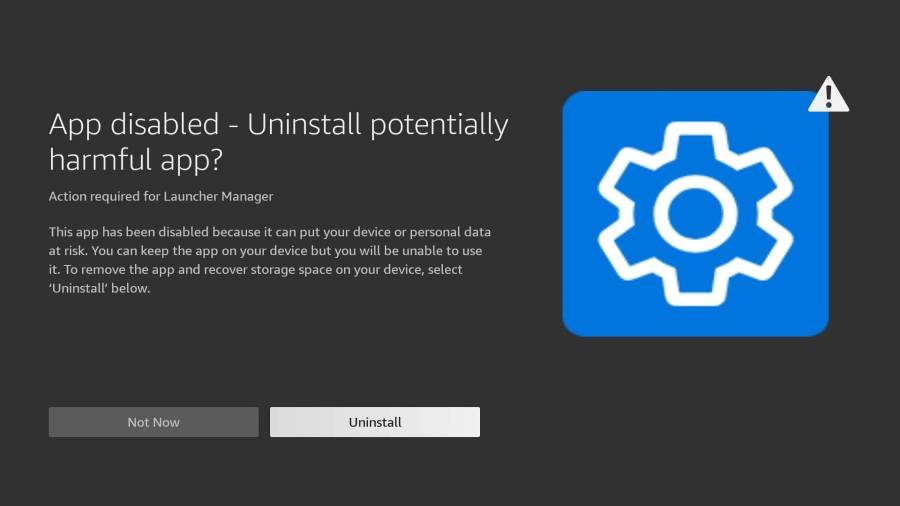
This transition marks a critical turning point for consumers who value ownership and choice. The days of easily sideloading custom media players or ad-free interfaces are fading as Amazon tightens its grip to maximise service revenue and enforce copyright restrictions. As “Not Permitted” warnings become commonplace, sophisticated users are increasingly abandoning the restricted Fire TV ecosystem. A significant migration is underway toward Android TV boxes, such as the RockTek GB1, GX1, and G2, which offer a viable alternative to Firesticks by preserving the software freedom, hardware control, and open ecosystem that modern streamers demand.
Part I: The Amazon Firestick Crackdown
The Mechanism of the Ban: Deep Packet Inspection and Signature Verification
The restrictions currently rolling out across Fire TV devices represent a sophisticated evolution in digital rights management (DRM) and operating system control. Historically, Amazon discouraged the installation of unofficial apps but did not actively prevent it. The operating system, Fire OS, inherently allowed for the installation of APK files from external sources due to its Android roots. However, the new enforcement protocols introduced by Amazon utilise a two-stage blocking mechanism that functions at the core system level.
The Signature Match
The core of this new blocking technology is signature verification. Every Android application is signed with a digital certificate by its developer. This signature verifies the integrity of the code and identifies the author. In the past, Fire OS only checked if an app was validly signed. Now, it checks who signed it.
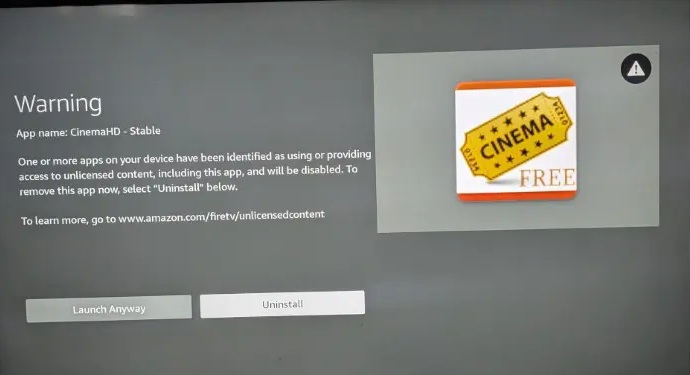
Amazon, working with external partners, has compiled a blacklist of digital signatures associated with “unauthorised” or “dodgy” apps. When a user attempts to launch an application, whether it was installed from the Appstore years ago or sideloaded yesterday, the operating system performs a real-time check. It compares the app’s signature against this cloud-based blacklist. If a match is found, the execution is halted immediately.
This is a critical distinction: the block happens at execution, not installation. You might successfully download and install an app, but when you click “Open,” the system intervenes. Users are presented with a system overlay stating that the app is “not permitted,” and the launch is aborted. This renders the app effectively dead code on the device storage.
The Transition to Vega OS: The Nuclear Option
While the current signature blocking is effective, it is still a patch on top of Android. The long-term strategy for Amazon is far more radical. Reports indicate that Amazon is transitioning its devices away from the Android ecosystem entirely to a new, proprietary operating system known internally as Vega OS (sometimes referred to as a Linux-based Fire OS in transitional models like the 4K Select).
This architectural shift is the “nuclear option” for control.
- Breaking Compatibility: Android apps (APKs) are written for the Android Runtime (ART). Vega OS is web-forward and Linux-based but does not natively support ART. This means no Android app will run on a Vega device unless the developer specifically rewrites it for Vega.
- Eliminating Sideloading: If the OS cannot read APK files, sideloading as we know it ceases to exist. There will be no “Developer Options” to enable unknown sources because the system simply won’t have an installation vector for unauthorised code.
- Total Ecosystem Control: With Vega, Amazon controls the entire stack. This maximises ad revenue and ensures that only partners who pay Amazon can have a presence on the device.
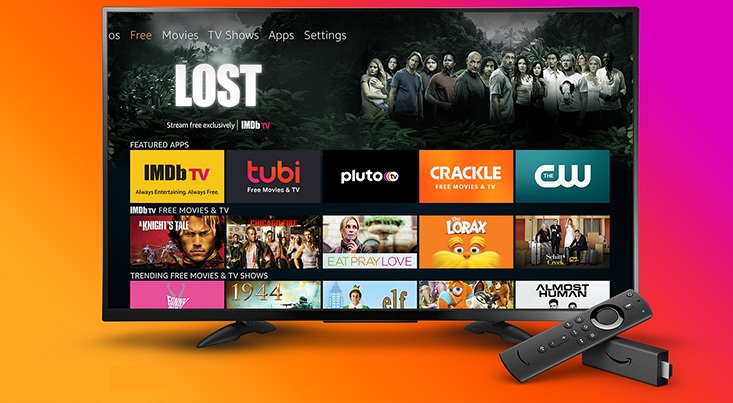
For the consumer, this means the Firestick of the future will be fundamentally different from the Firestick of the past. It will be a closed terminal. This impending obsolescence of the Android-based Firestick is a primary driver for users seeking an alternative to Firesticks now, before their current devices automatically update to this restrictive software.
Examples of Blocked Applications
The blocking initiative is not theoretical; it is active. The rollout has been staggered, hitting different regions and device models in waves to test stability and public reaction. The initial “test run” in mid-2025 targeted very specific, high-profile applications.
| Application Name | Function | Status | Reason Given |
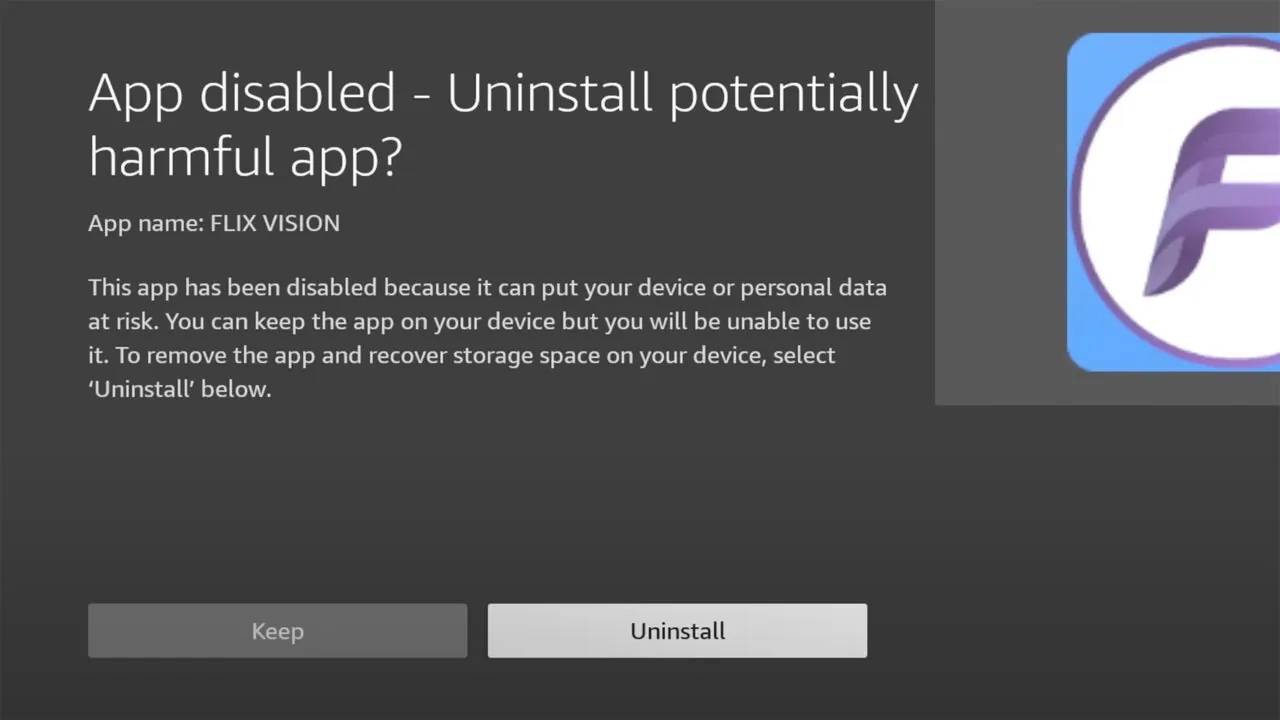
| FlixVision | Media Aggregator | BLOCKED | “Security Risk” / Malware |
| Live Net TV | Live TV Streaming | BLOCKED | Policy Violation |
| Blink Streamz | Sports/Live TV | BLOCKED | Unauthorised Content |
| Ocean Streamz | VOD Aggregator | BLOCKED | Potential Harm |
| Cinema HD | Movie/Show Streamer | BLOCKED | Security Flag |
The Failure of VPNs in the New Regime
For years, the standard advice for Firestick owners was “Get a VPN.” A Virtual Private Network (VPN) encrypts internet traffic, preventing Internet Service Providers (ISPs) from seeing what a user is streaming. This was effective when the threat was external (ISP throttling or legal letters).
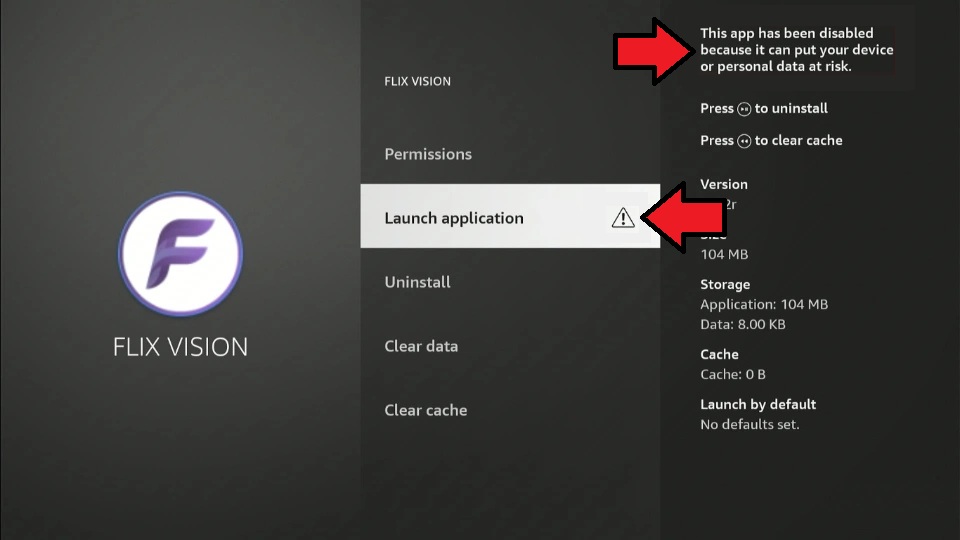
However, the Amazon/ACE crackdown creates an internal threat. The blocking logic resides on the device itself.
- Layer 3 vs. Layer 7: VPNs operate at the network layer (Layer 3 of the OSI model). They protect data in transit. Amazon’s block operates at the application layer (Layer 7). The operating system checks the app’s ID before it even attempts to connect to the internet.
- Local Execution: If the OS refuses to launch the app “FlixVision” because its signature is on a blacklist, it does not matter if your VPN is on or off. The app never gets to the stage where it sends a network packet.
Therefore, while VPNs remain essential for privacy and accessing geo-blocked content on legitimate apps (like accessing UK Netflix from the US), they are useless against the new “App Not Permitted” ban. This realisation is painful for many who subscribed to long-term VPN plans specifically for their Firesticks. It underscores the need for an alternative to Firesticks, a device that allows the apps to run in the first place.
Part II: The Solution – The Open Android Ecosystem
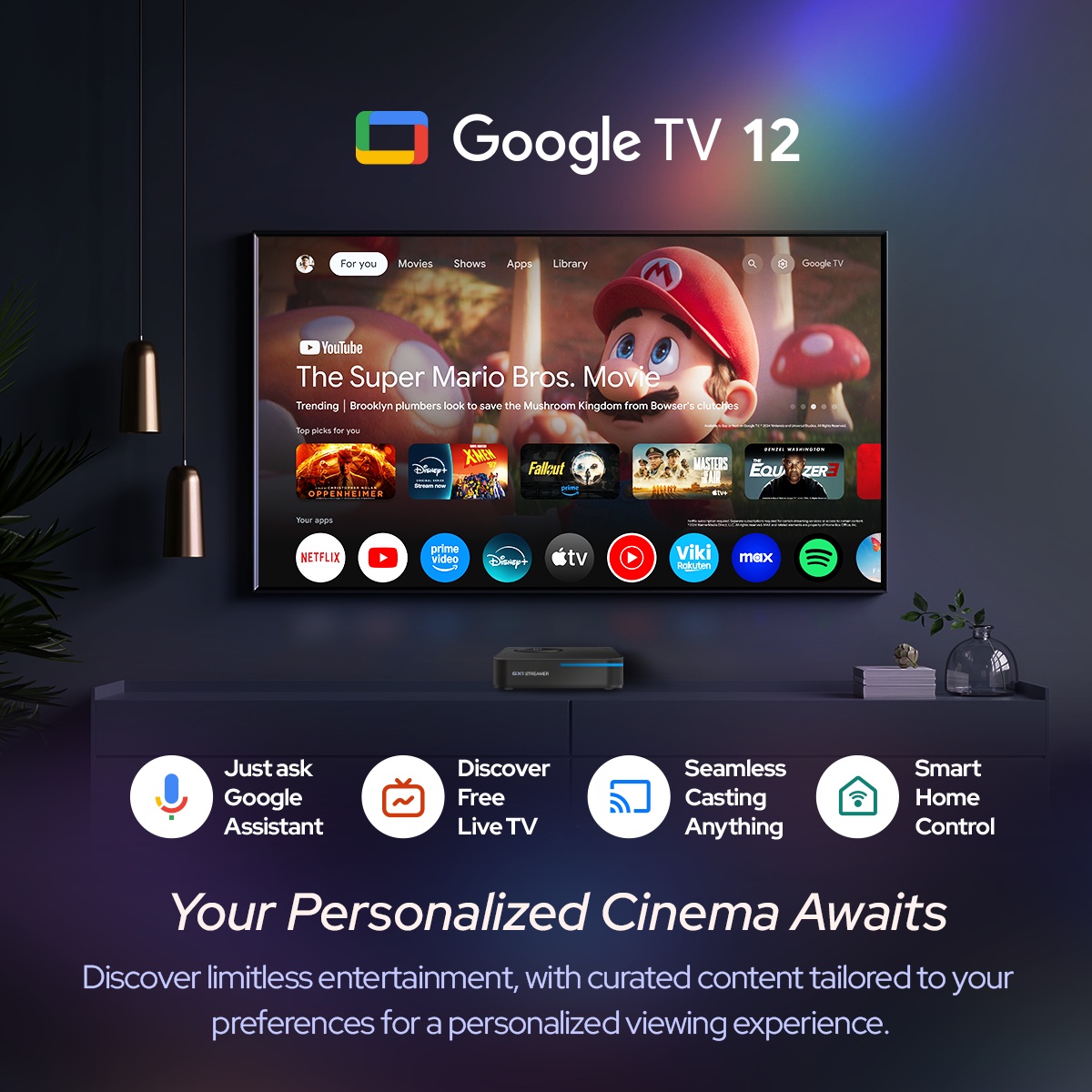
The closure of the Fire TV ecosystem has created a vacuum. Users who value utility and freedom are migrating toward Android TV gadgets. Unlike the proprietary path Amazon is taking, the broader Android TV ecosystem (and its evolution into Google TV) remains an open platform.
What is an Android TV Box?
An Android TV box is a dedicated media streaming device that runs a version of the Android operating system optimised for television screens. Unlike Fire OS, which is a “fork” (a modified version) of Android controlled by Amazon, generic Android TV boxes often run a cleaner, more standard version of the OS.
Key Advantages over Firesticks:
- True Sideloading: On a standard Android TV box, enabling “Unknown Sources” actually works. The system acts as a gatekeeper, asking “Are you sure?” but ultimately respecting the user’s decision. There is no ACE blacklist embedded in the kernel.
- Hardware Superiority: Firesticks are designed to be disposable. They often have poor thermal management, limited RAM (1-2GB), and tiny storage (8GB). Independent boxes like the RockTek series prioritise performance, offering better cooling, more RAM, and expandable storage.
- Connectivity: Firesticks rely on Wi-Fi. If you live in a dense apartment building with interference, your experience suffers. Android TV boxes typically feature Ethernet ports, allowing for hardwired stability, essential for 4K streaming.
- No Interface Clutter: The Fire TV home screen is essentially a billboard. Half the screen real estate is devoted to ads. Premium Android TV boxes offer cleaner interfaces, often customisable with third-party launchers like Projectivy, which are difficult or impossible to run on new Fire OS versions.
The “Freedom to Do What You Want”
The core philosophy of the Firestick replacement movement is ownership. When you buy a Firestick for $40, you are buying a subsidised terminal. You pay with your data and your attention. When you buy a RockTek device, you are paying for the hardware. That transaction grants you ownership.
This freedom allows for:
- Custom Launchers: Change the look and feel of your TV.
- Ad-Blocking: Install network-wide ad blockers or specialised browser apps.
- Emulation: Run retro game emulators with high performance, connecting Bluetooth controllers without lag.
- Private Media Servers: Run a Plex server directly from the box using attached USB storage.
This is the “Freedom to Do What You Want” that Amazon has revoked. It is the ability to tinker, to optimise, and to control.
Part III: Recommended Alternatives – The RockTek Series
In the search for a reliable alternative to Firesticks, one brand has emerged as a leader in balancing performance, certification, and freedom: RockTek. Unlike generic “no-name” boxes from unknown marketplaces that might lack Netflix certification (limiting streams to 480p), RockTek devices are Google Certified and Netflix Certified. This means they play official apps in 4K HDR while also allowing full sideloading capabilities.
We will analyse three specific models that cater to different user needs: the RockTek GB1, the RockTek GX1, and the RockTek G2.
RockTek GB1: The Compact Essential
The RockTek GB1 is the most direct form-factor competitor to the Firestick. It is designed for users who want a hidden installation or a portable device for travel but refuse to compromise on software freedom. It represents the entry point into the open Android ecosystem.
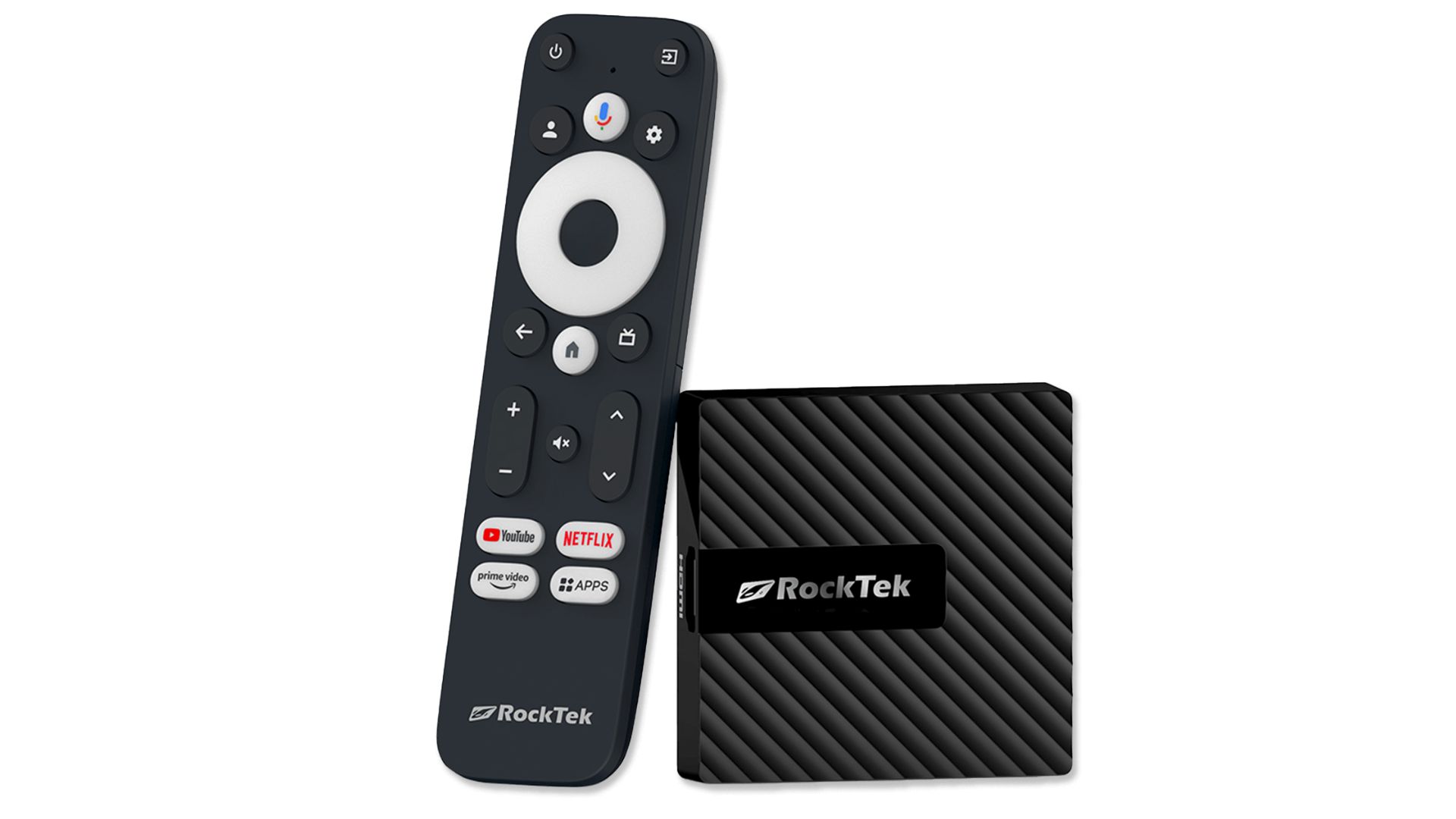
The RockTek GB1 is a compact Android TV dongle powered by the efficient Realtek RTD1315C Quad-core processor clocked at 1.7GHz, paired with an ARM Mali-G57 GPU. This processing suite is supported by 2GB of LPDDR4 RAM and 16GB of eMMC 5.1 storage, double the storage capacity found in standard Amazon Firesticks, providing significantly more headroom for apps and caching. Connectivity is handled via Wi-Fi 5 and Bluetooth 5.0, ensuring reliable wireless performance for streaming content.
Running on the Google Android TV 12 OS, the device offers a modern, user-centric interface that aggregates content from various services without the overwhelming ad density of Fire OS. Crucially, it holds Widevine L1 DRM certification, ensuring that premium apps like Netflix, Disney+, and Prime Video play in full 4K resolution.
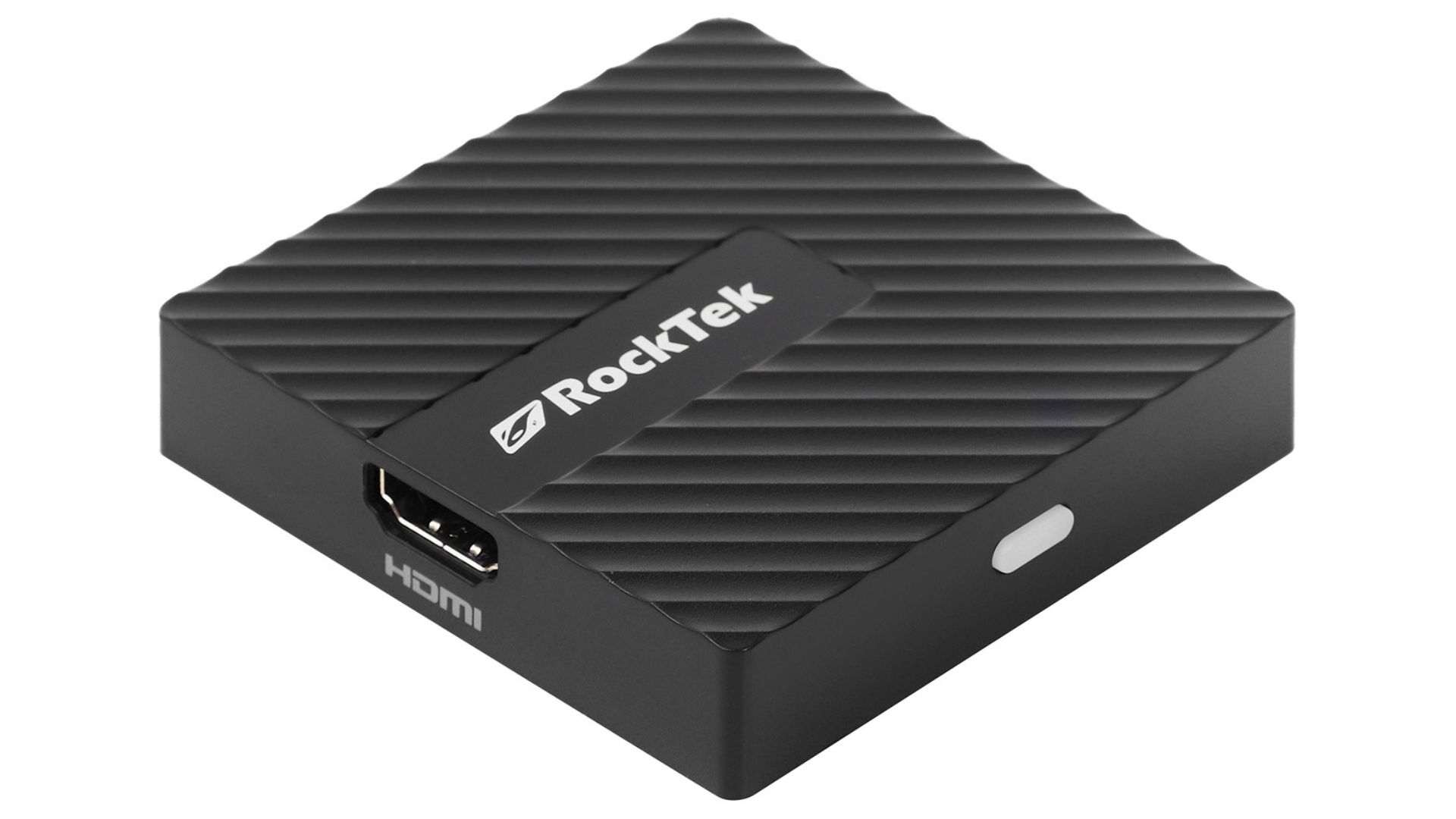
In terms of audiovisual capabilities, the GB1 is a surprisingly potent alternative to Firesticks. It supports 4K Ultra HD resolution and is compatible with major dynamic range formats, including Dolby Vision HDR and HDR10, delivering vibrant colors and deep contrast on supported displays. Audio performance is equally robust with support for Dolby Atmos, allowing for immersive, surround-sound experiences. The device includes a voice remote integrated with Google Assistant, enabling hands-free control and smart home management. Furthermore, the built-in Chromecast functionality allows for seamless casting of photos and videos from mobile devices to the big screen. Its ultra-compact design (70 x 70 x 15 mm) makes it an ideal solution for wall-mounted TVs or travelers seeking a portable, unrestricted media center.
RockTek GX1: The Connectivity Specialist
Moving up the tier, the RockTek GX1 addresses the needs of the modern, connected home. It is a set-top box rather than a dongle, which allows for better thermal management and more port options. It is designed for users who experience buffering on standard sticks and need a more robust connection.
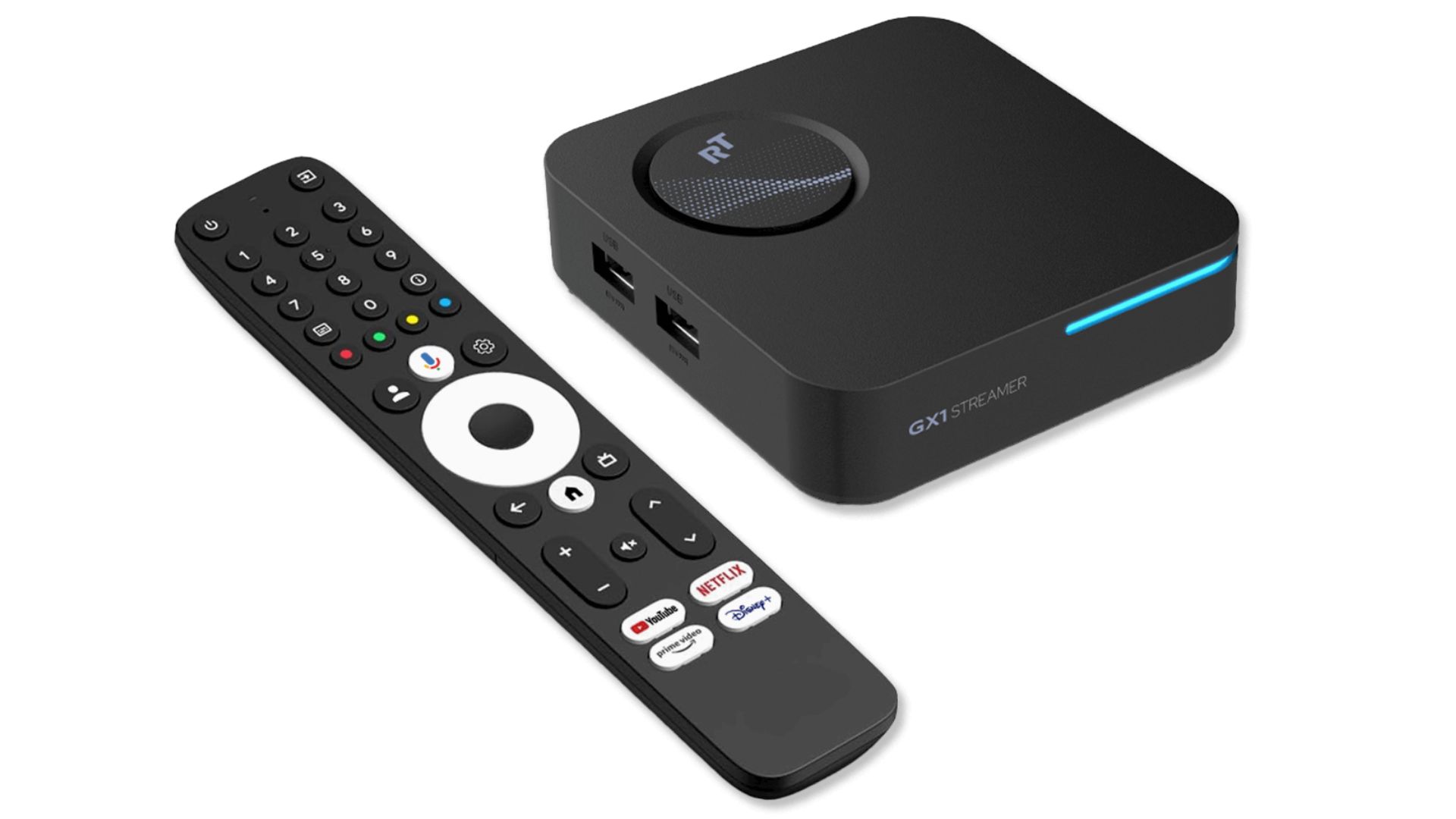
The RockTek GX1 positions itself as a high-performance Firestick replacement powered by the Realtek RTD1325 Quad-core processor at 1.7GHz. It features a significant memory upgrade to 4GB of LPDDR4 RAM, which drastically improves multitasking and app-switching speeds compared to the 1-2GB typical of stick devices. The storage is also doubled to 32GB of eMMC 5.1, offering ample space for large media libraries and games.
A standout feature of the GX1 is its advanced connectivity suite, which includes Wi-Fi 6 (802.11ax) and Bluetooth 5.2. Wi-Fi 6 technology is critical for modern streaming environments, offering lower latency and better handling of network congestion, ensuring 4K streams remain stable even when multiple other devices are using the network. The device runs on Google TV 12 OS, providing a smooth, certified Android TV experience.
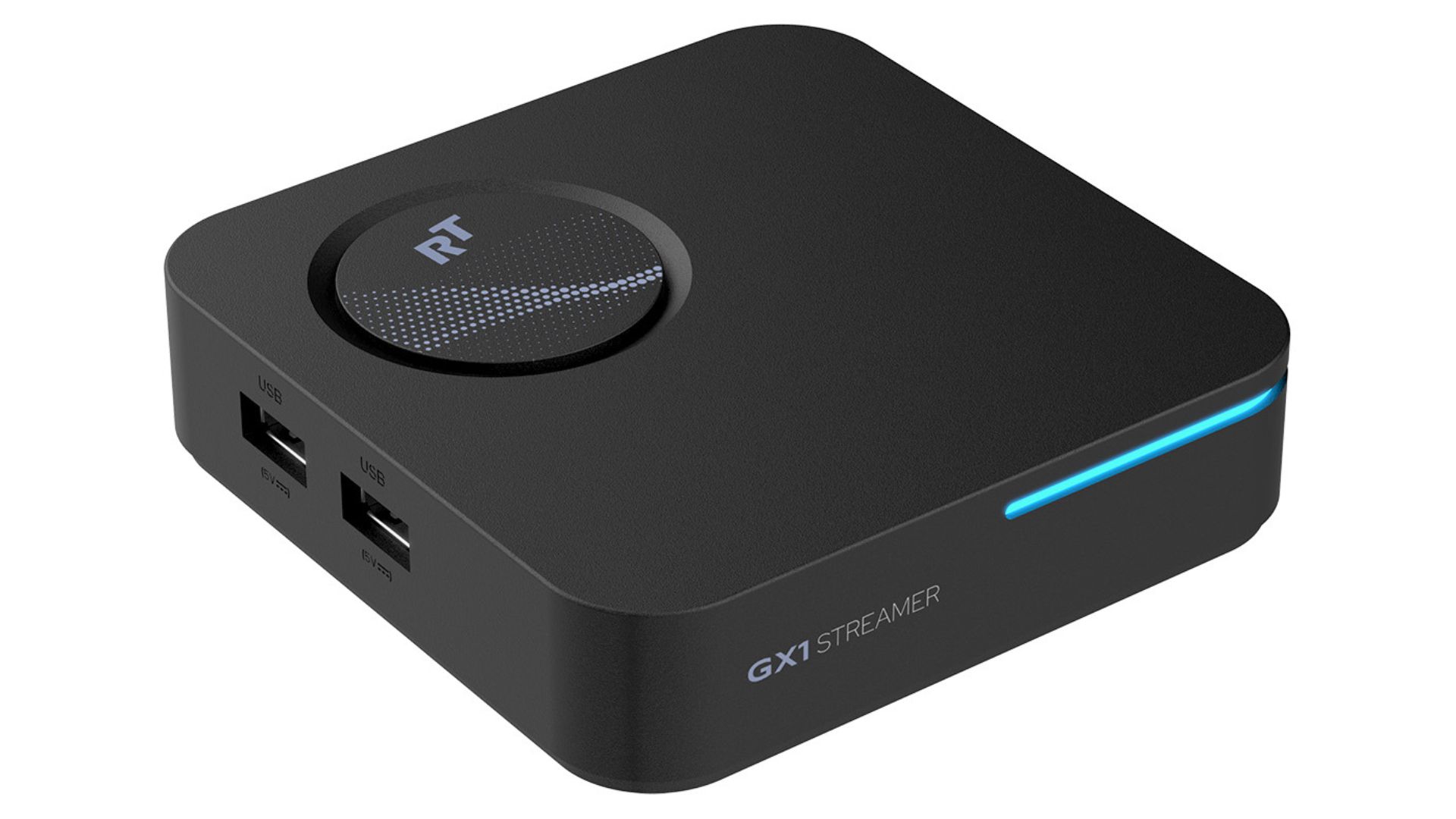
For home theater enthusiasts, the GX1 offers a superior visual experience with support for Dolby Vision, HDR10+, and the efficient AV1 video codec, which is essential for future-proofing playback as streaming services transition to this bandwidth-saving format. The device supports HDMI 2.1b, unlocking advanced gaming-centric features such as Variable Refresh Rate (VRR), Auto Low Latency Mode (ALLM), and Quick Media Switching (QMS). QMS is particularly notable for eliminating the black screen delay when switching between frame rates, creating a seamless viewing experience. With Dolby Atmos support and the processing power to handle high-bitrate content without stuttering, the GX1 serves as a versatile media hub that far exceeds the capabilities of restricted, entry-level streaming sticks.
RockTek G2: The Ultimate Powerhouse
The RockTek G2 is the flagship. It is designed for the “pro-sumer”, the user who runs a Plex server, plays retro games, and demands the absolute best performance. It competes not just with Firesticks, but with high-end devices like the Nvidia Shield.
The RockTek G2 is the definitive alternative to Firesticks for enthusiasts, powered by the formidable Amlogic S905X4-K Quad-core Cortex-A55 CPU clocked at 2.0GHz and the ARM Mali-G31 MP2 GPU. This chipset is widely revered in the community for its raw power and wide codec compatibility. The G2 is equipped with 4GB of LPDDR4 RAM and comes with massive storage options of 32GB or 64GB, which can be further expanded via a Micro SD card slot, a feature completely absent on Amazon devices.
Unlike sticks that rely solely on wireless, the G2 features a Gigabit Ethernet (1000Mbps) port, allowing for the lightning-fast wired speeds necessary for streaming high-bitrate local media files (Remuxes) without buffering. It also includes USB 3.0 and USB 2.0 ports for connecting external hard drives and peripherals.
Running on Google Certified Android TV (with updates to Android 14 available in beta channels), the G2 offers a completely open yet secure ecosystem. It supports 4K playback at 60fps, along with Dolby Vision, HDR10, and Dolby Atmos, ensuring cinematic quality. The specific “K” variant of the processor (S905X4-K) includes specialised licensing for Dolby audio processing, ensuring perfect passthrough to soundbars and receivers. The device is a true multimedia powerhouse, capable of handling complex emulation for retro gaming, functioning as a Plex media server, and running the most demanding Android applications with ease. Its combination of high-end specs, expandable storage, and robust I/O makes it a future-proof investment for any serious home theater setup.
Read our in-depth Rocktek G2 review here to learn more about it.
Deep Dive: The Gigabit Difference
Why does the G2’s Gigabit Ethernet matter? A 4K HDR movie rip can have bitrate spikes exceeding 100Mbps. Most TV Ethernet ports (and USB adapters for Firesticks) are capped at 100Mbps. This creates a bottleneck where the network is too slow for the video, causing stuttering. The G2’s Gigabit port removes this limit entirely. It allows the device to act as a true client for a home media server, playing back uncompressed Blu-ray quality video seamlessly. This is a capability no Firestick can match natively.
Part IV: Technical Analysis and Comparison
To fully appreciate the upgrade offered by these Android TV gadgets, we must look at the numbers. The table below compares the RockTek lineup against the typical specifications of a Fire TV device.
| Feature | Amazon Firestick 4K Max (2nd Gen) | RockTek GB1 | RockTek GX1 | RockTek G2 |
| Processor | MediaTek Quad-core | Realtek RTD1315C (1.7GHz) | Realtek RTD1325 (1.7GHz) | Amlogic S905X4-K (2.0GHz) |
| RAM | 2GB | 2GB LPDDR4 | 4GB LPDDR4 | 4GB LPDDR4 |
| Storage | 16GB (System locked) | 16GB eMMC | 32GB eMMC | 32GB / 64GB eMMC |
| OS | Fire OS (Closed/Ad-heavy) | Google TV 12 (Open) | Google TV 12 (Open) | Android TV 11/14 (Open) |
| Ethernet | None (Adapter needed) | None | 100 Mbps | Gigabit (1000 Mbps) |
| Sideloading | RESTRICTED / BLOCKED | OPEN | OPEN | OPEN |
| Expandable Storage | No | No | No | Yes (Micro SD) |
| AV1 Support | Yes | Yes | Yes | Yes |
| Gaming Features | Limited | Standard | VRR / ALLM / QMS | High Performance / Emulation |
| Buy | HERE | HERE | HERE |
Part V: The User Experience – Migrating to Freedom
The Setup Process
Migrating from a Firestick to an alternative to Firesticks like the RockTek G2 is straightforward.
- Google Login: Instead of an Amazon account, you use a Google account. This syncs your YouTube history and preferences.
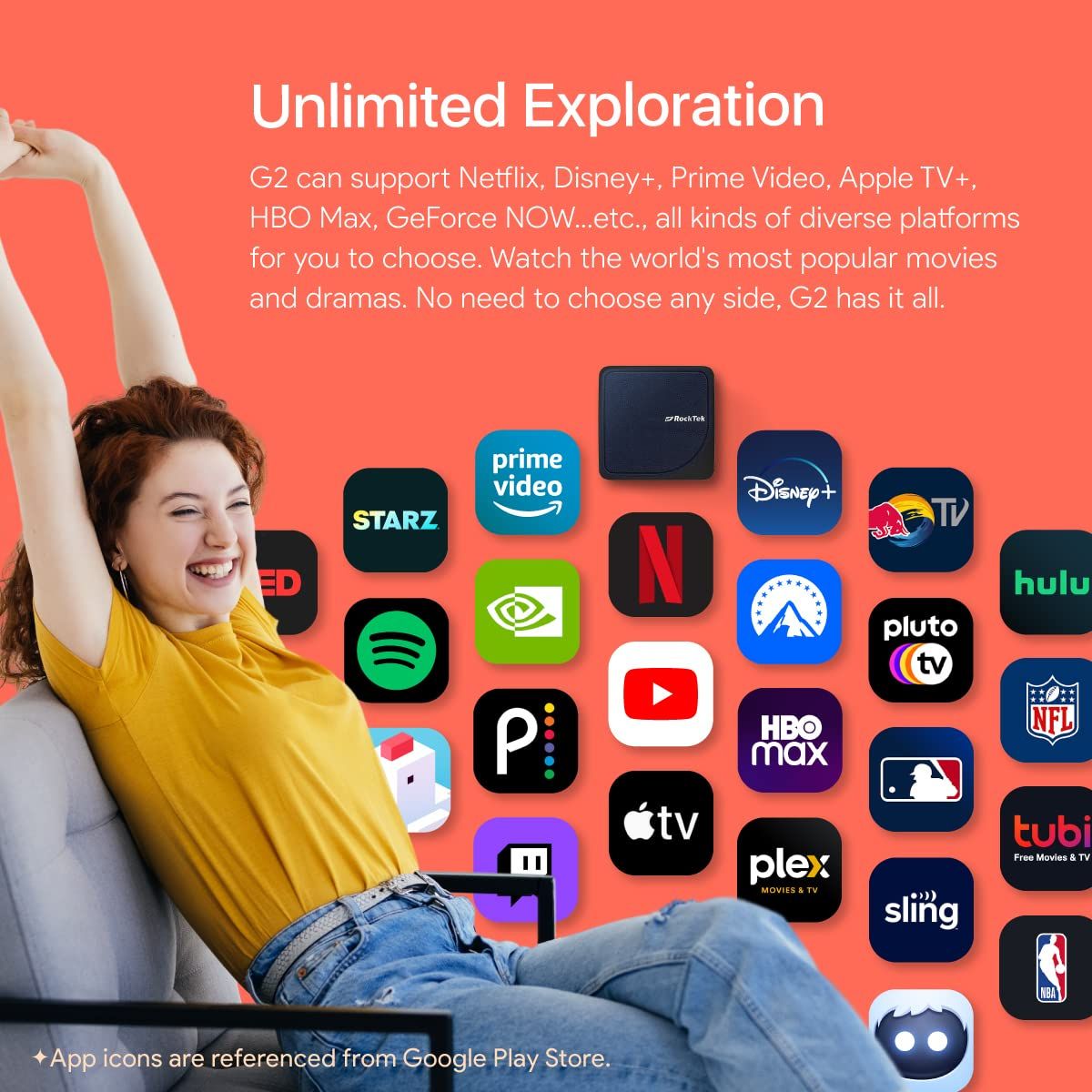
- The Play Store: You access the Google Play Store. It looks different from the Amazon Appstore but contains all the major apps (Netflix, Hulu, Spotify).
- Sideloading: To install third-party apps, the process is familiar to veteran Firestick users but without the new restrictions. You enable “Developer Options” by clicking the build number 7 times, then turn on “Install Unknown Apps.” Crucially, it just works. There is no blacklist check.
The Interface Difference
Fire OS is designed to sell you things. The “Recently Watched” row is often pushed down by a “Sponsored” row.
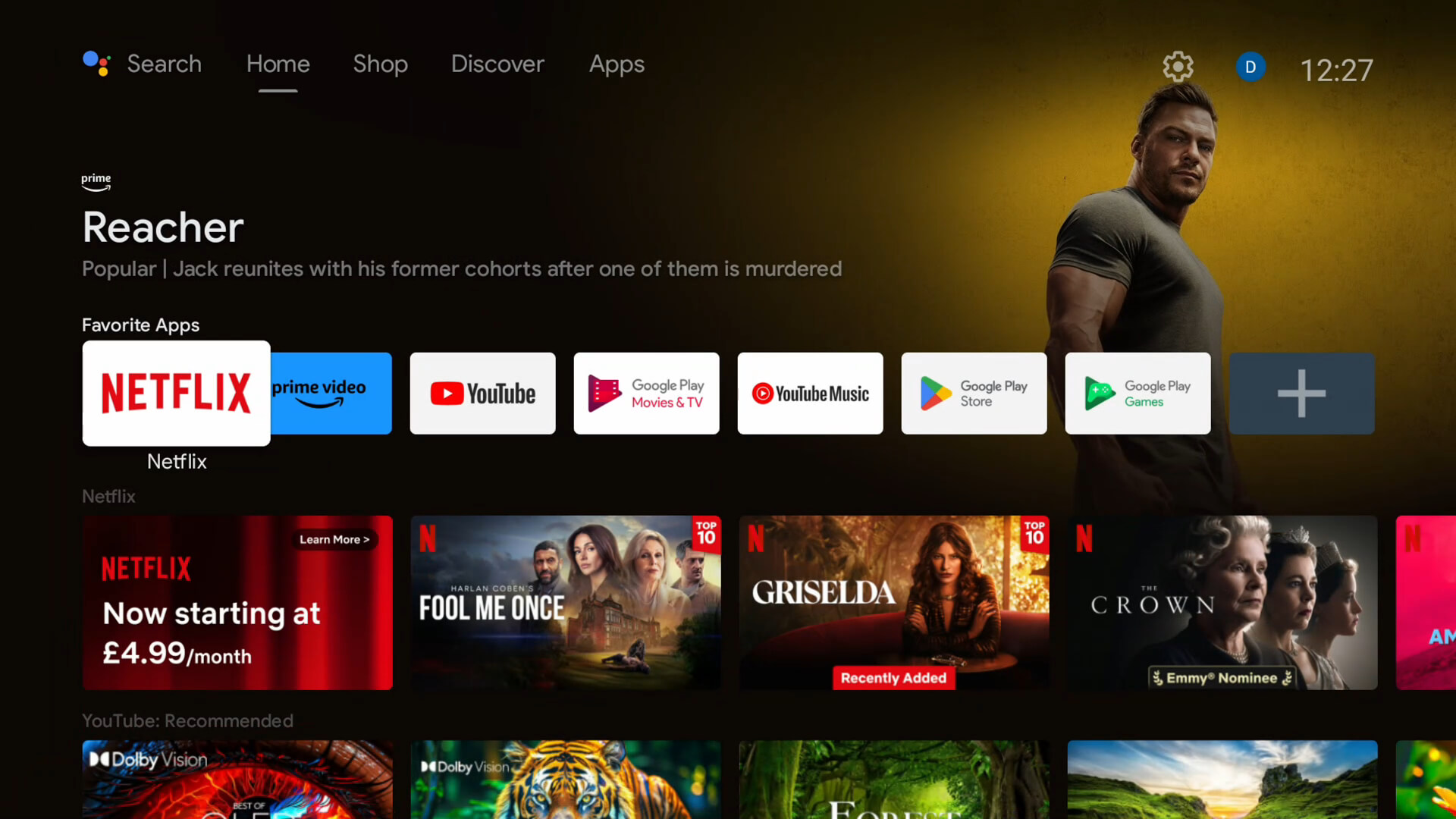
Google TV (on the RockTek devices) is designed to help you watch things. While it has recommendations, they are less aggressive. Furthermore, on the RockTek G2, you can install a “Custom Launcher” like Projectivy Launcher. This replaces the entire home screen with a clean, ad-free wallpaper and simple rows of your apps. This level of customisation is actively blocked on Fire OS but welcomed on Android TV boxes.
Part VI: The Broader Market – Why This Matters Now
The Trend Toward Closed Systems
Amazon is not alone in wanting control, but they are the most aggressive. Roku has always been a closed system (no sideloading). Apple TV is a closed system.
Android TV remains the last bastion of the open “PC-like” experience on the television. By choosing an alternative to Firesticks, consumers are voting with their wallets. They are signaling that they refuse to be locked down.
The “Cat and Mouse” Game
Some users might hope that hackers will find a workaround for the Amazon blocks. While possible, it is unlikely to be a permanent fix.
- Server-Side Checks: Because the block happens via a cloud check, Amazon can update the blacklist instantly. A hacker might bypass it today, and Amazon can patch it tomorrow.
- OS Updates: With the move to Vega OS, the foundation changes. You can’t hack an Android app to run on a Linux web-based OS easily.
Therefore, the only robust, long-term solution is hardware migration. Buying a device that does not have these restrictions built-in is the only way to guarantee the “Freedom to Do What You Want.”
Recommendations for Different Users
- The Traveler / Bedroom Watcher: Get the RockTek GB1. It hides behind the TV, plays 4K, and has double the storage of a Firestick. It is the perfect low-cost Firestick replacement.
- The Streamer with Wi-Fi Issues: Get the RockTek GX1. The Wi-Fi 6 antenna will solve connection drops, and the extra RAM will make the UI fly.
- The Power User / Gamer: Get the RockTek G2. It is a beast. Gigabit Ethernet for your local server, massive storage for games, and the best processor in its class. It is an investment in a superior media experience.
Conclusion
The golden age of the Amazon Firestick is over. What began as a tool for digital liberation has transformed into a mechanism of corporate control. The collaboration with ACE and the implementation of device-level app banning signals that Amazon prioritises its partnerships with Hollywood over the autonomy of its customers. The “Not Permitted” error message is more than a technical glitch; it is a declaration of intent.
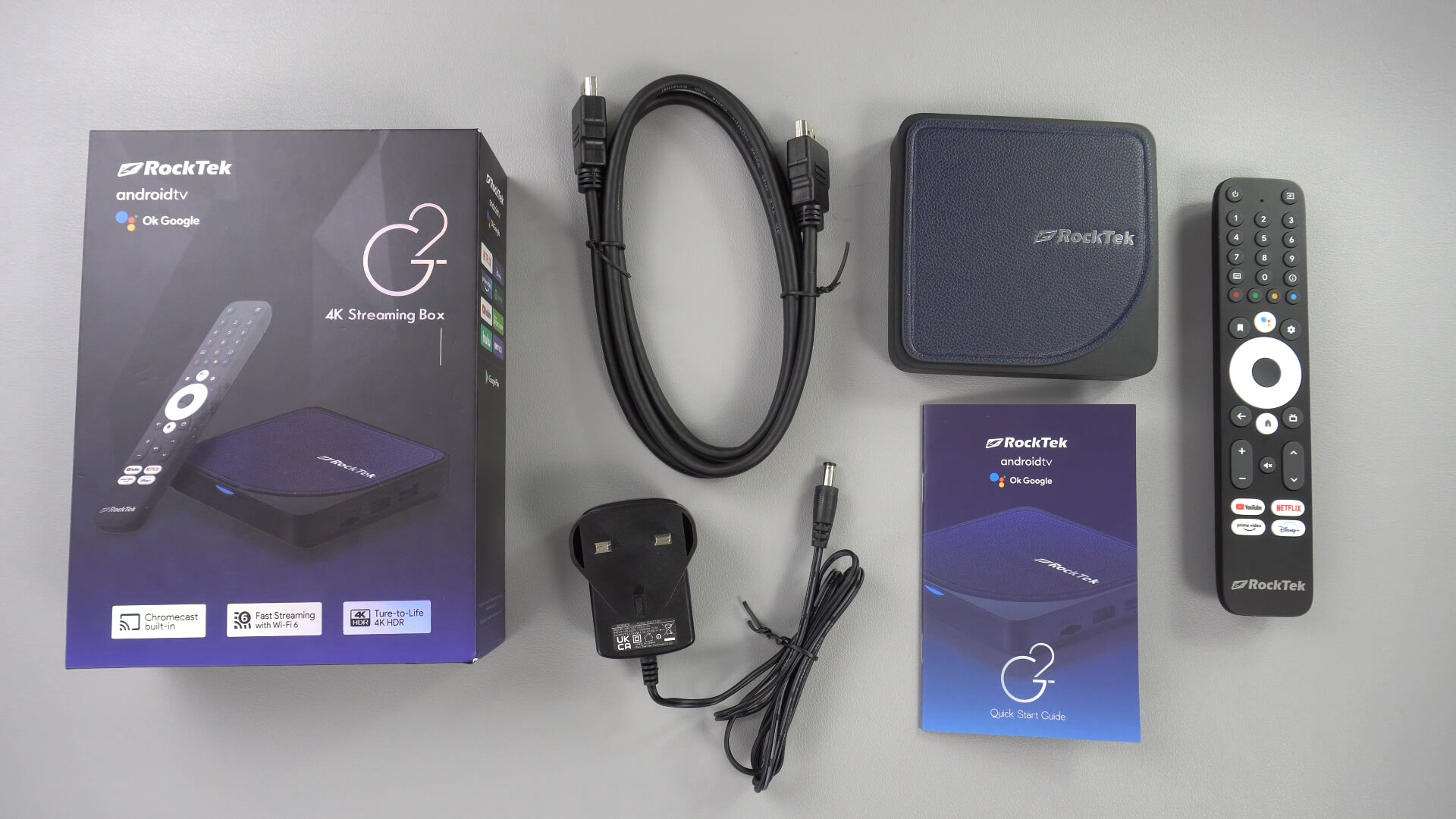
However, the closing of one door opens another. The rise of capable, certified, and open Android TV boxes offers a clear path forward. Devices like the RockTek GB1, RockTek GX1, and RockTek G2 are not merely valid alternatives to Firesticks; they are superior products. They offer better hardware specifications, modern connectivity standards like Wi-Fi 6 and Gigabit Ethernet, and, most importantly, the freedom to use the device as you see fit.
For the consumer, the choice is now stark. You can stay in the Amazon ecosystem, accept the ads, accept the blocked apps, and accept the eventual transition to a closed OS. Or, you can choose freedom. You can choose a device that respects your ownership. The era of the “jailbroken” stick is dead; long live the Android TV box. The migration has begun, and the future of streaming belongs to the open platform.

Bringer of videos, text and images! AKA the social media guy at DROIX. Massive retro gaming fan and collector, with a far too large collection of consoles and computers from 1970's to modern. Contact me at [email protected]
Questions & comments
0
Every question gets an answer. Ask before you buy — DaveC and the team reply within one working day, and answers stay public so they help the next reader too.