
In this article
We are always on the lookout for new and interesting hardware to test. Consequently, the Nikko Dynamic Electronic Badge caught our attention at the Global Sources Hong Kong trade show late last year. In this Nikko Dynamic Electronic Badge review, let us find out if this compact “wearable digital signage” is a gimmick or a must-have for your 2026 convention loadout.
Hardware Analysis: Display and Build Quality
The Nikko Dynamic Electronic Badge measures approximately 2.27 x 2.26 x 0.78 inches (5.76 x 5.73 x 1.8 cm). Furthermore, the unit weighs just 50g (0.11 lbs), making it incredibly lightweight for extended wear.
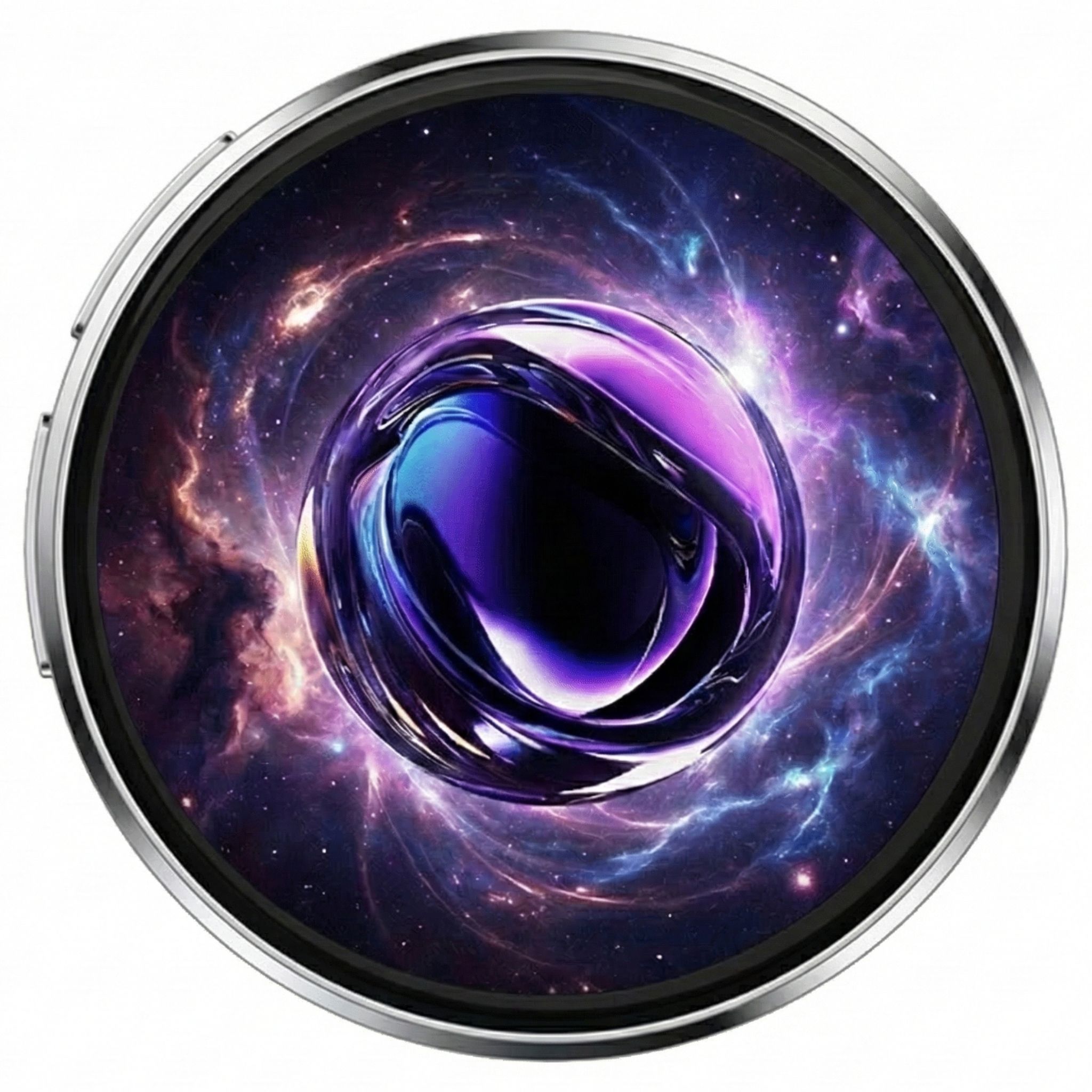
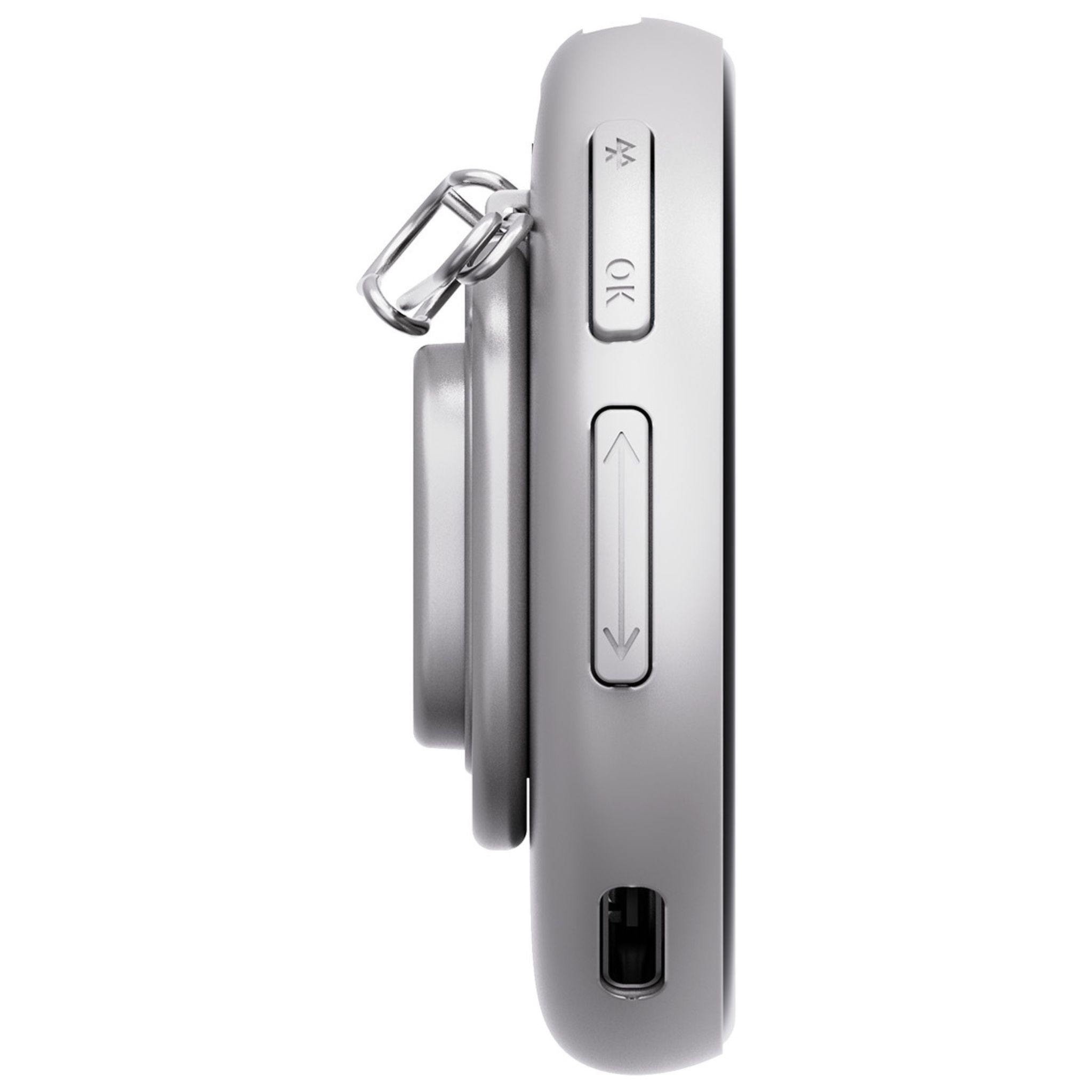
Much of the front is taken up by the 1.8” (4.5cm) IPS e badge display. Unlike cheaper LED matrix alternatives, this panel features a sharp 360×360 pixel resolution and, crucially, hits around 350 nits of brightness. This ensures visibility even under the harsh glare of convention hall lights. The casing is constructed from a durable ABS + Zinc alloy. This material feels premium quality; therefore, it will protect the Nikko Dynamic Electronic Badge against the inevitable bumps of a crowded show floor.

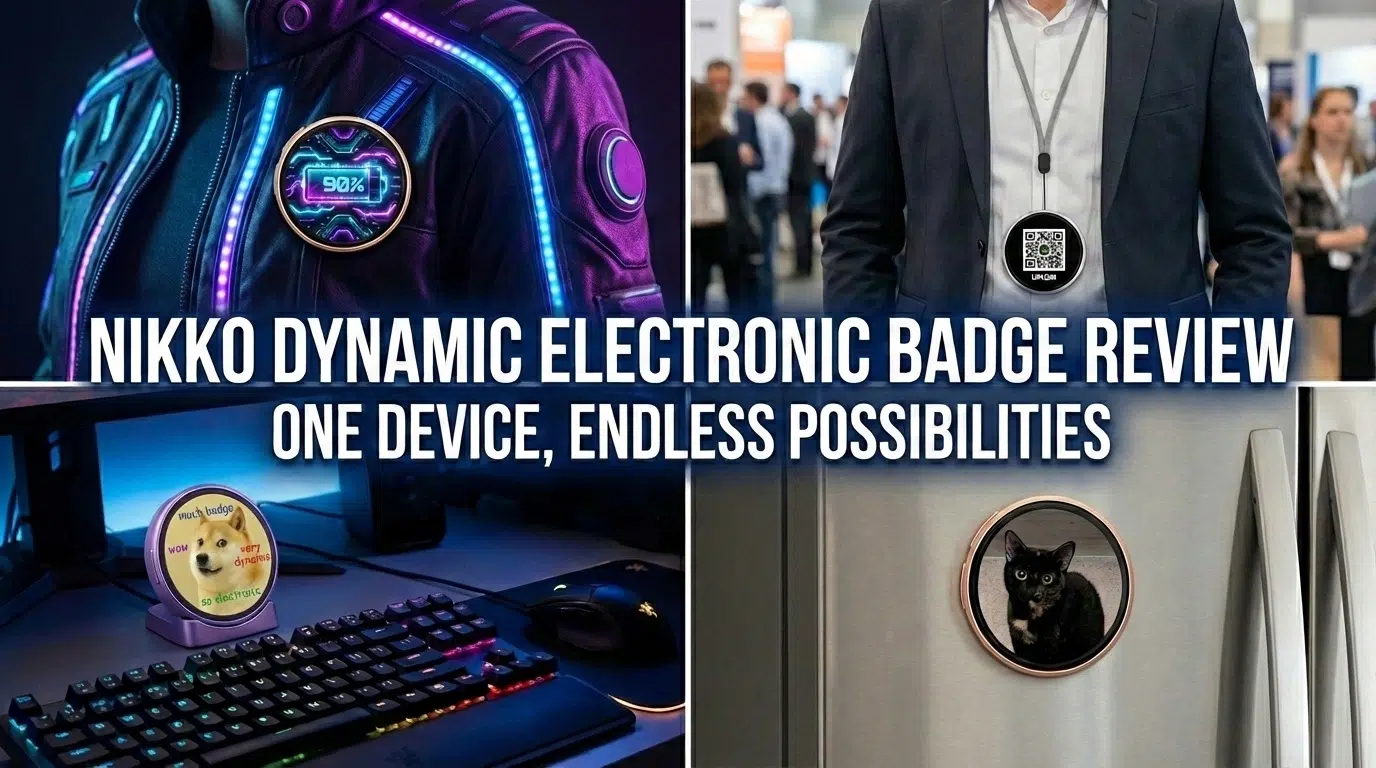
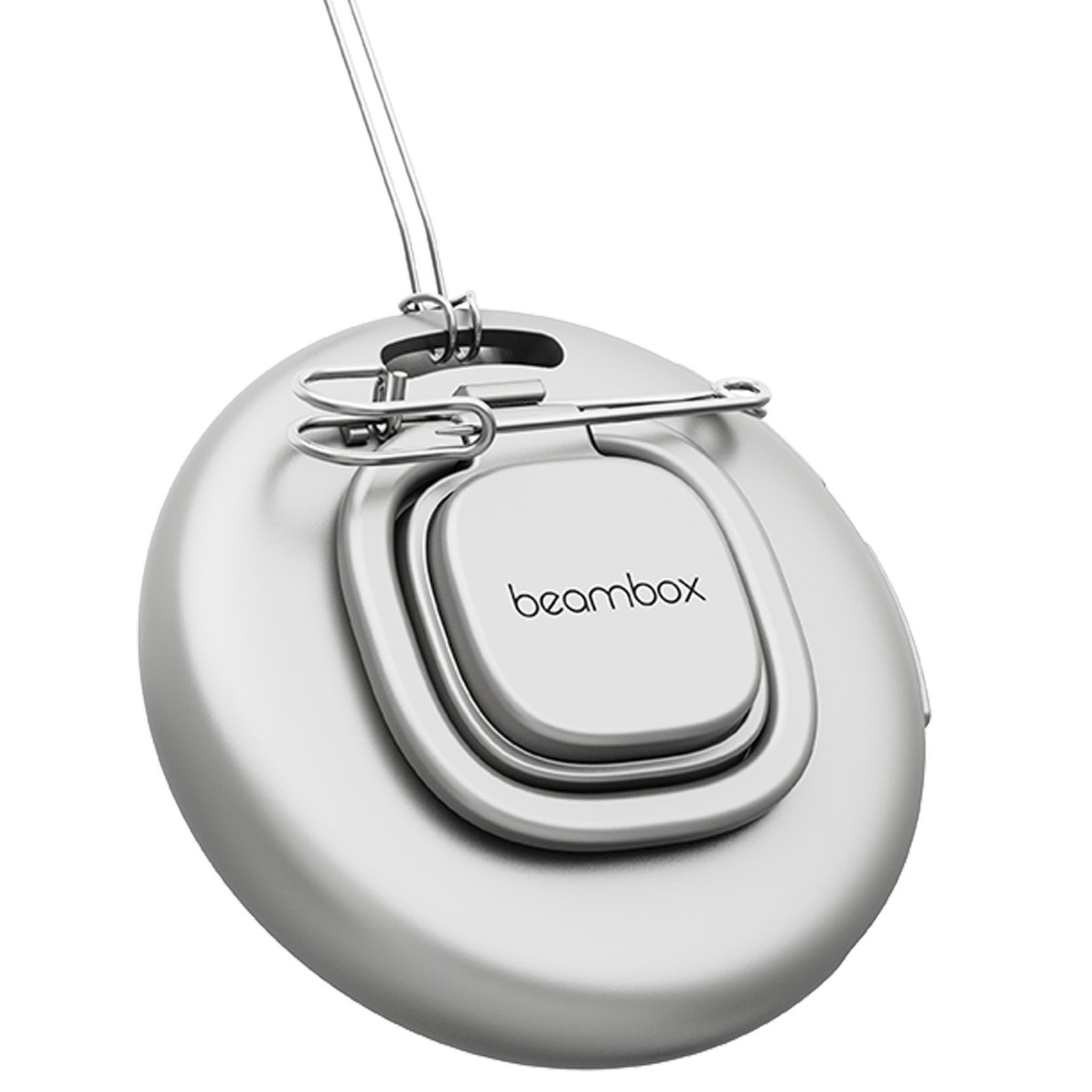
Currently, the product is available in three distinct colours: Bronze, Silver, and Purple. On the back, you will find a magnet to attach the device to metallic surfaces. Moreover, there is a pin to attach the Nikko Dynamic Electronic Badge to a jacket. Alternatively, a small stand allows you to present it on a desk or flat surface. Finally, a lanyard is included so you can easily wear this touch screen electronic badge around your neck.
I/O and Connectivity Standards
On the left side of the Nikko Dynamic Electronic Badge, two pairs of buttons are located. The top two controls handle power and the Bluetooth 5.4 activation, a vital inclusion for stable, low-latency connections in RF-noisy environments like expos. Meanwhile, the second two are utilised for cycling through your images and videos. Below those inputs, you will find a USB Type-C port for charging the device.

It comes with 16MB of internal storage. In an era of terabyte SSDs, this sounds low; however, 360×360 resolution compressed media results in very small file sizes. As a result, you can actually store a massive library of GIFs on the Nikko Dynamic Electronic Badge. Uploading to the badge is performed via the BeamBox ecosystem app on your Android or Apple device.
The BeamBox App Experience
As mentioned, the BeamBox App is available for Android and Apple devices via their respective stores. You can sign up or, conveniently, use the app as a guest, which is a nice option for privacy-conscious users. It takes just a few moments to switch on the Bluetooth on the e badge and handshake with the software.
Uploading Media to Your Digital Badge
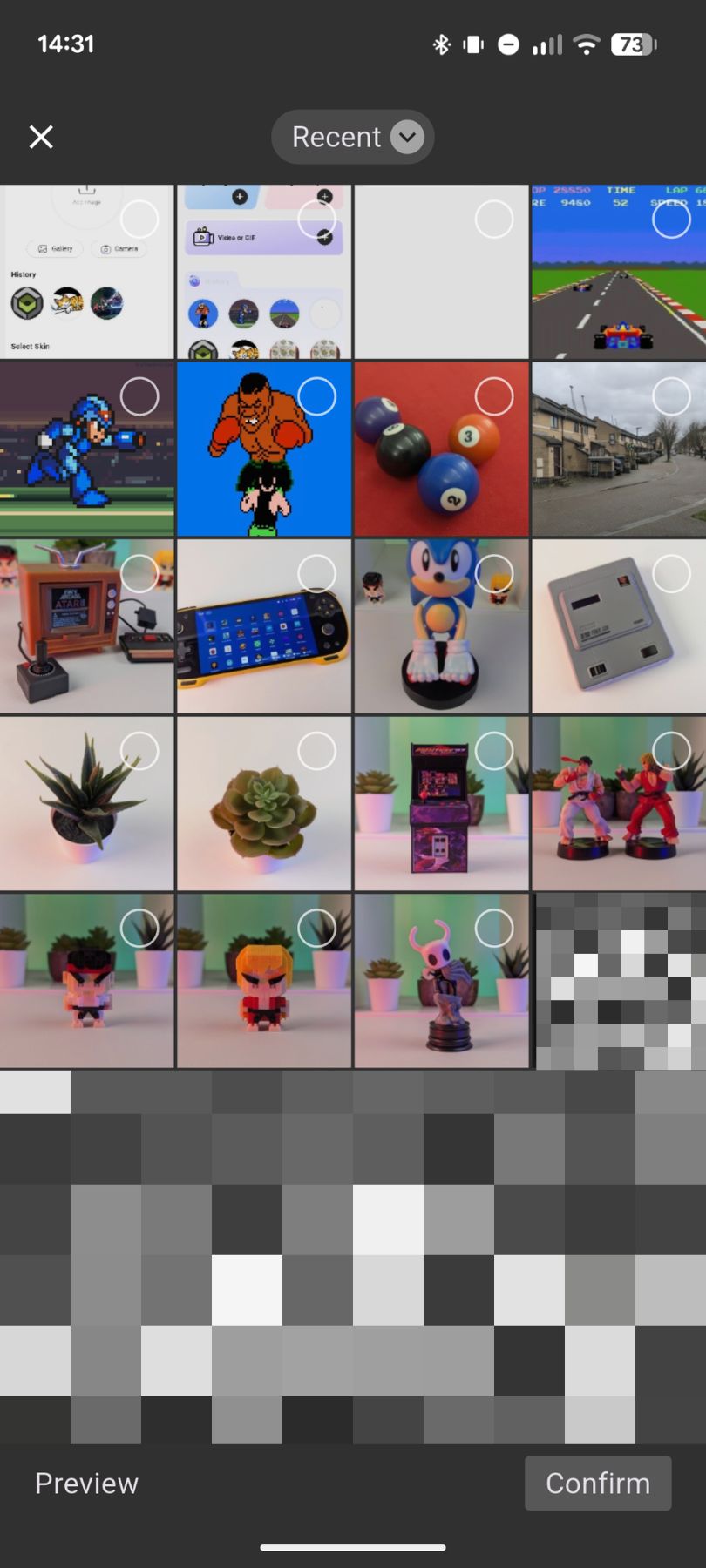
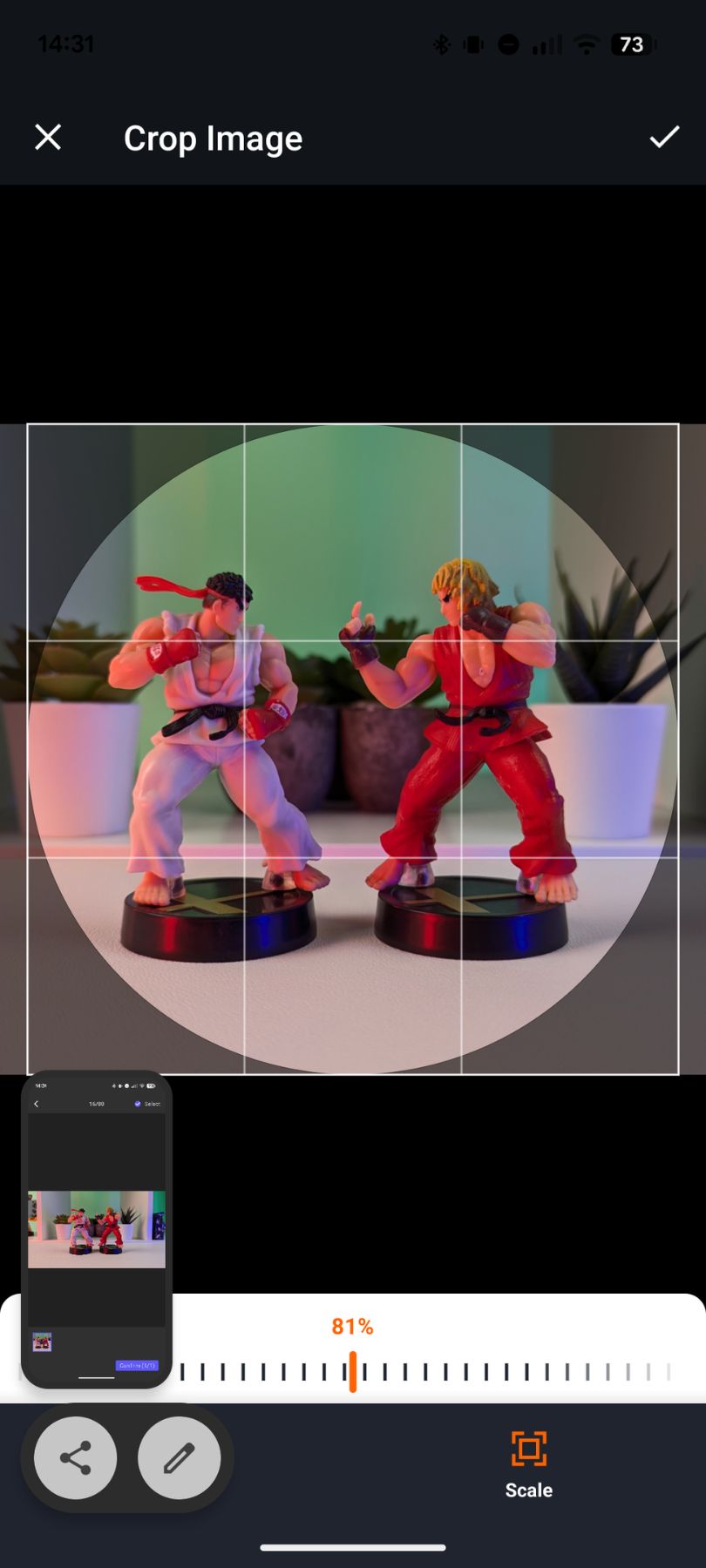
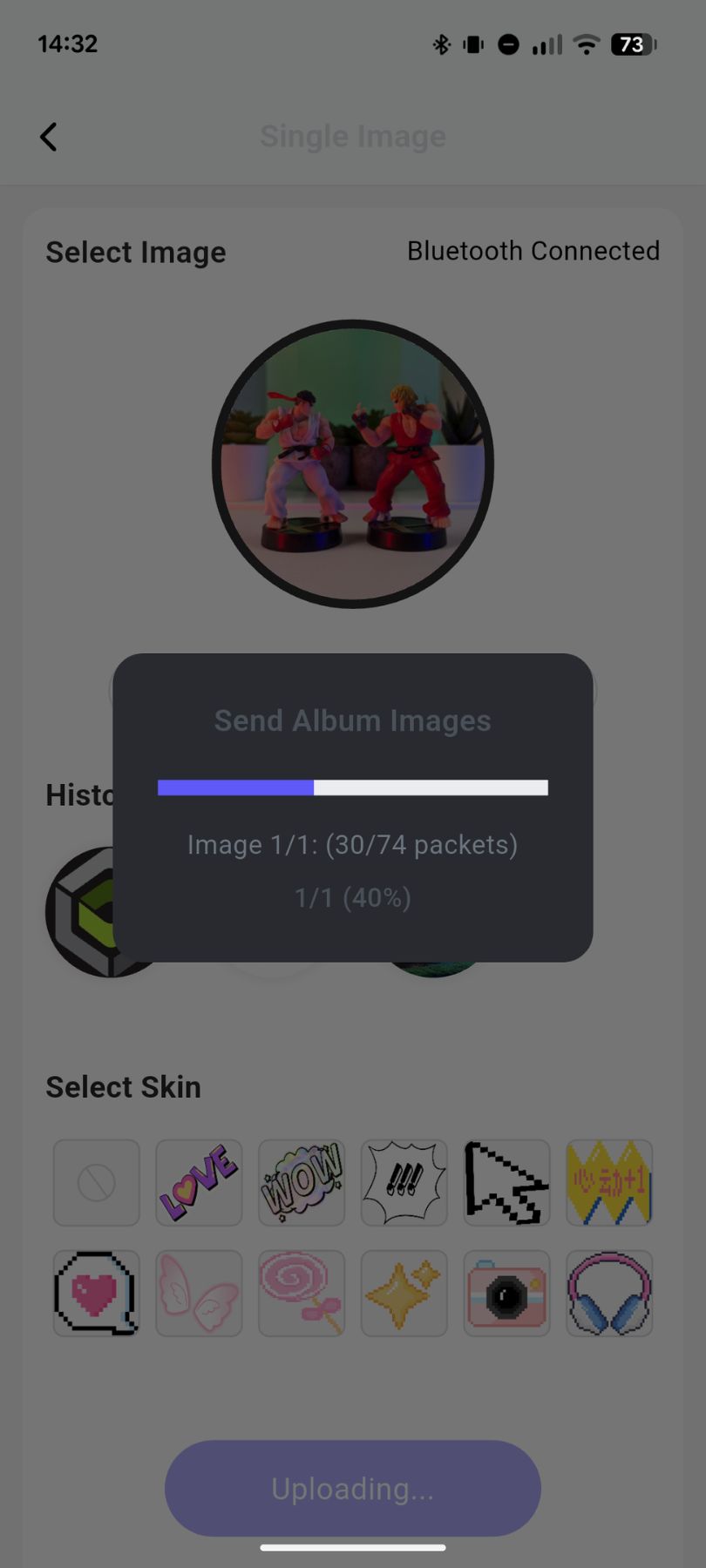
Once connected, you have options to upload a single image, an image gallery, a video, or an animated GIF. Simply select one of these options and browse your phone’s photo gallery. Next, select the area of the image you want to display on the Nikko Dynamic Electronic Badge and upload it. Thanks to the Bluetooth 5.4 protocol, transfer speeds are impressive; small static images take as little as three seconds to transfer.

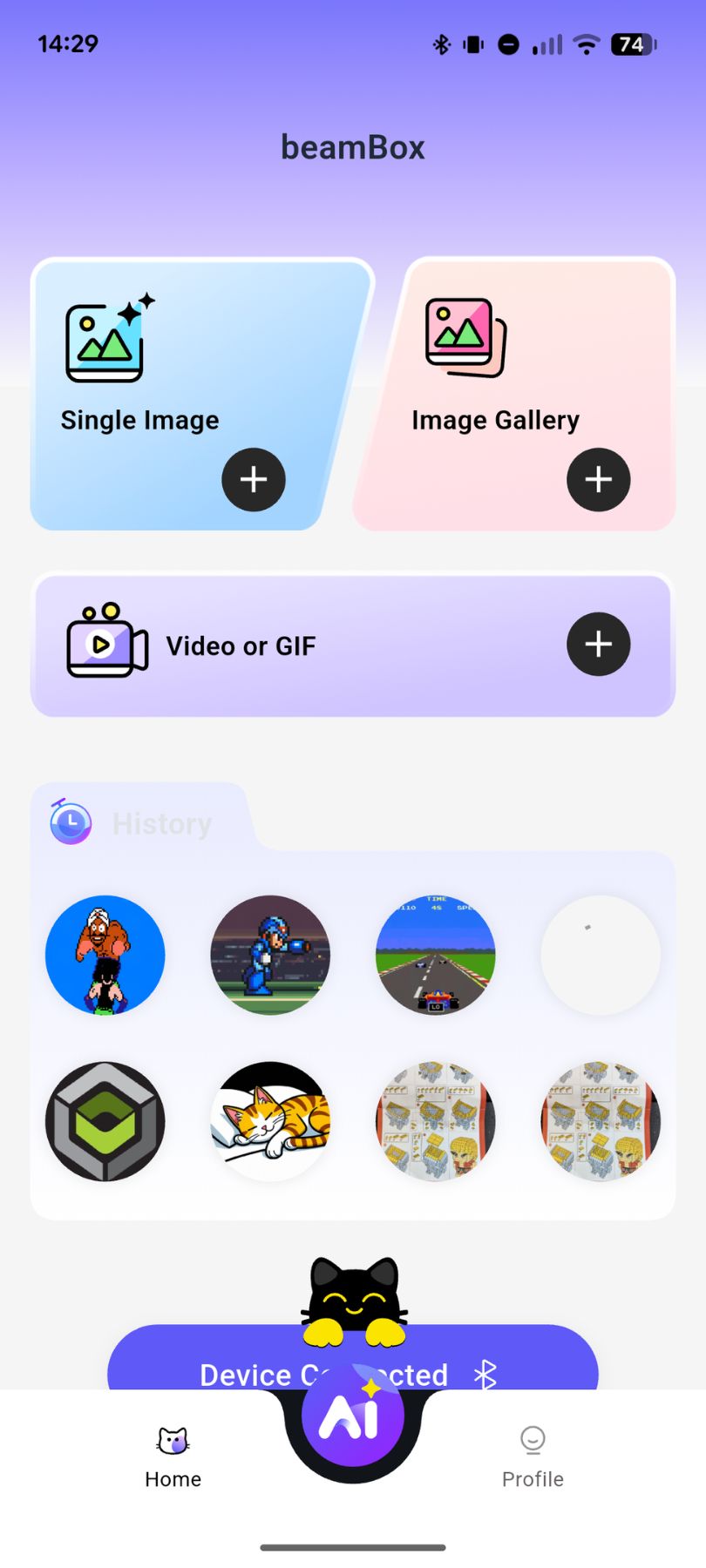
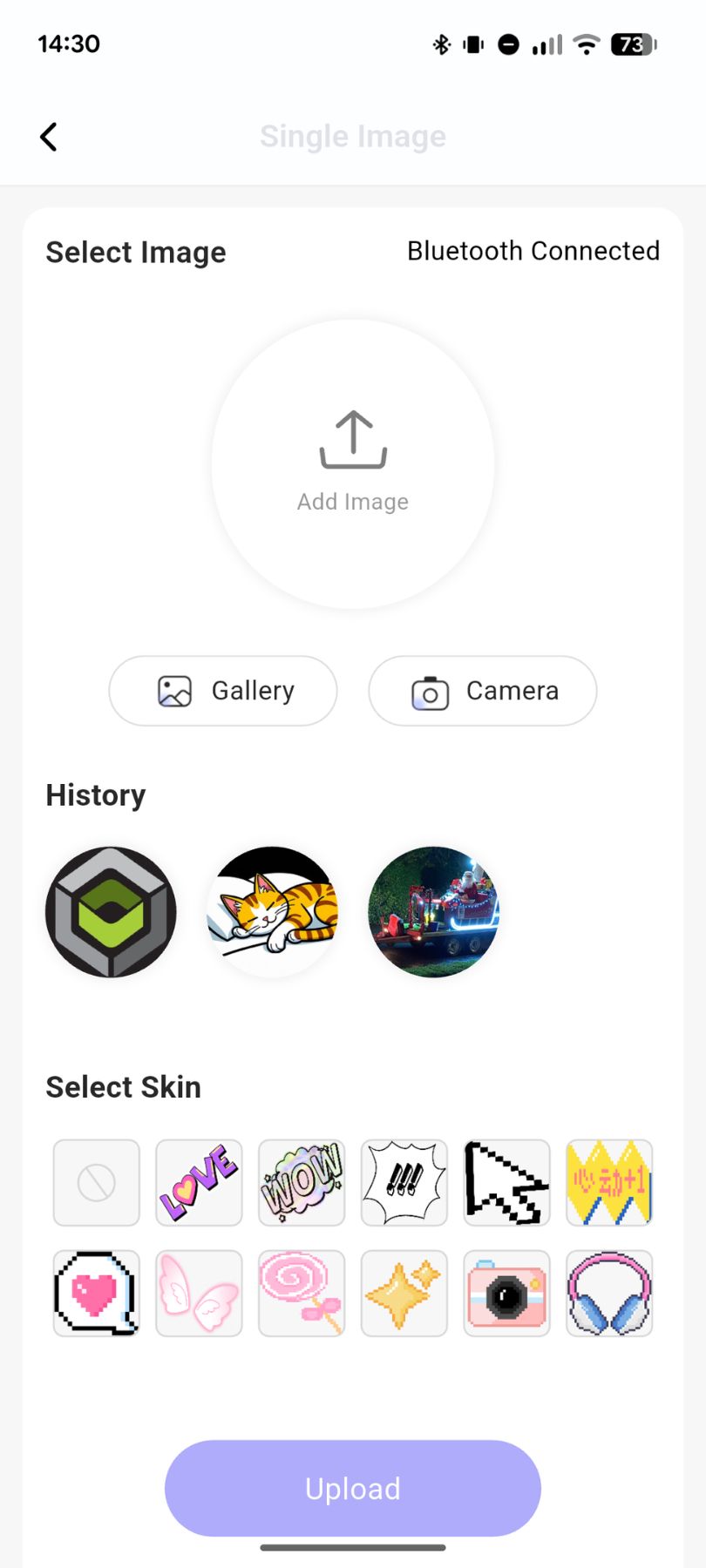
You can also upload videos and animated GIFs. However, videos are limited to three seconds. Thus, this video e badge is great for short memes or looping clips. GIFs, on the other hand, can be longer. Again, simply browse your phone for a video and upload it; subsequently, the Nikko Dynamic Electronic Badge will loop the first three seconds of it. Because videos are larger files, they can take around 30 seconds to a minute to upload.
A built-in AI image generator is another great way to quickly create unique images wherever you are. Simply type in what image you want. After a few moments, the app will generate the artwork with a handy upload option for your electronic badge.
Living with the Device: Real-World Usage
Once you have uploaded a few photos or videos, you are ready to go. You have the option to wear the Nikko Dynamic Electronic Badge on the included lanyard or attach it to something metallic. Alternatively, use the stand to place it on a desk or the pin to fasten it to clothing.
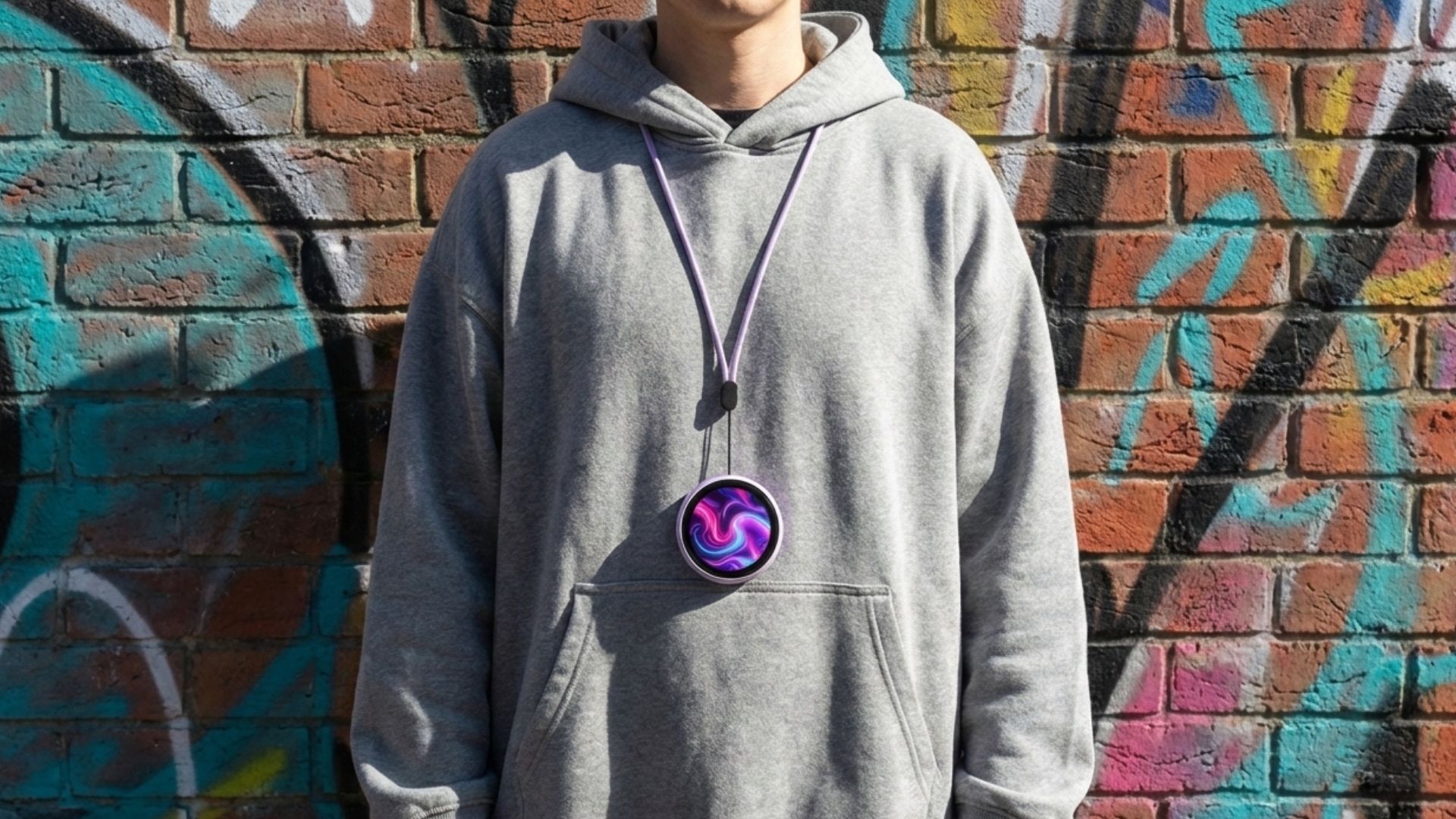
You can navigate through the media using the left and right buttons on the side. Or, simply swipe left and right on the touchscreen. Swiping down from the top will display a quick menu. Here, you can enable or disable sleep mode, delete the currently displayed media, or adjust flashlight and brightness options.
Single uploaded images will be displayed continuously unless you navigate to another. However, if you have uploaded a gallery, the Nikko Dynamic Electronic Badge will cycle through those images automatically. Likewise, videos and GIFs will automatically loop.
To avoid accidentally changing an image, you can lock and unlock the screen by holding it for a few seconds. Furthermore, if you own two or more units, you can share images between them. This is done by activating the photo sharing feature on both devices and connecting to a nearby Nikko Dynamic Electronic Badge, a “digital business card” feature we expect to see more of in 2026.

Battery life is rated for up to 16 hours, though this depends heavily on brightness. In our testing at 100% brightness looping a GIF, we saw around 8 hours, still enough for a full convention day.
Final Thoughts
The Nikko Dynamic Electronic Badge is far more than a simple novelty; it acts as a dynamic canvas for your creativity. Beyond standard slideshows, imagine integrating it into your cosplay as a pulsating cyberpunk interface, a ‘Severance’ style ID card, or a retro RPG health bar that loops in real-time.
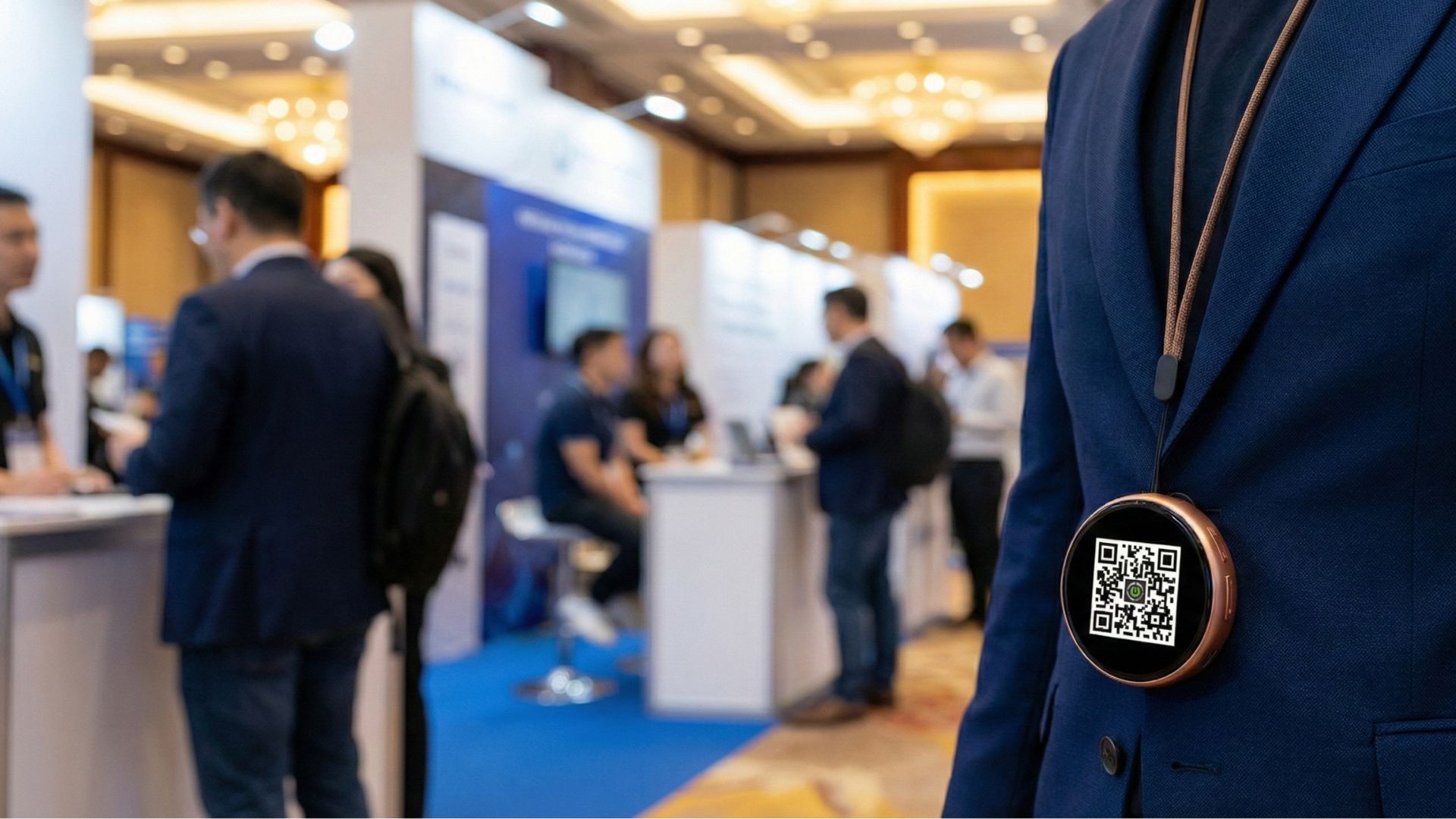
For streamers and remote workers, it serves as a perfect miniature ‘On Air’ or ‘Do Not Disturb’ sign for your desk setup. Networking professionals can even ditch paper cards entirely by flashing a QR code that links directly to their LinkedIn or portfolio.
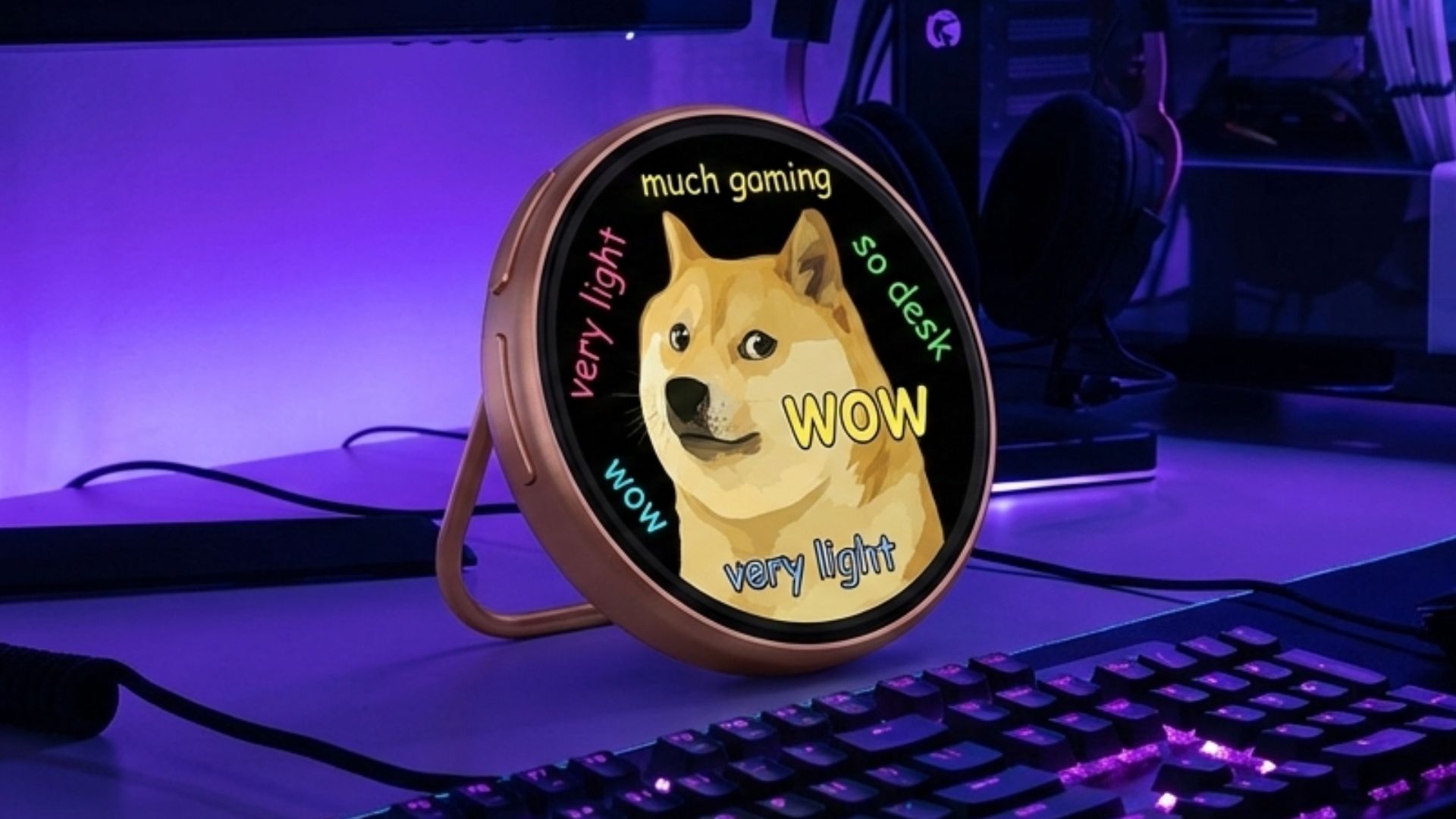
For the more humourous among us, why not display a draining ‘social battery’ animation during those long networking events? Whether you are customising a bag, a jacket, or your workspace, the possibilities are genuinely endless.
You can learn more and buy the Nikko Dynamic Electronic Badge here. We ship worldwide and have a one year warranty, backed up with excellent customer service.
We hope you have found our Nikko Dynamic Electronic Badge review useful. If you have any questions please feel free to ask in the comments below and we will be happy to answer.
NIKKO Dynamic Electronic Badge Review
The Nikko Dynamic Electronic Badge is a versatile wearable display that elevates your personal style by showcasing custom images, QR codes, and animated GIFs for networking, cosplay, or unique desk decor.
What we liked
- Superior IPS Display Quality
- Image, GIF & Video Support
- Versatile "4-in-1" Mounting Options
- AI-Integrated App Ecosystem

Bringer of videos, text and images! AKA the social media guy at DROIX. Massive retro gaming fan and collector, with a far too large collection of consoles and computers from 1970's to modern. Contact me at [email protected]
Questions & comments
0
Every question gets an answer. Ask before you buy — DaveC and the team reply within one working day, and answers stay public so they help the next reader too.