



In this article
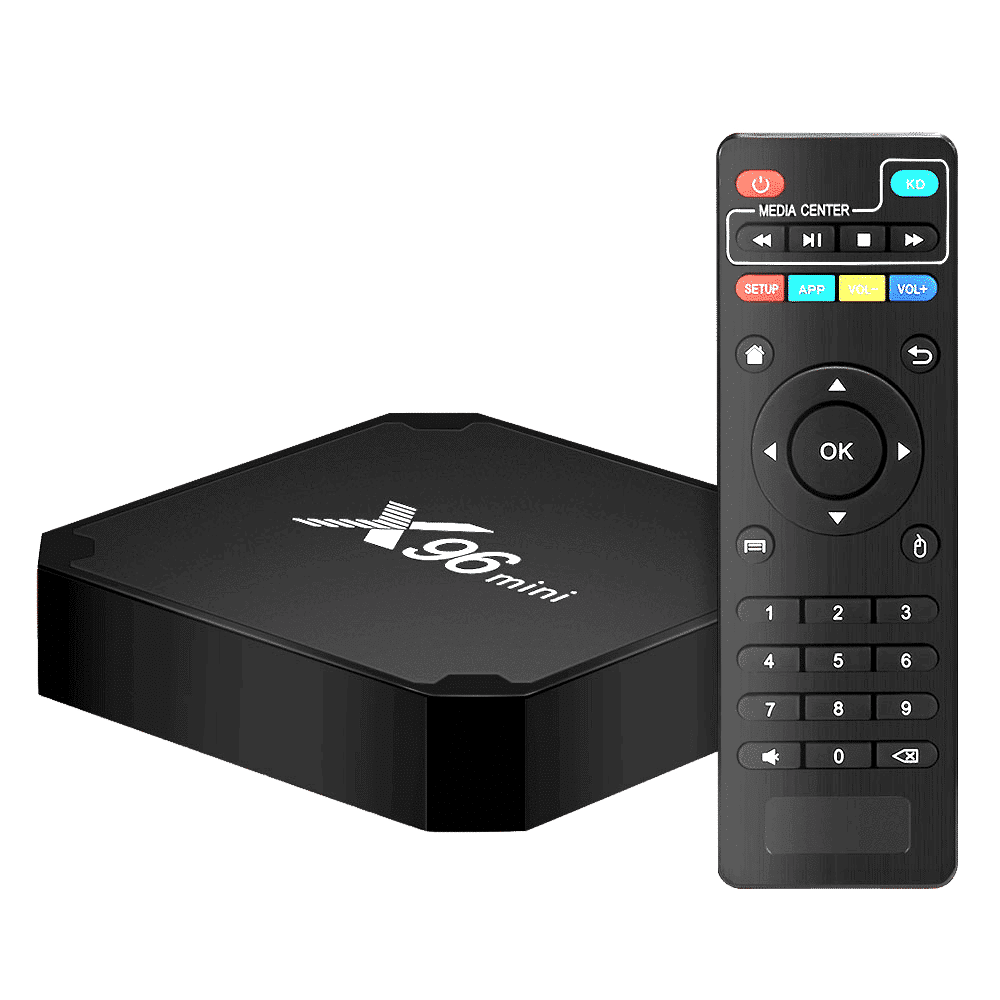
The infrared remote control that comes with your DroiX® device is designed to carry out basic functions. However, it is not ideal for navigating around the operating system or fully utilizing Kodi.
We recommend using a remote control with both a QWERTY keyboard and an easy way to move the onscreen cursor.
Some models have a touchpad, as you’d find with a laptop, whilst others feature an Air Mouse mode. Air Mouse means as you move the remote through the air, the built-in gyroscopes translate this movement into the cursor on screen moving.
We also have a gamepad designed with the DroiX® in mind, the DroiX® Play. Although you’ll not find a keyboard on the gamepad, playing games is certainly a lot more fun when you use the right tool!
Typing, gaming, interacting in general with Android will seem so much easier with the right remote control.
Our accessories page at https://droix.net/blogs/product-category/tv-and-home-cinema/accessories/ shows the full range of controllers we have available.

Questions & comments
0
Every question gets an answer. Ask before you buy — DroiX Team and the team reply within one working day, and answers stay public so they help the next reader too.