

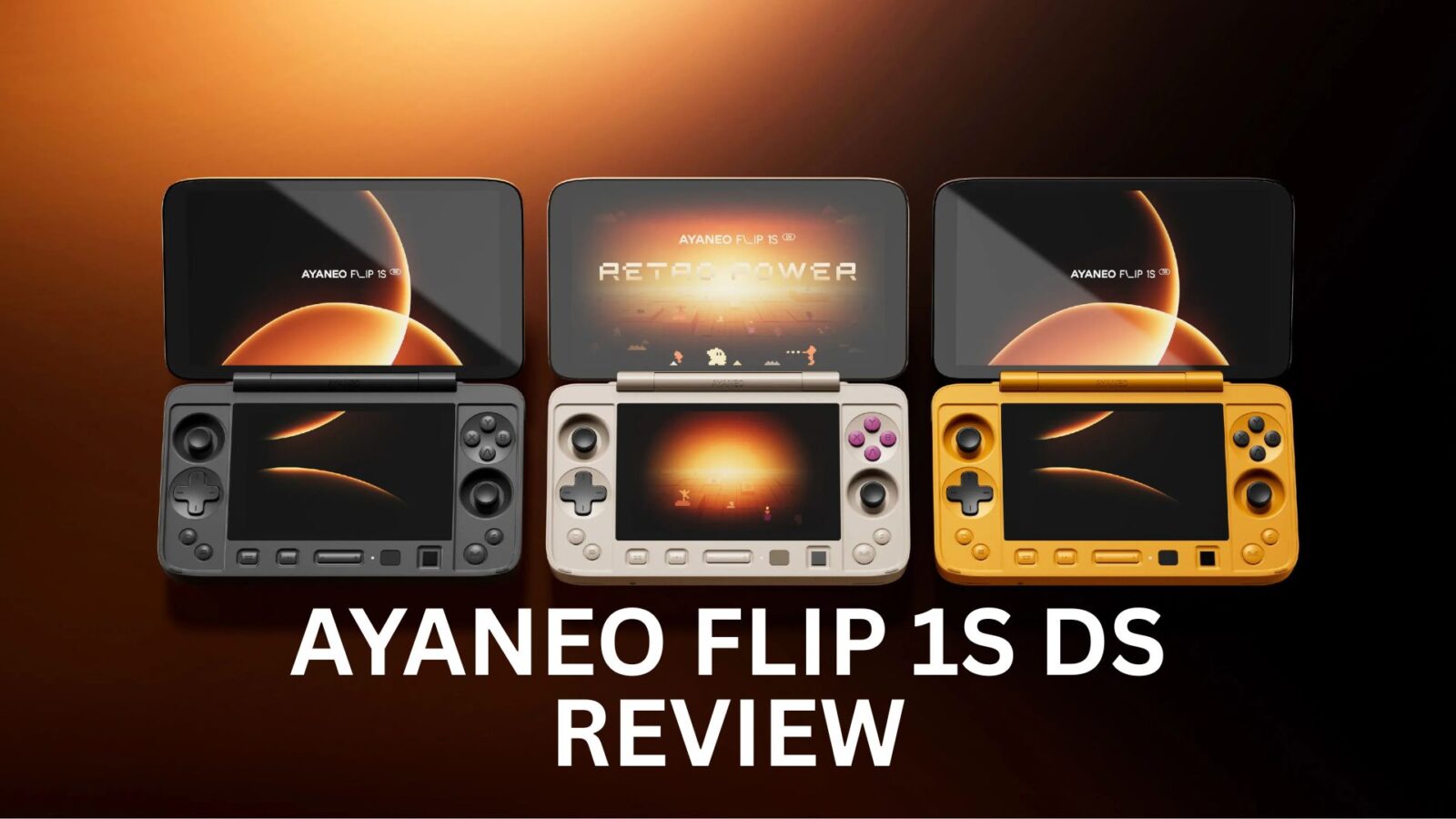
AYANEO Flip 1S DS
-
Design
(4.5)
-
Build Quality
(4.5)
-
Display
(4.5)
-
Performance
(4)
-
Features
(4)
-
Software
(4)
Summary
The AYANEO Flip 1S DS is a premium, dual-screen clamshell handheld gaming PC that combines a 7-inch 144Hz OLED main display with a powerful AMD Ryzen AI 9 HX 370 processor for high-performance PC gaming and emulation.
Overall
4.3User Review
( votes)Pros
- Choice of AMD’s 8840U or higher performing HX 370 CPU
- Great looking main display
- Dual screen gaming
- Premium build quality
Cons
- Dual screen emulators can be tricky to set up and get running perfect.
AYANEO has returned, bringing an exciting update to the dual-display handheld gaming PC they released last year. Consequently, let’s find out in our AYANEO Flip 1S DS review what new features the AYANEO 1S DS brings to dual-screen gaming fans.
AYANEO 1S DS Review Video
A Closer Look: Unboxing the AYANEO 1S DS
We begin our AYANEO 1S DS review with a close inspection of this portable gaming PC. The AYANEO 1S DS itself measures approximately 7.0 x 4.0 x 1.15 inches (18.0 x 10.2 x 2.93 cm). Furthermore, it weighs around 655g (1.44 lbs).

Opening the AYANEO 1S DS reveals its primary 7-inch 1080P OLED display located at the top. This impressive screen supports multiple refresh rates, ranging from 60Hz up to a smooth 144Hz. Additionally, the hinge is quite flexible, allowing for any angle to be used, all the way up to 180 degrees.
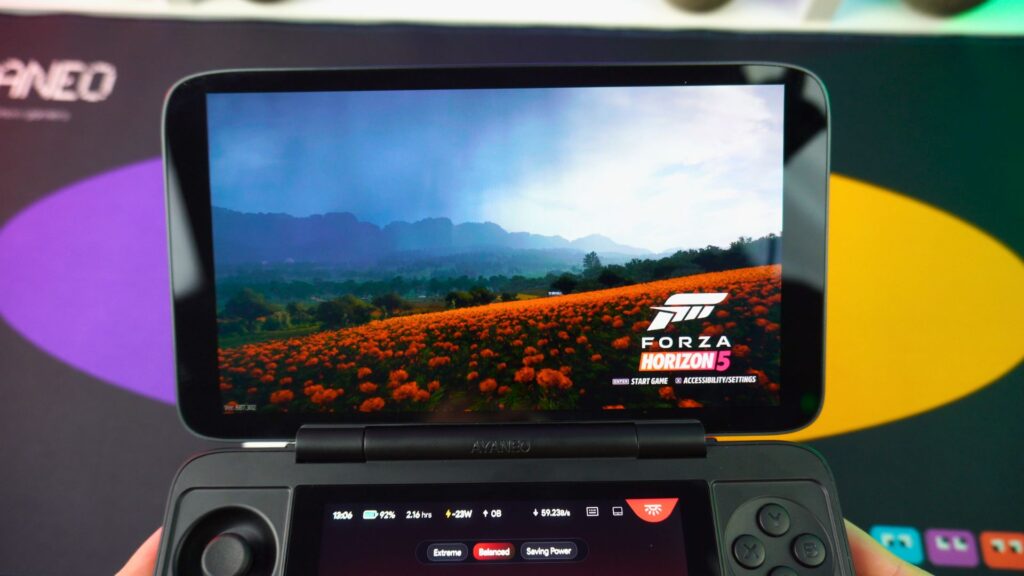

On the lower half, we find all the usual gaming controls. These include dual analogue TMR sticks, a D-Pad, and standard action buttons.
Along the very bottom, a variety of controls are conveniently placed at your fingertips. This area features a bottom display mode control, an Xbox game button, volume buttons, and a power button with an integrated fingerprint sensor. Moreover, an optical finger mouse, AYA overlay button, and dedicated desktop buttons are also included.
In the middle sits the second display. This is an IPS panel measuring 4.5 inches and featuring a 1620×1080 resolution.
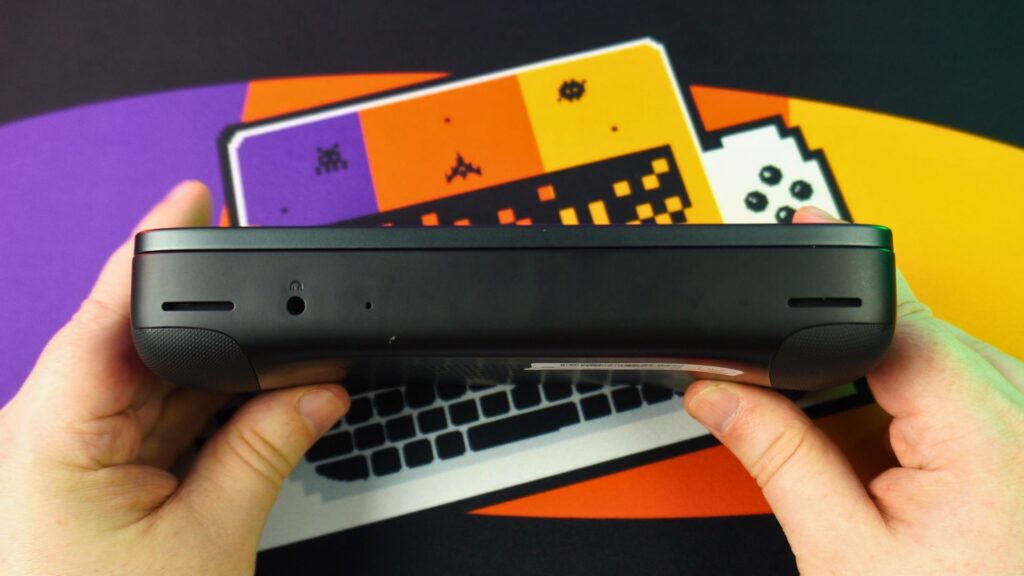


Looking along the top of the AYANEO 1S DS, you will find the left and right shoulder and trigger controls, as well as macro buttons. There is also a covered micro SD card reader. Alongside it, two USB 4 ports are provided for high-speed peripherals.
Finally, the back of the mobile gaming PC features two replaceable textured grips. One grip is bumpy, while the other offers more of a waved texture. You can easily change between these two options depending on your personal preference.
AYANEO Flip 1S DS Technical Specifications
We continue our AYANEO Flip 1S DS review with a look at the techincal specifications
| CPU | AMD Ryzen 7 8840U AMD Ryzen AI 9 HX 370 |
| GPU | AMD Radeon 780M AMD Radeon 890M |
| RAM | 16GB/32GB (8840U & HX 370 models) 64GB (HX 370 model only) LPDDR5X 7500MT/s |
| STORAGE | 1TB / 2TB M.2 2230 PCIe 4.0 |
| DISPLAYS | 7″ OLED 1920×1080 60Hz / 90Hz / 120Hz / 144Hz 315 PPI 4.5″ IPS 1620×1080 60Hz 433 PPI |
| I/O | 2x USB 4 1x Micro SD card reader 1x 3.5mm headphone jack 1x Optical finger mouse |
| COMMUNICATIONS | Wi-Fi 6E Bluetooth 5.3 |
| BATTERY | 45Wh rechargeable |
| OS | Windows 11 Home |
Powering this portable gaming computer is a 45Wh battery. The battery supports up to 65W PD charging and, importantly, also supports bypass charging.
In our testing, we achieved around 1 hour and 5 minutes of battery life. This test was conducted running Cinebench at a 28W TDP with full brightness. This battery life is around the same as other similar handhelds, which is quite good. This is especially true given the AYANEO 1S DS is powering a dual display.
Navigating the Dual-Screen Software
With the built-in AYANEO software, you can navigate through various tabs at the bottom of the second screen. These tabs can be used to show current system stats, including TDP, fan speed, and resource usage. The second screen also allows you to change settings. This includes helpful shortcuts to Extreme, Balanced, and Power-saving modes.
Quick Assistant and App Management

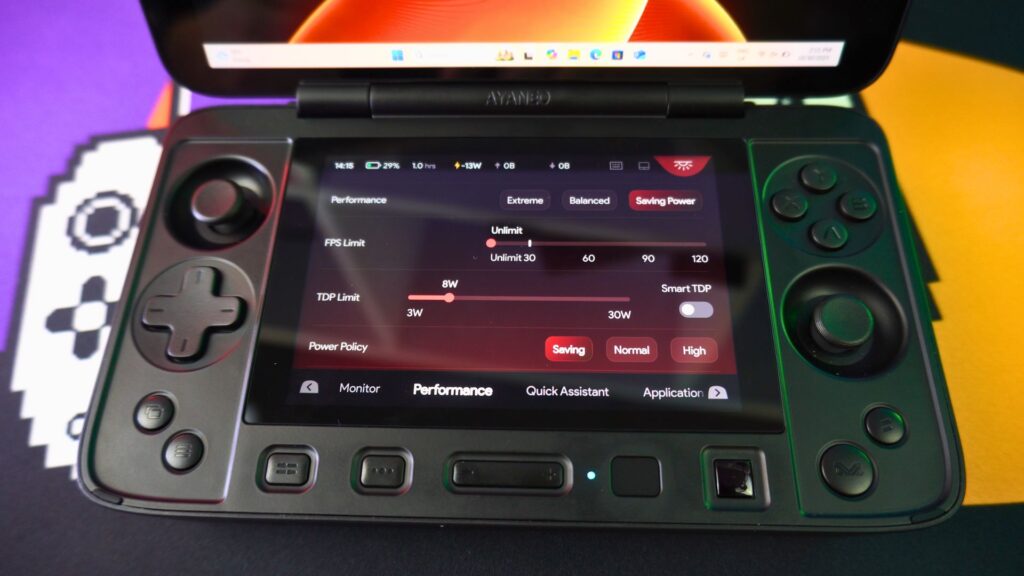
The Quick Assistant feature provides large icons for common functions. For instance, you can easily switch between desktop modes, take screenshots, toggle fullscreen, and minimize software. Furthermore, the “Application” section lets you add shortcuts to your frequently used apps.
Smart Dual-Screen Functionality
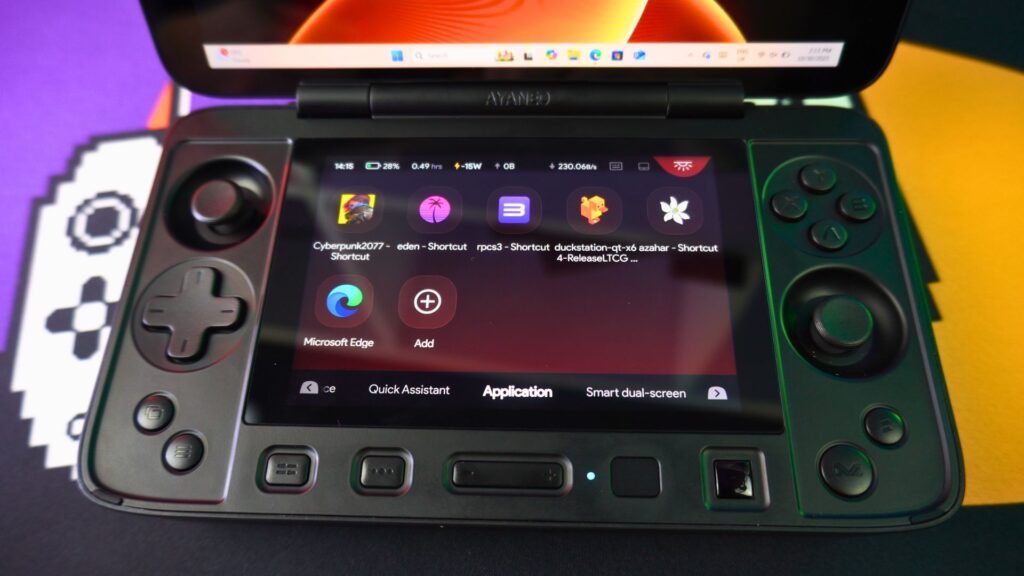
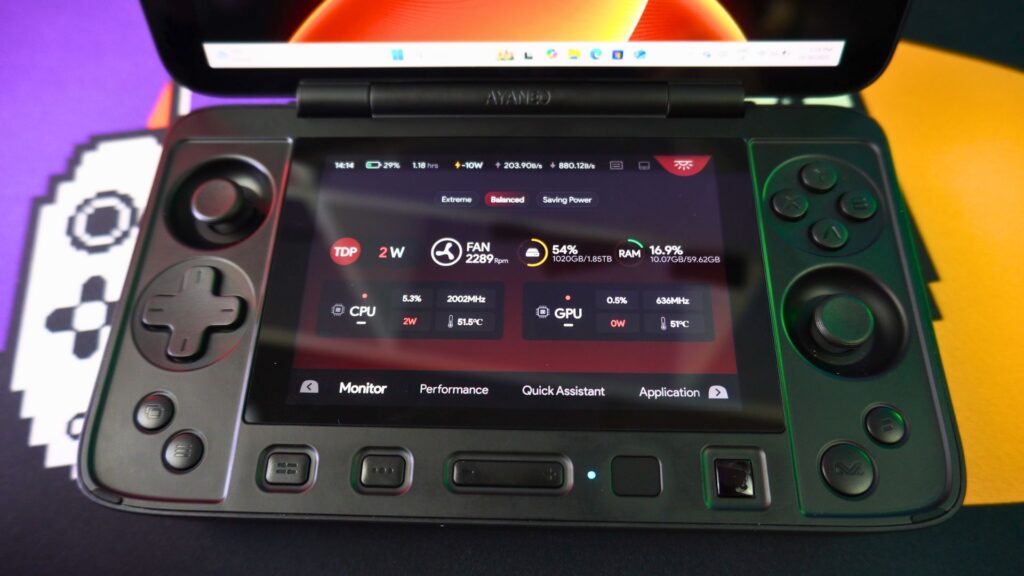
A feature named “smart dual-screen” is designed to easily let you move currently open software into the bottom display of the AYANEO 1S DS. From here, you could open your browser, for example, and then move it down. The software should show apps moving in and out of the bottom screen.
However, for some reason, I couldn’t get the browser to display this way automatically. I had to manually move the windows to the bottom screen instead.
How Does the AYANEO 1S DS Perform in Games?
As we know from many other HX 370-based compact gaming PC models, the processor is quite capable. It can run games at decent resolutions and graphics settings. Specifically, at 1080P, you can generally play games at medium to high settings and achieve 60 FPS.
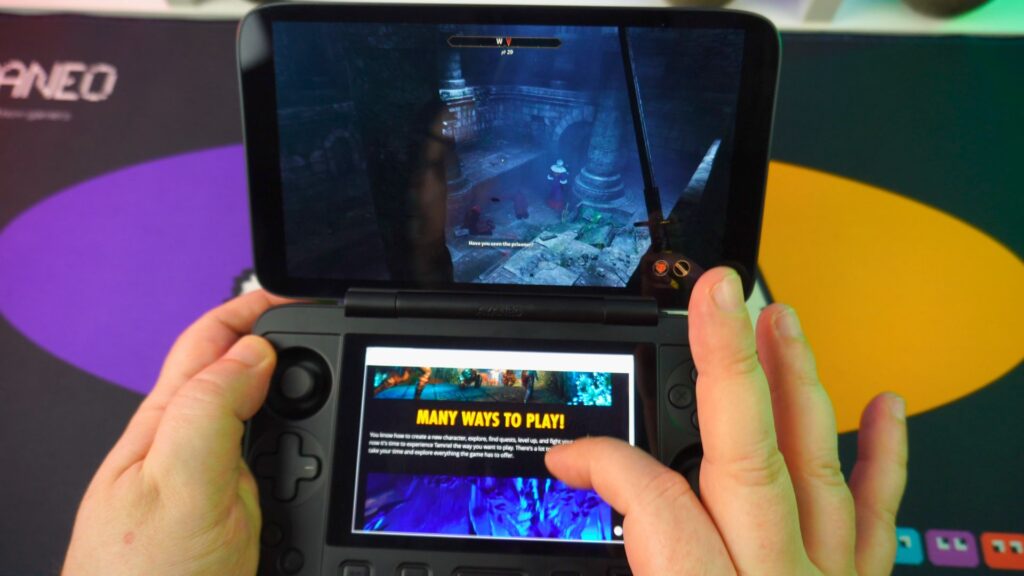
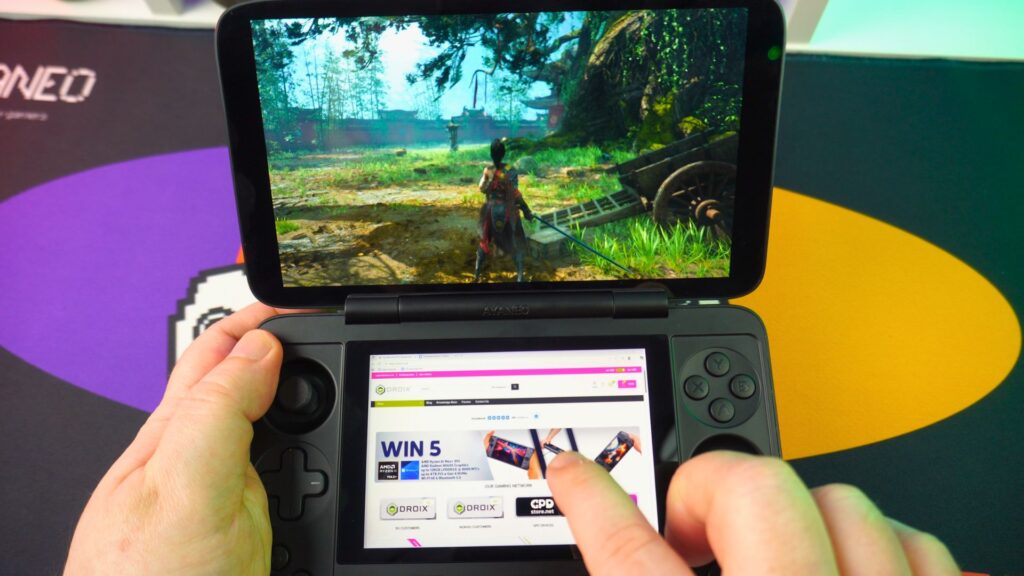

Regarding the second display, you can use it for playing a video, following a walkthrough guide, or keeping Discord chat open. You could even do a bit of shopping at DROIX 😉
Realistically, however, you will probably have the second display switched off most of the time. Alternatively, you might just use it for showing performance stats.
Emulation and Dual-Screen Potential
The HX 370 processor is also great for emulation. It can run systems up to the more recent handhelds with very few issues. Consequently, we can take full advantage of dual-screen handheld emulators, such as melonDS and Azahar, on the AYANEO 1S DS.
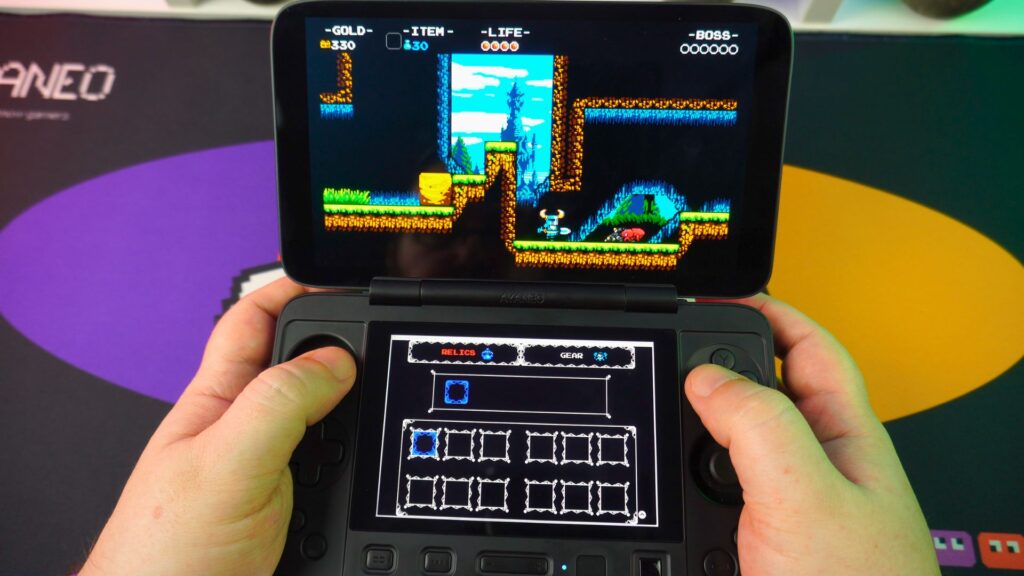

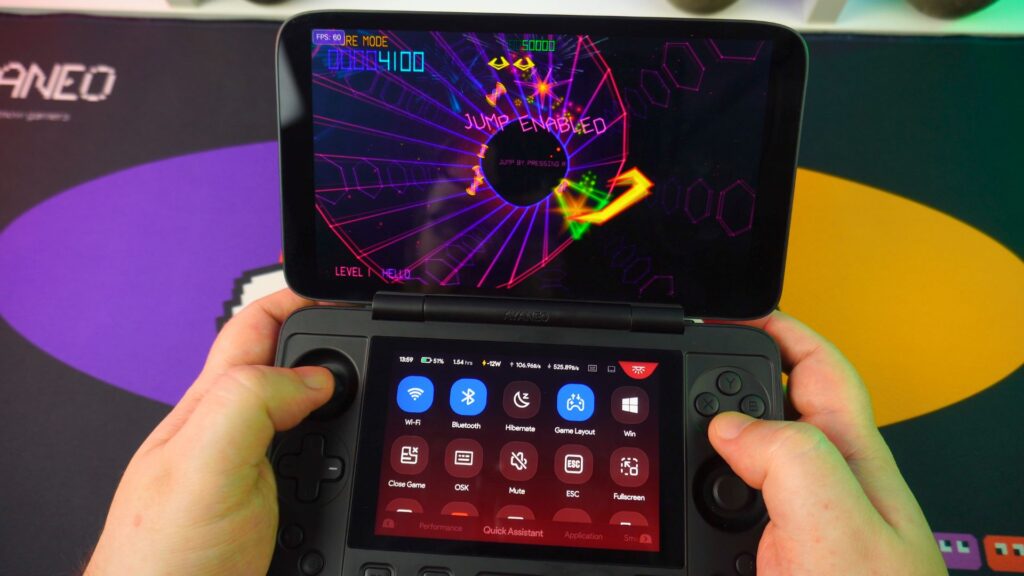
These dual screen handheld emulators do require a bit of setting up. This is necessary to take advantage of both screens of this handheld gaming computer. The process involves changing some menu options to create a second window. This window must then be made to display on the second screen.
It should be noted that this setup is not quite perfect in all cases. You may require 3rd-party software to make the emulated second screen truly full screen.
Final Thoughts: Our AYANEO 1S DS Review Verdict
The AYANEO 1S DS comes with some decent improvements over the original AYANEO DS model. If you were a fan of the original, then you will undoubtedly love the AYANEO 1S DS.
The new, larger second display makes things a great deal easier to use and view. Of course, the faster processor is always a welcome addition.
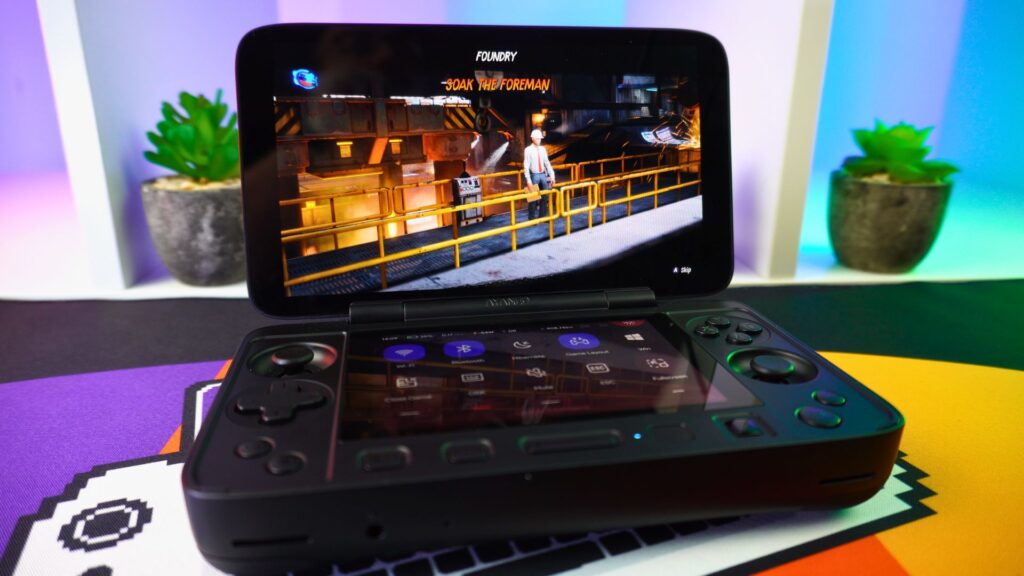
However, the main question is: do you really need a dual-screen handheld? If you spend a lot of time playing dual-screen emulators or frequently referring to game guides, then it’s a clear yes.
Otherwise, you will probably use the second screen for a few days and then ignore it once the novelty wears off. In this case, I would consider any other HX 370-based handheld as a viable alternative.
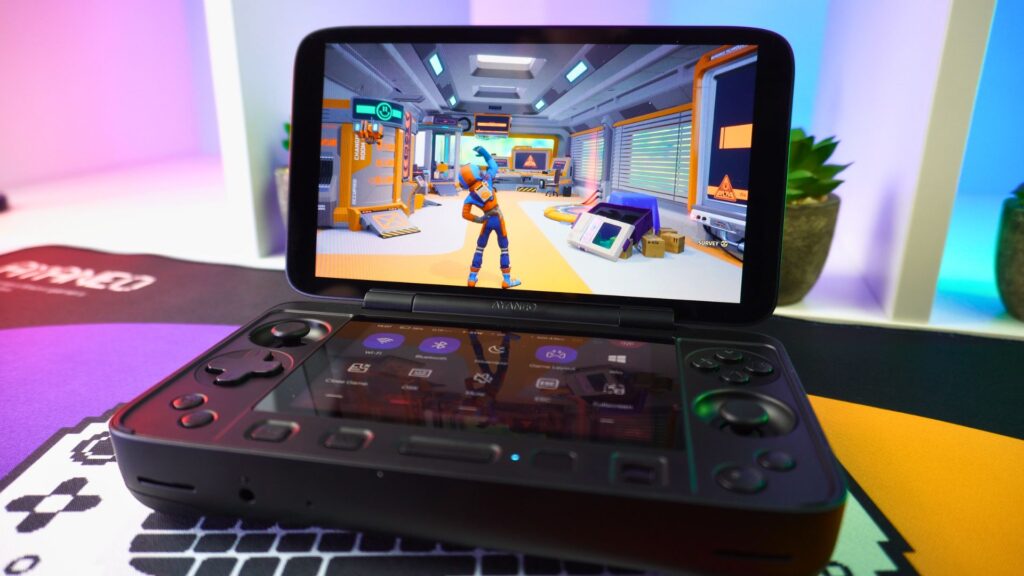
We are not selling the AYANEO 1S DS at DROIX. However, we do stock other handheld gaming PCs, including the excellent AYANEO 3.
That wraps up our AYANEO 1S DS review. We hope you have found it useful. If you do have any questions, please feel free to ask in the comments below, and we will be happy to answer.




