

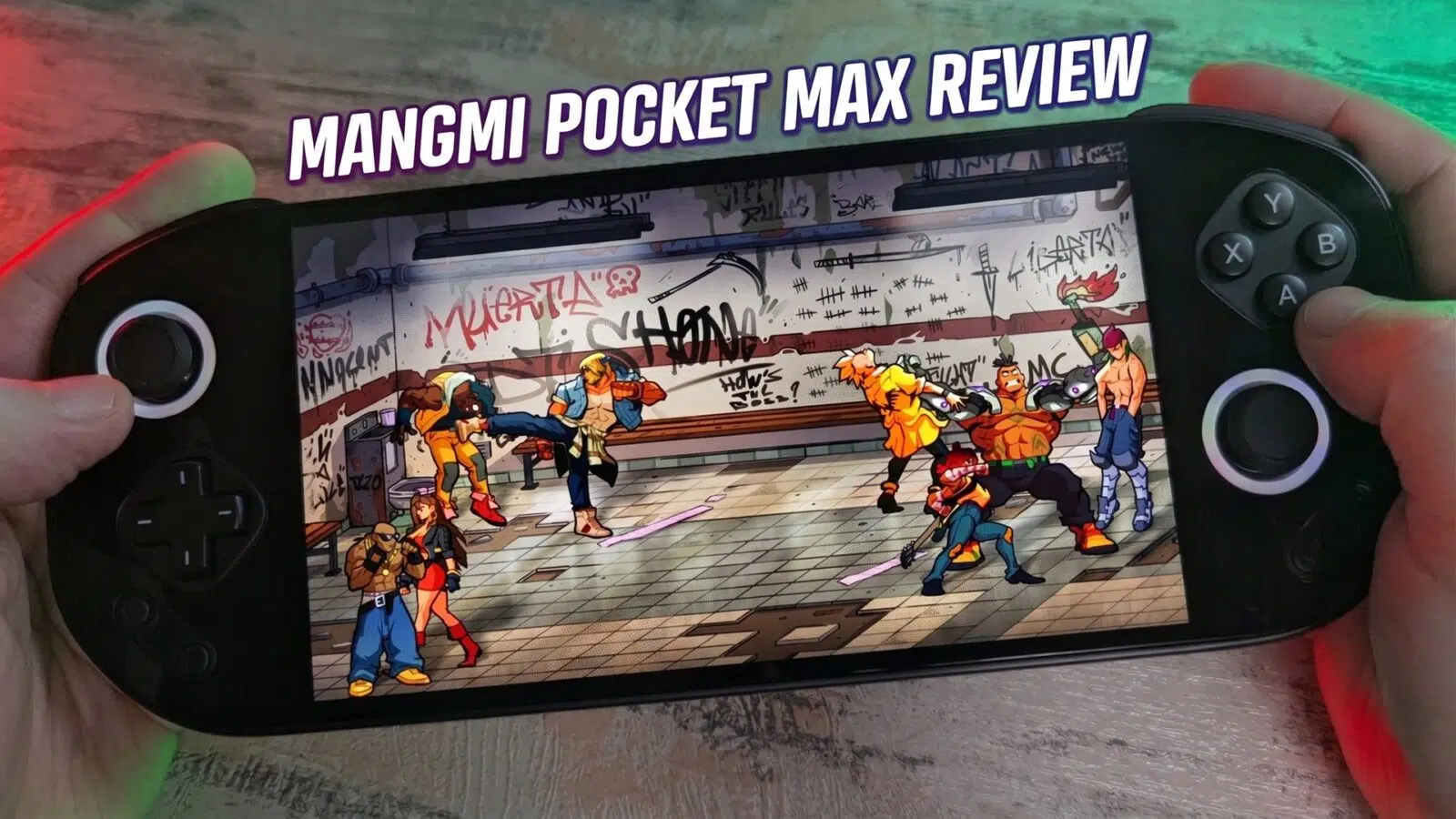
MANGMI Pocket MAX Review
-
Design
(4.5)
-
Build Quality
(5)
-
Display
(5)
-
Performance
(4)
-
Features
(4.5)
-
Software
(4)
Summary
The MANGMI Pocket MAX stands out with its large 7-inch 144Hz AMOLED display, premium design, swappable button modules, and solid all-round Android gaming and emulation performance.
Totalt sett
4.5Brukeranmeldelse
( votes)Fordeler
- 7-inch 144Hz AMOLED
- Premium all-glass front
- Swappable button modules
- Good battery life
- USB-C video output
Ulemper
- Slightly high price for a SD865 processor
- Launcher needs improvement
What is the MANGMI Pocket MAX? The MANGMI Pocket MAX is a premium Android gaming handheld with a 7-inch 1080P AMOLED display, Qualcomm Snapdragon 865 processor, up to 144Hz refresh rate, swappable button modules, and built-in controls designed for both Android gaming and emulation.
The MANGMI Pocket MAX makes a strong first impression with its large 7-inch AMOLED display, premium all-glass front, and unusual swappable button design. On paper, it looks like a compelling large-screen Android handheld, but in practice the real question is whether its features, performance, and overall user experience do enough to justify the price against very strong competition.
MANGMI Pocket MAX Overview
The MANGMI Pocket MAX measures around 10 x 3.97 x 0.68 inches (25.4 x 10.1 x 1.74 cm) and weighs around 450g (0.99 lbs). It is available in three colours: Black, White, and Retro GB.
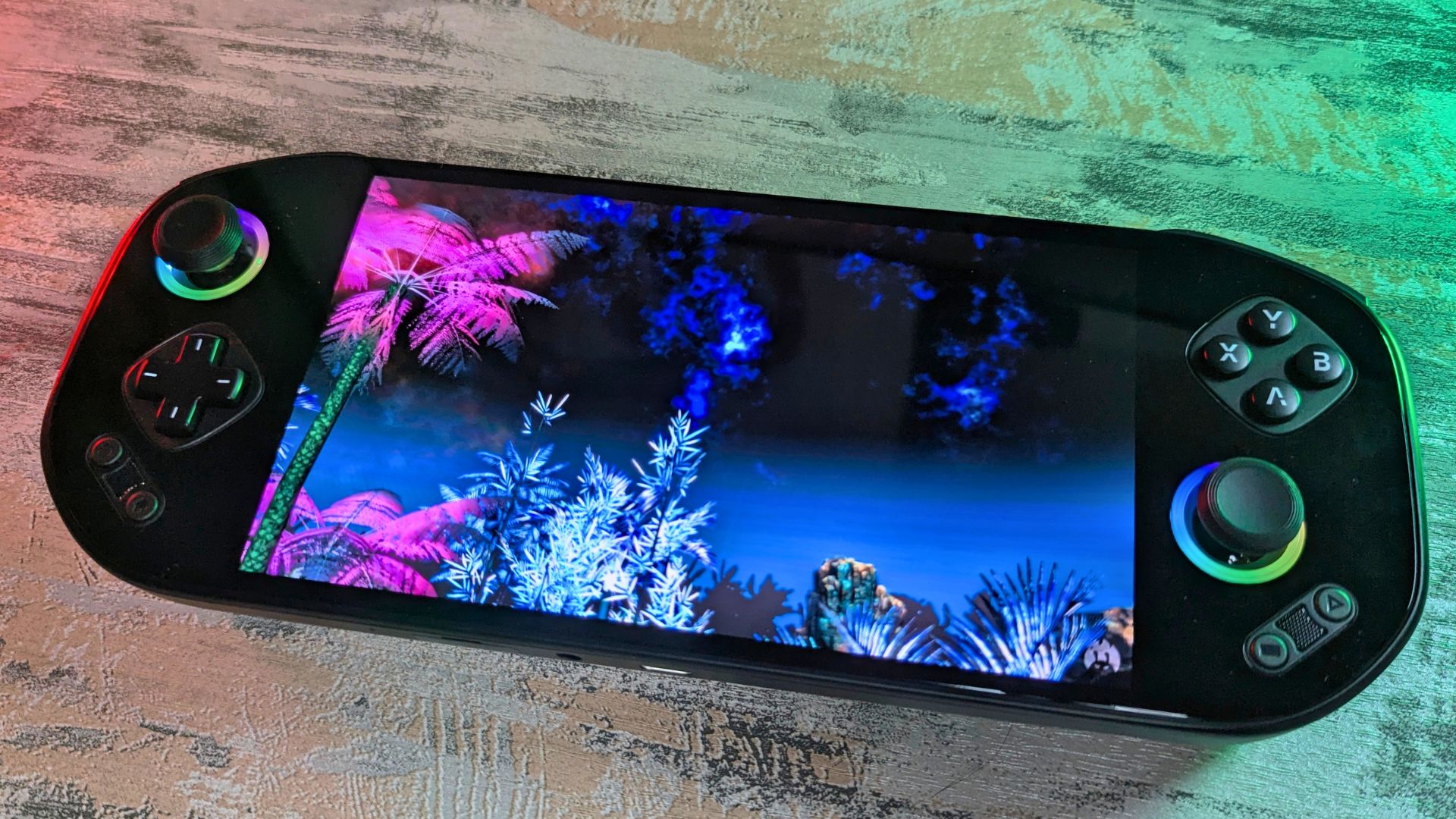
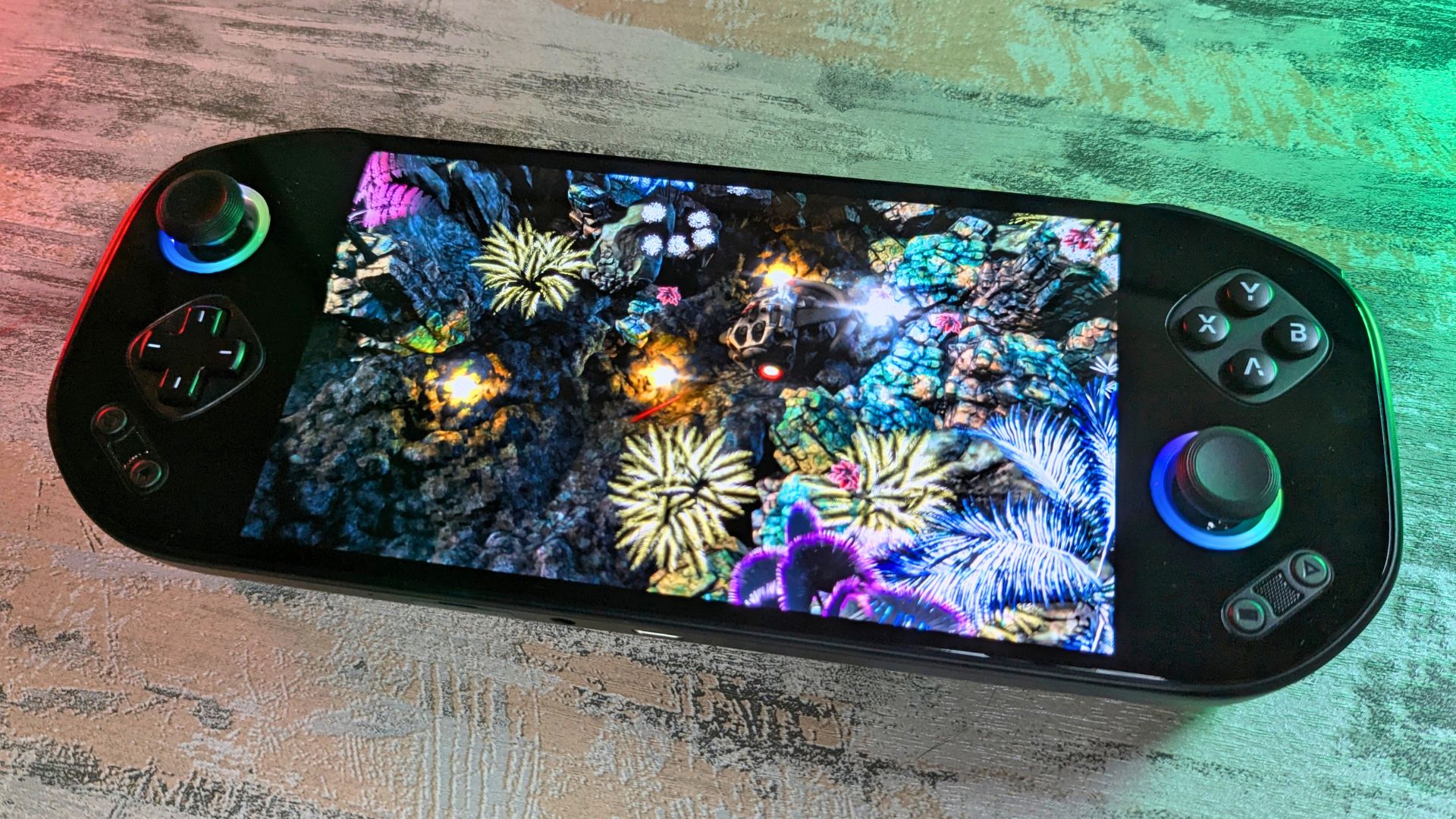
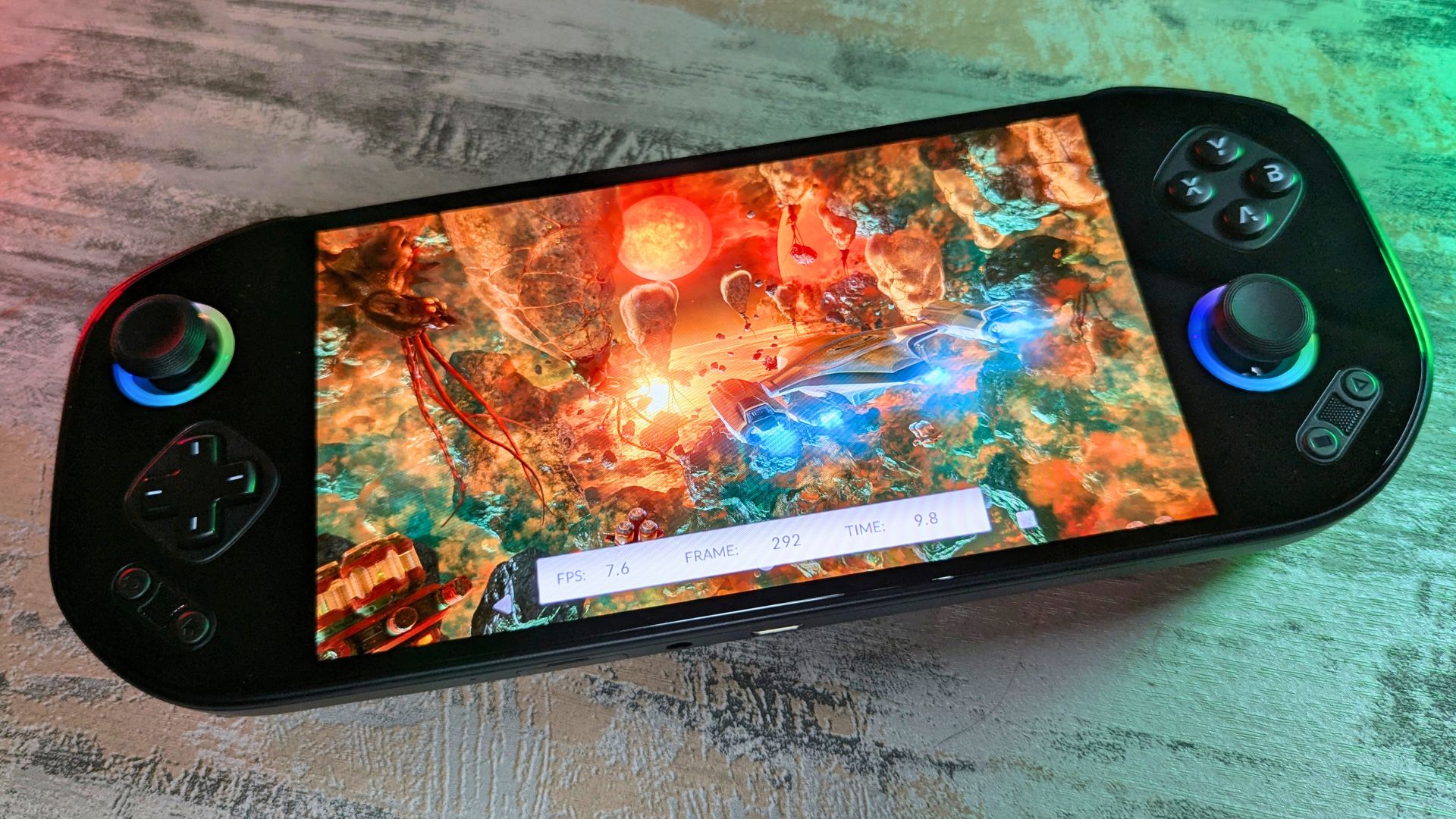
On the front is a great-looking 7-inch AMOLED touchscreen display, supporting up to 1920×1080 resolution with 800 nits of brightness. Colours look excellent and really pop on the panel. It also supports refresh rates from 60Hz up to 144Hz, which puts it among the highest-specced Android gaming handhelds in this area.
The D-pad and gaming buttons can be swapped from the default conductive rubber contacts to separately sold mechanical micro-switch contacts. The modules are magnetically held in place and can be removed with your fingernails. It takes only a few moments to swap between them.
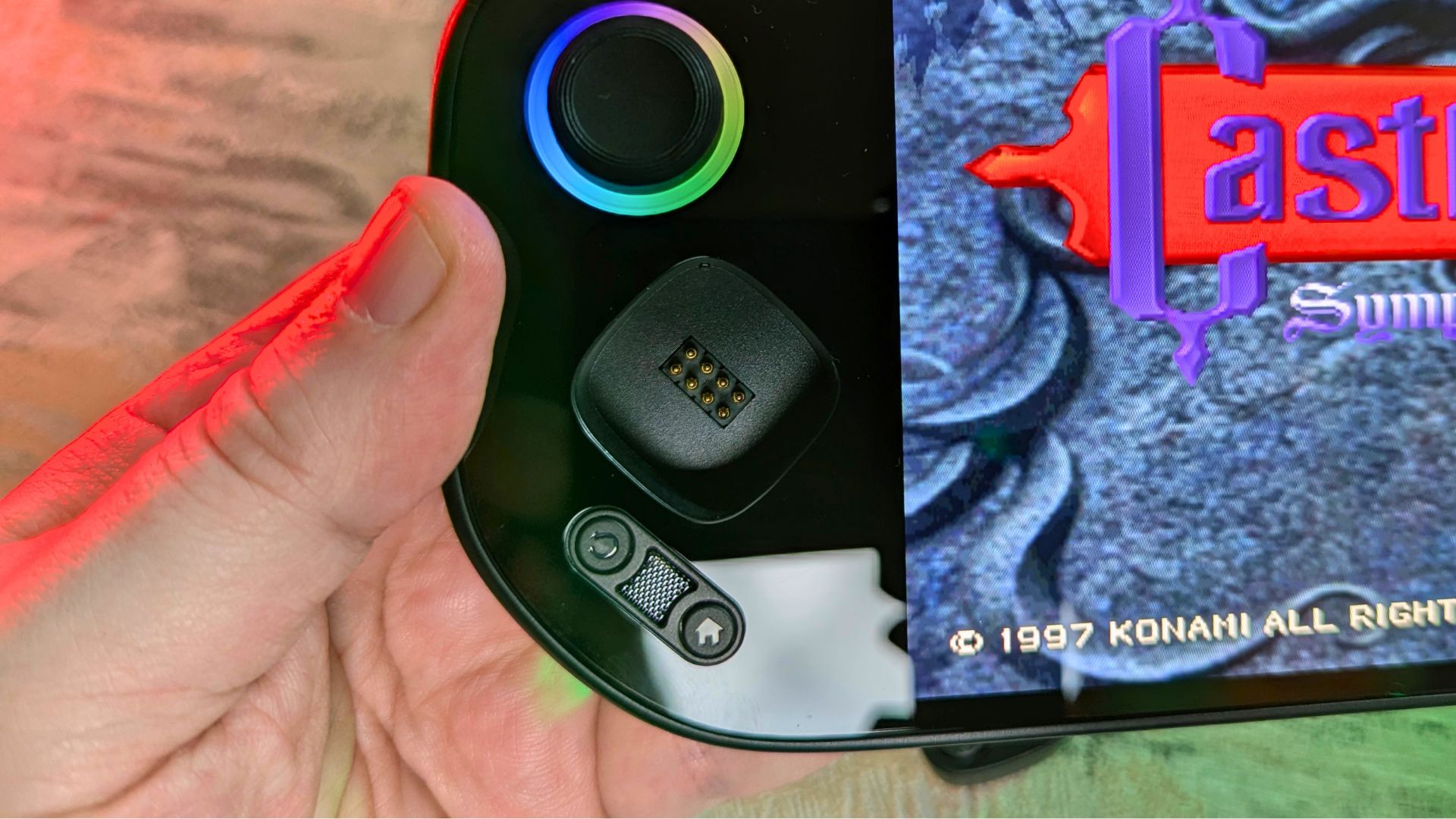
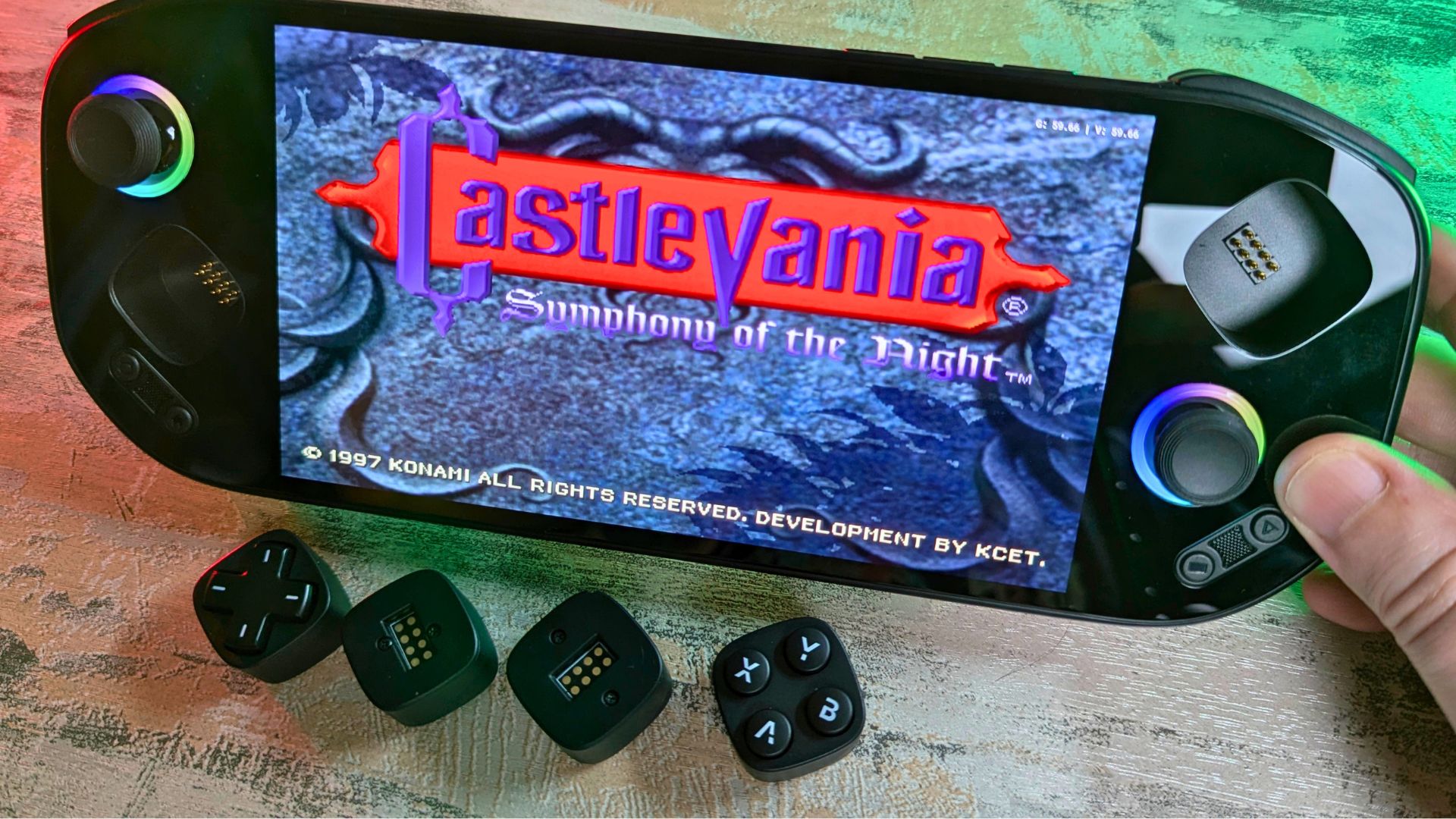
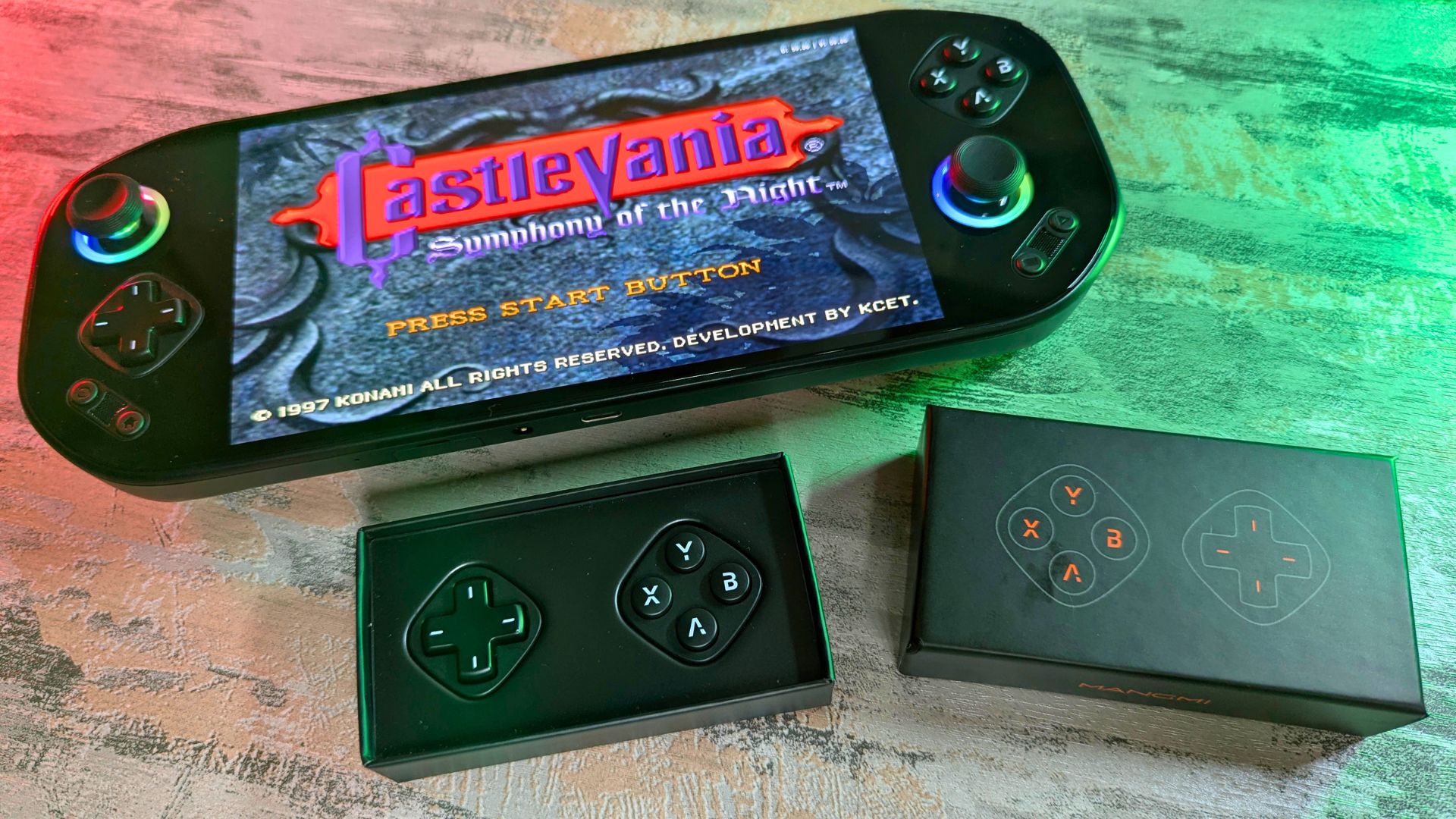
The main difference between the two is noise. The rubber membrane is quiet, while the micro-switches make a more responsive clicking sound. Which one you use really comes down to personal preference. If you are gaming late at night, for example, the membrane option is the better choice.
On either side are TMR analogue sticks surrounded by customisable LED lighting. There are Back and Home buttons in the bottom-left area, and holding the Home button brings up the overlay software, which we will cover later.
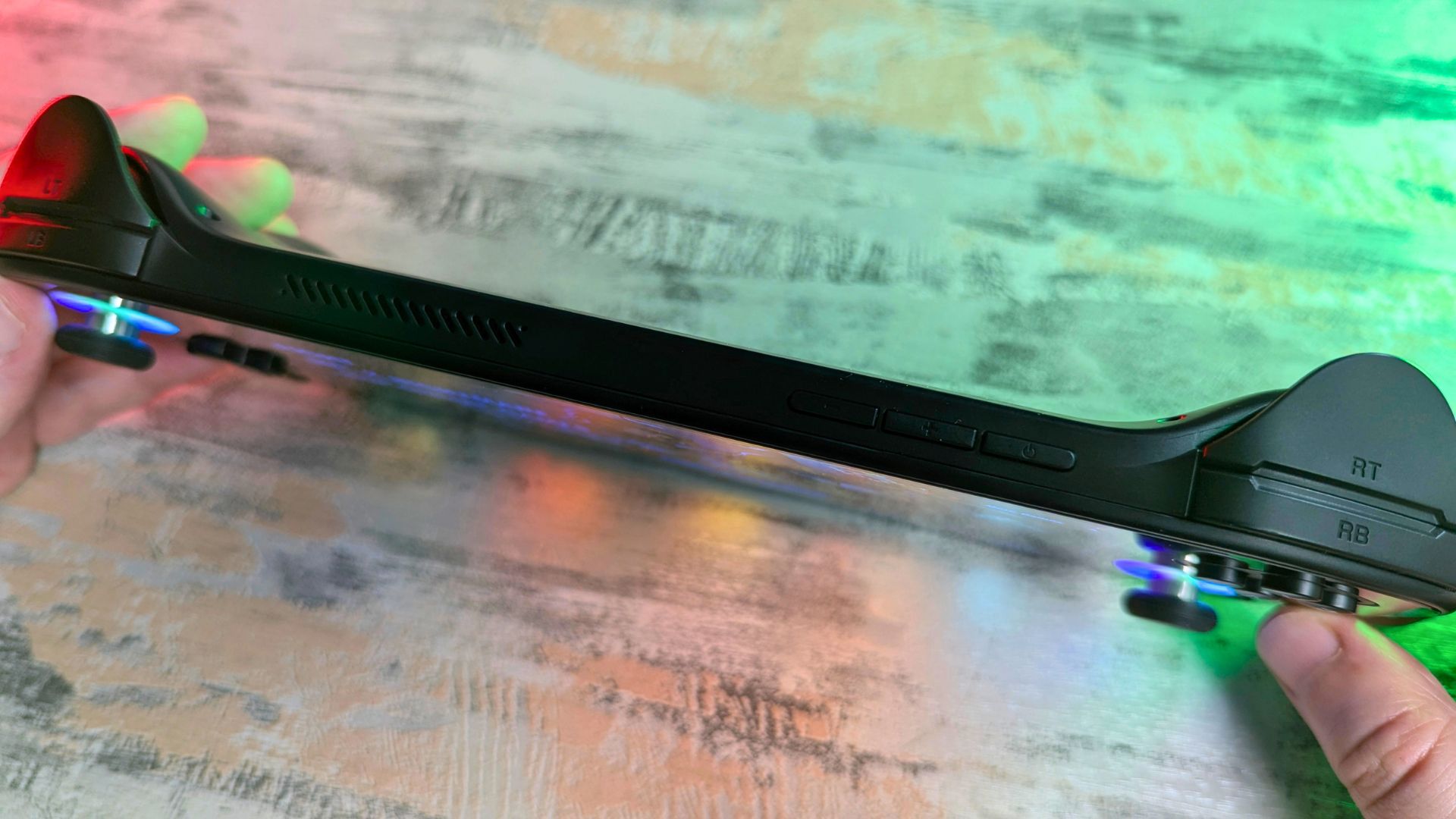
On the top are a pair of shoulder buttons and linear Hall effect triggers. You will also find the volume buttons and power button here.
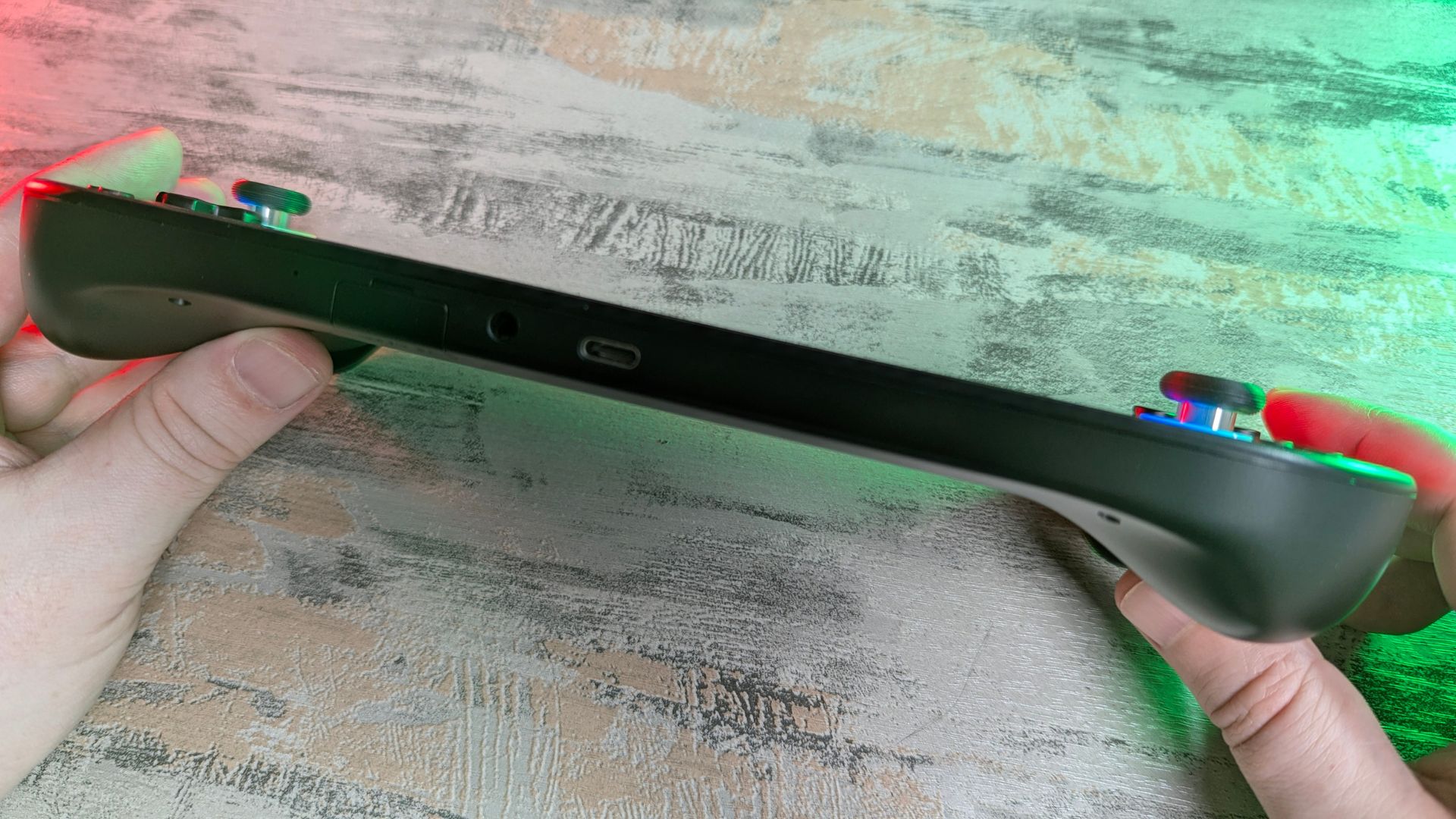
On the bottom is a covered microSD card slot, a 3.5mm audio jack, and a USB-C 3.1 port used for data and charging. You can also use this port for video output to a TV or monitor. On the back are two macro buttons, which you can configure in the settings.
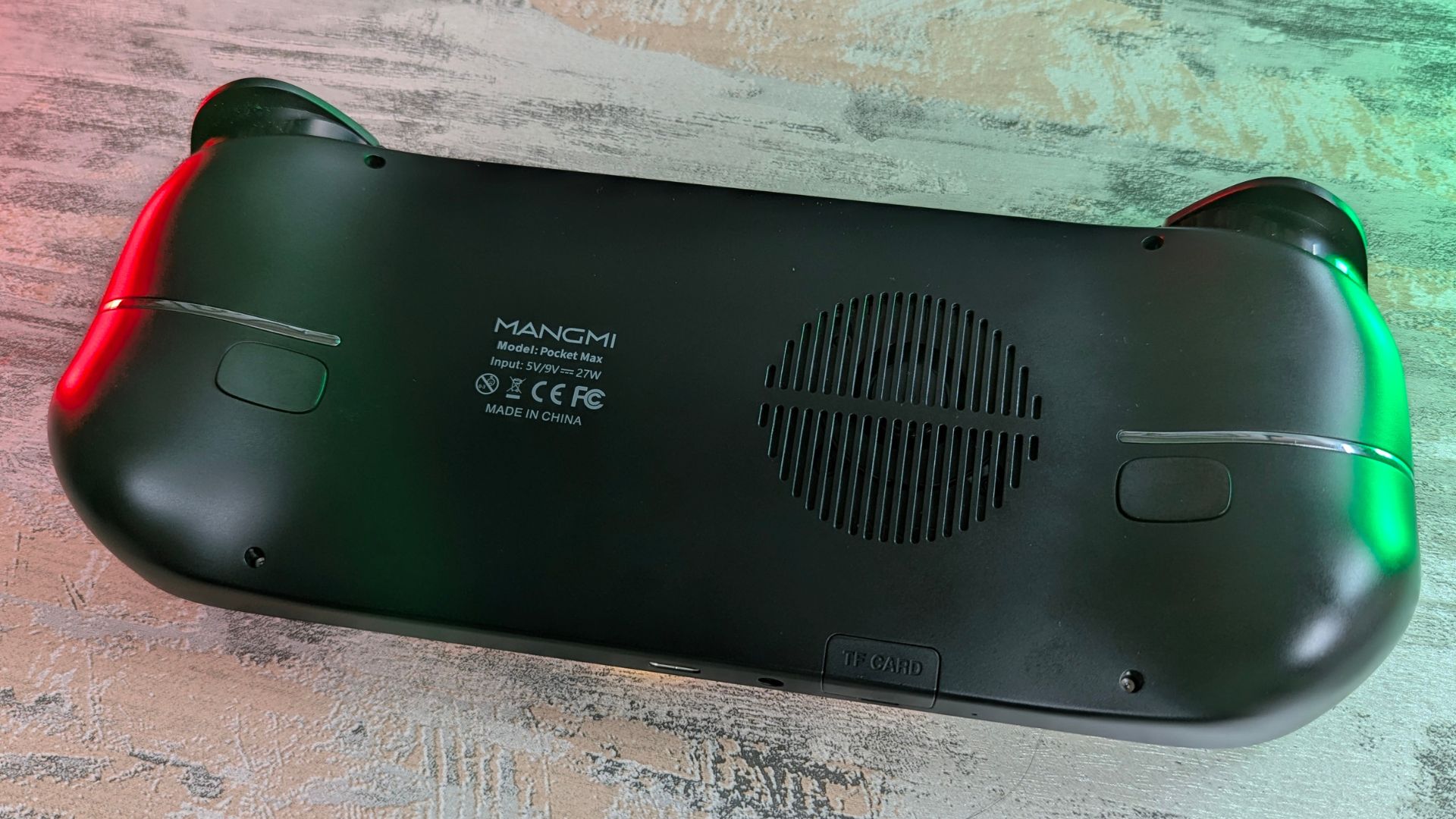
The front all-glass panel gives the handheld a premium look and feel. Handling is generally good, but I did find reaching the D-pad a little awkward when moving my thumb down from the analogue sticks. It is only a minor issue, and likely something that becomes easier with muscle memory over time.
MANGMI Pocket MAX Technical Specifications
As part of our review, we checked the rest of the specifications and also ran our own battery life, temperature, and fan noise tests.
| Feature | Specification |
|---|---|
| CPU | Qualcomm Snapdragon 865 1×[email protected] + 3×[email protected] + 4×[email protected] |
| GPU | Adreno 650 |
| RAM | 8GB LPDDR4X |
| Storage | 128GB UFS 3.1 |
| Cooling | Active cooling |
| Display | Type: AMOLED Resolution: 1920 x 1080 Display Size: 7-inch Brightness: 800 nits Colour Gamut: 150% sRGB Refresh Rate: 60Hz/90Hz/120Hz/144Hz |
| Video Output | USB Type-C |
| WiFi | WiFi 6 |
| Bluetooth | Bluetooth 5.1 |
| Ports | 1 x USB 3.1 Type-C port 1 x 3.5mm headphone / headset jack 1 x microSD card reader |
| OS | Android 13 |
| Battery | 8000mAh |
| Charging | 27W |
| Other Features | 6-axis G-sensor, RGB TMR sticks, Hall triggers, Magnetic Module |
| Size | 10 x 3.97 x 0.68 inches (25.4 x 10.1 x 1.74 cm) |
| Weight | 450g (0.99 lbs) |
We ran the Antutu benchmark on a loop for the battery life test. The display was at full brightness, the system was set to Performance mode, and the fan was on the Extreme setting. Under those conditions, we got a battery life of just over four hours. With more typical use, you are more likely to see somewhere around the 8 to 10 hour mark. The large 8,000mAh battery really helps here.
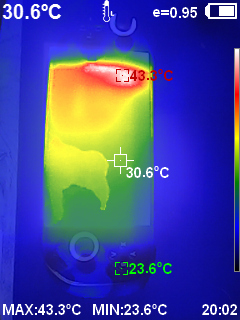
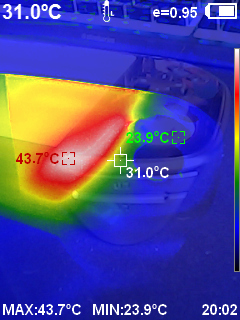
While running the battery life test, we also measured the temperature and fan noise. We recorded a highest temperature of 43.7°C. For fan noise, we got barely audible levels at less than 35dB on Quiet, 46.3dB on Balanced, and 60dB on Extreme fan settings.
System Benchmarks
We are comparing benchmark results with current handhelds available, including the Retroid Pocket 5 with the same Snapdragon 865 processor for direct comparison.
| Device | Processor |
|---|---|
| MANGMI Pocket MAX | Snapdragon 865 |
| Retroid Pocket 5 | Snapdragon 865 |
| AYN Thor | Snapdragon 8 Gen 2 |
| AYN Odin 3 | Snapdragon 8 Elite |
| AYANEO Pocket S2 | Snapdragon G3 Gen 3 |
Geekbench 6
Geekbench 6 measures CPU performance in short single-core and multi-core workloads, giving a useful snapshot of general processing power.
The MANGMI Pocket MAX scores 1205 in single-core and 3388 in multi-core, which is effectively identical to the Retroid Pocket 5 at 1199 and 3380. That is exactly what we would expect from two handhelds using the same Snapdragon 865, and in real-world use there is no meaningful gap between them based on this test.
| Device | Single-core | Multi-core |
|---|---|---|
| AYANEO Pocket S2 | 2268 | 7205 |
| AYN Odin 3 | 3123 | 9819 |
| AYN Thor | 1995 | 5394 |
| MANGMI Pocket MAX | 1205 | 3388 |
| Retroid Pocket 5 | 1199 | 3380 |
Antutu
Antutu is a broader system benchmark that tests CPU, GPU, memory, and overall user experience performance in one combined score.
Here the MANGMI Pocket MAX pulls further ahead of the Retroid Pocket 5, scoring 1,049,921 compared with 831,297. That is a noticeable lead on paper for two Snapdragon 865 devices, and it suggests the MANGMI benefits from stronger tuning, cooling, or firmware optimisation in this particular benchmark.
| Device | Antutu score |
|---|---|
| AYANEO Pocket S2 | 2180220 |
| AYN Odin 3 | 2842721 |
| AYN Thor | 1555311 |
| MANGMI Pocket MAX | 1049921 |
| Retroid Pocket 5 | 831297 |
3DMark Wildlife Extreme
3DMark Wildlife Extreme is a demanding GPU-focused benchmark designed to show how well a device handles heavier graphics workloads.
This is the one test where the Retroid Pocket 5 edges ahead, scoring 1283 compared with the MANGMI Pocket MAX at 1225. The margin is small, though, so the two devices still land in broadly the same performance class for gaming and emulation workloads.
| Device | 3DMark Wildlife Extreme score |
|---|---|
| AYANEO Pocket S2 | 5408 |
| AYN Odin 3 | 6684 |
| AYN Thor | 3668 |
| MANGMI Pocket MAX | 1225 |
| Retroid Pocket 5 | 1283 |
Software Overview
The MANGMI Pocket MAX runs on Android 13, which, while not the latest version, is perfectly fine for most users. You have a choice between a standard Android-style home screen and MANGMI’s own launcher. I have to say the MANGMI launcher is not great. It tries to auto-detect which games are installed, but I noticed some titles were assigned to the wrong system. If you use a frontend, I would suggest switching to something like Daijisho instead.
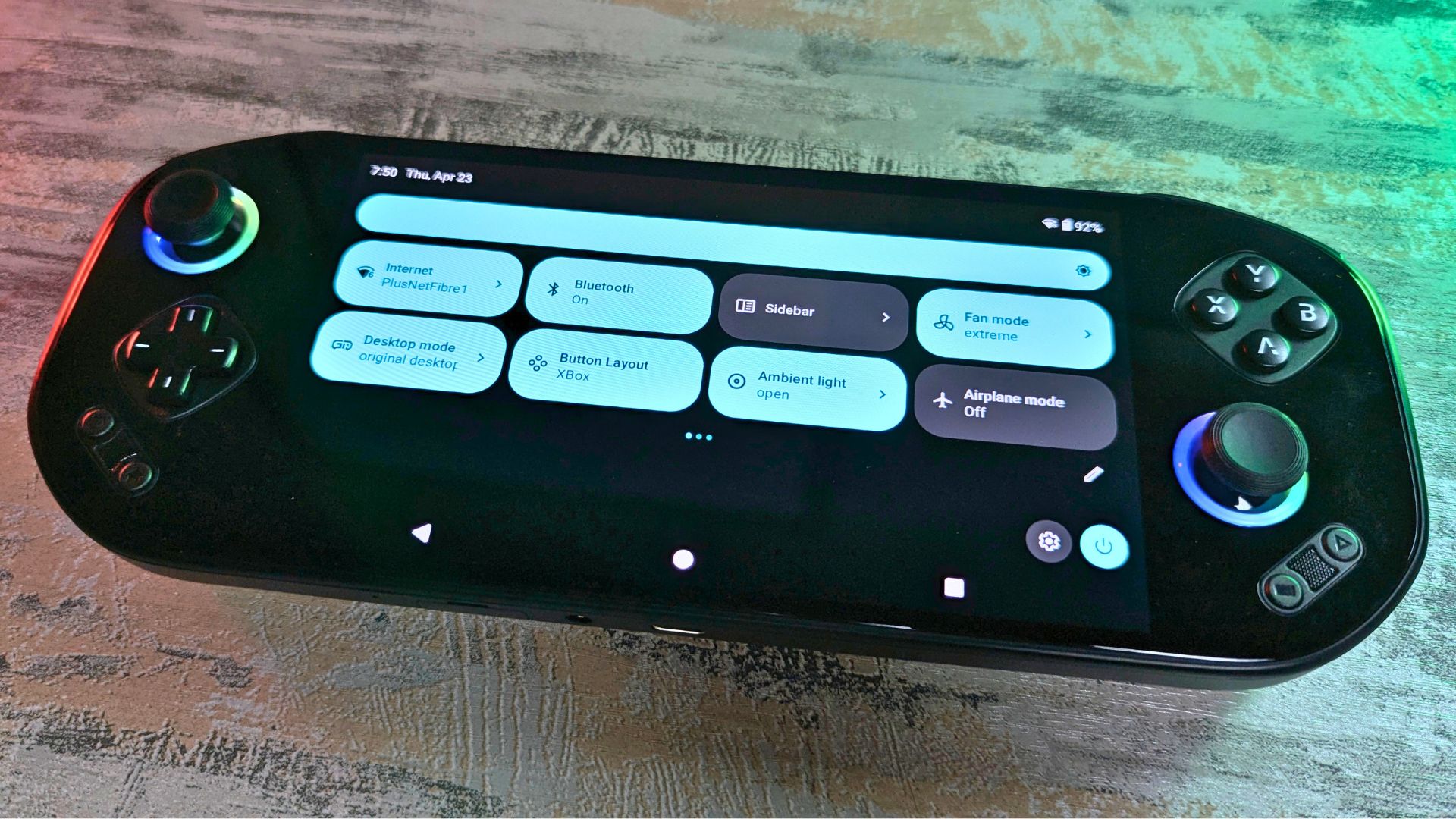
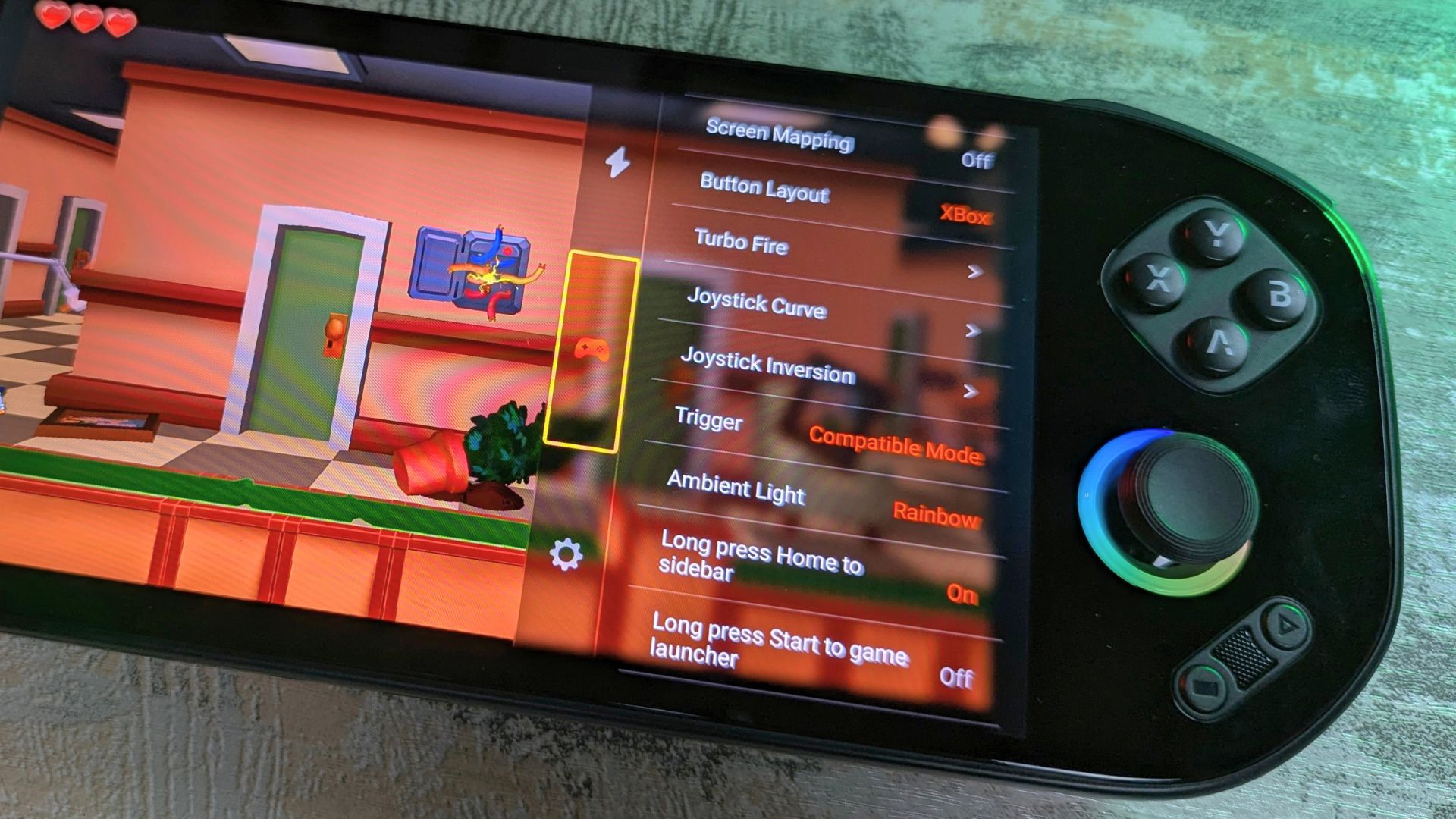
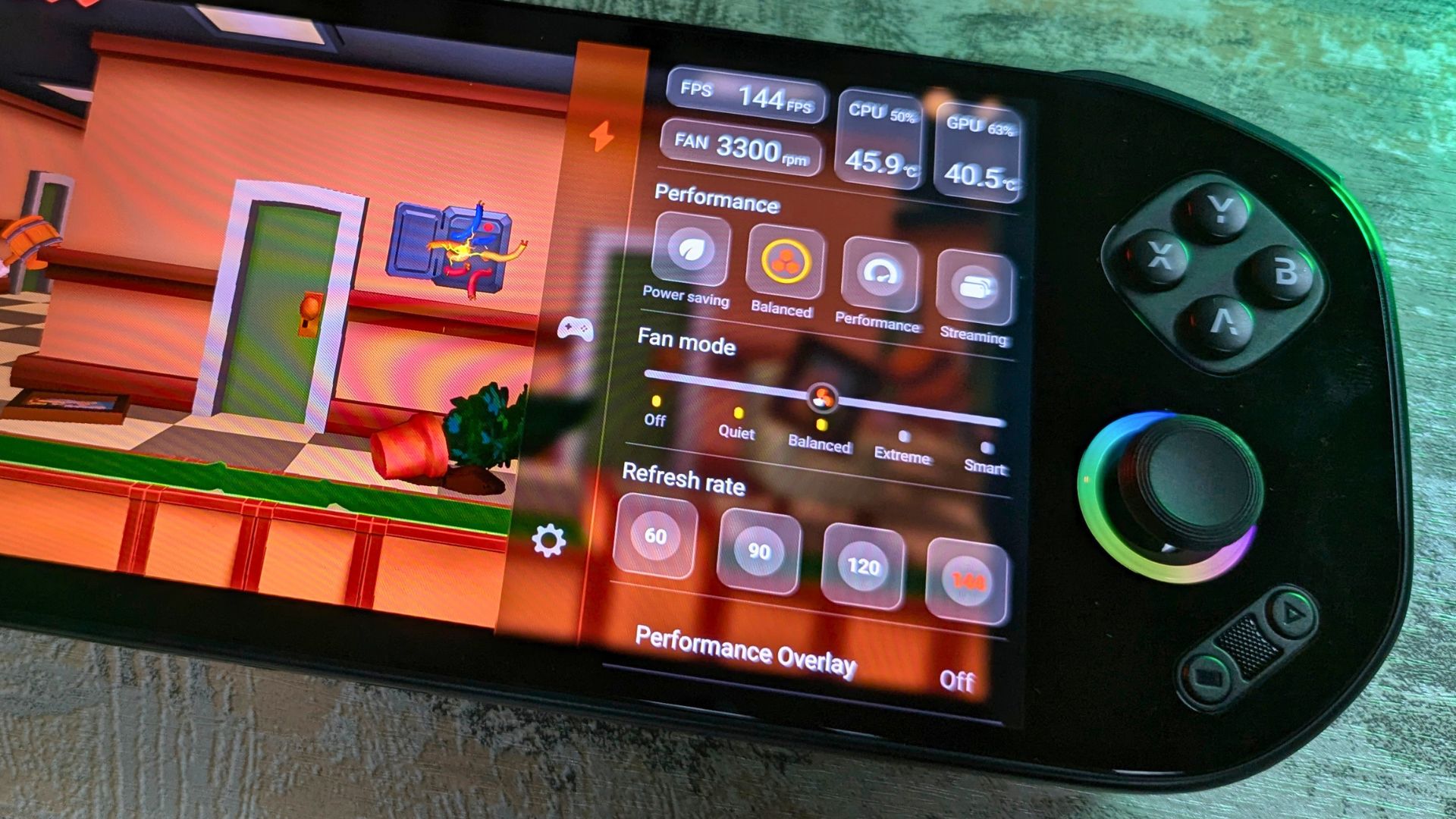
Holding the Home button for a second brings up the game overlay, and from here you have easy access to commonly used functions such as performance settings, fan speed settings, refresh rate controls, gaming controls, screenshots, and more. It all works very well and is not too cluttered, so everything is easy to recognise and use at a glance.
Inside the Android settings is a dedicated handheld settings section, which allows you to configure the joysticks, macro buttons, LED lighting, video output options, and device updates. Everything you need is covered here.
Android Gaming
I tried our go-to games, including Prince of Persia, Dungeon Hunter, and Horizon Chase, and all of them worked great with no performance issues. We also tried a few random games including Deal Cells, Evoland II, Duck Tales and more.
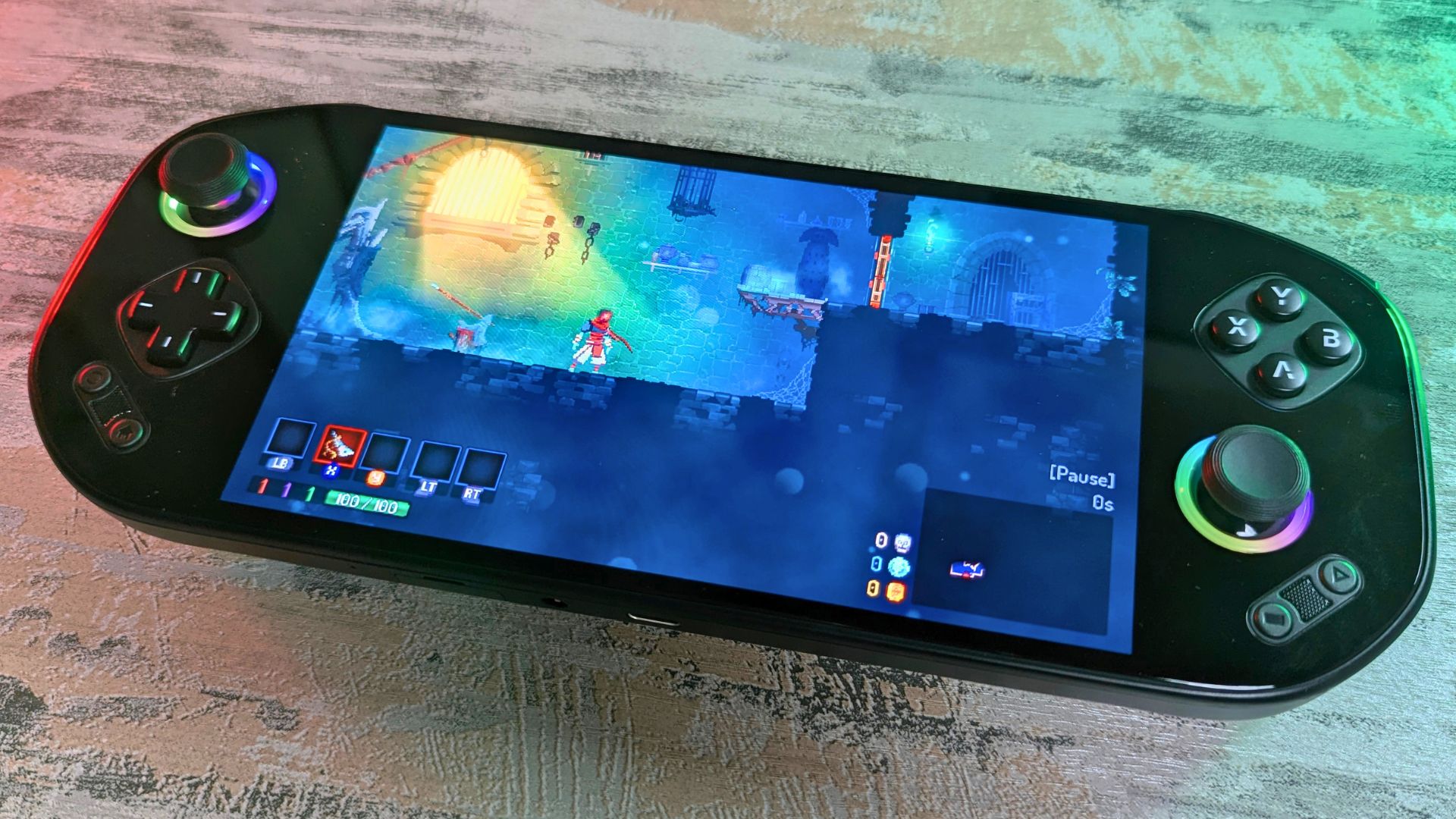
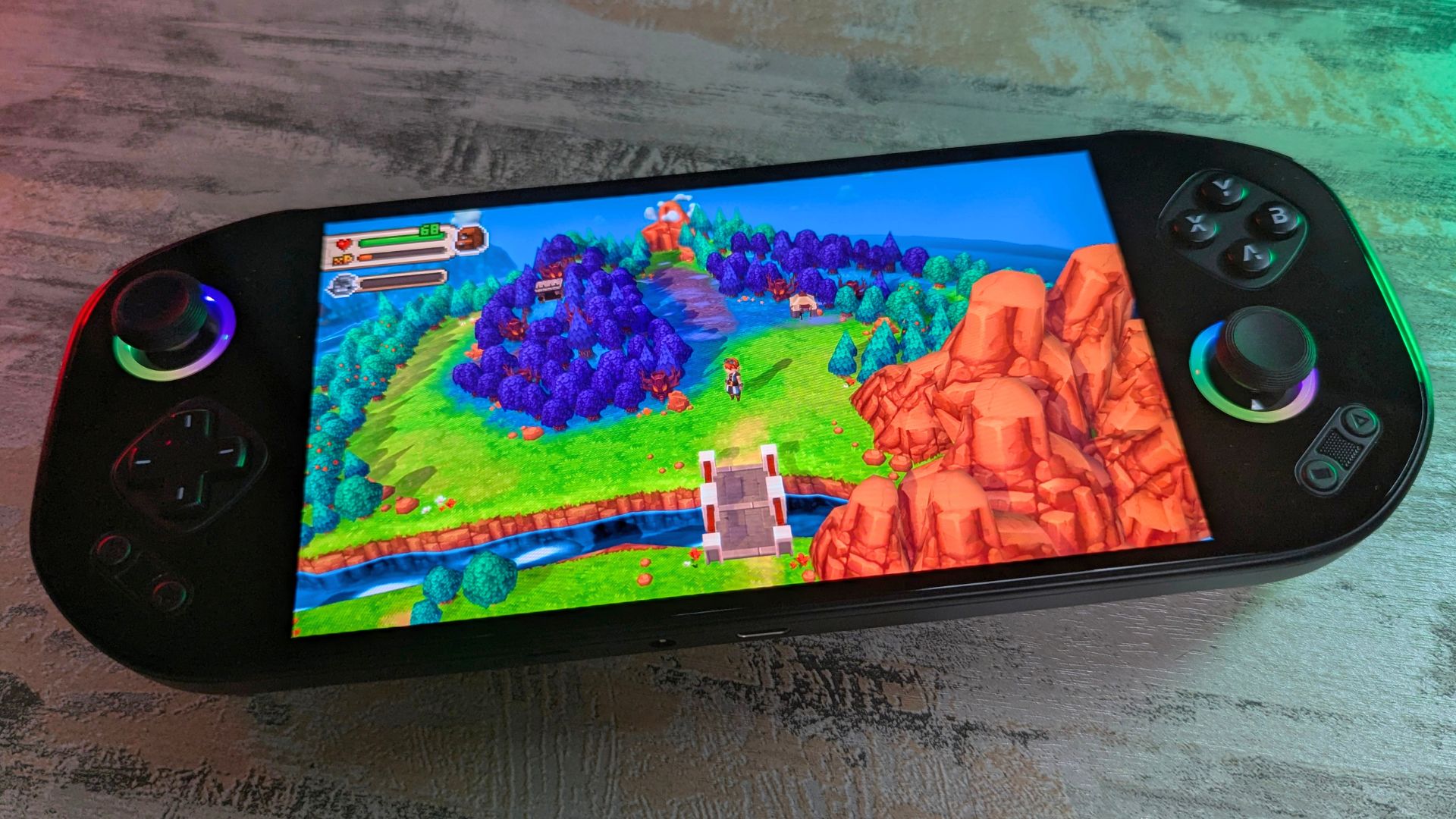
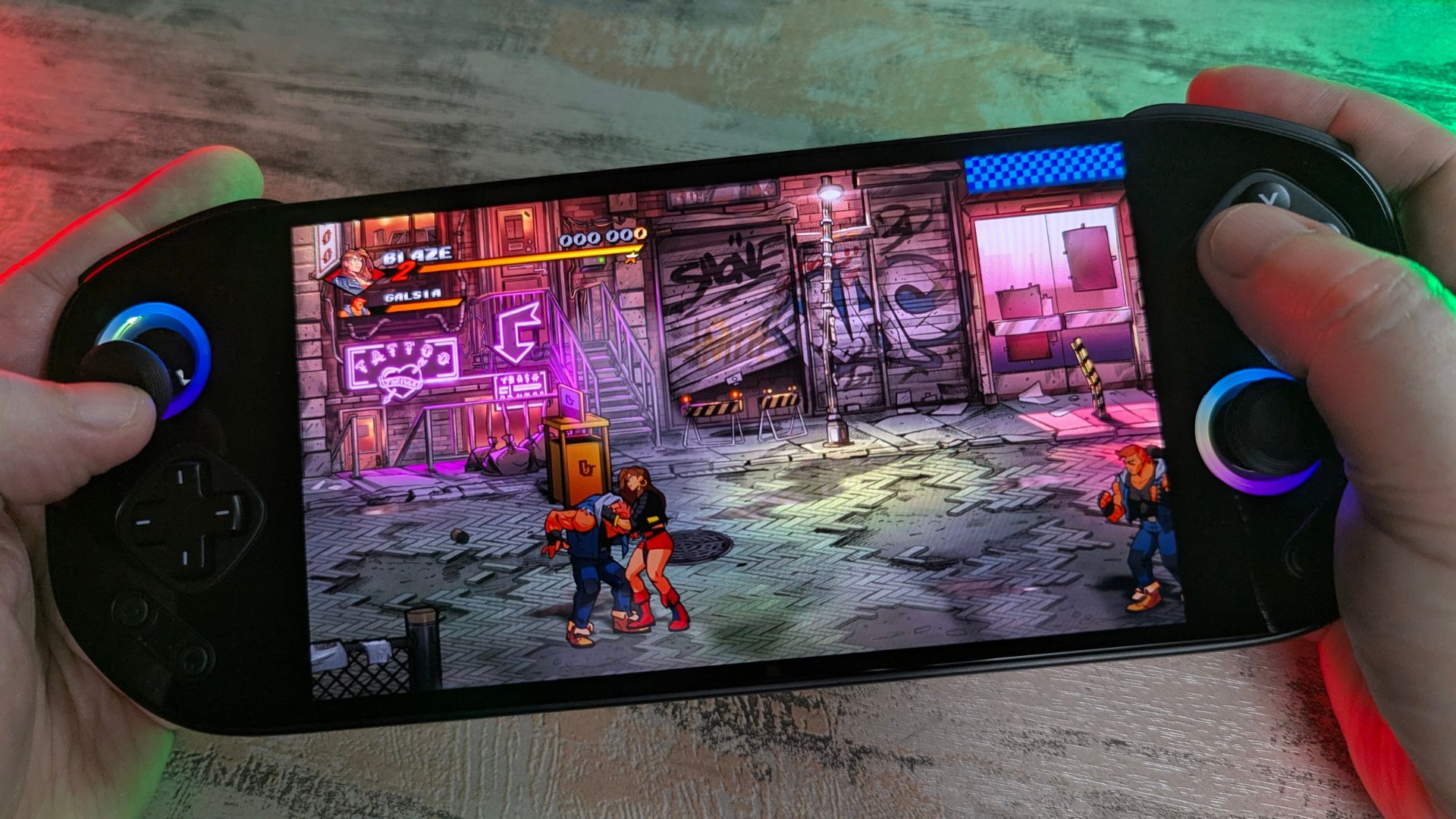
The built-in screen mapping software also works just fine. For games with no native controller support, such as Dungeon Hunter, I was able to map the on-screen controls in a few moments. You can save profiles per game as well, which is very useful.
Emulation Performance
The Snapdragon 865 found in the MANGMI Pocket MAX is still a very capable processor for emulation. You will be able to run everything from the earliest systems up to the PlayStation 1 era with no issues at all. In most cases, you can increase the rendering resolution up to 1080P, or even higher if you are outputting to an external display, along with some extra graphics tweaks.
Since our Retroid Pocket 5 review, Turnip drivers have become a major factor. These are optimised graphics drivers that can provide a welcome increase in performance. We tried the more demanding systems below with the MrPurple v24 Turnip drivers, but other versions do exist and may offer better performance or compatibility depending on the emulator and game.
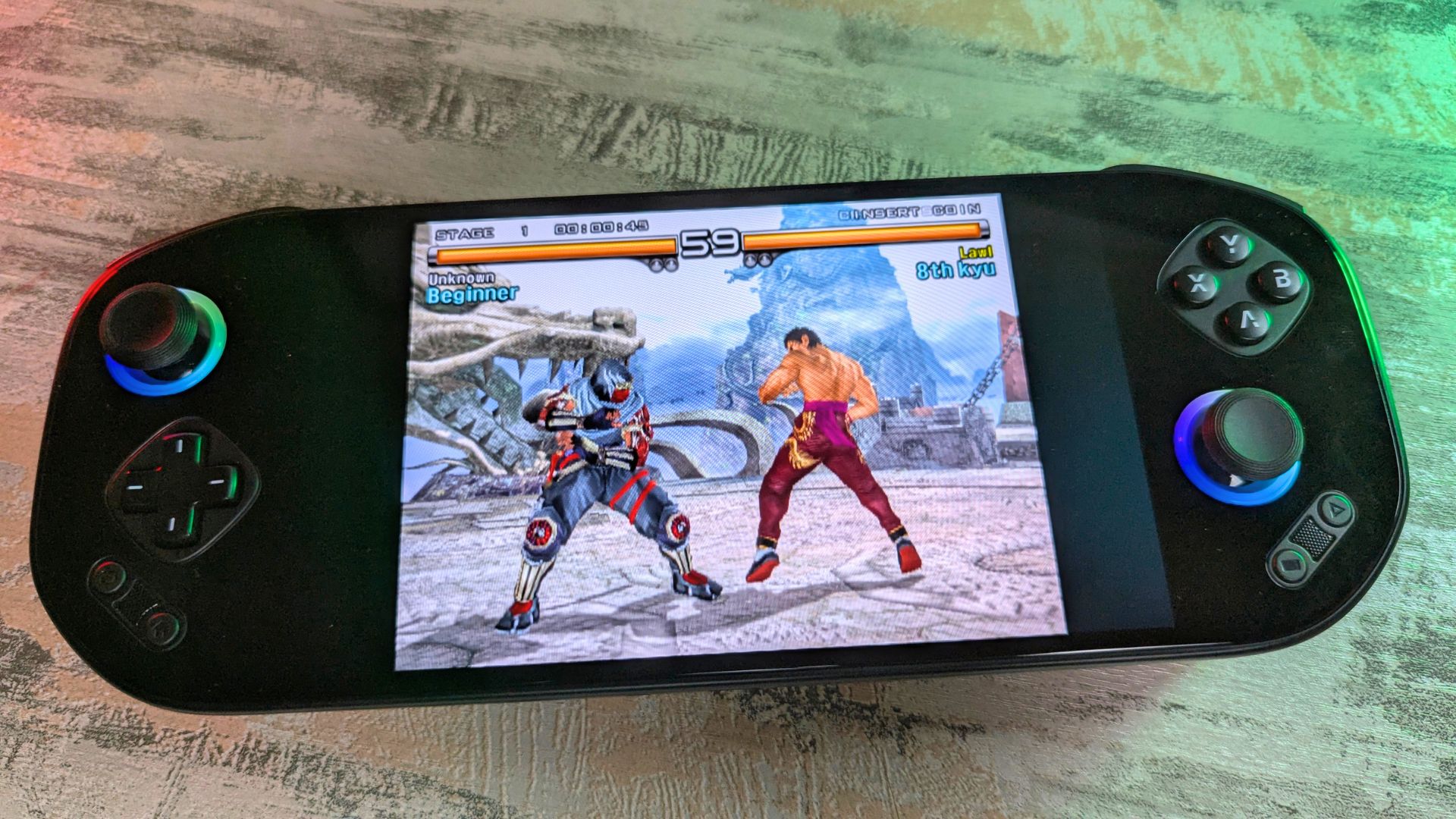
PlayStation 2
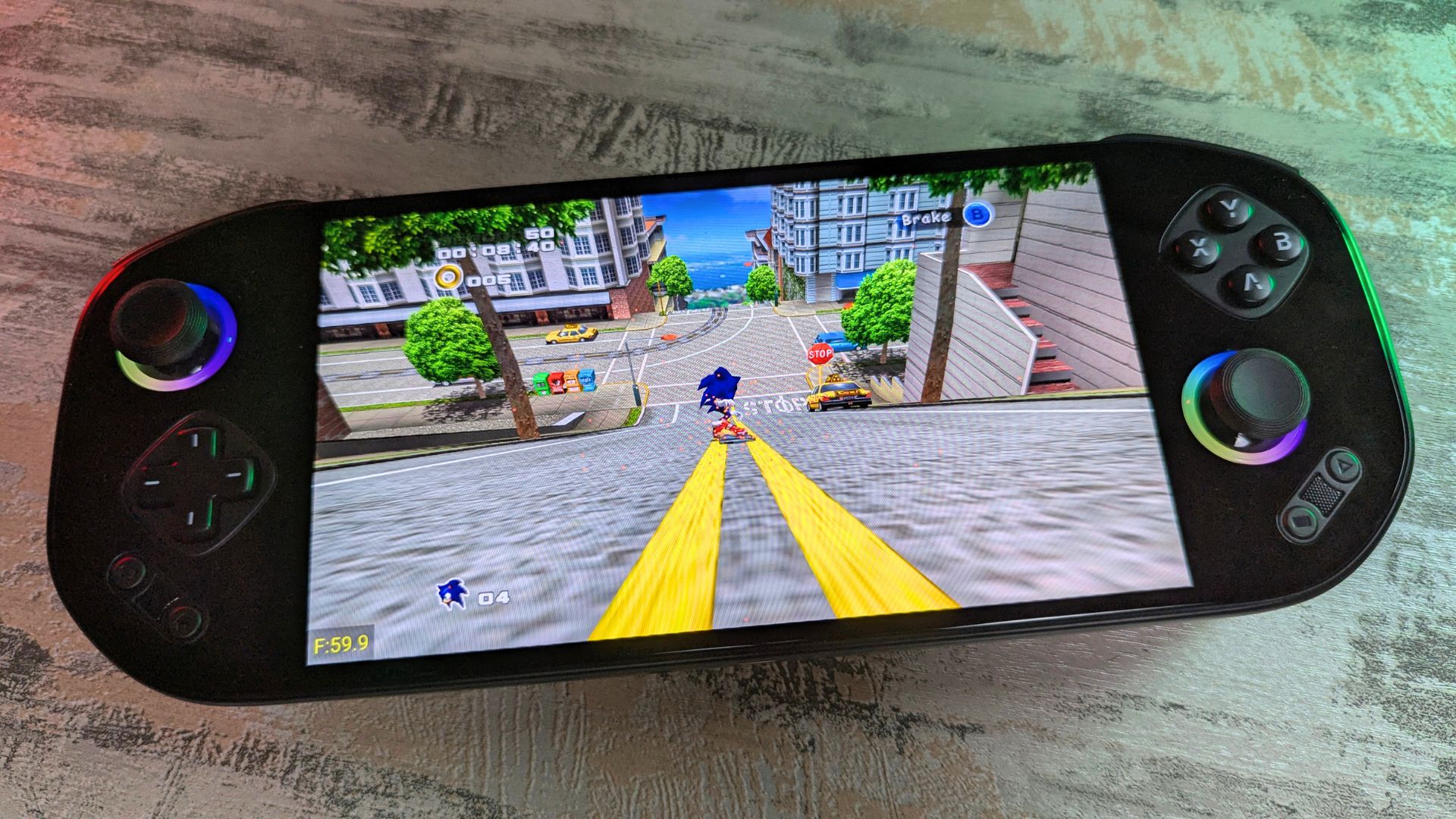
We tried NetherSX2 and ARMSX2 and found performance to be quite good, although compatibility is still an issue in places. We tested a range of games and had great results overall, with many running at a full 60 FPS. Some games may run slower or not be fully compatible due to emulation and drivers.
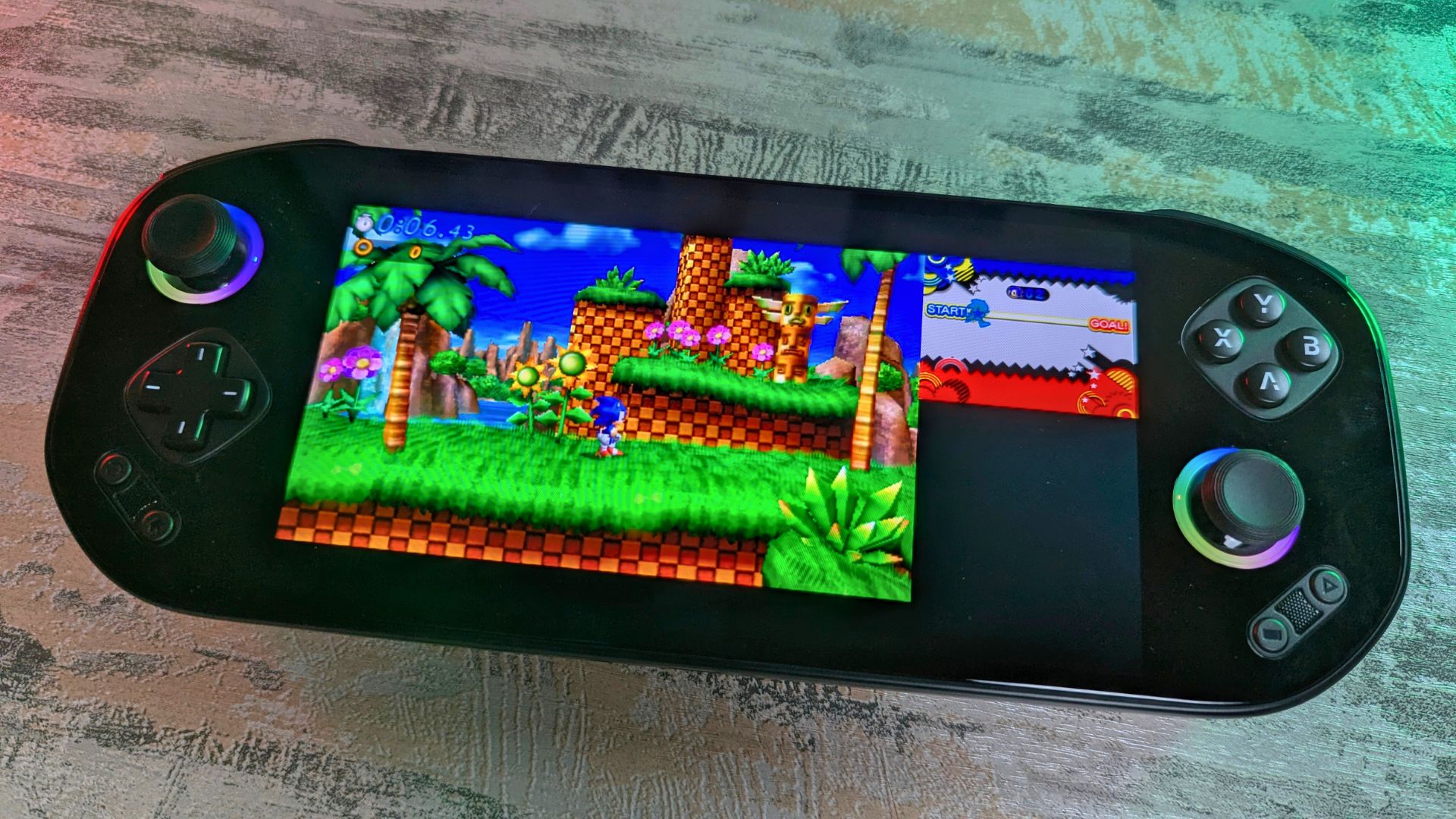
Azahar
The 3D dual-screen emulator Azahar runs very well here, and we were able to play many games at full speed with higher rendering resolutions. You may get some shader cache stutter from time to time, but nothing game-breaking.
Vita3K
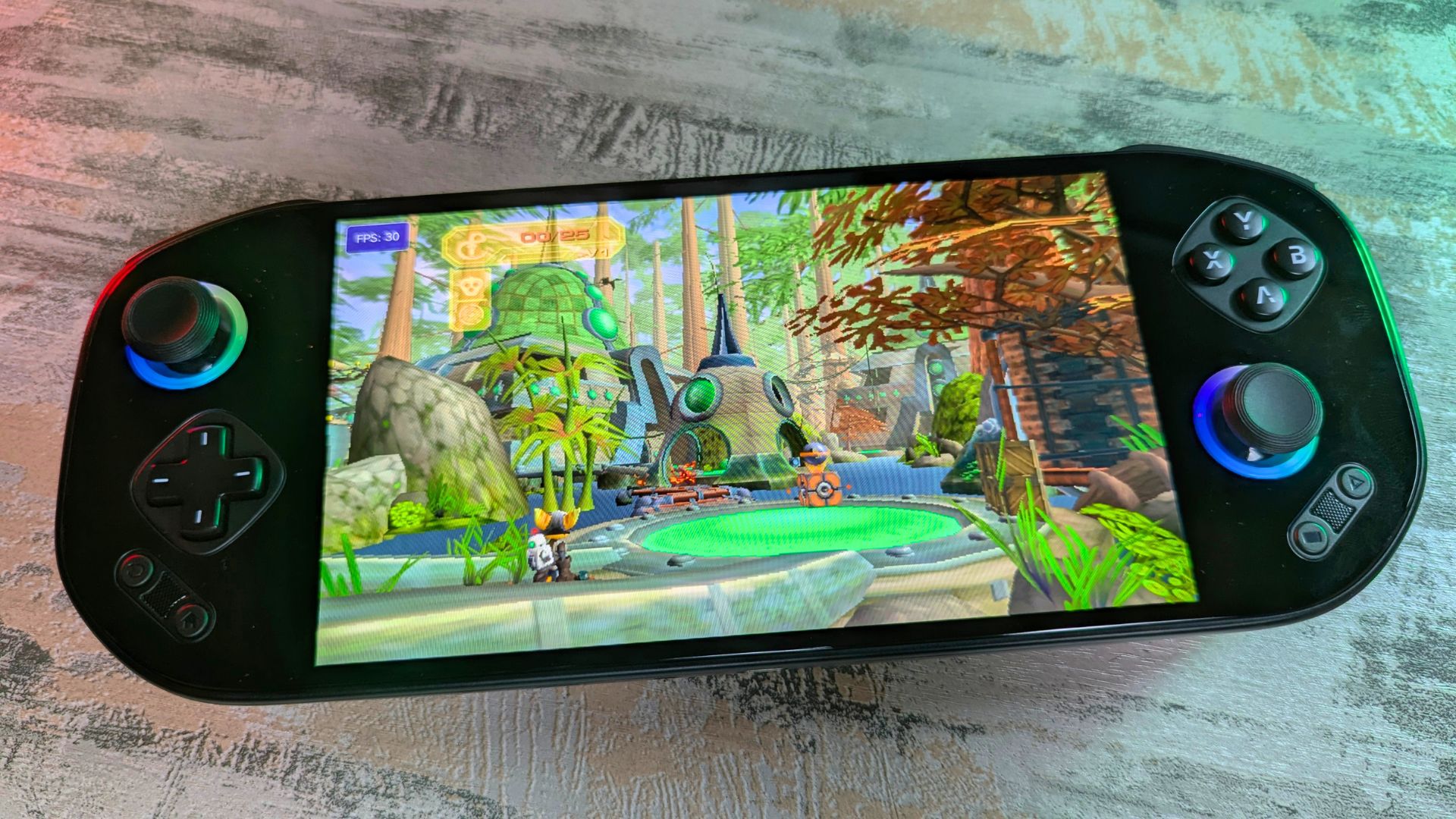
The Vita emulator Vita3K runs compatible games extremely well. We were able to play Ratchet & Clank 3 at full 30 FPS speed and had a great time with Street Fighter X Tekken at a full 60 FPS. Depending on the game, you can often increase the rendering resolution and apply some extra graphics tweaks too.
Eden
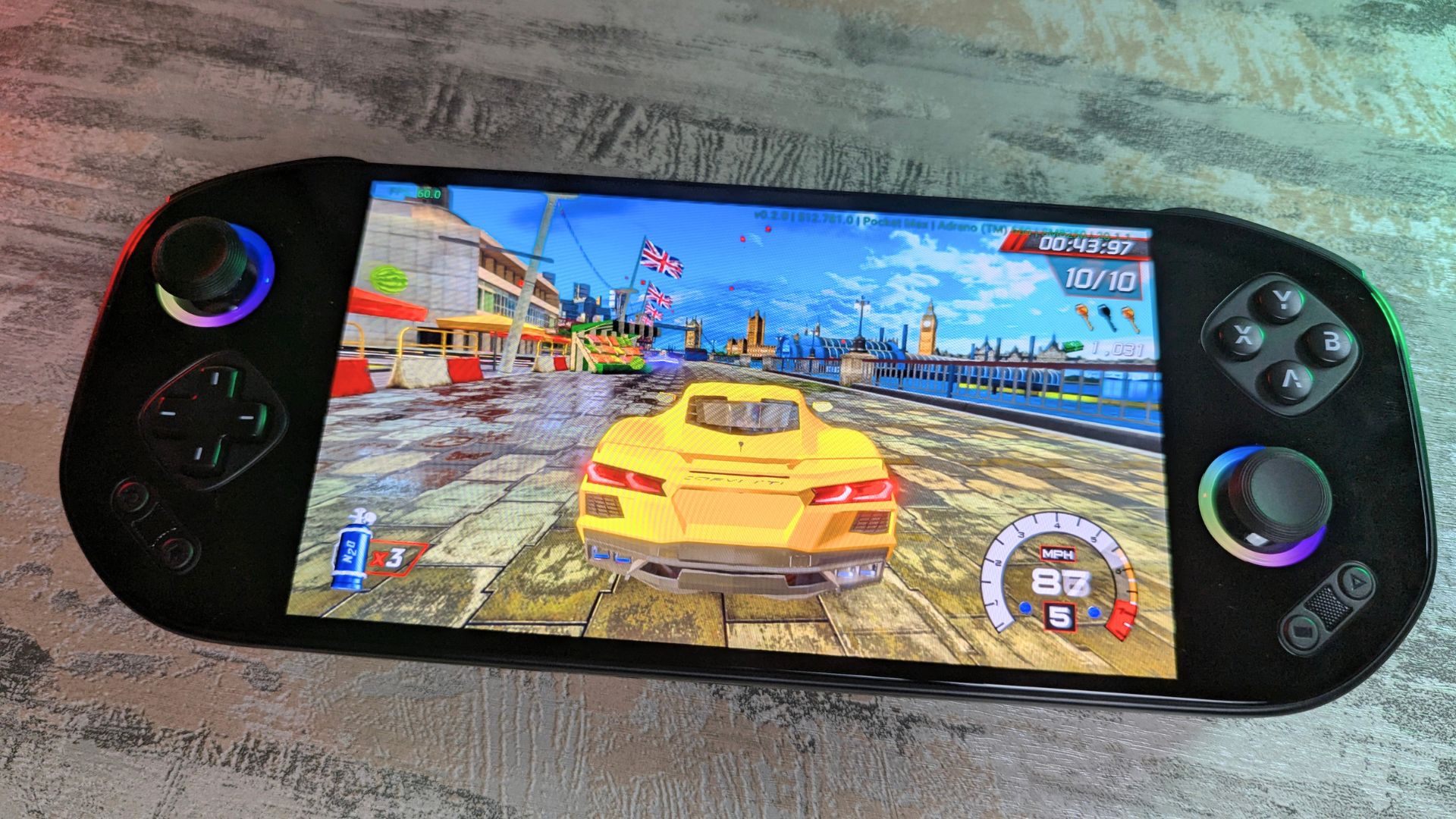
Surprisingly, the Eden emulator held up relativelt well with the Snapdragon 865. Our go-to game, Cruis’n Blast, ran at a full 60 FPS with some occasional shader cache-related stutter. Less demanding games will run great, and mid-range titles are a mix of great to good performance. For more demanding and first-party games, however, you can expect anything from around 25% to 75% performance.
X1 Box
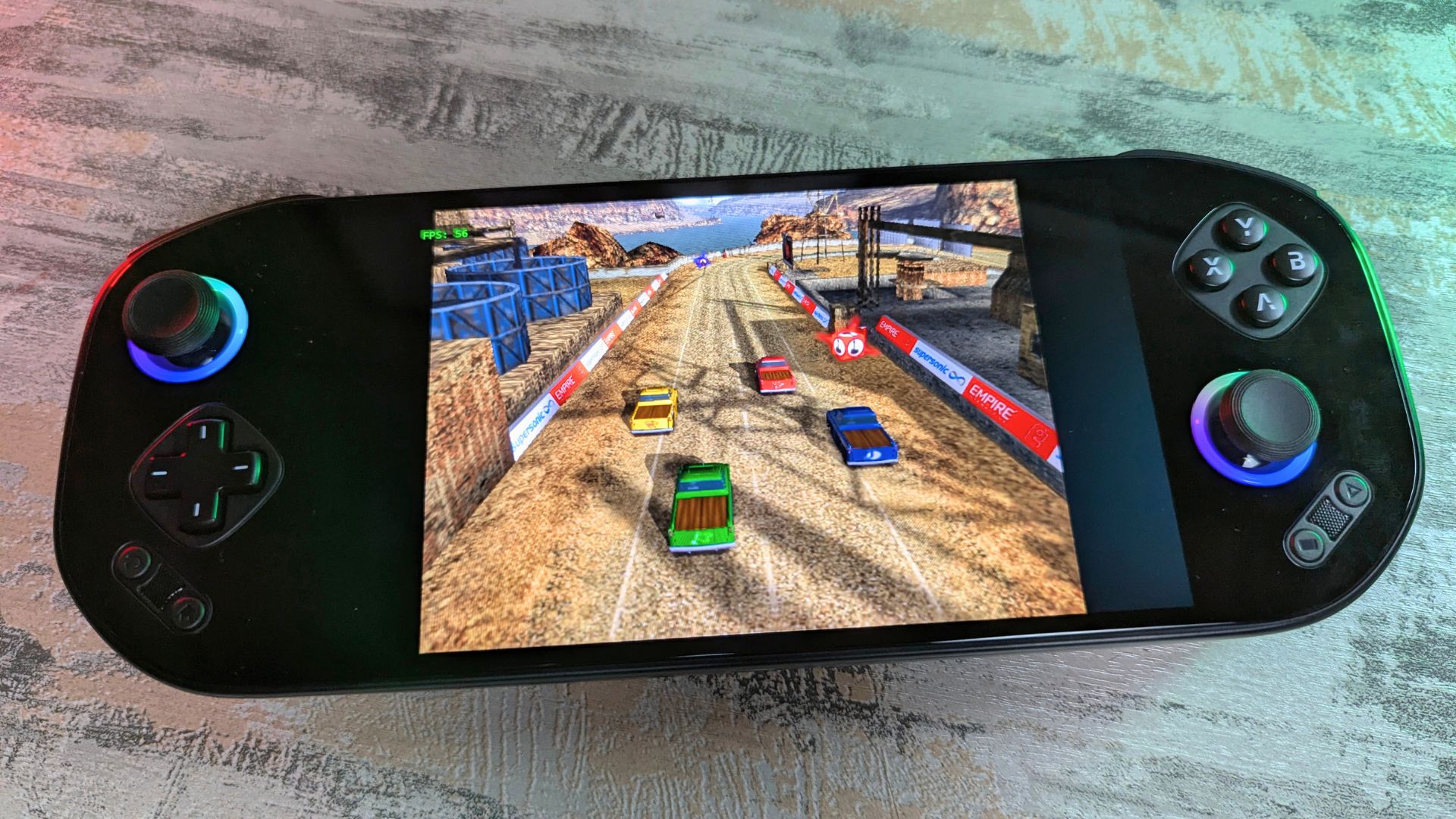
The X1 Box emulator has only recently launched, so compatibility and performance are still in the early stages. Do not expect miracles here. The Snapdragon 865 is simply not powerful enough right now to run anything beyond the least demanding games. For a better experience with this console, you will need a faster processor such as the Snapdragon 8 Elite found in devices like the AYN Odin 3.
Final Thoughts
Overall, the MANGMI Pocket MAX is an impressive handheld. We like the all-glass front panel, which gives it a premium look, and the swappable gaming buttons are a genuinely nice idea that lets you tailor the feel of the controls to your preference. But perhaps a bit unecessary given there are only two options to choose from. The Turnip drivers give a great boost to the emulation performance when compared to when we first tried the Snapdragon 865 processor.
In terms of performance, we see roughly what we expected, with results landing around the same level as the Retroid Pocket 5 in CPU and GPU-led tests, while also showing stronger Antutu performance. That makes it competitive in its wider price range, although newer devices such as the Retroid Pocket 6 with Snapdragon 8 Gen 2 do offer a big step up in raw performance for only a little more money, albeit with a smaller 5.5-inch display capped at 120Hz.
This is where the MANGMI Pocket MAX falters a little. Looking at pricing, the same-processor Retroid Pocket 5 comes in at $20 less, the dual-screen AYN Thor Lite is only $10 more, and the much faster Retroid Pocket 6 is just $5 above it. That makes the Pocket MAX a harder sell if pure performance per dollar is your main priority.
| Device | CPU | Price |
|---|---|---|
| Retroid Pocket 5 | Snapdragon 865 | $219 |
| MANGMI Pocket MAX | Snapdragon 865 | $239 |
| Retroid Pocket 6 | Snapdragon 8 Gen 2 | $244 |
| AYN Thor Lite | Snapdragon 865 | $249 |
| AYANEO Pocket S2 | Snapdragon G3 Gen 3 | $559 |
Correct as of April 20th 2026.
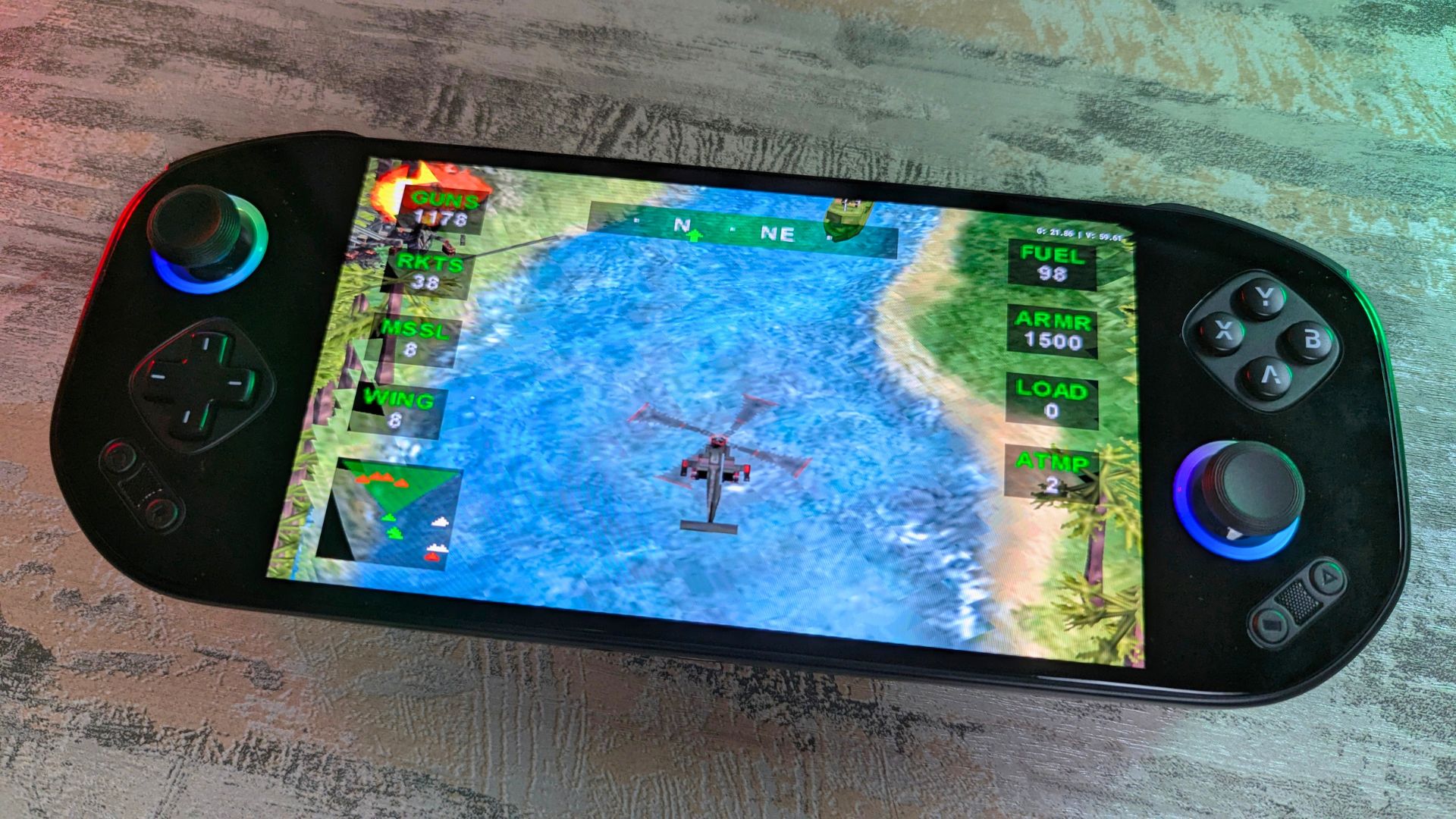
But when you take into account the excellent 7-inch AMOLED display with its up to 144Hz refresh rate, the swappable buttons, decent battery life, and the overall user experience, the slightly higher pricing still represents good value. If you are looking for a large-screen Android handheld and can grab the MANGMI Pocket MAX at a discount, snap it up. You will not be disappointed!
MANGMI Pocket MAX FAQ
Is the MANGMI Pocket MAX good for emulation?
Yes, the MANGMI Pocket MAX is a good emulation handheld for everything from older retro systems up to more demanding platforms such as PlayStation 2, Azahar, and Vita3K. Based on our testing, the Snapdragon 865 still delivers strong results here, although the newest and most demanding emulators can push it beyond its comfort zone.
Does the MANGMI Pocket MAX run Android 13?
Yes, the MANGMI Pocket MAX ships with Android 13. That is not the newest Android version, but it is still perfectly serviceable for gaming, emulators, and launcher-based handheld use.
Can the MANGMI Pocket MAX connect to a TV or monitor?
Yes, the MANGMI Pocket MAX supports video output over USB-C. That means you can connect it to a TV or monitor for big-screen play, which also makes the handheld more flexible for emulation and Android gaming at home.
Does the MANGMI Pocket MAX support expandable storage?
Yes, the MANGMI Pocket MAX has a microSD card slot for expandable storage. According to the official product specifications, it supports microSD expansion up to 2TB, which is useful if you plan to carry a larger library of Android games, ROMs, or media.
Are the buttons on the MANGMI Pocket MAX swappable?
Yes, one of the Pocket MAX’s standout features is its swappable magnetic button modules. You can use the default conductive rubber contacts or swap to separately sold mechanical micro-switch contacts depending on whether you prefer quieter inputs or a clickier, more tactile feel.
How good is the battery life on the MANGMI Pocket MAX?
Battery life is solid for a large-screen Android handheld, but it depends heavily on how you use it. In our Antutu loop test with full brightness, Performance mode, and the fan set to Extreme, it lasted just over four hours, while more typical mixed use should land closer to around 8 to 10 hours.
Is the MANGMI Pocket MAX worth buying?
Yes, the MANGMI Pocket MAX is worth considering if you want a larger AMOLED display, 144Hz refresh rate, and a premium-feeling Android handheld with unusual swappable controls. It is less convincing if your main priority is raw value, because similarly priced rivals and slightly more expensive alternatives can offer stronger performance for the money.




