



I denne artikkelen
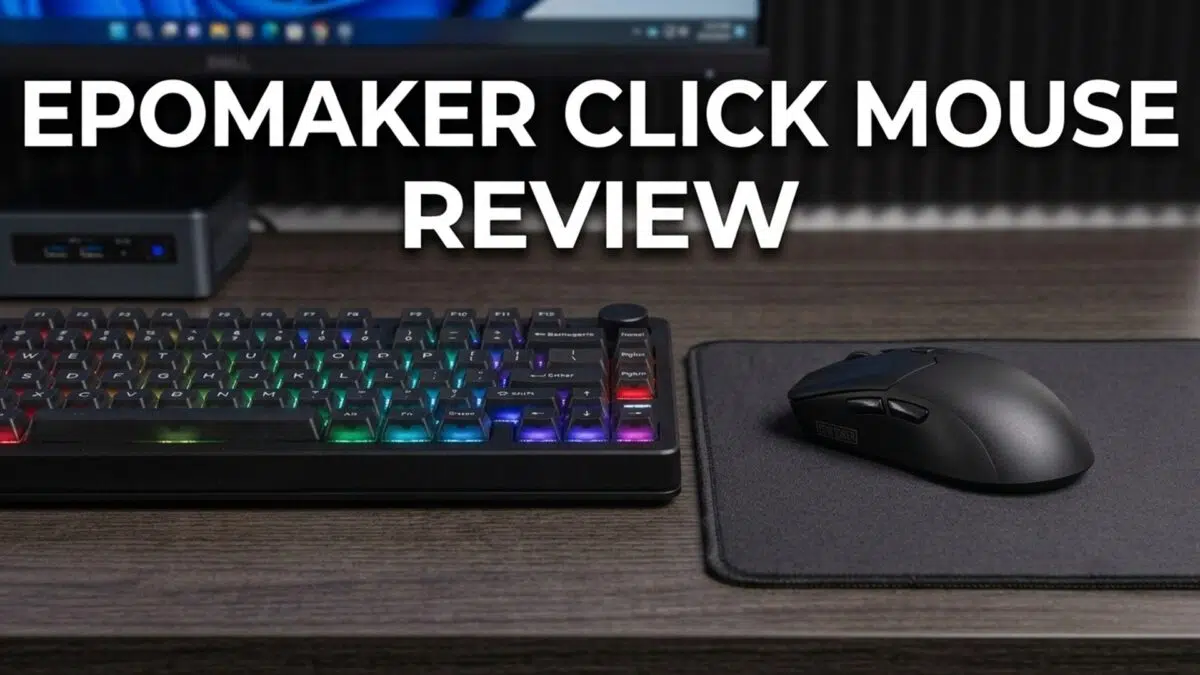
What is the EPOMAKER Click Mouse?
The EPOMAKER Click Mouse is a tri-mode wireless gaming mouse with a PAW3950 optical sensor, a 58g chassis, programmable side buttons and up to 8K polling in 2.4GHz or wired USB-C mode. It is designed for players who want high-speed tracking alongside Bluetooth convenience for everyday use.
The EPOMAKER Click Mouse combines a 42,000 DPI ceiling, 750 IPS tracking, 50G acceleration and a 500mAh rechargeable battery in a compact design. For readers building an EPOMAKER desk setup after our EPOMAKER HE75 V2 review, it presents the mouse-side counterpart: a feature-led peripheral intended for both competitive play and routine desktop work.
EPOMAKER Click Mouse Overview
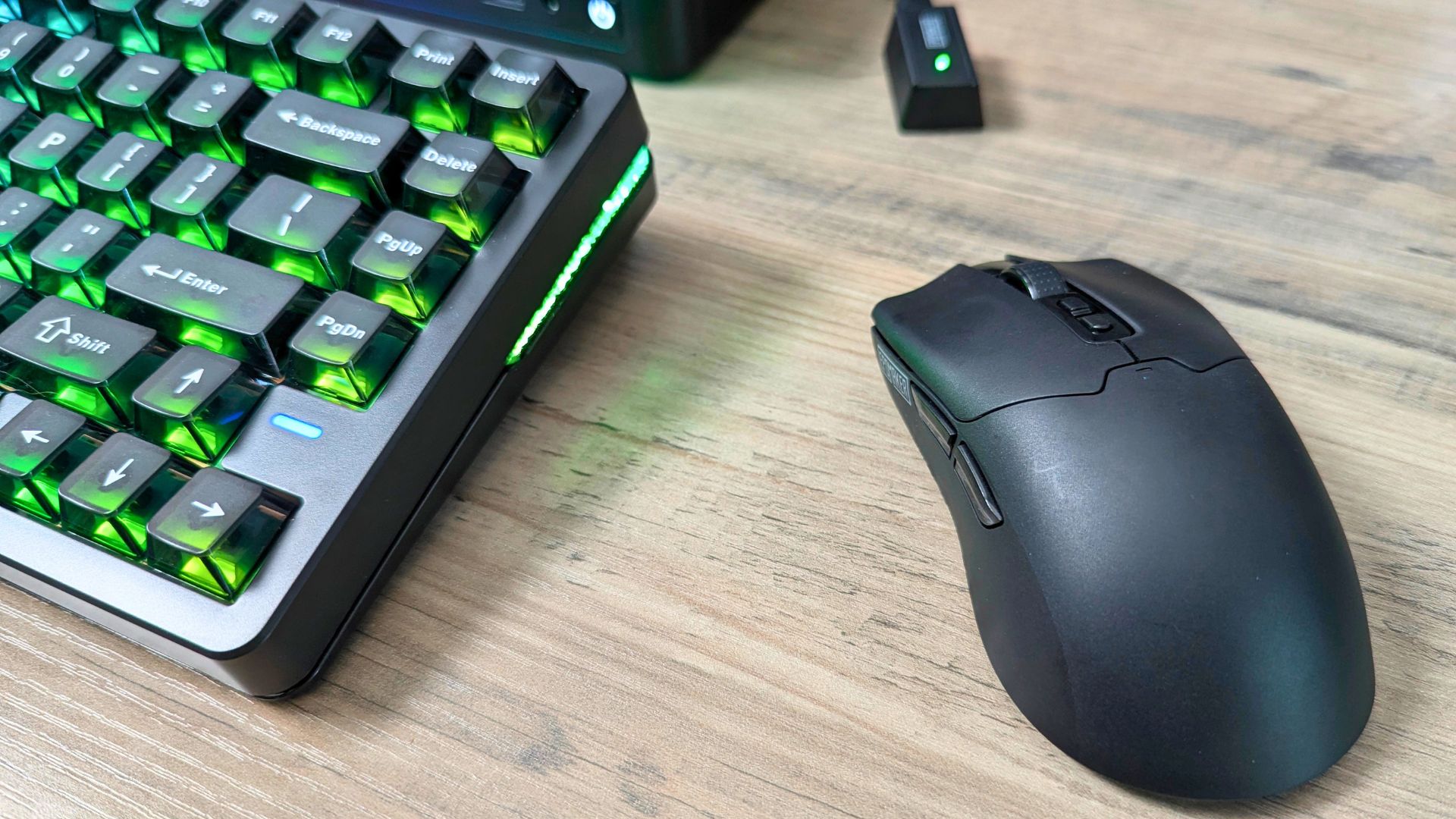
The EPOMAKER Click Mouse is clearly built as a performance-first gaming mouse, but it does not abandon everyday usability. Its shell is described at around 4.6 × 2.4 × 1.4 inches (121 × 63 × 38 mm). At about 58g, it aims to reduce fatigue without feeling flimsy. It is available in Black and White case colours.
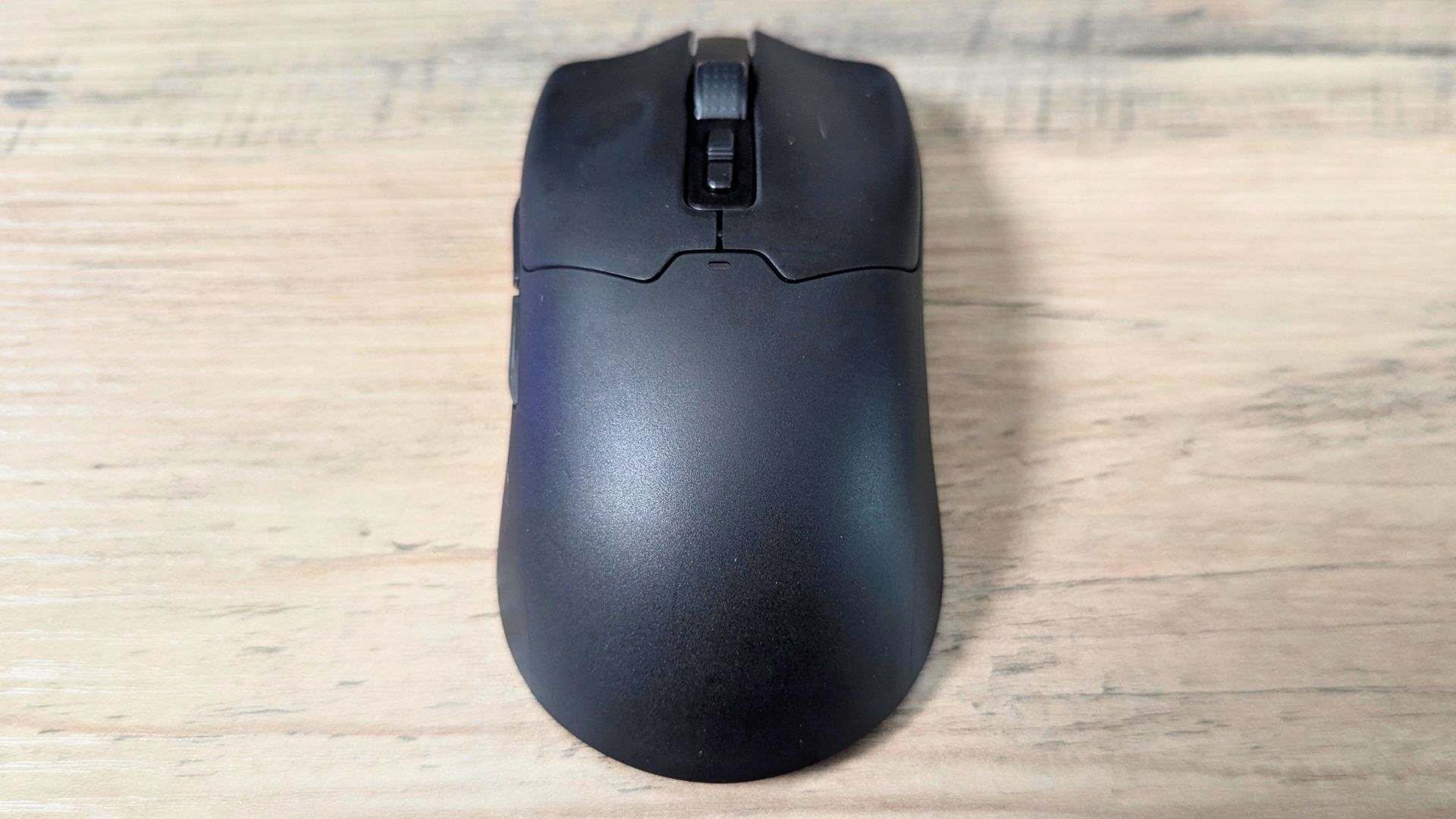
Button and scroll-wheel placement are straightforward, making the mouse easy to pick up without a learning curve. The two buttons below the wheel switch between six DPI stages, giving users quick access to their preferred sensitivity settings.
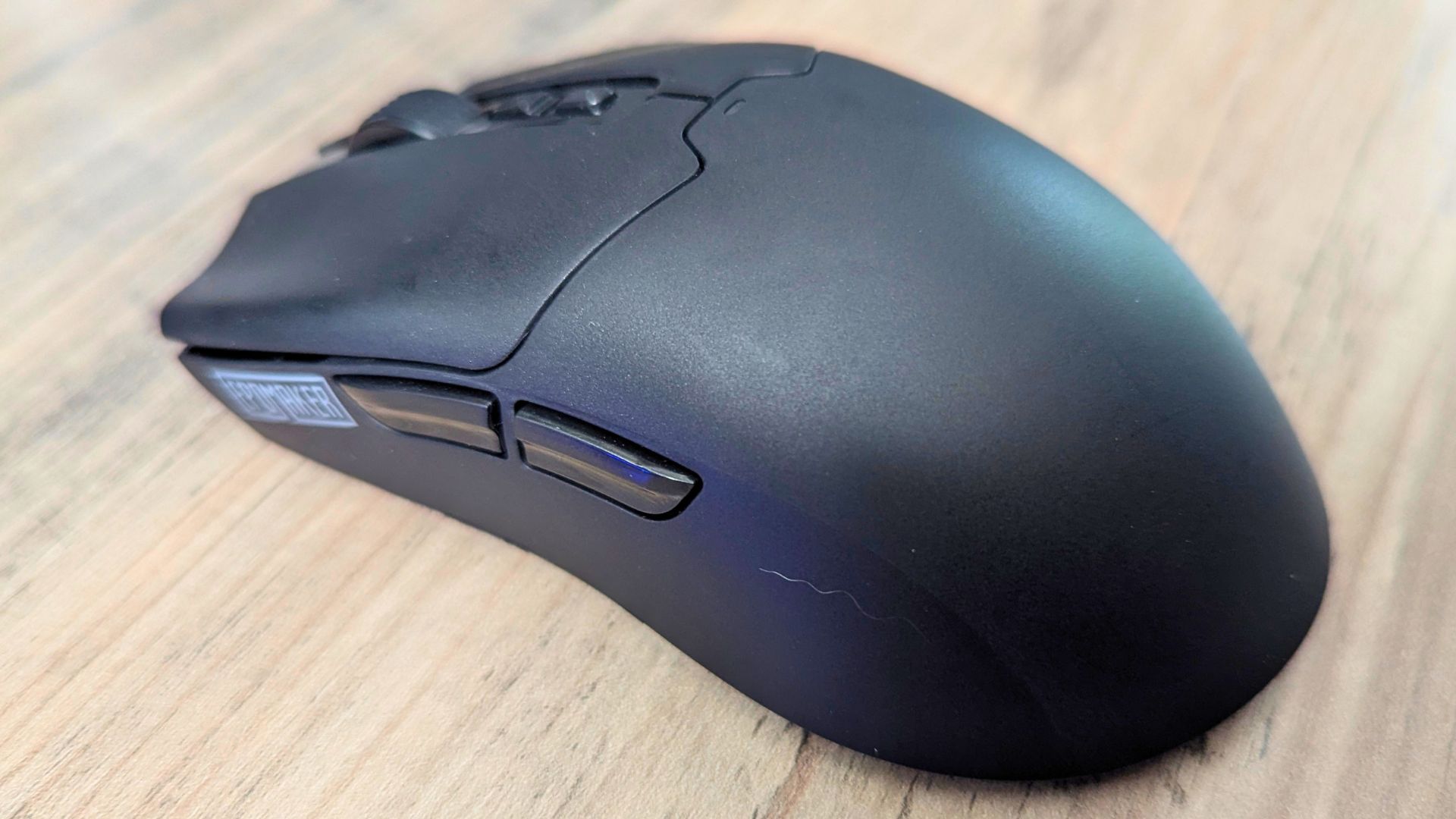
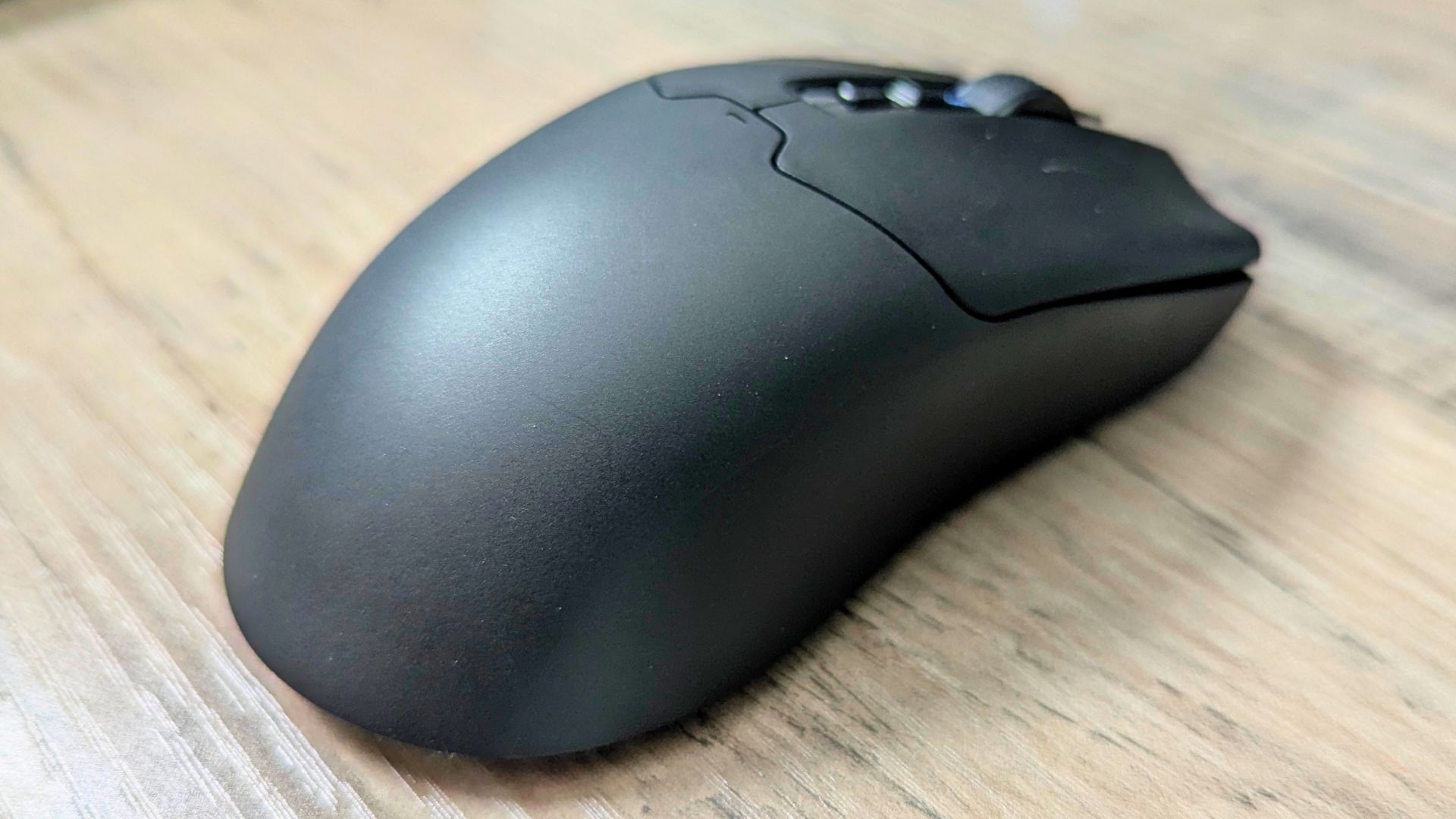
Two programmable buttons sit on the left side and can be configured through EPOMAKER software. That gives the EPOMAKER Click Mouse a practical edge for in-game commands, browser navigation or workflow shortcuts.
The finish is intended to withstand the usual wear from long sessions, which matters on a mouse designed to be used hard and often. EPOMAKER also describes the upper surface as grease-resistant, while the underside uses smooth feet to support freer movement across suitable surfaces.
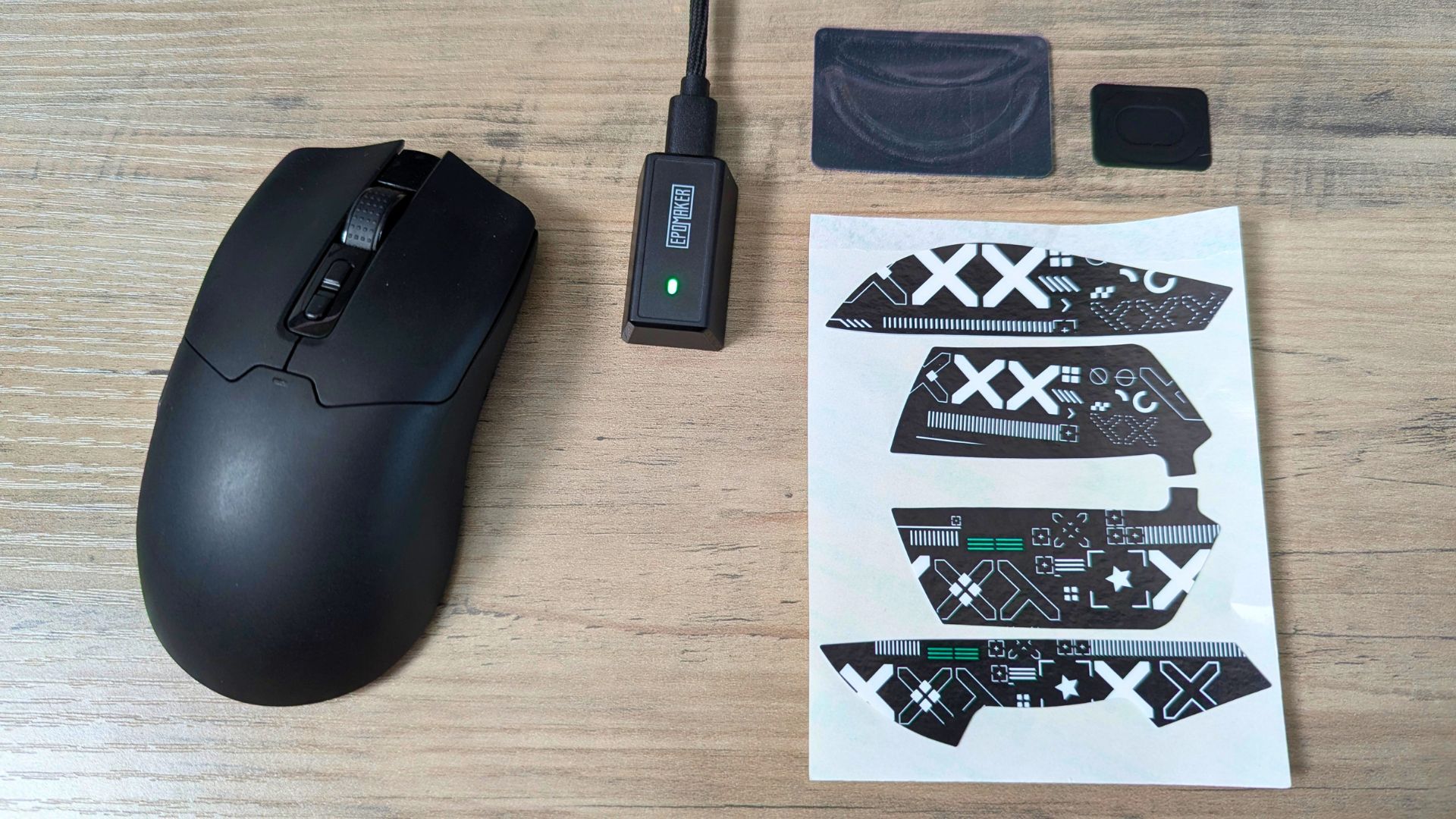
The box includes two sheets of stickers for adding personal design flair to the mouse. Extra pads are also included for the bottom of the mouse, allowing users to increase glide where needed.
Shape and comfort
Comfort is the foundation of any good mouse, and the EPOMAKER Click Mouse uses a shape that should suit a broad range of grip styles. It is light enough to move easily under the hand while retaining enough structure for control, which matters for flick-heavy FPS aim as well as slower productivity work.
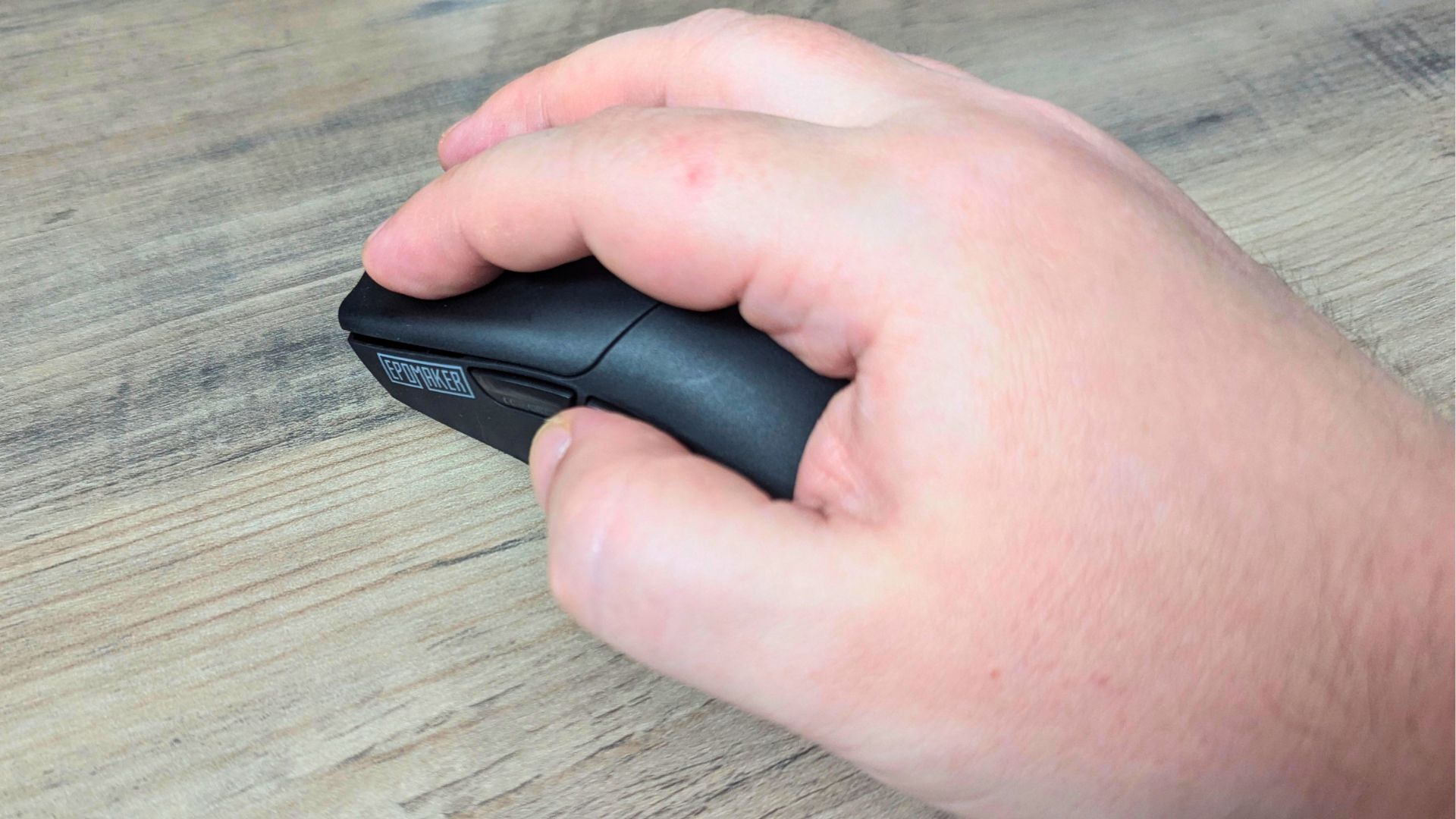
Because the mouse is easy to move, it is worth paying attention to how the hump, side contours and button spacing suit your natural grip. If they align with your hand size and grip preference, the EPOMAKER Click Mouse should remain comfortable through extended sessions.
Popular right now
What people are buying this month
Prices as listed on each store


GPD WIN 5 (AI Max HX 385 - 32GB_RAM/1TB_NVME) (Raven Black)



 on 15 storesGPD WIN 5 (AI Max HX 385 - 32GB_RAM/1TB_NVME) (Raven Black)Choose where to buy — prices as listed on each store.
Prices are the ones Weekly last read from each store — check the store page before you buy.


MANGMI Pocket Max (Snapdragon 865 - 8GB_RAM/128GB_STORAGE) (Retro GB)
 on 14 storesMANGMI Pocket Max (Snapdragon 865 - 8GB_RAM/128GB_STORAGE) (Retro GB)Choose where to buy — prices as listed on each store.
Prices are the ones Weekly last read from each store — check the store page before you buy.
 RETROID Pocket 6 - 12GB RAM/128GB SSD [SILVER]Choose where to buy — prices as listed on each store.
Prices are the ones Weekly last read from each store — check the store page before you buy.
EPOMAKER Click Mouse Technical Specifications
The standout specification is the combination of EPOMAKER’s published PAW3950 sensor, up-to-8K polling in 2.4GHz and wired modes, and a 58g body. This is the profile of an 8K wireless gaming mouse built around rapid input reporting, while Bluetooth preserves flexibility for lower-demand use. Like the keyboard ecosystem discussed in our EPOMAKER HE75 V2 review, the Click Mouse also uses EPOMAKER software for configuration rather than relying on a separate utility.
| Specification | Details |
|---|---|
| Material | Plastic |
| Connection | Tri-mode: 2.4GHz wireless, Bluetooth and USB-A-to-USB-C cable |
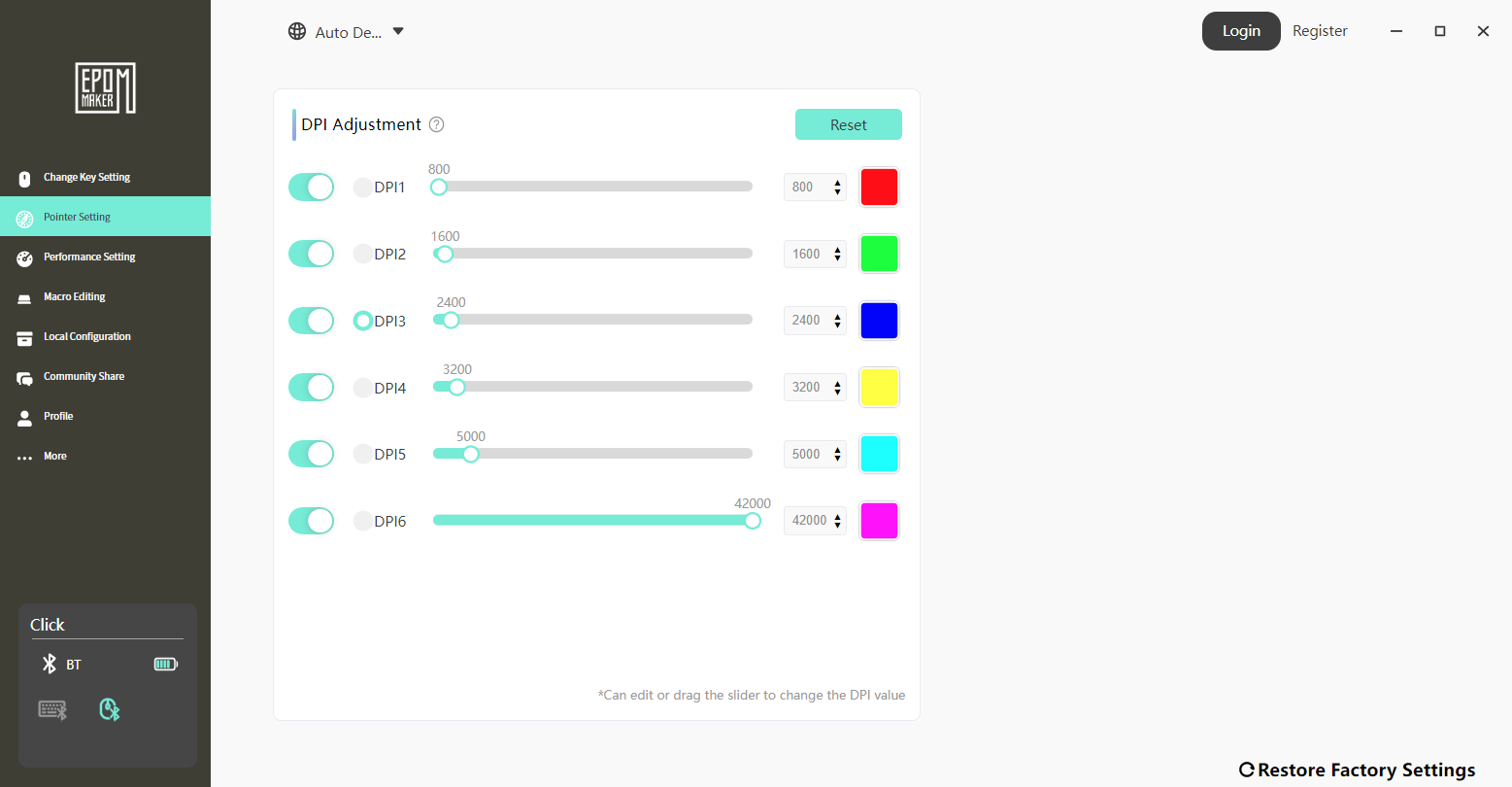
| DPI | Six adjustable stages: 800, 1,600, 2,400, 3,200, 5,000 and 42,000 |
| IPS (inches per second) | 750 IPS |
| MCU | PAN1080 |
| Acceleration | 50G |
| CPI | 30,000 |
| FPS | Self-adjusting |
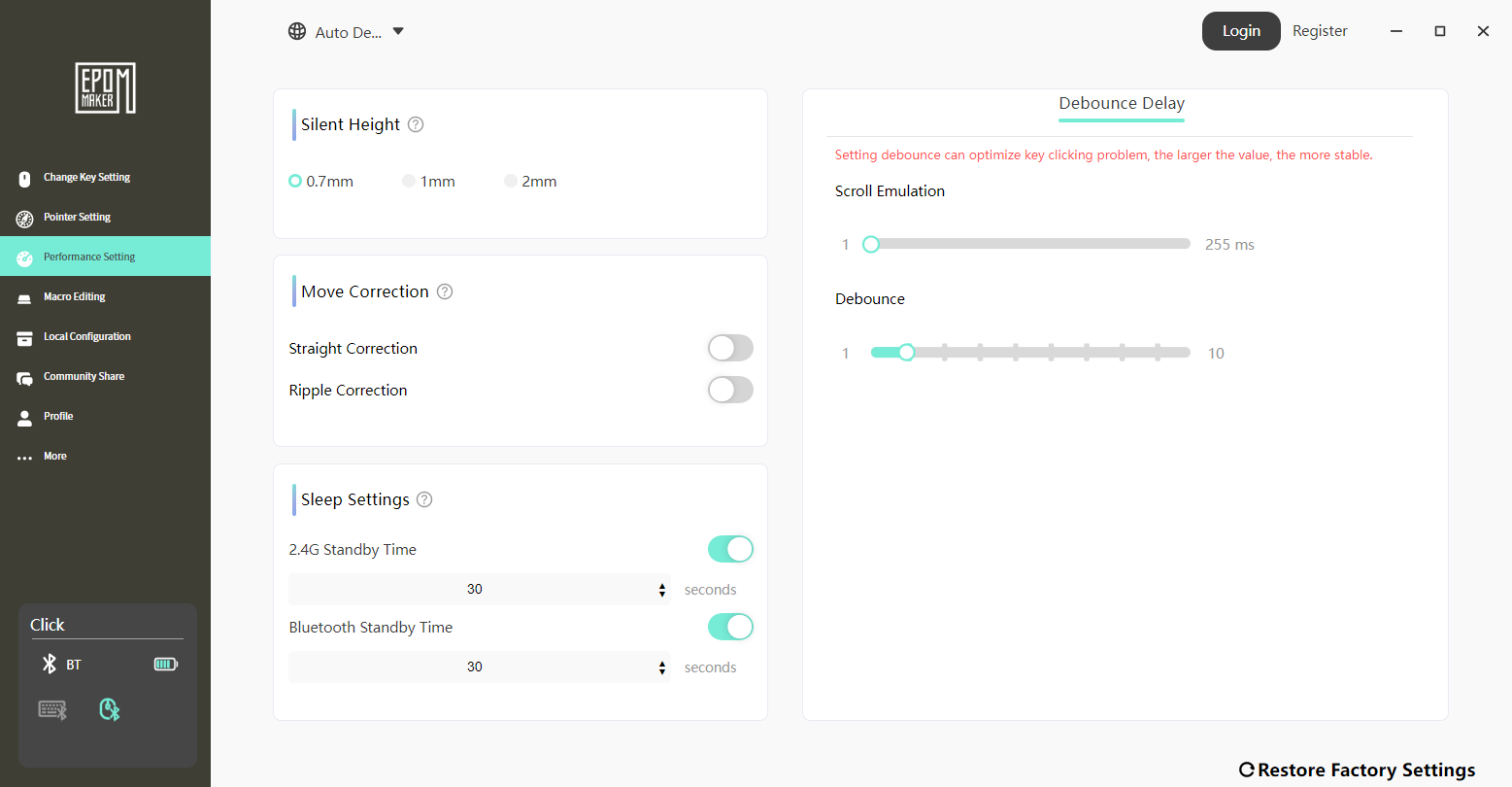
| LOD | 0.7mm, 1mm and 2mm |
| Sensor | PAW3950 |
| Switch | Omron D2LS optical switch |
| Polling/report rate (2.4GHz or USB) | Default 1,000Hz; maximum 8,000Hz. Seven adjustable stages: 125Hz, 250Hz, 500Hz, 1,000Hz, 2,000Hz, 4,000Hz and 8,000Hz |
| Polling/report rate (Bluetooth) | 125Hz |
| Battery | 500mAh |
| Compatible operating systems | Windows, macOS and Linux |
Sensor performance and control
At the heart of the Click Mouse is EPOMAKER’s published PAW3950 optical sensor. It supports a sensitivity range from 800 to 42,000 DPI, giving users everything from low-sensitivity precision to ultra-high settings that register even small wrist movements.
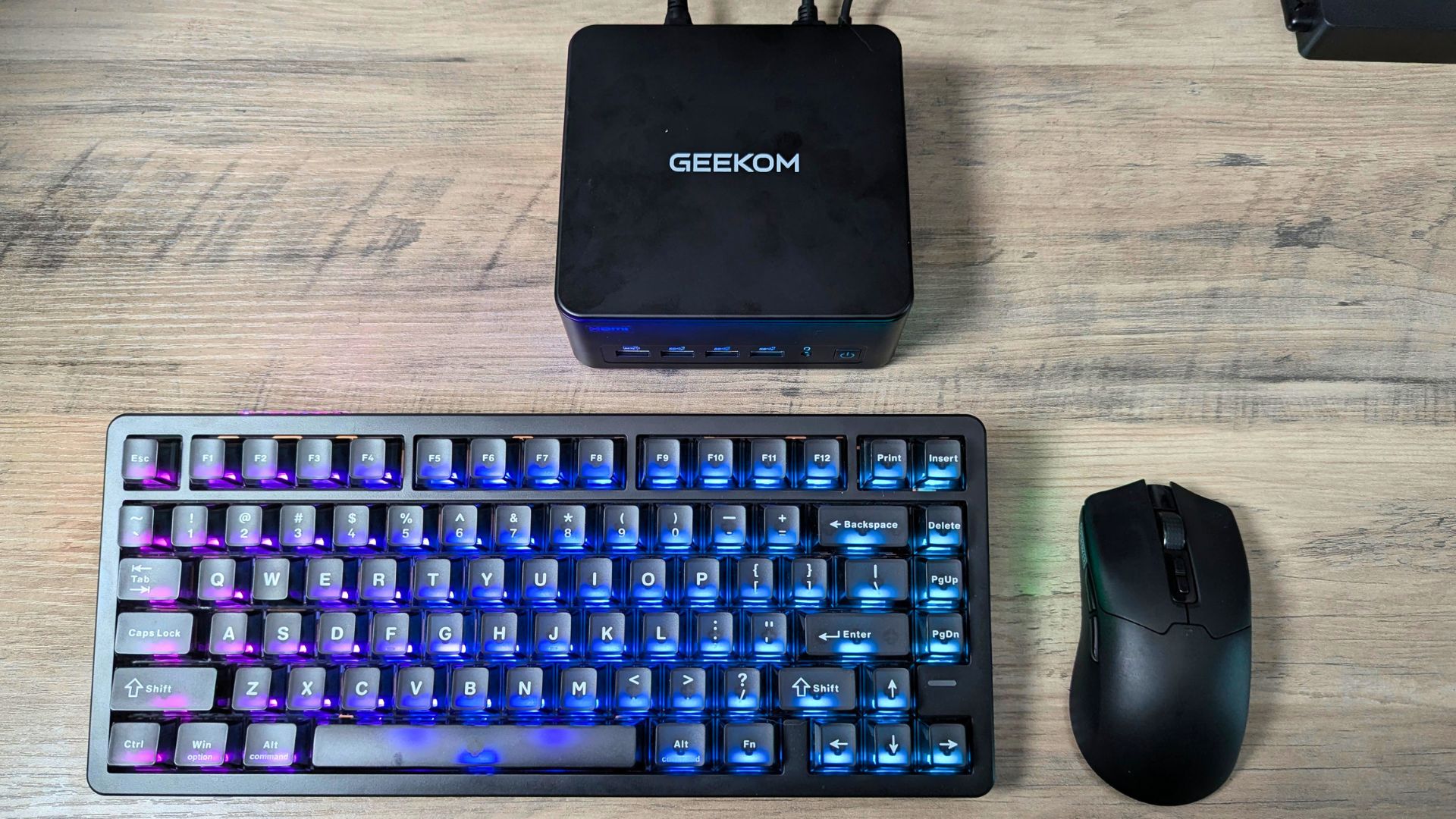
Beyond the DPI figure, the mouse is rated for 750 IPS tracking speed and 50G acceleration. Those are manufacturer specifications rather than measured results here, but they indicate the sensor is designed to follow fast, aggressive movements without skipping, smoothing or losing control; in practice, that should support predictable tracking for FPS play and fine adjustments in design work.
DPI can be adjusted in six steps across the stated range, with configuration available in the software, so users can set modes for their playstyle and switch on the fly. A higher setting can suit rapid flicks and quick camera movement, while a lower setting is better suited to deliberate tracking, sniping or detailed cursor work.
Polling rate, connectivity and latency
The EPOMAKER Click Mouse does not stop at a high-end sensor; it also focuses on connection flexibility and input latency. It supports three modes: high-speed 2.4GHz wireless, wired USB-C and Bluetooth. A selector on the underside switches between the two wireless modes, making it straightforward to move between devices or usage scenarios.
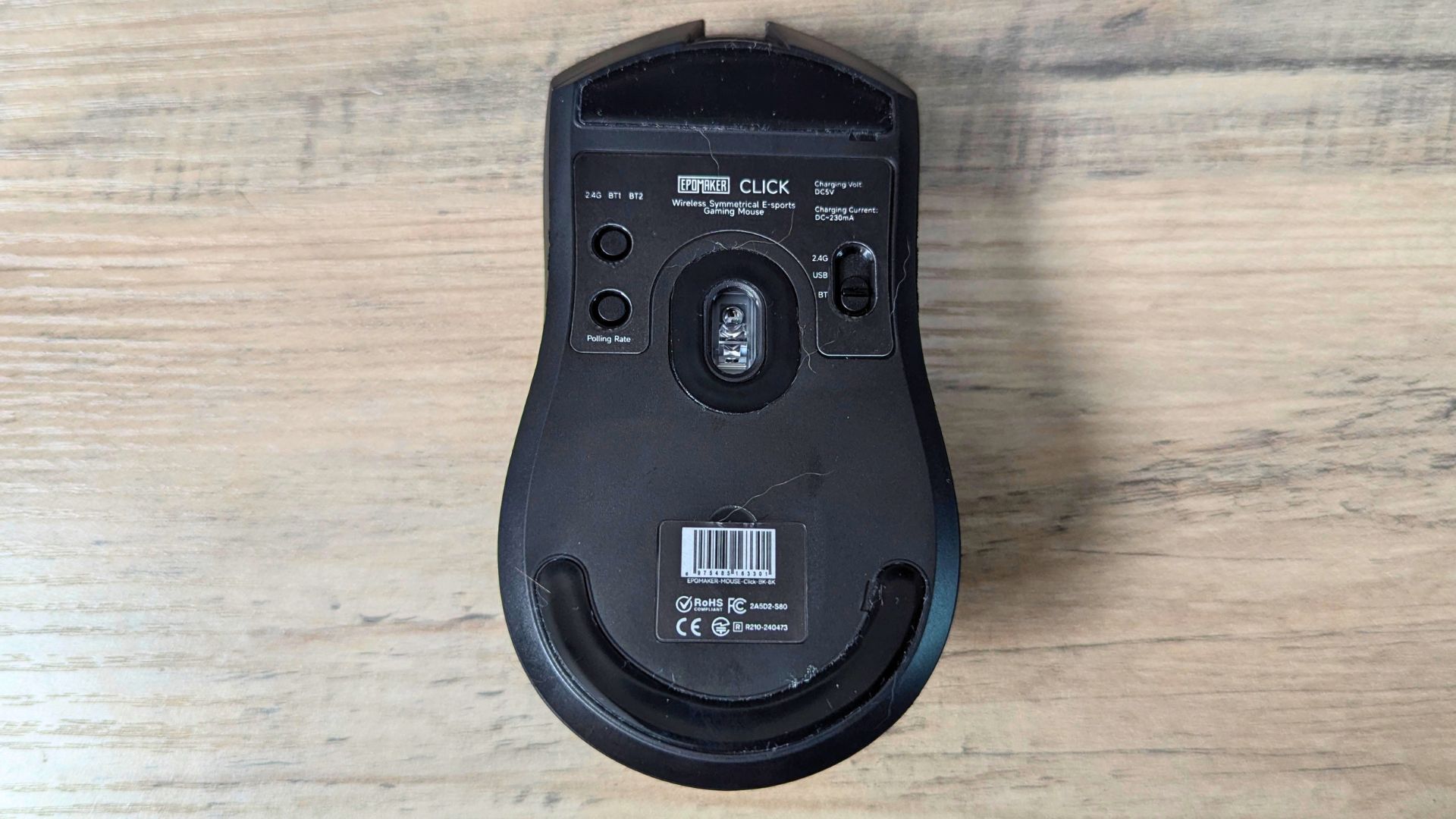
In both 2.4GHz wireless and wired USB-C modes, the mouse supports an 8K polling rate, sending updates to the PC up to 8,000 times per second. This is the source of the product’s advertised millisecond-level responsiveness and is most relevant to fast-paced games or rapid desktop work, although the perceived benefit will depend on the game, display refresh rate, PC performance and the user’s settings.
Bluetooth runs at a more modest 125Hz polling rate, which is suitable for casual use, laptops or situations where convenience matters more than absolute input speed. This split lets users treat 2.4GHz and wired USB-C as performance modes, while Bluetooth works as the versatile, lower-demand option; it also makes sense to explore compatible accessories when completing a wider desk or gaming setup.
Click feel and controls
Button feel is another strong part of the experience. The main Omron D2LS optical switches are intended to feel sharp and responsive, which should suit both rapid tapping and more measured single shots. The side buttons are positioned for reach without obvious accidental presses, while the scroll wheel offers clear tactile steps for weapon switching or document scrolling.
Taken together, the controls are designed to make the mouse respond predictably to each input, without a mushy or hesitant feel. Actual click preference remains personal, especially for users moving from a heavier switch or a different mouse shape.
Weight and handling
The Click Mouse’s low weight makes it quick and effortless to move across a mouse pad. That suits players who prefer low friction and fast direction changes, and it pairs naturally with the high DPI range and fast sensor for a lively feel; this is where the lightweight gaming mouse and ultra lightweight gaming mouse search intent is most relevant.
For some users, particularly those accustomed to heavier mice, the transition may take time. Once adjusted, this wireless lightweight gaming mouse form factor can make both gaming and everyday cursor work feel less tiring over longer periods.
Battery life and wired flexibility
Power is handled by a 500mAh rechargeable battery, which EPOMAKER says is designed to provide days of continuous use under typical conditions. That positions the EPOMAKER Click Mouse as a potential main mouse rather than a backup, although actual battery life will vary with polling rate, connection mode, use pattern and other settings.
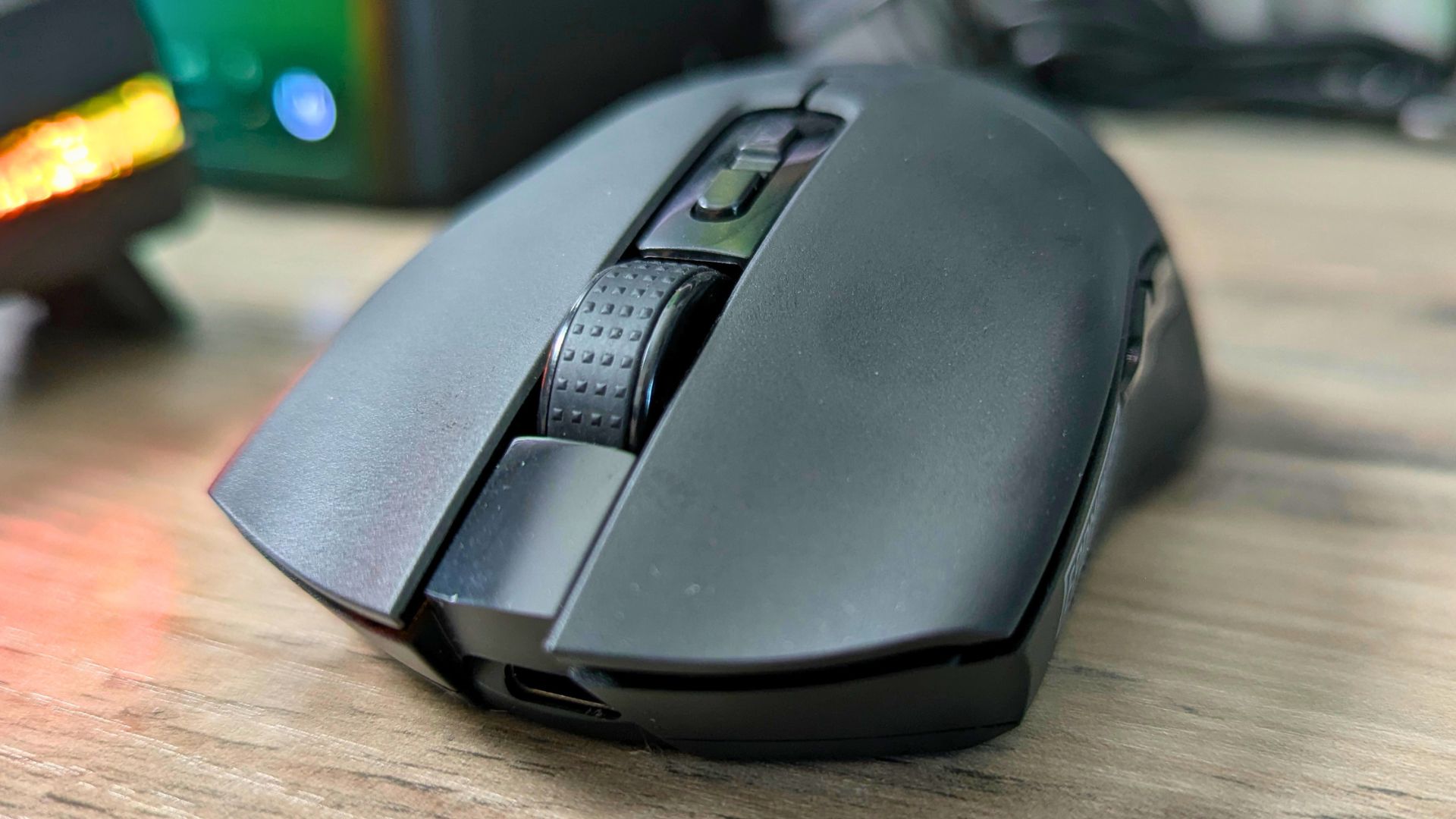
If the battery runs low, the included USB-C cable allows continued wired use. This avoids downtime and gives access to the same high-polling-rate capability offered in 2.4GHz wireless mode, making wired use a genuine option rather than simply a compromise.
RF dongle design and reception
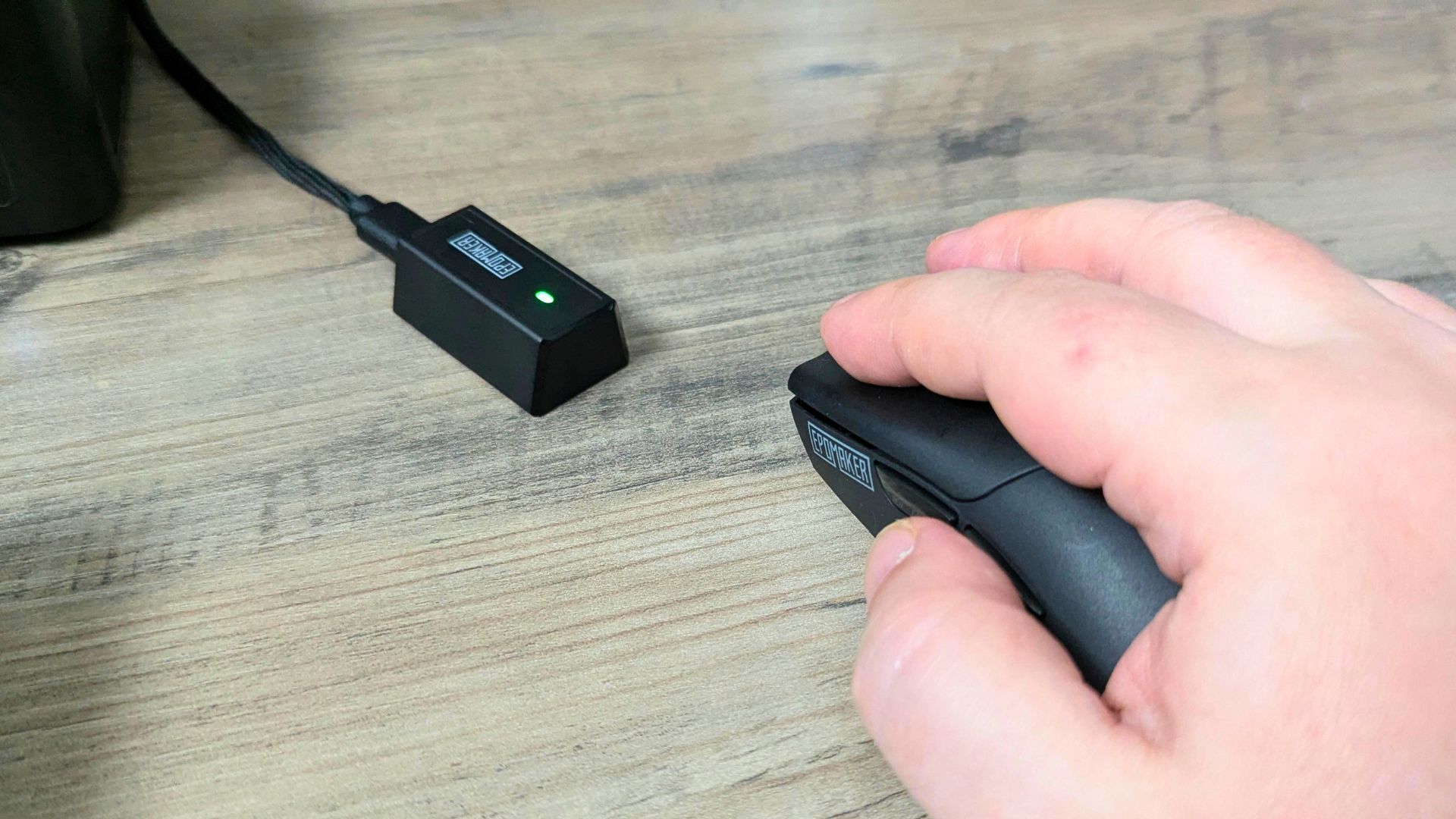
EPOMAKER takes a slightly different approach with the included RF dongle. Instead of a tiny thumb-drive-style receiver that sits flush in a USB port, the receiver is designed to work with the USB-C cable so it can be positioned more freely on the desk.
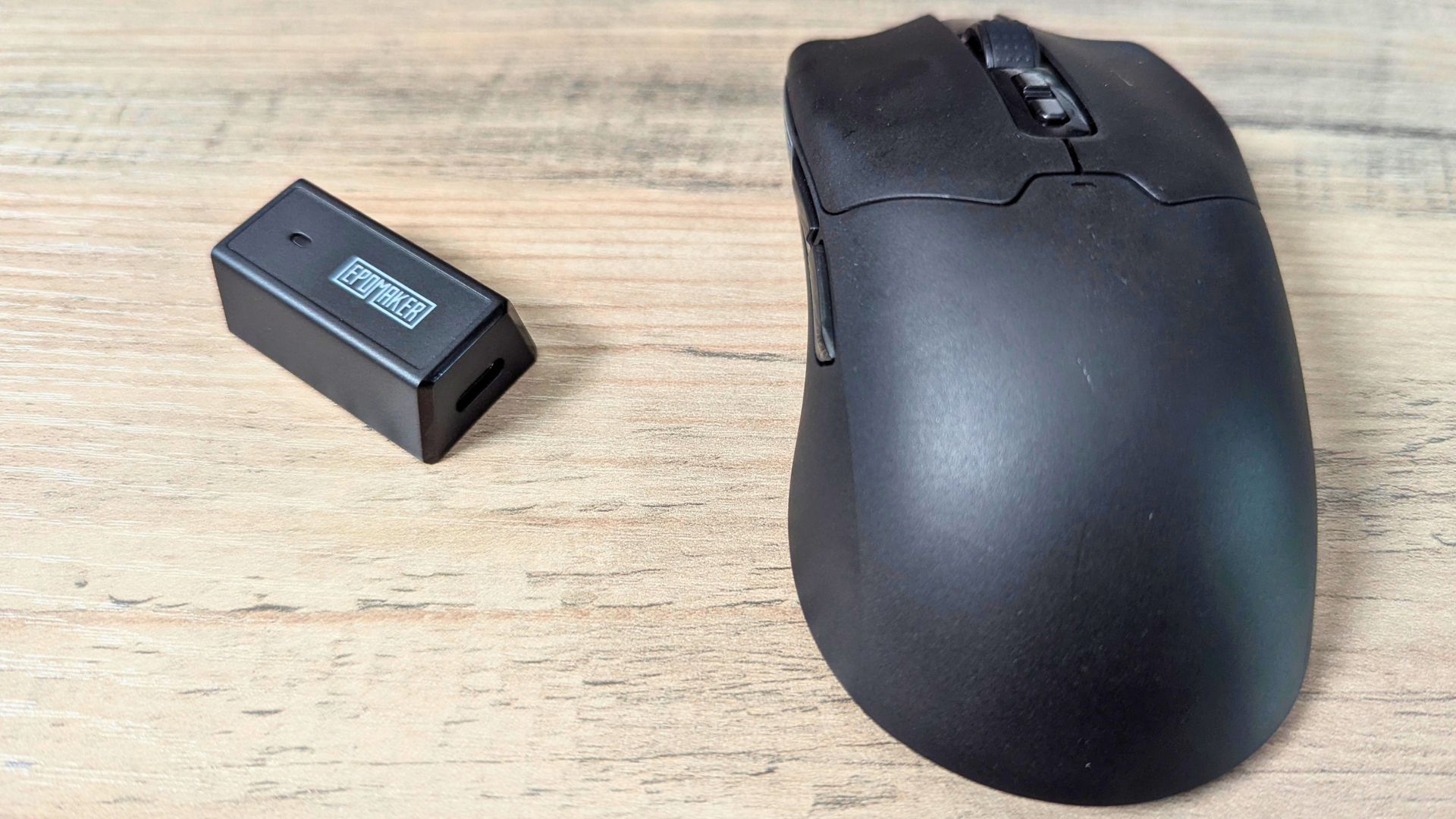
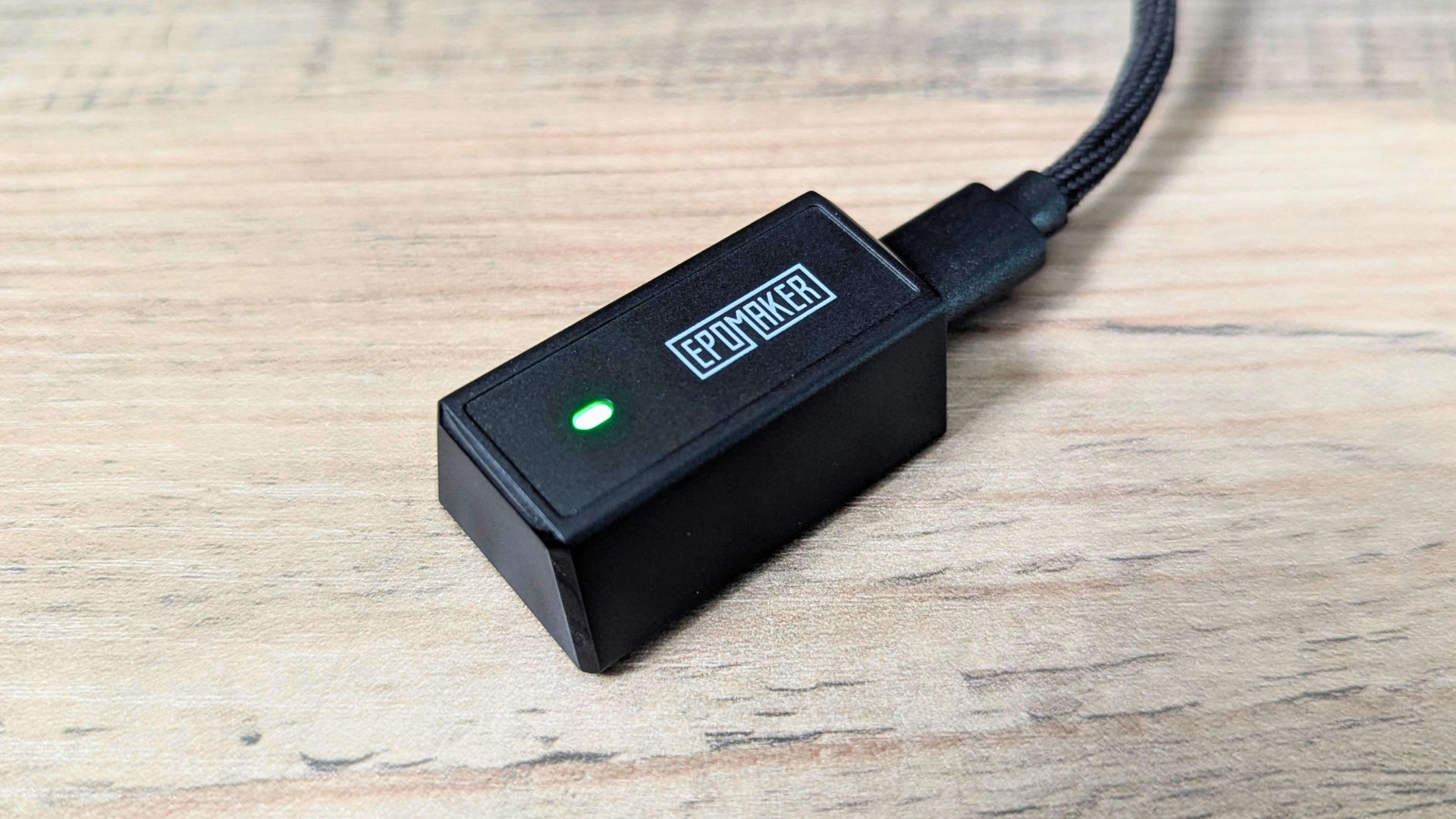
That has practical benefits if a PC sits under a desk, off to the side or in an area where signals could be weakened. Placing the receiver closer to the mouse with a clearer line of sight may reduce the risk of interference or distance-related dropouts, helping to maintain a stable low-latency connection.
Software and customisation
As noted in our EPOMAKER HE75 V2 review, EPOMAKER software supports the brand’s range of accessories, so users should not need to install separate software for each compatible peripheral. The Click Mouse’s side buttons can be configured through that software, supporting a more personalised control layout.
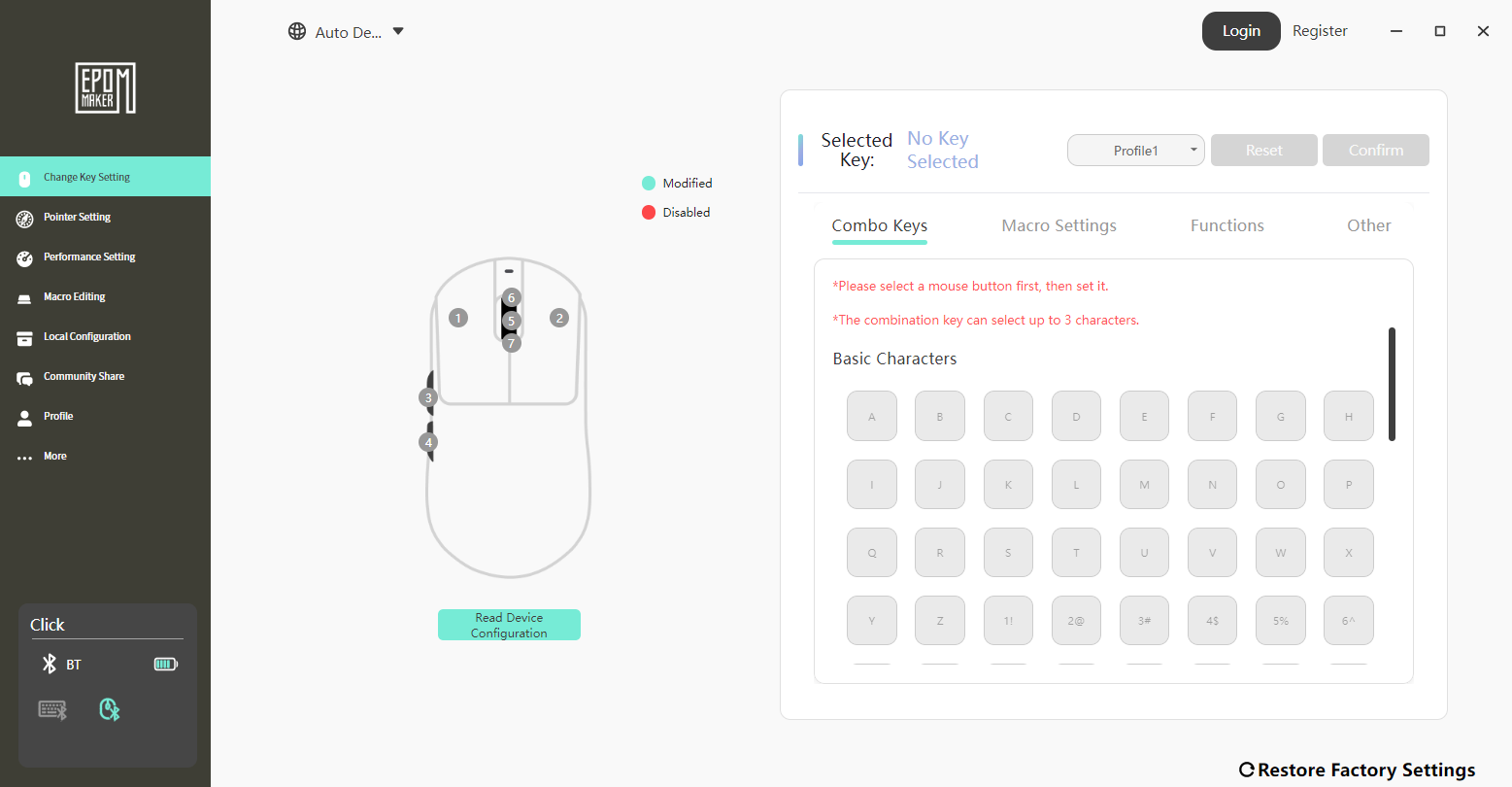
Users can also expect the usual options from a modern wireless gaming mouse: DPI-stage adjustment, polling-rate selection, button remapping and possible sensor-behaviour adjustments to suit personal preferences.
Final Thoughts
The EPOMAKER Click Mouse combines a PAW3950 sensor, 8K polling in wired and 2.4GHz wireless modes, a wide six-stage DPI range, high published tracking specifications, Bluetooth convenience at 125Hz, and a practical battery-and-dongle arrangement. For users who value input performance but also want everyday versatility, that is a compelling feature set for a modern gaming mouse.
Whether it is right for you depends mainly on two factors: whether its shape suits your hand, and whether you will benefit from its high-end tracking, latency focus and multi-mode connectivity. If those line up with how you use a mouse, the EPOMAKER Click Mouse is easy to recommend; readers comparing the wider EPOMAKER ecosystem can also use the EPOMAKER HE75 V2 connection to assess the keyboard-and-mouse setup as a whole.
The strongest case for the EPOMAKER Click Mouse is its balance of a lightweight body, flexible connectivity and performance-oriented specifications. Its trade-offs are equally clear: Bluetooth is limited to 125Hz, the benefits of 8K polling are not universal, and comfort depends on personal fit. That makes it a more convincing choice for users who actively want a lightweight, high-polling mouse than for buyers who only need basic laptop navigation.
Our verdict - Is the EPOMAKER Click Mouse worth buying?
Short answer: Yes, conditionally: the EPOMAKER Click Mouse is a feature-rich option for users who want a lightweight, tri-mode mouse with high polling-rate support, provided its shape suits their hand and they will use its performance modes.
Best for: FPS players, competitive users, desk setups that need 2.4GHz, Bluetooth and wired flexibility, and buyers who want programmable side buttons.
Not ideal for: Users who prefer a heavier mouse, need only simple Bluetooth navigation, or do not expect to benefit from 2K–8K polling options.
Frequently asked questions
Is the EPOMAKER Click Mouse a good gaming mouse?
The EPOMAKER Click Mouse is specified as a strong gaming mouse for users who value a PAW3950 sensor, a 58g body and up to 8K polling in wired or 2.4GHz modes. Whether it feels right in play still depends on grip, hand size, game type and system settings.
Does the EPOMAKER Click Mouse support Bluetooth?
Yes, the EPOMAKER Click Mouse supports Bluetooth alongside 2.4GHz wireless and wired USB-C connectivity. Bluetooth operates at 125Hz, so it is better positioned for convenience and everyday use than maximum competitive performance.
Can the EPOMAKER Click Mouse use 8K polling wirelessly?
Yes, the EPOMAKER Click Mouse supports up to 8,000Hz polling in 2.4GHz wireless mode as well as when connected by USB-C. EPOMAKER lists seven selectable polling stages from 125Hz to 8,000Hz for those two modes.
Is the EPOMAKER Click Mouse suitable for long sessions?
The 58g weight and broadly accessible shape are intended to make the EPOMAKER Click Mouse comfortable for extended sessions. Comfort is subjective, so buyers should still consider their usual grip and preference for lighter or heavier mice.
Does the EPOMAKER Click Mouse complement the keyboard in an EPOMAKER HE75 V2 setup?
Yes, the EPOMAKER Click Mouse can complement the EPOMAKER keyboard ecosystem referenced in the EPOMAKER HE75 V2 review because its controls are configured through EPOMAKER software. The two products serve different roles, so suitability still comes down to the user’s preferred keyboard layout, mouse shape and connection needs.
EPOMAKER Click Mouse Review
The EPOMAKER Click Mouse combines a lightweight 58g design, PAW3950 sensor, up to 8K polling, tri-mode Bluetooth, RF and wired connectivity, plus programmable controls for fast, flexible gaming and everyday use.
Det vi likte
- Lightweight 58g design
- PAW3950 optical sensor
- Up to 8K polling rate
- Bluetooth, RF and wired modes
- Programmable buttons and DPI stages
Kunne vært bedre
- Bluetooth limited to 125Hz

Bringer of videos, text and images! AKA the social media guy at DROIX. Massive retro gaming fan and collector, with a far too large collection of consoles and computers from 1970's to modern. Contact me at [email protected]
Spørsmål og kommentarer
0
Hvert spørsmål får svar. Still spørsmål før du kjøper — DaveC og teamet svarer innen en arbeidsdag, og svarene forblir offentlige slik at de hjelper neste leser også.