




Fichiers utilisés dans ce guide
Journal des modifications
- Guide source : Comment réinstaller Windows sur les appareils GPD WIN
Les anciennes versions restent téléchargeables pour les restaurations – chaque version conserve son propre fichier vérifié.
Journal des modifications
- Pilote Bluetooth pour le firmware Windows 10/11 | — | À installer si le pilote Bluetooth présente un problème après la mise à niveau vers le firmware Windows 11.
Les anciennes versions restent téléchargeables pour les restaurations – chaque version conserve son propre fichier vérifié.
Journal des modifications
- WIN Mini (8840U / 7840U / 7640U) Windows 11 24H2 Home Firmware (actuel) | 2025-01-18 |
12DD1623F9515C6F8ACA77CF42AFF6C6CF9A0542
Les anciennes versions restent téléchargeables pour les restaurations – chaque version conserve son propre fichier vérifié.
Journal des modifications
- GPD Pocket 3 (1195G7 / 1125G4 / 7505) Windows 11 22H2 Micrologiciel (actuel) | 2025-02-26 | Image de flash complète Windows 11 22H2 avec pilotes intégrés. La réinstallation supprime toutes les données du lecteur C. Sauvegardez avant toute action.
Les anciennes versions restent téléchargeables pour les restaurations – chaque version conserve son propre fichier vérifié.
Journal des modifications
- WIN 4 (8840U / 7840U / 7640U / 6800U) Windows 11 24H2 Home Firmware (actuel) | 2024-12-20 |
730BD7B9D989797488C1509E590085FD9941E80C - GPD WIN 4 2025 (8840U / 370) Windows 11 24H2 Home Firmware (actuel) | 2024-12-20 |
730BD7B9D989797488C1509E590085FD9941E80C| Couvre les deux variantes 8840U et AI 9 HX 370. Inclut les pilotes Windows 11 intégrés. La réinstallation supprime toutes les données du lecteur C — sauvegardez d'abord. Outil SHA1 : HashTools · - WIN 4 (6800U) Windows 11 24H2 Micrologiciel Famille (actuel) | 2024-12-20 |
730BD7B9D989797488C1509E590085FD9941E80C - WIN Max 2 (8840U / 7840U / 7640U / 6800U) Windows 11 24H2 Home Firmware (actuel) | 2024-12-20 |
730BD7B9D989797488C1509E590085FD9941E80C
Les anciennes versions restent téléchargeables pour les restaurations – chaque version conserve son propre fichier vérifié.
Journal des modifications
- GPD MicroPC 2 Windows 11 24H2 Micrologiciel Home (actuel) | 2025-10-30 |
F310F45676F905E93B86C9AE1E6E059E817AE4C2| Pilotes matériels intégrés. Après le téléchargement et la décompression, veuillez consulter le tutoriel vidéo sur la page source pour les instructions d'installation. ·
Les anciennes versions restent téléchargeables pour les restaurations – chaque version conserve son propre fichier vérifié.
Journal des modifications
- GPD MicroPC 2 Windows 11 24H2 Pro Firmware | 2025-08-26 |
B3BB0C050AA6D7545BAF05EFF810D1238AD22531| Édition Pro. Pilotes matériels intégrés. Après téléchargement et décompression, consultez le tutoriel vidéo pour les instructions d'installation. Facultatif : installer Intel® Driver & Support Assistant pour maintenir les pilotes à jour. Outil SHA1 : HashTools · - Page du fournisseur : https://www.intel.com/content/www/us/en/support/intel-driver-support-assistant.html
Les anciennes versions restent téléchargeables pour les restaurations – chaque version conserve son propre fichier vérifié.
Journal des modifications
- GPD DUO (AI 9 HX 370) Windows 11 24H2 Home Firmware (actuel pour 370) | 2025-03-18 |
30B2D557AEB549ACDC6C36D4E1DE95F209614BBE| Variante 370 uniquement. Doit mettre à niveau BIOS avant de mettre à niveau le firmware système — installer d'abord BIOS V2.12 (voir la section BIOS). Le firmware BIOS v2.12 résout également le problème de scintillement sur la version 370. Outil SHA1 : HashTools · - GPD Pocket 4 (8840U / 365 / 370) Windows 11 24H2 Home Firmware (actuel) | 2025-03-18 |
30B2D557AEB549ACDC6C36D4E1DE95F209614BBE| Inclut le dernier pilote graphique intégré ; résout le problème de non-fonctionnement de l'écran interne lors de la connexion à GPD G1. Couvre les trois variantes d'APU. La réinstallation supprime toutes les données du lecteur C — sauvegardez d'abord. Outil SHA1 : HashTools · - GPD WIN Mini 2025 (8840U / 365 / 370) Windows 11 24H2 Home Firmware (actuel) | 2025-03-18 |
30B2D557AEB549ACDC6C36D4E1DE95F209614BBE| Inclut le dernier pilote graphique intégré ; résout le problème de non-fonctionnement de l'écran interne lors de la connexion à GPD G1. S'applique aux trois variantes d'APU. La réinstallation supprime toutes les données du lecteur C — sauvegardez d'abord. Outil SHA1 : HashTools ·
Les anciennes versions restent téléchargeables pour les restaurations – chaque version conserve son propre fichier vérifié.
Journal des modifications
- GPD WIN 3 (1195G7) Windows 11 22H2 Firmware (actuel) | 2023-11-02 | Image de flash complète Windows 11 22H2 avec pilotes intégrés. La réinstallation supprime toutes les données du lecteur C. Sauvegardez avant toute action.
- GPD WIN Max 2021 (1195G7) Windows 11 21H2 Micrologiciel (actuel) | 2023-11-02 | Image de flash complète Windows 11 21H2 avec pilotes intégrés. La réinstallation supprime toutes les données du lecteur C. Sauvegardez avant toute action.
Les anciennes versions restent téléchargeables pour les restaurations – chaque version conserve son propre fichier vérifié.
Journal des modifications
- GPD P2 Max 2022 (N6000) Windows 11 21H2 Micrologiciel (actuel) | — | Image flash complète Windows 11 21H2 avec pilotes intégrés. L'appareil dispose d'une restauration intégrée en une touche ; nécessaire uniquement après remplacement du SSD.
- Micrologiciel GPD Pocket 3 (N6000) Windows 11 21H2 | — | Image complète de flashage Windows 11 21H2 avec pilotes intégrés. L'appareil dispose d'une restauration intégrée en une touche ; nécessaire uniquement après le remplacement du SSD.
Les anciennes versions restent téléchargeables pour les restaurations – chaque version conserve son propre fichier vérifié.
Reinstalling your Windows operating system can be done for several reasons. Whether something has gone wrong or you just want to give your PC or GPD device a little refresh, this guide will show you how to get a clean install going.
This guide can be used for all GPD devices from DroiX. For this demonstration, we will be using the GPD Win 4. You will require:
- Clé USB de 16 Go ou plus
- PC séparé, si vous ne pouvez pas accéder à votre dispositif GPD
- Chargeur
Configuration de la clé USB
The first step is the trickiest, so follow along and double-check what you do. This can be done on your GPD Device, however, if you’re not able to you will need to use another computer. This can be done on macOS or Linux, but we will be using Windows 11.
Formatez votre clé USB
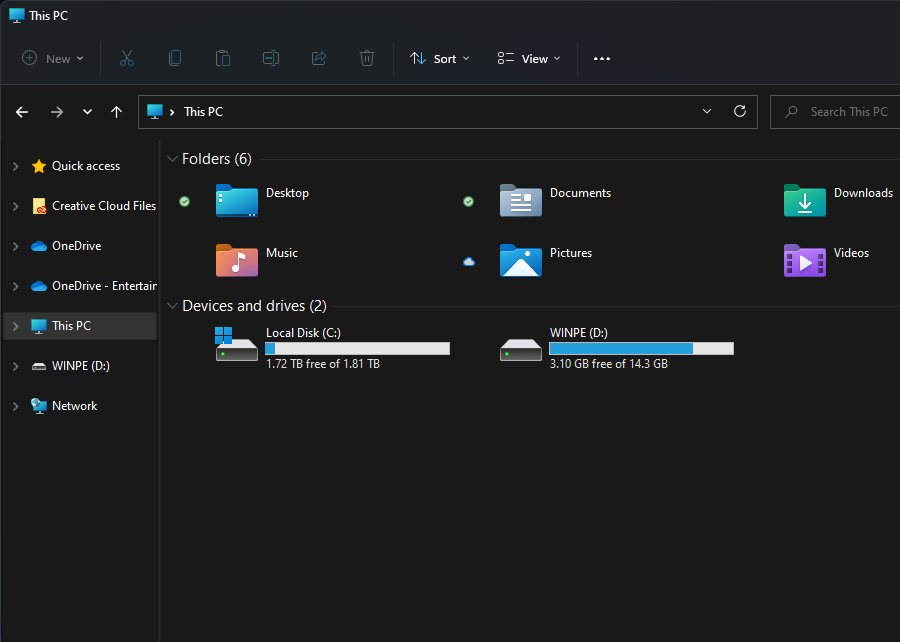
The first thing we need to do is format the USB stick, this will erase the entire drive so make sure to back up anything you wish to keep. You can find the USB stick under ‘This PC’ as shown above.
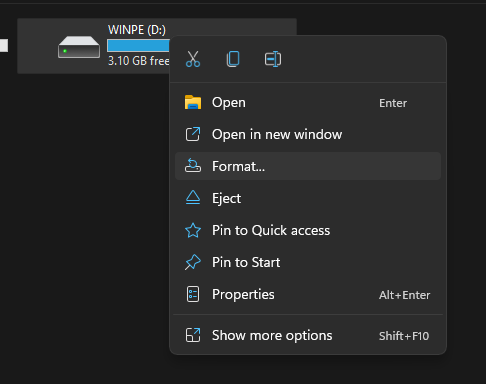
When you’re ready, right-click on the USB Stick and click ‘Format’. This will open up a new window.
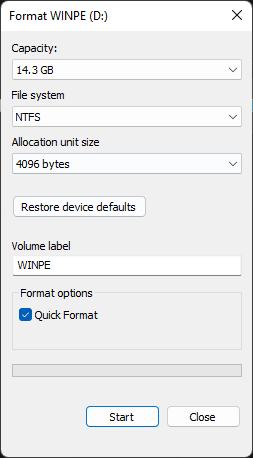
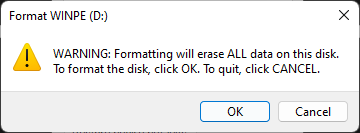
From here you can format your USB Stick. The capacity and allocation unit size can be left as it is. Ensure that the File System is set to ‘NTFS’ and the Volume Label is ‘WINPE’. A quick format will do here. When you click ‘Start’ a warning will pop up, click ‘OK’.
Once it has completed the format, a window will pop up telling you so.
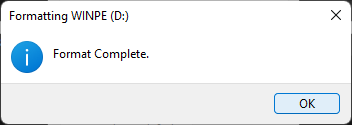
Préparer les fichiers d’installation
Now that your USB flash drive is ready, we can download and set up the files needed for the Windows installation. You can download the installation files for your device from GPD by following the link below.
| DEVICE | DOWNLOAD |
| GPD WIN Mini 2023 & 2024 (7640U, 7840U, 8840U) | DOWNLOAD HERE |
| GPD WIN Mini 2025 (8840U / HX 365 / HX 370) | DOWNLOAD HERE |
| GPD WIN 4 2022 (6800U) | DOWNLOAD HERE |
| GPD WIN 4 2023 & 2024 (7640U, 7840U, 8840U) | DOWNLOAD HERE |
| GPD WIN 4 2025 (8840U / HX 370) | DOWNLOAD HERE |
| GPD WIN MAX 2 2022 (6800U) | DOWNLOAD HERE |
| GPD WIN MAX 2 2023 & 2024 (7640U, 7840U, 8840U) | DOWNLOAD HERE |
| GPD WIN MAX 2 2025 (8840U / HX 370) | DOWNLOAD HERE |
| GPD POCKET 3 (1195G7) | DOWNLOAD HERE |
| GPD POCKET 3 (N6000) | DOWNLOAD HERE |
| GPD POCKET 4 (8840U / HX 365 / HX 370) | DOWNLOAD HERE |
| GPD MICROPC 2 (N250/N300) | DOWNLOAD HERE |
When you’ve found the installation for your device click on ‘Download’. You will be taken to the download page on Google Drive.
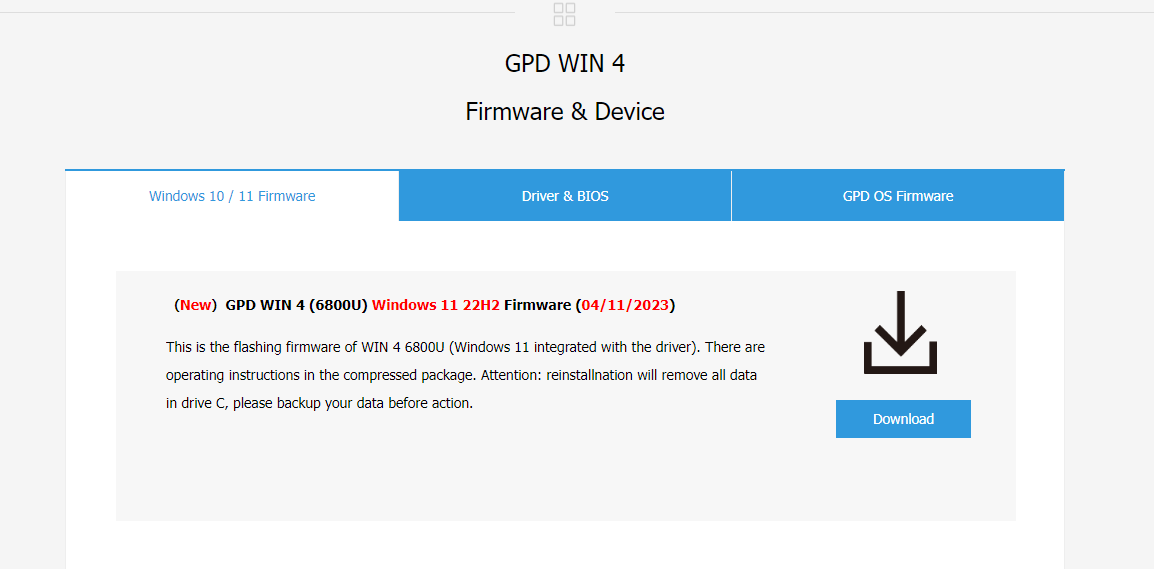
Cliquez à nouveau sur « Télécharger » et vous serez amené à une page de confirmation.

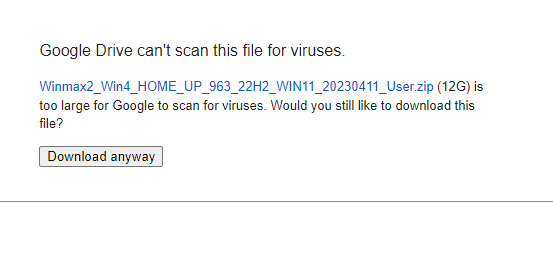
Click on ‘Download anyway’ to download the file. It will download a ZIP to your computer.
Locate the ZIP file, then right-click and select ‘Extract All…’. This will open a new window.
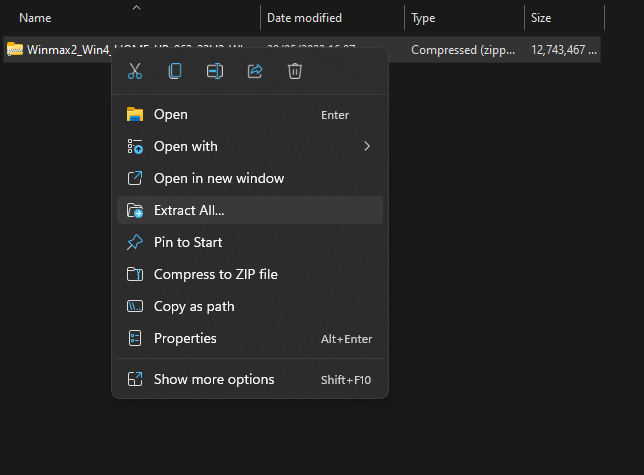
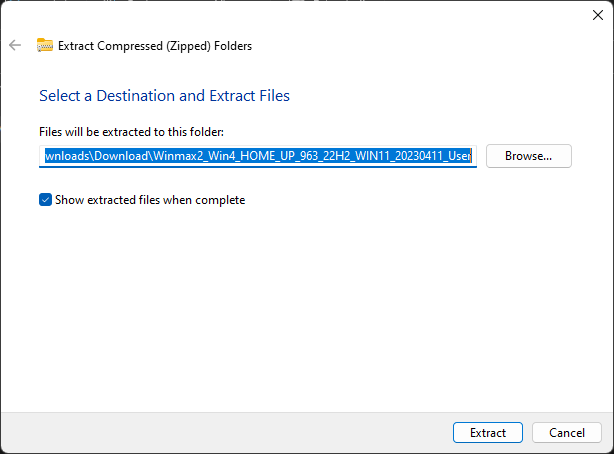
Lorsque la fenêtre d’extraction s’ouvre, cliquez sur « Extraire » . Une barre de progression indiquant la durée de l’opération s’affiche.
Once the files have been extracted, open up the new folder and the contained folder until you find the installation files, as seen in the photo below. Select all of the files and copy them over the newly formatted USB stick. This can be done by opening the USB stick in a new window. Press Ctrl+A to select all of the files and drag them over to the USB stick. Another progress window will show you how long the copying will take.
If the file is and ISO file, please follow the guide here to write the file to a USB drive, and continue below once completed.
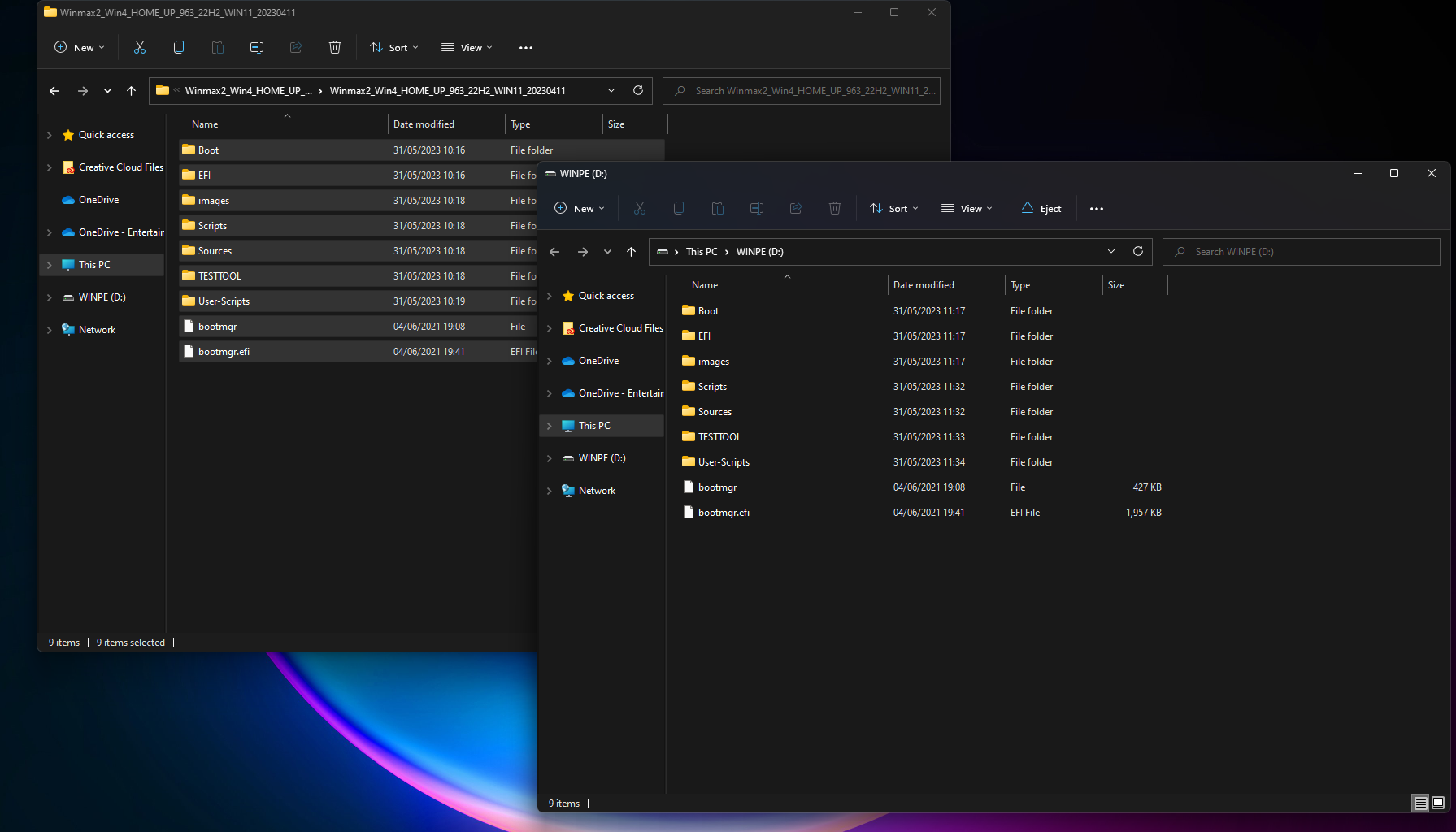
Once all of the files have been copied over, if you’re using a separate computer, you’re free to eject the USB Stick by right-clicking on it and clicking ‘Eject’.

Installation de Windows sur votre appareil GPD Win
You are now ready to install Windows onto your GPD device.
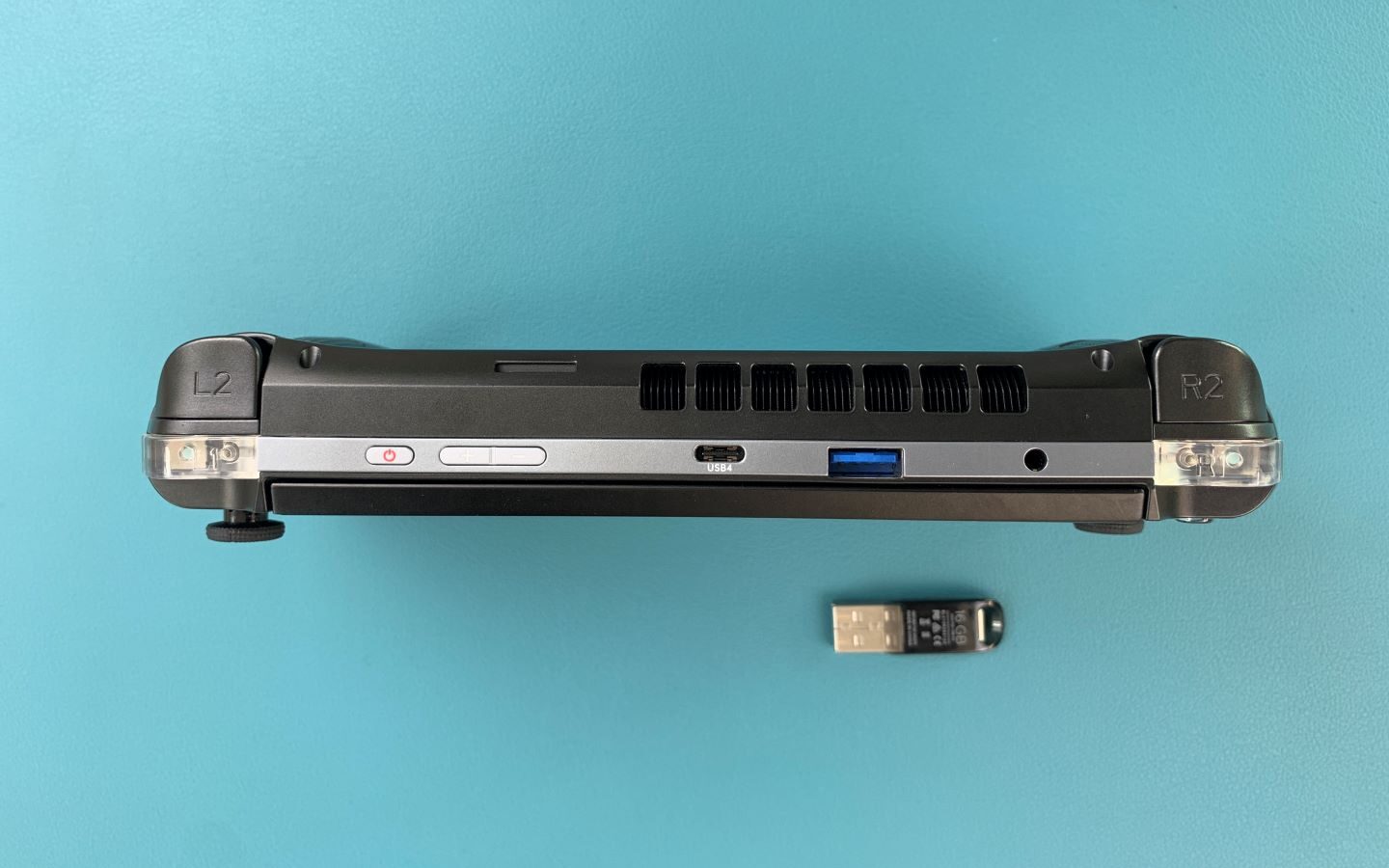
Ensure your USB Stick is plugged into the USB Port at the top of the device. You can then press the power button on the top of the device. You will need the keyboard for the next section, and slide the screen up.
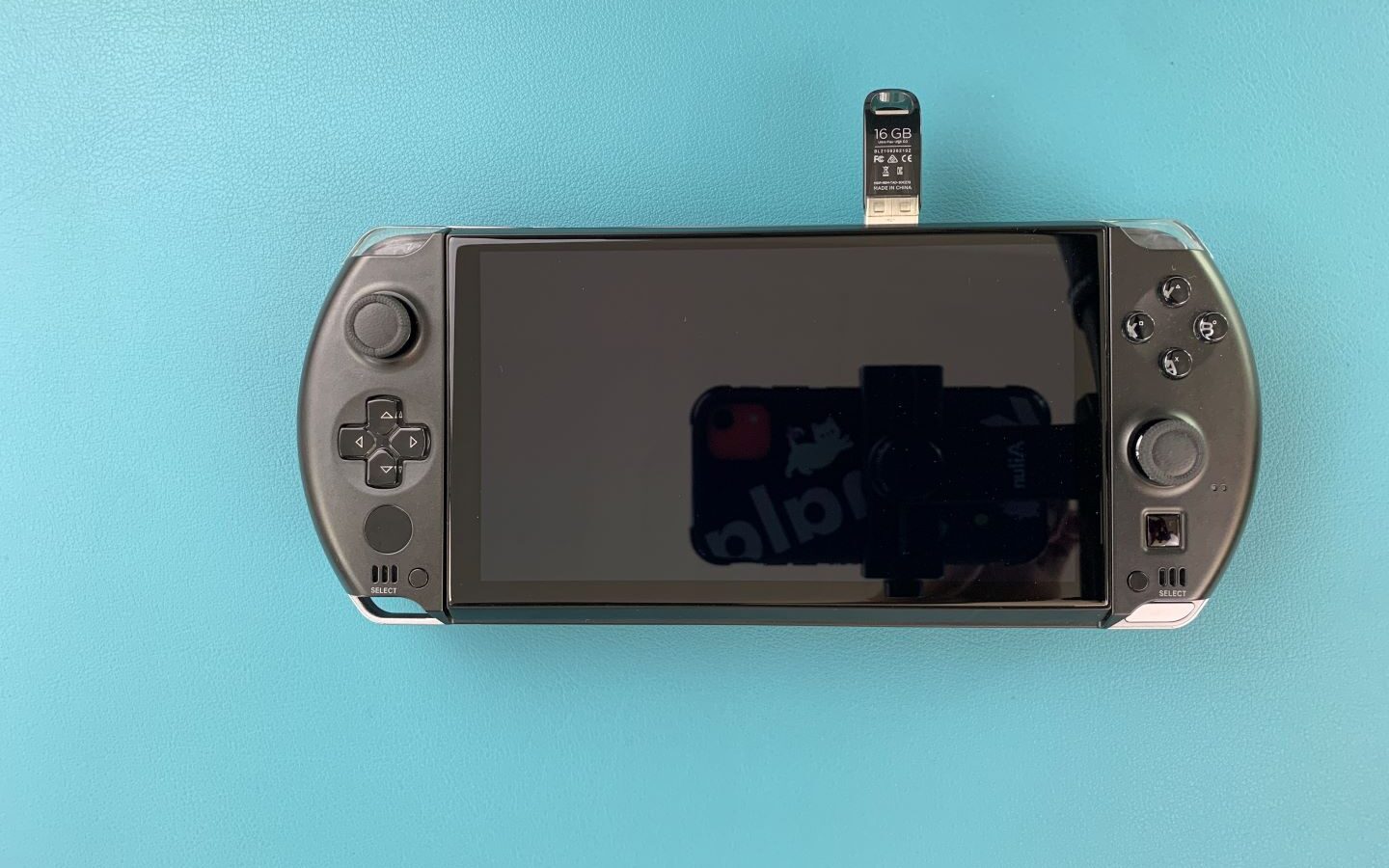
Hold down Fn and the 7(F7) key until you get to the boot menu, as seen above. Click on the Down Arrow key to highlight the USB Stick and click Enter to select and boot from it.

You will be greeted with a GPD loading screen as the device gets ready.
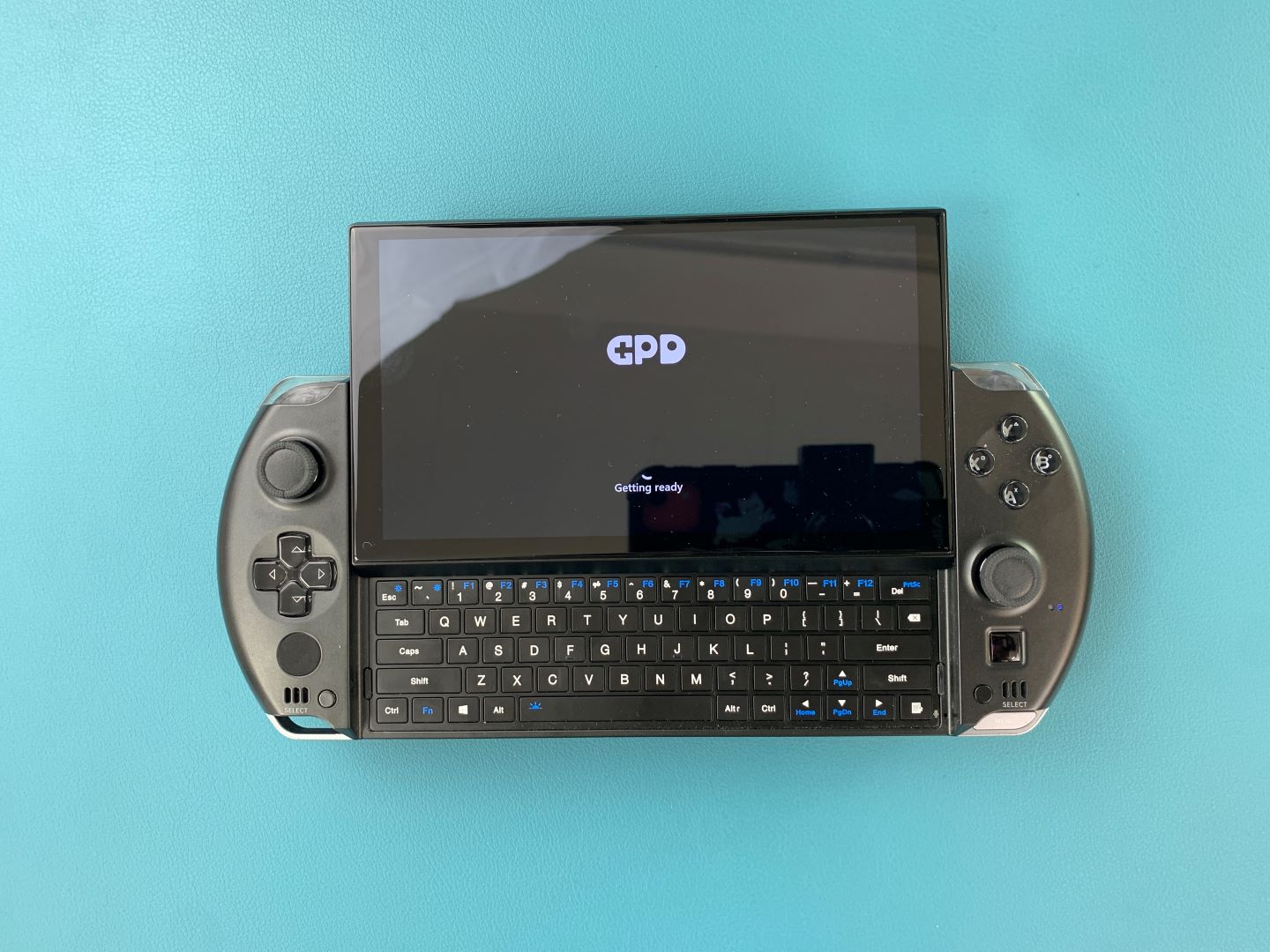
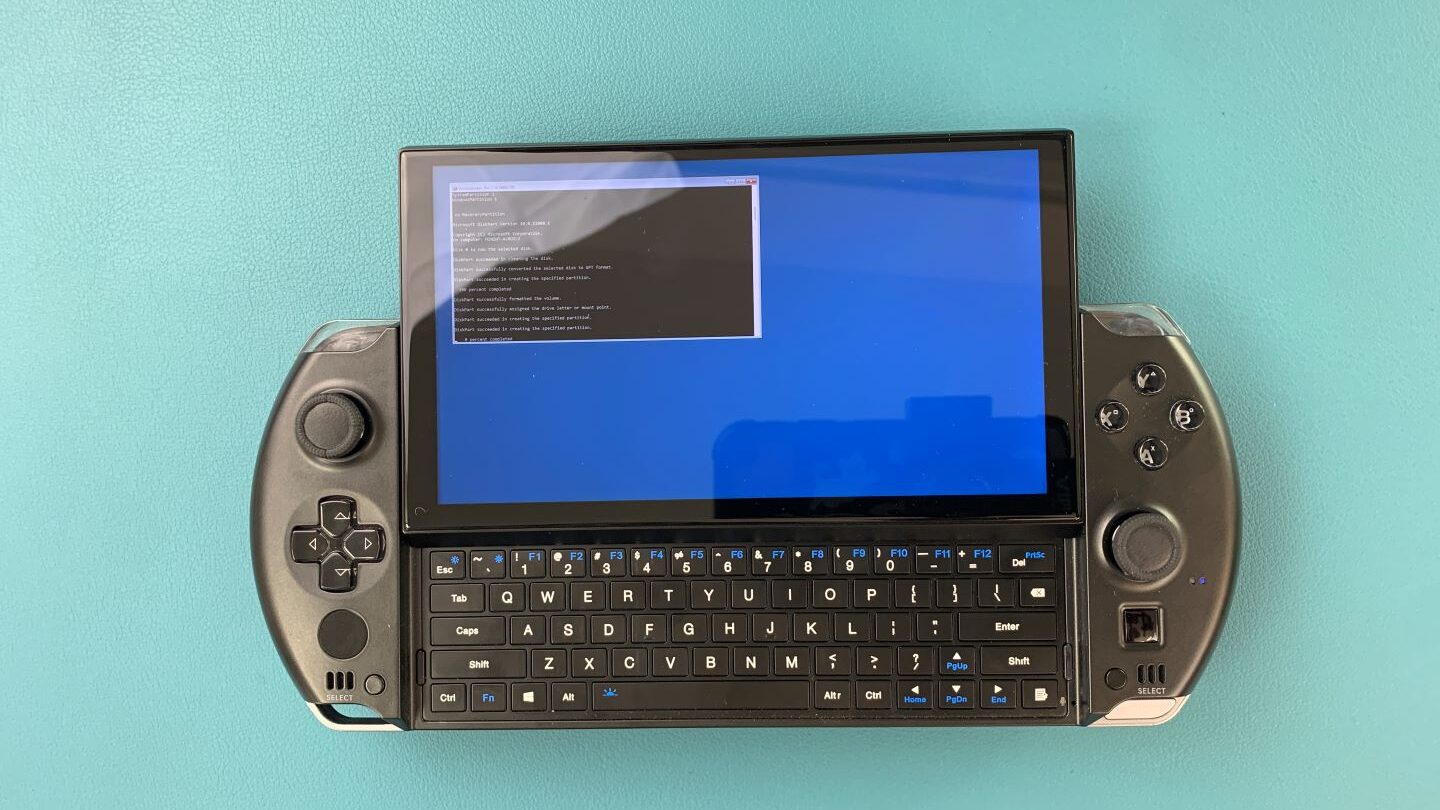
The device will boot from the USB Drive and automatically load and run a script to install a fresh copy on Windows. Let it run when this is happening.
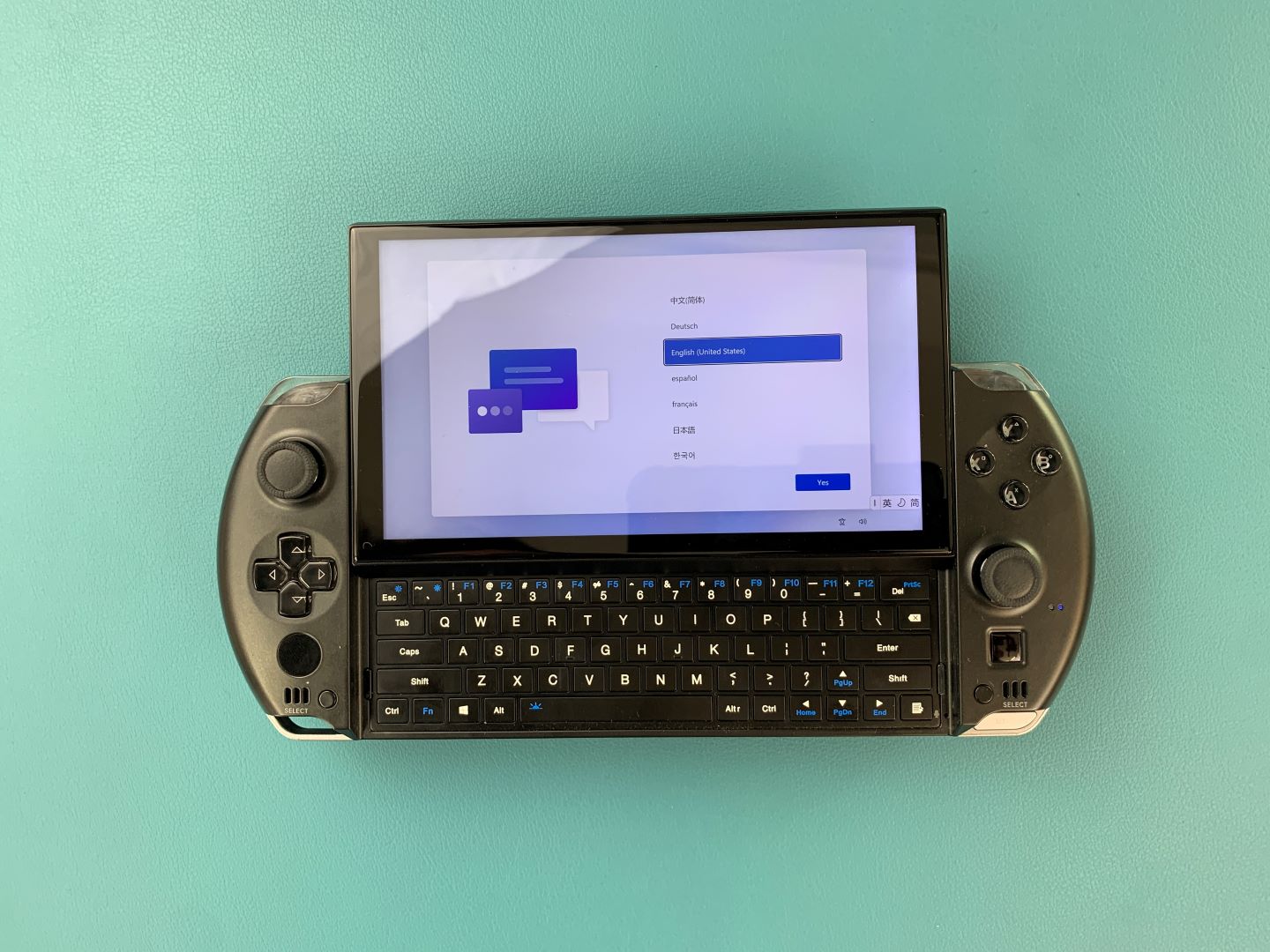
Once it is completed you will taken to the Windows setup process. Go through it with your preferred settings as you would any PC.
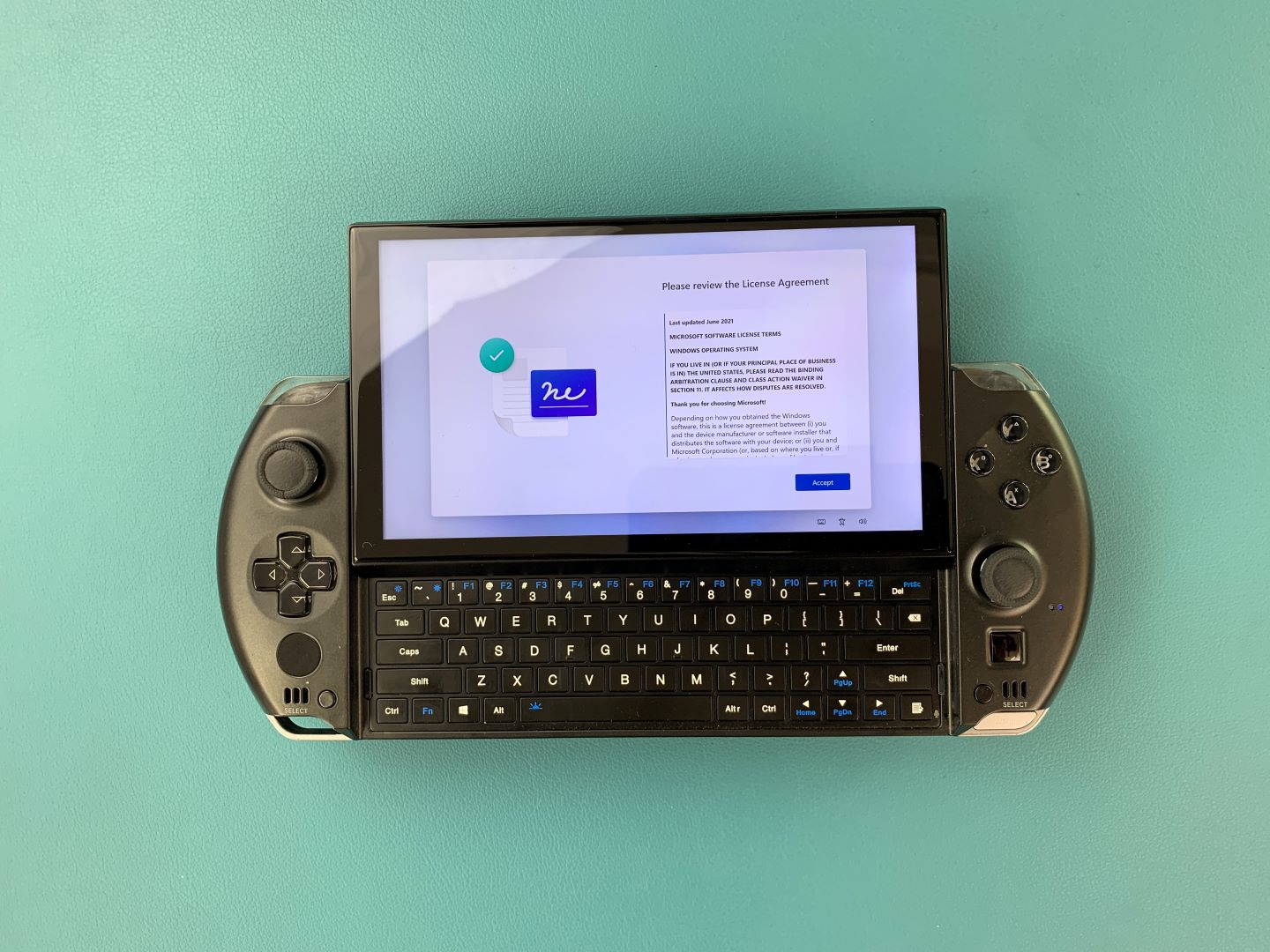
The setup process will need to be finalised, wait for a few minutes as it does.
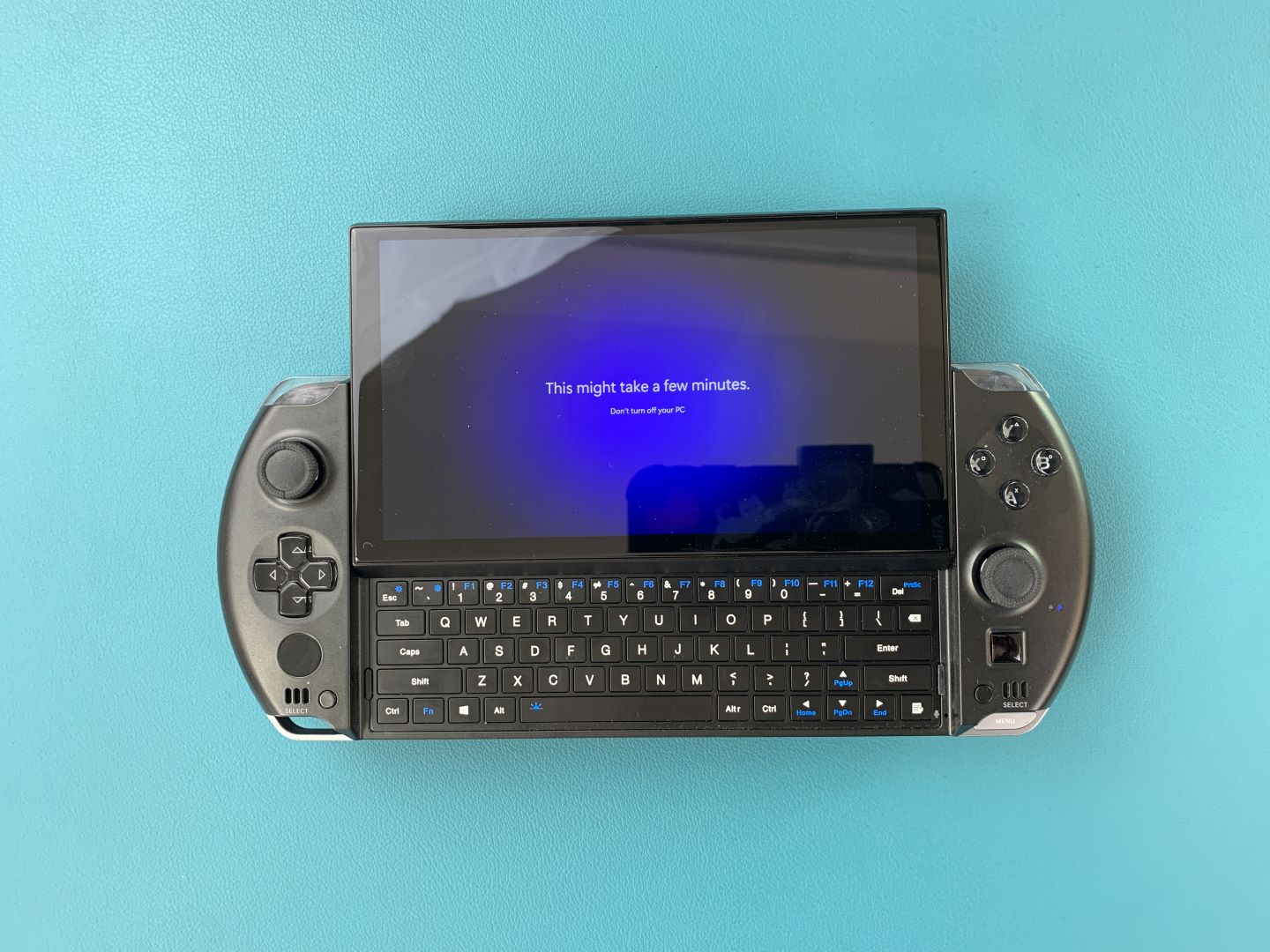
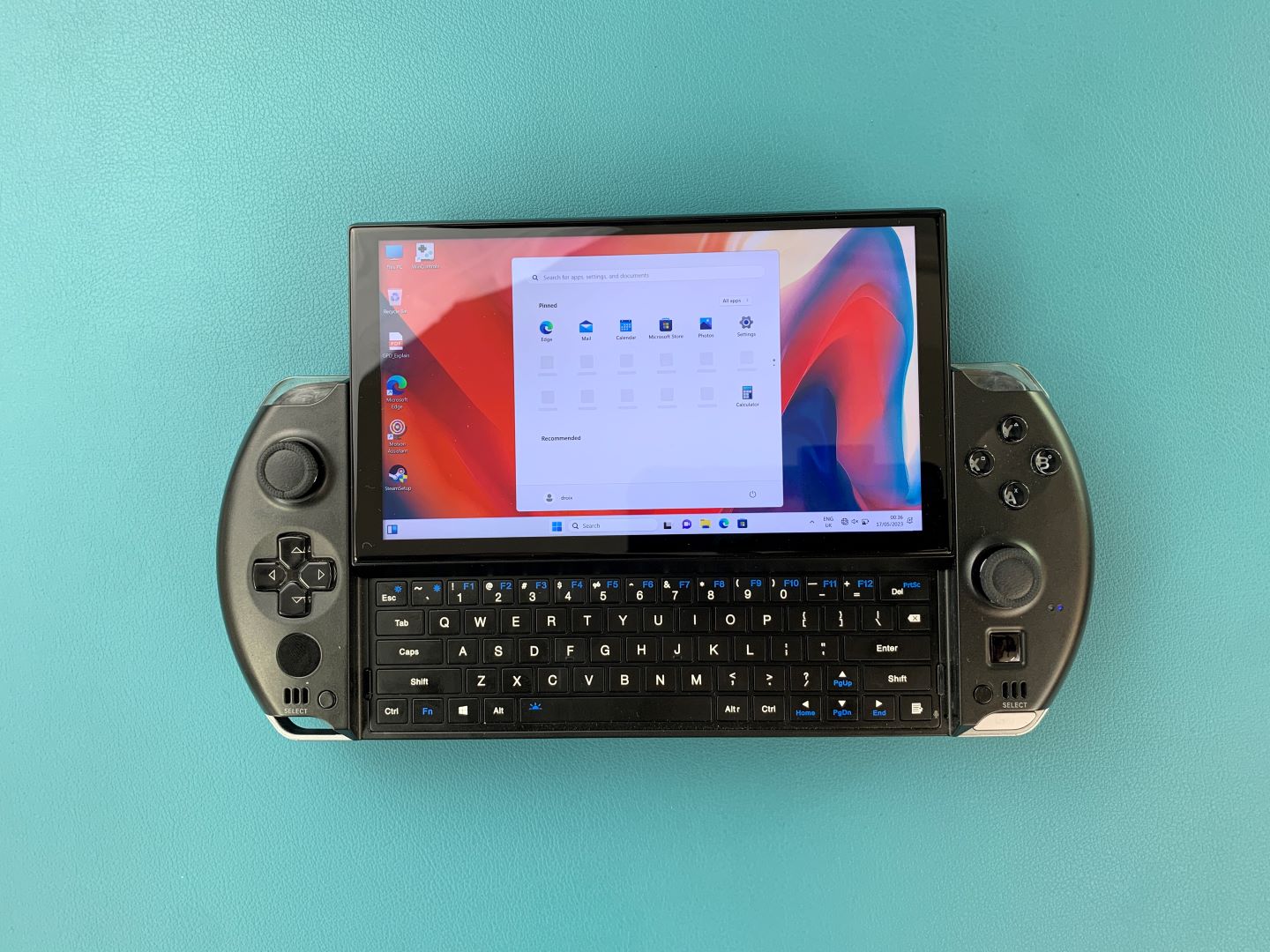
You will be taken to the Windows home screen. Congratulations, you have successfully reinstalled Windows on your GPD Device. You are free to remove the USB Stick and get to gaming!
To learn more about your device check out the product page here.
To learn more about our other offerings and products take a look at other Knowledge Base articles here.
From the blog
Visit the blog Le GPD MicroPC 2 N350 est arrivé : La mise à jour 2026 apporte de nouvelles performances Intel
4 juin 2026
Le GPD MicroPC 2 N350 est arrivé : La mise à jour 2026 apporte de nouvelles performances Intel
4 juin 2026
 Le GPD MicroPC 2 N350 est disponible dès maintenant : Le 2026 Refresh ajoute une puissance Intel plus récente
4 juin 2026
Le GPD MicroPC 2 N350 est disponible dès maintenant : Le 2026 Refresh ajoute une puissance Intel plus récente
4 juin 2026
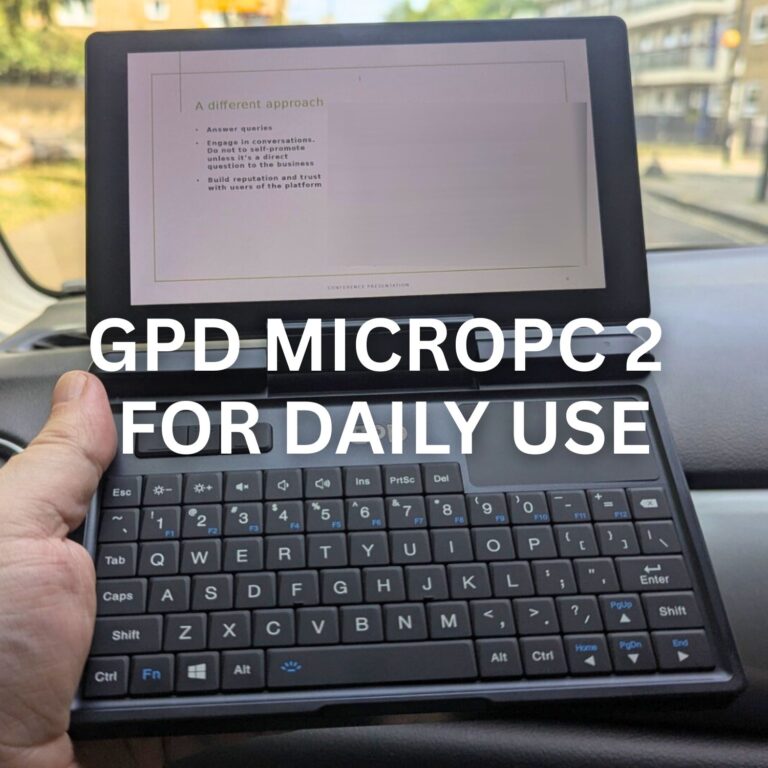 Le GPD MicroPC 2 pour un usage quotidien peut-il vraiment remplacer votre ordinateur portable et votre tablette ? Un test d’une semaine
10 novembre 2025
Le GPD MicroPC 2 pour un usage quotidien peut-il vraiment remplacer votre ordinateur portable et votre tablette ? Un test d’une semaine
10 novembre 2025
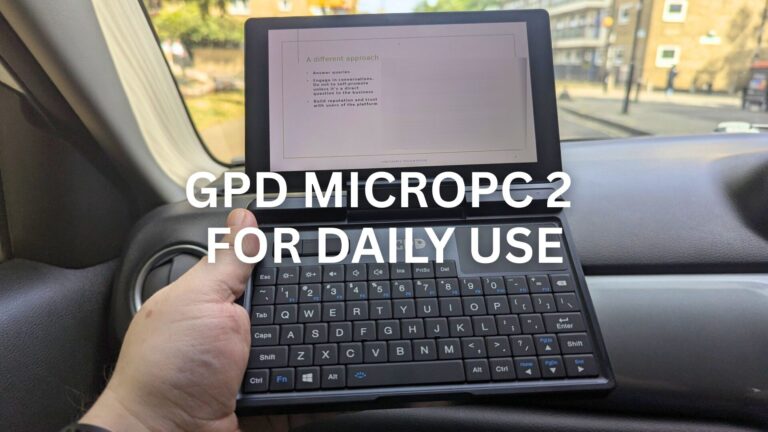 J’ai remplacé mon ordinateur portable et ma tablette par un GPD MicroPC 2 pour une utilisation quotidienne pendant une semaine : Voici ce qui s’est passé
10 novembre 2025
J’ai remplacé mon ordinateur portable et ma tablette par un GPD MicroPC 2 pour une utilisation quotidienne pendant une semaine : Voici ce qui s’est passé
10 novembre 2025
Questions et réponses 4
The link for Win Max 2 is just the same w/ the 2023 version/
You are correct, our apologies for that. It’s now fixed.
Hello,
I have tried to download the Windows firmware « GPD MicroPC 2 — Windows 11 24H2 Home Firmware », it is failing at 10.471 GB (the target size is supposed to be 14.1GB. I encountered the same issue when trying to download from gpd.hk at a diffrent size, around 10.7GB. Please, how can I get this firmware without failure?
Many thanks,
Yvan
Does your browser give any reason for stopping the download? Try a different browser or use a download manager and see if that makes any difference. If you are still having an issue and you purchased the GPD MicroPC 2 from us at DROIX, please email [email protected] with your order number and some details, customer service will be able to advise. Thanks.