




Filer som används i den här guiden
Ändringslogg
- Källguide: Hur man installerar om Windows på GPD WIN-enheter
Äldre versioner förblir nedladdningsbara för återställning – varje version behåller sin egen verifierade fil.
Ändringslogg
- Bluetooth-drivrutin för Windows 10/11-firmware | — | Installera om Bluetooth-drivrutinen visar ett problem efter uppgradering till Windows 11-firmware.
Äldre versioner förblir nedladdningsbara för återställning – varje version behåller sin egen verifierade fil.
Ändringslogg
- WIN Mini (8840U / 7840U / 7640U) Windows 11 24H2 Home Firmware (aktuell) | 2025-01-18 |
12DD1623F9515C6F8ACA77CF42AFF6C6CF9A0542
Äldre versioner förblir nedladdningsbara för återställning – varje version behåller sin egen verifierade fil.
Ändringslogg
- GPD Pocket 3 (1195G7 / 1125G4 / 7505) Windows 11 22H2 firmware (aktuell) | 2025-02-26 | Fullständig Windows 11 22H2 flashavbildning med integrerade drivrutiner. Återinstallation tar bort all data på enhet C. Säkerhetskopiera före åtgärd.
Äldre versioner förblir nedladdningsbara för återställning – varje version behåller sin egen verifierade fil.
Ändringslogg
- WIN 4 (8840U / 7840U / 7640U / 6800U) Windows 11 24H2 Home Firmware (aktuell) | 2024-12-20 |
730BD7B9D989797488C1509E590085FD9941E80C - GPD WIN 4 2025 (8840U / 370) Windows 11 24H2 Home Firmware (aktuell) | 2024-12-20 |
730BD7B9D989797488C1509E590085FD9941E80C| Omfattar både 8840U och AI 9 HX 370-varianterna. Innehåller integrerade Windows 11-drivrutiner. Ominstallation tar bort all data på enhet C — säkerhetskopiera först. SHA1-verktyg: HashTools · - WIN 4 (6800U) Windows 11 24H2 Home-firmware (aktuell) | 2024-12-20 |
730BD7B9D989797488C1509E590085FD9941E80C - WIN Max 2 (8840U / 7840U / 7640U / 6800U) Windows 11 24H2 Home Firmware (aktuell) | 2024-12-20 |
730BD7B9D989797488C1509E590085FD9941E80C
Äldre versioner förblir nedladdningsbara för återställning – varje version behåller sin egen verifierade fil.
Ändringslogg
- GPD MicroPC 2 Windows 11 24H2 Home Firmware (aktuell) | 2025-10-30 |
F310F45676F905E93B86C9AE1E6E059E817AE4C2| Integrerade hårdvarudrivrutiner. Efter nedladdning och dekomprimering, se videohandledningen på källsidan för installationsvägledning. ·
Äldre versioner förblir nedladdningsbara för återställning – varje version behåller sin egen verifierade fil.
Ändringslogg
- GPD MicroPC 2 Windows 11 24H2 Pro firmware | 2025-08-26 |
B3BB0C050AA6D7545BAF05EFF810D1238AD22531| Pro-utgåva. Integrerade hårdvarudrivrutiner. Se videohandledningen för installationsvägledning efter nedladdning och dekomprimering. Valfritt: installera Intel® Driver & Support Assistant för att hålla drivrutinerna uppdaterade. SHA1-verktyg: HashTools · - Leverantörens sida: https://www.intel.com/content/www/us/en/support/intel-driver-support-assistant.html
Äldre versioner förblir nedladdningsbara för återställning – varje version behåller sin egen verifierade fil.
Ändringslogg
- GPD DUO (AI 9 HX 370) Windows 11 24H2 Home Firmware (aktuell för 370) | 2025-03-18 |
30B2D557AEB549ACDC6C36D4E1DE95F209614BBE| Endast 370-varianten. BIOS måste uppgraderas innan systemfirmware uppgraderas — installera BIOS V2.12 först (se avsnittet BIOS). BIOS firmware v2.12 åtgärdar även flimmerproblemet på 370-versionen. SHA1-verktyg: HashTools · - GPD Pocket 4 (8840U / 365 / 370) Windows 11 24H2 Home-firmware (aktuell) | 2025-03-18 |
30B2D557AEB549ACDC6C36D4E1DE95F209614BBE| Innehåller senaste integrerade grafikdrivrutin; löser problemet med att den interna skärmen inte fungerar vid anslutning till GPD G1. Omfattar alla tre APU-varianter. Ominstallation tar bort all data på enhet C — säkerhetskopiera först. SHA1-verktyg: HashTools · - GPD WIN Mini 2025 (8840U / 365 / 370) Windows 11 24H2 Home Firmware (aktuell) | 2025-03-18 |
30B2D557AEB549ACDC6C36D4E1DE95F209614BBE| Innehåller senaste integrerade grafikdrivrutin; löser problemet med att den interna skärmen inte fungerar vid anslutning till GPD G1. Gäller alla tre APU-varianter. Ominstallation tar bort all data på enhet C — säkerhetskopiera först. SHA1-verktyg: HashTools ·
Äldre versioner förblir nedladdningsbara för återställning – varje version behåller sin egen verifierade fil.
Ändringslogg
- GPD WIN 3 (1195G7) Windows 11 22H2 Firmware (aktuell) | 2023-11-02 | Fullständig flashavbildning för Windows 11 22H2 med integrerade drivrutiner. Ominstallation tar bort all data på enhet C. Säkerhetskopiera före åtgärd.
- GPD WIN Max 2021 (1195G7) Windows 11 21H2 Firmware (aktuell) | 2023-11-02 | Fullständig flash-avbildning för Windows 11 21H2 med integrerade drivrutiner. Ominstallation tar bort all data på enhet C. Säkerhetskopiera före åtgärd.
Äldre versioner förblir nedladdningsbara för återställning – varje version behåller sin egen verifierade fil.
Ändringslogg
- GPD P2 Max 2022 (N6000) Windows 11 21H2 Firmware (aktuell) | — | Fullständig Windows 11 21H2 flashavbildning med integrerade drivrutiner. Enheten har inbyggd återställning med en knapp; behövs endast efter byte av SSD.
- GPD Pocket 3 (N6000) Windows 11 21H2 Firmware | — | Fullständig Windows 11 21H2-avbildning med integrerade drivrutiner. Enheten har inbyggd återställning med en knapp; behövs endast efter byte av SSD.
Äldre versioner förblir nedladdningsbara för återställning – varje version behåller sin egen verifierade fil.
Reinstalling your Windows operating system can be done for several reasons. Whether something has gone wrong or you just want to give your PC or GPD device a little refresh, this guide will show you how to get a clean install going.
This guide can be used for all GPD devices from DroiX. For this demonstration, we will be using the GPD Win 4. You will require:
- USB-minne på 16 GB eller större
- Separat PC, om du inte kan komma åt din GPD-enhet
- Laddare
Konfigurera ditt USB-minne
The first step is the trickiest, so follow along and double-check what you do. This can be done on your GPD Device, however, if you’re not able to you will need to use another computer. This can be done on macOS or Linux, but we will be using Windows 11.
Formatera ditt USB-minne
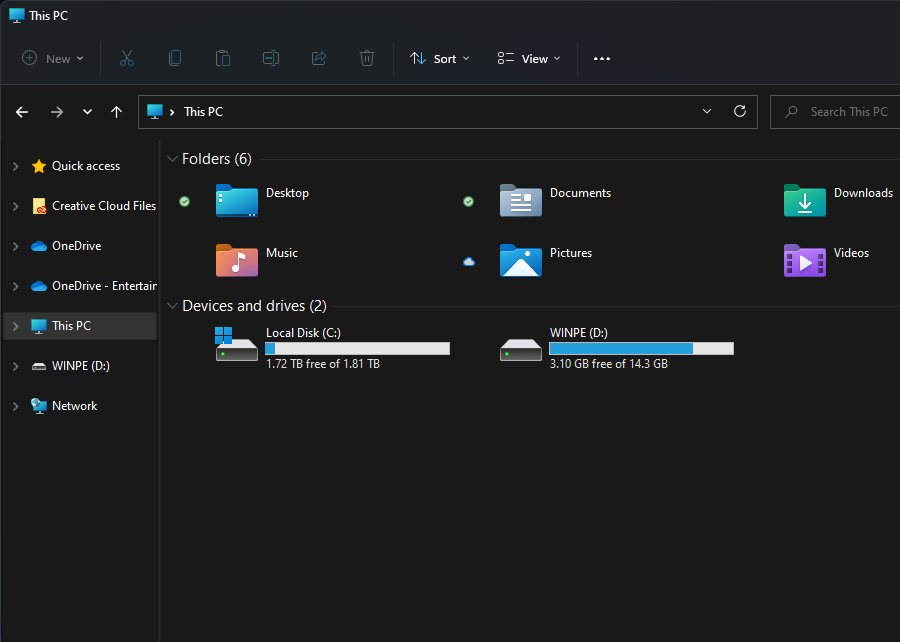
The first thing we need to do is format the USB stick, this will erase the entire drive so make sure to back up anything you wish to keep. You can find the USB stick under ‘This PC’ as shown above.
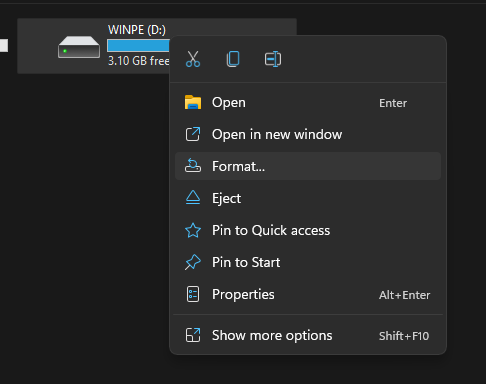
When you’re ready, right-click on the USB Stick and click ‘Format’. This will open up a new window.
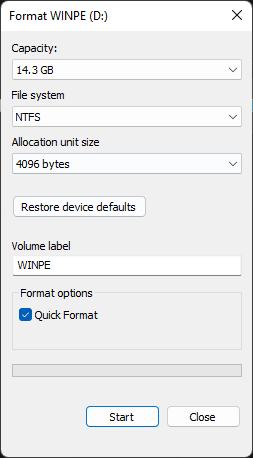
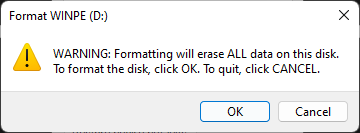
From here you can format your USB Stick. The capacity and allocation unit size can be left as it is. Ensure that the File System is set to ‘NTFS’ and the Volume Label is ‘WINPE’. A quick format will do here. When you click ‘Start’ a warning will pop up, click ‘OK’.
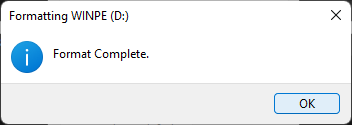
Once it has completed the format, a window will pop up telling you so.
Förbered dina installationsfiler
Now that your USB flash drive is ready, we can download and set up the files needed for the Windows installation. You can download the installation files for your device from GPD by following the link below.
| DEVICE | DOWNLOAD |
| GPD WIN Mini 2023 & 2024 (7640U, 7840U, 8840U) | DOWNLOAD HERE |
| GPD WIN Mini 2025 (8840U / HX 365 / HX 370) | DOWNLOAD HERE |
| GPD WIN 4 2022 (6800U) | DOWNLOAD HERE |
| GPD WIN 4 2023 & 2024 (7640U, 7840U, 8840U) | DOWNLOAD HERE |
| GPD WIN 4 2025 (8840U / HX 370) | DOWNLOAD HERE |
| GPD WIN MAX 2 2022 (6800U) | DOWNLOAD HERE |
| GPD WIN MAX 2 2023 & 2024 (7640U, 7840U, 8840U) | DOWNLOAD HERE |
| GPD WIN MAX 2 2025 (8840U / HX 370) | DOWNLOAD HERE |
| GPD POCKET 3 (1195G7) | DOWNLOAD HERE |
| GPD POCKET 3 (N6000) | DOWNLOAD HERE |
| GPD POCKET 4 (8840U / HX 365 / HX 370) | DOWNLOAD HERE |
| GPD MICROPC 2 (N250/N300) | DOWNLOAD HERE |
When you’ve found the installation for your device click on ‘Download’. You will be taken to the download page on Google Drive.
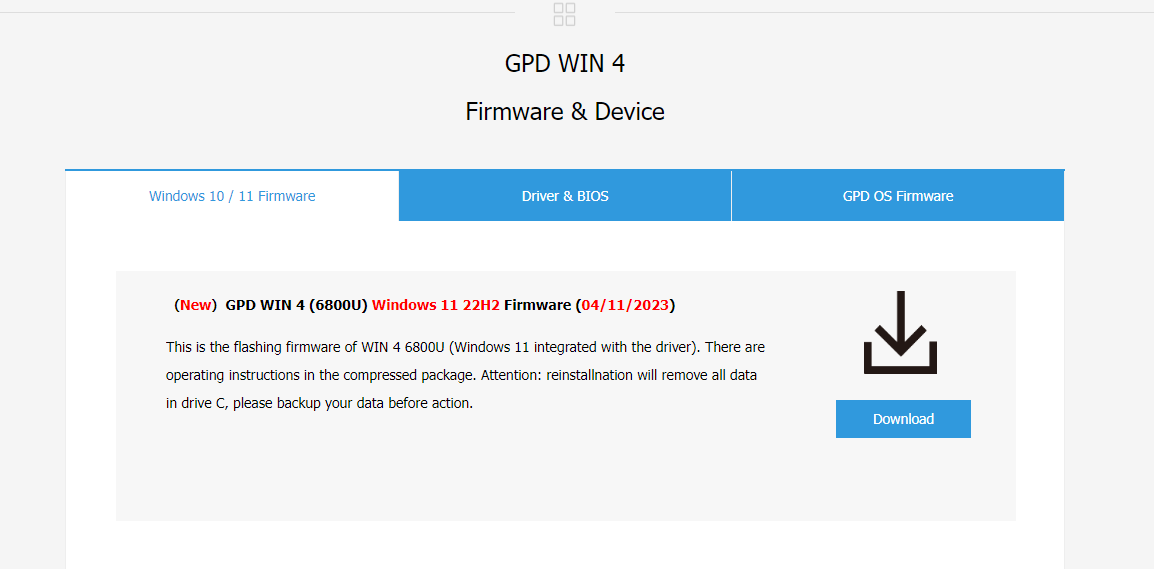
Klicka på ”Download” igen, så kommer du till en sida där du måste bekräfta.

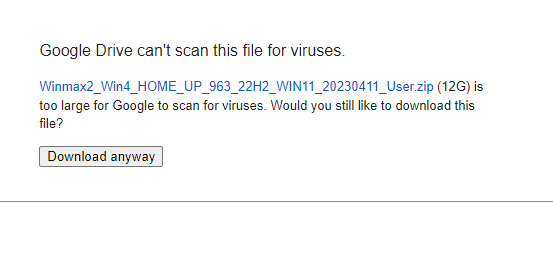
Click on ‘Download anyway’ to download the file. It will download a ZIP to your computer.
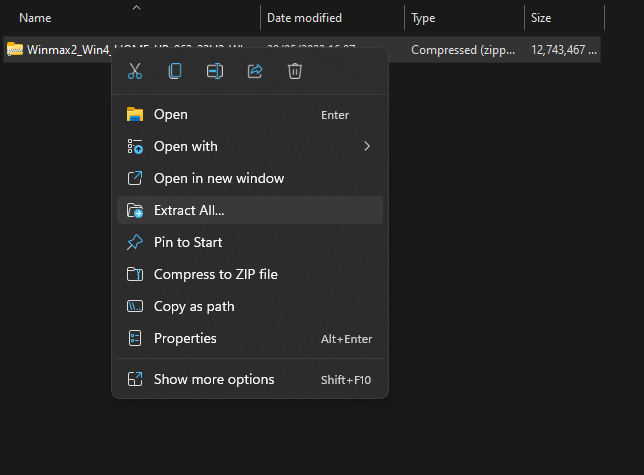
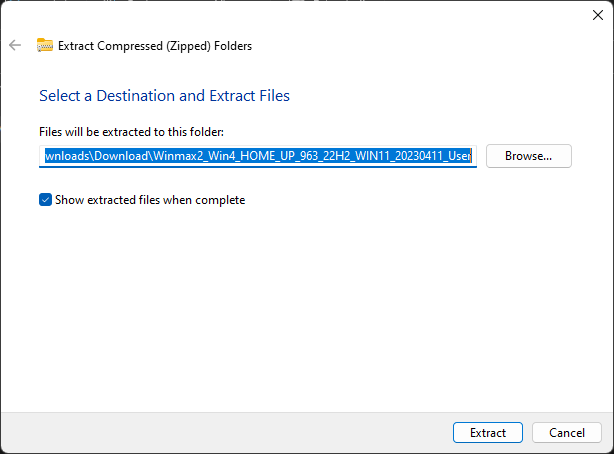
Locate the ZIP file, then right-click and select ‘Extract All…’. This will open a new window.
När extraktionsfönstret öppnas klickar du på ”Extrahera”. En förloppsindikator som visar hur lång tid det tar kommer att dyka upp.
Once the files have been extracted, open up the new folder and the contained folder until you find the installation files, as seen in the photo below. Select all of the files and copy them over the newly formatted USB stick. This can be done by opening the USB stick in a new window. Press Ctrl+A to select all of the files and drag them over to the USB stick. Another progress window will show you how long the copying will take.
If the file is and ISO file, please follow the guide here to write the file to a USB drive, and continue below once completed.
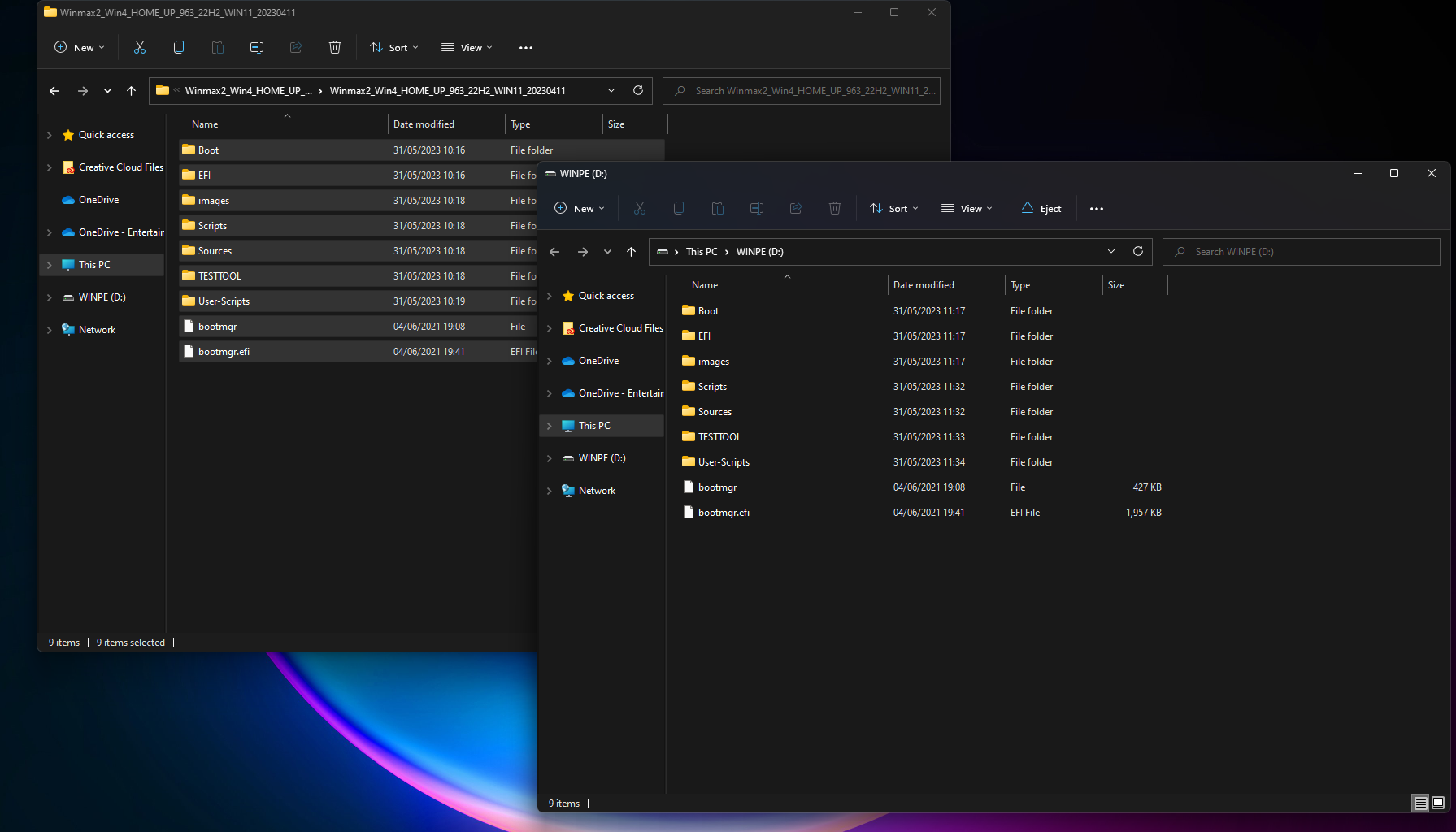
Once all of the files have been copied over, if you’re using a separate computer, you’re free to eject the USB Stick by right-clicking on it and clicking ‘Eject’.

Installera Windows på din GPD Win-enhet
You are now ready to install Windows onto your GPD device.
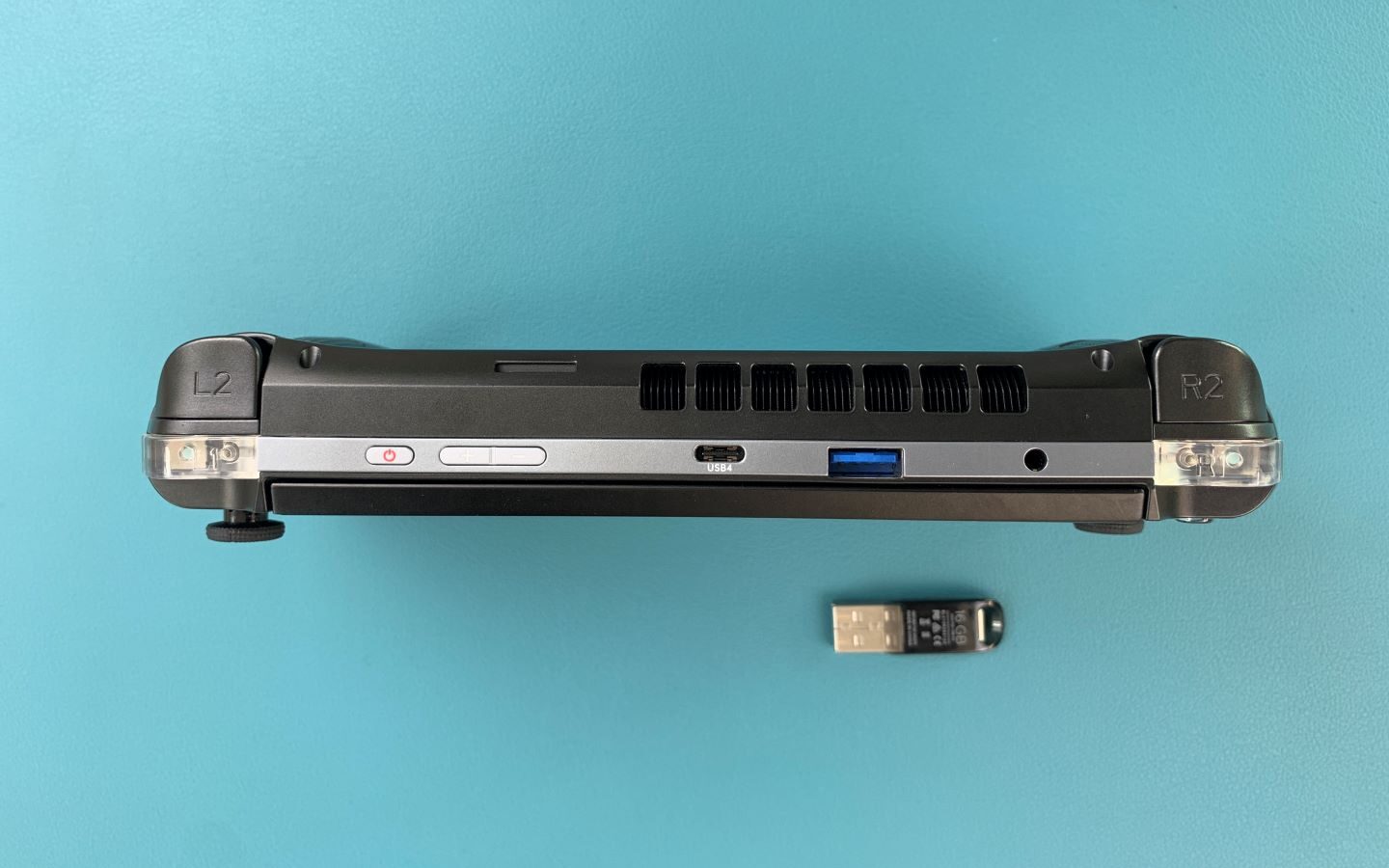
Ensure your USB Stick is plugged into the USB Port at the top of the device. You can then press the power button on the top of the device. You will need the keyboard for the next section, and slide the screen up.
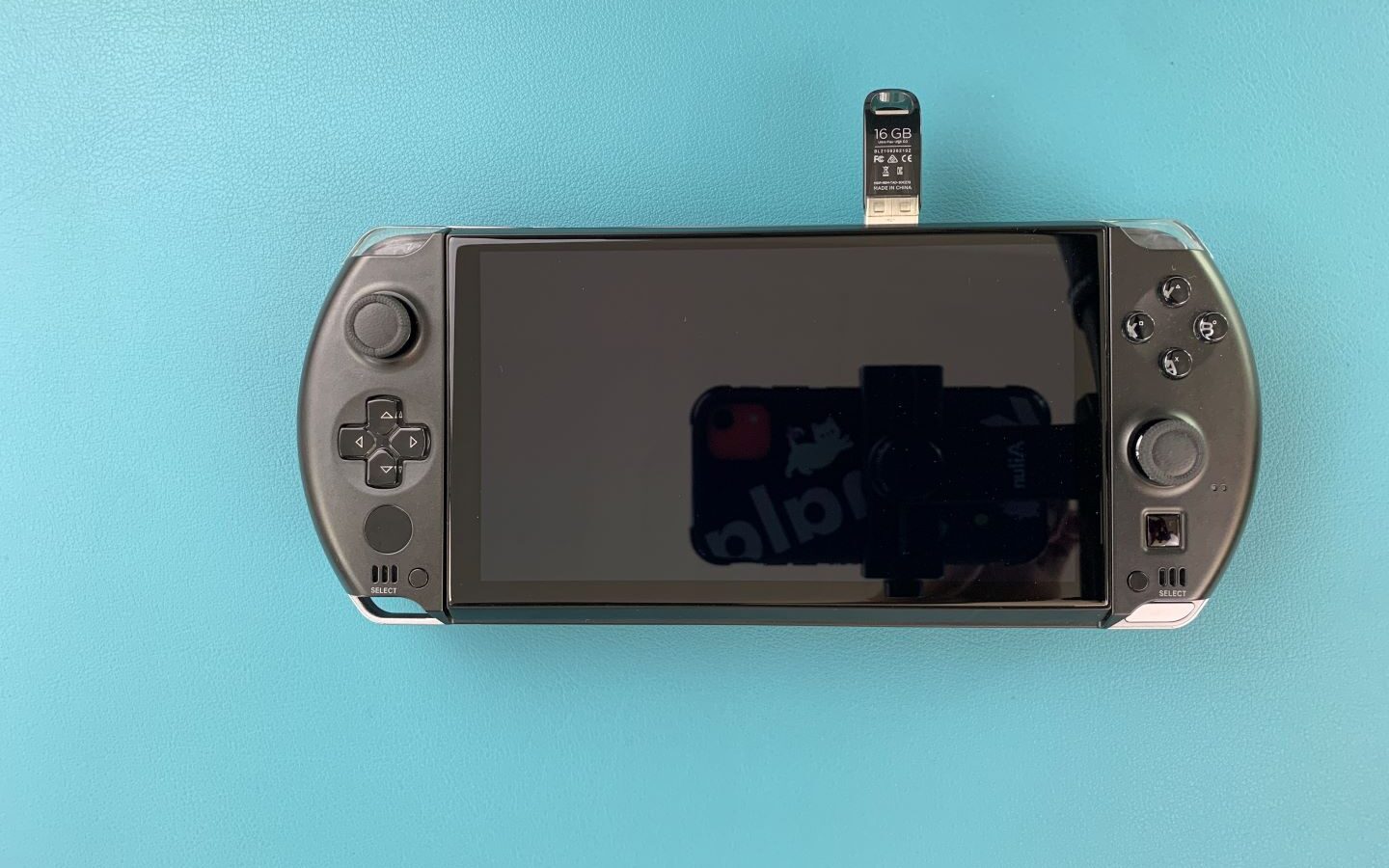
Hold down Fn and the 7(F7) key until you get to the boot menu, as seen above. Click on the Down Arrow key to highlight the USB Stick and click Enter to select and boot from it.

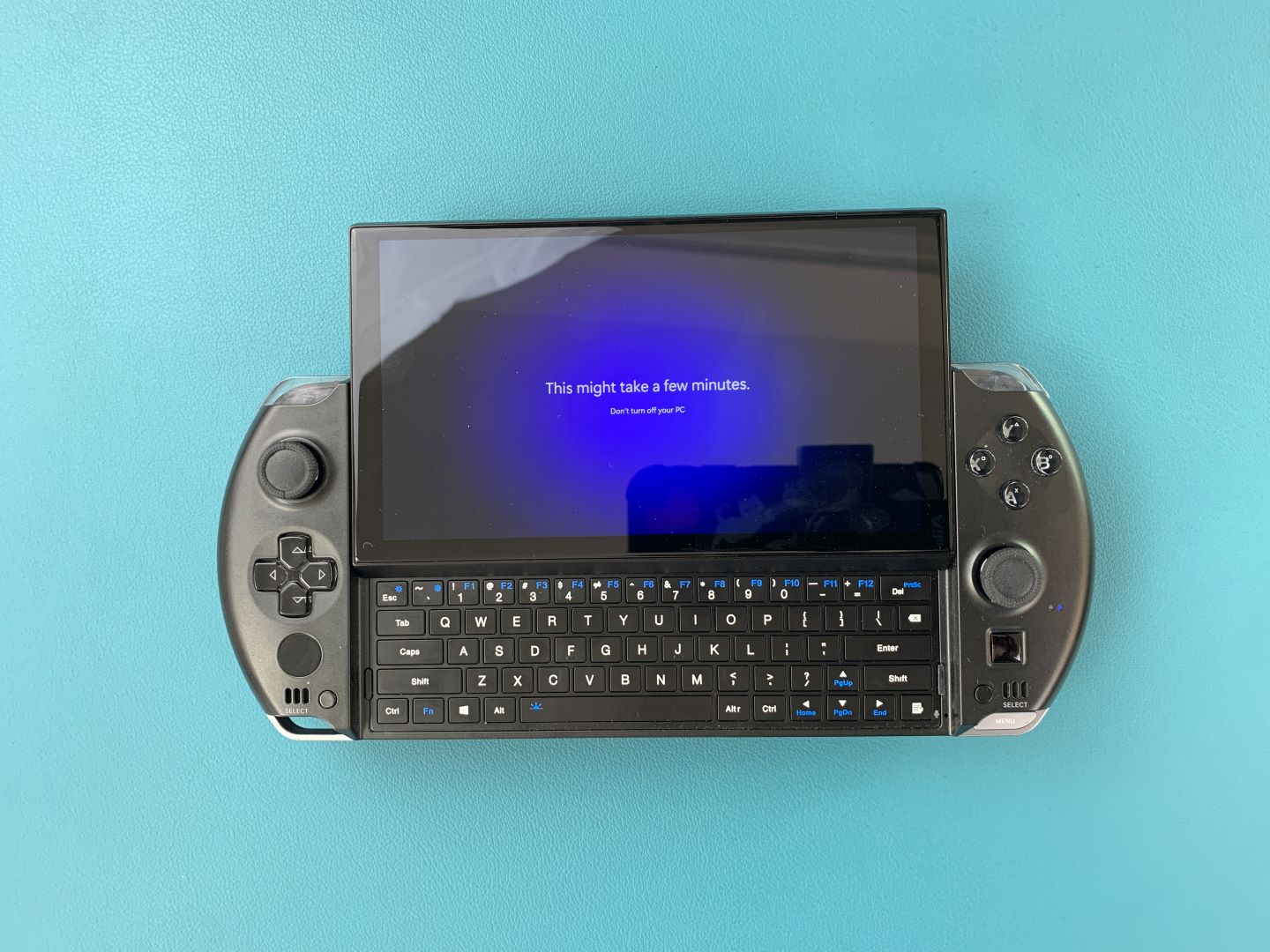
You will be greeted with a GPD loading screen as the device gets ready.
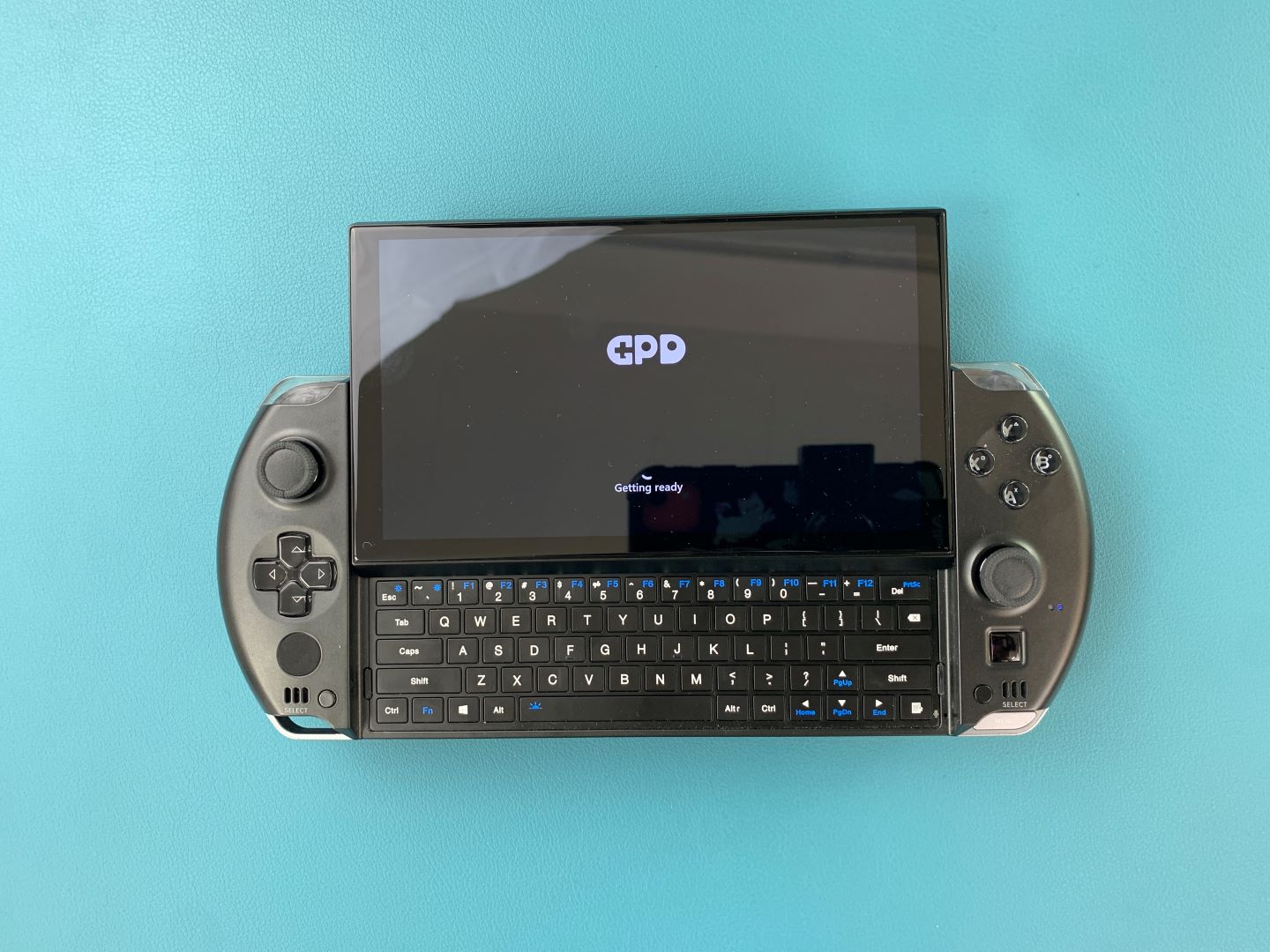
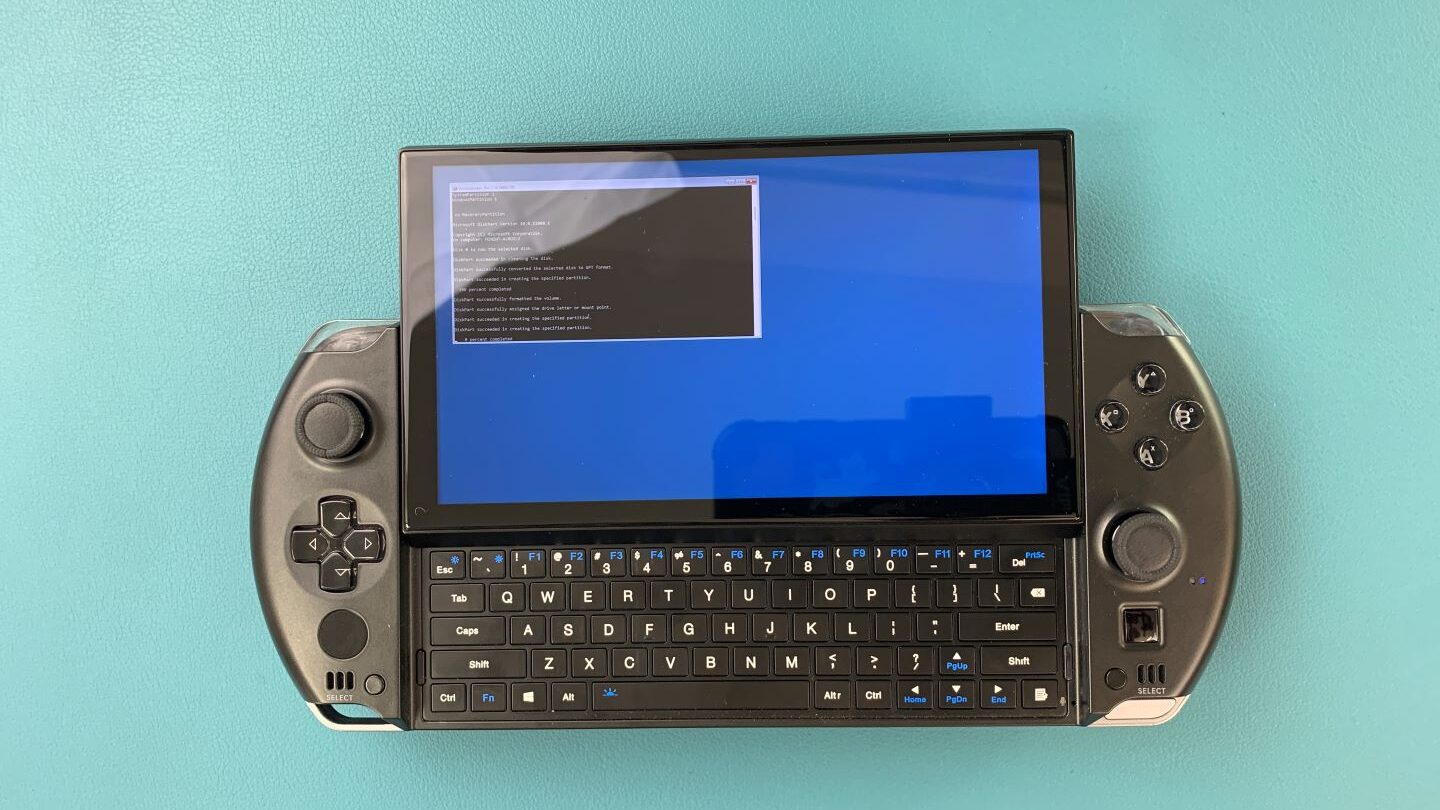
The device will boot from the USB Drive and automatically load and run a script to install a fresh copy on Windows. Let it run when this is happening.
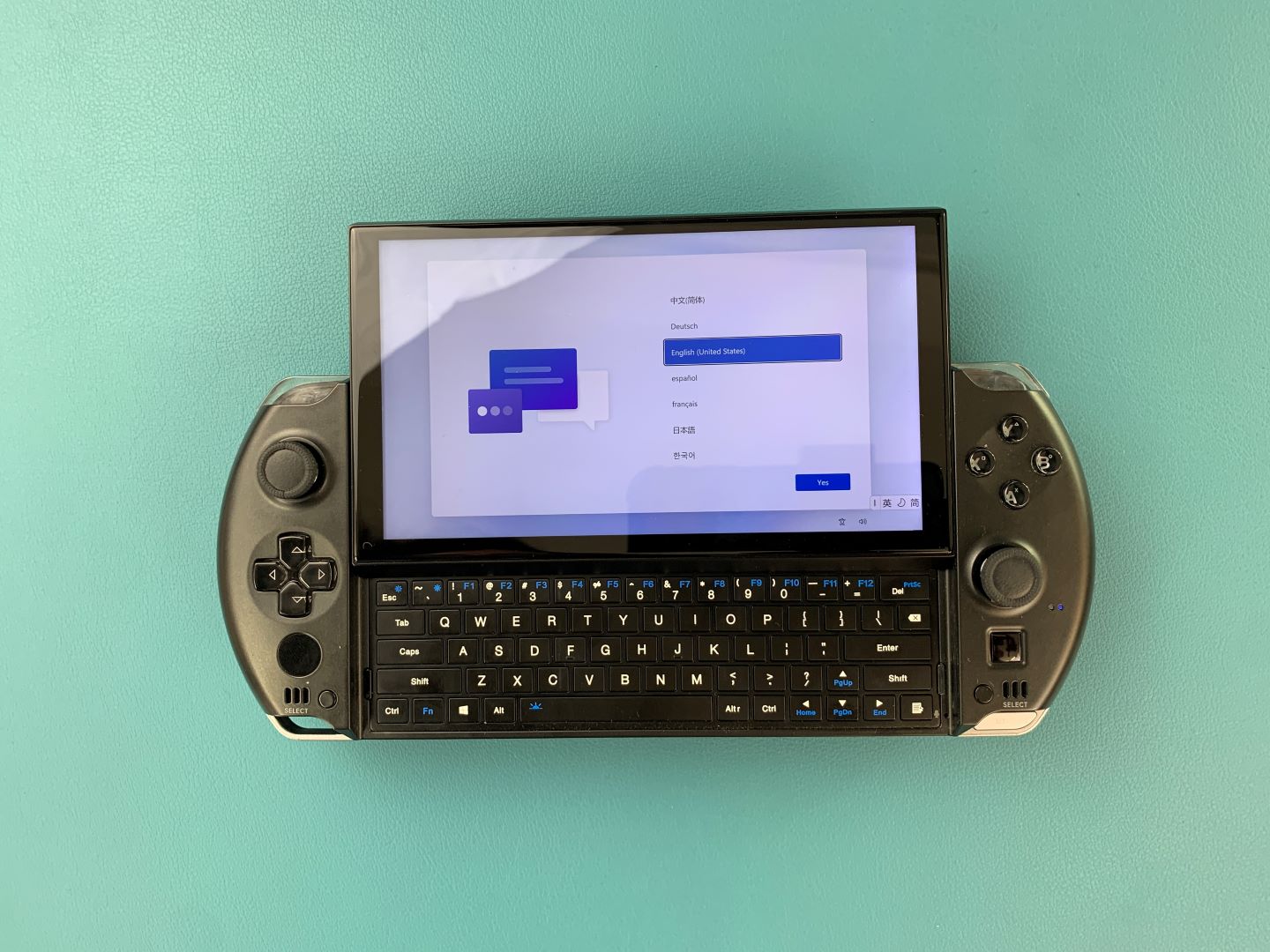
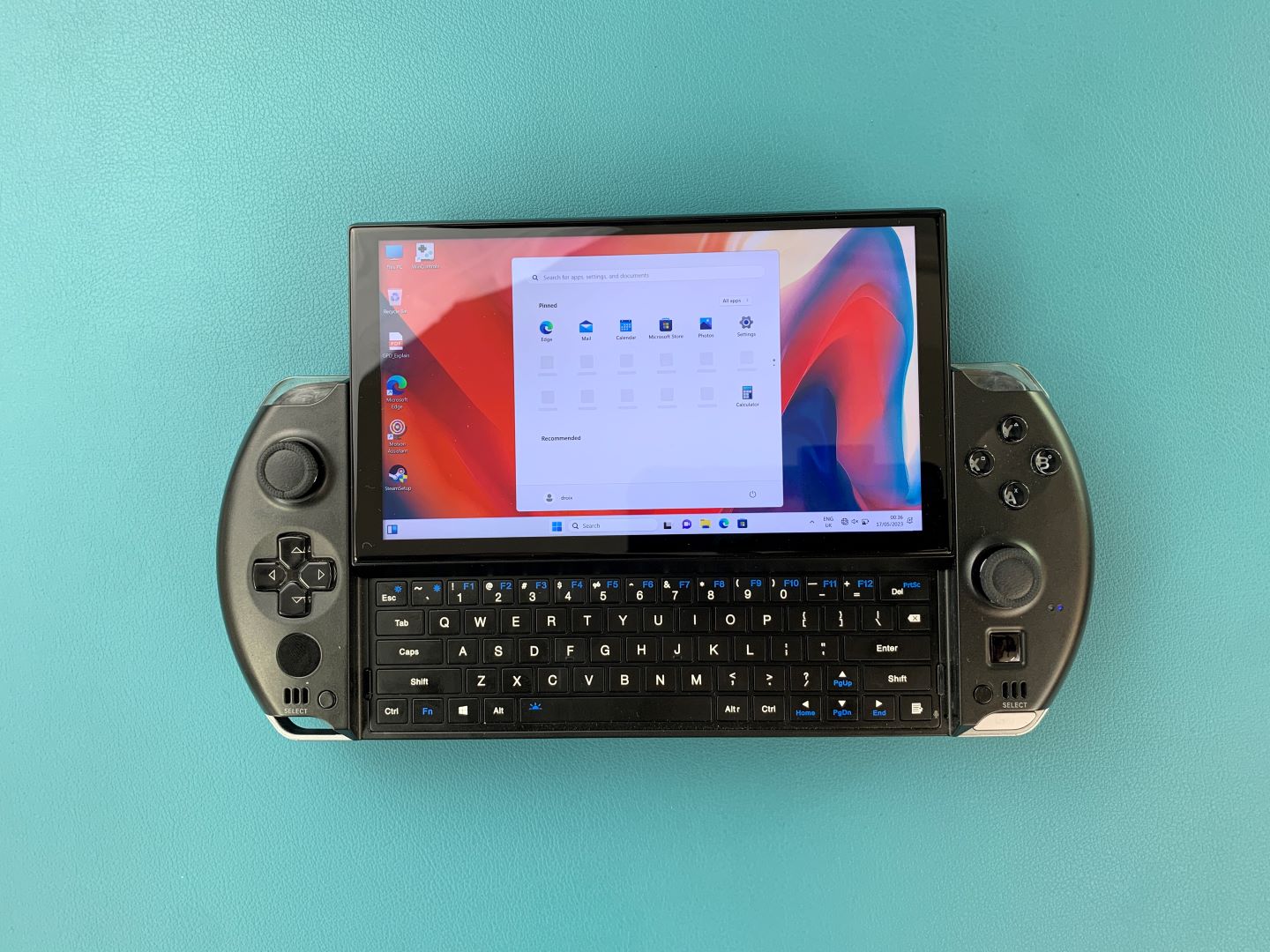
Once it is completed you will taken to the Windows setup process. Go through it with your preferred settings as you would any PC.
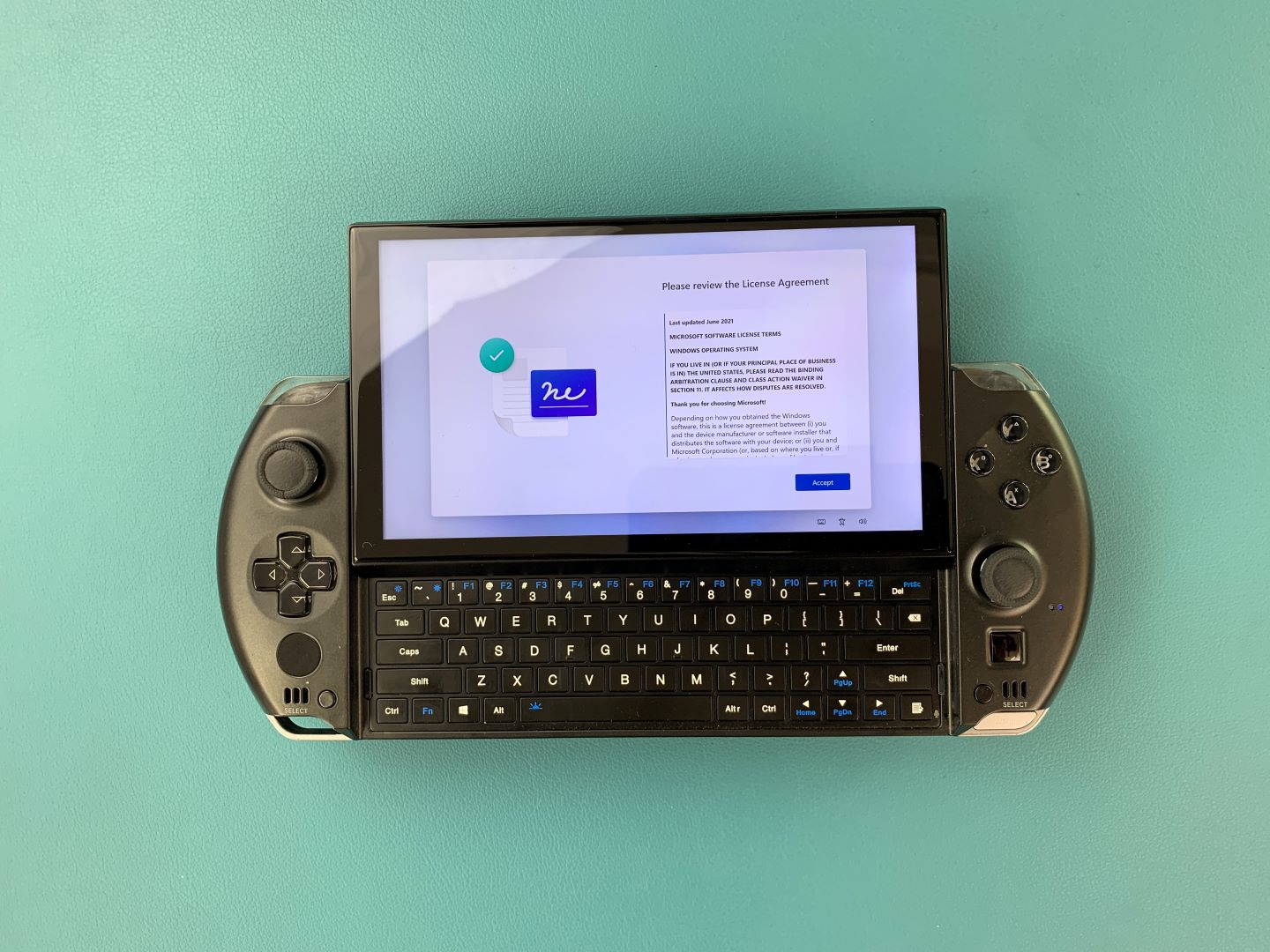
The setup process will need to be finalised, wait for a few minutes as it does.
You will be taken to the Windows home screen. Congratulations, you have successfully reinstalled Windows on your GPD Device. You are free to remove the USB Stick and get to gaming!
To learn more about your device check out the product page here.
To learn more about our other offerings and products take a look at other Knowledge Base articles here.
From the blog
Visit the blog GPD MicroPC 2 N350 är här: Uppgraderingen 2026 ger nyare Intel-prestanda
4 juni 2026
GPD MicroPC 2 N350 är här: Uppgraderingen 2026 ger nyare Intel-prestanda
4 juni 2026
 GPD MicroPC 2 N350 är nu tillgänglig: Uppdateringen 2026 lägger till nyare Intel-kraft
4 juni 2026
GPD MicroPC 2 N350 är nu tillgänglig: Uppdateringen 2026 lägger till nyare Intel-kraft
4 juni 2026
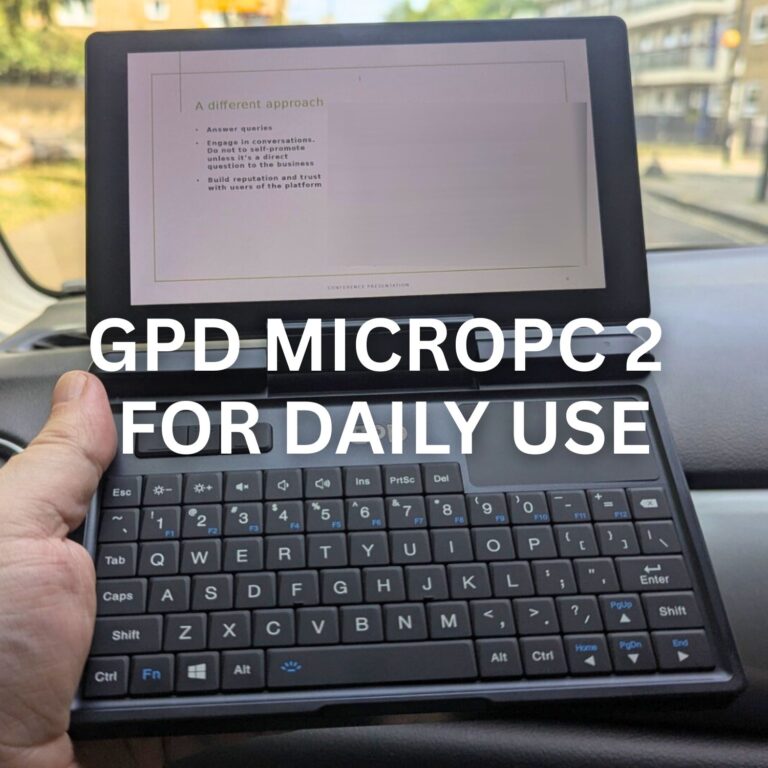 Kan GPD MicroPC 2 för dagligt bruk verkligen ersätta din bärbara dator och surfplatta? Ett veckolångt test
10 november 2025
Kan GPD MicroPC 2 för dagligt bruk verkligen ersätta din bärbara dator och surfplatta? Ett veckolångt test
10 november 2025
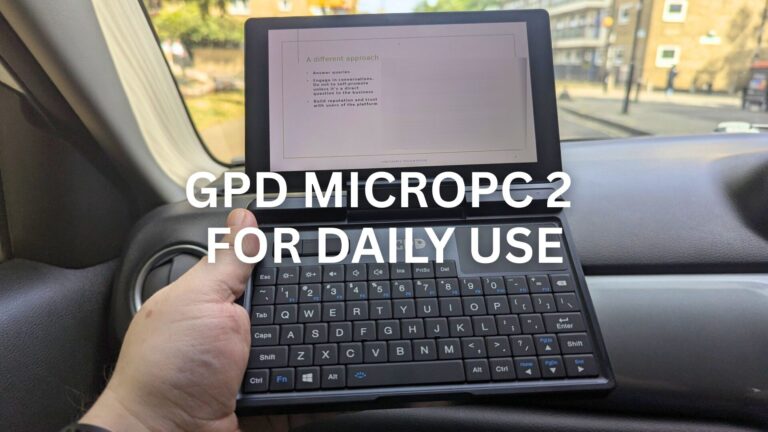 Jag ersatte min bärbara dator och surfplatta med en GPD MicroPC 2 för daglig användning under en vecka: Här är vad som hände
10 november 2025
Jag ersatte min bärbara dator och surfplatta med en GPD MicroPC 2 för daglig användning under en vecka: Här är vad som hände
10 november 2025
Frågor & svar 4
The link for Win Max 2 is just the same w/ the 2023 version/
You are correct, our apologies for that. It’s now fixed.
Hello,
I have tried to download the Windows firmware ”GPD MicroPC 2 — Windows 11 24H2 Home Firmware”, it is failing at 10.471 GB (the target size is supposed to be 14.1GB. I encountered the same issue when trying to download from gpd.hk at a diffrent size, around 10.7GB. Please, how can I get this firmware without failure?
Many thanks,
Yvan
Does your browser give any reason for stopping the download? Try a different browser or use a download manager and see if that makes any difference. If you are still having an issue and you purchased the GPD MicroPC 2 from us at DROIX, please email [email protected] with your order number and some details, customer service will be able to advise. Thanks.