




If you are watching a video, and notice that the actors don’t have lip sync, please keep the video or stream in XBMC open and playing, and click the little round speaker icon towards the bottom of the screen.
Different skins may use different icons, but one of the playback GUI buttons will take you to the window you need.
In the window that appears, click on the Audio offset entry, and adjust the slider until lip sync is achieved.
If all videos do not achieve lip sync, then return to the previous menu and then click the Set as default for all videos entry, this setting will then be saved for all streams.
Was this article helpful?
Latest from the blog
Visit the blog AYN Odin 3 Portal Pre-Order – 7-Inch OLED Android Handheld With 9000mAh Battery
20 November 2026
 Retroid Pocket Duo Pre-order Open: Two 120Hz OLED Screens in a 350g Android Clamshell
20 November 2026
 Retroid Pocket Duo Lite Pre-order: A Dual-Screen Android Handheld
20 November 2026
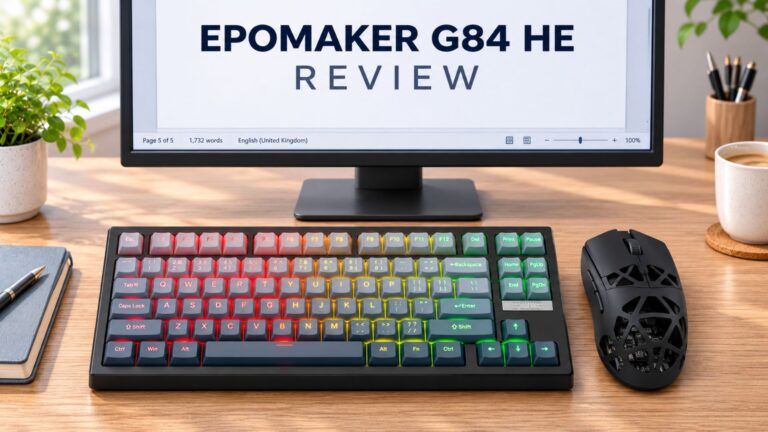 EPOMAKER G84 HE Review – 80% Hall Effect keyboard with 8K polling, an 8,000mAh battery and a creamy gasket build for gamers
9 November 2026
Questions & answers