




If you use an application that doesn’t process your controller’s clicks correctly, you can either ask the application author to update their code, or fool the app into thinking a different type of controller is being used.
Whether you want to emulate a touchscreen tap (as with a phone or tablet) instead of a mouse click, or want to use your gaming controller with a different layout, read on to learn how to install and configure Tincore Keymapper.

Open the Play Store application on your device and search for Tincore Keymapper

Click on the correct search result and select install


Once installed, you can either open it immediately, or if you’re not in the Play Store next time, you’ll find the app listed as normal amongst the other applications


If Android worries that the app isn’t responding in a timely manner, reassure it with a “Wait” button click.
Once Tincore Keymapper has analyzed your system, you’ll have an introductory screen and images to check through.

Once the intro screen is closed, it may appear that the app has vanished. It is now residing in your notification area. For most Kitkat or earlier devices, if you can’t see the notification drawer move the Air Mouse cursor to the top left and drag down.

Open the application you want to have remapped keys in, then bring the notification screen down again and click the Tincore Keymapper entry to make it visible.
The exact name of the Controller entry you need will vary depending on the controller you’re using, but it should stand out.
Now click on the entry related to clicking with your controller in Air Mouse mode.


Select the Touch screen option (instead of a “normal” Android mouse click, you can now directly emulate touching the screen with your controller.


You can now turn off Tincore’s visibility in the same was as you turned it on, bring the notification drawer down and click Tincore’s entry once more.
You can use this same application to remap gamepads and other controllers to emulate different types of peripherals. http://tincore.freewiki.in/index.php/Configuration has a lot more information on this topic.
Our thanks to “lukas” over at the Xtreamer forum for suggesting this approach. Once registered at their forum, you can view his original post within http://forum.xtreamer.net/topic/39840-fw-585-android-apps-compatibility .
Was this article helpful?
Latest from the blog
Visit the blog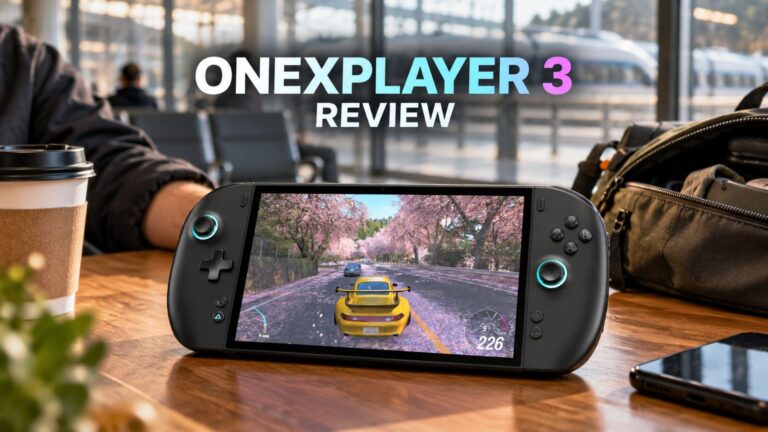 ONEXPLAYER 3 Review – 8.8-Inch AMOLED Gaming, Modular Controls and Surprising Battery Life
14 October 2026
ONEXPLAYER 3 Review – 8.8-Inch AMOLED Gaming, Modular Controls and Surprising Battery Life
14 October 2026
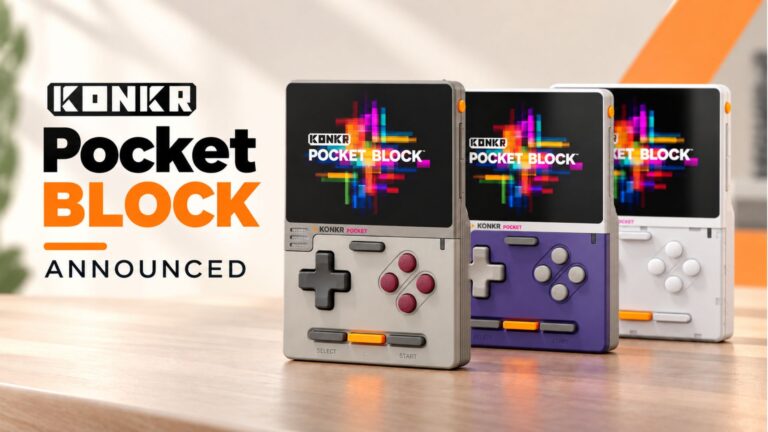 KONKR Pocket BLOCK Announced: A Tiny Vertical Android Handheld with a 4:3 Screen
1 October 2026
KONKR Pocket BLOCK Announced: A Tiny Vertical Android Handheld with a 4:3 Screen
1 October 2026
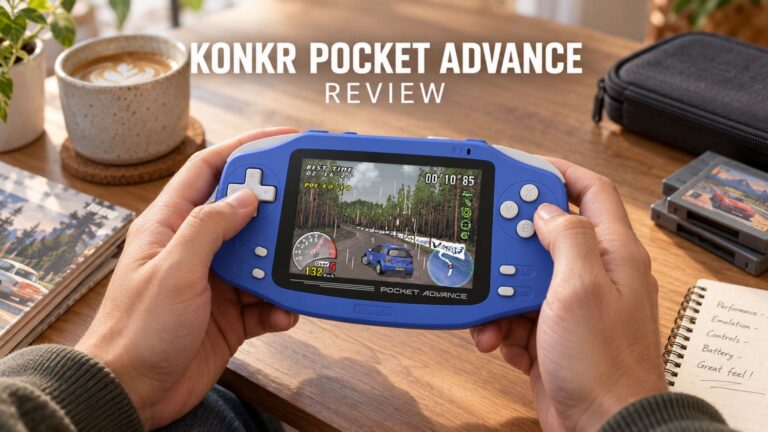 KONKR Pocket ADVANCE review – A pocket-sized GBA-focused Android gaming handheld
24 September 2026
KONKR Pocket ADVANCE review – A pocket-sized GBA-focused Android gaming handheld
24 September 2026
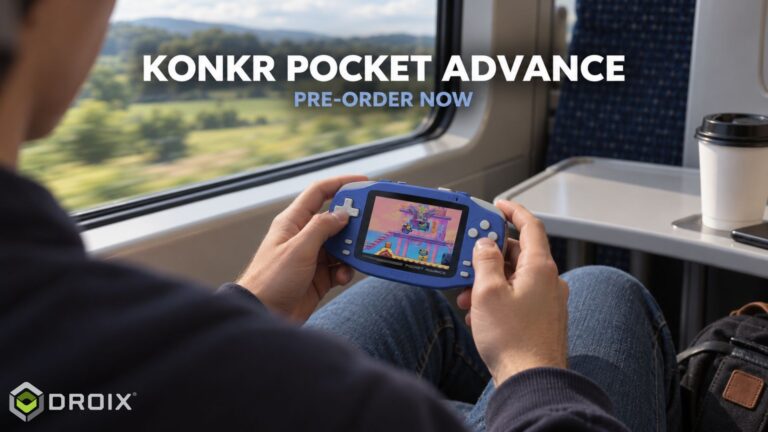 KONKR Pocket Advance Pre-order: A Compact Android Handheld Built for Retro Gaming
23 September 2026
KONKR Pocket Advance Pre-order: A Compact Android Handheld Built for Retro Gaming
23 September 2026
Questions & answers