




Proper charging is crucial for the longevity and safety of your Anbernic device. Follow these guidelines to ensure safe charging and avoid potential damage.

Use Only the Supplied Cable
- Always use the USB-A to USB-C cable provided with your Anbernic device.
- Avoid using USB-C to USB-C cables, even if they seem compatible.
Stick to 5V Chargers
- Use chargers that output 5V only.
- Ideal power output: 5V/1A or 5V/1.5A (check your device’s specifications).
- Maximum safe output: 5V/2A (do not exceed this).
Avoid Fast Chargers
- Do not use fast chargers, quick chargers, or chargers labeled as “PD” (Power Delivery).
- These can potentially damage your device or cause battery issues.
Safe Charging Options
- Use the charger supplied with your Anbernic device (if included).
- Use a standard USB-A port on your computer.
- Use older, lower-power phone chargers (e.g., older iPhone chargers rated at 5V/1A).

Charging Best Practices
- Monitor your device while charging, especially the first few times.
- Unplug the device once fully charged; avoid leaving it plugged in continuously.
- If the device feels unusually warm while charging, unplug immediately.
Warning Signs
If you notice any of the following, stop using the device and contact support:
- Battery swelling
- Unusual heat during charging
- Rapid battery drain
- Device not charging properly

Why This Matters
Anbernic devices are not designed to handle higher voltages or fast charging protocols. Using incompatible chargers can lead to:
- Overheating
- Battery damage
- Potential fire hazards
- Shortened device lifespan
By following these guidelines, you can ensure safe charging and optimal performance of your Anbernic device. Remember, when in doubt, always err on the side of caution and use the lowest power option available.
Was this article helpful?
Latest from the blog
Visit the blog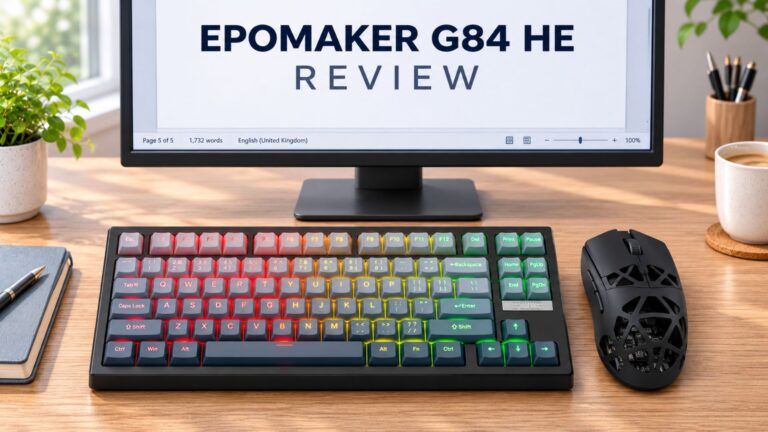 EPOMAKER G84 HE Review – 80% Hall Effect keyboard with 8K polling, an 8,000mAh battery and a creamy gasket build for gamers
9 November 2026
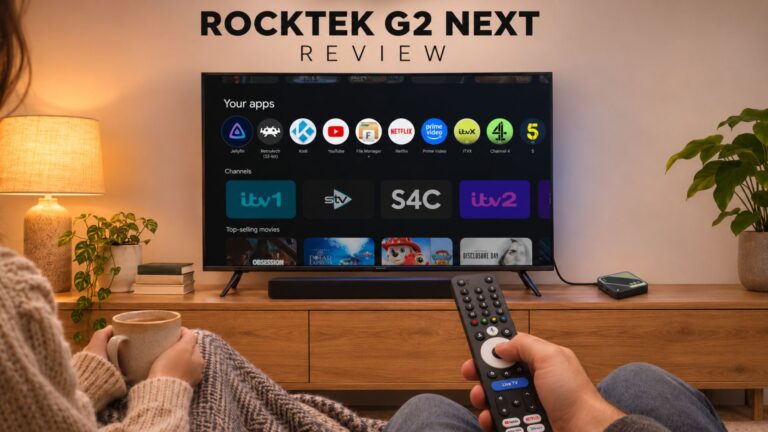 RockTek G2 Next Review – Faster Android TV 14 Streaming with Wi-Fi 6 and Gigabit Ethernet
5 November 2026
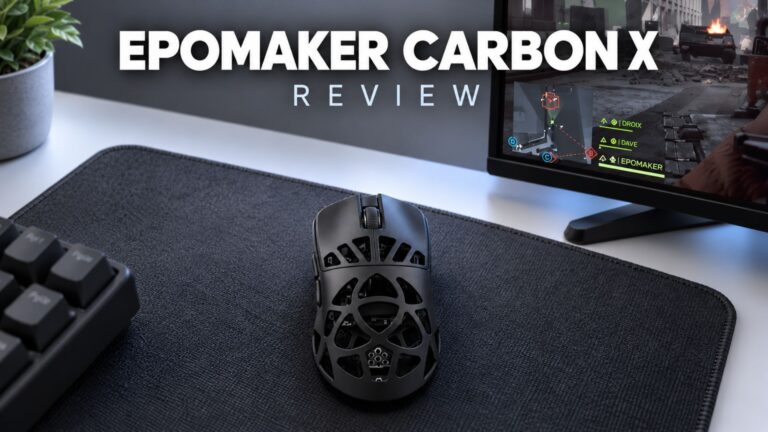 EPOMAKER Carbon X Review – 46 g Carbon-Fibre 8K Wireless Mouse for Competitive FPS
2 November 2026
 GPD WIN Mini Ultra – A Bigger 8-inch 120Hz Screen, Intel Arc G3 Extreme and Dual USB4 v2.0
27 October 2026
Questions & answers