




If you’re familiar with this process on a T8-S, it is exactly the same procedurally.
For everyone else, please watch a video
4 minutes 54 second is the relevant part (the rest is the How To Video for the T8-S Plus)
We’re interested in pausing at around 8 minutes 26.
Format internal HDD is the menu entry you want.
PLEASE MAKE SURE YOU REMOVE ALL USB STORAGE DEVICES BEFORE CLICKING THIS OPTION.
openELEC/Linux does not differentiate between internally connected and USB connected drives.
Click this menu entry and confirm your choice.
Continue to watch video after that to see how to switch back to Android if you prefer.
After the process has finished the drive will show in openELEC and Android (I’d recommend ES File Explorer, expand the LOCAL menu on the left). In the openELEC OS, it will be in the VARMEDIA area (starting from root).
Was this article helpful?
Latest from the blog
Visit the blog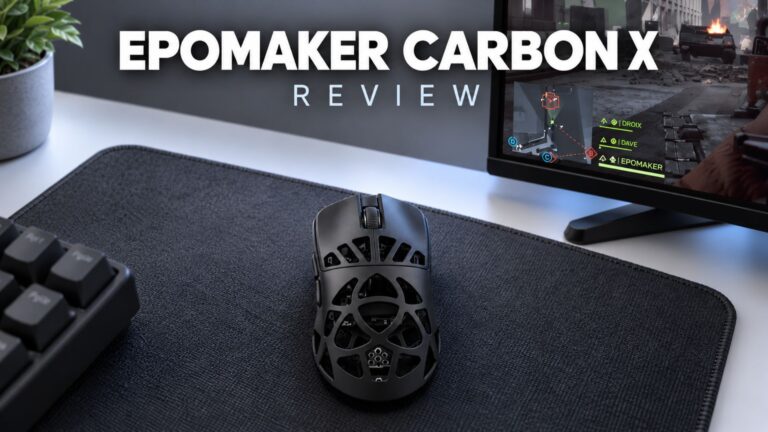 EPOMAKER Carbon X Review – 46 g Carbon-Fibre 8K Wireless Mouse for Competitive FPS
2 November 2026
EPOMAKER Carbon X Review – 46 g Carbon-Fibre 8K Wireless Mouse for Competitive FPS
2 November 2026
 GPD WIN Mini Ultra – A Bigger 8-inch 120Hz Screen, Intel Arc G3 Extreme and Dual USB4 v2.0
27 October 2026
GPD WIN Mini Ultra – A Bigger 8-inch 120Hz Screen, Intel Arc G3 Extreme and Dual USB4 v2.0
27 October 2026
 RockTek PJ500 Ultra Review – A 1080p Home Cinema Projector for Streaming and Gaming
27 October 2026
RockTek PJ500 Ultra Review – A 1080p Home Cinema Projector for Streaming and Gaming
27 October 2026
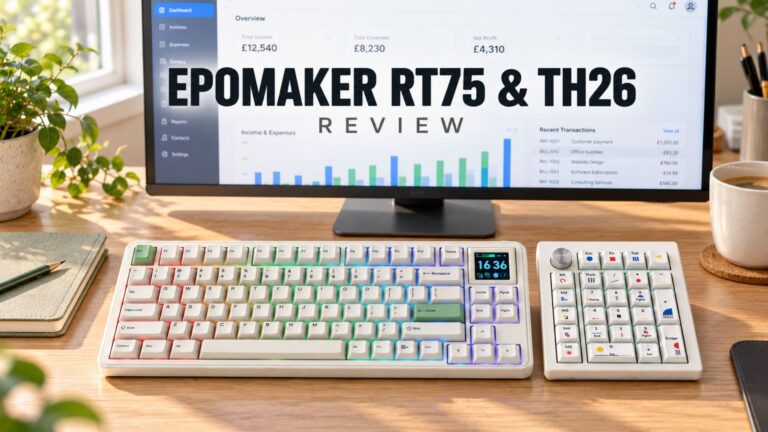 EPOMAKER RT75 and TH26 Review – Retro 75% Keyboard with Detachable Screen and 5-Key Macro Numpad
26 October 2026
EPOMAKER RT75 and TH26 Review – Retro 75% Keyboard with Detachable Screen and 5-Key Macro Numpad
26 October 2026
Questions & answers