

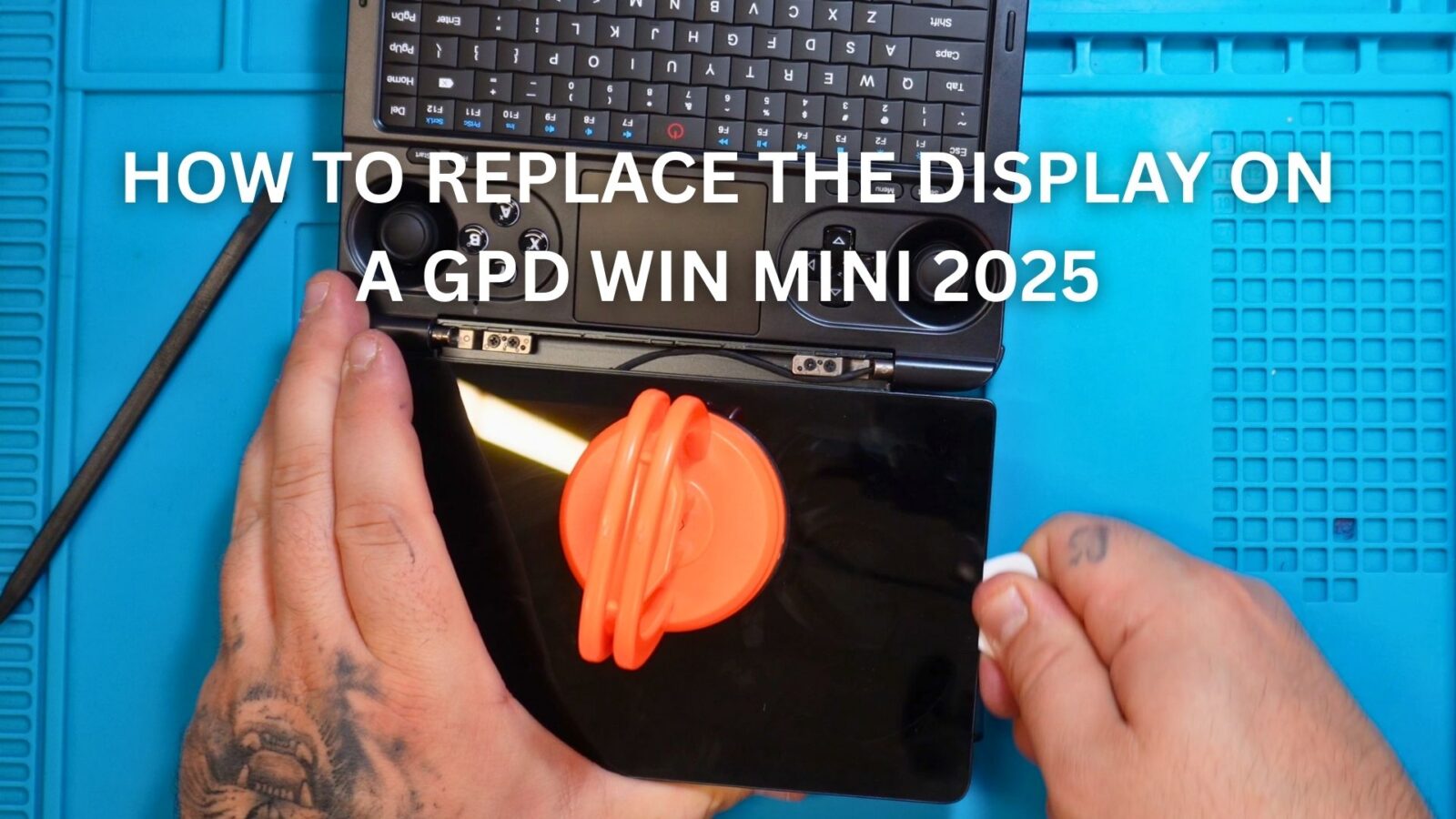
This video will show you step by step on how to change the display on a GPD WIN Mini 2025. You will need a few tools including a spudger, hot air gun or a hairdryer to soften the glue holding the display in place. A hot air gun is preferable, but an hairdryer can be used though it may take longer to soften the glue.
As always, while we do allow self repairs, any damage caused by yourself is not covered by our warranty (see Terms & Conditions here). Please only do so if you feel you are confident that you can do it. Watch the video first, and judge for yourself.
How to replace the GPD WIN Mini 2025 Display Video
00:00 How to change the GPD WIN 5 2025 Display
00:14 Removing the hinge cover
00:35 Removing the display
01:57 Disconnect the display cable
02:16 Removing the old glue
02:55 Reconnect the display cable
03:18 Test the display and touchscreen
03:53 Fitting the new display
04:31 Fitting the hinge cover
04:48 Like & Subscribe



