



Files used in this guide
Changelog
- Source guide: Selling Your DROIX Product? Don’t Forget to Transfer the Warranty!
Older versions stay downloadable for rollbacks — every version keeps its own verified file.
At DROIX, we stand by the quality of our products, and we want to ensure that support continues even if an item changes hands. If you are selling a product that you originally purchased from us, you can seamlessly transfer the remainder of its warranty to the new owner. To facilitate this, we have created a simple ‘Transfer of Ownership’ document. Completing this form is essential as it officially notifies us of the new owner, giving them peace of mind and ensuring our warranty records are always up-to-date.
For the transfer to be validated, the document must be completed and signed by both the original buyer (the seller) and the new owner at the time of the sale. This quick process provides us with the new owner’s contact details. Having this information on file is crucial should they ever need to arrange an RMA (Return Merchandise Authorisation) for a repair or replacement, guaranteeing a smooth and efficient customer service experience.
Please download the Transfer of Ownership PDF here, complete it either digitally or handwritten and scanned, and email the document to [email protected].
Popular right now
What people are buying this month
Prices as listed on each store

GPD WIN 5 (AI Max HX 385 – 32GB_RAM/1TB_NVME) (Raven Black)



 on 15 stores

MANGMI Pocket Max (Snapdragon 865 – 8GB_RAM/128GB_STORAGE) (Retro GB)
 on 14 stores

Latest from the blog
Visit the blog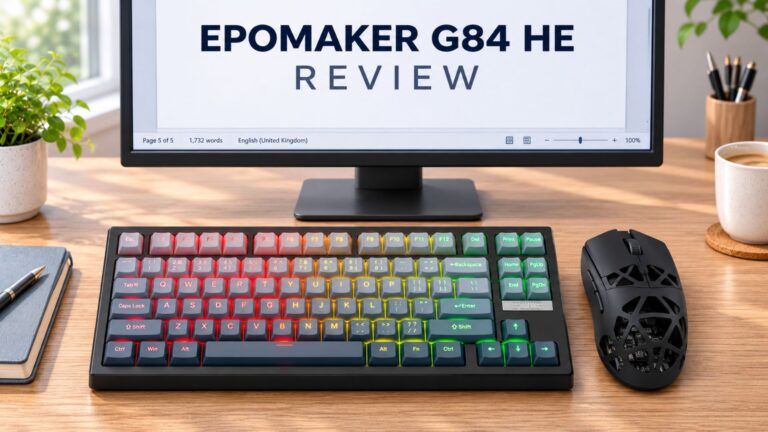 EPOMAKER G84 HE Review – 80% Hall Effect keyboard with 8K polling, an 8,000mAh battery and a creamy gasket build for gamers
9 November 2026
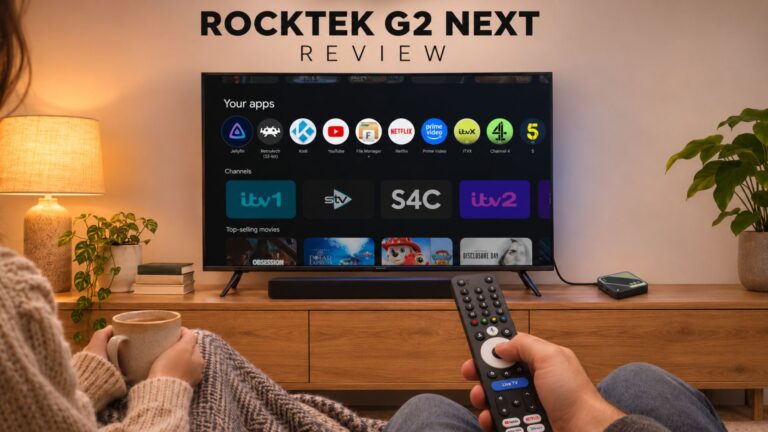 RockTek G2 Next Review – Faster Android TV 14 Streaming with Wi-Fi 6 and Gigabit Ethernet
5 November 2026
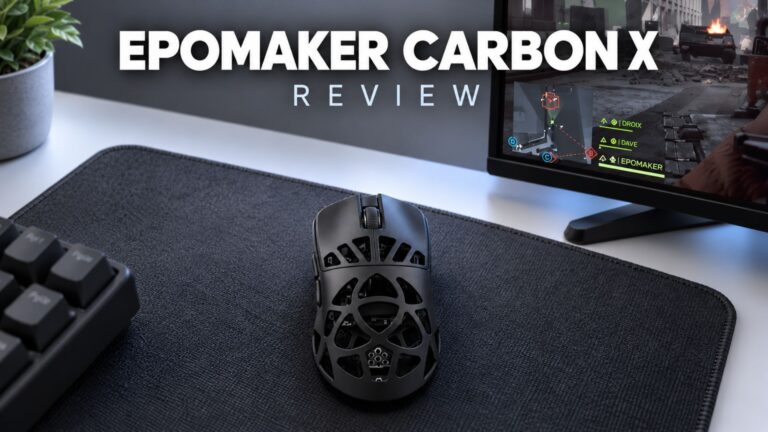 EPOMAKER Carbon X Review – 46 g Carbon-Fibre 8K Wireless Mouse for Competitive FPS
2 November 2026
Questions & answers