






AYANEO 3
Windows Handhelds
13 options · £953.95 to £1,856.95
From£1,234.95Out of stock



 on 4 stores
This video guide shows how to replace the AYANEO 3 SSD and continues with replacing the battery. If you need to do either, this guide will show you how. You will need a Phillips 000 screwdriver , a spudger and soft prying tool.
As always, while we do allow self repairs, any damage caused by yourself is not covered by our warranty (see Terms & Conditions here). Please only do so if you feel you are confident that you can do it. Watch the video first, and judge for yourself.
How to replace the AYANEO 3 SSD and battery video
AYANEO 3
Windows Handhelds
13 options · £953.95 to £1,856.95
From£1,234.95Out of stock
on 4 stores
Was this article helpful?
From the blog
Visit the blog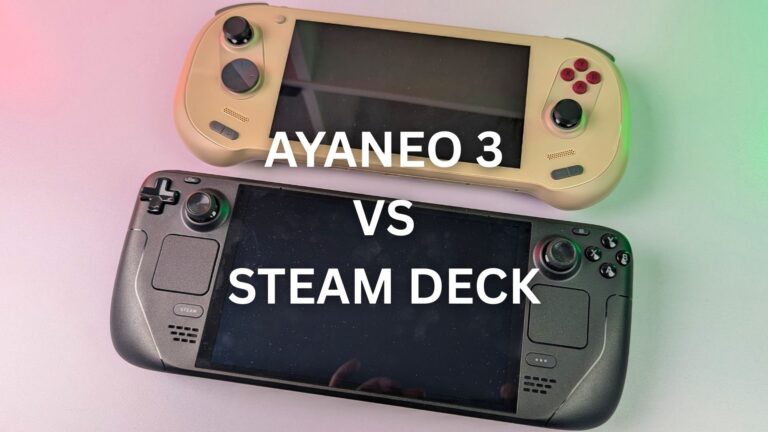 AYANEO 3 vs Steam Deck: The Complete Comparison
4 July 2025
AYANEO 3 vs Steam Deck: The Complete Comparison
4 July 2025
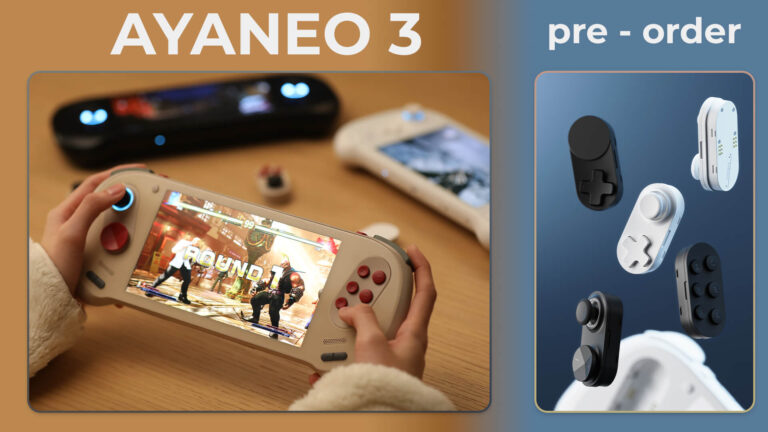 AYANEO 3 pre-order now available – Modular controls handheld gaming PC
27 February 2025
AYANEO 3 pre-order now available – Modular controls handheld gaming PC
27 February 2025
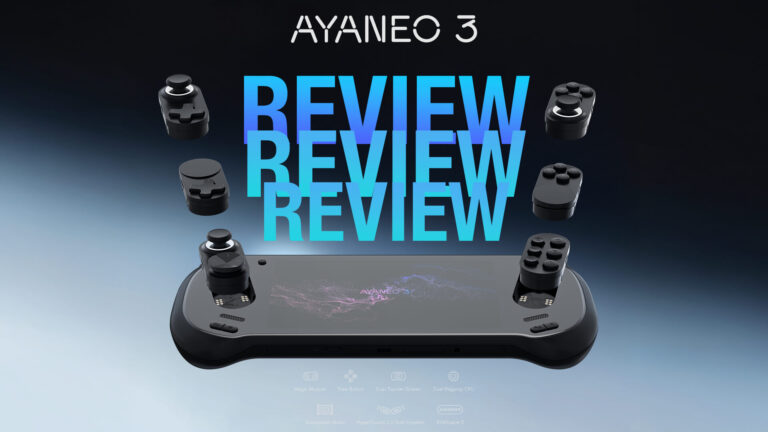 AYANEO 3 Review -A Modular Marvel With AMD HX 370 CPU Redefining Handheld Gaming PCs
20 February 2025
AYANEO 3 Review -A Modular Marvel With AMD HX 370 CPU Redefining Handheld Gaming PCs
20 February 2025
 AYANEO 3 Revealed in official announcement
8 November 2024
AYANEO 3 Revealed in official announcement
8 November 2024
Questions & answers