




Note: If you have a T8 SE or iMXQpro Mini please follow the guide here to update your firmware.
Please watch the below video for how to update the firmware and apps on your device.
The OTA updater app is an app that serves to update your DroiX. The firmware releases may or may not contain OS updates (Android and/or LibreELEC) depending on the device model, DroiX exclusive apps and 3rd party apps.
Each OTA updater app comes with a build version number and by looking at a newsletters or our forum boards you can check if you are already up to date with most recent firmware version available.
Please note: Kodi 17 and above requires Android 5 or above in order to run. If your device is on Android 4 it will not work. You can however install a custom build of Kodi 16 which has Kodi 17 features, please see here for more details.
Sometimes the OTA update can be interrupted or fail to start and in that case:
If you interrupted the install process you would need to do it all over again.
Please clear data on your OTA updater app and once that is done do force close.
Here is how to:
Go into Settings (2 cog icon) >Apps>Swipe right to system app list or all app list>OTA updater>Clear data and do force stop .
OR
Settings (2 cog icon) > Other>More Settings> Swipe right to system app list or all app list>OTA updater>Clear data and do force stop .
After this is done please make sure to go to OTA updater app from the home screen (app list) and press download.Once download is done please proceed with the install and factory reset (just to ensure that bugs do not occur afterwards).
If you try to update through OTA updater app and see messages such as Invalid ROM ID or similar, it may be that you are already up to date and will change message when an update is available.
Latest from the blog
Visit the blog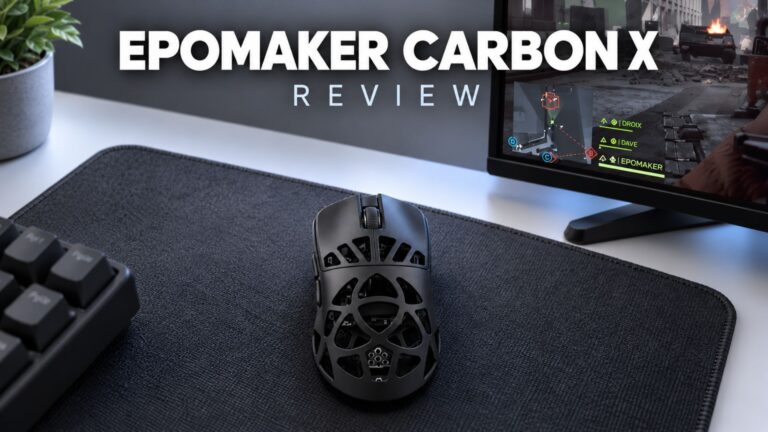 EPOMAKER Carbon X Review – 46 g Carbon-Fibre 8K Wireless Mouse for Competitive FPS
2 November 2026
 GPD WIN Mini Ultra – A Bigger 8-inch 120Hz Screen, Intel Arc G3 Extreme and Dual USB4 v2.0
27 October 2026
 RockTek PJ500 Ultra Review – A 1080p Home Cinema Projector for Streaming and Gaming
27 October 2026
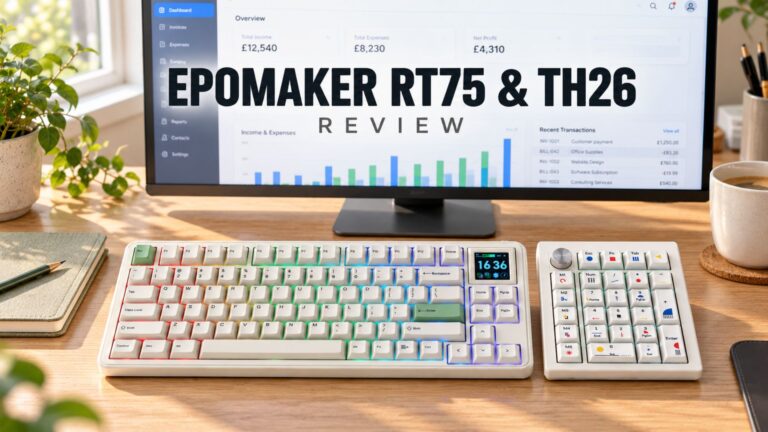 EPOMAKER RT75 and TH26 Review – Retro 75% Keyboard with Detachable Screen and 5-Key Macro Numpad
26 October 2026
Questions & answers