




If you want to update DroiX Media Centre (DBMC) to 16.7-00 and own an Android device running Marshmallow (5.0) or higher, this post details how to do so.
Please open the DroiX Market application on your device. It can be found in the app drawer, the shortcut for which is normally a circle with six dots, found in your homescreen.

If the theme is in general dark (see above), update to the more recent version of the DroiX Market first, before returning to this post.


If you own a DroiX device then check your OTA Updates application for a firmware update.

If DroiX Market’s interface is light, scroll to the right, then down to the TV & Movies section.

From here, click on the Kodi DBMC SPMC area.

Now click the DBMC entry and you should see a screen similar to the one shown here.

Select the Update option and follow the onscreen instructions to complete the update.


The first time DBMC is run after this update, you will see a progress bar. If you are greeted with a query whether to Wait or Close, please select Wait.


The first run there may be some updates that take place, if possible give the device three or four minutes to complete these now.

When you check the System Info entry under the SYSTEM menu in DBMC’s homescreen, it should now show DBMC 16.7-00

If you still see 16.6-0 or similar, go back to the DroiX Market and check if the Update button is still shown. If it is available, please try again.
Changes
The changes found since 16.6.0 are Python has been updated to 2.7 and the Kodi ZIP security vulnerability has been addressed.


Repositories that misbehaved (could not be contacted or did not reveal full contents) in earlier versions of DBMC should now function as expected.
Don’t forget that lots of add-ons and repositories are offline right now, check https://DroidBOXForums.com for more info in the Wizards and Add-ons areas. To keep good care of your device, ensure you always close the program down properly, before powering off the system.

If your device has Android 4.4 or earlier installed, DBMC 16.3.0 is the latest version that is compatible.
Latest from the blog
Visit the blog GPD WIN Mini Ultra – A Bigger 8-inch 120Hz Screen, Intel Arc G3 Extreme and Dual USB4 v2.0
27 October 2026
 RockTek PJ500 Ultra Review – A 1080p Home Cinema Projector for Streaming and Gaming
27 October 2026
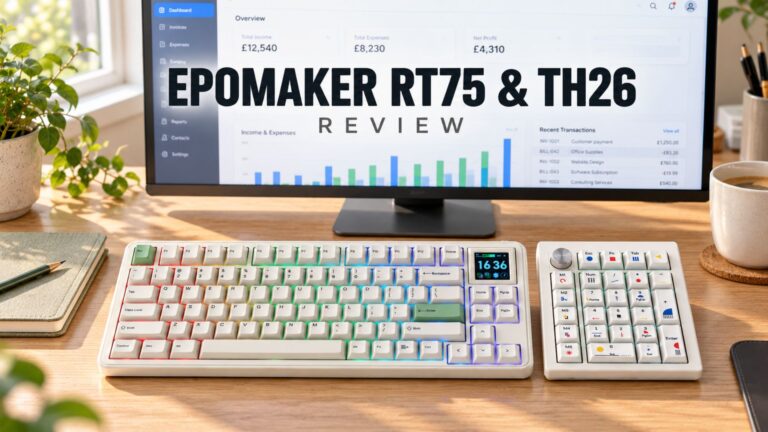 EPOMAKER RT75 and TH26 Review – Retro 75% Keyboard with Detachable Screen and 5-Key Macro Numpad
26 October 2026
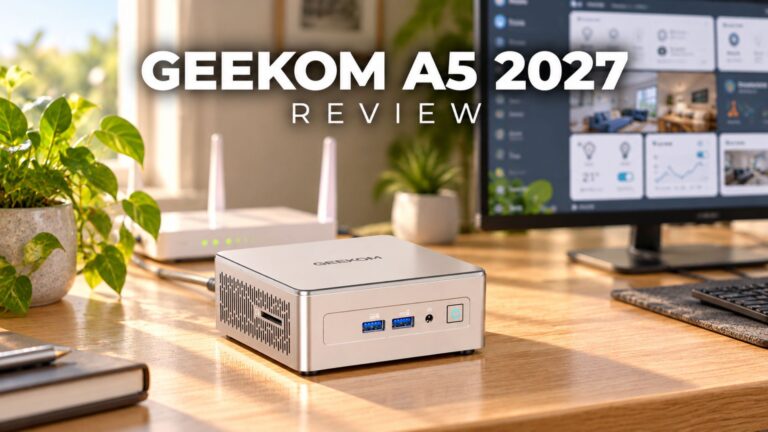 GEEKOM A5 2027 Review – A Compact Mini PC Home Lab
21 October 2026
Questions & answers