



If you have encountered issues with Kodi or other applications on your DroiX® device before, our new Control Centre application is well worth a look.
This app was designed with DroiX® devices in mind. Using it on another Android device is never going to be an officially supported avenue. It shouldn’t do anything bad, but if your dog drives off in your new car and the cat eats your budgerigar, DroiX® won’t be held responsible.
You can look at the application’s Play Store entry here – https://play.google.com/store/apps/details?id=uk.co.droidbox.control_center&hl=en_GB
If you’ve not used the Play Store before, please have a read of https://droix.net/first-run-of-googles-play-store/ . Once you have signed in, you will be able to initiate installations of applications from your main computer’s browser.
For a quick preview of the application’s abilities, please check the gallery below:


Latest from the blog
Visit the blog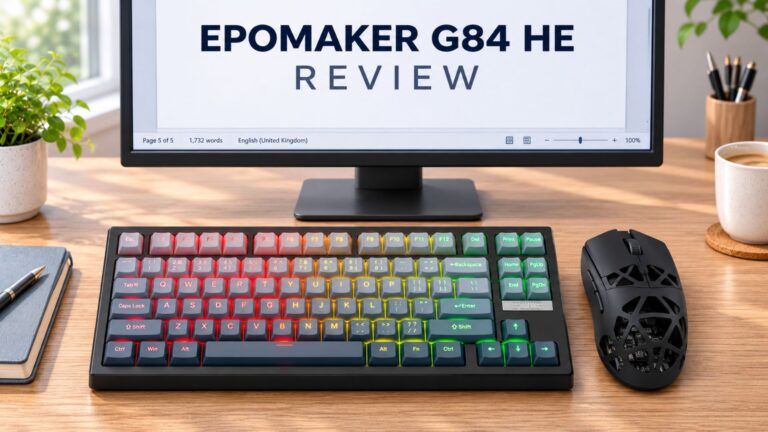 EPOMAKER G84 HE Review – 80% Hall Effect keyboard with 8K polling, an 8,000mAh battery and a creamy gasket build for gamers
9 November 2026
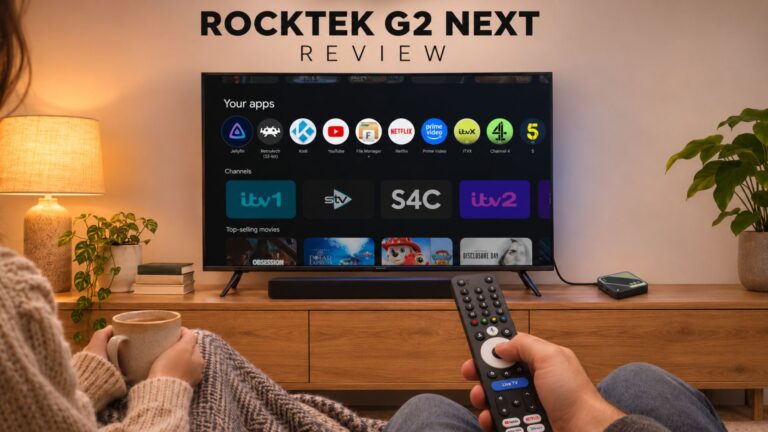 RockTek G2 Next Review – Faster Android TV 14 Streaming with Wi-Fi 6 and Gigabit Ethernet
5 November 2026
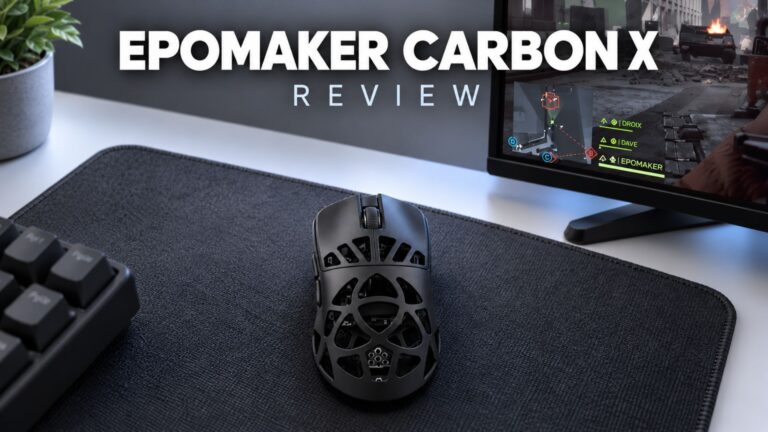 EPOMAKER Carbon X Review – 46 g Carbon-Fibre 8K Wireless Mouse for Competitive FPS
2 November 2026
 GPD WIN Mini Ultra – A Bigger 8-inch 120Hz Screen, Intel Arc G3 Extreme and Dual USB4 v2.0
27 October 2026
Questions & answers