




The shortcuts to video add-ons are only present with some Kodi skins. This guide assumes Confluence or Confluence Customizable Mod is being used. If you’re using something like Aeon Nox then have a look for a similar area.
To check if you can add them, please start Kodi, then highlight the System menu and click on it. Now click on the Appearance menu and select Settings, just below the “Skin” line. Within the Home Page Videos Submenu area (or Add-on shortcuts sub-menu), you can specify which Kodi add-ons and programs you’d like to have as a shortcut. If there is not a Home Page Videos or Add-on shortcuts Submenu, then the skin that Kodi is using has no space for them.
Return to the initial Skin menu select the name of the skin you’re currently using, and check if any others are available there. If none are listed, or you don’t like the alternative, click the Get More button and browse through the available downloads. If you Google the name of any skins you like the sound of, you should be able to find screenshots of how they look.
Once you find a skin you like, that has the facility to add shortcuts to add-ons in Kodi’s homescreen, follow the instructions above, and then return to the Kodi homescreen – if the shortcuts aren’t visible, restart Kodi by exiting it (use the power/standby icon next to the star icon) and opening XBMC once more.
Watch the Video Below To Understand How To Add Shortcuts Inside Kodi (Confluence Skin)
Was this article helpful?
Latest from the blog
Visit the blog GPD WIN Mini Ultra – A Bigger 8-inch 120Hz Screen, Intel Arc G3 Extreme and Dual USB4 v2.0
27 October 2026
GPD WIN Mini Ultra – A Bigger 8-inch 120Hz Screen, Intel Arc G3 Extreme and Dual USB4 v2.0
27 October 2026
 RockTek PJ500 Ultra Review – A 1080p Home Cinema Projector for Streaming and Gaming
27 October 2026
RockTek PJ500 Ultra Review – A 1080p Home Cinema Projector for Streaming and Gaming
27 October 2026
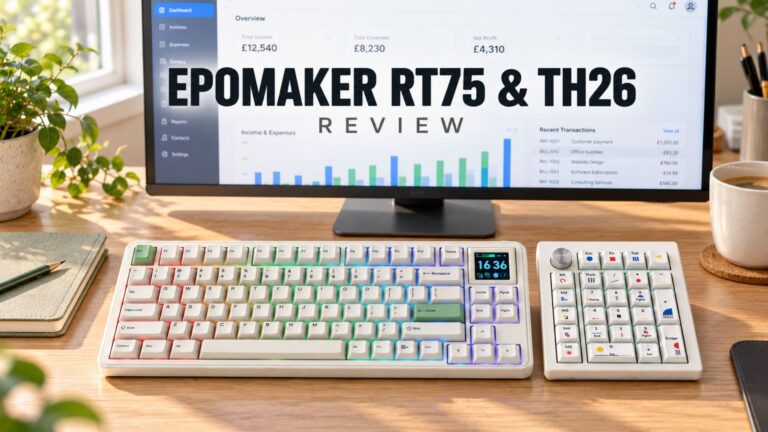 EPOMAKER RT75 and TH26 Review – Retro 75% Keyboard with Detachable Screen and 5-Key Macro Numpad
26 October 2026
EPOMAKER RT75 and TH26 Review – Retro 75% Keyboard with Detachable Screen and 5-Key Macro Numpad
26 October 2026
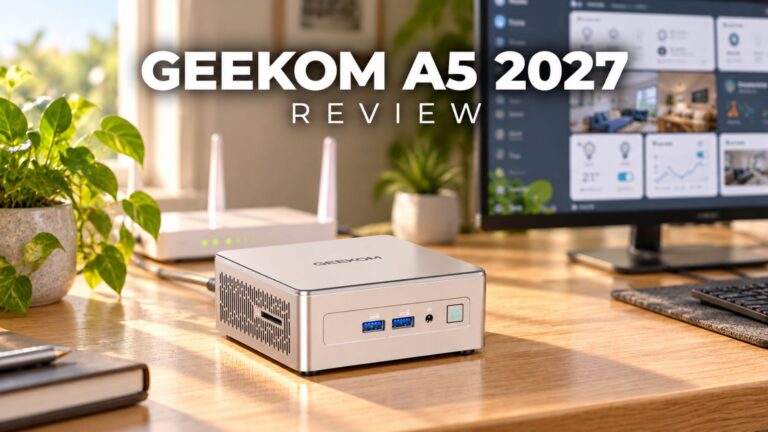 GEEKOM A5 2027 Review – A Compact Mini PC Home Lab
21 October 2026
GEEKOM A5 2027 Review – A Compact Mini PC Home Lab
21 October 2026
Questions & answers