




First, decide which image you would like to have shown, and transfer it to your device, in a folder you can find again easily in a moment.
Next, open Kodi and follow this route (this assumes you’re using the Confluence or Confluence Customizable Mod skin, look for System or Settings if you’re using a different skin.
System> Appearance> Skin> Settings> Background Options> Enable Custom Background
Click that option (assuming it isn’t already enabled), then go down one line to Background Path and select it.
Now navigate to the folder you put the picture in and click on the file.
You’re done!
If you want it to look nice, the resolution of the picture should be around 720 or 1080 pixels high and widescreen.
Was this article helpful?
Latest from the blog
Visit the blog ONEXPLAYER 3 Review – 8.8-Inch AMOLED Gaming, Modular Controls and Surprising Battery Life
14 October 2026
ONEXPLAYER 3 Review – 8.8-Inch AMOLED Gaming, Modular Controls and Surprising Battery Life
14 October 2026
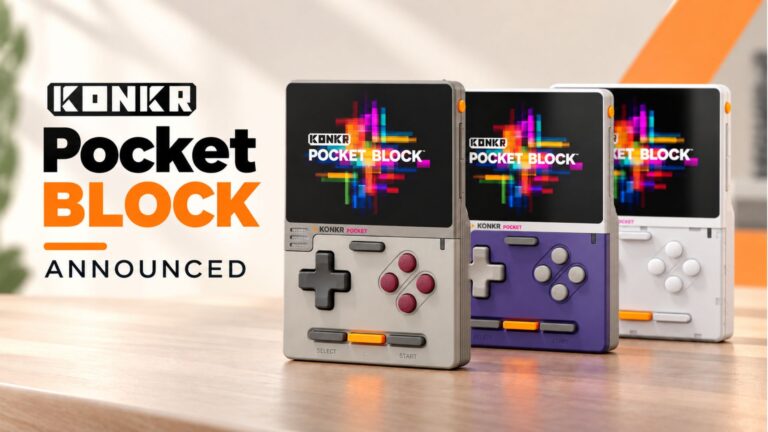 KONKR Pocket BLOCK Announced: A Tiny Vertical Android Handheld with a 4:3 Screen
1 October 2026
KONKR Pocket BLOCK Announced: A Tiny Vertical Android Handheld with a 4:3 Screen
1 October 2026
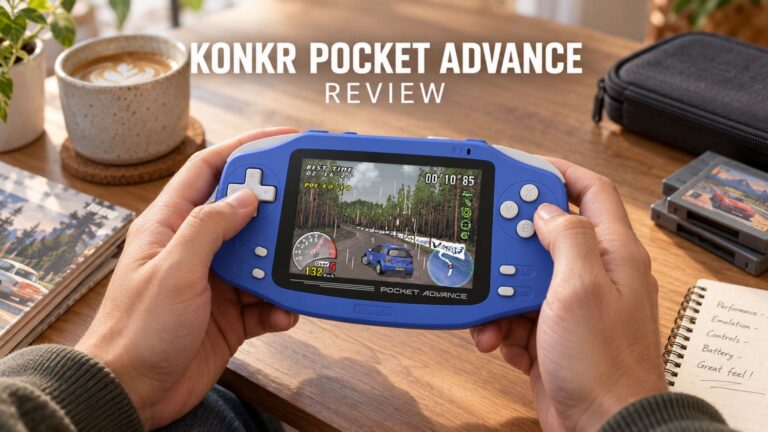 KONKR Pocket ADVANCE review – A pocket-sized GBA-focused Android gaming handheld
24 September 2026
KONKR Pocket ADVANCE review – A pocket-sized GBA-focused Android gaming handheld
24 September 2026
 KONKR Pocket Advance Pre-order: A Compact Android Handheld Built for Retro Gaming
23 September 2026
KONKR Pocket Advance Pre-order: A Compact Android Handheld Built for Retro Gaming
23 September 2026
Questions & answers