




iMXQpro V1 and V2 owners may have seen an entry in the Settings area related to the power key/button.
The following menu is shown if you click the Settings icon (normally one or two cogs) on your homescreen.
Scroll down a line and almost to the end on the right, where you will see a “Power key definition” entry, please click it.

Now select the Shutdown option
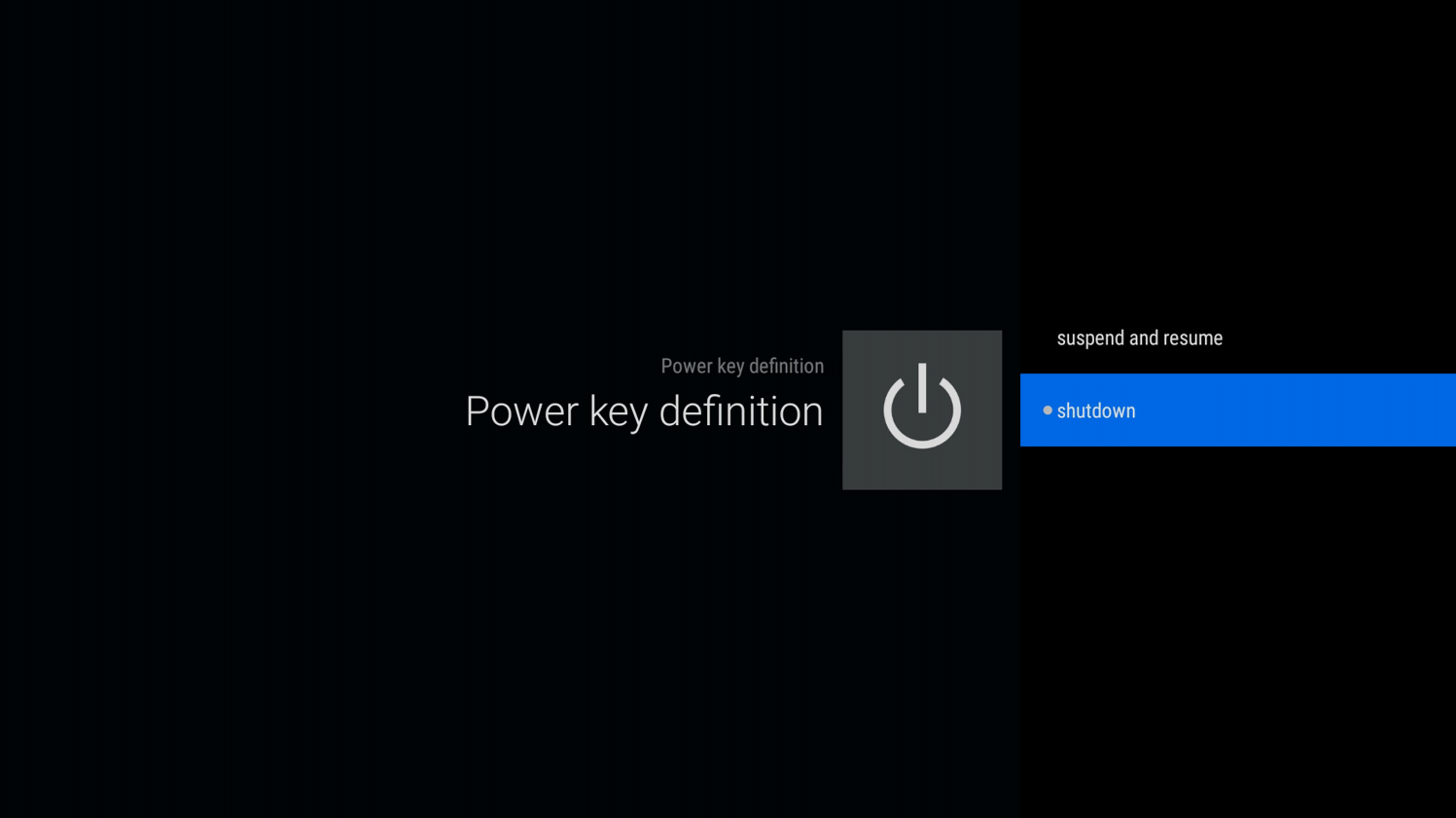
The next time you turn your device off, you should see this menu, select Power off

You should now find you can turn your iMXQpro V1 or V2 back on again using the remote control, without any problems.
Was this article helpful?
Latest from the blog
Visit the blog ONEXPLAYER 3 Review – 8.8-Inch AMOLED Gaming, Modular Controls and Surprising Battery Life
14 October 2026
ONEXPLAYER 3 Review – 8.8-Inch AMOLED Gaming, Modular Controls and Surprising Battery Life
14 October 2026
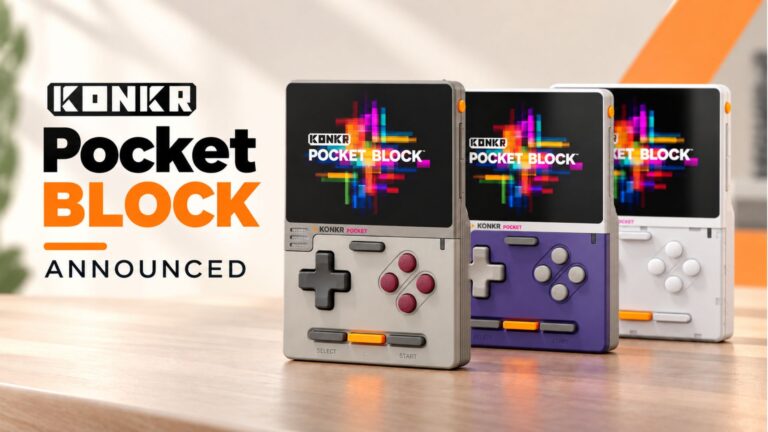 KONKR Pocket BLOCK Announced: A Tiny Vertical Android Handheld with a 4:3 Screen
1 October 2026
KONKR Pocket BLOCK Announced: A Tiny Vertical Android Handheld with a 4:3 Screen
1 October 2026
 KONKR Pocket ADVANCE review – A pocket-sized GBA-focused Android gaming handheld
24 September 2026
KONKR Pocket ADVANCE review – A pocket-sized GBA-focused Android gaming handheld
24 September 2026
 KONKR Pocket Advance Pre-order: A Compact Android Handheld Built for Retro Gaming
23 September 2026
KONKR Pocket Advance Pre-order: A Compact Android Handheld Built for Retro Gaming
23 September 2026
Questions & answers