




iMXQpro V1 and V2 owners may have seen an entry in the Settings area related to the power key/button.
The following menu is shown if you click the Settings icon (normally one or two cogs) on your homescreen.
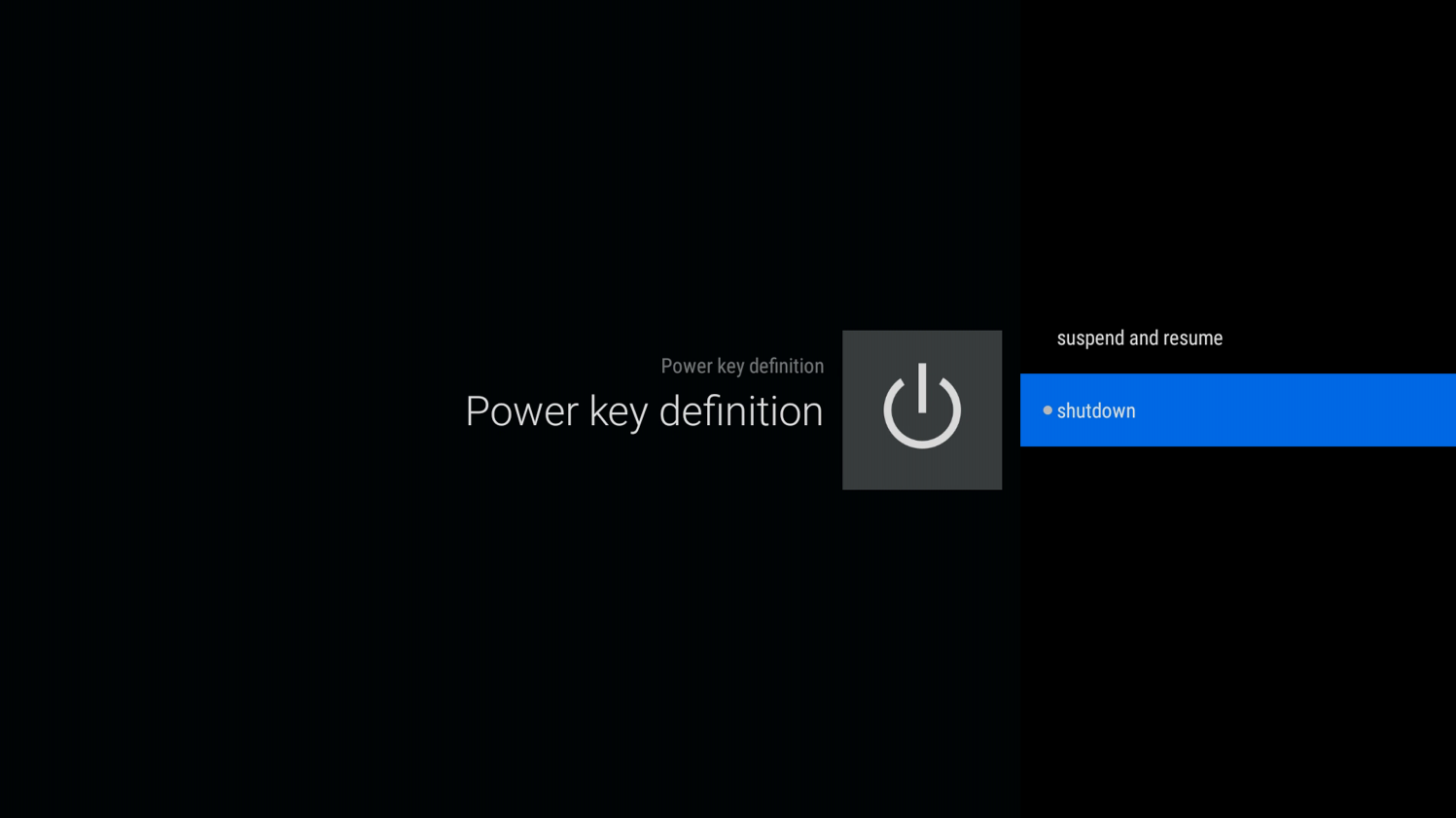
Scroll down a line and almost to the end on the right, where you will see a “Power key definition” entry, please click it.

Now select the Shutdown option
The next time you turn your device off, you should see this menu, select Power off

You should now find you can turn your iMXQpro V1 or V2 back on again using the remote control, without any problems.
Was this article helpful?
Latest from the blog
Visit the blog EPOMAKER G84 HE Review – 80% Hall Effect keyboard with 8K polling, an 8,000mAh battery and a creamy gasket build for gamers
9 November 2026
 RockTek G2 Next Review – Faster Android TV 14 Streaming with Wi-Fi 6 and Gigabit Ethernet
5 November 2026
 EPOMAKER Carbon X Review – 46 g Carbon-Fibre 8K Wireless Mouse for Competitive FPS
2 November 2026
 GPD WIN Mini Ultra – A Bigger 8-inch 120Hz Screen, Intel Arc G3 Extreme and Dual USB4 v2.0
27 October 2026
Questions & answers