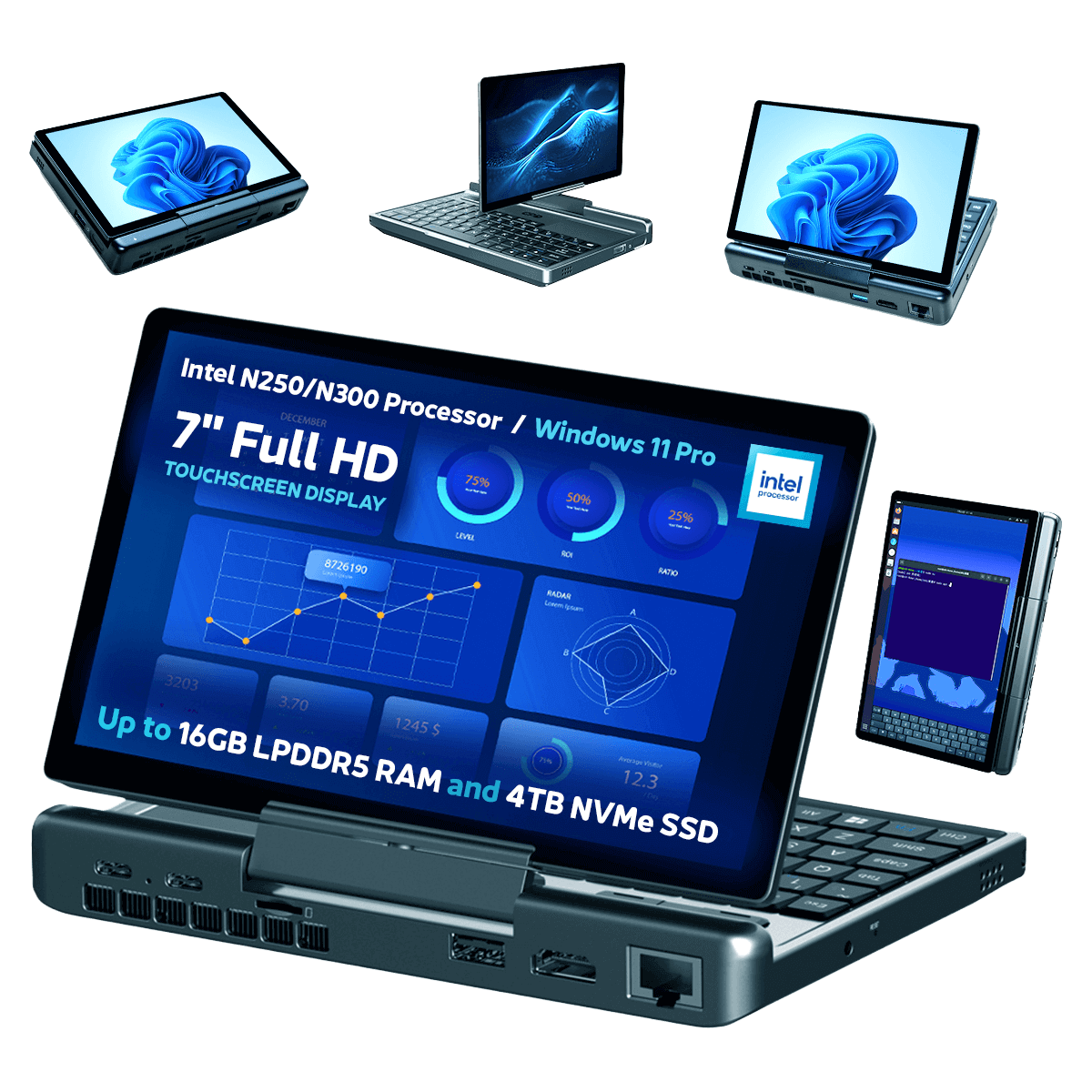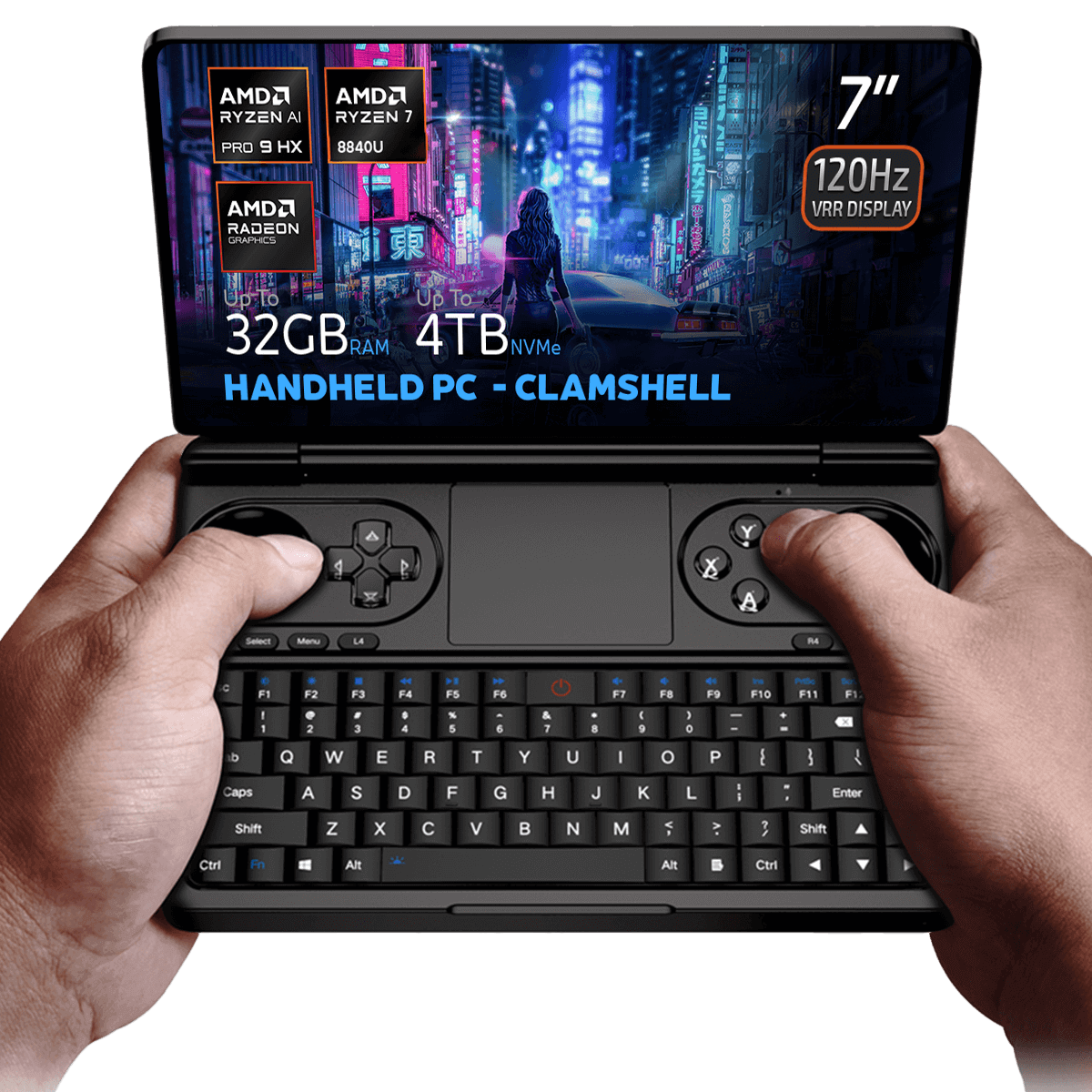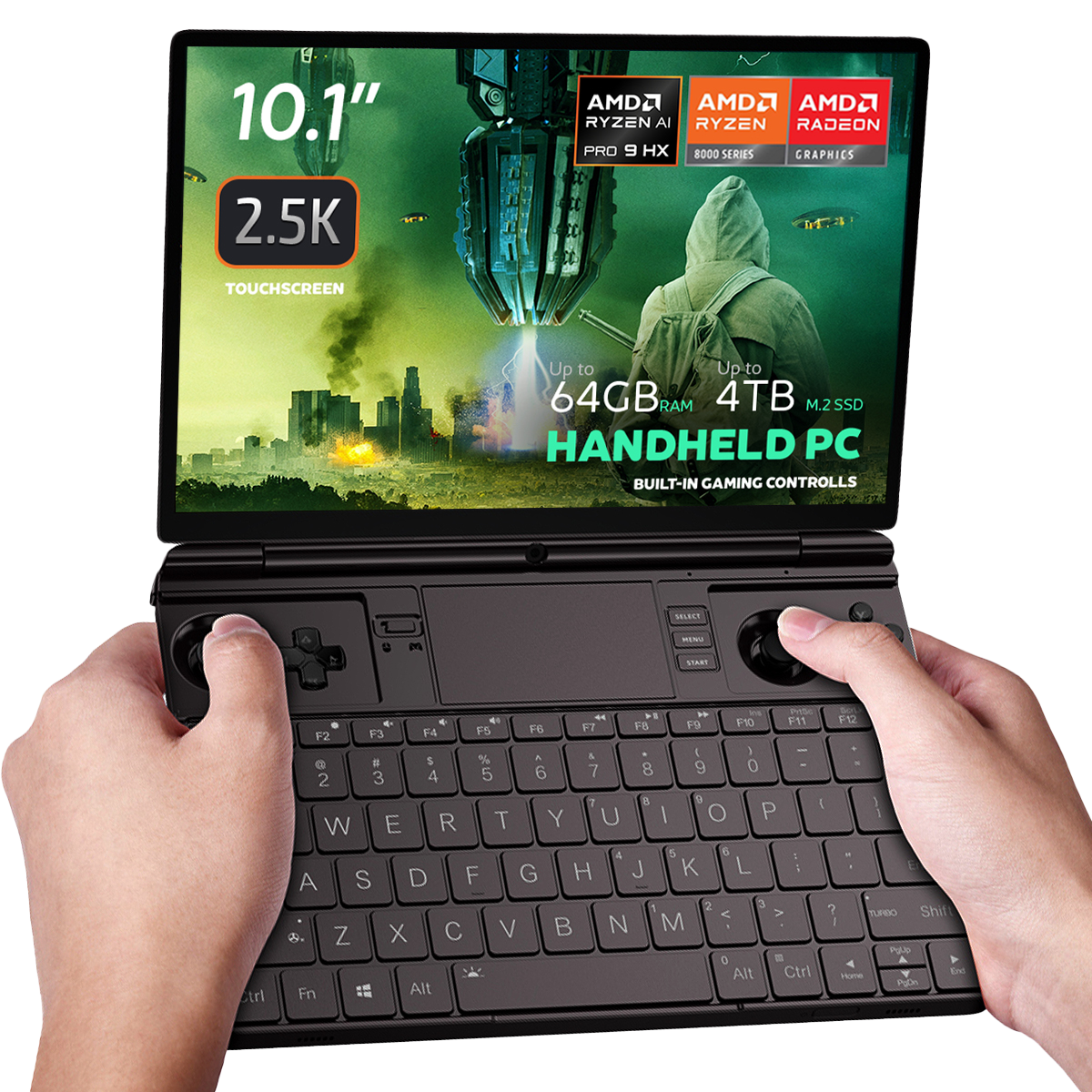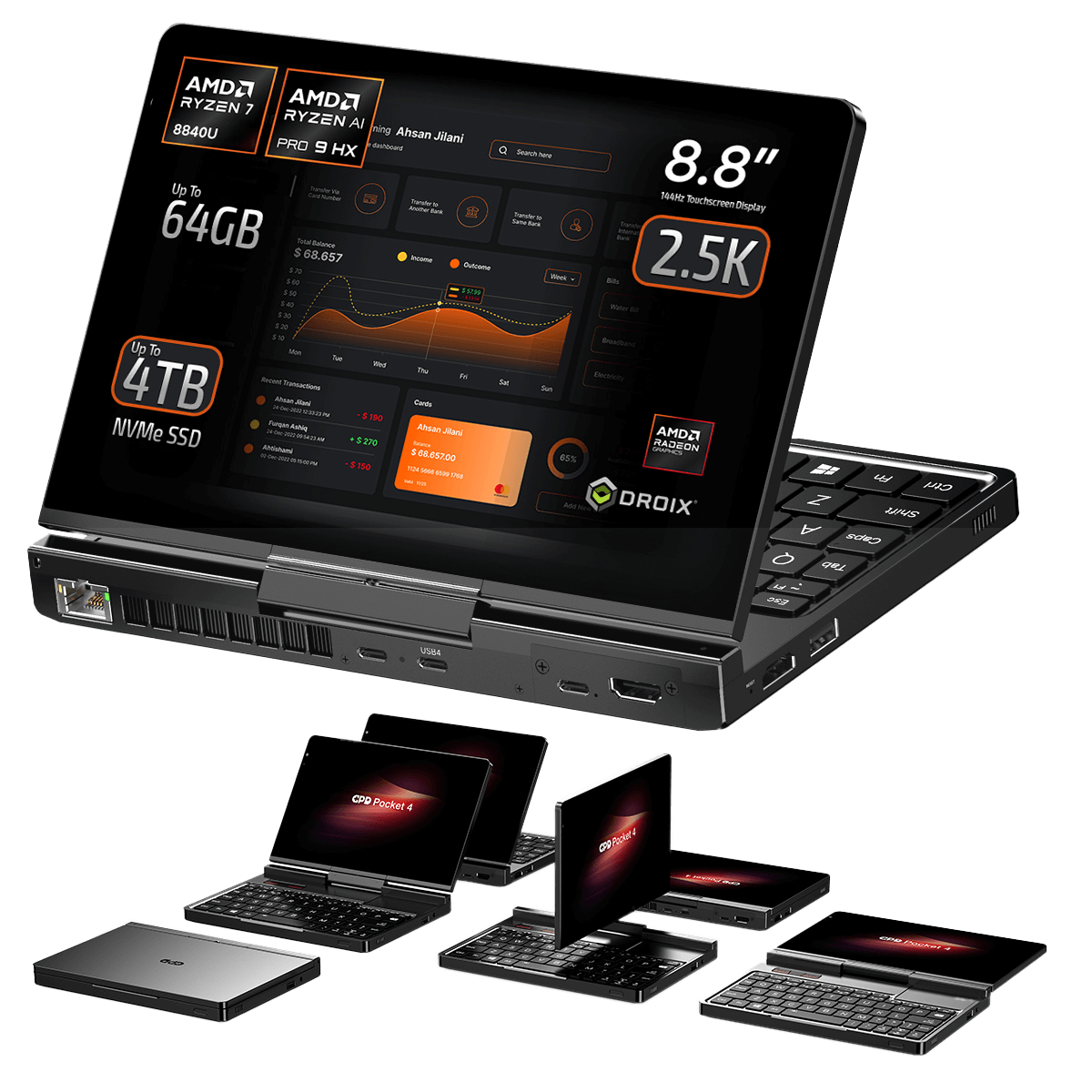
सभी प्रकार
बदलाव का
- GPD MicroPC 2 Windows 11 24H2 होम फर्मवेयर (वर्तमान) | 2025-10-30 |
F310F45676F905E93B86C9AE1E6E059E817AE4C2| एकीकृत हार्डवेयर ड्राइवर। डाउनलोड और डीकंप्रेस करने के बाद, इंस्टॉलेशन मार्गदर्शन के लिए स्रोत पृष्ठ पर वीडियो ट्यूटोरियल देखें। ·
पुराने संस्करण रोलबैक के लिए डाउनलोड करने योग्य रहते हैं - प्रत्येक संस्करण की अपनी सत्यापित फ़ाइल होती है।
बदलाव का
- GPD MicroPC 2 Windows 11 24H2 प्रो फर्मवेयर | 2025-08-26 |
B3BB0C050AA6D7545BAF05EFF810D1238AD22531| प्रो संस्करण। एकीकृत हार्डवेयर ड्राइवर। डाउनलोड और डीकंप्रेस करने के बाद, इंस्टॉलेशन मार्गदर्शन के लिए वीडियो ट्यूटोरियल देखें। वैकल्पिक: Intel® Driver & Support Assistant इंस्टॉल करें ड्राइवरों को अद्यतन रखने के लिए। SHA1 उपकरण: HashTools · - विक्रेता पृष्ठ: https://www.intel.com/content/www/us/en/support/intel-driver-support-assistant.html
पुराने संस्करण रोलबैक के लिए डाउनलोड करने योग्य रहते हैं - प्रत्येक संस्करण की अपनी सत्यापित फ़ाइल होती है।
बदलाव का
- GPD MicroPC 2 ड्राइवर (वर्तमान) | V1.0 | 2025-06-12 |
E851EF0841509FB411FEFB6BD09F4F27344CC7C4| डाउनलोड और अनज़िप करने के बाद, स्वचालित इंस्टॉलेशन के लिएAutoInstallDrivers.batनिष्पादित करें। SHA1 टूल: HashTools
पुराने संस्करण रोलबैक के लिए डाउनलोड करने योग्य रहते हैं - प्रत्येक संस्करण की अपनी सत्यापित फ़ाइल होती है।
बदलाव का
- GPD DUO (AI 9 HX 370) Windows 11 24H2 होम फर्मवेयर (370 के लिए वर्तमान) | 2025-03-18 |
30B2D557AEB549ACDC6C36D4E1DE95F209614BBE| केवल 370 संस्करण। सिस्टम फर्मवेयर को अपग्रेड करने से पहले BIOS को अपग्रेड करना अनिवार्य है — पहले BIOS V2.12 स्थापित करें (BIOS अनुभाग देखें)। BIOS फर्मवेयर v2.12 370 संस्करण पर झिलमिलाहट समस्या का भी समाधान करता है। SHA1 उपकरण: HashTools · - GPD DUO (8840U) Windows 11 24H2 होम फर्मवेयर (8840U के लिए वर्तमान) | 2024-12-20 |
A009376A9F17E881F81FE484E16BF54D3E8E8759| केवल 8840U वेरिएंट। इसमें एकीकृत Windows 11 ड्राइवर शामिल हैं। पुनःस्थापन ड्राइव C पर सभी डेटा हटा देता है — पहले बैकअप लें। SHA1 टूल: HashTools · - GPD MicroPC 2 Windows 11 24H2 होम फर्मवेयर (वर्तमान) | 2025-10-30 |
F310F45676F905E93B86C9AE1E6E059E817AE4C2| एकीकृत हार्डवेयर ड्राइवर। डाउनलोड और डीकंप्रेस करने के बाद, इंस्टॉलेशन मार्गदर्शन के लिए स्रोत पृष्ठ पर वीडियो ट्यूटोरियल देखें। · - GPD MicroPC 2 Windows 11 24H2 प्रो फर्मवेयर | 2025-08-26 |
B3BB0C050AA6D7545BAF05EFF810D1238AD22531| प्रो संस्करण। एकीकृत हार्डवेयर ड्राइवर। डाउनलोड और डीकंप्रेस करने के बाद, इंस्टॉलेशन मार्गदर्शन के लिए वीडियो ट्यूटोरियल देखें। वैकल्पिक: Intel® Driver & Support Assistant इंस्टॉल करें ड्राइवरों को अद्यतन रखने के लिए। SHA1 उपकरण: HashTools ·
पुराने संस्करण रोलबैक के लिए डाउनलोड करने योग्य रहते हैं - प्रत्येक संस्करण की अपनी सत्यापित फ़ाइल होती है।
बदलाव का
- GPD MicroPC 2 उपयोगकर्ता पुस्तिका (वर्तमान) | 2025-06-12 | PDF — GPD MicroPC 2 फ़ंक्शन कुंजियाँ और पोर्ट विवरण
पुराने संस्करण रोलबैक के लिए डाउनलोड करने योग्य रहते हैं - प्रत्येक संस्करण की अपनी सत्यापित फ़ाइल होती है।
बदलाव का
- GPD कीबोर्ड सहायक टूल | v1.06 | 2021-12-16 | डाउनलोड करें और अनज़िप करें, फिर इंस्टॉलेशन चलाने के लिए डबल-क्लिक करें
पुराने संस्करण रोलबैक के लिए डाउनलोड करने योग्य रहते हैं - प्रत्येक संस्करण की अपनी सत्यापित फ़ाइल होती है।
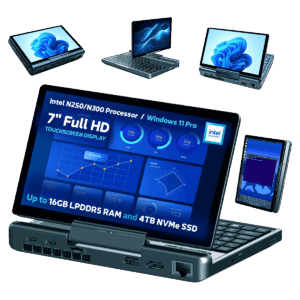
2025 (N250 / N300 / N350)
बदलाव का
- स्रोत मार्गदर्शिका: GPD WIN डिवाइस पर Windows को पुनः कैसे स्थापित करें
पुराने संस्करण रोलबैक के लिए डाउनलोड करने योग्य रहते हैं - प्रत्येक संस्करण की अपनी सत्यापित फ़ाइल होती है।
संस्करण (4)
- स्रोत मार्गदर्शिका: GPD MicroPC 2 BIOS को कैसे अपडेट करें
पुराने संस्करण रोलबैक के लिए डाउनलोड करने योग्य रहते हैं - प्रत्येक संस्करण की अपनी सत्यापित फ़ाइल होती है।
बदलाव का
- स्रोत मार्गदर्शिका: GPD MicroPC 2 पर Windows अपडेट कैसे सक्षम करें
पुराने संस्करण रोलबैक के लिए डाउनलोड करने योग्य रहते हैं - प्रत्येक संस्करण की अपनी सत्यापित फ़ाइल होती है।
GPD MicroPC 2 के लिए मार्गदर्शिकाएँ
7 मार्गदर्शिकाएँ, कार्य के आधार पर समूहीकृतGPD MicroPC 2 के लिए भी उपयोगी
किसी विशिष्ट मॉडल को सौंपे बिना व्यापक गाइड यहां दिखाए गए हैं।