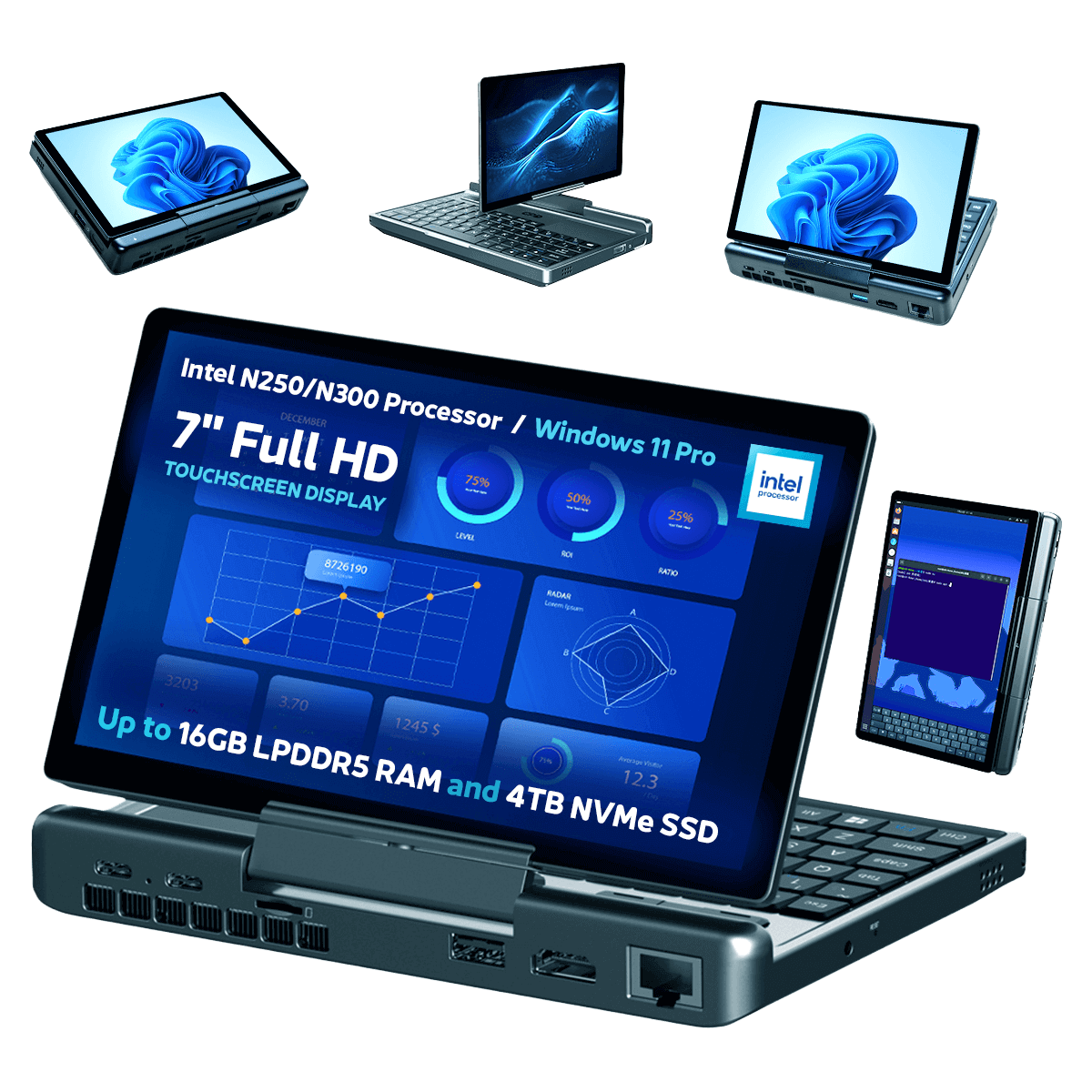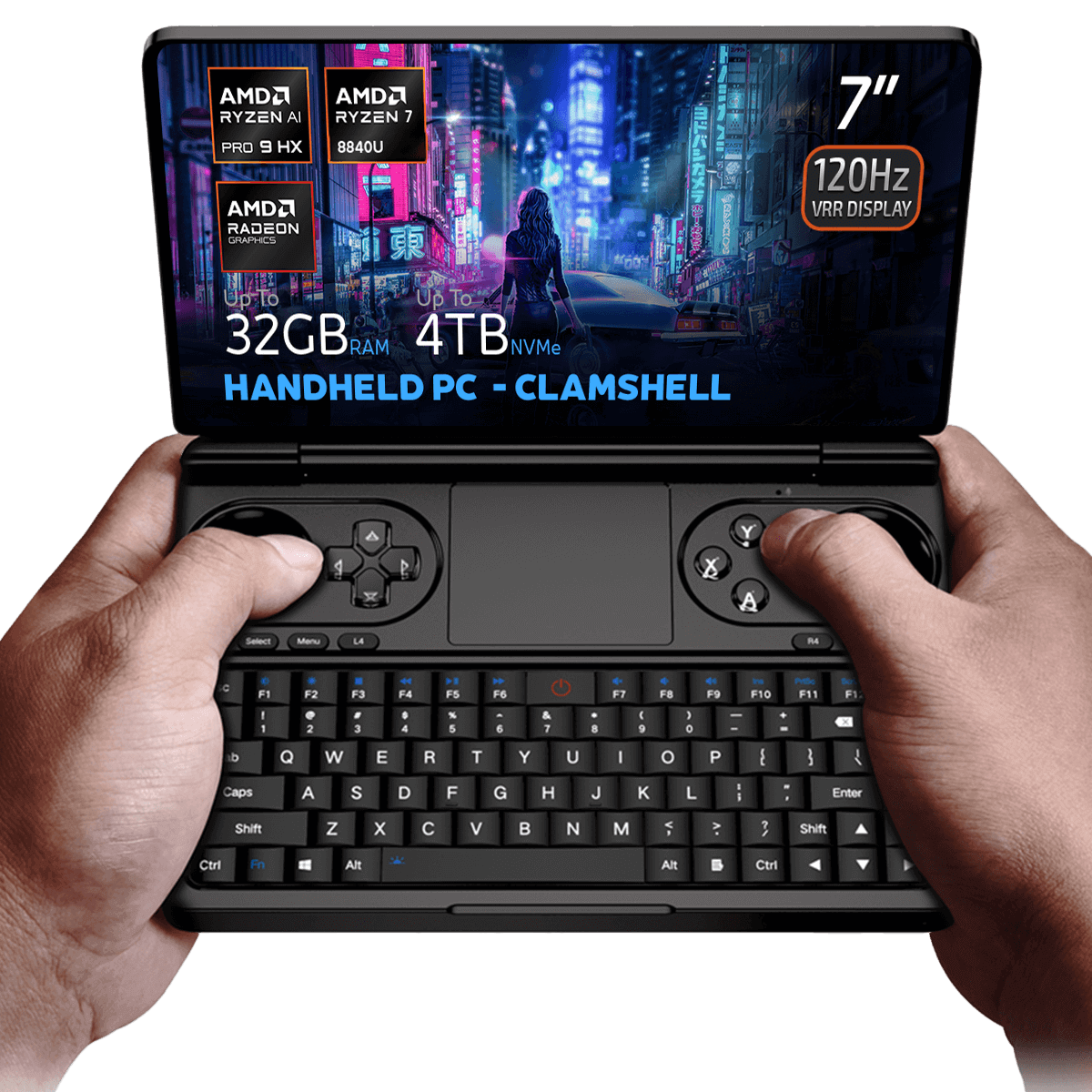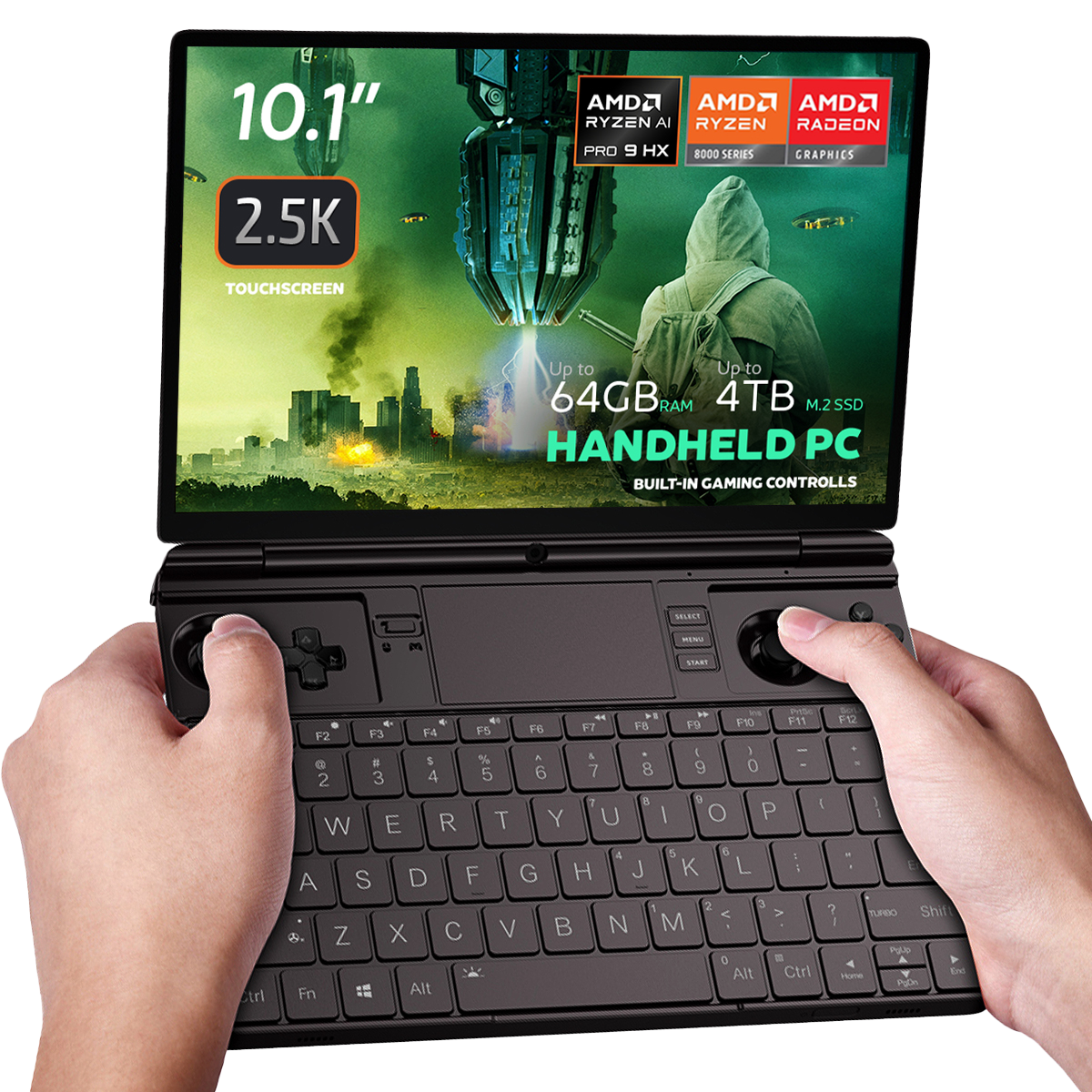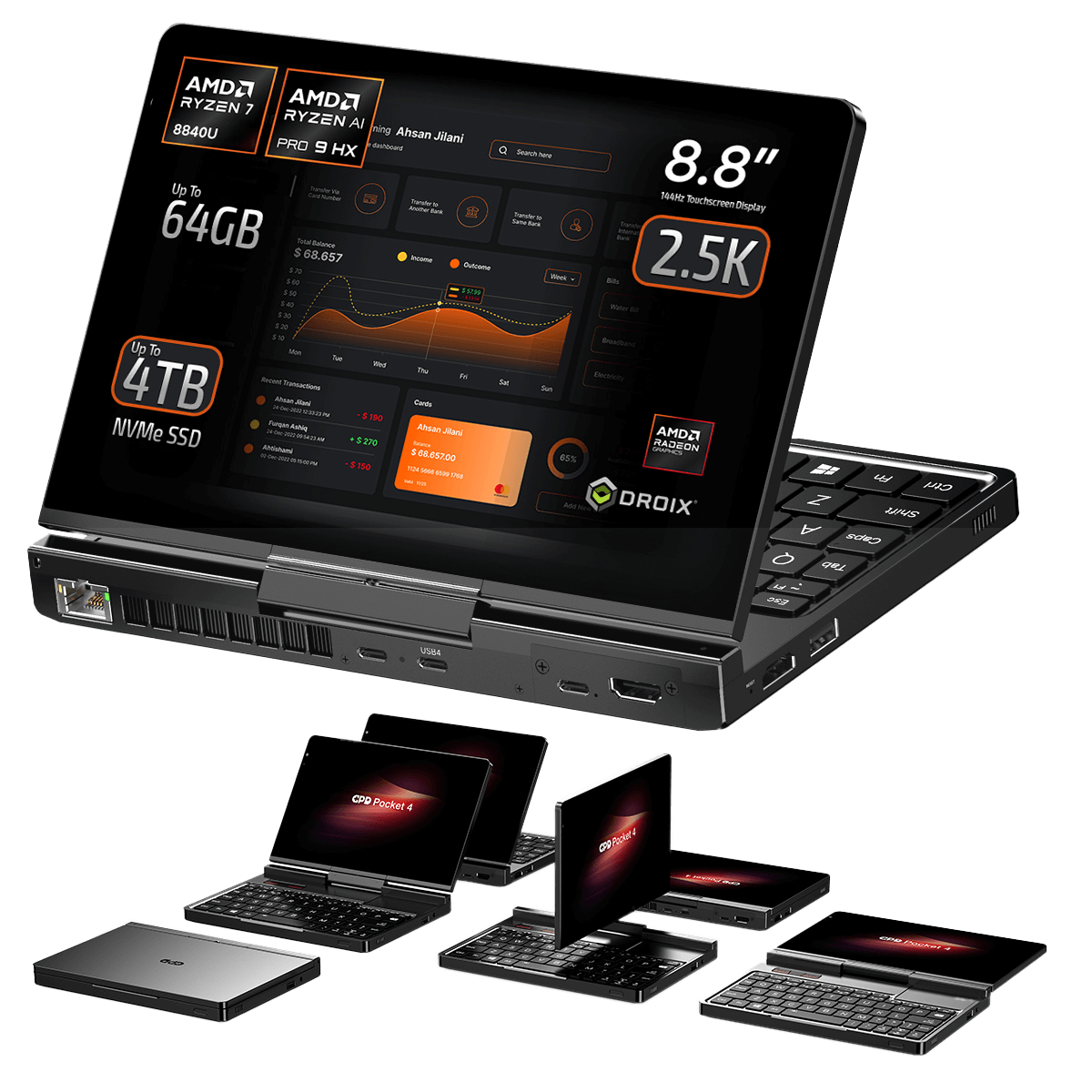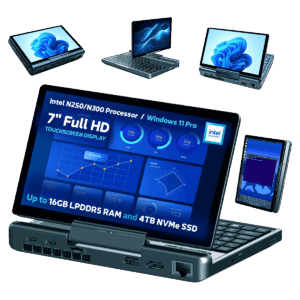
All variants
Changelog
- GPD MicroPC 2 Drivers (current) | V1.0 | 2025-06-12 |
E851EF0841509FB411FEFB6BD09F4F27344CC7C4| After downloading and unzipping, executeAutoInstallDrivers.batfor automatic installation. SHA1 tool: HashTools
Older versions stay downloadable for rollbacks — every version keeps its own verified file.
Changelog
- GPD MicroPC 2 Windows 11 24H2 Home Firmware (current) | 2025-10-30 |
F310F45676F905E93B86C9AE1E6E059E817AE4C2| Integrated hardware drivers. After downloading and decompressing, refer to the video tutorial on the source page for installation guidance. ·
Older versions stay downloadable for rollbacks — every version keeps its own verified file.
Changelog
- GPD MicroPC 2 Windows 11 24H2 Pro Firmware | 2025-08-26 |
B3BB0C050AA6D7545BAF05EFF810D1238AD22531| Pro edition. Integrated hardware drivers. After downloading and decompressing, refer to the video tutorial for installation guidance. Optional: install Intel® Driver & Support Assistant to keep drivers current. SHA1 tool: HashTools · - Vendor page: https://www.intel.com/content/www/us/en/support/intel-driver-support-assistant.html
Older versions stay downloadable for rollbacks — every version keeps its own verified file.
Changelog
- GPD DUO (AI 9 HX 370) Windows 11 24H2 Home Firmware (current for 370) | 2025-03-18 |
30B2D557AEB549ACDC6C36D4E1DE95F209614BBE| 370 variant only. Must upgrade BIOS before upgrading system firmware — install BIOS V2.12 first (see BIOS section). BIOS firmware v2.12 also resolves the flicker issue on the 370 version. SHA1 tool: HashTools · - GPD DUO (8840U) Windows 11 24H2 Home Firmware (current for 8840U) | 2024-12-20 |
A009376A9F17E881F81FE484E16BF54D3E8E8759| 8840U variant only. Includes integrated Windows 11 drivers. Reinstallation removes all data on drive C — back up first. SHA1 tool: HashTools · - GPD MicroPC 2 Windows 11 24H2 Home Firmware (current) | 2025-10-30 |
F310F45676F905E93B86C9AE1E6E059E817AE4C2| Integrated hardware drivers. After downloading and decompressing, refer to the video tutorial on the source page for installation guidance. · - GPD MicroPC 2 Windows 11 24H2 Pro Firmware | 2025-08-26 |
B3BB0C050AA6D7545BAF05EFF810D1238AD22531| Pro edition. Integrated hardware drivers. After downloading and decompressing, refer to the video tutorial for installation guidance. Optional: install Intel® Driver & Support Assistant to keep drivers current. SHA1 tool: HashTools ·
Older versions stay downloadable for rollbacks — every version keeps its own verified file.
Changelog
- GPD MicroPC 2 User Manual (current) | 2025-06-12 | PDF — GPD MicroPC 2 function keys and ports description
Older versions stay downloadable for rollbacks — every version keeps its own verified file.
Changelog
- GPD Keyboard Assistant Tool | v1.06 | 2021-12-16 | Download and unzip, then double-click to run the installation
Older versions stay downloadable for rollbacks — every version keeps its own verified file.
2025 (N250 / N300 / N350)
Changelog
- Source guide: How to Reinstall Windows on GPD WIN Devices
Older versions stay downloadable for rollbacks — every version keeps its own verified file.
Versions (4)
- Source guide: How to update the GPD MicroPC 2 BIOS
Older versions stay downloadable for rollbacks — every version keeps its own verified file.
Changelog
- Source guide: How to enable Windows Updates on GPD MicroPC 2
Older versions stay downloadable for rollbacks — every version keeps its own verified file.
Guides for the GPD MicroPC 2
7 guides, grouped by taskAlso useful for GPD MicroPC 2
Broad guides are shown here without being assigned to a specific model.