




Whether you find Google’s Play Store won’t allow you to install a new big game, or system updates are failing, running low on storage space can cause your DroiX® all sorts of problems.
Rather than factory resetting, finding the directories where these files are stored can be enough to determine whether they are safe to delete or not.
You just need to open ES File Explorer (click the little circle with six dots, or the My Apps/Apps icon, then ES File Explorer’s icon).
From there, close any introductory messages that appear the first time you run the app. Don’t worry about installing an offered update for ES, until your storage space is restored.
Click on the TOOLS menu in the left hand menu, to expand it, then select the SD Card Analyst option.
Wait for the process to complete, then scroll down the long list until you see All Files, click the Details link.
Now drill through the directories offered. Those taking up the most space will be at the top.In general you will find some very large files in Kodi’s temporary directory.
Once the culprit(s) have been found, check whether they are safe to delete. If you’re happy it will be OK, click on one or more file, then the Delete option at the bottom.
That’s it, you’re done!
Latest from the blog
Visit the blog EPOMAKER Carbon X Review – 46 g Carbon-Fibre 8K Wireless Mouse for Competitive FPS
2 November 2026
EPOMAKER Carbon X Review – 46 g Carbon-Fibre 8K Wireless Mouse for Competitive FPS
2 November 2026
 GPD WIN Mini Ultra – A Bigger 8-inch 120Hz Screen, Intel Arc G3 Extreme and Dual USB4 v2.0
27 October 2026
GPD WIN Mini Ultra – A Bigger 8-inch 120Hz Screen, Intel Arc G3 Extreme and Dual USB4 v2.0
27 October 2026
 RockTek PJ500 Ultra Review – A 1080p Home Cinema Projector for Streaming and Gaming
27 October 2026
RockTek PJ500 Ultra Review – A 1080p Home Cinema Projector for Streaming and Gaming
27 October 2026
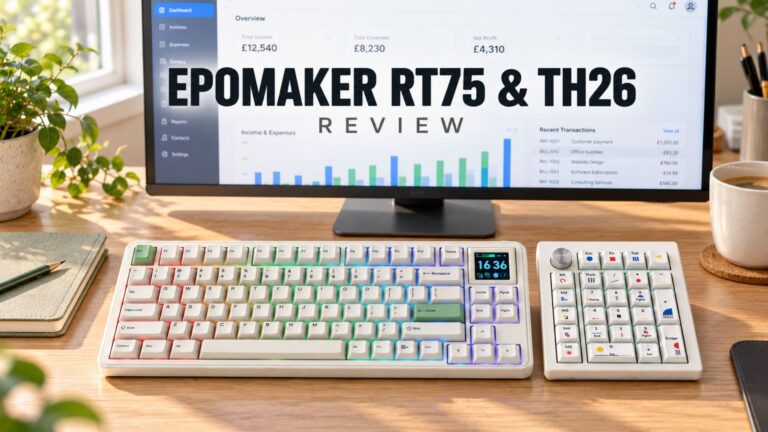 EPOMAKER RT75 and TH26 Review – Retro 75% Keyboard with Detachable Screen and 5-Key Macro Numpad
26 October 2026
EPOMAKER RT75 and TH26 Review – Retro 75% Keyboard with Detachable Screen and 5-Key Macro Numpad
26 October 2026
Questions & answers