




If you have a DroiX® T8, T8-S or T8-S Plus you may already have the IPVanish app installed if you are on the latest firmware (April 2016 or later). If you have not updated you can follow our guides for your DroiX® here.
If you have a different DroiX®, you can download the IPVanish app from the Google Play Store here. If you are not familiar with the Google Play Store you can watch our guide here on how to use it.
If you want to update to the latest version of IPVanish, please see the video at the end of this post.
The following video demonstrates how to setup and use the IPVanish app with your DroiX®.
You can read more about our partnership with IPVanish and details on how to get your first month for just 99 cents (around 68 pence) on our blog post at https://droidbox.co.uk/blog/droidbox-announces-partnership-with-ipvanish-vpn .
Updating to version 3
Latest from the blog
Visit the blog GPD WIN Mini Ultra – A Bigger 8-inch 120Hz Screen, Intel Arc G3 Extreme and Dual USB4 v2.0
27 October 2026
GPD WIN Mini Ultra – A Bigger 8-inch 120Hz Screen, Intel Arc G3 Extreme and Dual USB4 v2.0
27 October 2026
 RockTek PJ500 Ultra Review – A 1080p Home Cinema Projector for Streaming and Gaming
27 October 2026
RockTek PJ500 Ultra Review – A 1080p Home Cinema Projector for Streaming and Gaming
27 October 2026
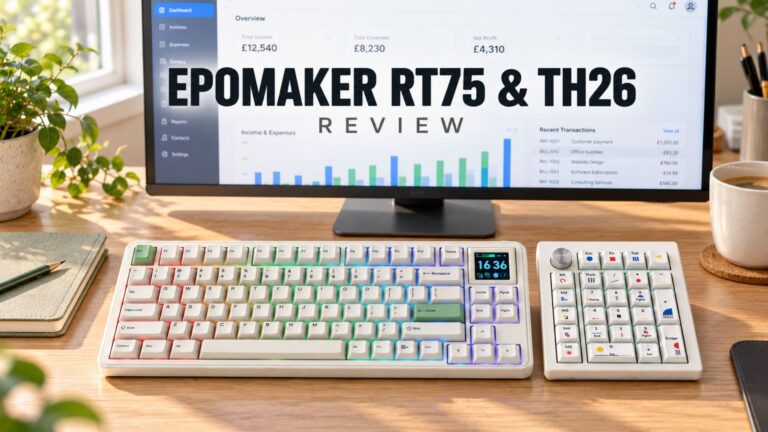 EPOMAKER RT75 and TH26 Review – Retro 75% Keyboard with Detachable Screen and 5-Key Macro Numpad
26 October 2026
EPOMAKER RT75 and TH26 Review – Retro 75% Keyboard with Detachable Screen and 5-Key Macro Numpad
26 October 2026
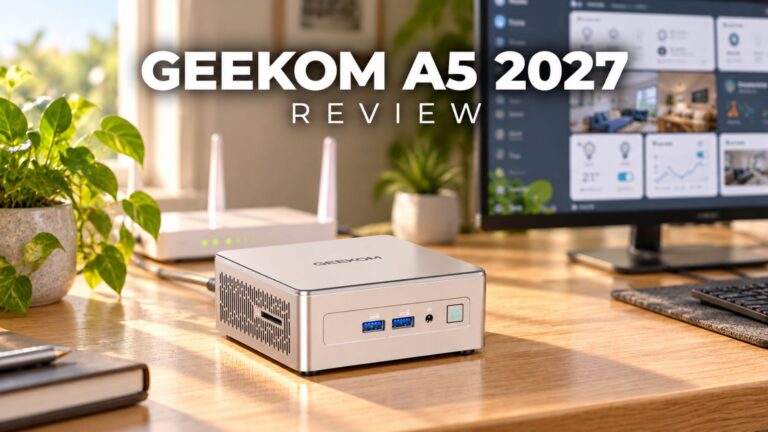 GEEKOM A5 2027 Review – A Compact Mini PC Home Lab
21 October 2026
GEEKOM A5 2027 Review – A Compact Mini PC Home Lab
21 October 2026
Questions & answers