




The Minisforum UN100 has space inside for a 2.5″ HDD or SSD to expand the storage. This guide will show how to open your mini PC and install the drive.
Remove the four rubber feet caps and screws.

Lift the base off the mini PC. You may need to use a plastic spudger to free it.
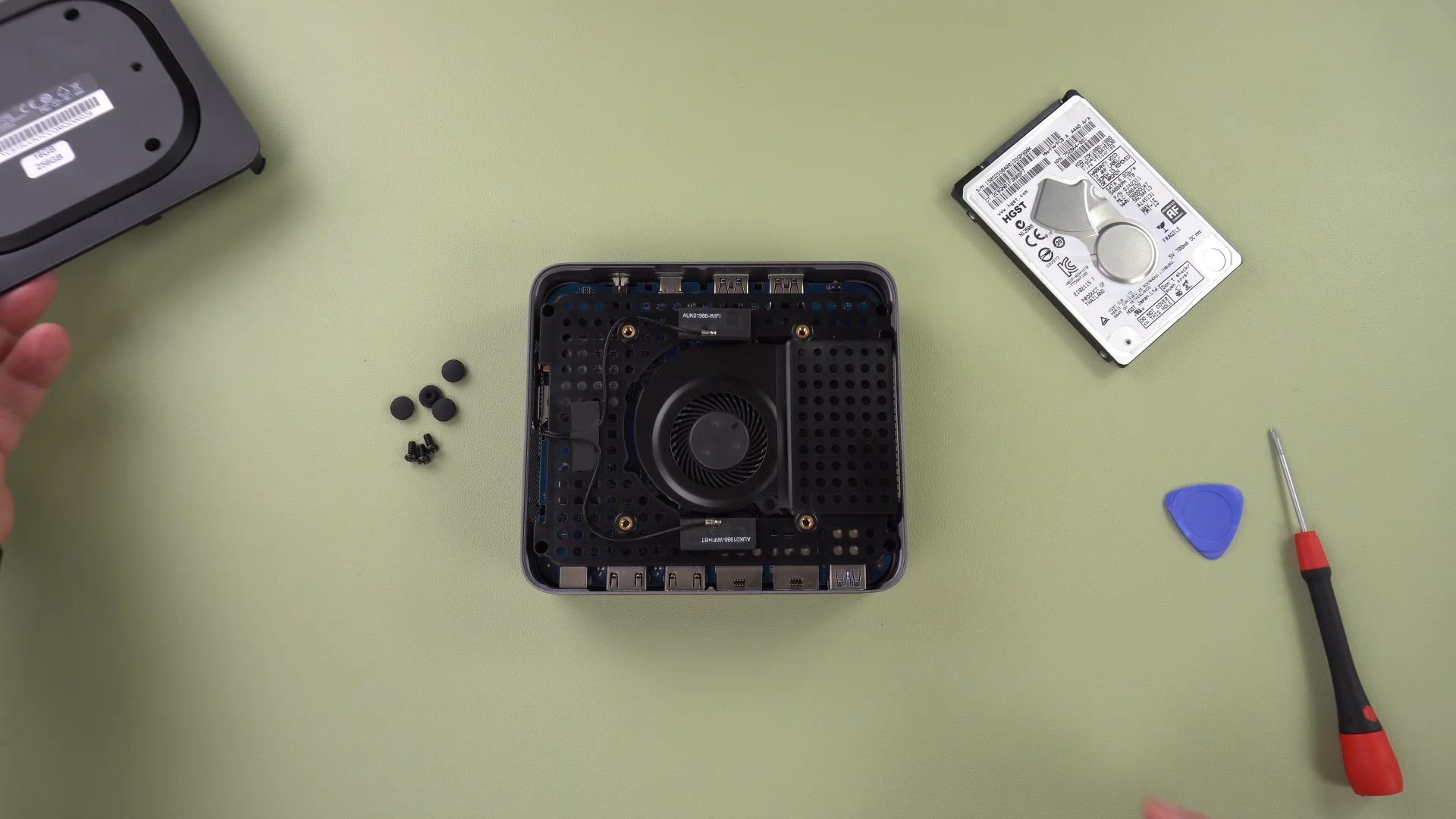
Remove the four screws as indicated.

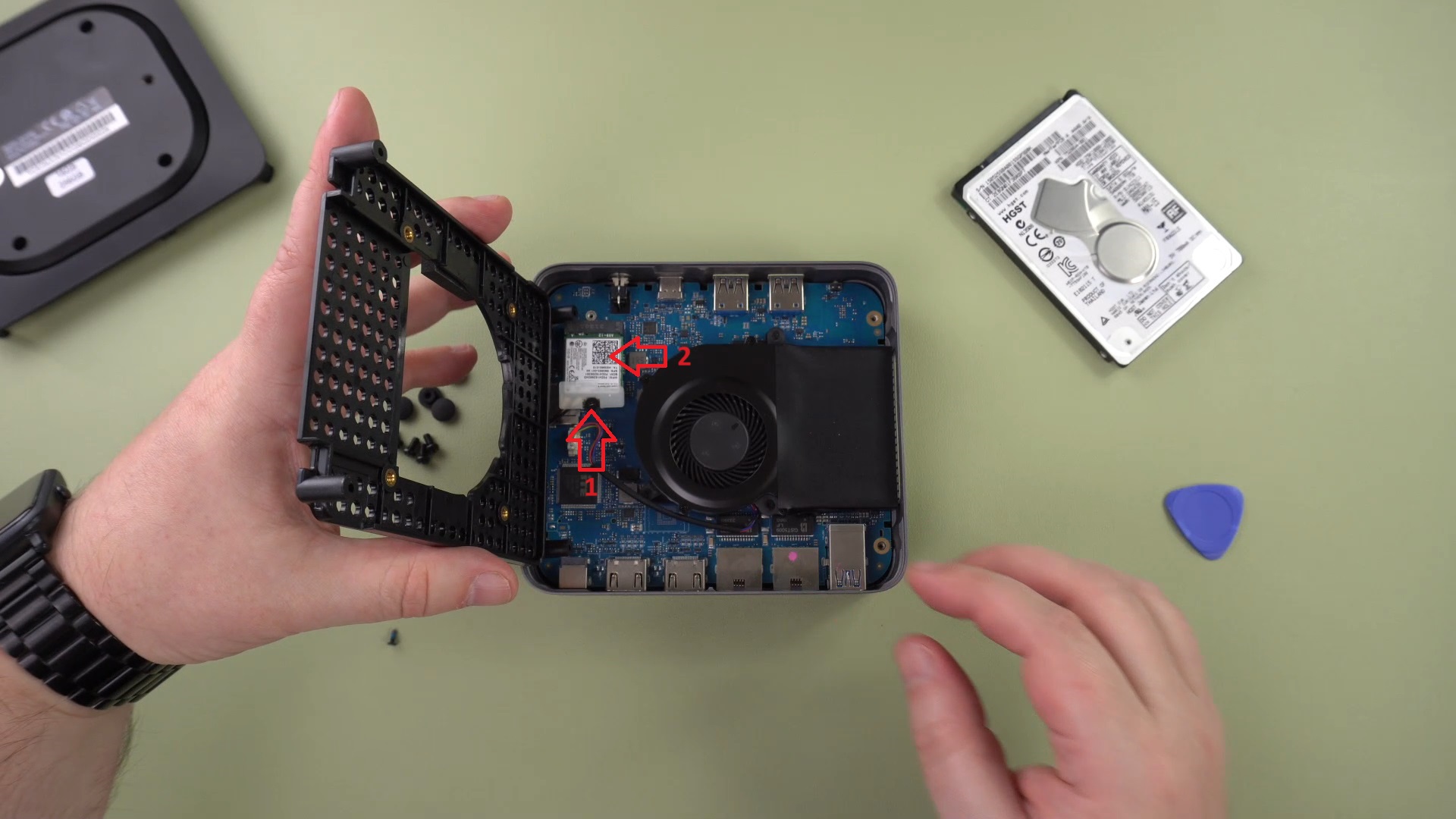
Gently lift the tray to the side. There is a short cable which you should lift to.

Remove the screw and remove the component.
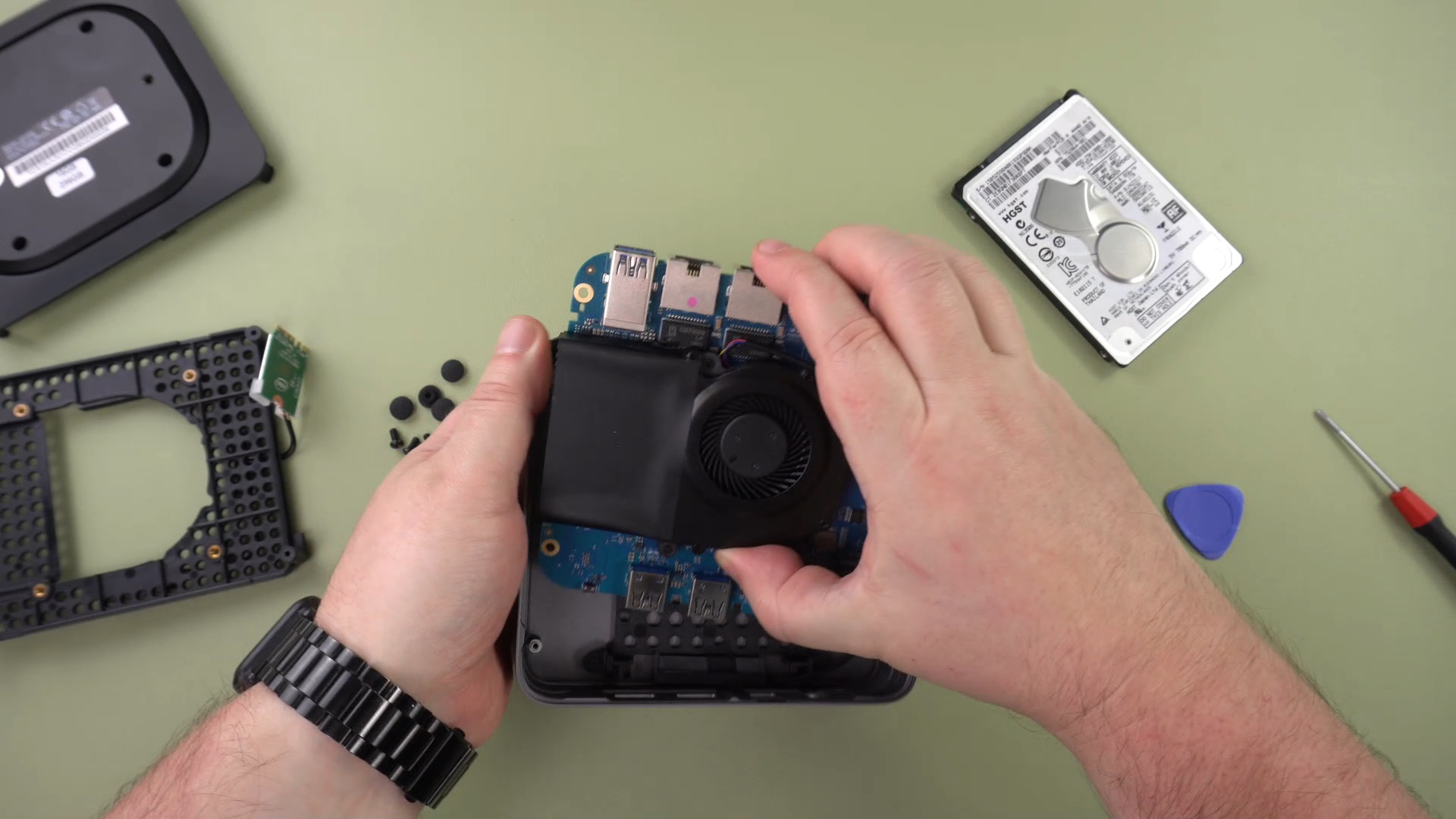
Gently lift the main board from the case.
Match the ends of the SATA cable to the drive and connect them.
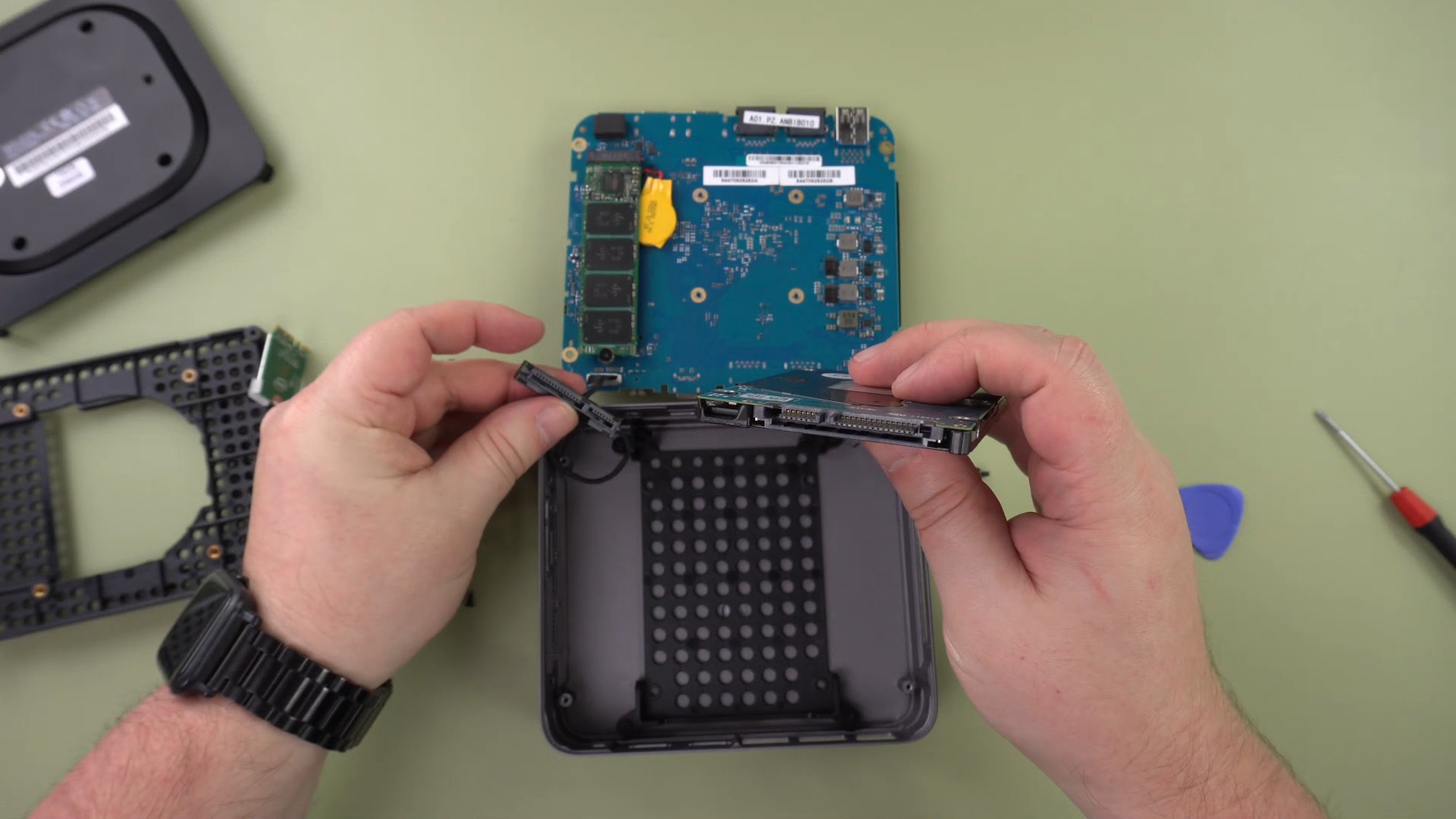
Place the drive into the holding tray.

Repeat the process for reinserting the main board, the tray, screws, lid, screws and rubber feet caps.
Was this article helpful?
Latest from the blog
Visit the blog GPD WIN Mini Ultra – A Bigger 8-inch 120Hz Screen, Intel Arc G3 Extreme and Dual USB4 v2.0
27 October 2026
GPD WIN Mini Ultra – A Bigger 8-inch 120Hz Screen, Intel Arc G3 Extreme and Dual USB4 v2.0
27 October 2026
 RockTek PJ500 Ultra Review – A 1080p Home Cinema Projector for Streaming and Gaming
27 October 2026
RockTek PJ500 Ultra Review – A 1080p Home Cinema Projector for Streaming and Gaming
27 October 2026
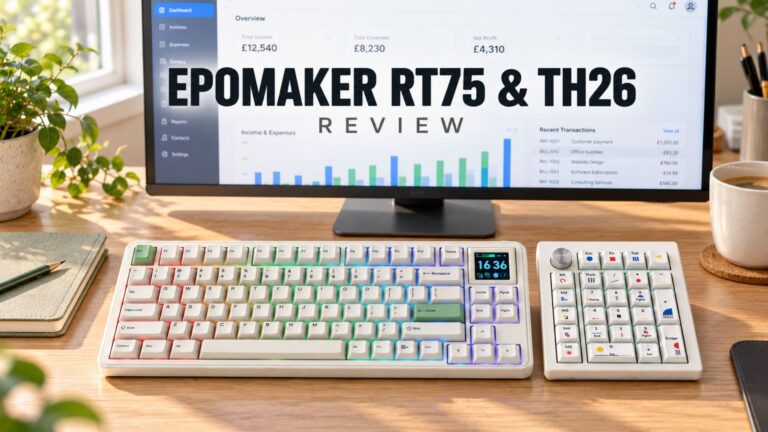 EPOMAKER RT75 and TH26 Review – Retro 75% Keyboard with Detachable Screen and 5-Key Macro Numpad
26 October 2026
EPOMAKER RT75 and TH26 Review – Retro 75% Keyboard with Detachable Screen and 5-Key Macro Numpad
26 October 2026
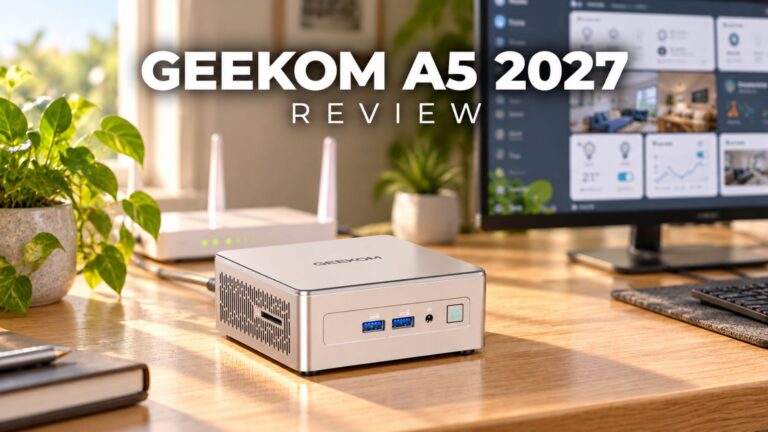 GEEKOM A5 2027 Review – A Compact Mini PC Home Lab
21 October 2026
GEEKOM A5 2027 Review – A Compact Mini PC Home Lab
21 October 2026
Questions & answers